A:AnswerHello, Edward.
On the Best Buy site, you can set the Best Buy on Morse Rd as your local store to check for the most accurate stock availability for the LG - 27" Class LED Full HD Smart webOS TV with Countertop Design (2022), Model # 27LQ600S-WU.
The maximum supported capacity for a USB and external drive for the TV is the same as for other TVs and we recommend using a storage device with a capacity of 32 GB for the USB memory and 2 TB or less for the USB hard disk...^Ivan.
A:AnswerHi there, thank you for your question! We understand your desire for a more streamlined and user-friendly remote for your LG 27LQ600S-WU IPS Monitor.
While the LG StandbyME series remotes are designed for use with specific LG TVs and may offer a simpler interface, they might not be fully compatible with the LG 27LQ600S-WU monitor. The 27LQ600S-WU monitor typically uses a standard remote that comes with the unit. For basic functions such as navigating apps and controlling volume and power, you can use the remote that is provided, though we understand it may feel cluttered with its many buttons.
As a potential troubleshooting step, you could try using a universal remote that supports LG devices, or a Bluetooth-compatible remote that may work with this monitor if it allows for such connectivity.
https://www.lg.com/us/monitors/lg-27lq600s-w-ips-monitor#pdp_specs
We understand your situation and are here to help! Please send us a private message on Social Media @LGUSSupport, and our team will be happy to provide further assistance or alternative suggestions. We appreciate your patience!
—Renzo
A:AnswerHi there, Ronald. The remote control for the LG 27LQ600S-WU typically works within a range of approximately 16 to 32 feet (5 to 10 meters) in an unobstructed line of sight. Performance may vary depending on environmental factors like interference from other devices or obstacles between the remote and the monitor. If you experience any issues, we recommend ensuring there are no obstructions and replacing the batteries if needed.
https://www.lg.com/us/monitors/lg-27lq600s-w-ips-monitor#pdp_specs
If you need further assistance, please send us a private message on Social Media @LGUSSupport, and we'll be happy to help!
—Renzo
A:AnswerHi there! Thank you for your inquiry about the smallest LG TV available at our El Camino store.
LG's smallest current TV model is the 42-inch Class LG OLED evo AI C4 4K Smart TV (Model: OLED42C4PUA). The dimensions of this model are approximately 36.7 inches in width and 21.1 inches in height without the stand.
As for the 27LQ600S-WU, it's important to note that this model is classified as a monitor, not a television. Its dimensions are 24.9 inches in width and 15.7 inches in height with the stand.
For the most accurate and up-to-date information on in-store availability, we recommend contacting the El Camino store directly or visiting their website.
https://www.lg.com/us/monitors/lg-27lq600s-w-ips-monitor#pdp_specs
If you have any further questions or need additional assistance, please feel free to send us a private message on social media @LGUSSupport, and our team will be more than happy to assist you.
—Renzo
A:AnswerHi there, thank you for your question. We understand you're looking to connect a soundbar to the LG 27LQ600S-WU monitor.
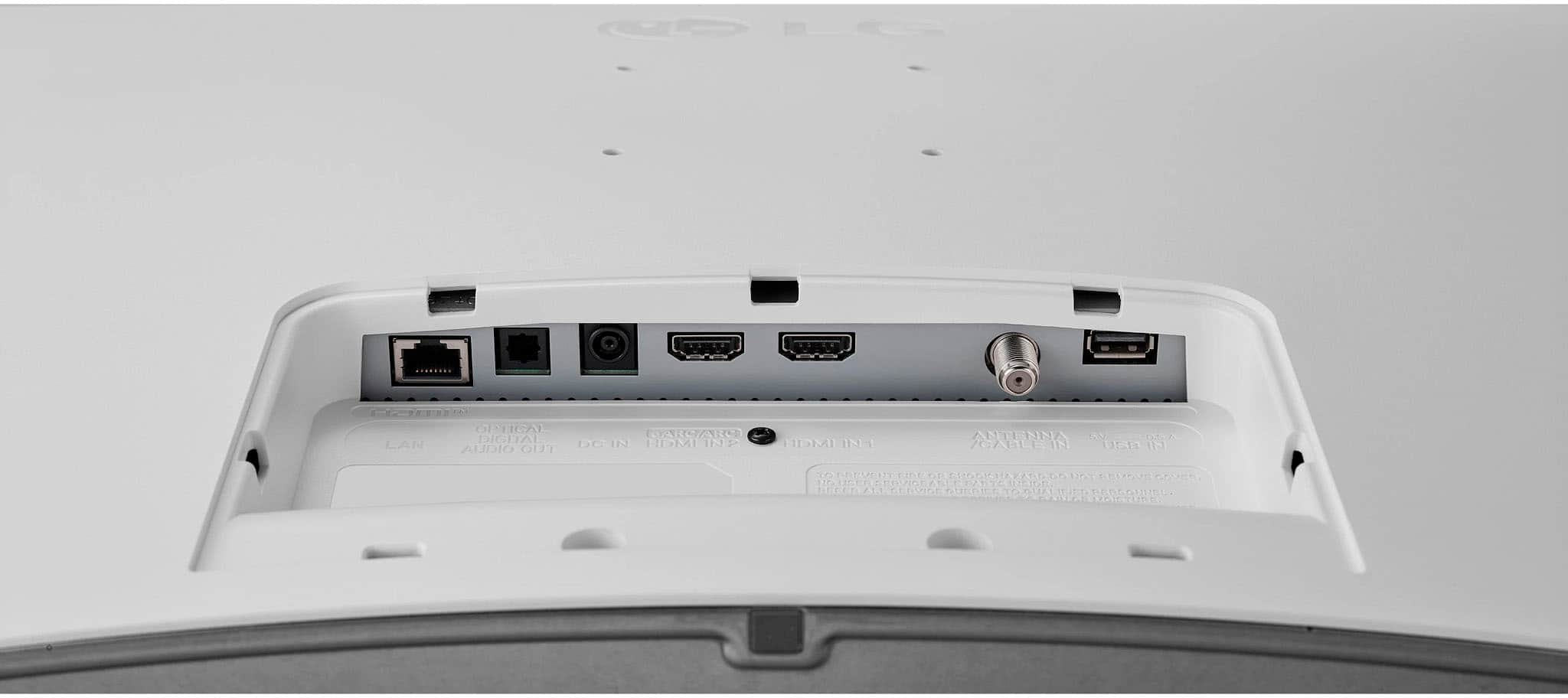
Yes, this model does have an optical audio output (also known as TOSLINK), which allows you to connect a soundbar or other external audio systems that support optical input.
https://www.lg.com/us/monitors/lg-27lq600s-w-ips-monitor#pdp_specs
If you need further assistance with the setup or have additional questions, feel free to send us a private message on Social Media @LGUSSupport, and we’d be happy to help.
—Renzo
A:AnswerHi there! Thank you for your inquiry about the LG 27LQ600S-WU Smart Monitor. We understand you're having trouble adding the Spectrum TV app and would like guidance.
To add apps on your Smart Monitor:
Access the LG Content Store:
Press the Home/Launcher button on your remote to open the menu.
Navigate to the LG Content Store (this is where you can find apps, games, and premium content).
Search for the App:
Use the search feature in the LG Content Store to look for the Spectrum TV app.
If the app is not available, it may not be supported on this monitor model.
Alternative Streaming Options:
If the Spectrum TV app isn’t supported, consider using an external streaming device (like Roku, Amazon Fire Stick, or Apple TV) to access the app.
Connect the device via HDMI and switch the input to access your desired content.
https://www.lg.com/us/monitors/lg-27lq600s-w-ips-monitor#pdp_specs
If you have any further questions or need more assistance, please send us a private message on Social Media @LGUSSupport. Our team will be happy to assist you!
We appreciate your inquiry! —Renzo
A:AnswerHi there, Joey. Thank you for your question about the LG 27LQ600S-W Full HD IPS LED TV Monitor. Yes, you can definitely aim the remote at the infrared sensor on the TV to control it. Since the TV includes a standard infrared remote control, it doesn’t require Bluetooth or internet connectivity to function. You’ll be able to use the remote to operate the TV and watch broadcast TV without any issues.
https://www.lg.com/us/monitors/lg-27lq600s-w-ips-monitor#pdp_specs
If you need further assistance, feel free to send us a private message on Social Media @LGUSSupport. We’re happy to help!
—Renzo
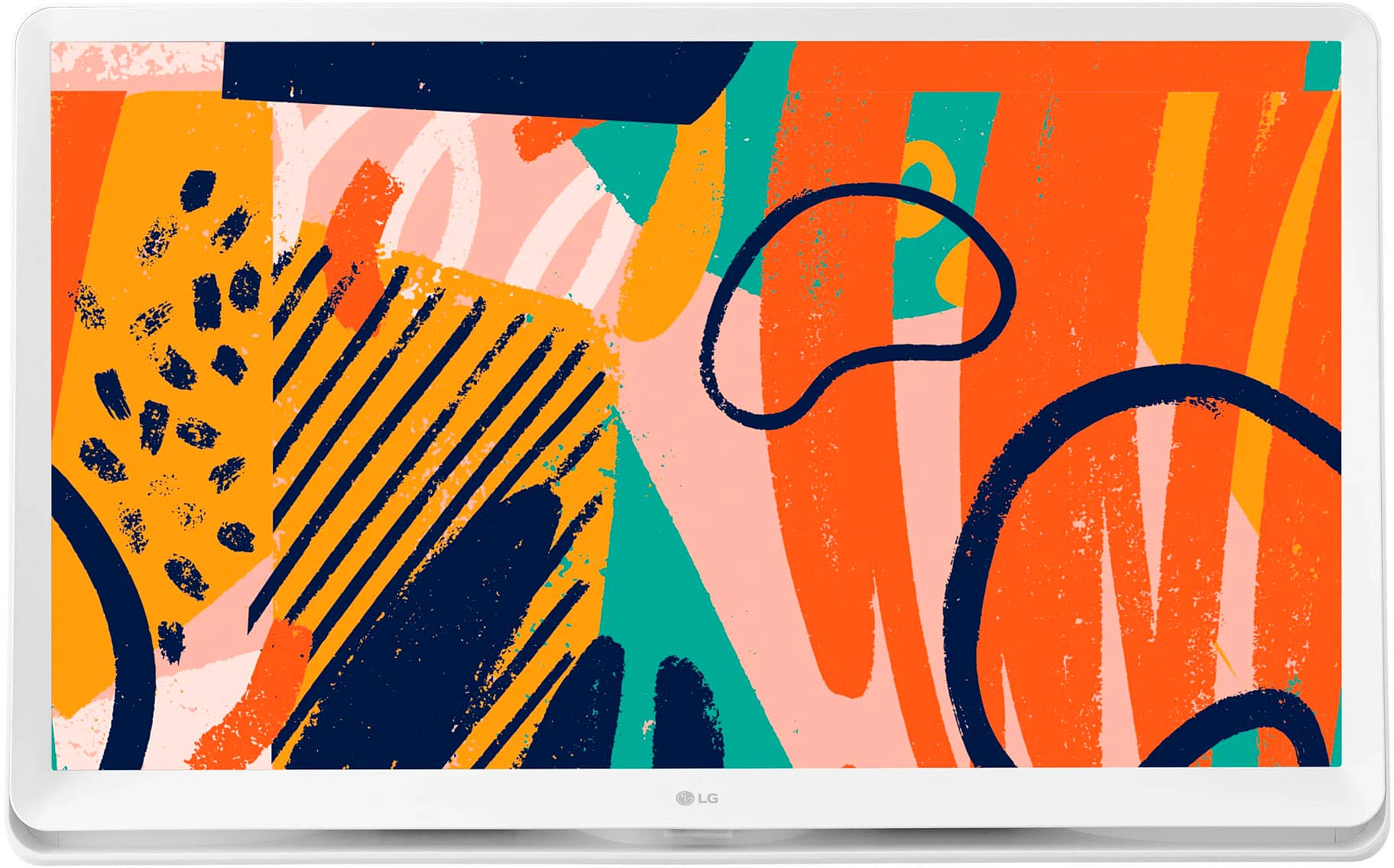
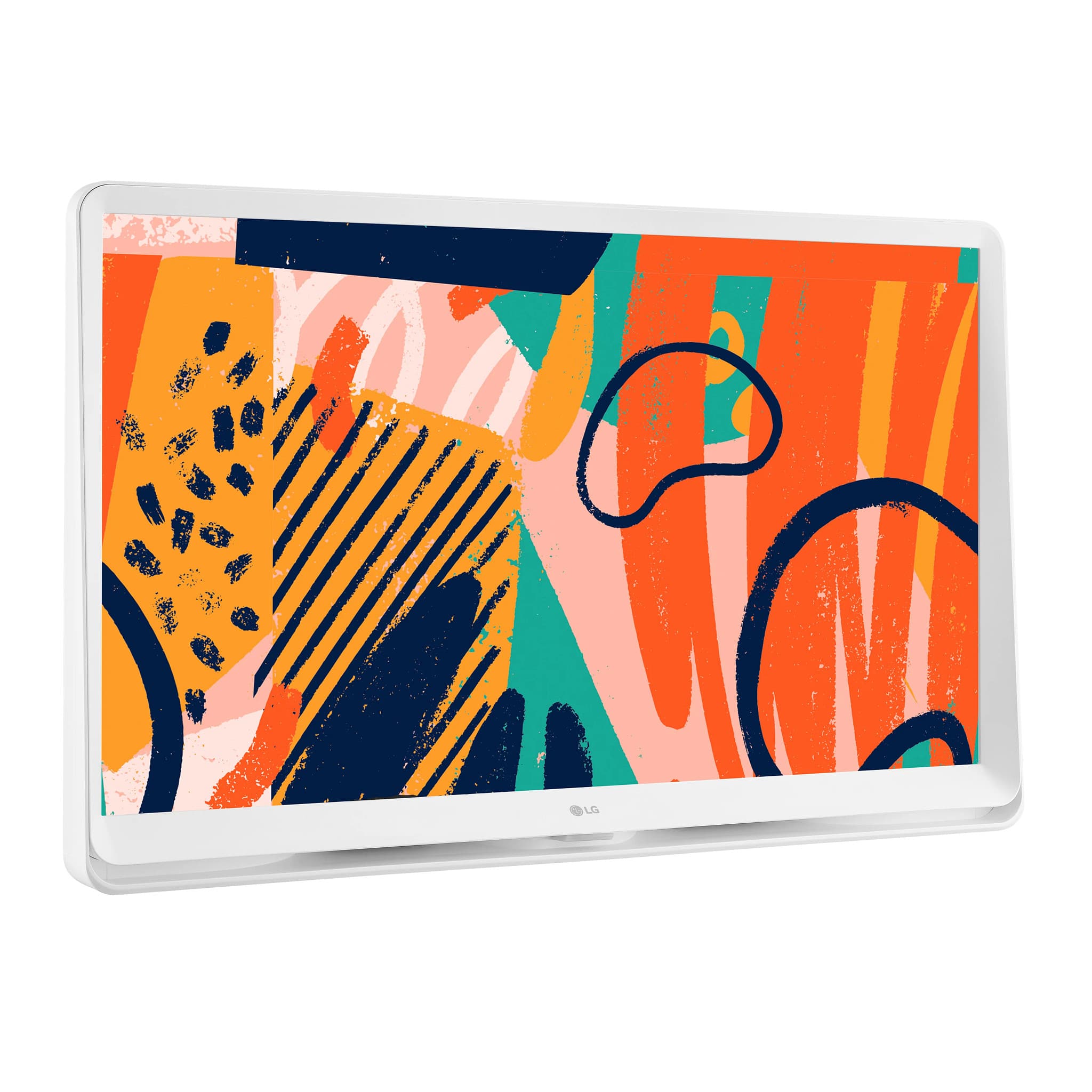
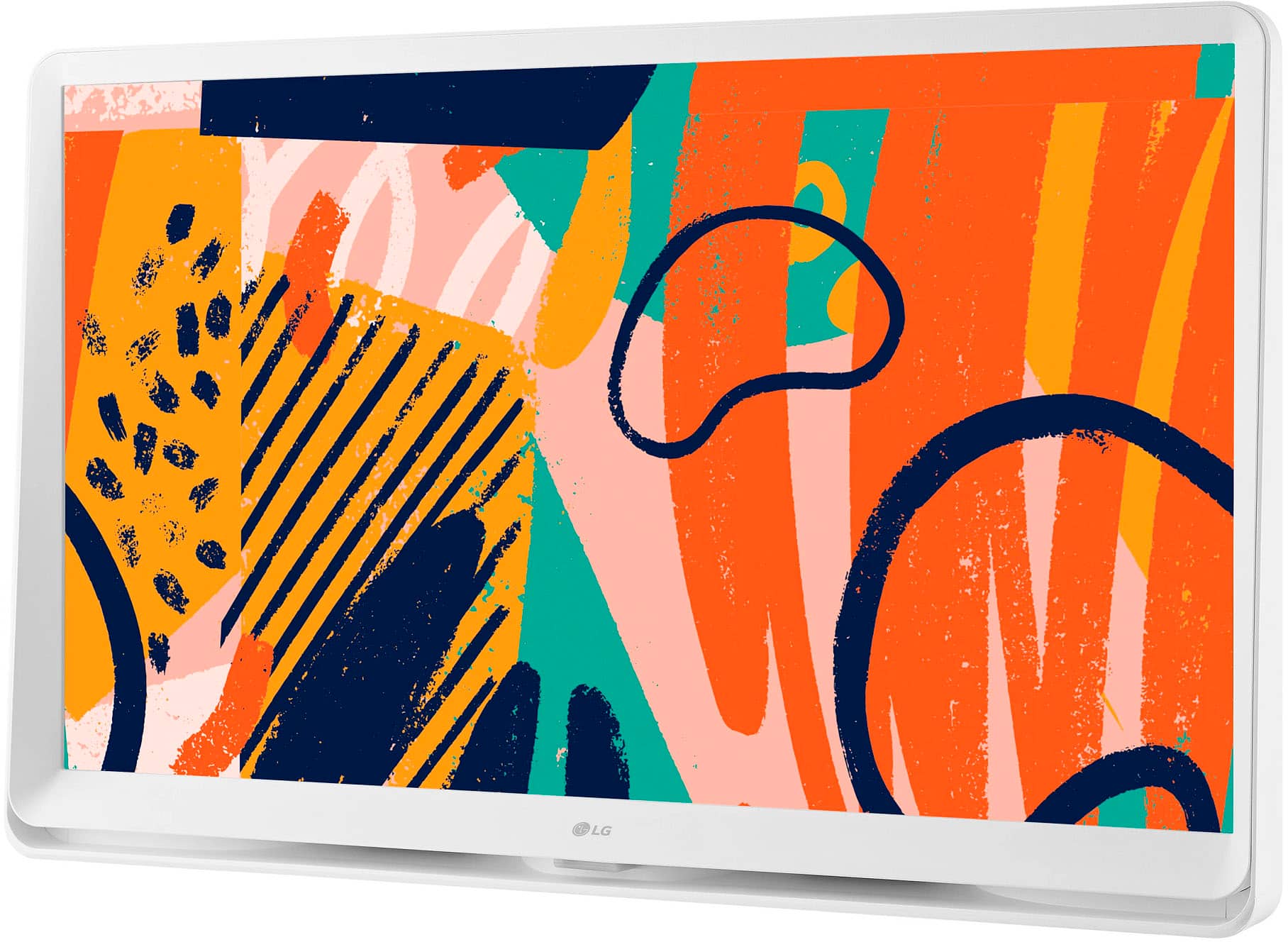
A:AnswerHi there, Steph. Thank you for your question about the 27LQ600S-WU monitor! The artwork displayed on the monitor can typically be accessed through the Gallery mode, which allows you to showcase various images. If your model doesn't have the Gallery option directly, using a separate Magic Remote can enhance functionality and provide access to additional features, including the gallery.
Additionally, you can also upload your own artwork or photos via USB or connect to compatible apps if supported. If you need further assistance or have more questions, please feel free to send us a private message on social media @LGUSSupport. We're here to help! Thank you for considering LG! —Avril
A:AnswerHello there. Thank you for your question about the LG 27LQ600S-W. We understand you're interested in connecting your Bluetooth speakers. This monitor does not have Bluetooth capability. It only has an HDMI, USB, and Optical output it is designed primarily for connecting wireless devices like keyboards or mice. It does not support audio Bluetooth connections for speakers or headphones. For wireless audio, you might want to consider using an external Bluetooth transmitter or another model with dedicated Bluetooth audio support. If you need further assistance, feel free to send us a private message on social media @LGUSSupport. We’re happy to help!
—Renzo
A:AnswerHello there. Thank you for your question about the 27LQ600S-WU TV. We understand that using your TV as a separate monitor with your laptop can be a convenient setup.
Yes, you can use the 27LQ600S-WU TV as a monitor for your laptop. Here’s how to do it:
Connect the TV to the Laptop: Use the appropriate cable (HDMI is most common) to connect your laptop to the TV. Make sure both the TV and laptop are powered on.
Select the Input Source: On the TV, use the remote to select the HDMI input source that corresponds to the cable you connected.
Adjust Display Settings: On your laptop, you may need to adjust the display settings to extend or duplicate the screen to the TV. You can usually do this by going to your display settings and selecting the TV as an external display.
Close the Laptop: Once the TV is set up as the primary display, you can close your laptop and it should continue to work with the TV as the monitor.
If you encounter any issues or need further assistance, please send us a private message on Social Media @LGUSSupport. We’re here to help ensure everything works smoothly for you. —Renzo
A:AnswerThank you for reaching us regarding LG Smart webOS TV. Yes, the LG 27LQ600S-WU TV does have an Ethernet input. You can download its owner's manual through this link for more information: https://www.lg.com/us/support/product/lg-27LQ600S-WU.AUS. For additional assistance, please reach out to us on social media @LGUSSupport so we can help you further. ^Cris
A:AnswerHello there! Thank you for your inquiry about a 27-inch TV compatible with your setup. We understand how important it is to find the right television for your needs.
Currently, LG does not have a 27-inch TV model in their lineup. However, you might consider looking at larger models that are available, as many LG TVs come with built-in tuners, allowing you to connect your roof antenna directly for over-the-air channels without a cable subscription.
If you need help finding a suitable model or have any further questions, please feel free to send us a private message on Social Media @LGUSSupport. Our team is here to help you! We appreciate your patience. —Avril
A:AnswerThank you for reaching us regarding LG Smart webOS TV. To find the MAC address for your LG 27LQ600S-WU TV, follow these simple steps:
•Press the Settings button on your TV remote
•Navigate to the Network tab
•Select Wi-Fi Connection
•Go to Advanced Wi-Fi Settings
•Scroll down to find the MAC address at the bottom of the screen Alternatively, you can also:
•Press the Info button on your remote to display the MAC address
•Check the list of connected devices on your wireless router's web interface to find the MAC address
You can download its owner's manual through this link for more information: https://www.lg.com/us/support/product/lg-27LQ600S-WU.AUS. If problem persist, please reach out to us on social media @LGUSSupport so we can help you further. ^Cris