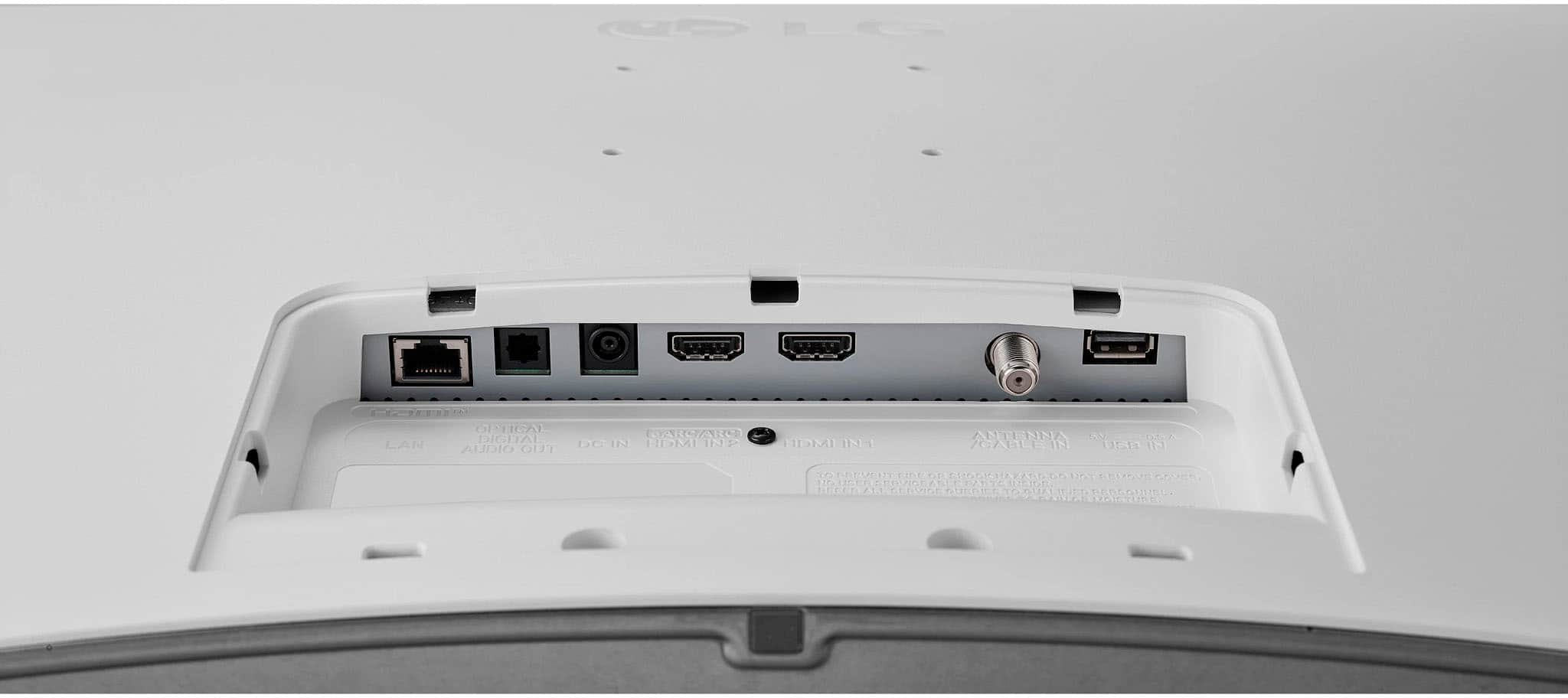
A:AnswerHello there! Thank you for your inquiry. The LG 27LQ600S-WU TV does support HDMI Consumer Electronics Control (CEC), which allows for control of connected HDMI devices through the TV. However, it does not include eARC (Enhanced Audio Return Channel) support. eARC is typically found on higher-end models and provides enhanced audio quality and capabilities.
If you have any further questions or need additional assistance, please send us a private message on Social Media @LGUSSupport, and our team will be happy to help. We appreciate your patience. —Renzo
A:AnswerThank you for raising your concern regarding LG Smart webOS TV (27LQ600S-WU) model. To mirror your iPhone screen on the LG TV monitor using Apple AirPlay, make sure both devices are on the same Wi-Fi network. Open the Control Center on your iPhone, select Screen Mirroring, and choose the LG TV monitor from the list. Enter the AirPlay password if needed, and you should see your iPhone screen on the LG TV monitor. If problem persist, please reach out to us on social media @LGUSSupport so we can help you further. ^Cris
A:AnswerHi, There! The LG 27LQ600S-WU.AUS TV does not support the Peloton app. The Peloton app is available on LG Smart TVs running webOS 3.0 or later, with an exception for FHD 3.0 and 3.5 television models from 2016 onwards. ^James.
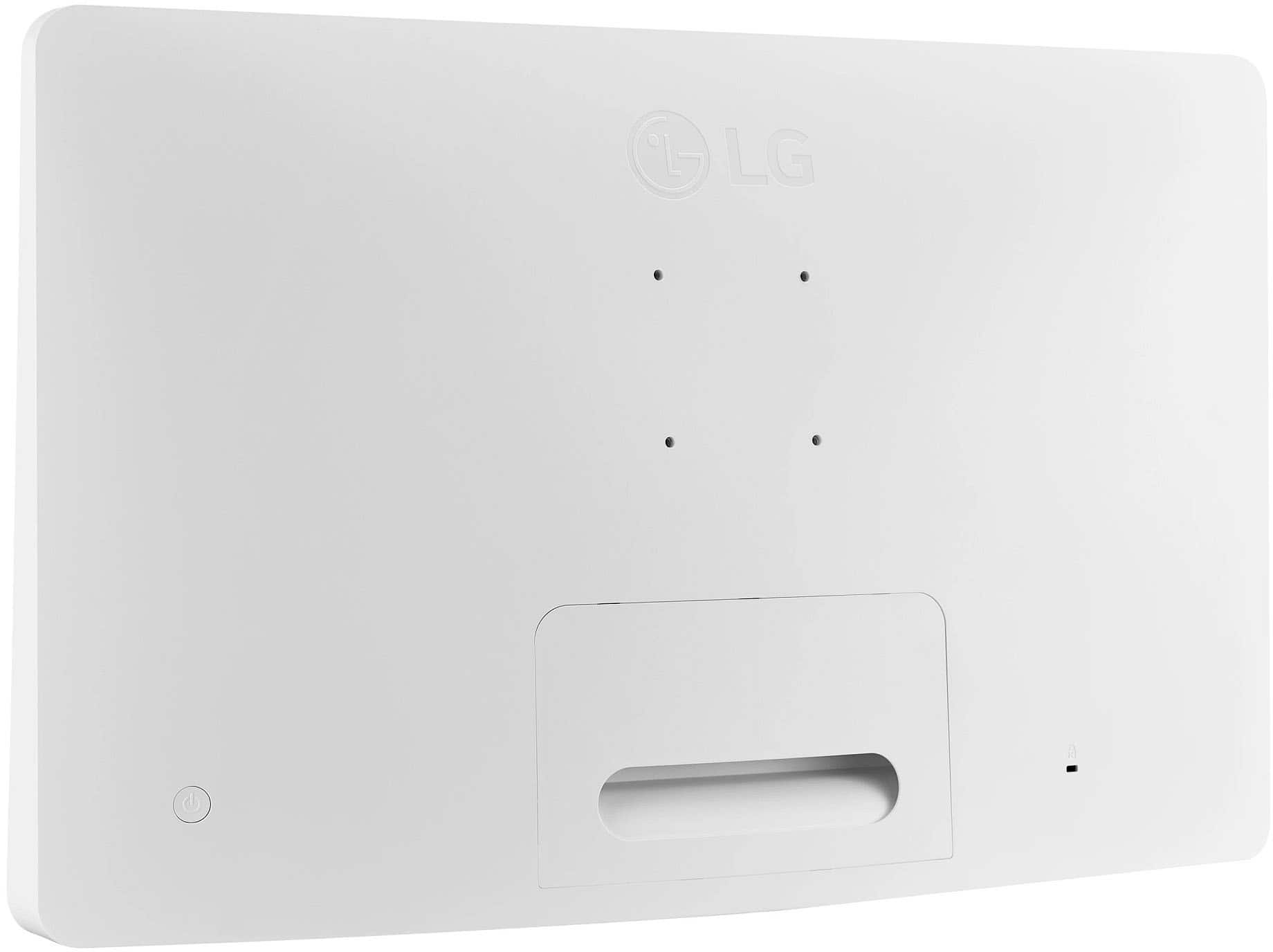
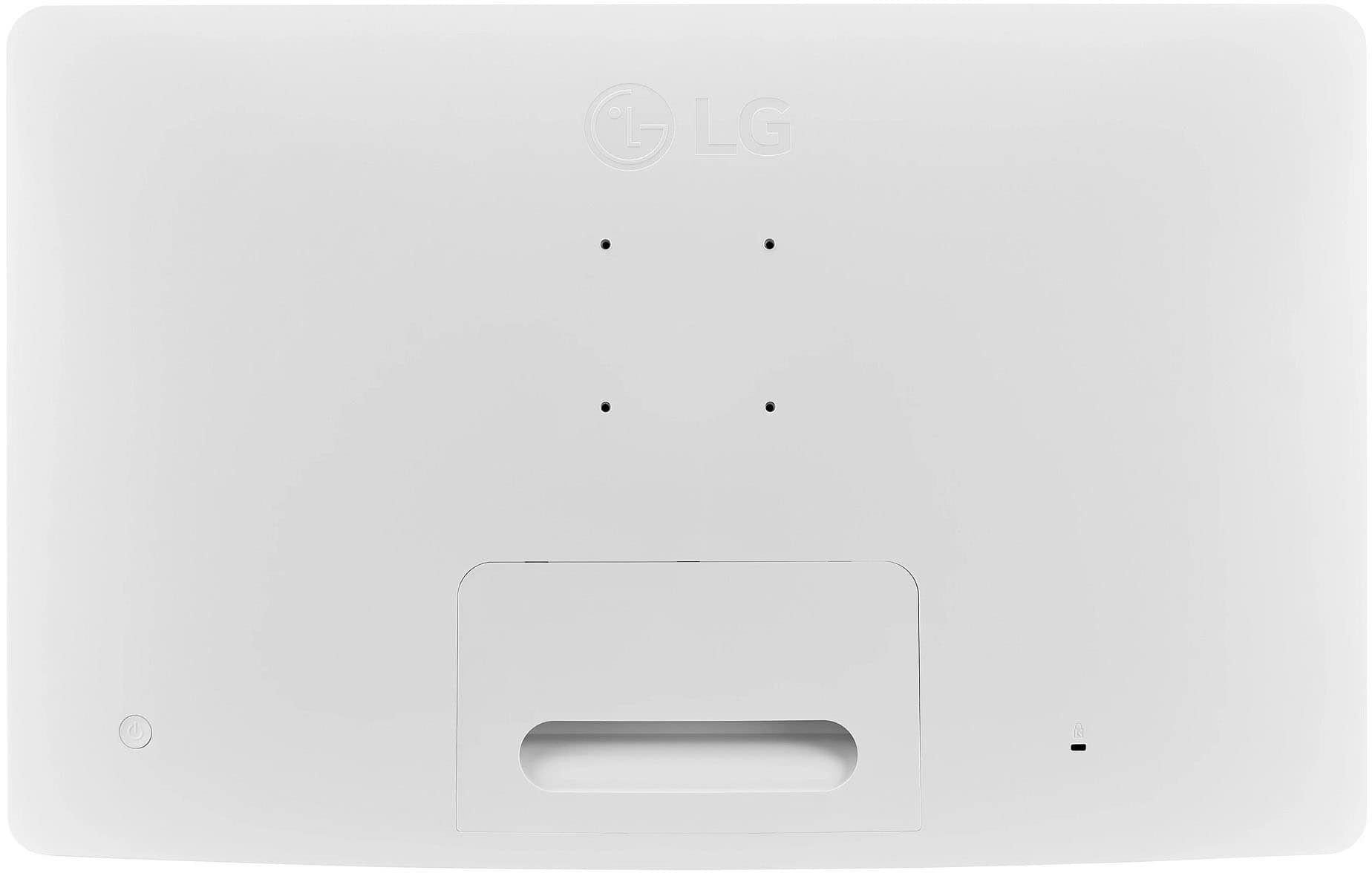
A:AnswerHi there, Lyneil. Thank you for your question about the LG 27LQ600S-WU TV! The distance between the four attachment holes on the back for the mounting bracket is typically standardized at 100mm x 100mm. However, it’s always a good idea to refer to the user manual or specifications sheet for confirmation to ensure compatibility with your mounting bracket.
If you have any more questions or need further assistance, please send us a private message on Social Media @LGUSSupport. We’re here to help!
—Avril
A:AnswerThank you for your interest in the LG Smart webOS TV. The LG 27LQ600S-WU TV can be used on a cruise ship, but its ability to get a signal while docked at an island depends on a few things.
Using the TV on a Cruise:
• Power Supply: The TV needs a standard power supply, which is usually available in cruise cabins. Make sure to bring any necessary adapters if the ship has different plug types.
• Signal Reception: Most cruise ships offer cable or satellite TV in cabins, but channel availability may vary.
Using the TV on an Island:
• Wi-Fi and Streaming: The LG 27LQ600S-WU has webOS for streaming services. If the island has Wi-Fi, you can stream content using apps on the TV.
• Cable/Satellite Signal: If you're looking for traditional TV channels... (you can continue from here as needed).
You can download its owner's manual through this link for more information: https://www.lg.com/us/support/product/lg-27LQ600S-WU.AUS. For additional assistance, please reach out to us on social media @LGUSSupport so we can help you further. ^Cris
A:AnswerHi there! Thank you for your question about the 27LQ600S-WU TV. We understand the importance of streaming shows while on the go in your RV. Yes, this TV should work with your phone's hotspot for streaming, as long as you have a stable internet connection through your phone's data plan. The TV's built-in Wi-Fi will allow you to connect to your mobile hotspot and stream content from your favorite apps.
If you need further assistance or have any additional questions, please send us a private message on Social Media @LGUSSupport, and our team will be more than happy to help. We appreciate your interest in our products! —Avril
A:AnswerThank you for your interest in the LG Monitor (27LQ600S-W) model. The Xfinity Stream app does not currently support the ability to change channels using the arrow keys on the remote control within the app itself. The Xfinity TV Remote app is primarily designed to change channels, set DVR recordings, and browse Xfinity On Demand and TV listings using a smartphone or tablet. The Xfinity Stream app may not fully replicate the functionality of a traditional remote control for changing channels. You can download this website for more information and more options: https://www.lg.com/us/search?q=TV%20Monitor. ^Cris
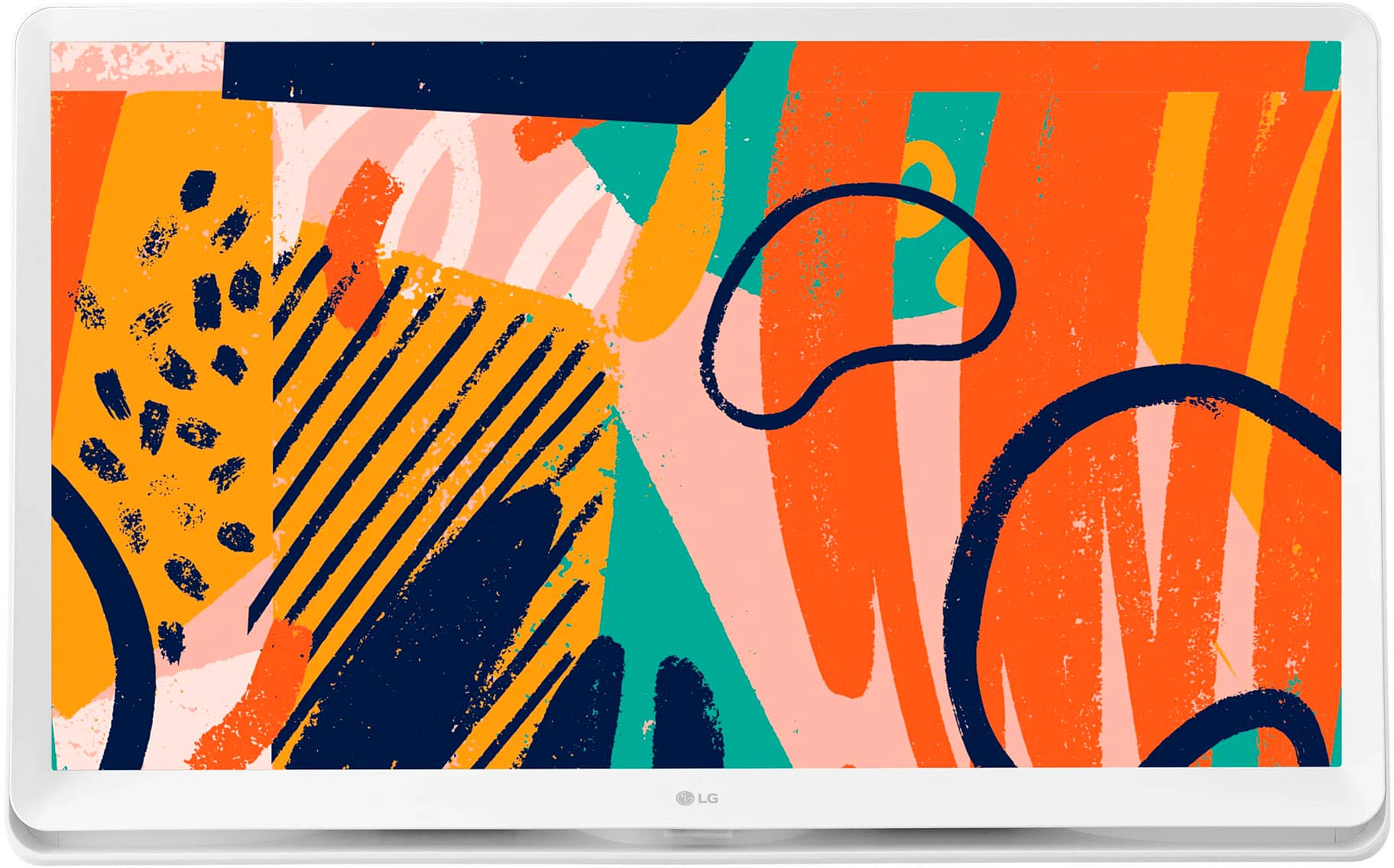
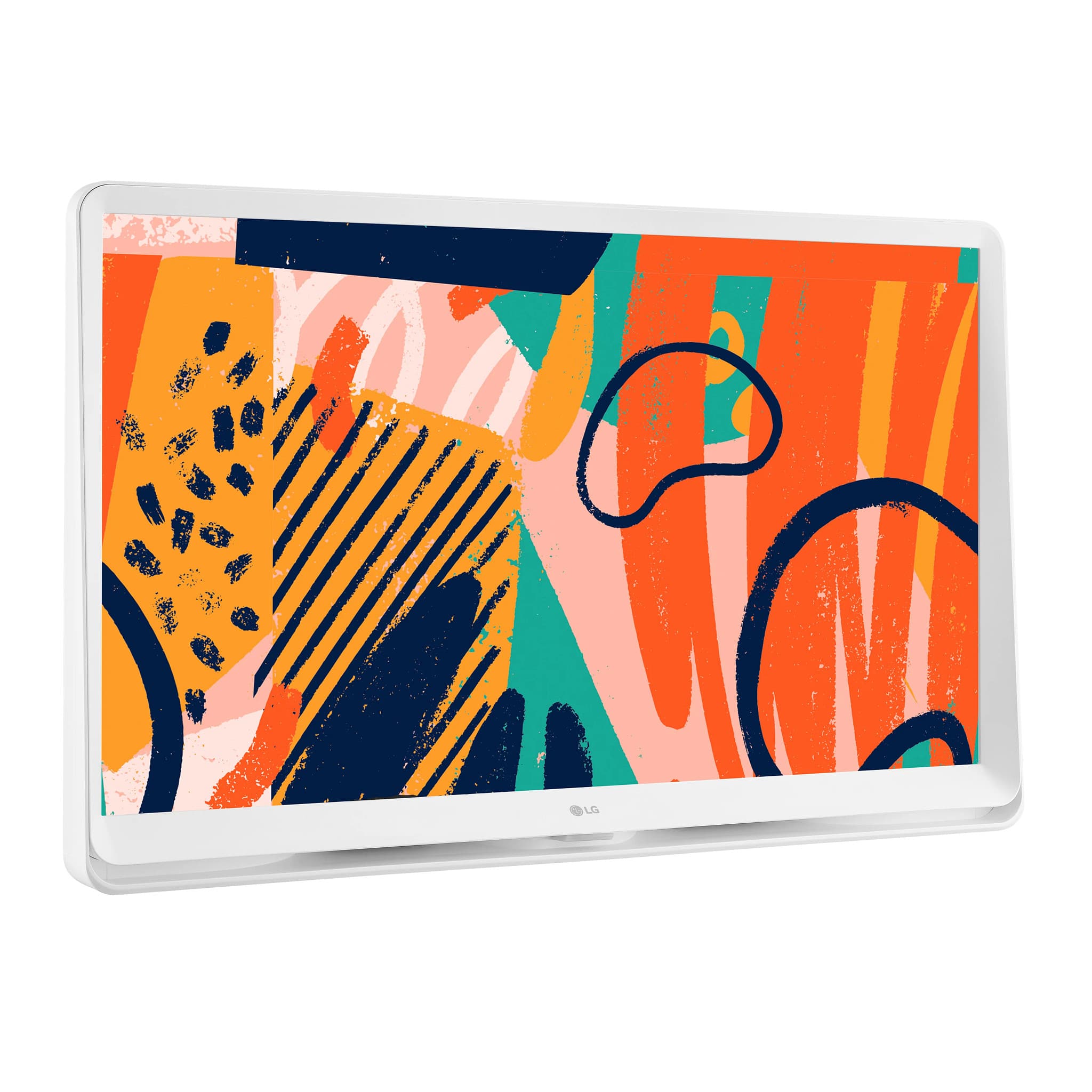
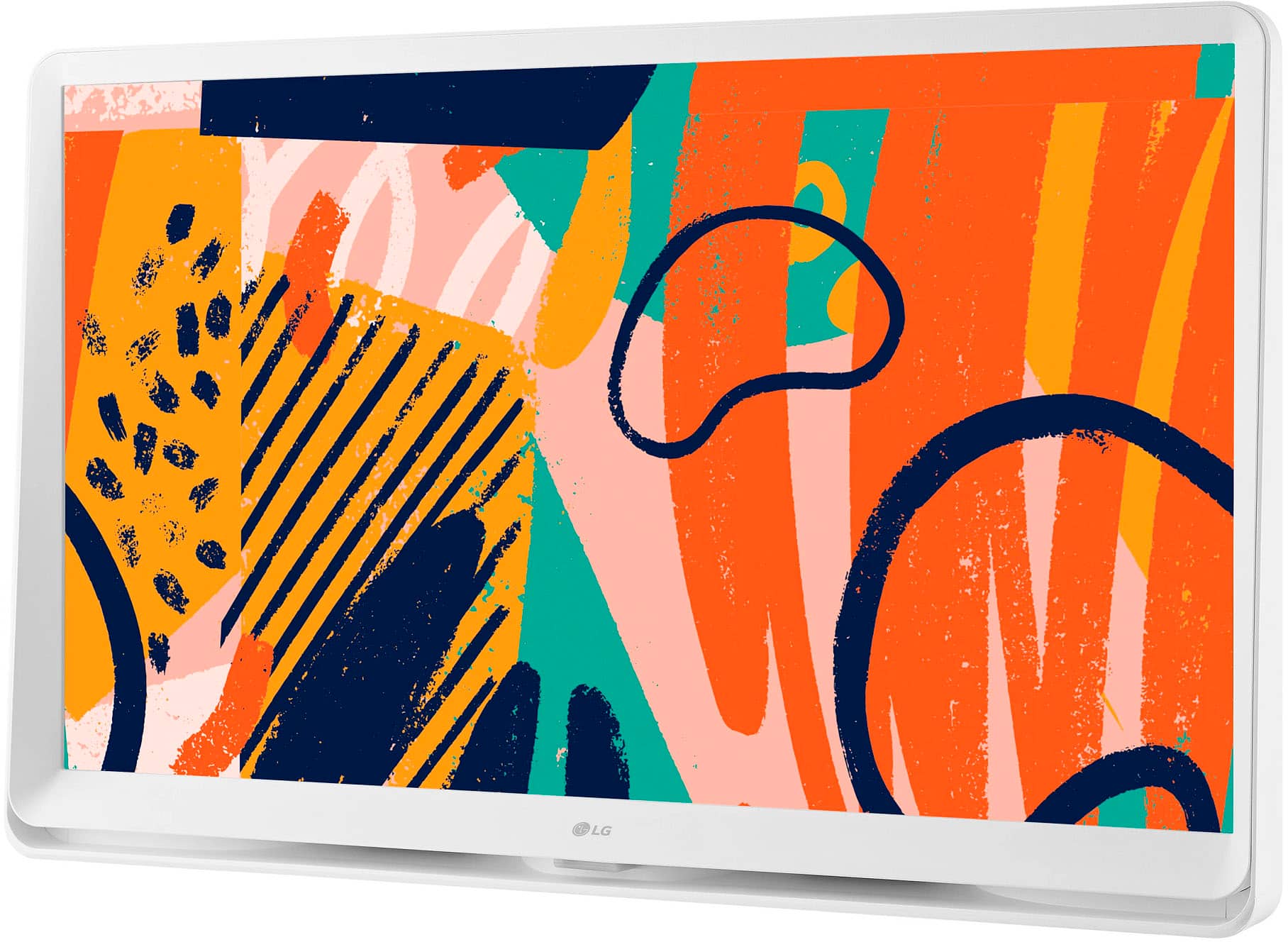
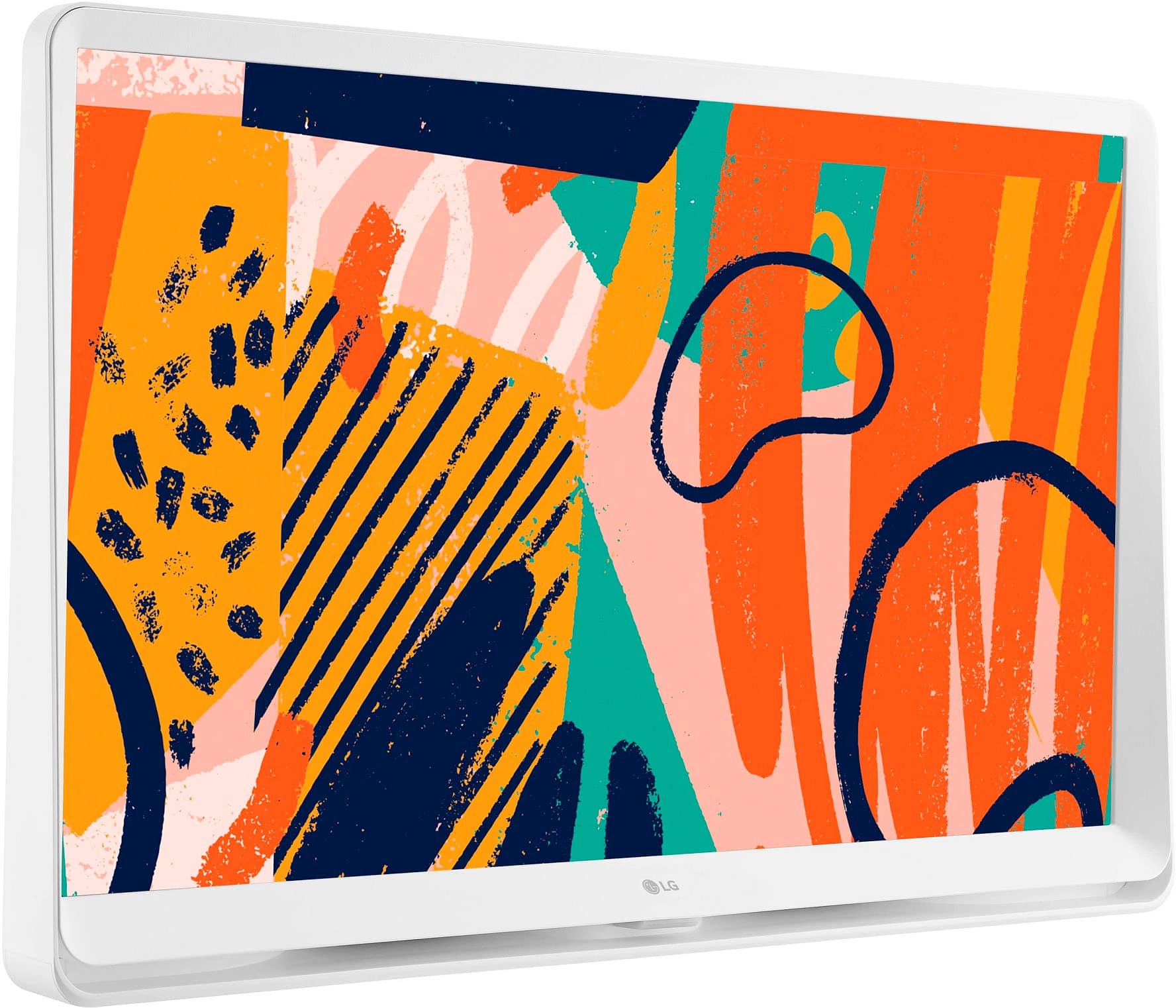
A:AnswerHello there. Thank you for your question about the trim of the 27LQ600S-WU TV. Yes, the trim around this model is white, giving it a sleek and modern appearance that can complement a variety of room styles.
If you have any more questions or need further assistance, please feel free to send us a private message on Social Media @LGUSSupport. We’re here to help with any additional information you may need. Thank you for choosing LG!
—Avril
A:AnswerHi there! Thank you for your inquiry about the 27LQ600S-WU. Yes, a manual for the remote is typically available online on the LG support website. You can download it in PDF format for easy reference. If you have any further questions or need assistance, please send us a private message on Social Media @LGUSSupport, and our team will be happy to help you. We appreciate your engagement! —Avril
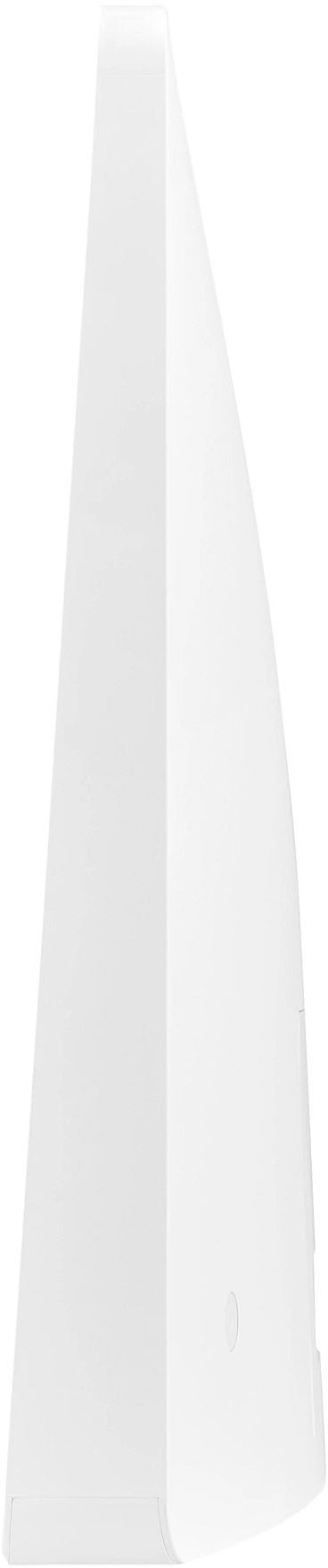
A:AnswerThe base width is widest at the center at about 3 and 5/8th inches and it narrows to over 2" at the ends of the base. It does not appear tippy at all. I have it in a spare bedroom on a chest near a wall. I've also set it on the kitchen counter in the middle of the kitchen with no problems.
A:AnswerThank you for your interest in the LG 27” Full HD IPS LED TV Monitor (27LQ600S-W) model. With regards to your return without fees concern, kindly coordinate with the dealer where you'll buy your LG appliance. In your case, on BestBuy. ^Cris