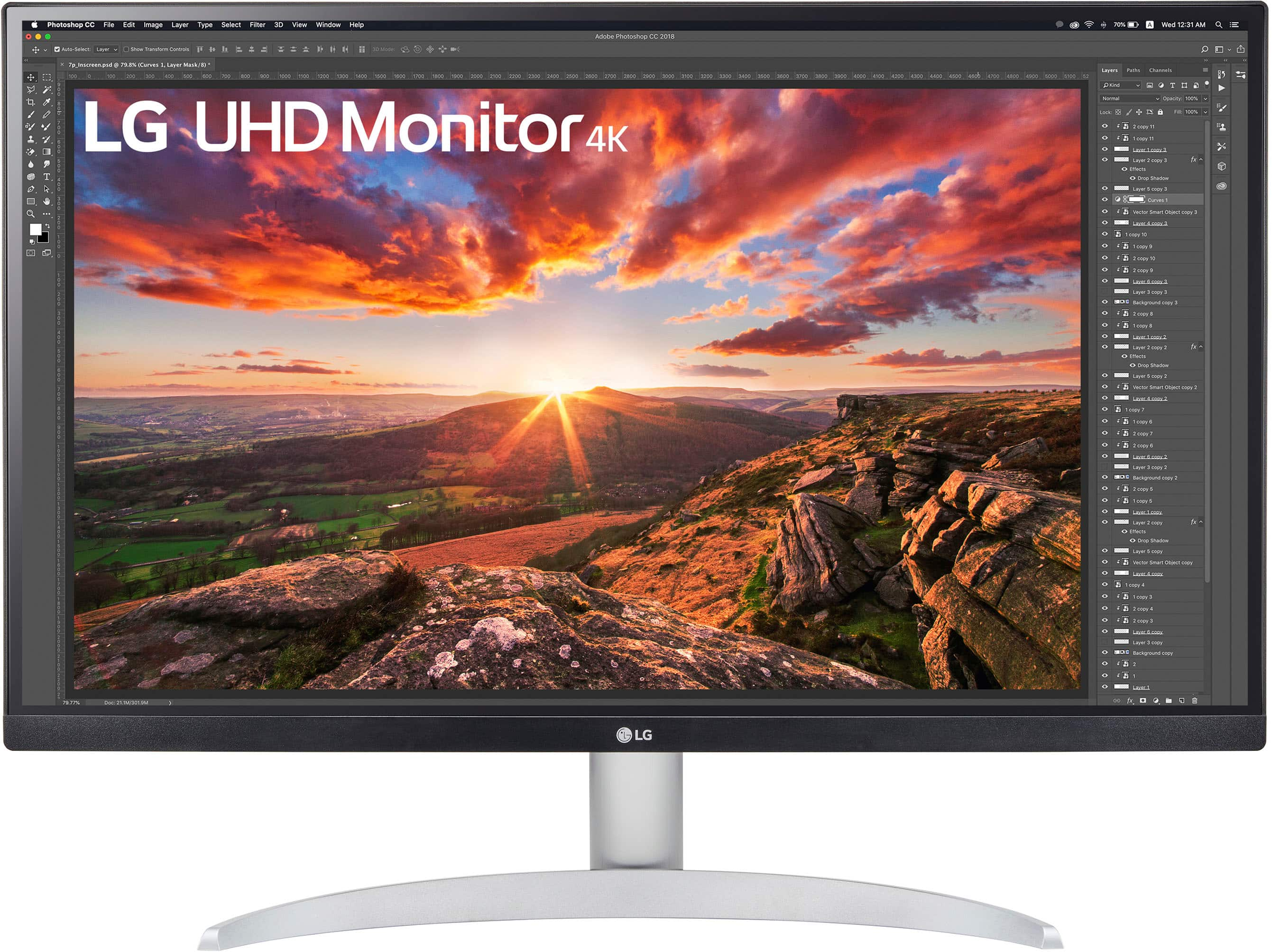
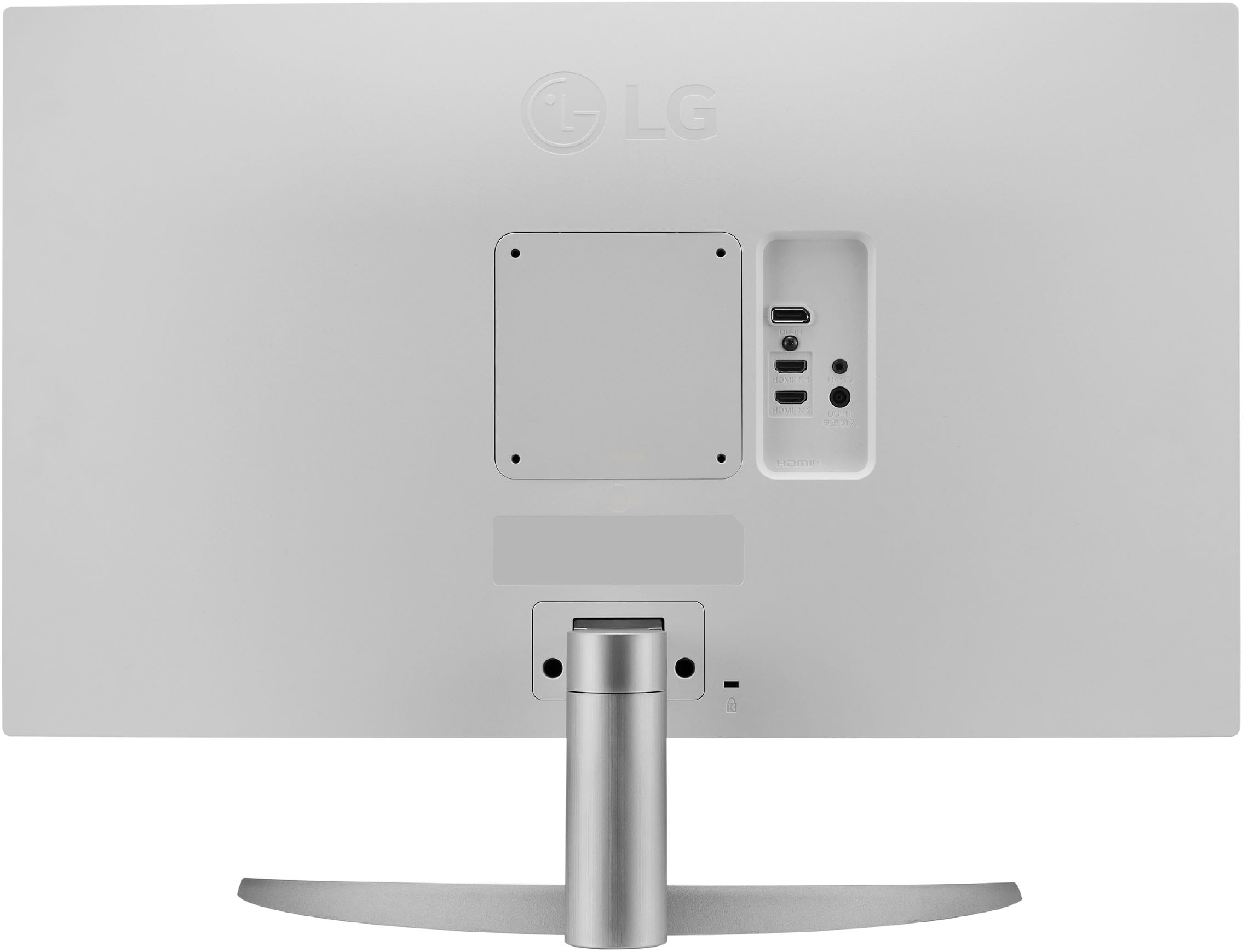
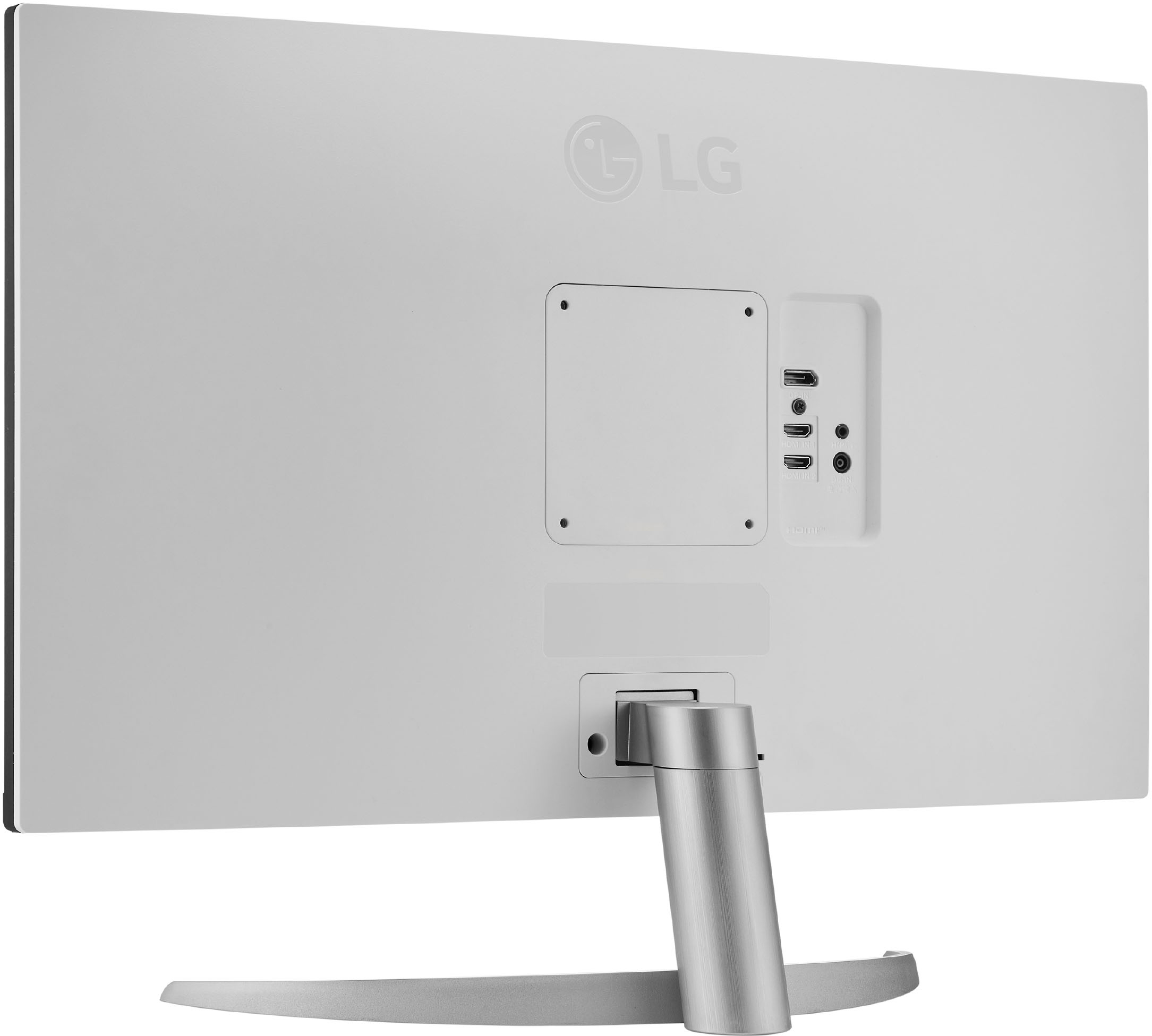
A:AnswerNo speakers in this monitor but it will play HDMI sound via the 3.5” stereo audio jack in the back. Connect to a proper amplifier/speaker set and it will work.
A:Answerbuy a microfiber cloth and wipe it down. dont use water, itll leave a residue. you can try electronic cleaners, but you should be able to get fingerprints off with a dry microfiber
A:AnswerHey there, Suzy! So far as you have your Dell Desktop PC with a connection type of HDMI, you should be able to have it connected to your PC from the monitor through that type of connection line! Here from LG. ^Anthony
A:AnswerHi, Irish! Good question! This 27” IPS LED 4K UHD AMD FreeSync Monitor with HDR (27UP600-W) has HDMI ports wherein you can connect your sound bar. To know more about the specs of this unit, you may check out this link: https://www.lg.com/us/monitors/lg-27up600-w-4k-uhd-monitor
You may also check out this video on how to set up the sound: https://www.youtube.com/watch?v=v83VqtRpDLc&t=58s ^Jolly
A:AnswerHello there! This 27” IPS LED 4K UHD AMD FreeSync Monitor with HDR (DisplayPort, HDMI) (27UP600-W) can stay at 60 hz. To know more about the specs of this unit, you may check out this link: https://www.lg.com/us/monitors/lg-27up600-w-4k-uhd-monitor ^Jolly
A:AnswerInteresting question, Airhead! This 27” IPS 4K UHD Monitor with VESA DisplayHDR 400 (27UP600-W) has no Thunderbolt ports. However, it has a Displayport ver 1.2 input. ^Jolly