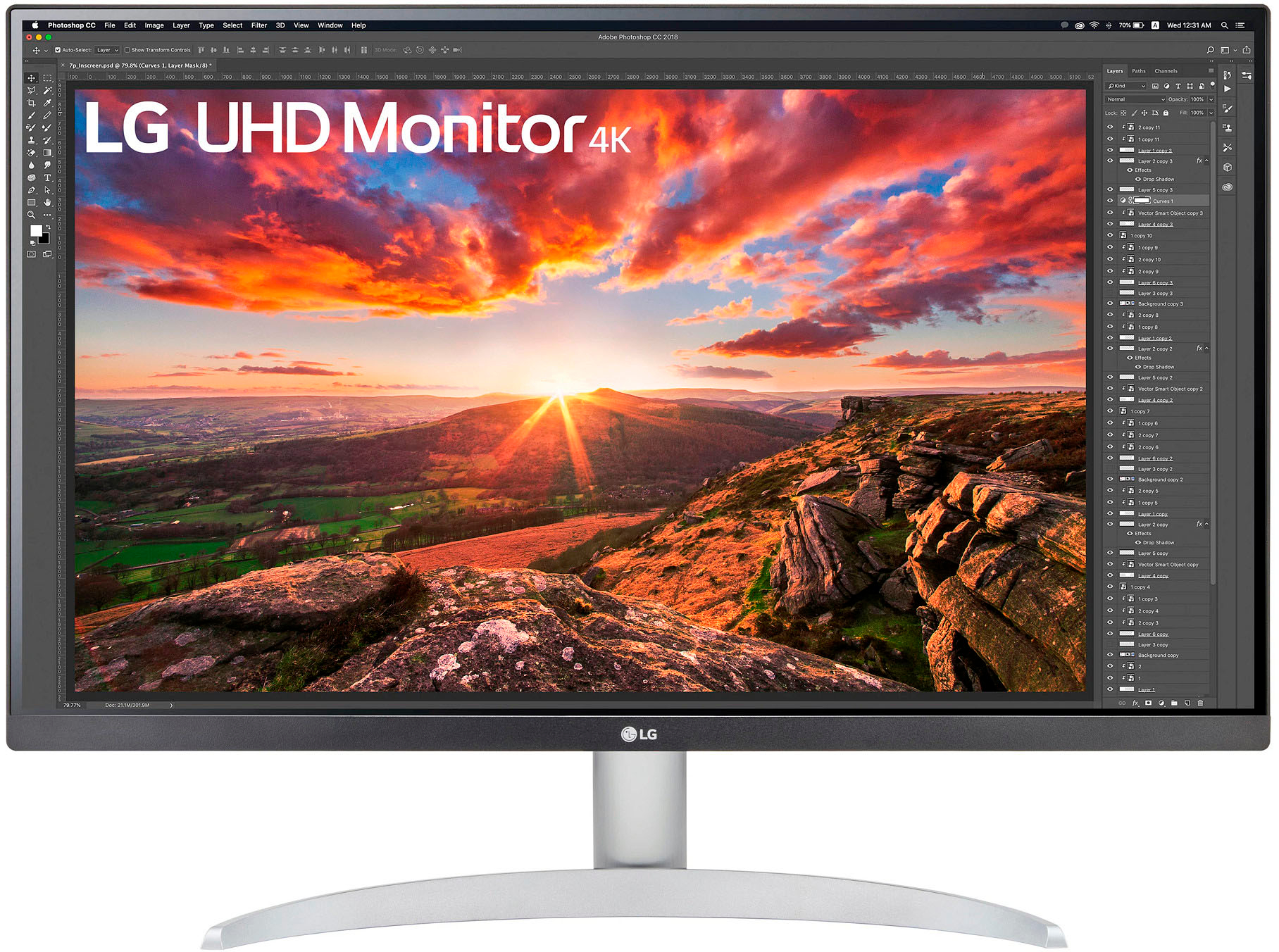
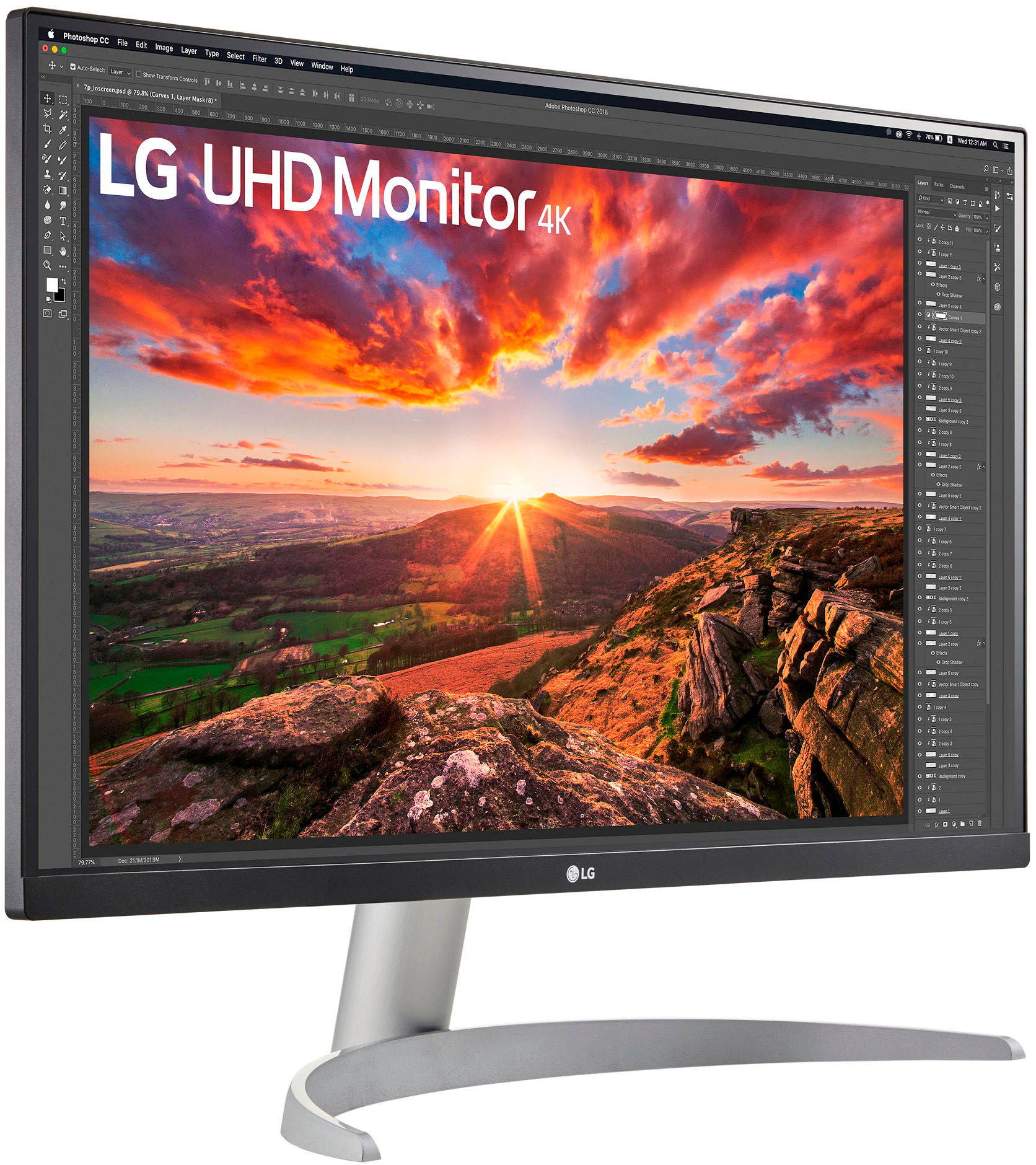
A:AnswerYes it is, I have that exact model and it works perfectly.
One thing to keep in mind also is that the M1 chips only support one external display. So if you need two of these monitors, or if this will be a second monitor, you’ll need a third party application to use a dual monitor setup. You can however use your Mac’s built in display and an external display at the same time without issue.
A:AnswerHi, Both of the model has the same image quality which is VESA DisplayHDR 400, DCI-P3 95%.
model: 27UP600-W hasa surface treatment Anti-Glare, Contrast Ratio 1000:1 (Min.), 1200:1 (Typ.)
model: 27UP80B-W Contrast Ratio: 1200:1 (Typ.), 1000:1 (Min.). ^Vanessa
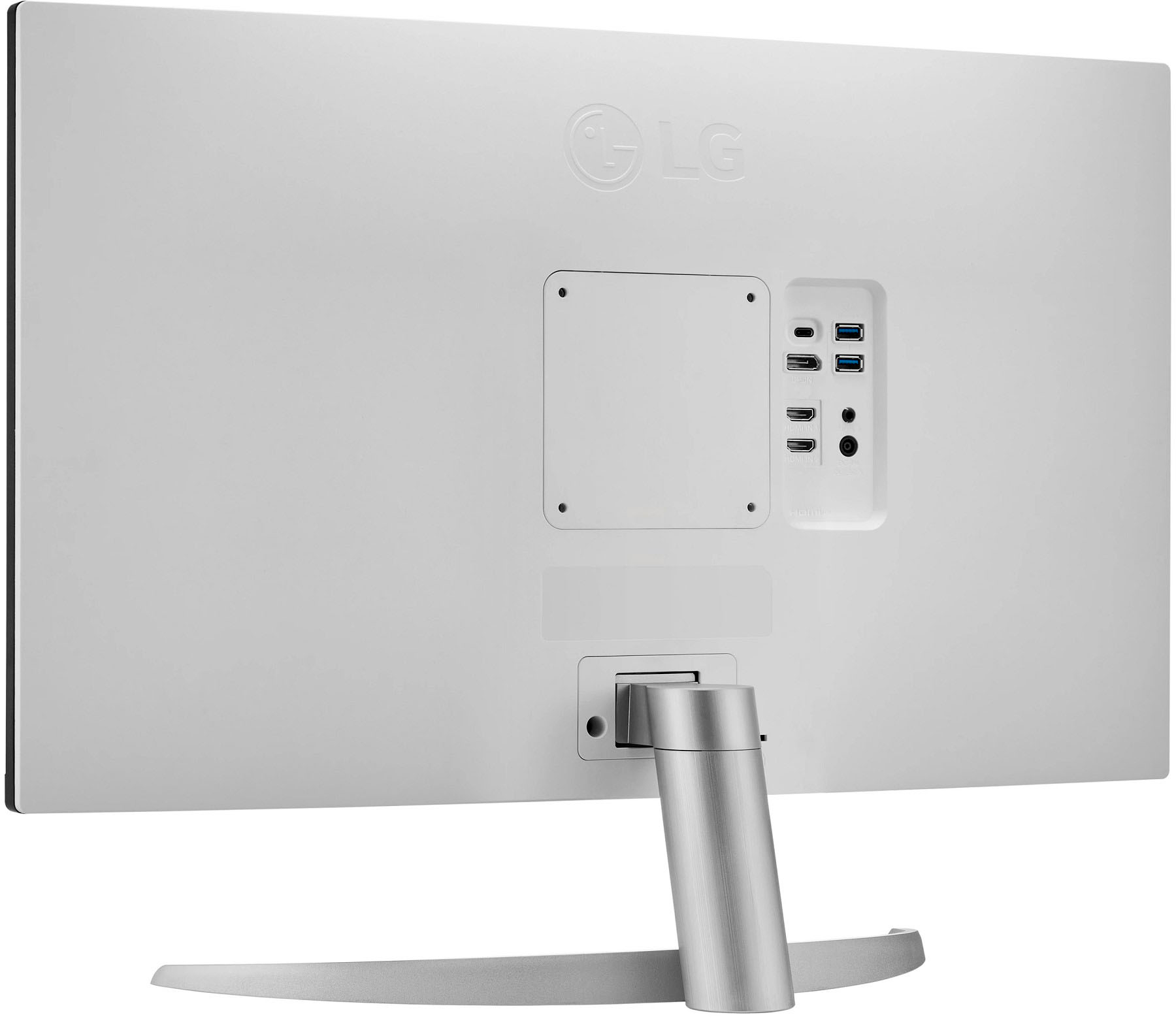
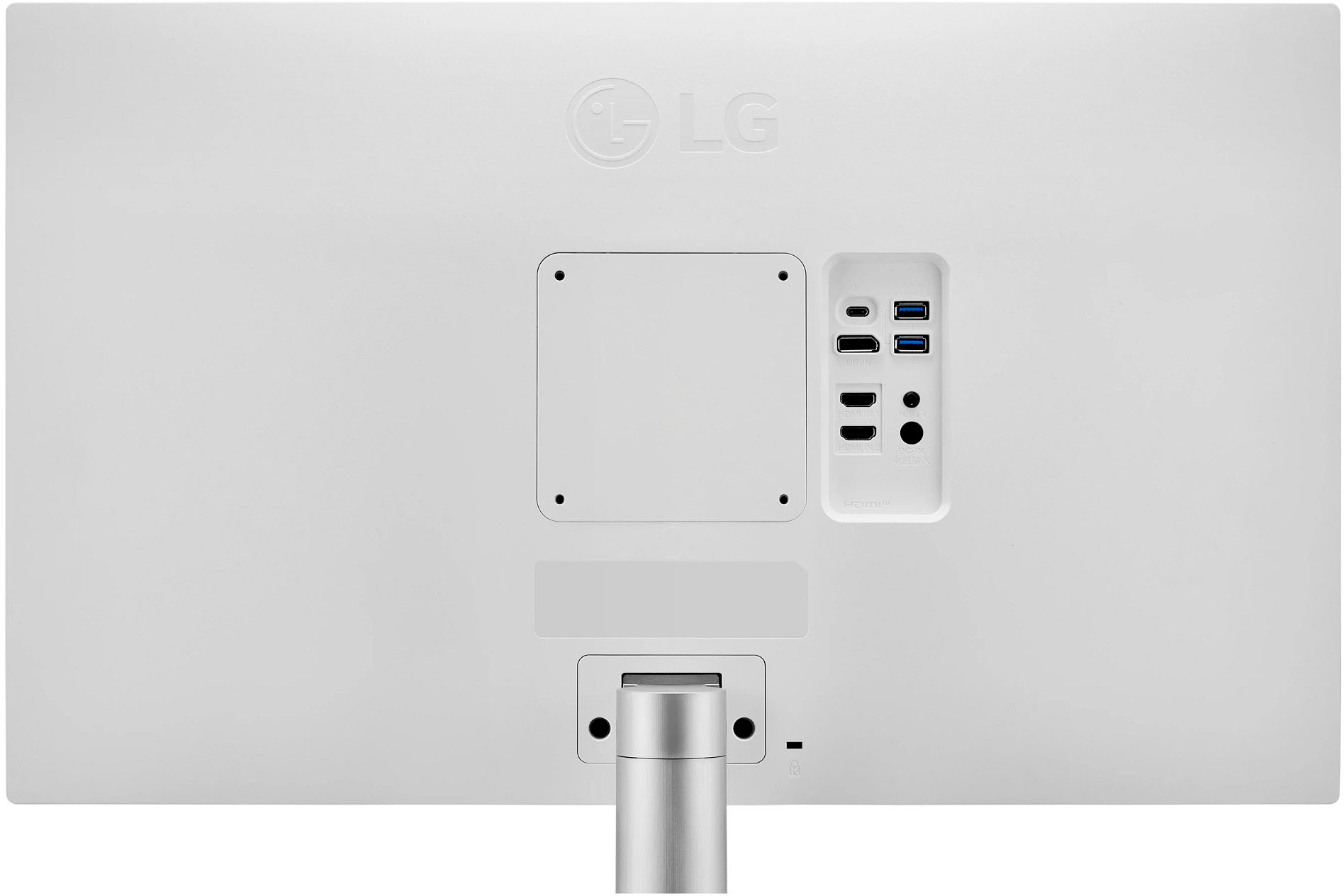
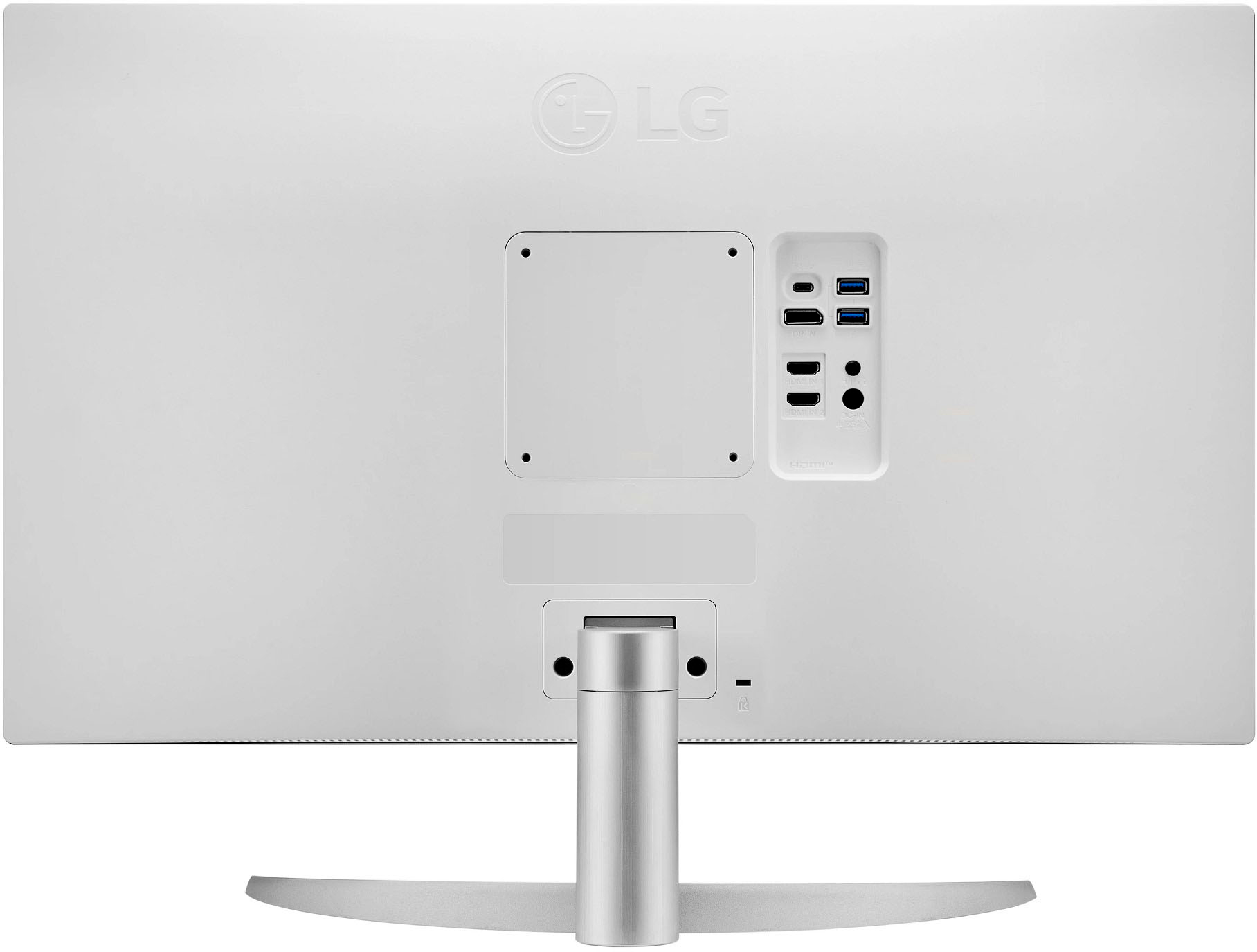
A:AnswerHello this model 27UP850-W has anti glare surface treatment, has 2 HDMI, has USB-C (Power Delivery) 96W, has USB Down-stream 2 each port and 3.0 version. ^Vanessa
A:AnswerHi, USB Type-C™ ports allow 4K display, data transfer and connected device charging (up to 96W), enabling support for your laptop all at the same time over a single cable. Reduce cord clutter and increase efficiency through one USB Type-C™ cable without the need of dedicated cables or chargers for your laptop or other devices. Charging, syncing, transferring, you name it—just connect your device with a USB Type-C cable and be on your way with up to 90W power delivery. Quickly connect your gaming go-tos with the DisplayPort and two HDMI ports.^Vanessa
A:AnswerLet us help you with that! Please send us a private message on Facebook or Twitter using @LGUSSupport and include #VOC, your contact info and we can expedite a resolution for you. Thank you. ^Venette