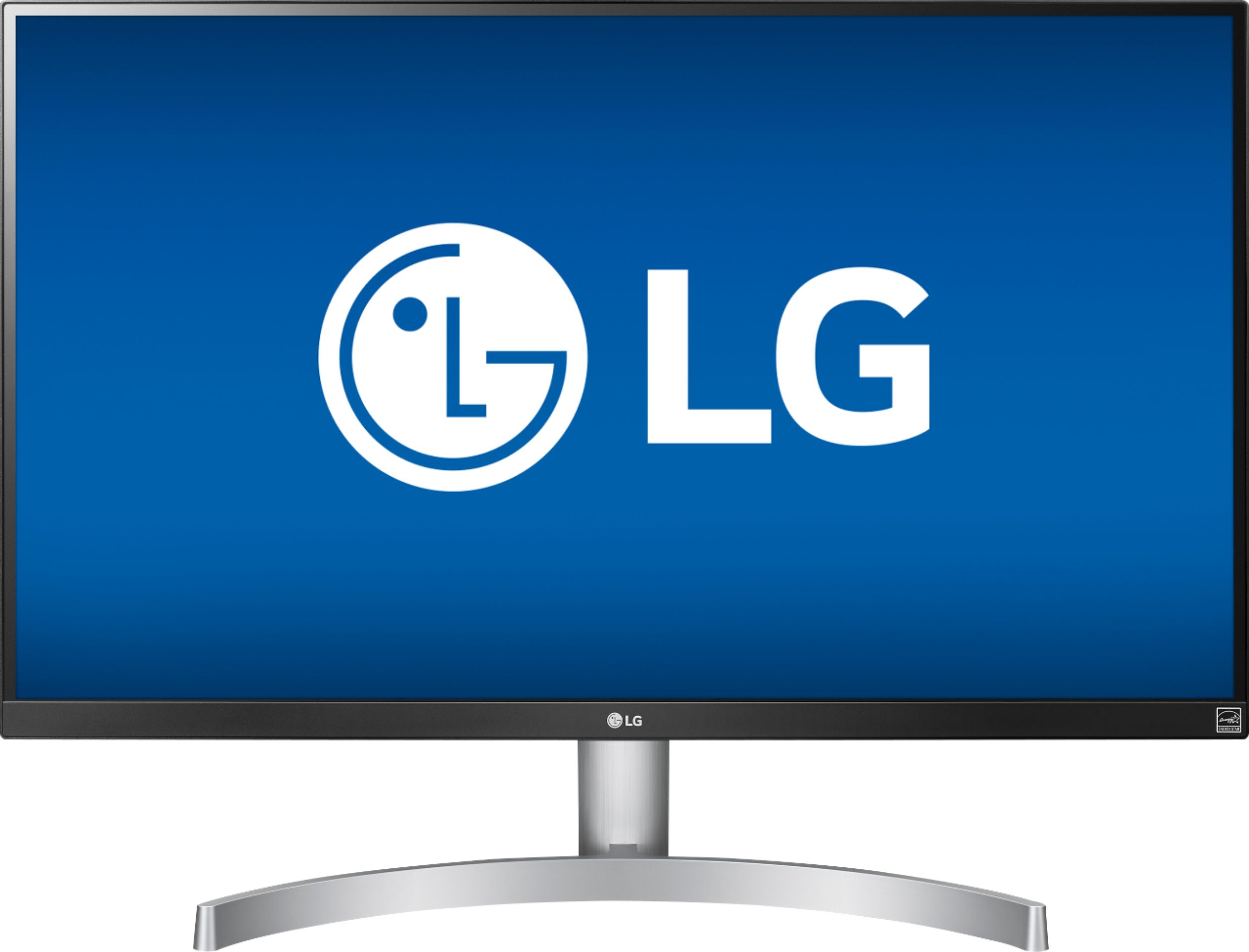
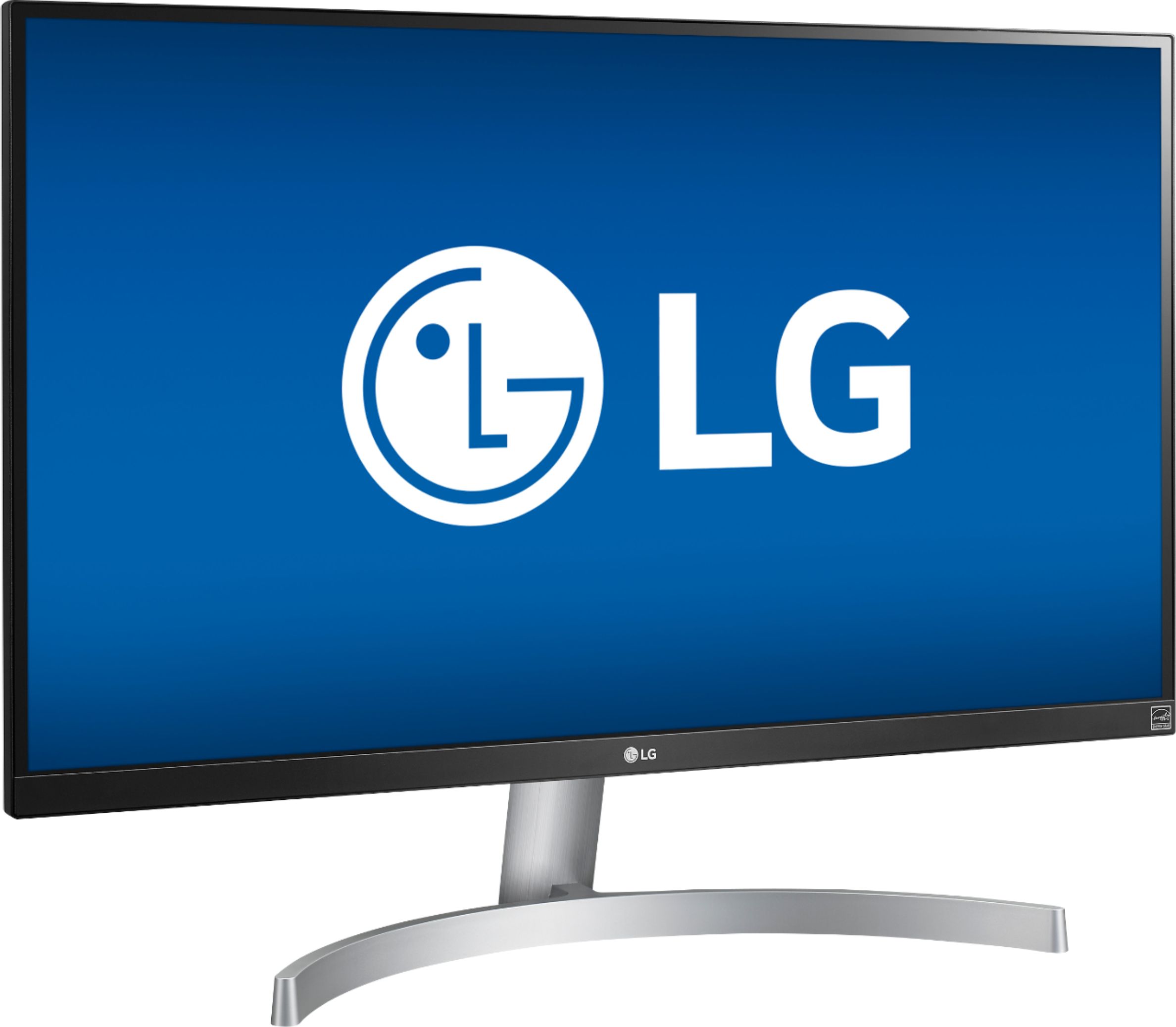
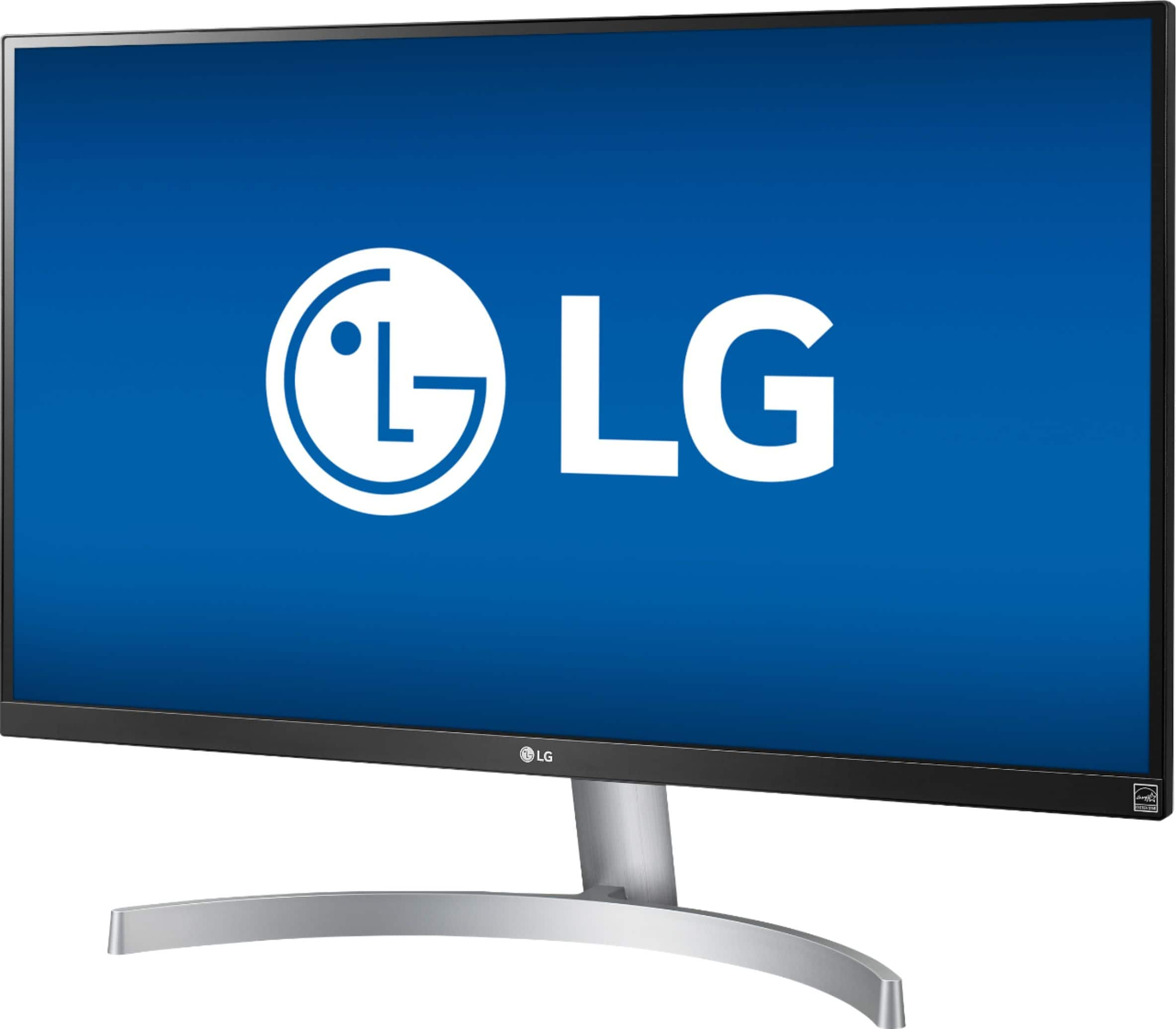
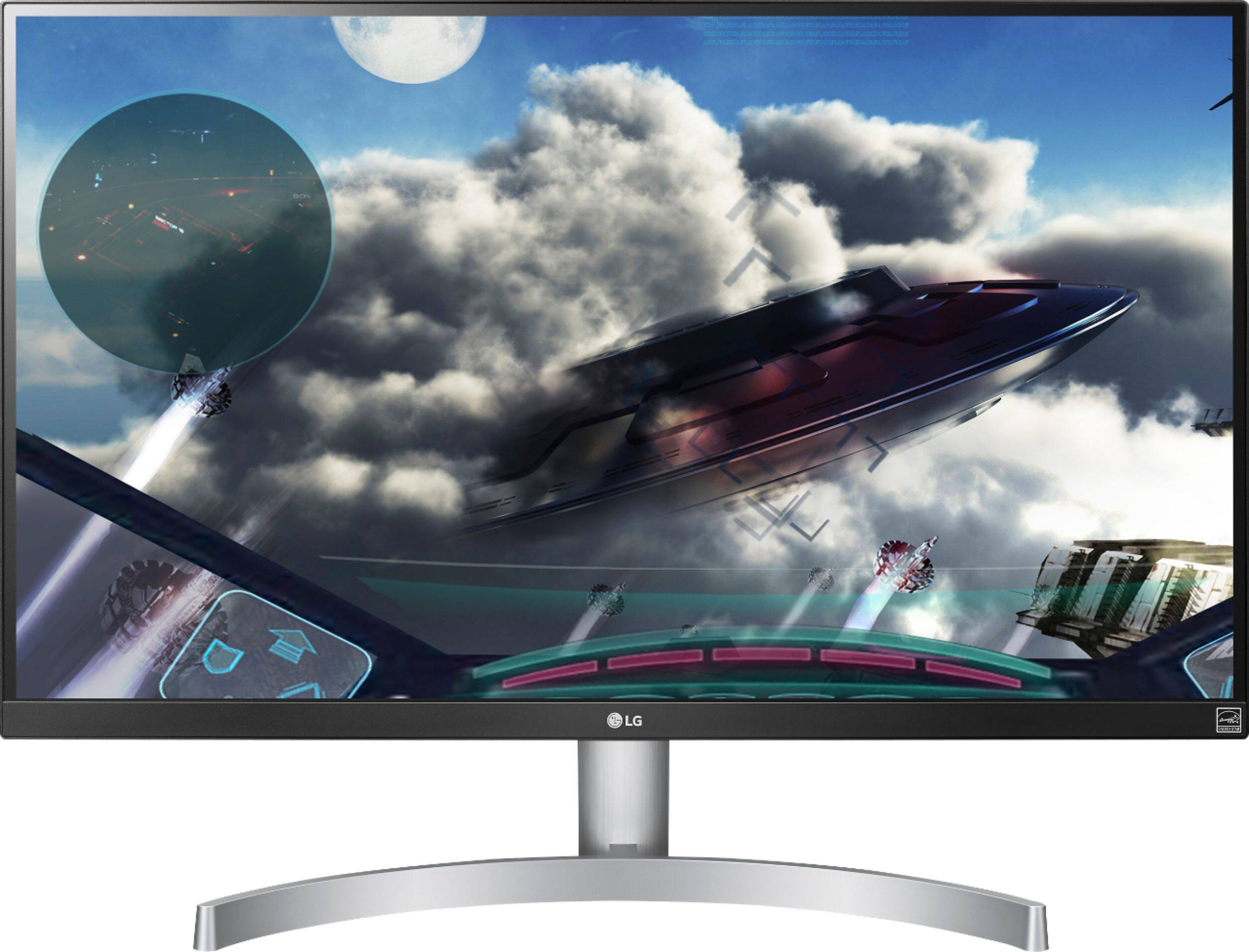
A:AnswerYes! According to the LG website, here are the main features:
Key Features
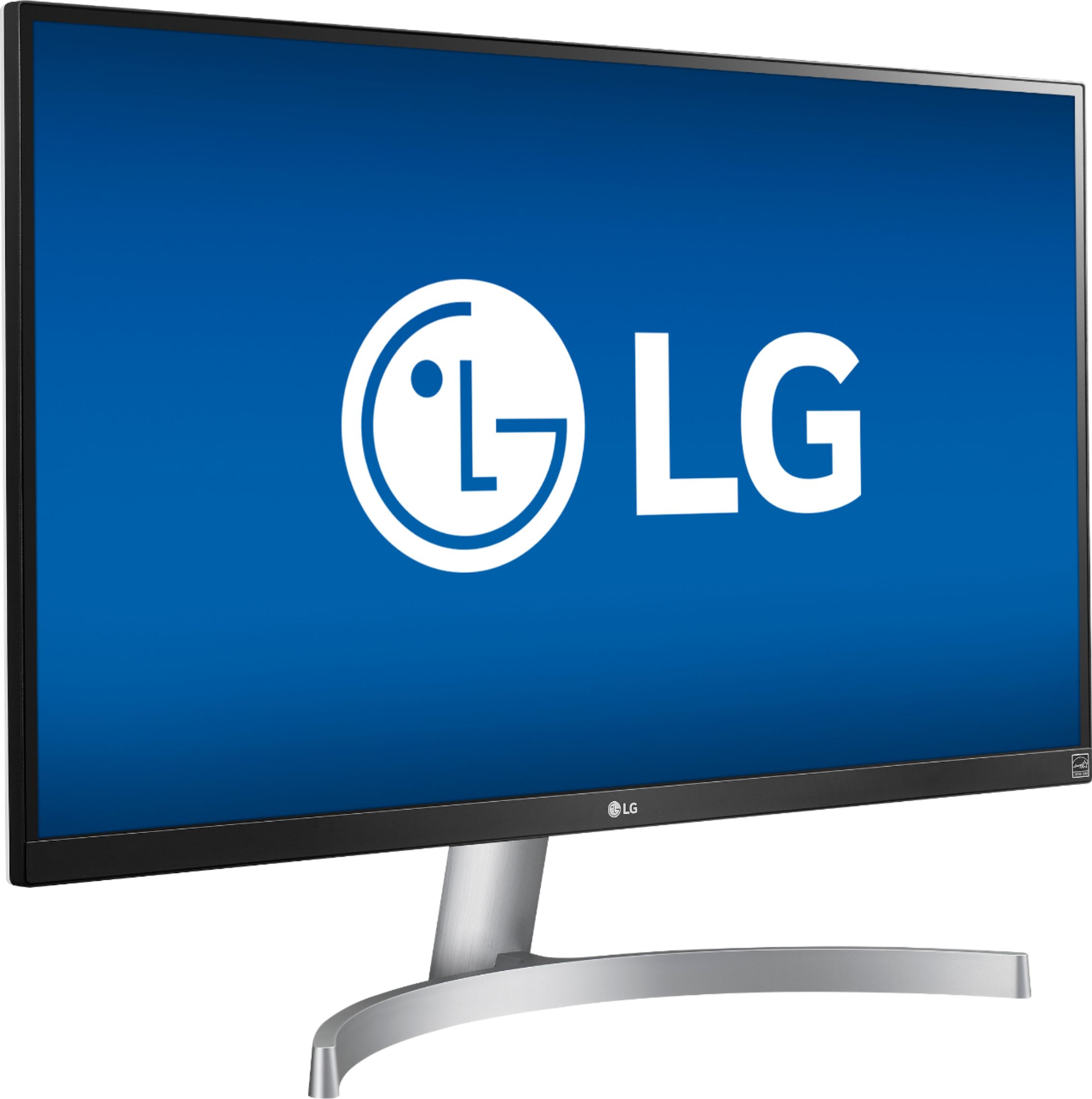
27 Inch 4K UHD IPS Monitor
HDR 10
sRGB 99% Color Gamut
AMD FreeSync™ Technology
3-Side Virtually Borderless Display
A:AnswerMonitor automatically shuts off. You can change the automatic sleep mode in the settings. You can also program a LG remote to the monitor if you want.
A:AnswerI originally purchased it for my xbox one x and yes it works amazing for gaming in 4k. With that said, if you're attempting to play competitive shooters (fortnite, cod, etc.) gaming in 4k isn't optimal. The graphics look amazing but it makes enemies difficult in competitive shooters where every second counts. Most gamers lower their graphics settings in order to compensate. I use the monitor to play single player or racing games. Then for FPS games I use a gaming 1080p monitor.
A:AnswerSort of. As long as you use an adapter to connect from your Mac to the HDMI input on this monitor, you should be fine. To guide your choice, you can look up the screen resolution on your Mac and compare it to the monitor. They won't match, but if your Mac screen is about as good (better or worse, does not matter) than the monitor, then both displays will be equally sharp. It's not critical.
A:AnswerScreen is identical to 650. The main difference is that the stand on the 650 rotates to vertical as well as horizontal while the 600 is strictly horizontal.
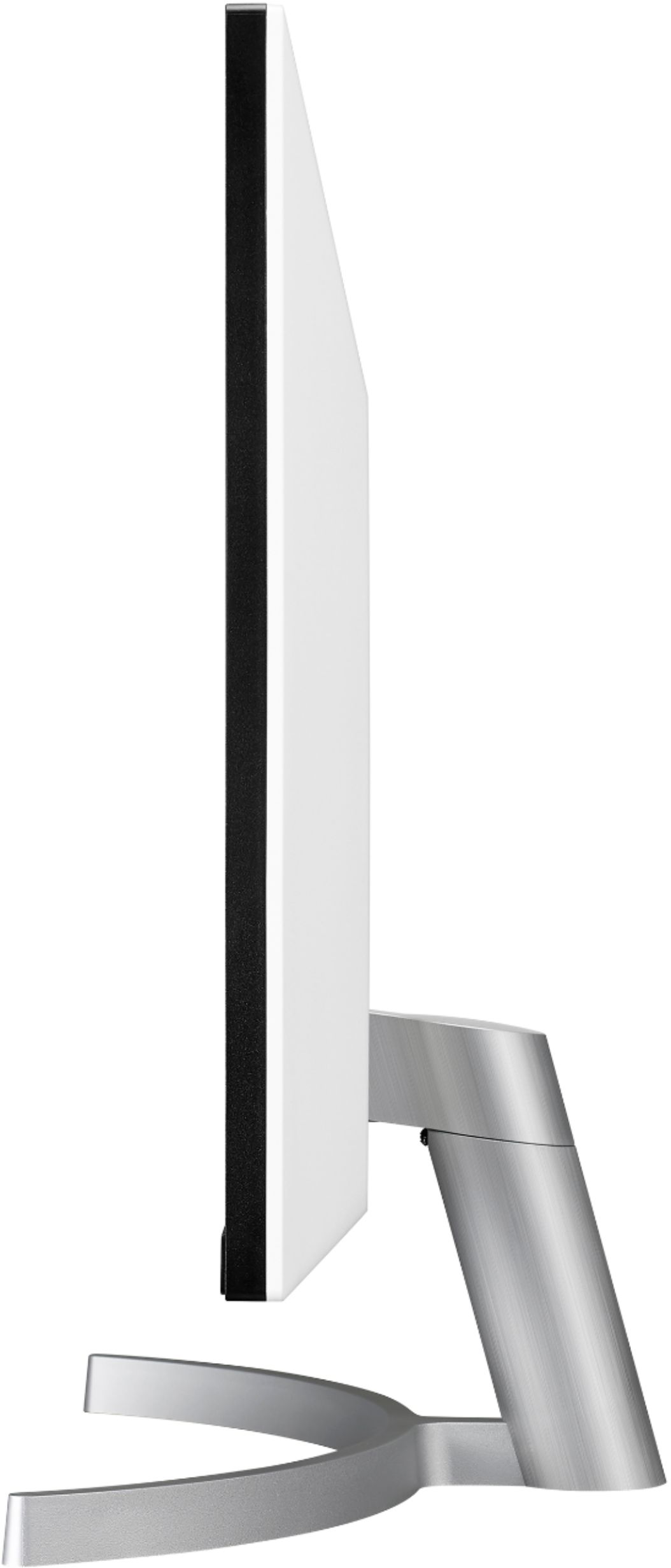
A:AnswerMonitor and stand are about 18in tall. The stand is 14in wide and about 8in in depth and it is around 5 inch tall depends if you measure it from the back or from the front.
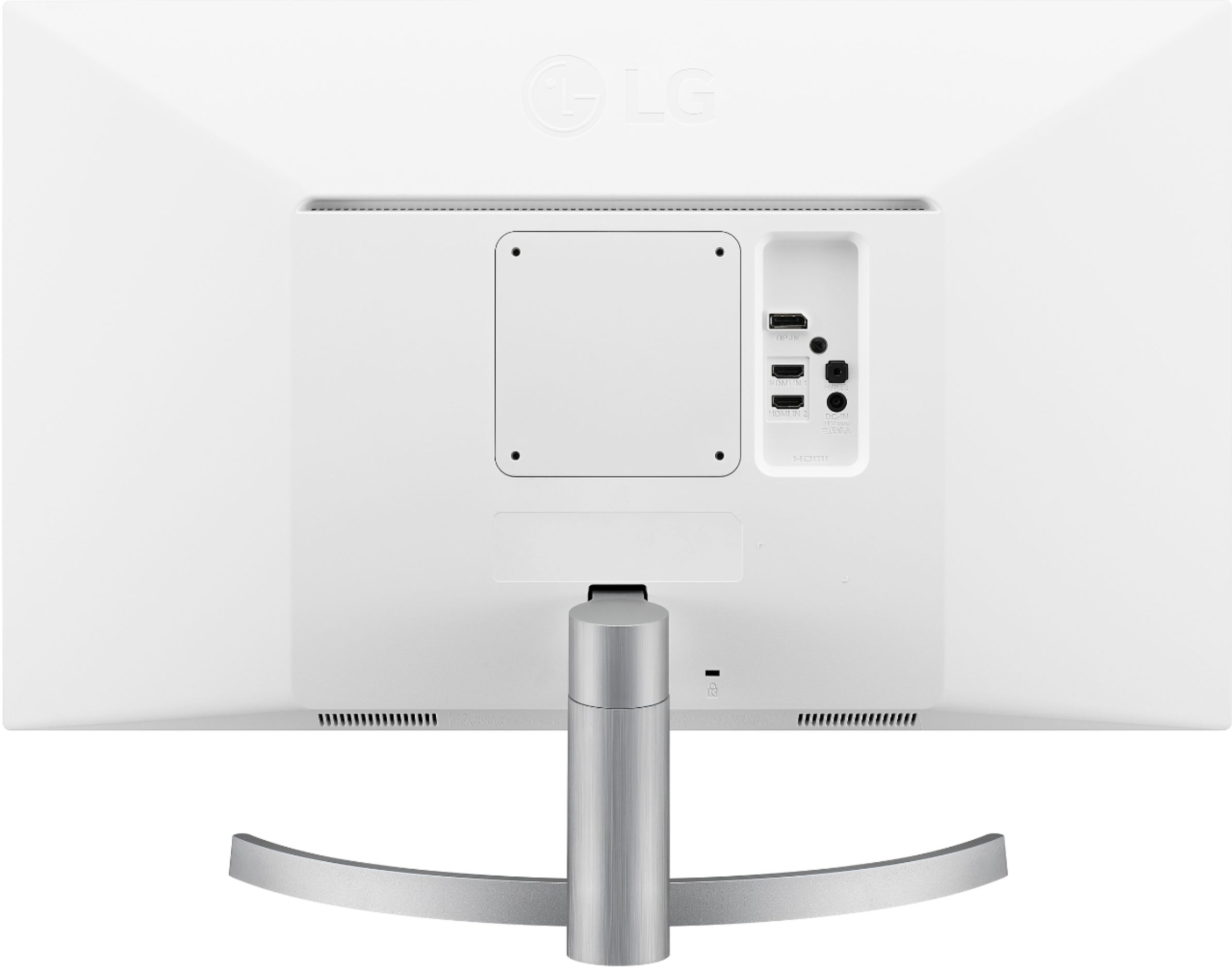
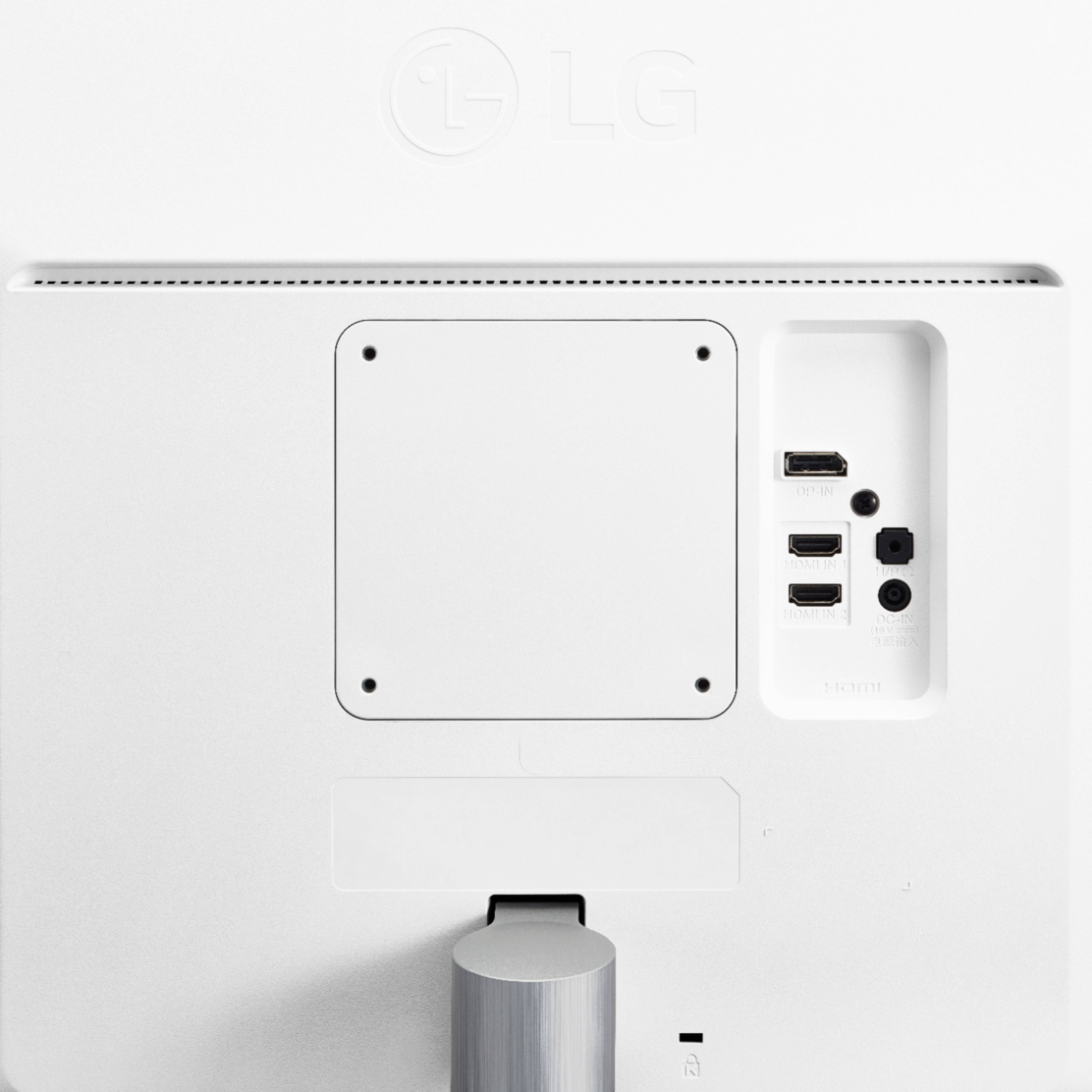
A:AnswerThe monitor has a stereo headphone jack that plays audio included with the video signal.
I don't think there's a dedicated soundbar for it, but any speaker system that can be driven from that headphone signal should work. I'm using the Boston Acoustics BA635 system (two desktop tweeters and subwoofer) that came with a now long-gone computer from 20 years ago. It still sounds good.
A:AnswerThe 27UK600-W has serious gaming features for serious gamers. You can quickly optimize monitor settings to activate Black Stabilizer to reveal superior detail in dark scenes while the Dynamic Action Sync feature assures smooth, fluid gaming action. ^CP
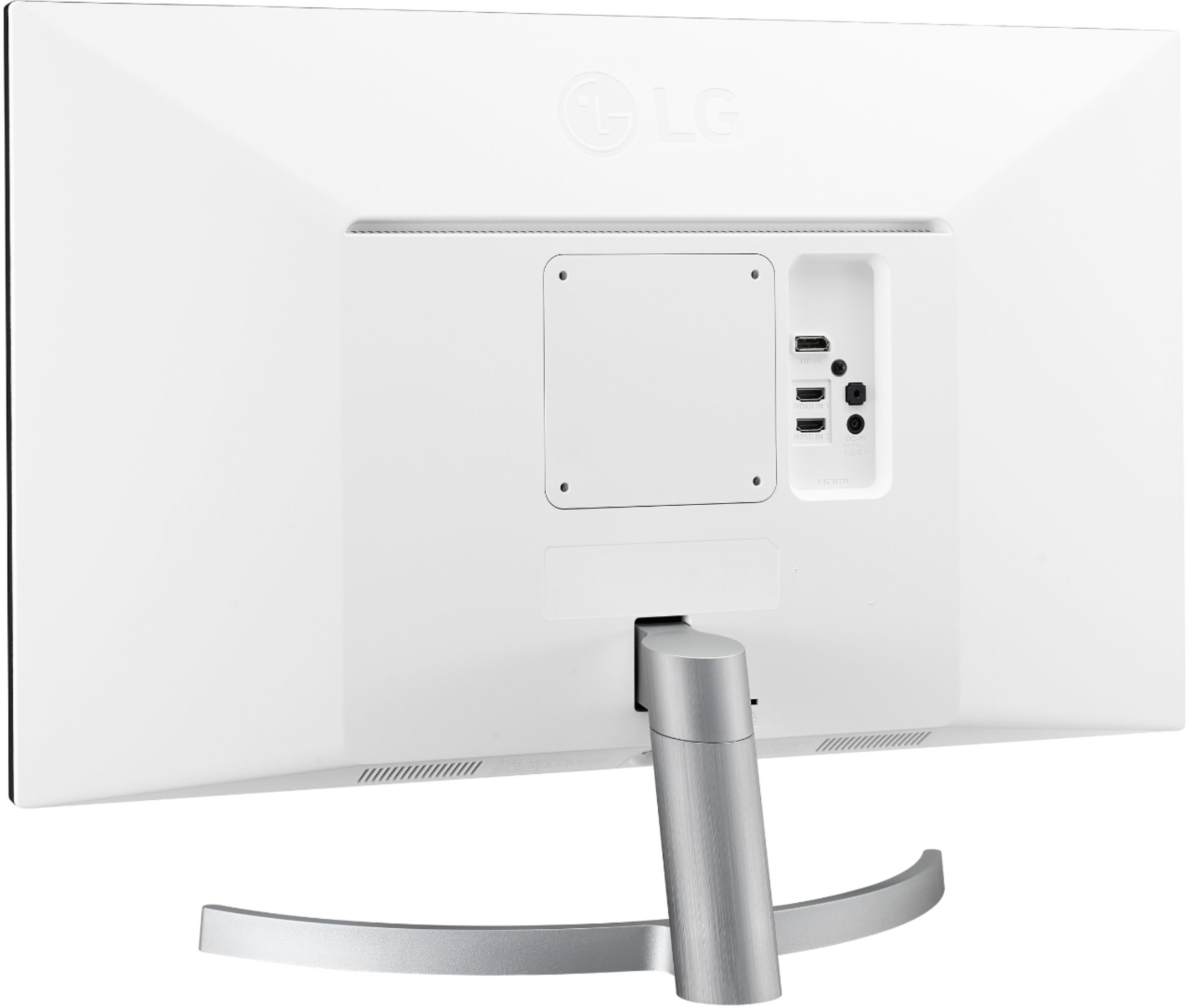
A:AnswerThe LG 27" Class 4K UHD IPS LED Monitor with HDR 10 (27" Diagonal), Model # 27UK600-W has 2 x HDMI ports on it that you can connect external devices, such as your PS4, that have an HDMI Output port to connect to. ^CP
A:AnswerJust connect it to the HDMI port on the back. You’ll need to run sound out of the headphone jack, however, since this is a monitor without built-in speakers.
A:Answermake sure the Monitor Driver is properly installed. I do not see why the two input would not work.
Go to OnScreenDisplay Application and see all the input settings and set the setting accordingly.