A:AnswerYou can download the LG app and control your tv from your phone, WebOS is an LG-owned, Linux-based, smart TV operating system that is set up to allow control and access of LG Smart TV's more advanced features and connected devices through a graphical user interface (GUI). WebOS was developed by Palm as a mobile OS. it’s basically a smart tv but so much better.
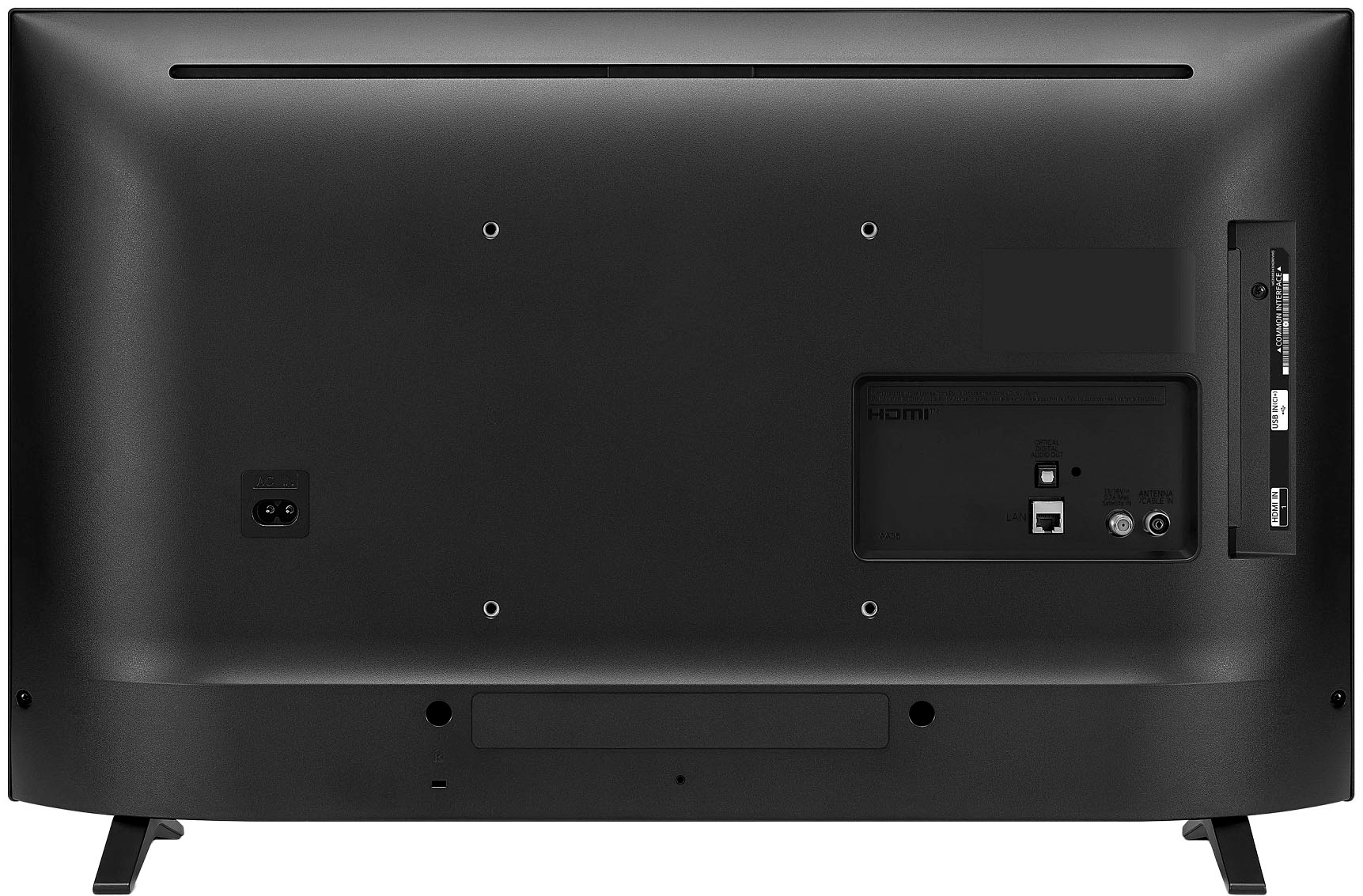
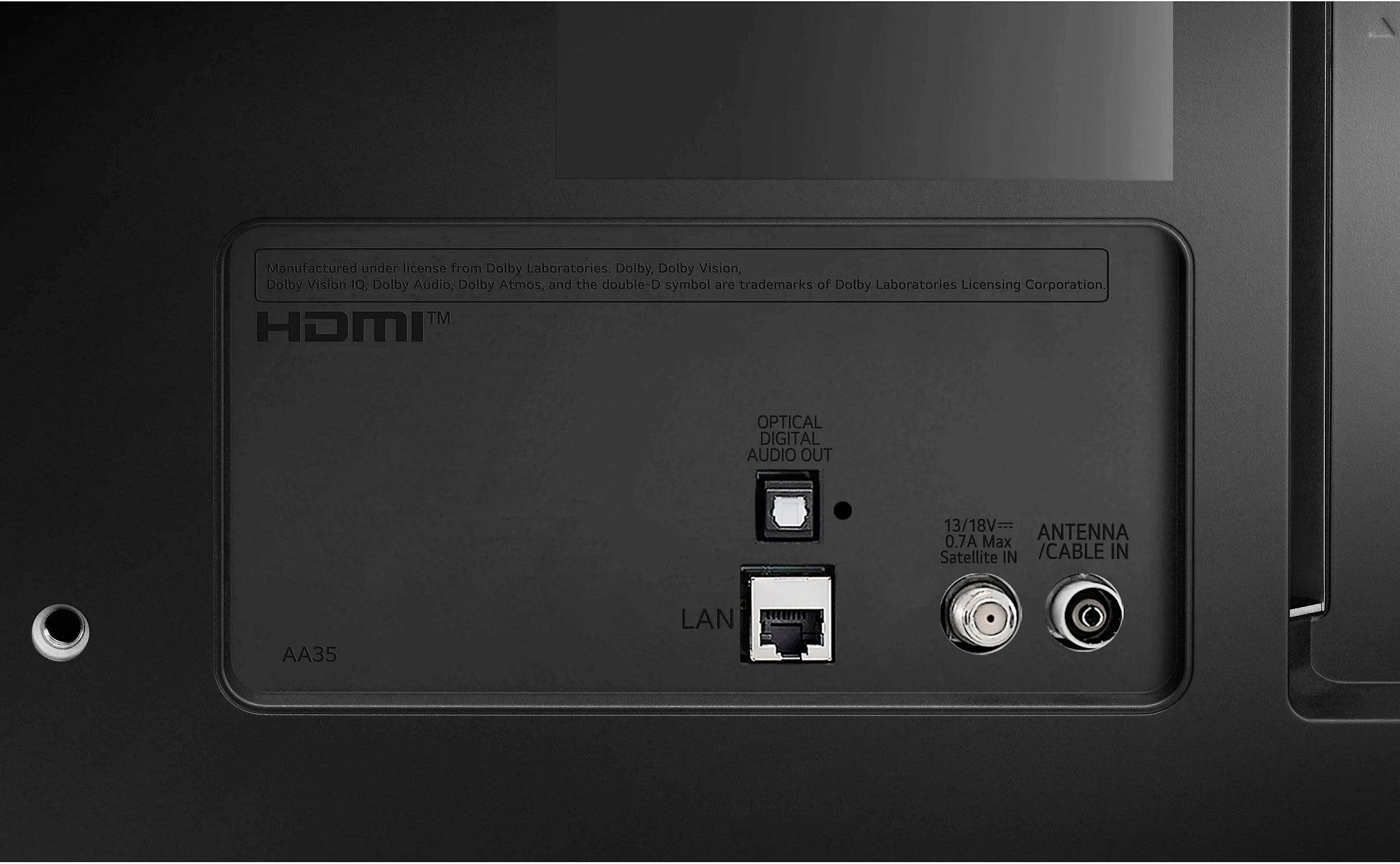
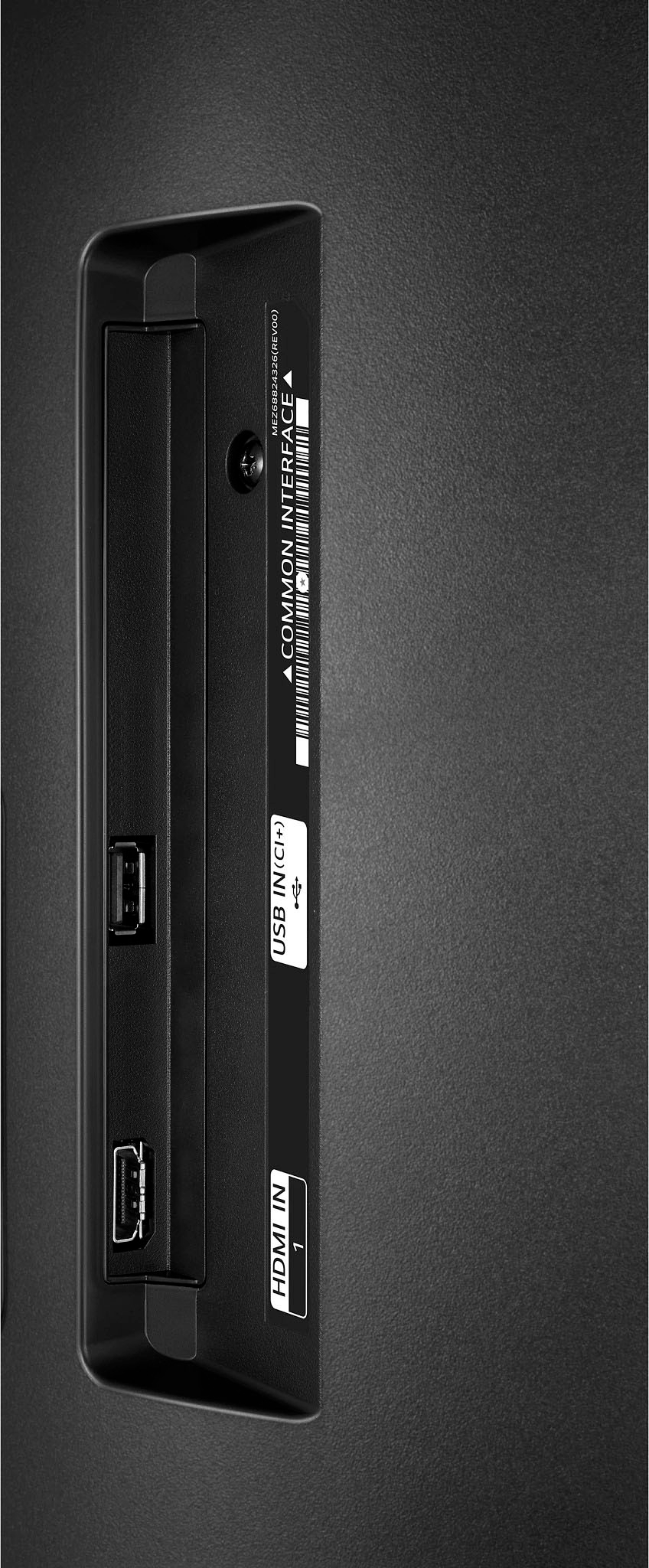
A:AnswerI’m not sure what type of cable you are referring to. I’m currently using it as a computer monitor for my Mac laptop and tv I have connected with two hdmi cables the second is for my fire stick.
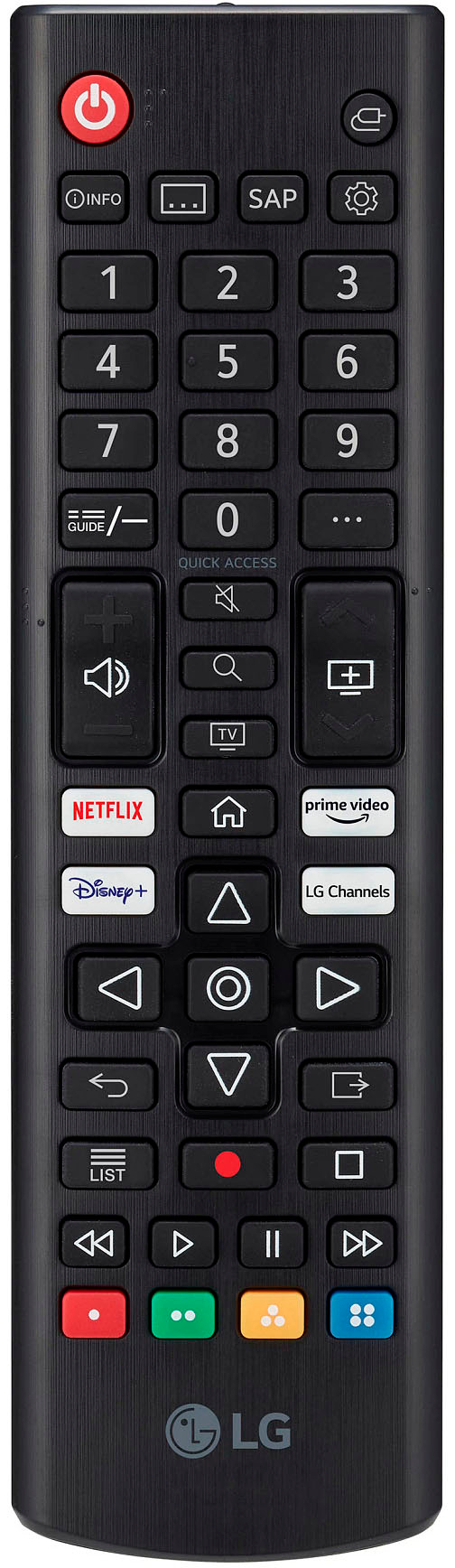
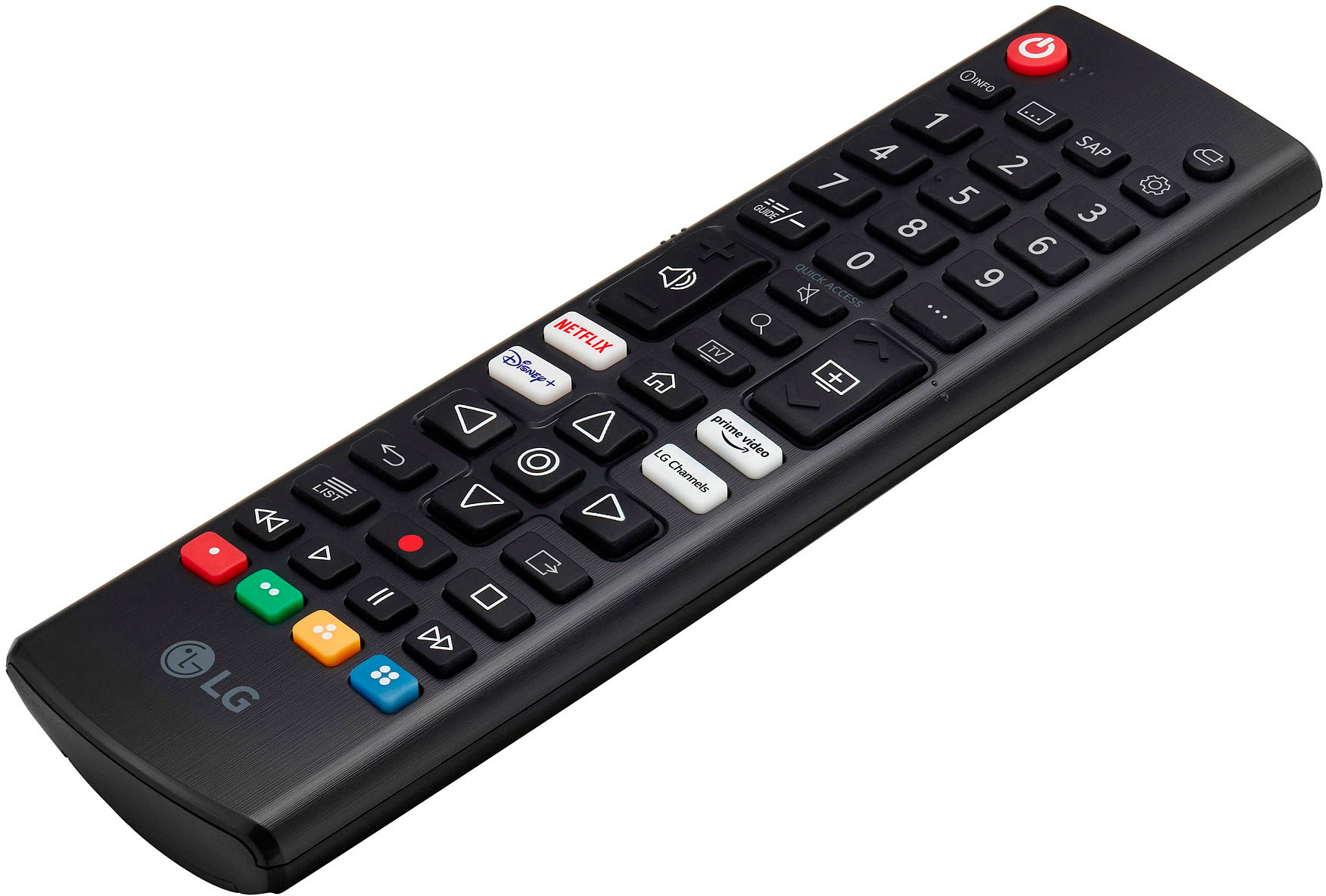
A:AnswerHi, the included remote is the standard, you need to purchase separately the magic remote to register and paired with devicce. The model is magic remote ready. ^Vanessa
A:AnswerHI, To connect your Blu-ray Player using HDMI (ARC): Note: Simplink will need to be enabled for ARC to function. Make sure both the Blu-ray Player and the TV are powered On. Connect an HDMI cable from the HDMI (ARC) output on your TV (usually HDMI 1), to the HDMI input slot on the Blu-ray Player. Please check this link https://www.lg.com/us/support/help-library/connecting-external-devices-bluray-connecting-external-devices-CT10000020-1427811301239#:~:text=To%20connect%20your%20Blu%2Dray%20Player%20using%20HDMI%20(ARC)%3A,on%20the%20Blu%2Dray%20Player.. ^Vanessa
A:AnswerThis TV model is NOT magic remote ready. I took the magic remote we had on hand from another LG TV and it does not work. Only a few keys work with it.