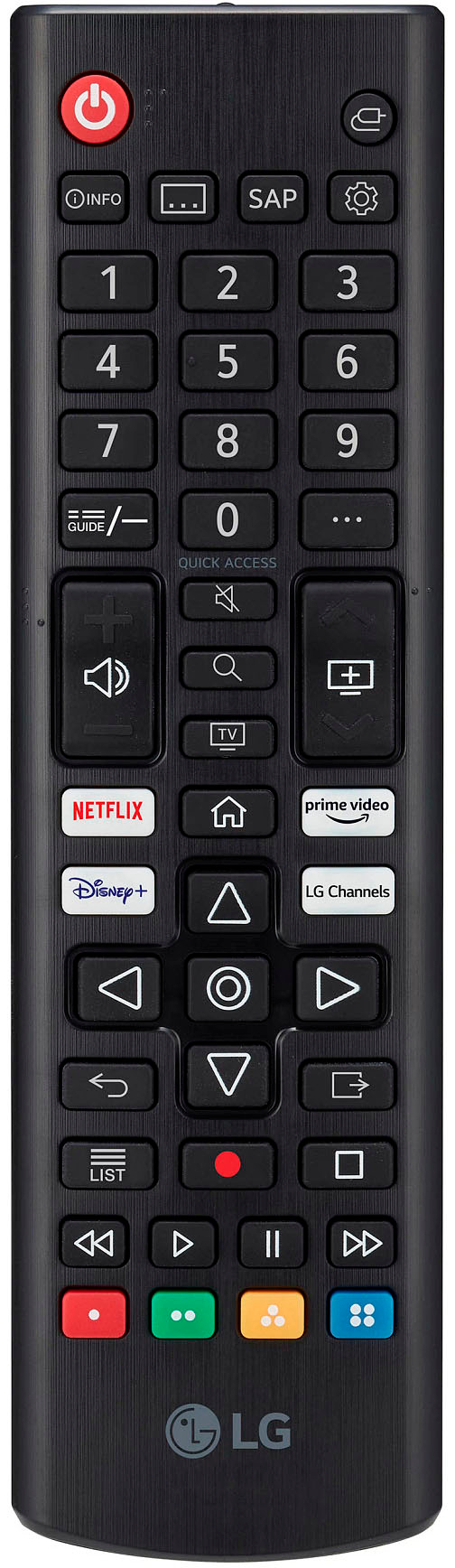
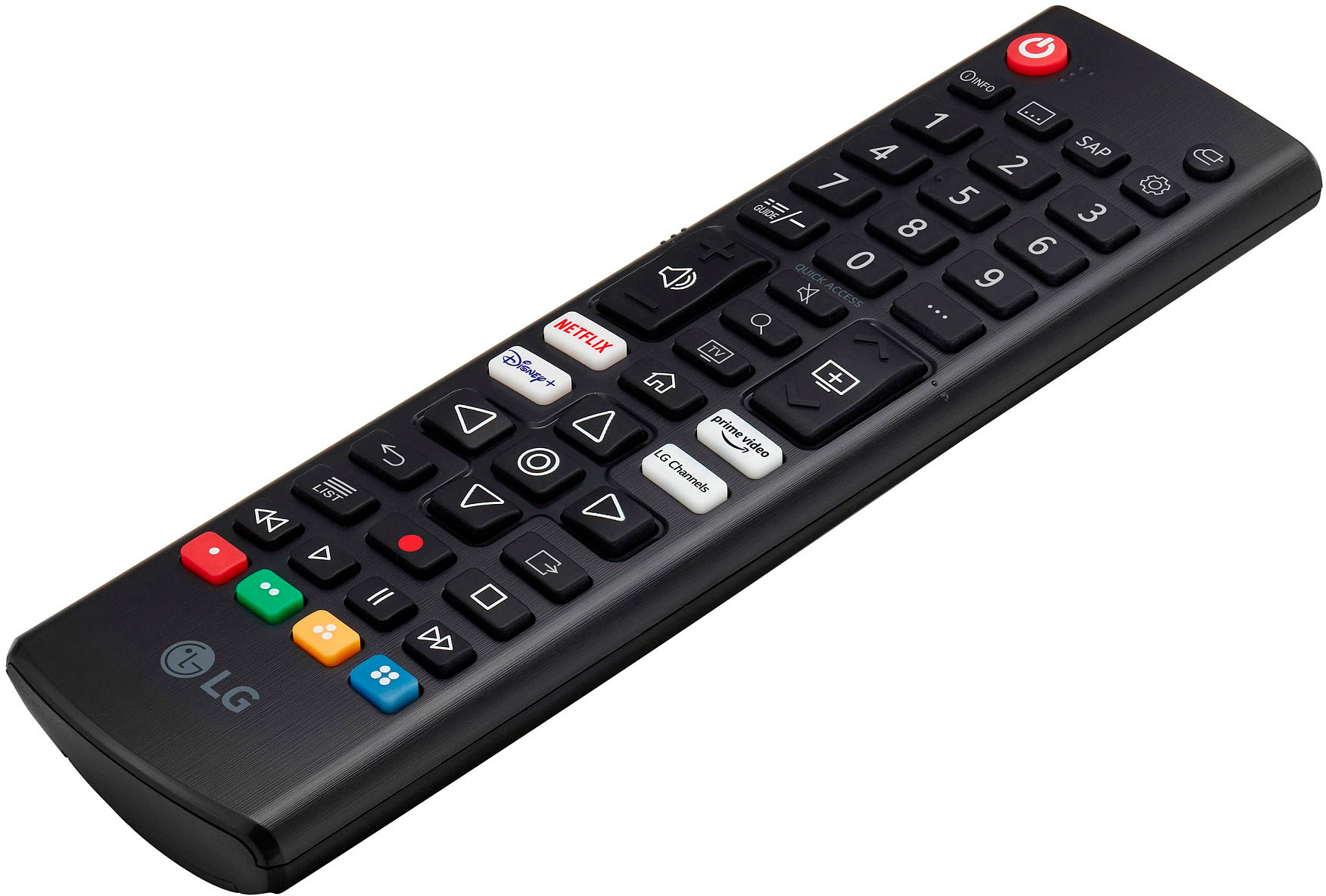
A:AnswerTry downloading the app from the LG Content Store (App Store). Press the Home button on the Remote control. Select the LG Content Store from the home page. Then choose the app you want to download to go to its dedicated screen. For a complete listing of available apps, please visit: https://us.lgappstv.com/main/tvapp. For further assistance, please reach out to our support team via private message on Facebook @LGUSSupport and use #VOC in your first message to our social media support team or call at 800-243-0000. ^Venette
A:AnswerTry downloading the app from the LG Content Store (App Store). Press the Home button on the Remote control. Select the LG Content Store from the home page. Then choose the app you want to download to go to its dedicated screen. For a complete listing of available apps, please visit: https://us.lgappstv.com/main/tvapp. For further assistance, please reach out to our support team via private message on Facebook @LGUSSupport and use #VOC in your first message to our social media support team or call at 800-243-0000. ^Venette
A:AnswerTry downloading the app from the LG Content Store (App Store). Press the Home button on the Remote control. Select the LG Content Store from the home page. Then choose the app you want to download to go to its dedicated screen. For a complete listing of available apps, please visit: https://us.lgappstv.com/main/tvapp. For further assistance, please reach out to our support team via private message on Facebook @LGUSSupport and use #VOC in your first message to our social media support team or call at 800-243-0000. ^Venette
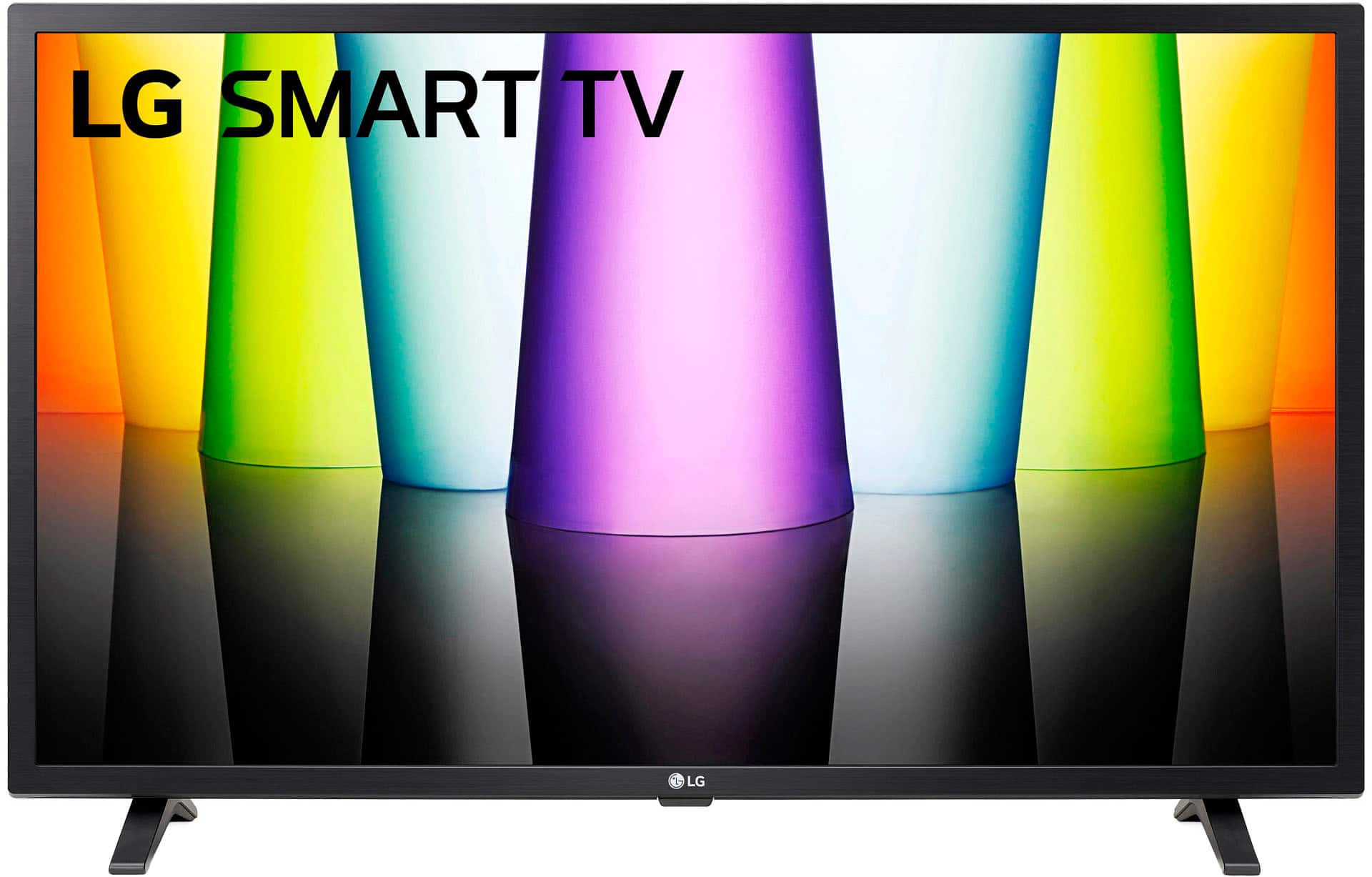
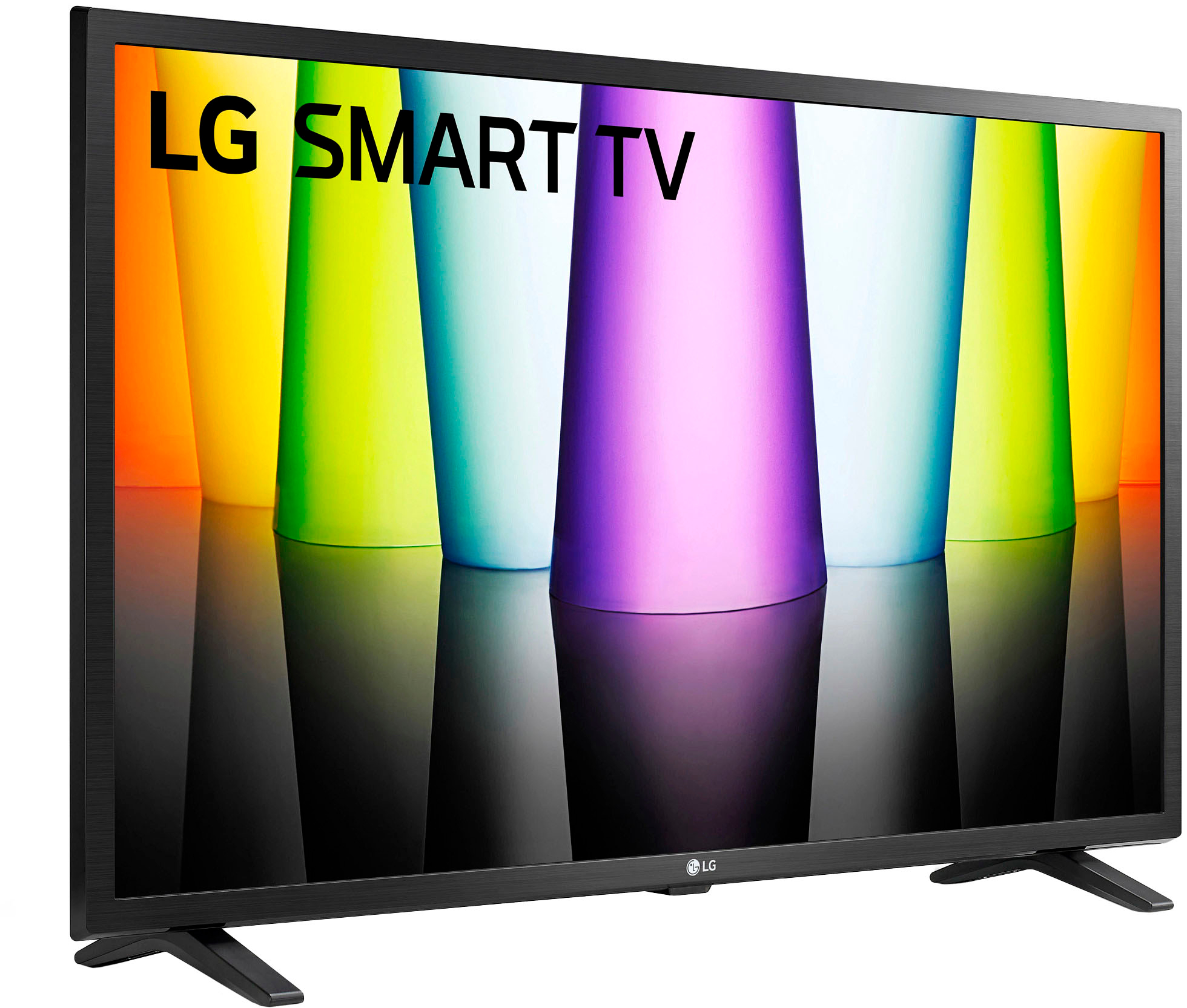
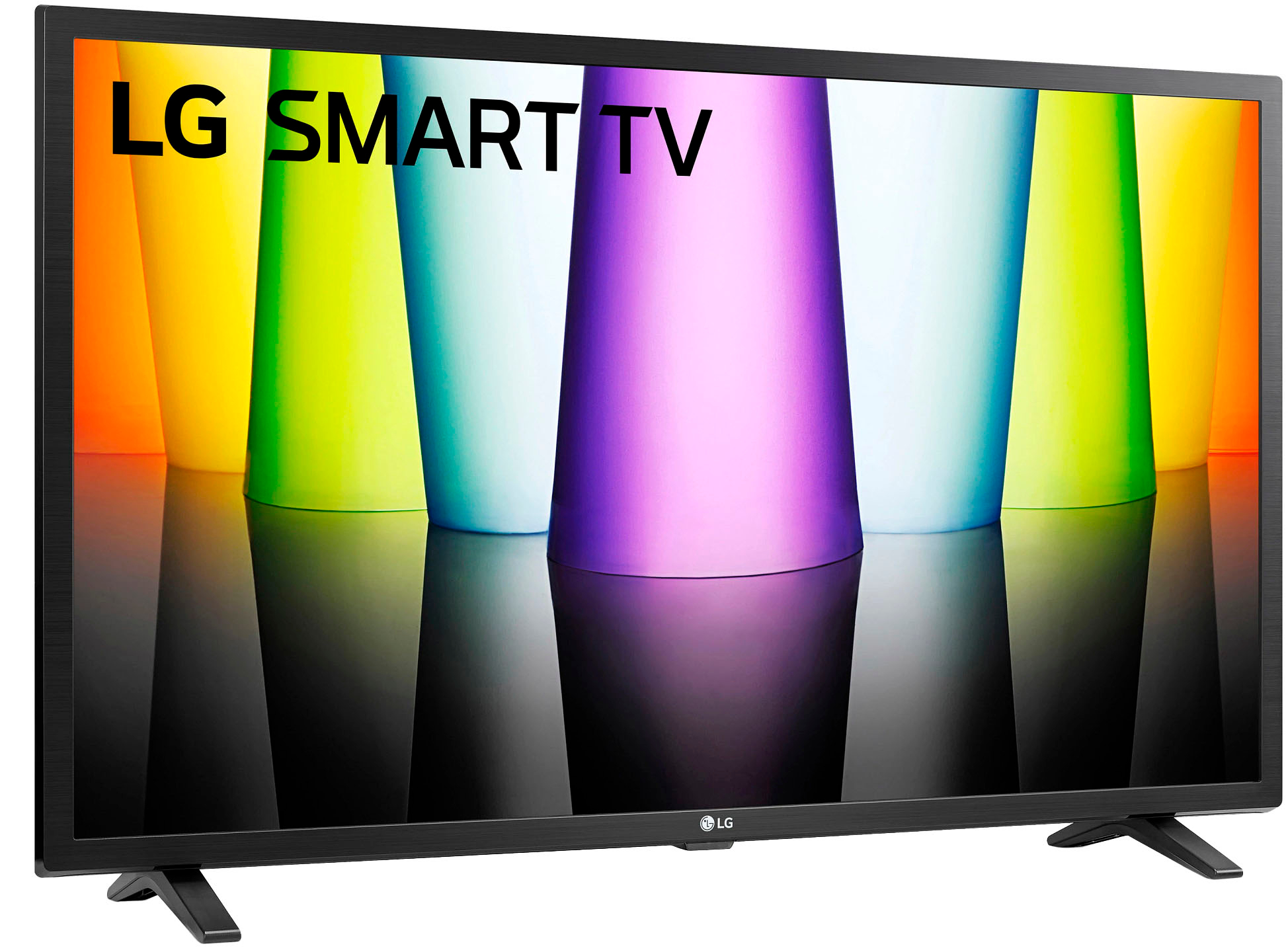
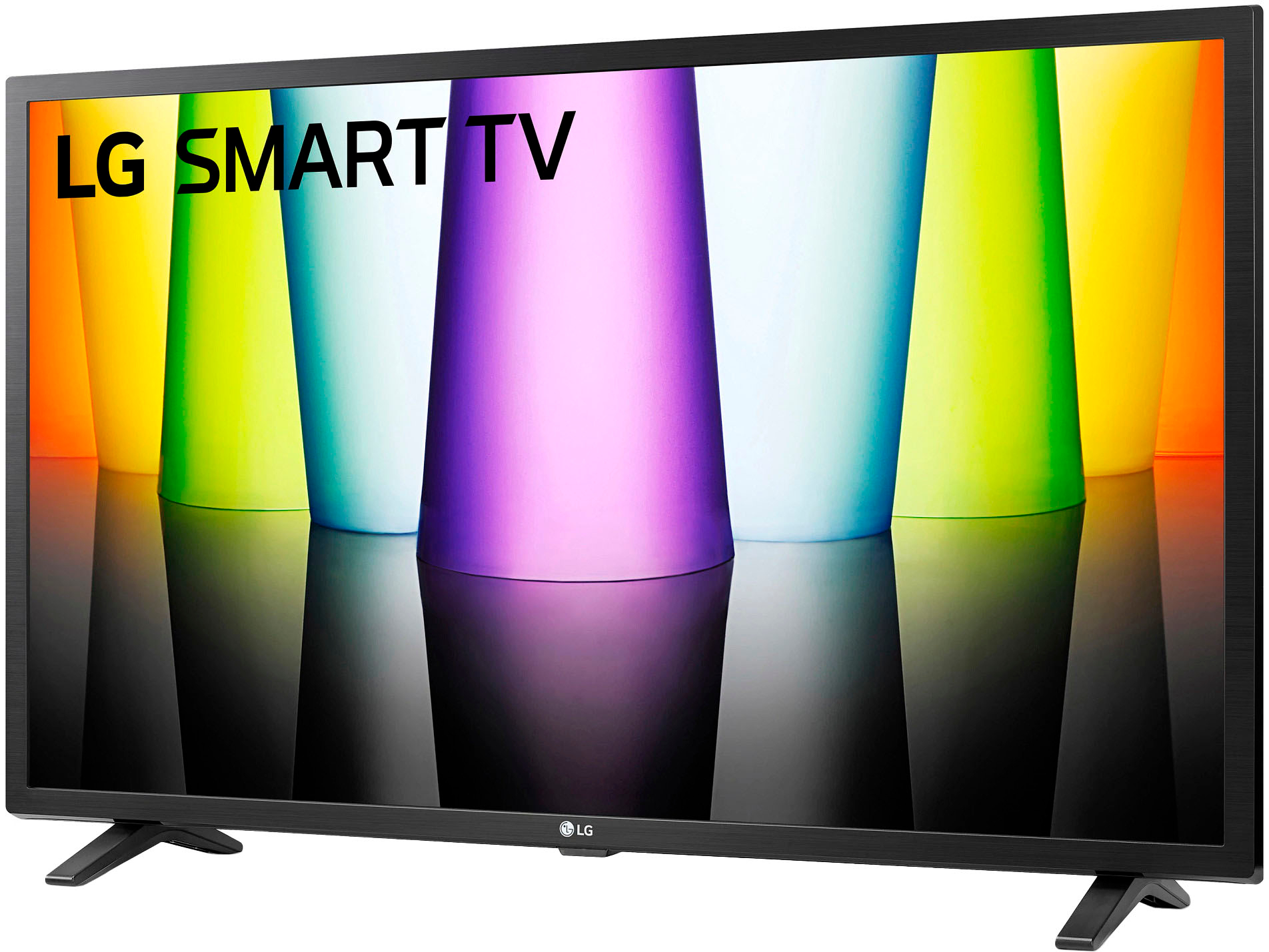
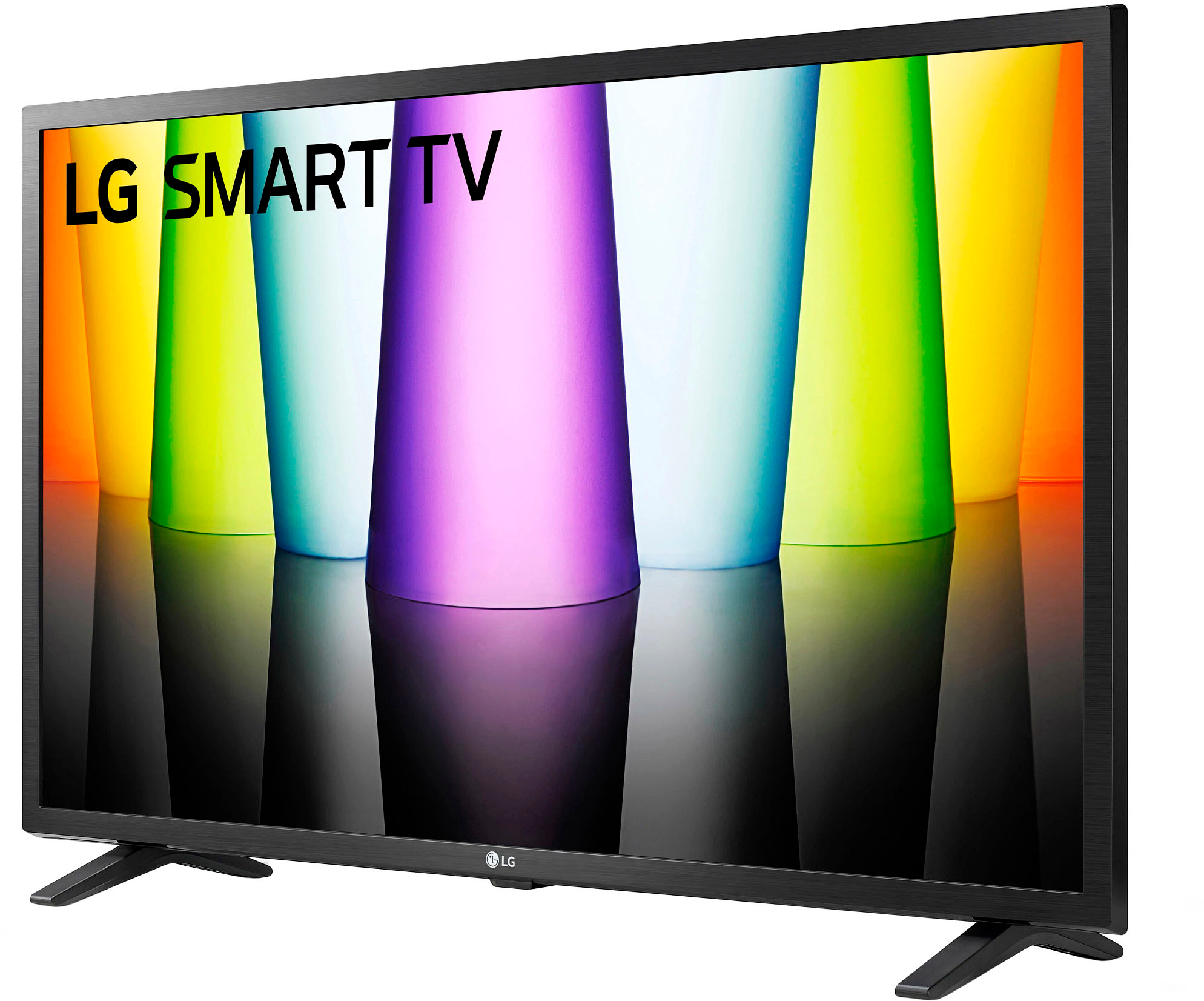
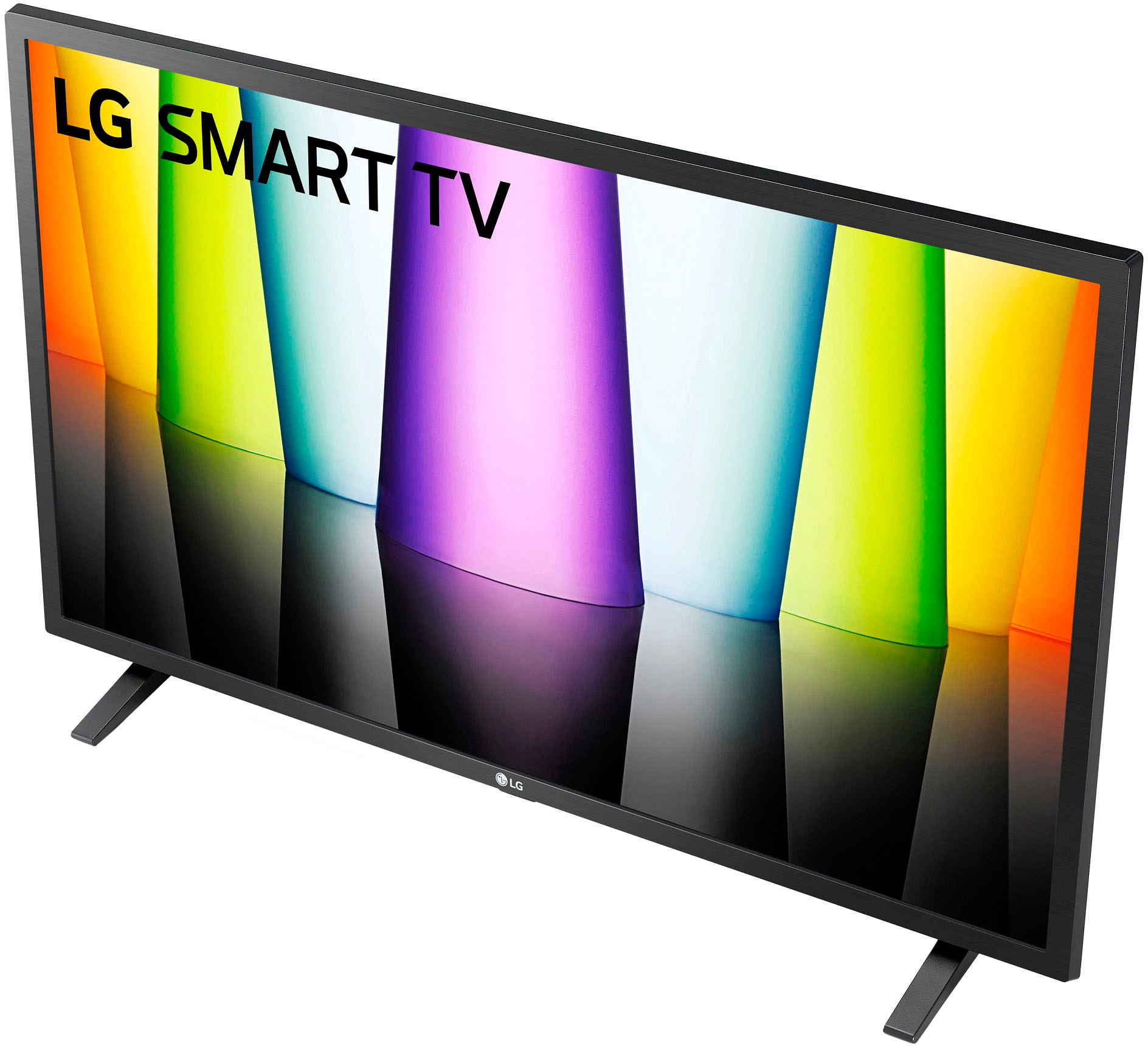
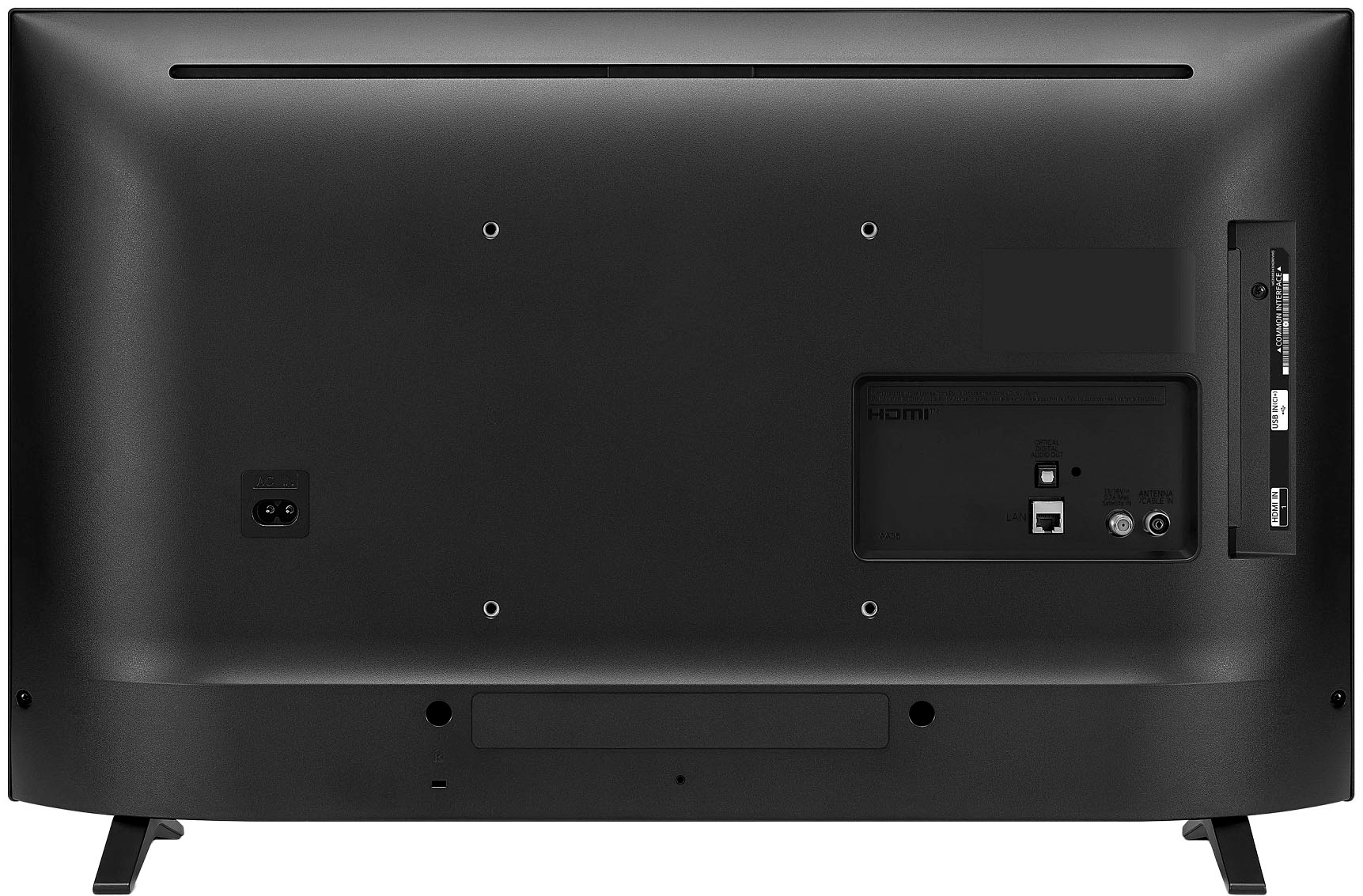
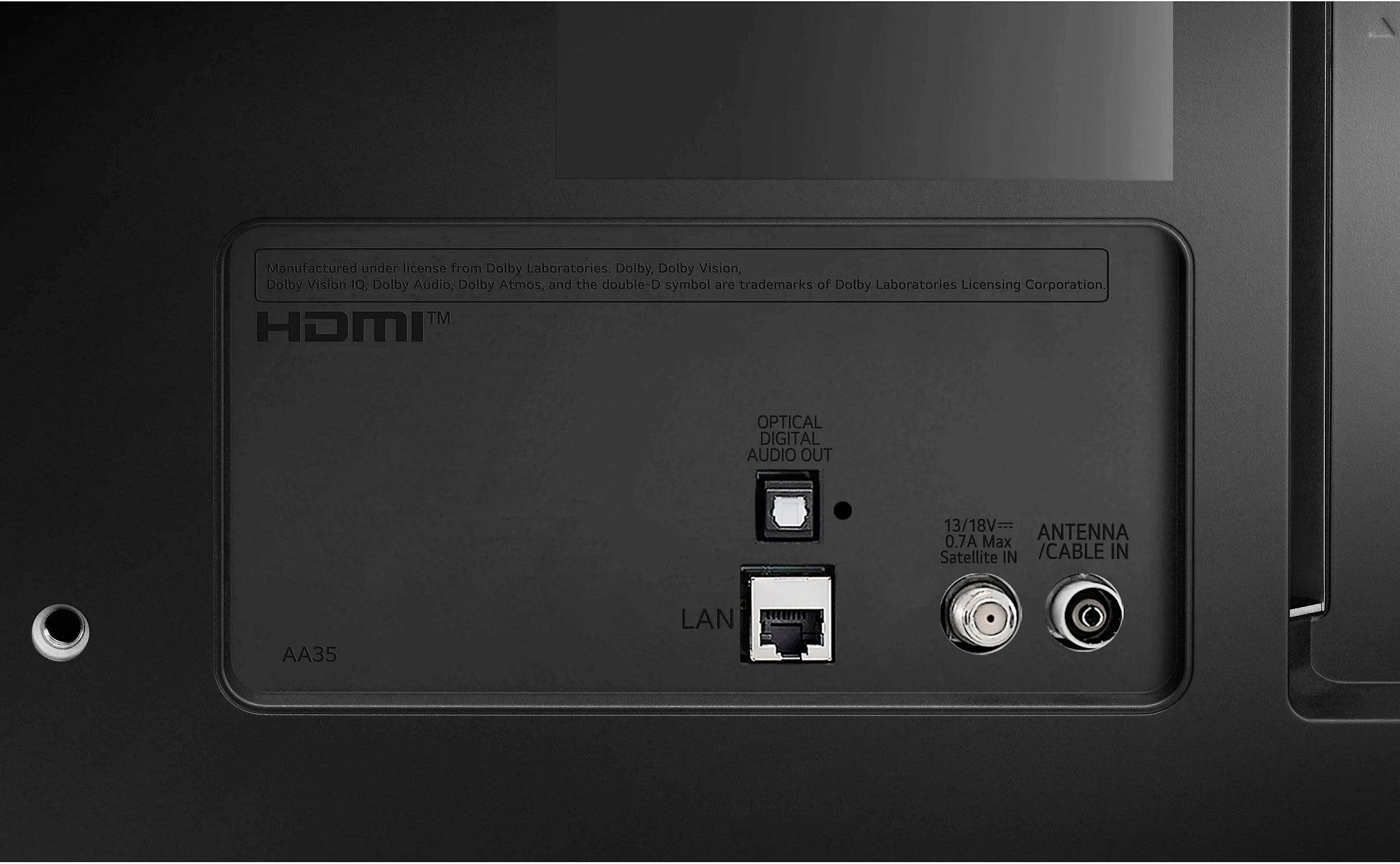
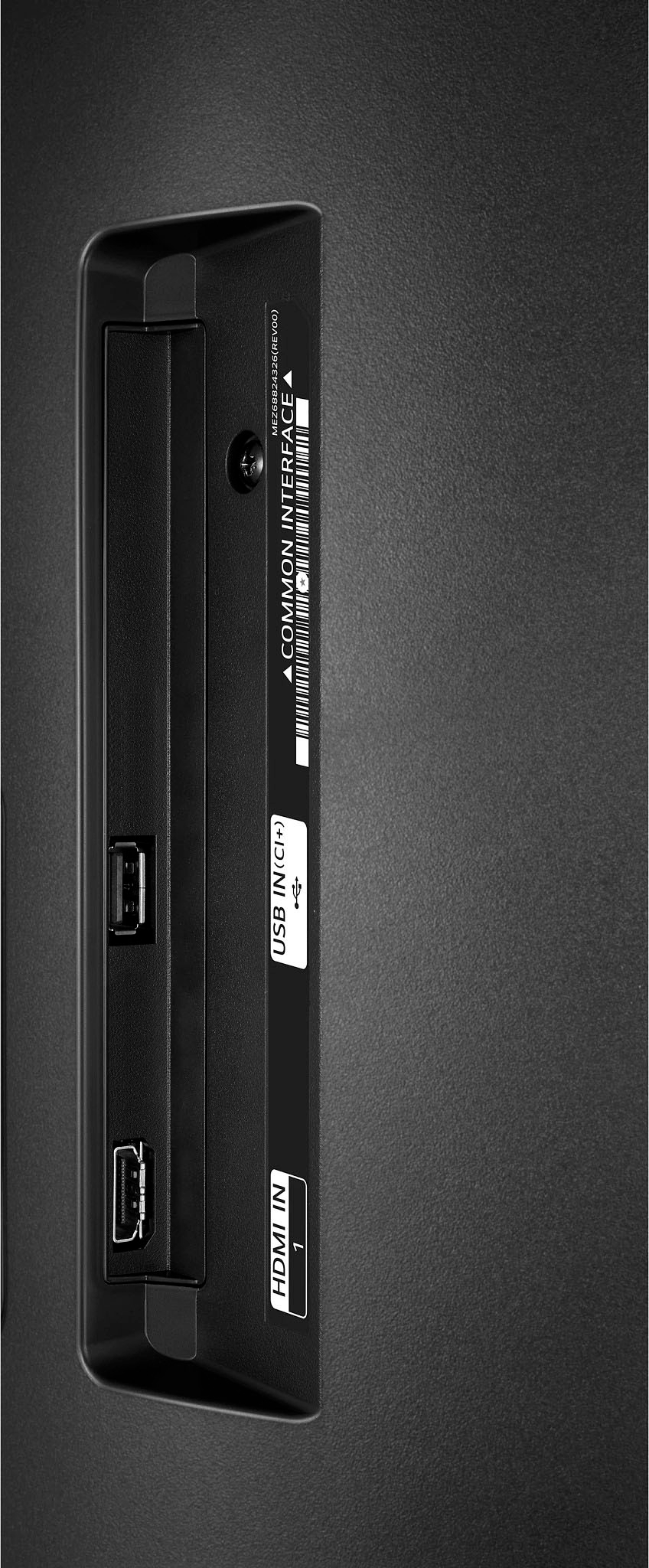
A:AnswerThank you for raising your concern regarding LG Smart webOS TV (32LQ630BPUA) model. For the LG 32LQ630BPUA, the HDMI ports and USB port are located on the back of the TV. You can download its owner's manual through this link for more information: https://www.lg.com/us/support/product/lg-32LQ630BPUA.AUS. ^Cris
A:AnswerThank you for your interest in the LG 32LQ630BPUA.AUS model. Yes, the LG 32LQ630BPUA TV is compatible with the LG Magic Remote. You can download its owner's manual through this link for more information:https://www.lg.com/us/support/product/lg-32LQ630BPUA.AUS. ^Cris
A:AnswerThank you for your interest in the LG 32LQ630BPUA model. No, the LG 32LQ630BPUA TV does not have an MTI port. The TV has two HDMI inputs and one USB port. You can download its owner's manual through this link for more information: https://www.lg.com/us/support/product/lg-32LQ630BPUA.ACC. ^Cris