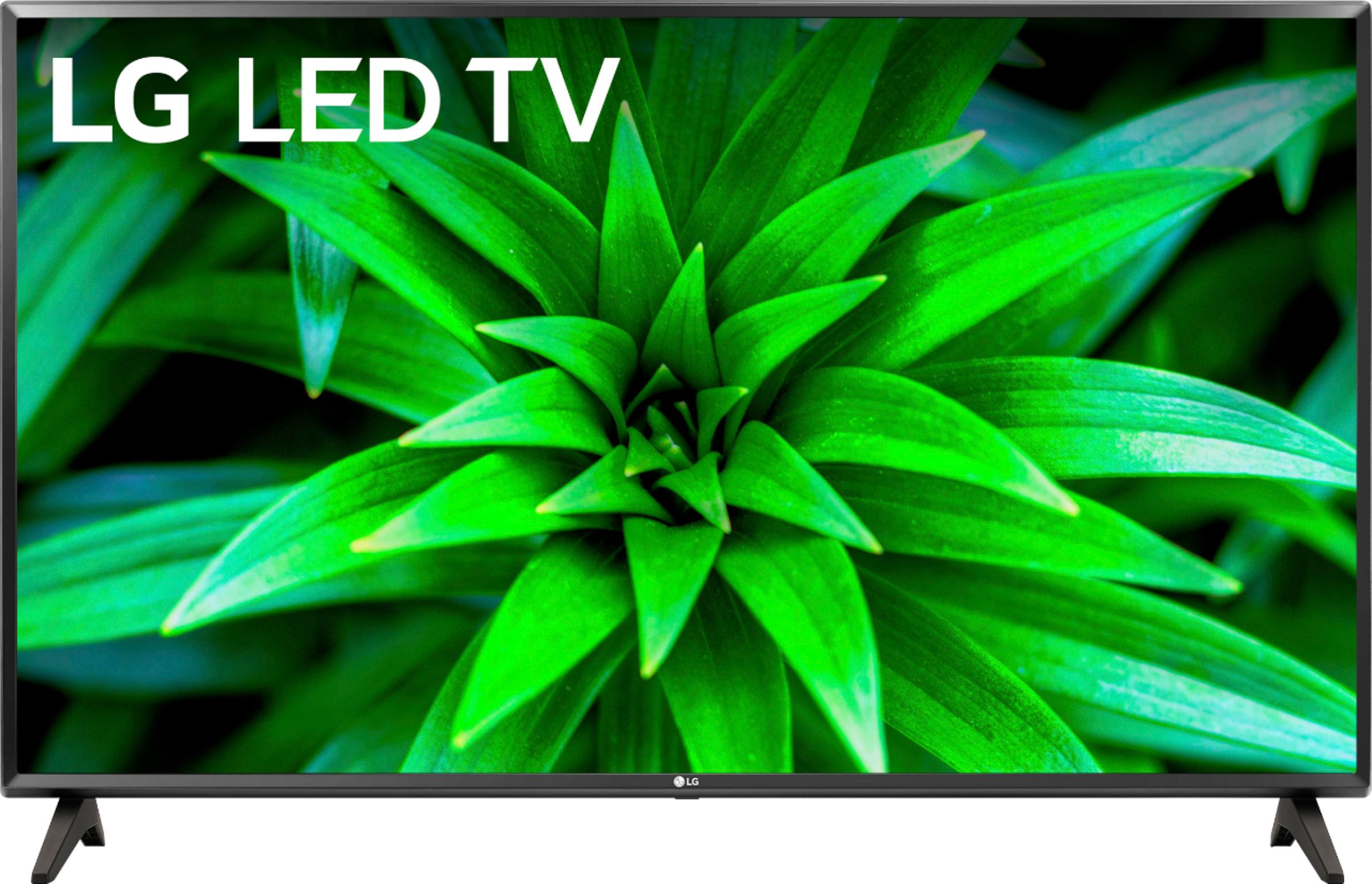
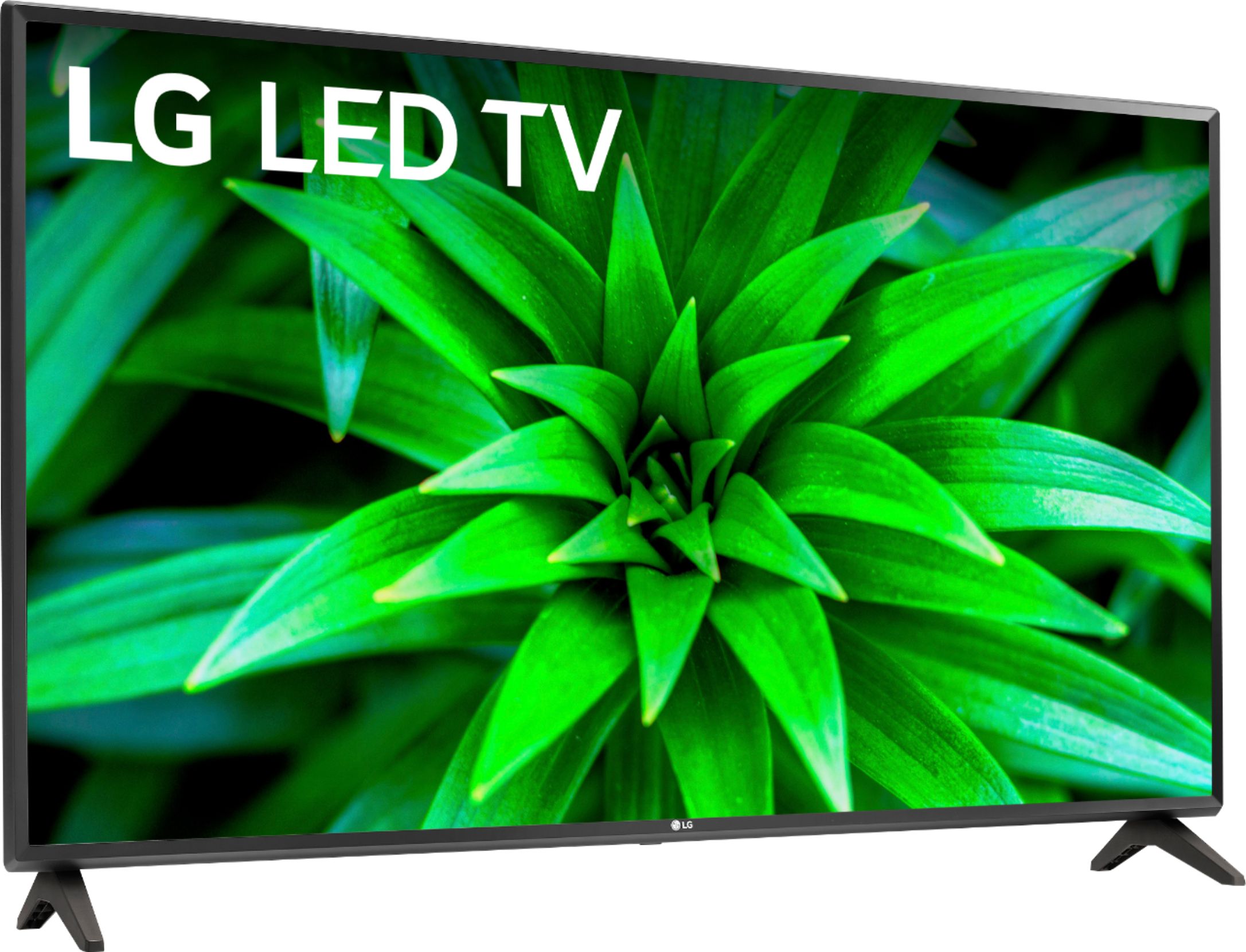
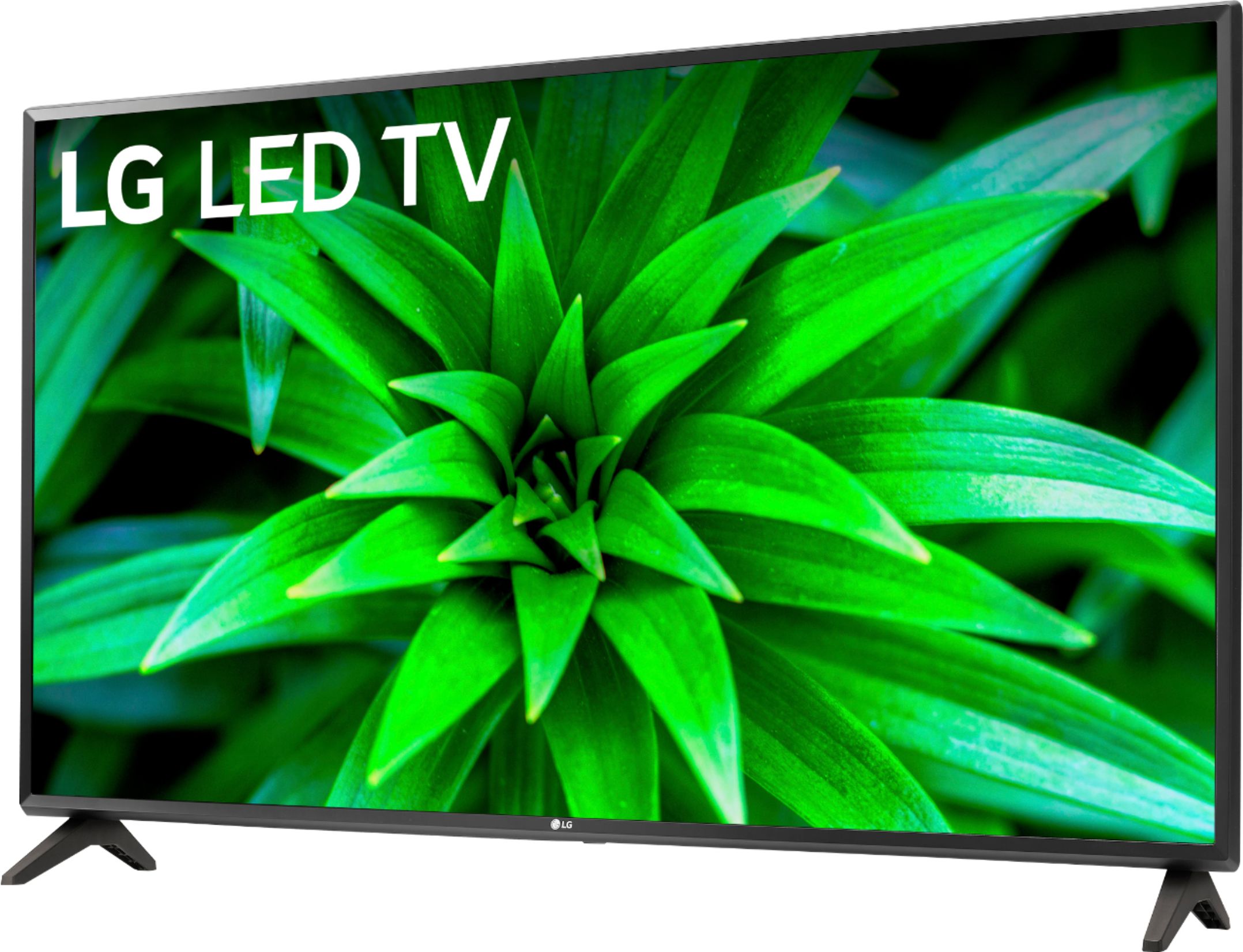
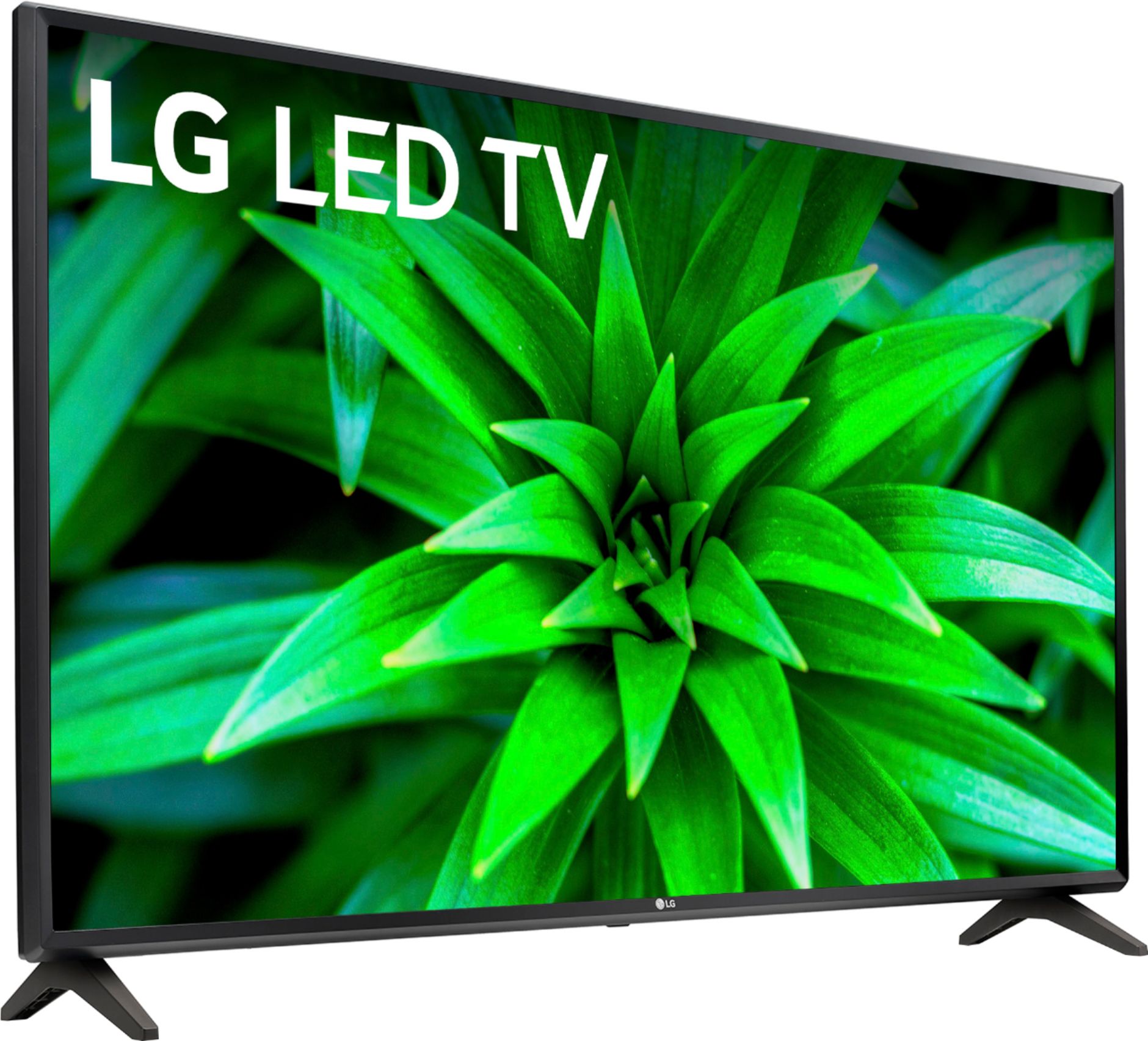
A:AnswerTV programming and cable programming is broadcast in either 720p or 1080i so 720p for our 32: TVs, including the LG 32 inch Class 720p Smart HD TV (31.5'' Diag), Model # 32LM570BPUA is adequate...^IFV
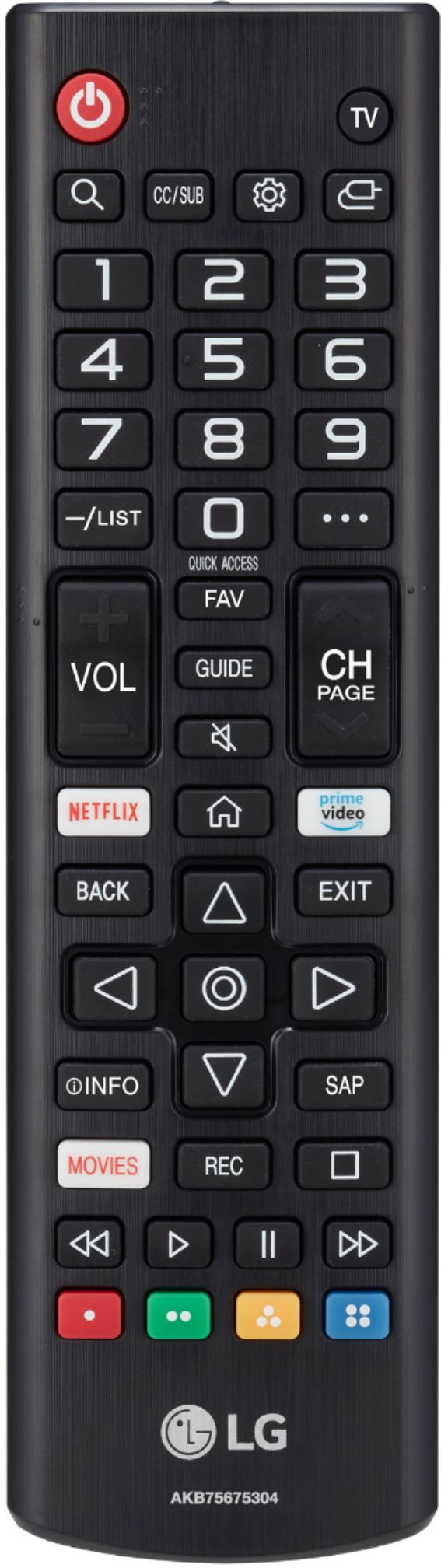
A:AnswerThe LG 32 inch Class 720p Smart HD TV (31.5'' Diag), Model # 32LLM570BPUA features a Full Web Browser that can be accessed form the TV's home screen by pressing the home button on the TV's remote control...^IFV
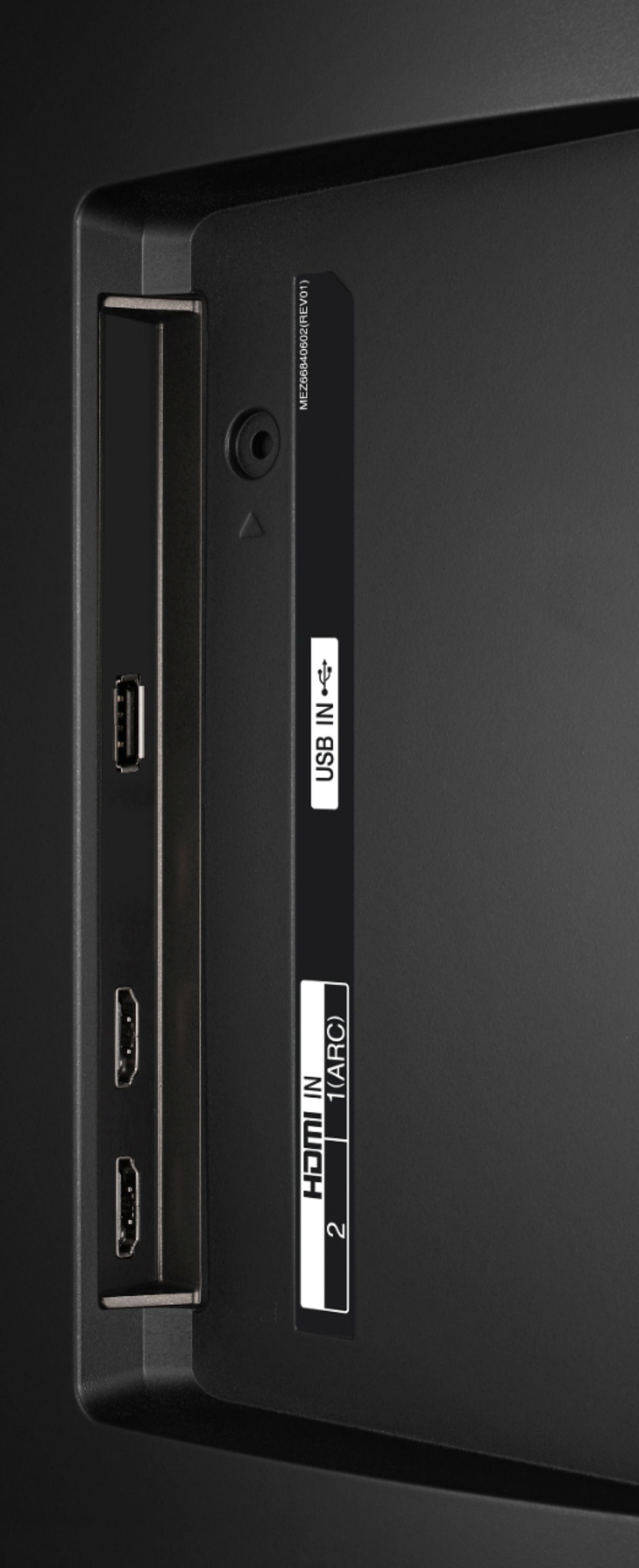
A:AnswerHi Iwi. Please pardon us, but we are not quite clear on your inquiry and will require some clarification. If you are inquiring if you can play video files on a USB storage device connected to the USB port on the LG 32 inch Class 720p Smart HD TV (31.5'' Diag), Model # 32LM570BPUA, you can connect a USB storage device (USB HDD, USB stick) to the USB port on the TV to enjoy the content files stored on the USB storage device on the TV. The USB storage devices must be formatted with the FAT32 or NTFS file system provided by Windows OS. It is recommended that you use an external USB HDD with a rated voltage of 5V or less and a rated current of 500 mA or less and it is recommended that you use a USB stick of 32 GB or less and USB HDD of 2 TB or less...^IFV
A:AnswerHi Dave. Regrettably, the LG 32 inch Class 720p Smart HD TV (31.5'' Diag), Model # 32LM570BPUA does not support Bluetooth so it cannot be paired with your Bluetooth hearing aids...^IFV
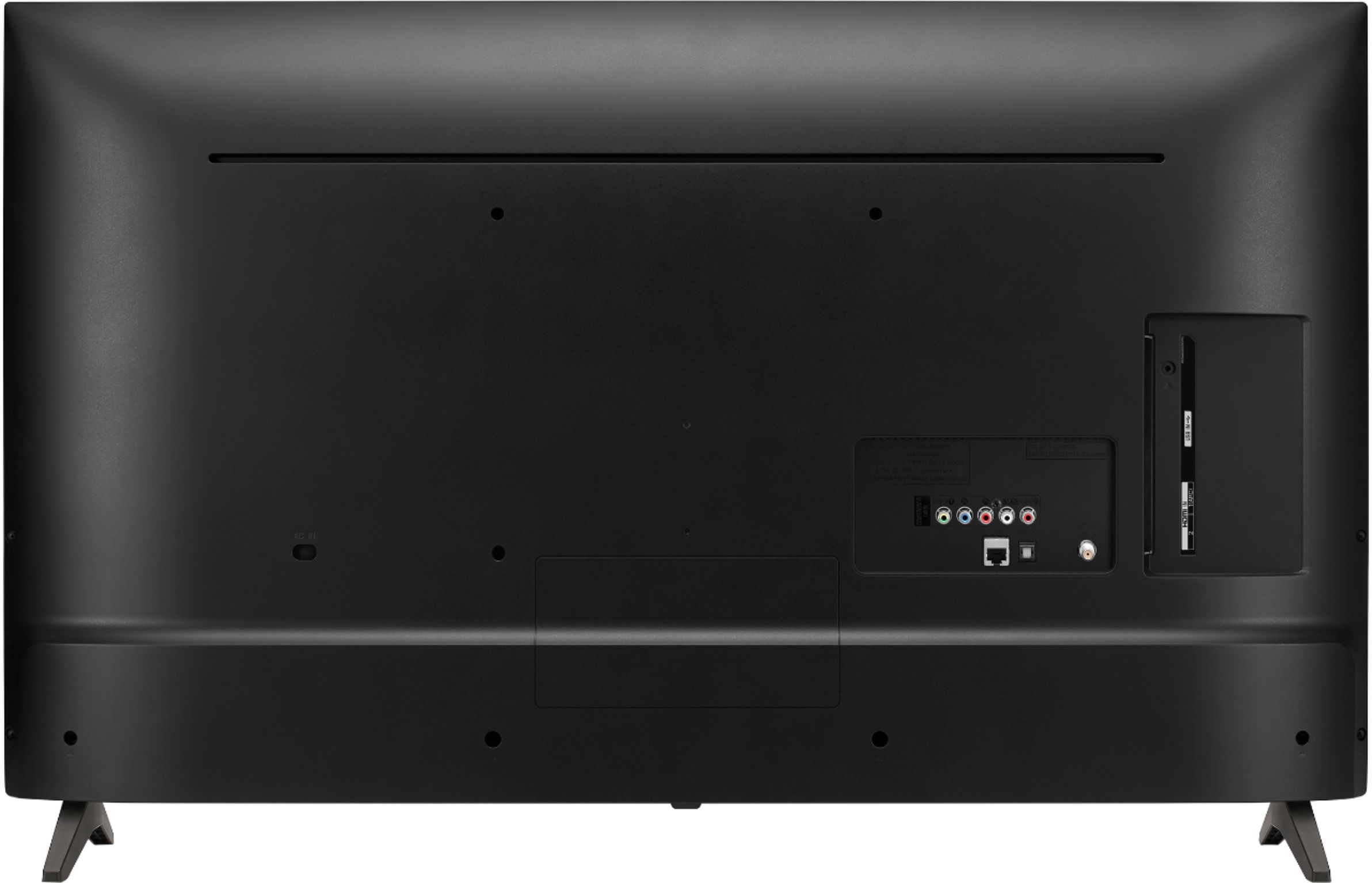
A:AnswerIt is possible to link up just about any kind of audio/video device. This includes two television systems. The LG 32 inch Class 720p Smart HD TV (31.5'' Diag), Model # 32LM570BPUA has an HDMI ARC port on it that you might be able to connect to another 32LM570BPUA's HDMI ARC port so you can view the same programming, without have two different cable receivers or antennas...^IFV
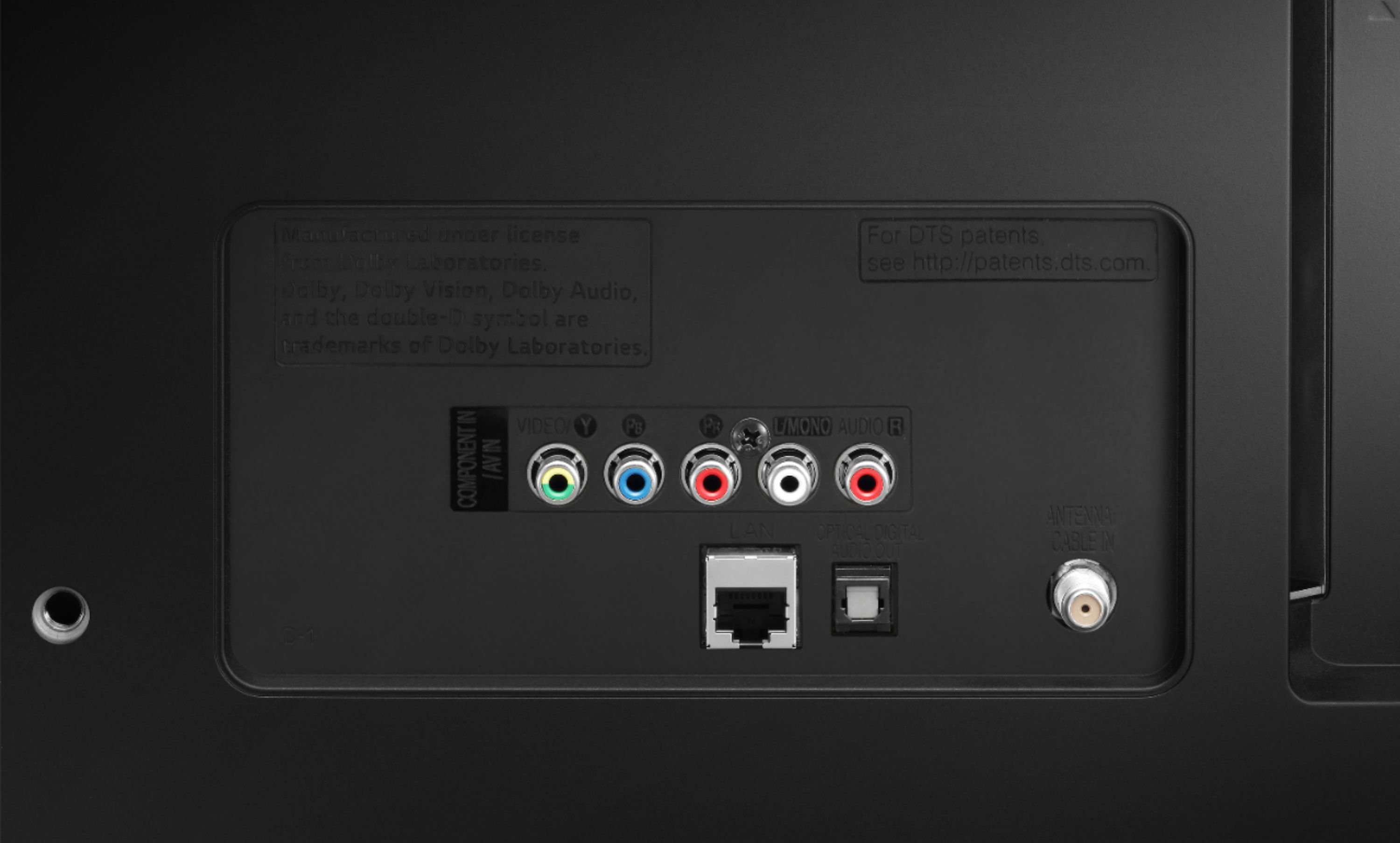
A:AnswerThe LG 32 inch Class 720p Smart HD TV (31.5'' Diag), Model # 32LM570BPUA has a built-in Wi-Fi Certified 802.11ac module so it can be connected wirelessly to a router and it also has an Ethernet port that you can use for a wired connection to a router...^IFV
A:AnswerHi LizD. A hotspot is a physical location where people may obtain Internet access, typically using Wi-Fi technology, via a wireless local-area network (WLAN) using a router connected to an Internet service provider. A mobile hotspot can be used with several devices at once, and they usually give you a 30-foot range. Since it's so convenient, a mobile hotspot is the most common way of sharing phone internet with another device. You can absolutely use your smartphone to provide an internet your laptop or to the TV connection to Depending on your device and your provider, it shouldn't be that difficult to set up wifi tethering (or a “personal hotspot,” as it's also called) on an Android or iOS phone. LG 32 inch Class 720p Smart HD TV (31.5'' Diag), Model # 32LM570BPUA has a built-in Wi-Fi Certified 802.11ac module. You can use the Screen Share feature on the TV to connect it to your smartphone. When you enable Screen Share on the phone, the TV should appear in a list of available devices from which you can select the TV to request a connection. Once the connection is established, you should be able to see your smartphone's screen displayed on the TV. If you need assistance with this, please contact our Support Center at (800) 243-0000...^IFV
A:AnswerHi Anna. The LG 32 inch Class 720p Smart HD TV (31.5'' Diag), Model # 32LM570BPUA has a native resolution of 1,366 x 768 (referred to as 720p) and it features 2 x HDMI ports that you can connect a gaming console like an Xbox or PlayStation. Check to see what resolutions your Xbox supports...^IFV
A:AnswerYes, YouTube TV app is in the LG Content Store (App Store). For a complete listing of available apps, please visit: https://us.lgappstv.com/main/tvapp. ^Daphane
A:AnswerLG does not enumerate its webOS version anymore. The LG 32 inch Class 720p Smart HD TV (31.5'' Diag), Model # 32LM570BPUA is a 2019 model and is compatible with the Plex app. If you had to assign a number to the webOS version, it would be webOS ver. 4.5...^IFV