A:AnswerLG TVs do not support Chromecast. Unfortunately, this TV does not support screen mirroring technologies such as Miracast and Apple Airplay2. ^Daphane
A:AnswerPlease reach out to our support team via private message on Facebook @LGUSSupport and use #VOC in your first message to our social media support team or call at 800-243-0000. Also, be sure to provide your contact information, model/serial numbers and date of purchase. ^Daphane
A:AnswerI am not sure about a sale price or promotions/rebates. Please visit https://www.lg.com/us/uhd-4k-tvs to browse available TVs. Review the specifications to see if there is a headphone jack on specific models. Another option for hearing aids is connecting to the TV via Bluetooth plus using the TV internal speakers. To confirm the TV has Bluetooth connectivity review the specifications. ^Daphane
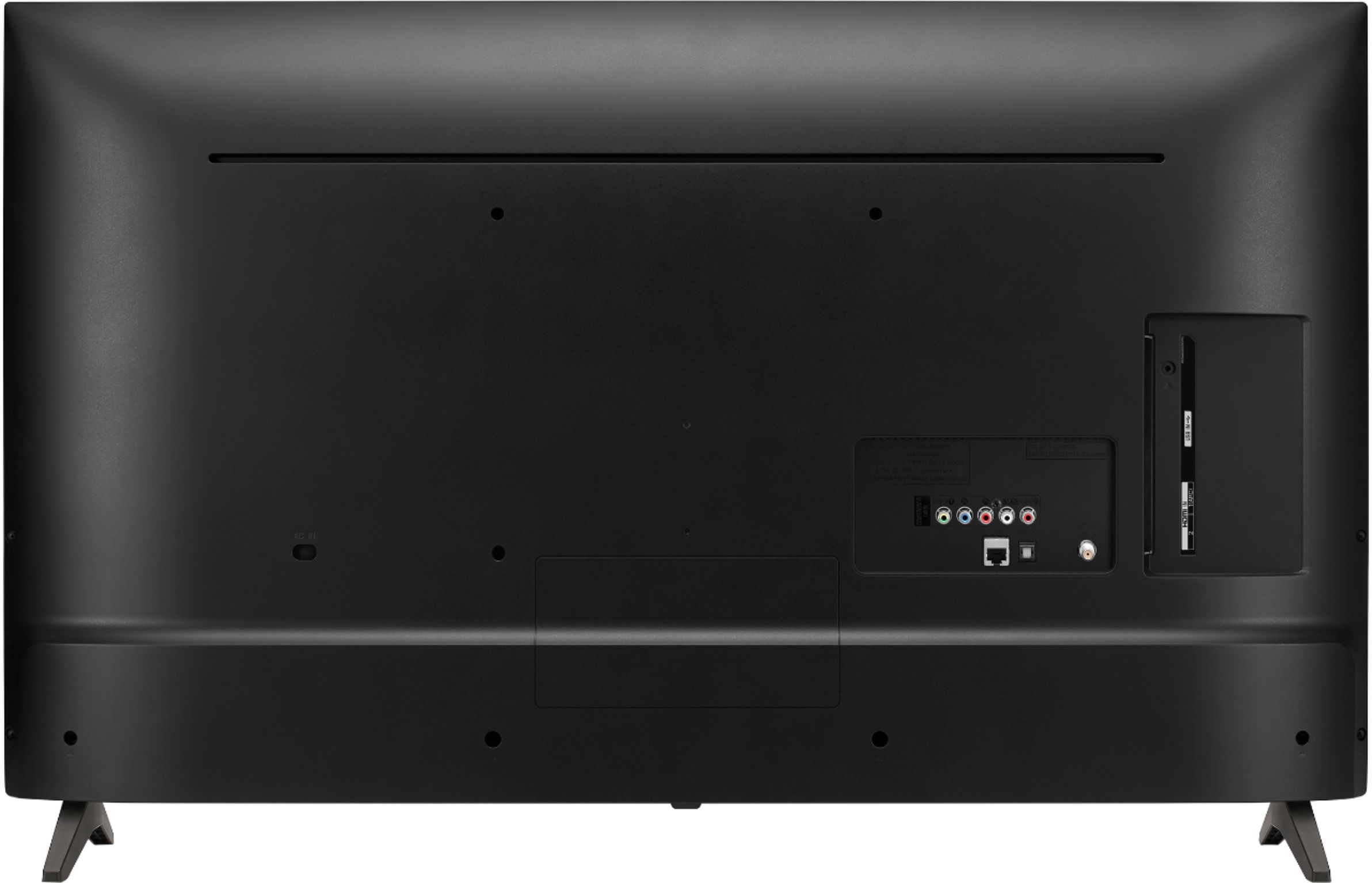
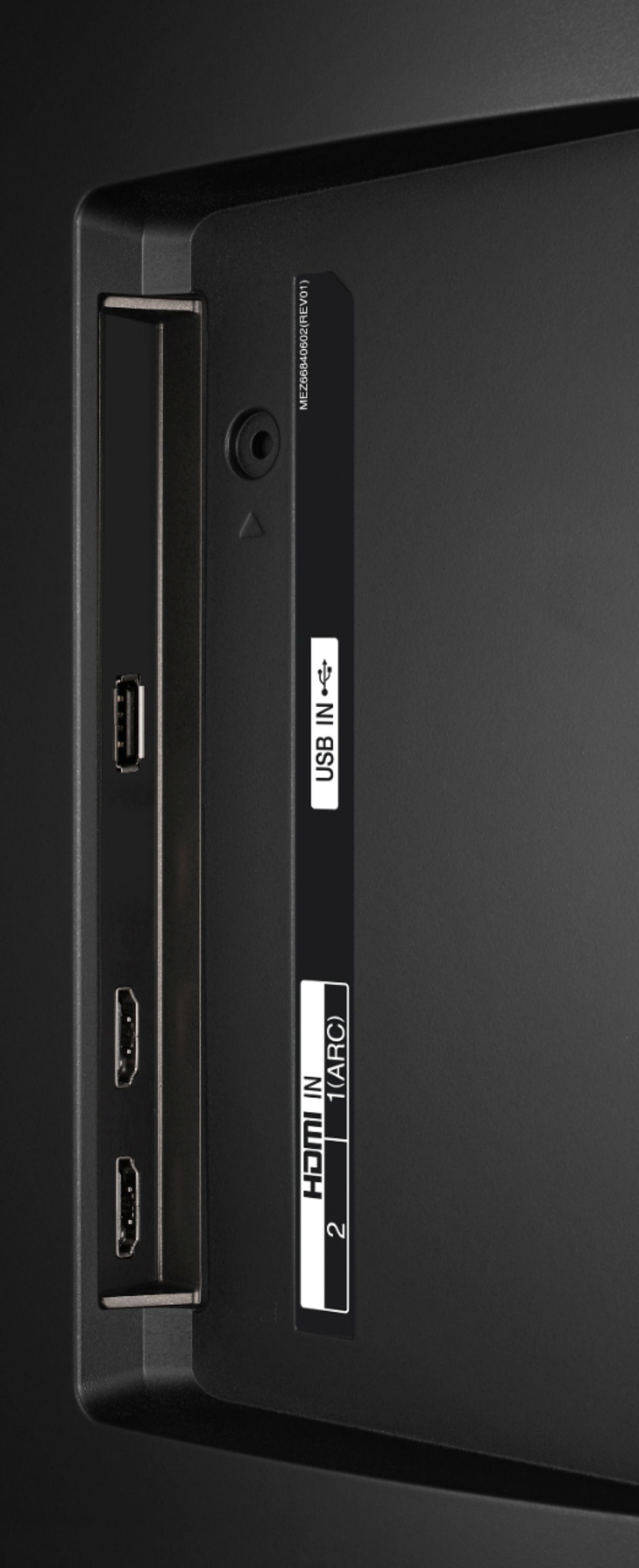
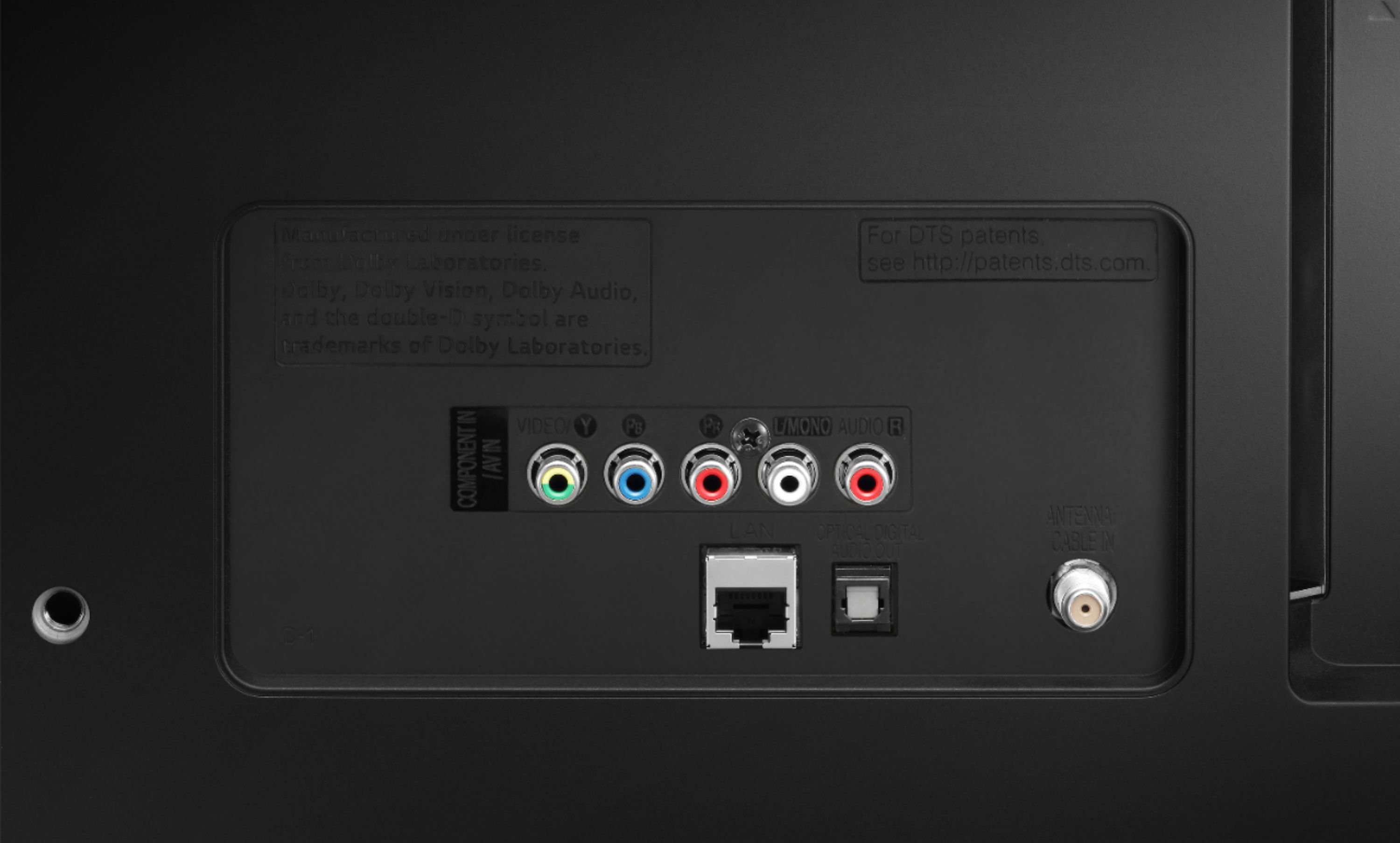
A:AnswerYou can use the TV as a monitor HDMI Input. There are no other ports on the TV that will support a PC/laptop. So depending on what you have available on the PC, you'll need to buy the appropriate adapter. ^Daphane
A:AnswerThe ap loads, but it doesn't run well... Tons of buffering and sketchy streaming. Even tried plugging directly to router, same results. Do not buy to work with XFinity. Go with a Samsung set, no problems with them.
A:AnswerYes, the TV has Smart Phone Connectivity. You can screen share using the app LG TV Plus which is available in your app store. With the LG TV Plus app, control your smart TV, view photos, and play videos and music from your phone on the big TV screen. ^Daphane
A:AnswerYes, the TV features HDR (High Dynamic Range)- Active HDR (HDR10, HLG) and HDR Dynamic Tone Mapping with HDMI inputs. This TV does not have any version 2.1 HDMI inputs and will not support 4K@120Hz. ^Daphane