A:AnswerPlease reach out to our support team on Twitter via @LGUSSupport or on Facebook at https://www.facebook.com/LGUSA/.You can also try the LG Community Forum; it is a great resource for getting help from other LG customers: https://lgcommunity.us.com. ^Daphane
A:AnswerYes, this monitor can be used to display two computer inputs on one screen using split function of On Screen controls. ^Daphane https://www.lg.com/us/monitors/lg-34WL500-B-ultrawide-monitor
A:AnswerThe color depth is 16.7M- Number of Colors and the brightness is 250 cd/m². ^Daphane https://www.lg.com/us/monitors/lg-34WL500-B-ultrawide-monitor
A:AnswerHi Dezu. The LG 34WL500-B 34 Inch 21:9 UltraWide™ 1080p Full HD IPS Monitor with HDR, Model # 34WL500-B is not 508 compliant. LG Electronics is committed to providing access to our LCD Monitors for individuals with disabilities and is in compliance with Section 508 regarding accessibility of Electronics andInformation Technology products and services for the disabled. There are other LG LCD monitors with the technical standards for “Video and Multimedia Products” as defined under Section 508, Subpart B 1194.24 that support Section 508 guidelines, that LG has reviewed to ensure they meet the required guidelines for compliance...^IFV
A:AnswerThe LG 34WL500-B 34 Inch 21:9 UltraWide™ 1080p Full HD IPS Monitor with HDR is a 21:9 Aspect Ratio monitor with a native resolution of 2560 x 1080 which is a 21:9 Aspect Ratio resolution. Your GPU has to match the monitor's native resolution to that images sent from your connected PC/Laptop are not stretched. Check the settings for your GPU to see if it supports the monitor's native resolution and Aspect Ratio and make sure that you select the correct resolution and Aspect Ratio if it does...^IFV
A:AnswerThe LG 34WL500-B 34 Inch 21:9 UltraWide™ 1080p Full HD IPS Monitor with HDR requires a DC input voltage of 19V, 2.0 Amps and it comes with an AC/DC Adapter that has an AC voltage input of 100 ~ 240V and outputs a DC voltage of 19V, 2.1 Amps...^IFV
A:AnswerYou will need to download and install LG's On-Screen Control 2.2 software for the LG 34WL500-B 34 Inch 21:9 UltraWide™ 1080p Full HD IPS Monitor with HDR which will give you 10 different Split Screen options and 4 different PIP options. The 4 Screen Split is the most number of split screens you can have...^IFV
A:AnswerThe "L" in the Model number for the LG - 34WL500-B 34" IPS LED UltraWide FHD FreeSync Monitor with HDR - Black identifies it as a 2019 model...^IFV
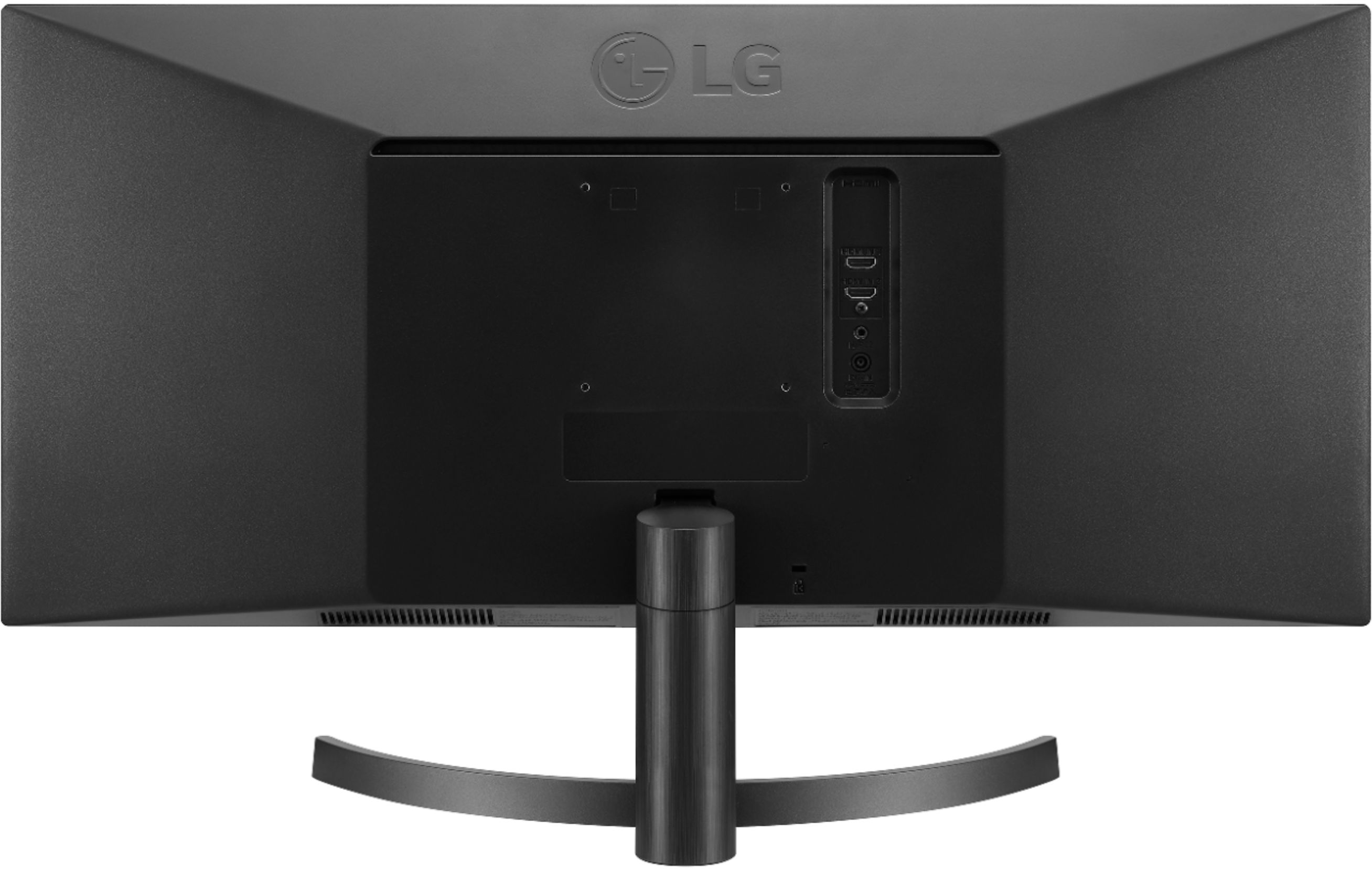
A:AnswerNo just that they provide is just an extra for an instructional video. I never even looked at it. The monitor is only a computer monitor and it must be hooked up to a computer through an HDMI cable
A:AnswerIn windows, go to display settings, select your resolution, if you don't see 2560x1080
Scroll to the bottom of display settings, go to advanced display settings, your screen should be selected, and look for list all modes, higher hz is better.
And if you still don't get what your looking for, update your cord.
Hdmi, VGA, display port, etc
A:AnswerYes. This monitored had worked well with a multitude of systems including Mac and Windows. Definitely, my home office computer has a refresh rate of 60hz.