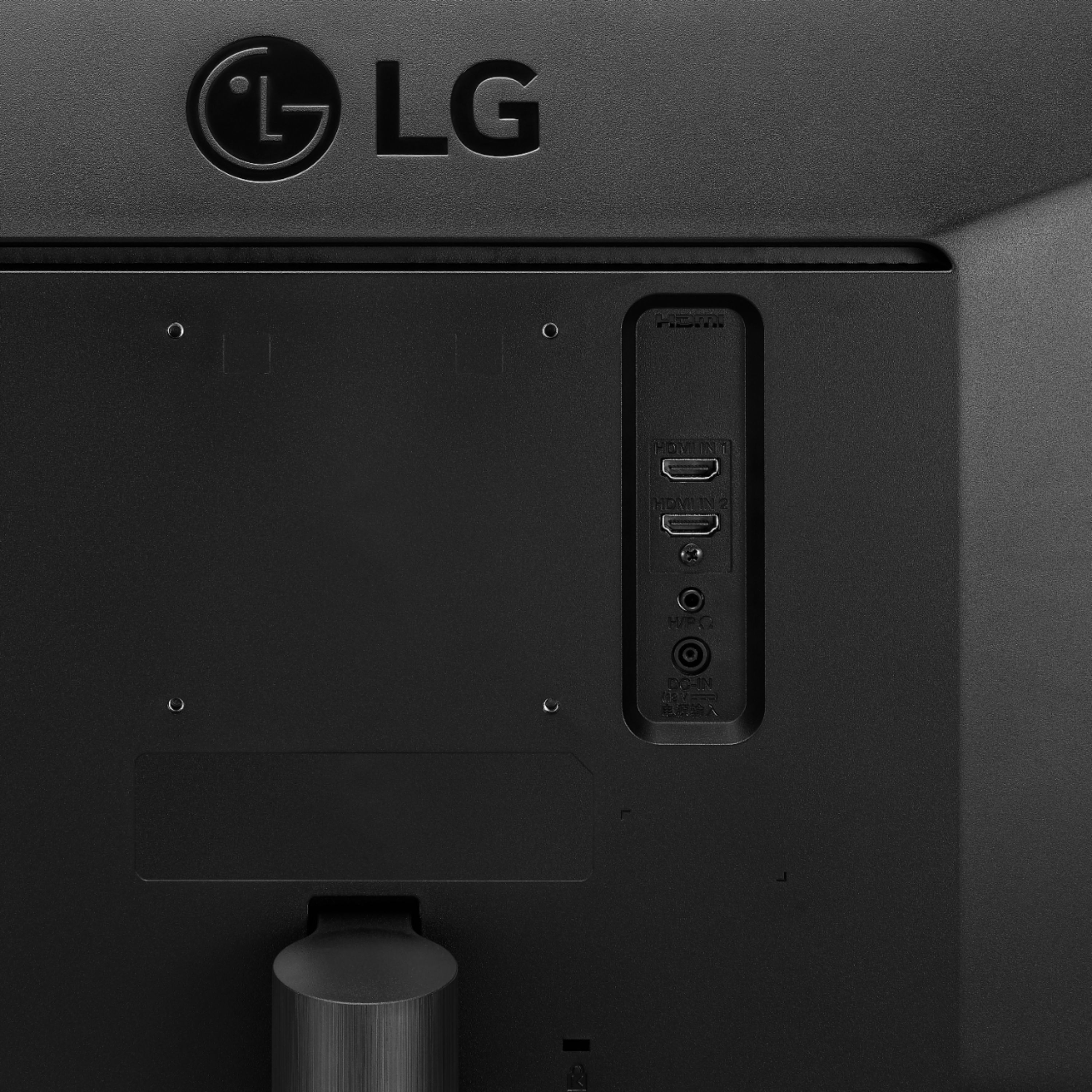
A:AnswerI had a display port cable attached that only let me select 1920x1080 max resolution, but switching to hdmi I was able to get the full 2560x1080 resolution. You might try some of the software from LG https://www.lg.com/us/support/software-firmware-drivers?customerModelCode=34WL500-B&csSalesCode=34WL500-B.AUS (I assume the "on screen controller" software just allows things like brightness changes, the other is 'dual controller' for mac, which might provide additional software support for it.) But in the end, I'd be suspicious of the cable first and foremost, as I think natively any modern OS should be able to output 2560x1080 resolution.
A:AnswerIt is similar. Split-screen mode allows you to do this on a single screen by dividing your computer screen into two halves ( by 3 or 4) so you can view different windows at the same time. Not only does this allow more screen real estate but it makes workflow more efficient. ^Daphane
A:AnswerI use a MacBook Pro with this monitor. The onscreen split software doesn’t work too well with it. Can’t say for sure about the older monitor but I surmise if you have e hub with available ports you should be able to use both.
A:AnswerPlease contact LG Customer Support by direct message via Twitter (@LGUSSupport) or Facebook Messenger (https://www.facebook.com/LGUSA/). Please be sure to provide your name, phone number, address, email, model/serial numbers, and date of purchase and we will be happy to assist you. We apologize for any inconvenience this has caused. ^Daphane
A:AnswerPlease contact LG Customer Support by direct message via Twitter (@LGUSSupport) or Facebook Messenger (https://www.facebook.com/LGUSA/). Please be sure to provide your name, phone number, address, email, model/serial numbers, and date of purchase and we will be happy to assist you. We apologize for any inconvenience this has caused. ^Daphane
A:AnswerPlease contact LG Customer Support by direct message via Twitter (@LGUSSupport) or Facebook Messenger (https://www.facebook.com/LGUSA/). Please be sure to provide your name, phone number, address, email, model/serial numbers, and date of purchase and we will be happy to assist you. We apologize for any inconvenience this has caused. ^Daphane
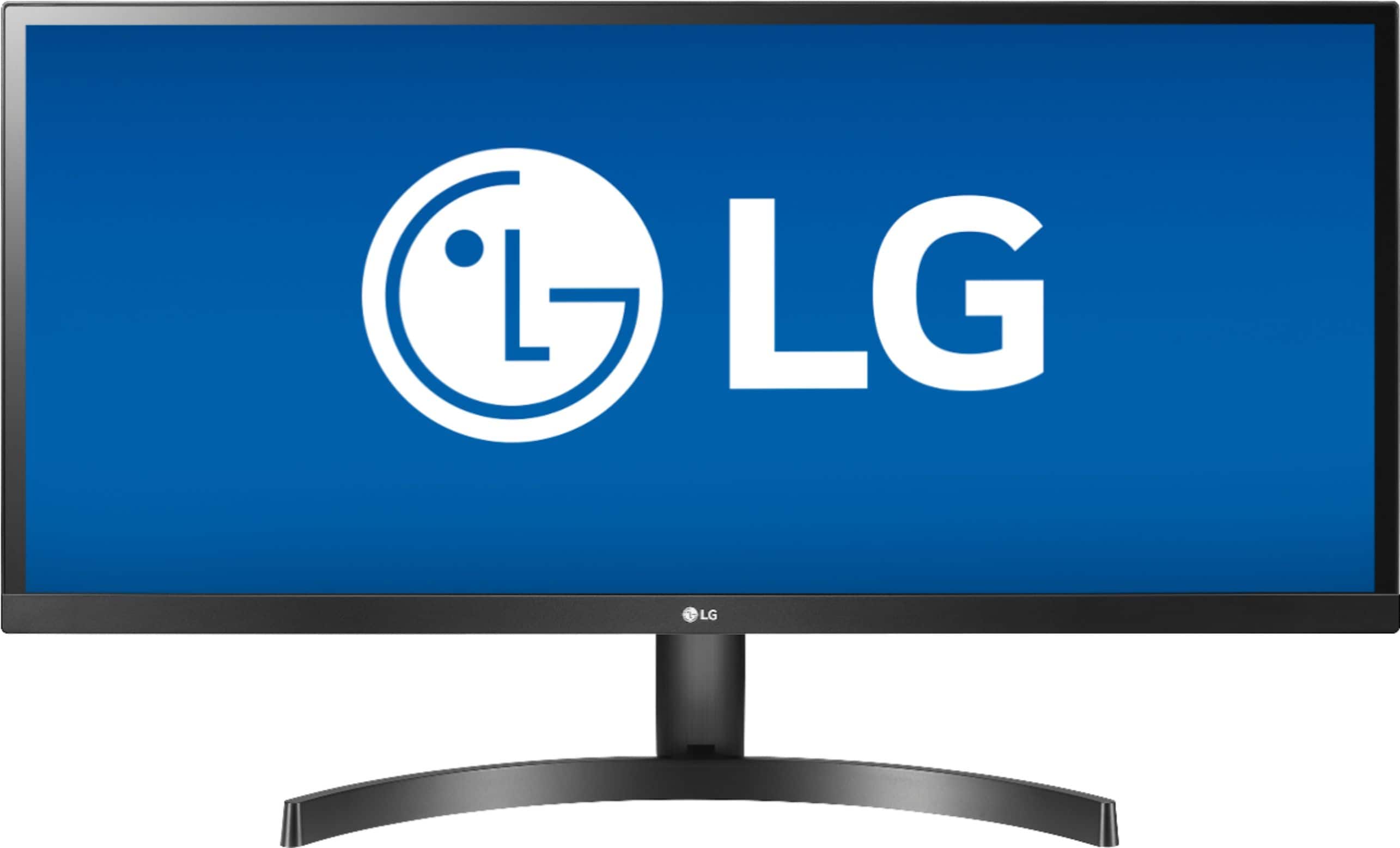
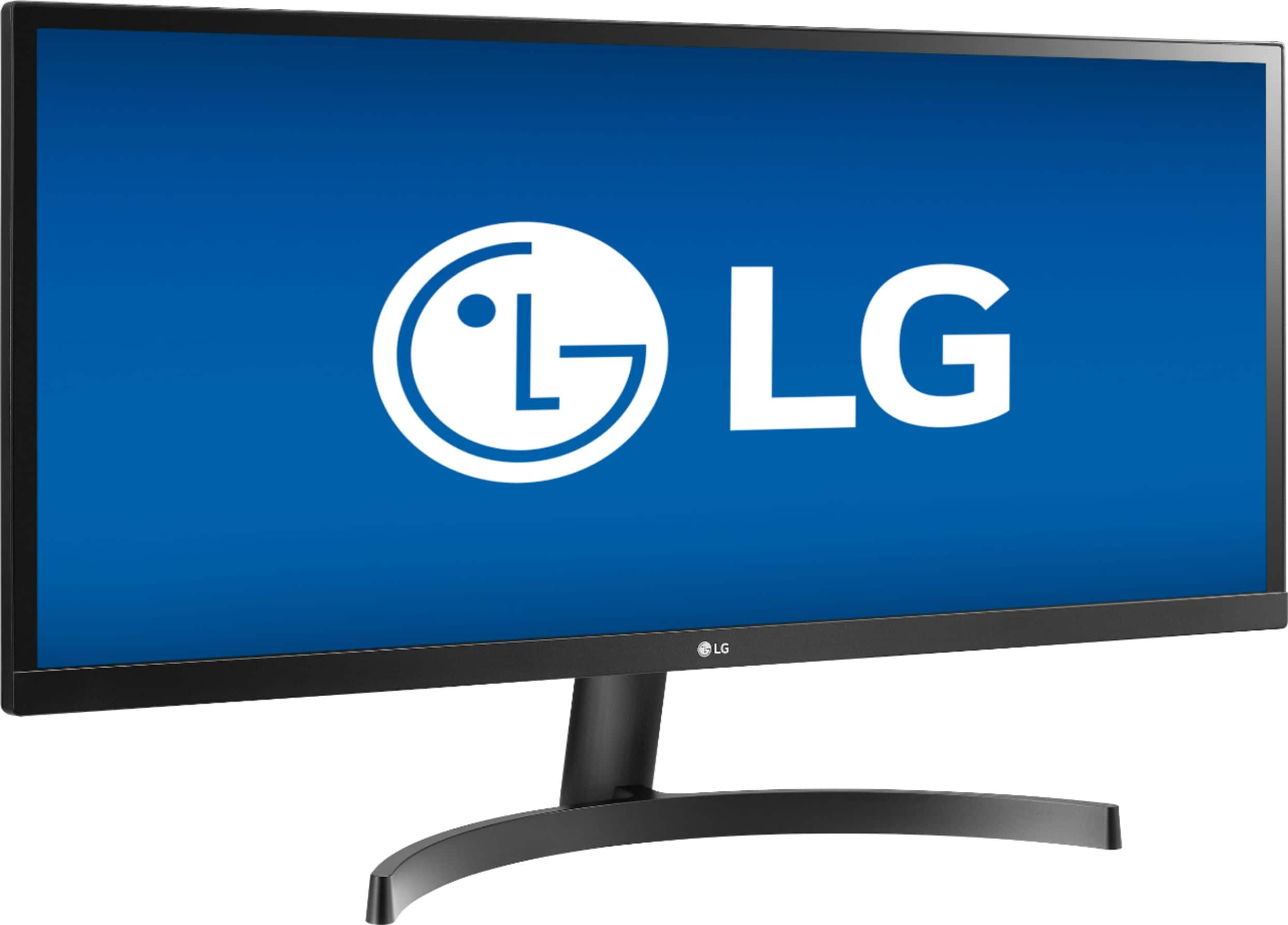
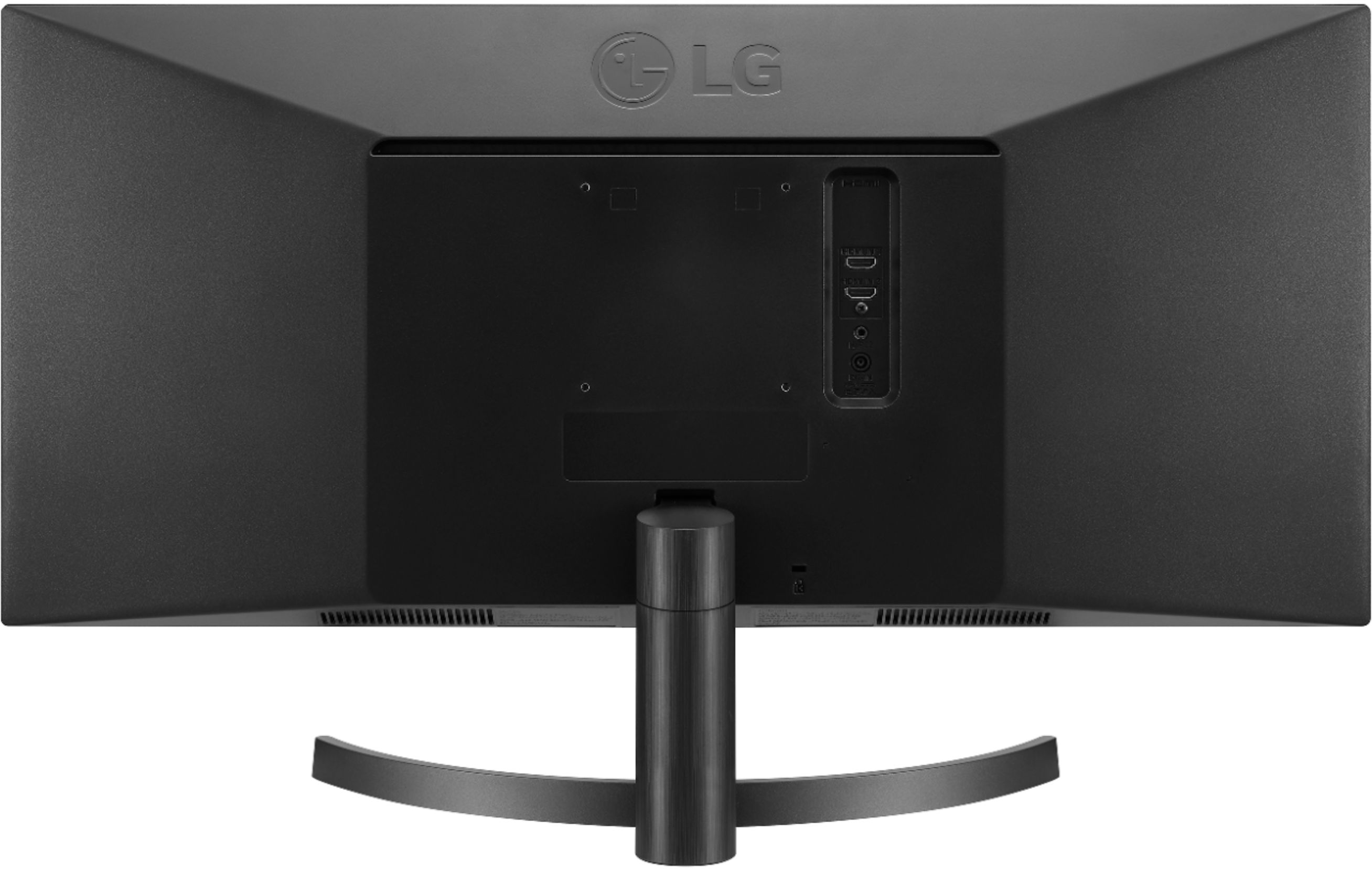
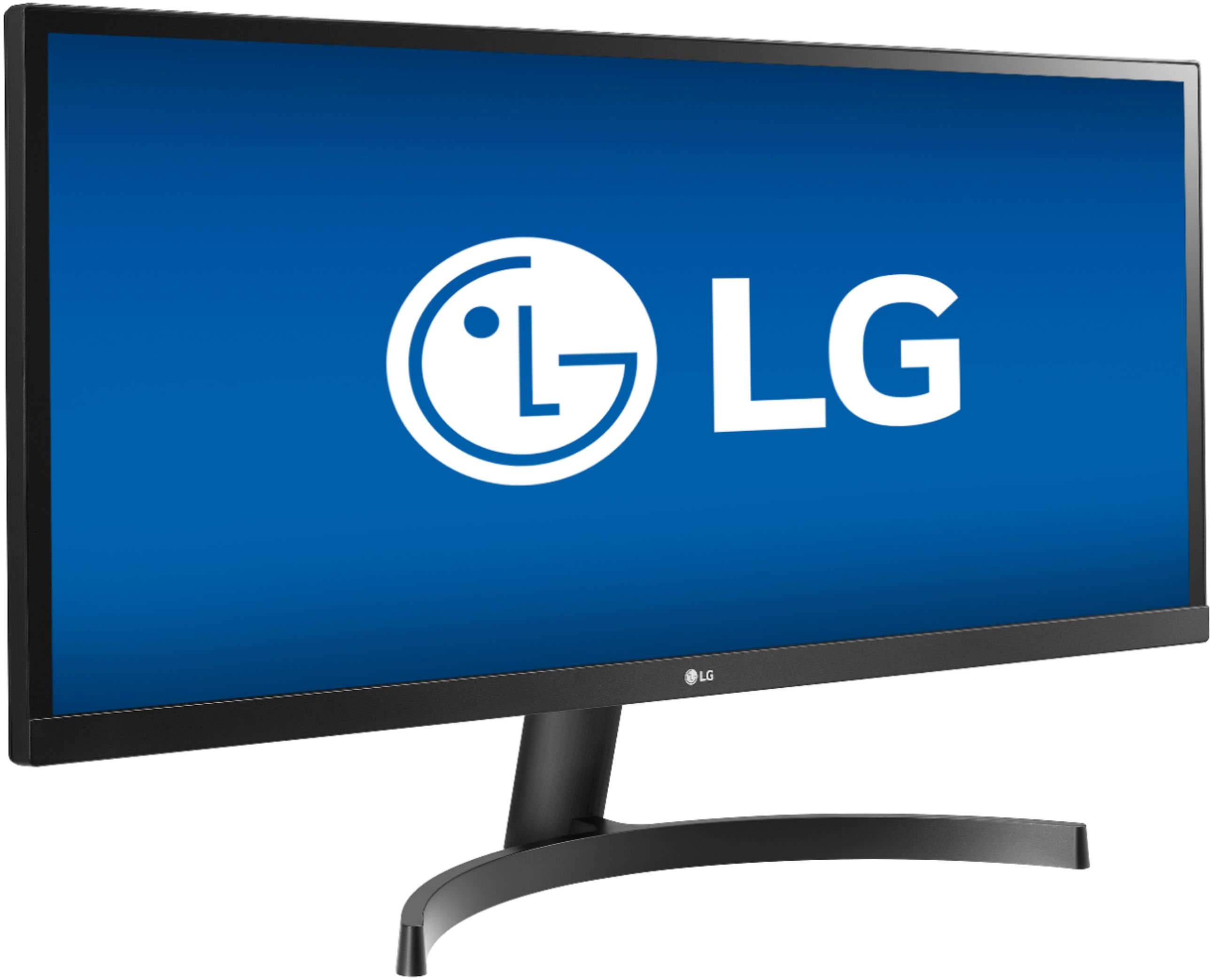
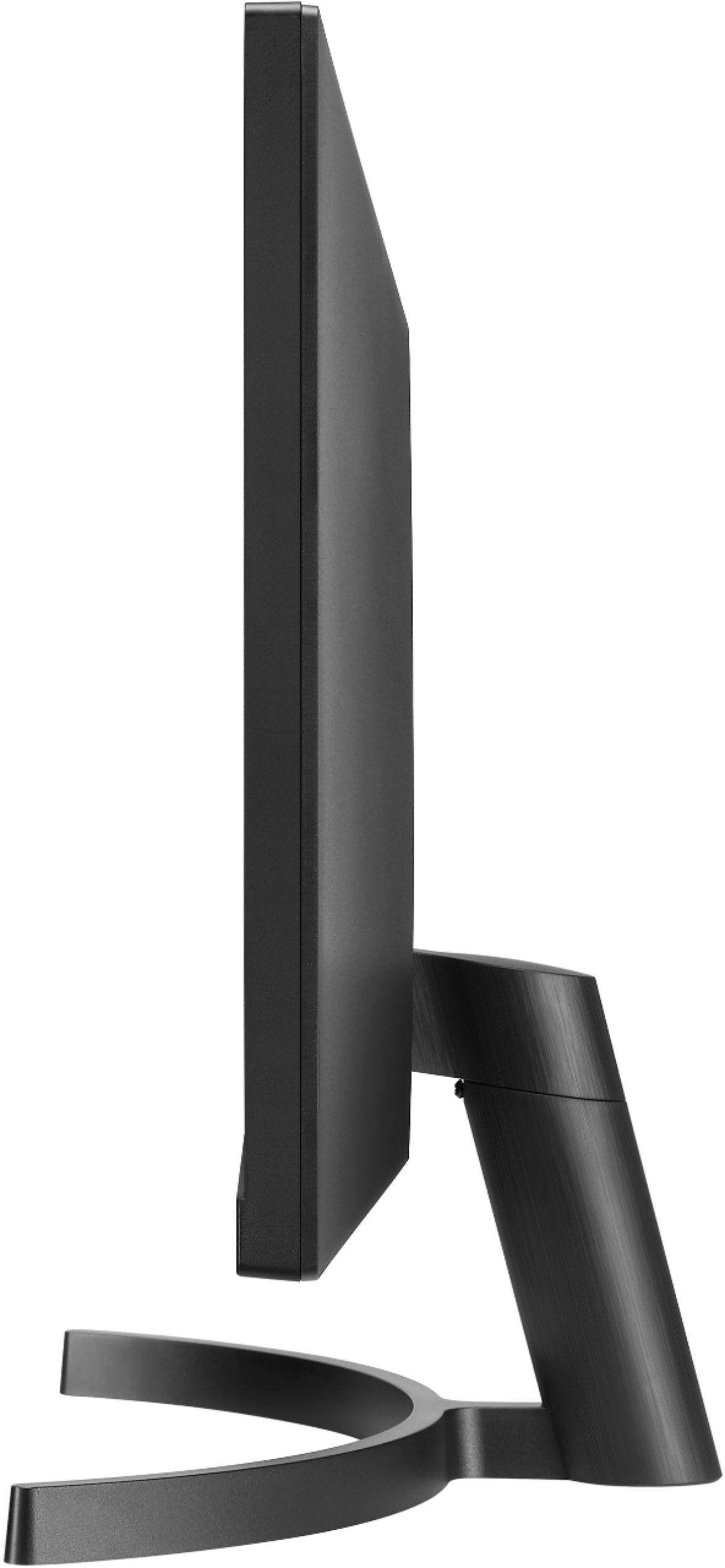
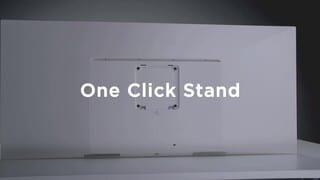
A:AnswerThe LG 34WL500-B 34 Inch 21:9 UltraWide™ 1080p Full HD IPS Monitor with HDR is a VESA compliant monitor that has a VESA Wall Mount Interface Pattern of 100 x 100 mm. Any VESA compliant Wall Mount, regardless of type, brand or manufacturer that supports the monitor's wall mount interface pattern can be used to mount the monitor. You can review wall mounts on Best Buy's site to see which ones best suit your needs or consult with their Sales Associates...^IFV
A:AnswerPlease reach out to our support team via private message on Facebook @LGUSSupport or call at 800-243-0000. Please be sure to provide your contact information, model/serial numbers and date of purchase. ^Daphane
A:AnswerHi Erin. The screws for attaching the stand for the LG 34WL500-B 34 Inch 21:9 UltraWide™ 1080p Full HD IPS Monitor with HDR are packaged as included accessories with the monitor. They can be ordered from our Authorized Parts Distributor Affiliate:
Encompass Parts Distribution
775 Tipton Industrial Dr. Suite F
Lawrenceville, GA 30046
https://lg.encompass.com ...^IFV
Sales: 866-779-7906
Fax: 800-552-1431
A:AnswerNeither a wall mount nor the screws to secure the bracket to the LG 34WL500-B 34 Inch 21:9 UltraWide™ 1080p Full HD IPS Monitor with HDR come as included accessories with the monitor. Those are provided with a new wall mount along with the screws to atach the wall mount to your wall...^IFV
A:AnswerThe LG 34WL500-B 34 Inch 21:9 UltraWide 1080p Full HD IPS Monitor with HDR,
has a native resolution of 2560 x 1080 which is an Aspect Ratio of 21:9 as indicated in the title description. Check to see what Aspect Ratio (might be Screen Fit or something similar) it can output. If it can only putput a 16:9 Aspect ratio then you will get black bars...^IFV