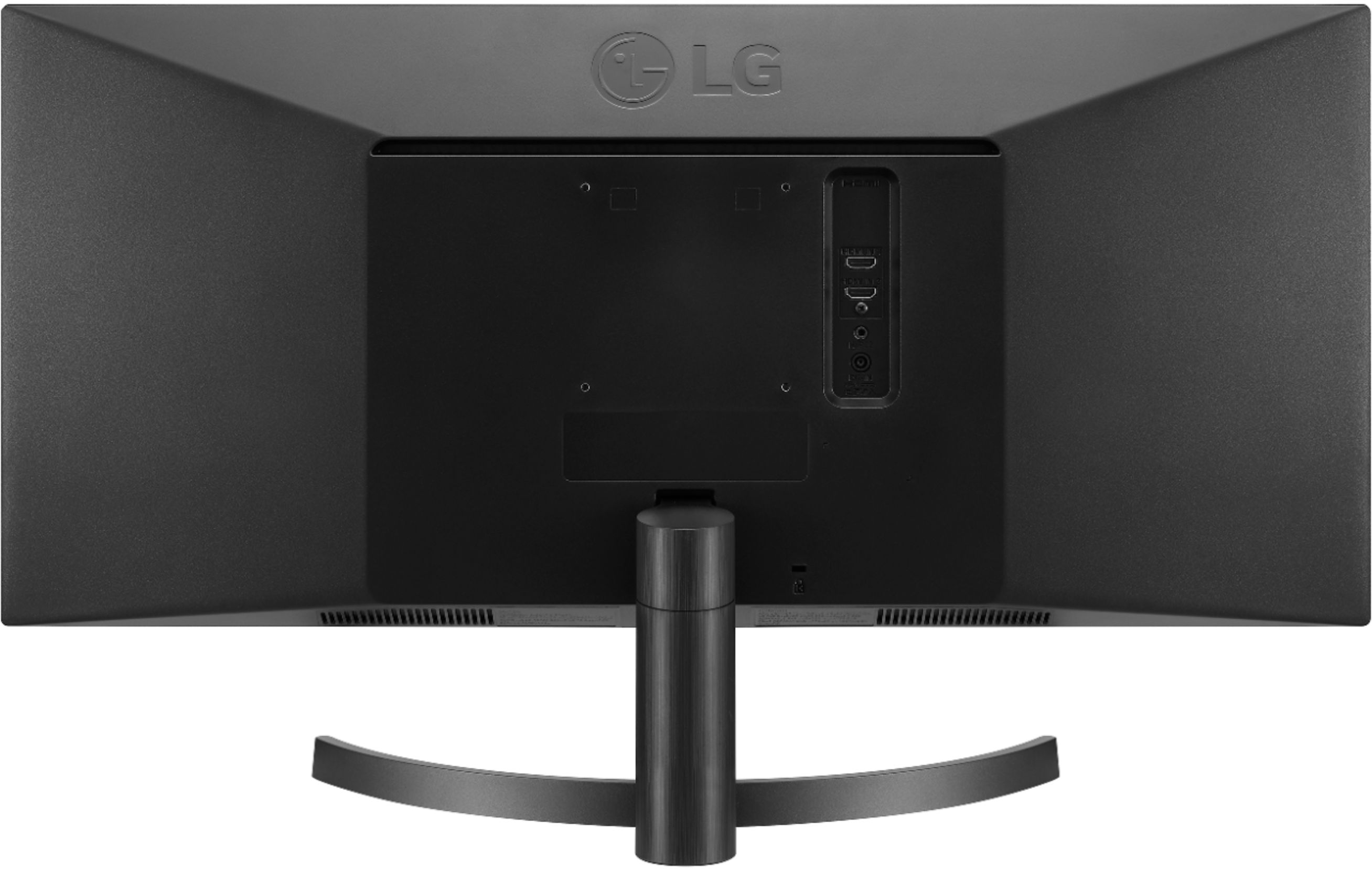
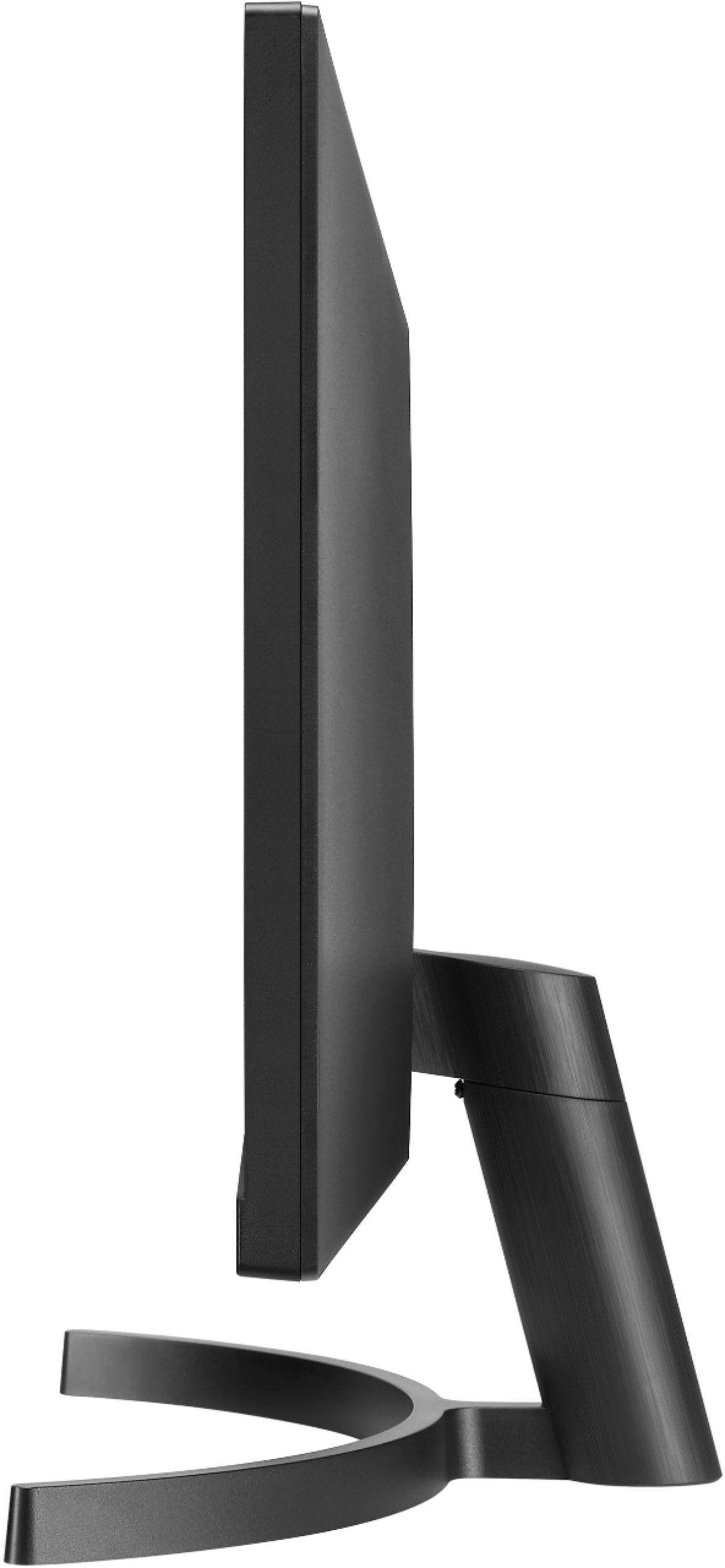
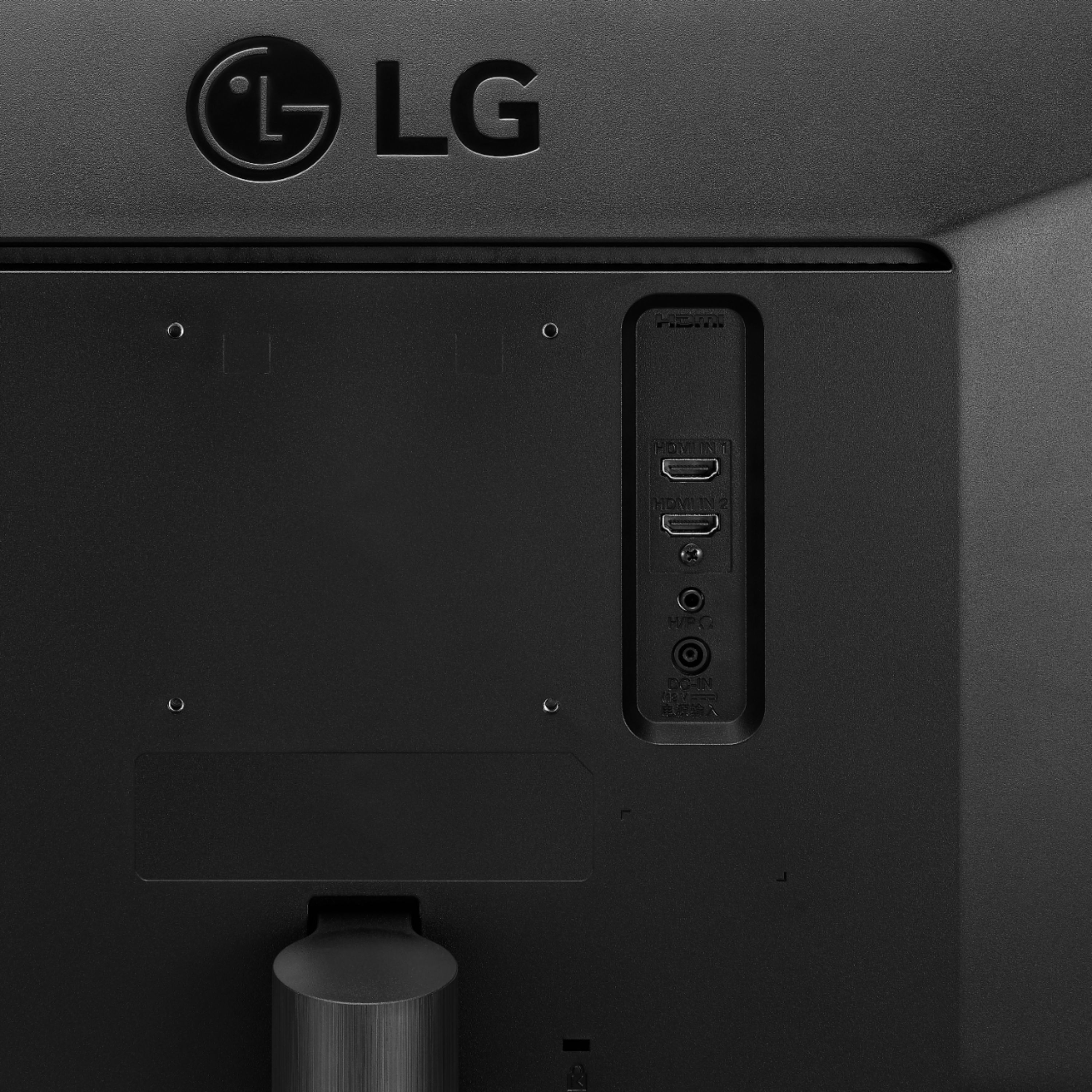
A:AnswerPage 7 of your owner's manual for the LG 34WL500-B 34 Inch 21:9 UltraWide™ 1080p Full HD IPS Monitor with HDR recommends the optional LG Wall Mount Plate, Model # LSW 149. You can contact our Support Center at (800) 243-0000 for assistance with where to order it from...^IFV
A:AnswerNo integrated camera.
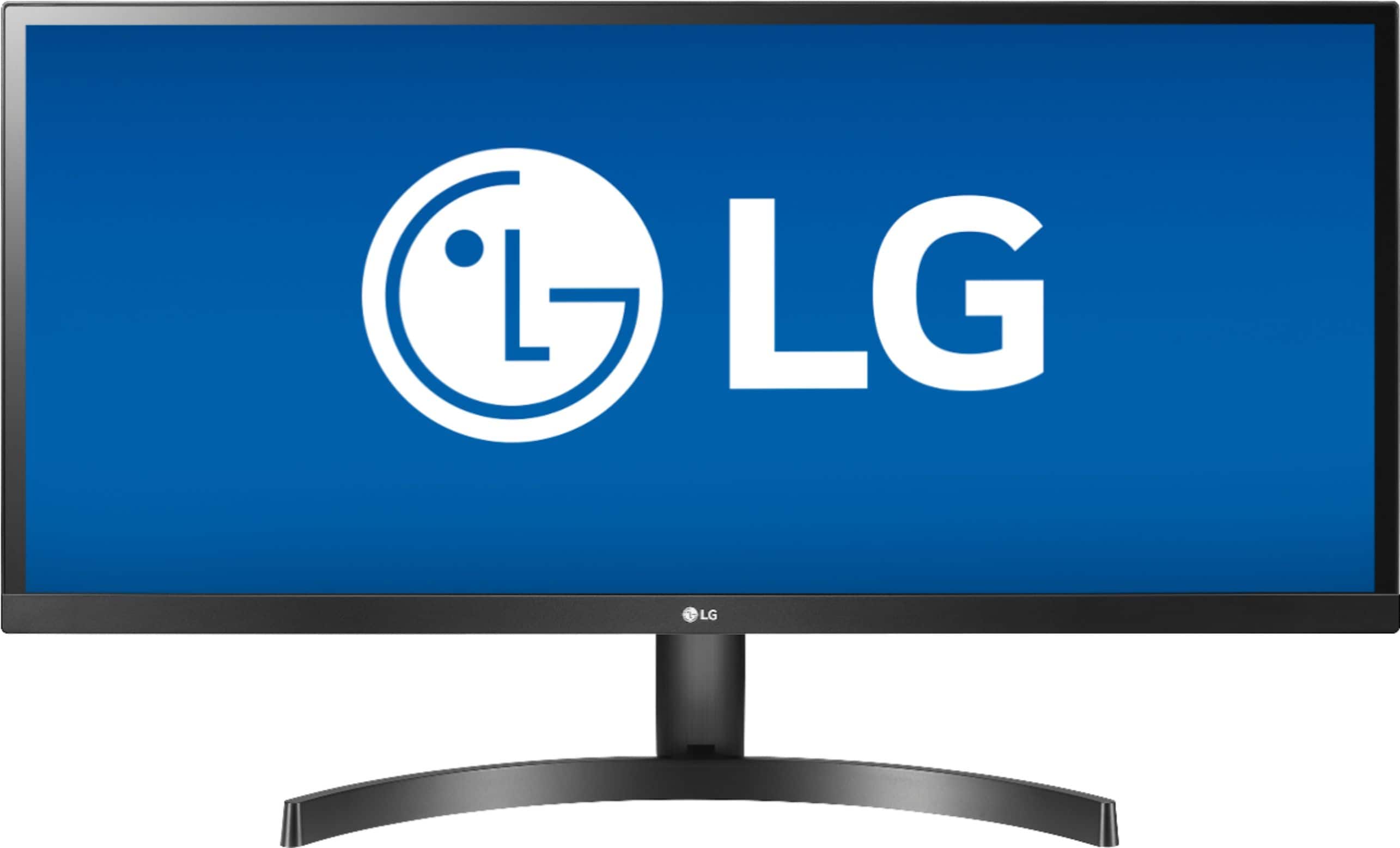
the whole concept of this screen is that if you have multiple documents that you are working with, and want to view them side by side, instead of flipping between them, this monitor is great for that.
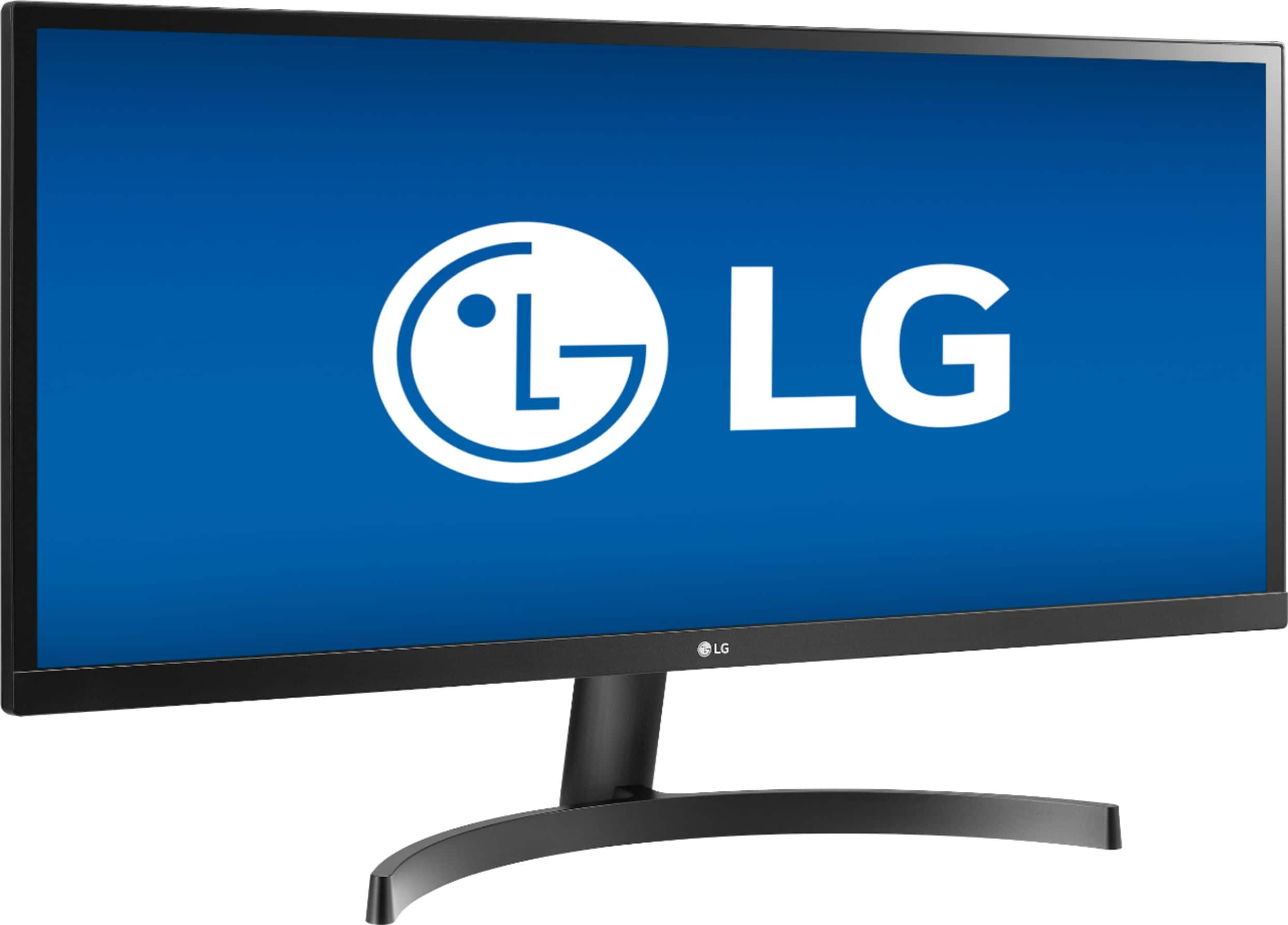
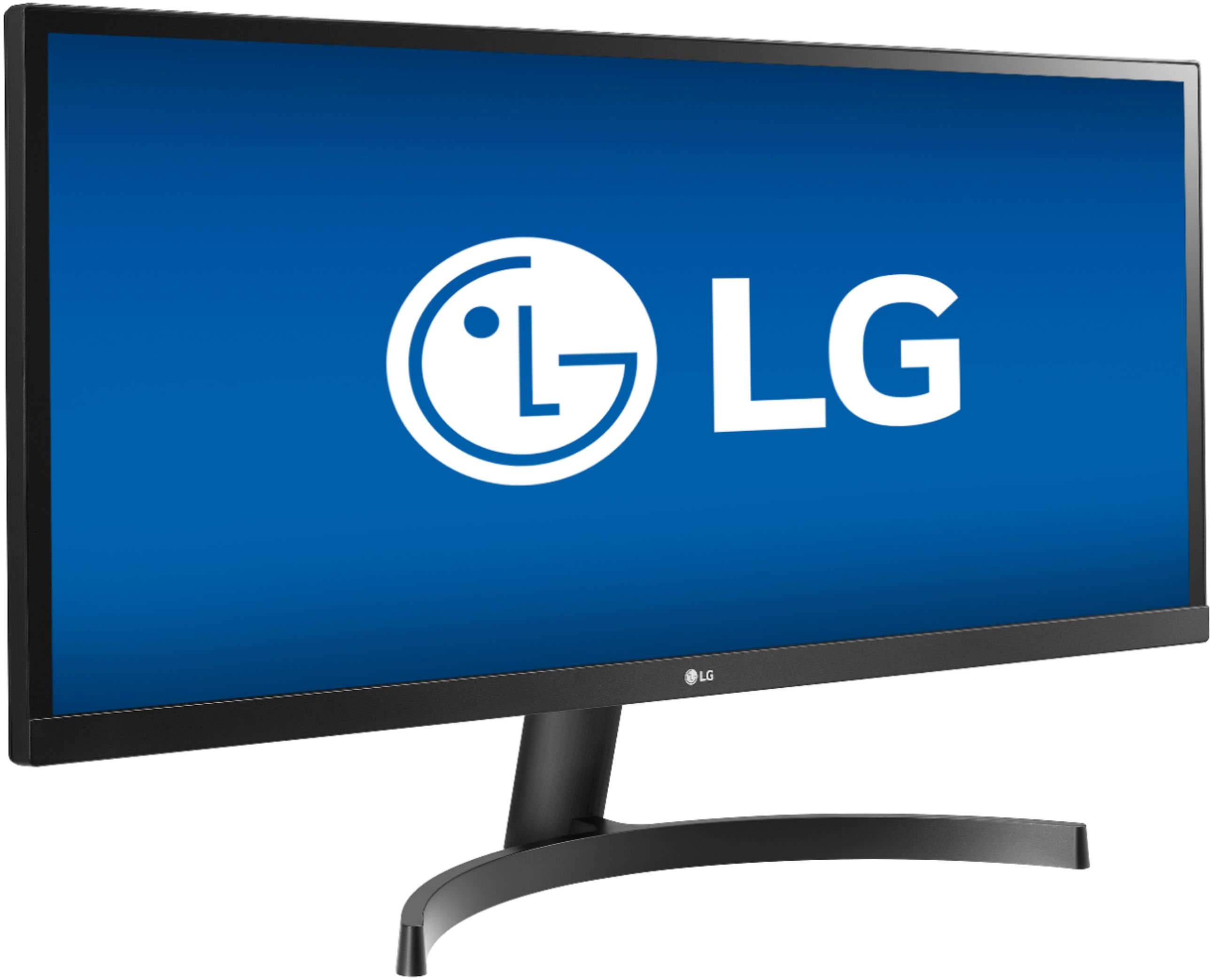
it is a wide -screen -- which I did not understand at first when I bought it.
It allows 3 full size documents to be open side by side, as well as a variety of other picture placement configurations.
A:AnswerThis depends on the video settings of the game, your computer and the monitor. The 34WL500-B does have the ability to play games full screen. ^CP
A:AnswerCan be mounted to wall or desk. I personally have mine on the Amazon Basics full motion desk mount so I didn’t have to drill more holes in my wall.
A:AnswerMost any VESA-compliant mount will work. But, you'll need four 45-mm long M8 machine screws. The mount I bought came with a bunch of other lengths but not that one. I'm having to track them down separately.
A:AnswerIt’s a standard HDMI display so video from Apple TV should be fine. However, there are no built-in speakers, but if you have HomePods or AirPlay speakers you’ll be fine.