A:AnswerTL;DR
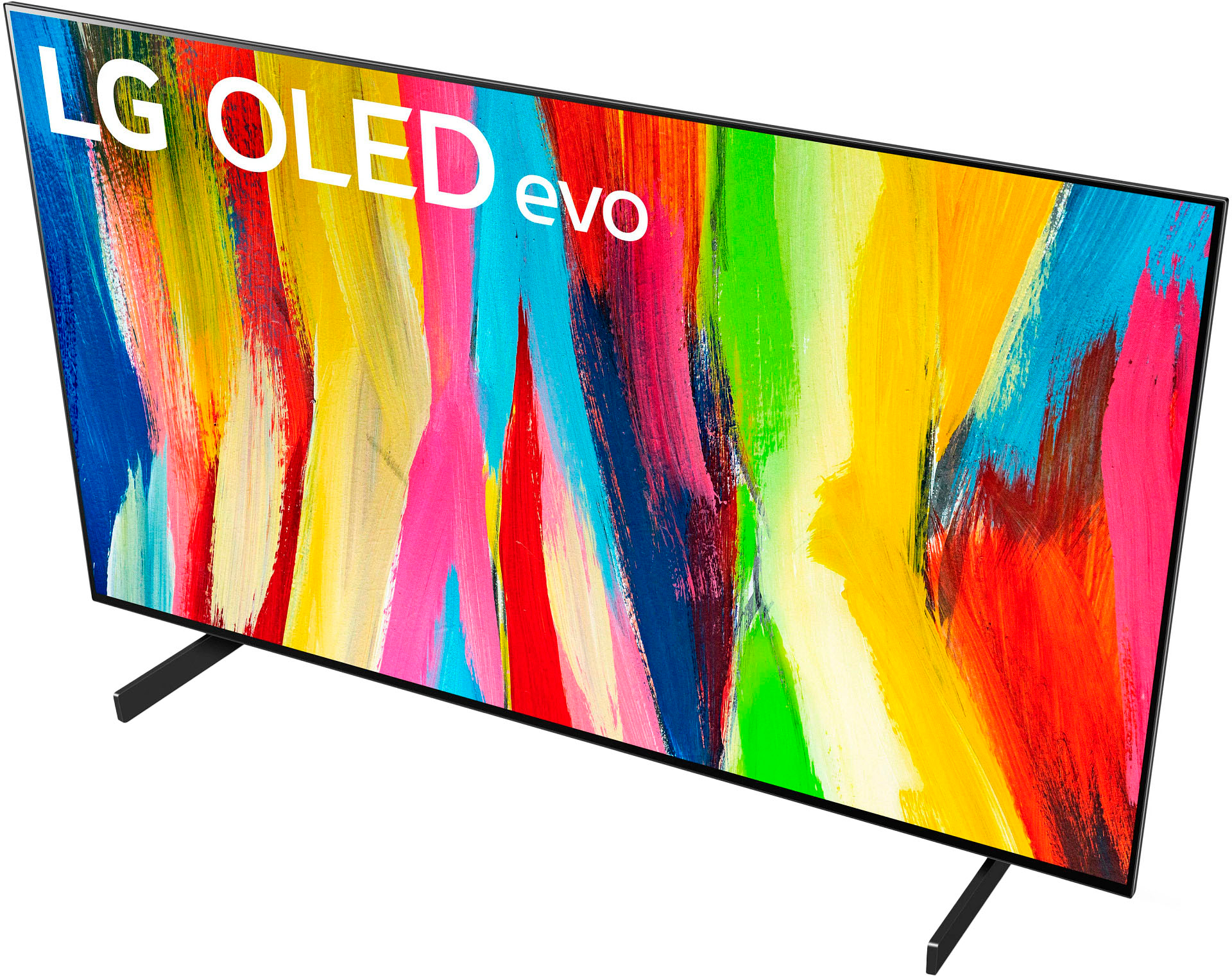
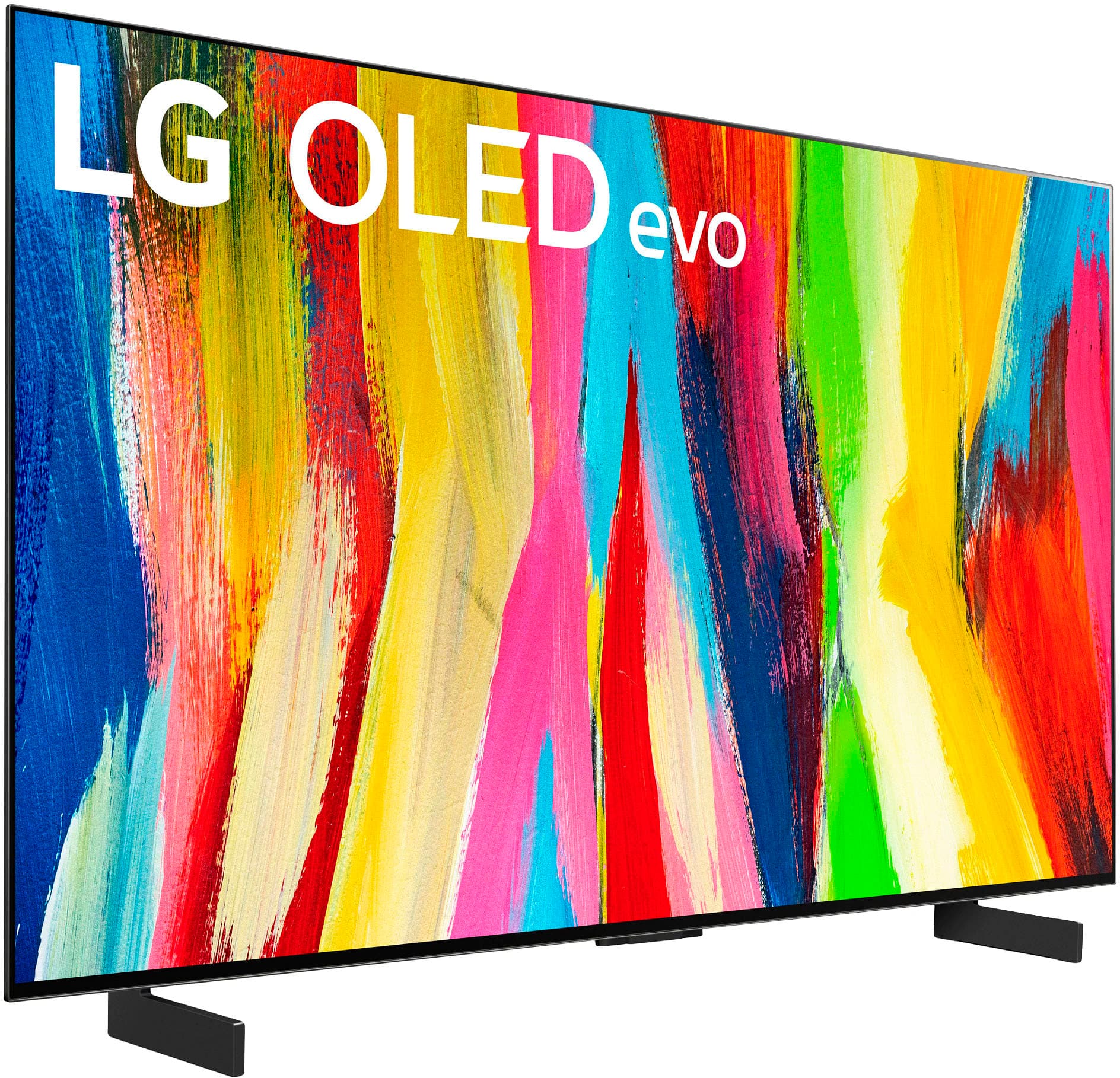
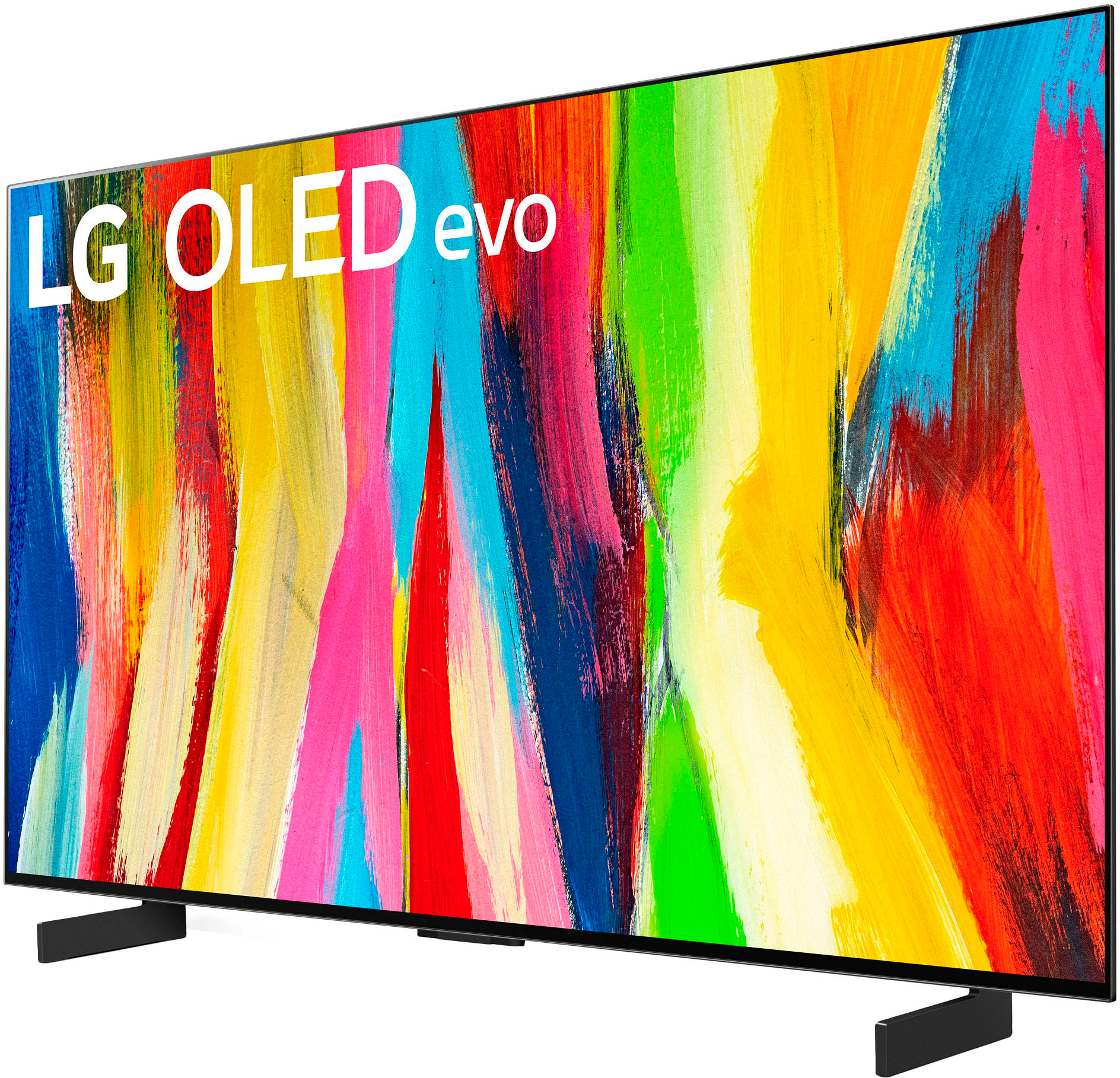
The 42" (and for that matter the 48") LG C2 will keep all the SOC benefits of the 55" and larger sizes but will NOT be capable of the same brightness and will also have worse speakers/stand. The 42" and potentially also the 48" may have the older generation WBC panels depending on what time of year you purchase (later in the year, LG is supposed to switch to WBE panels for all sizes).
This TV, while advertised as Evo and still containing the same SOC (all the HDMI and upscaling and performance features will remain the same), the panel itself--due to its lower pixel aperture--both the 42" and 48" will not be capable of the same brightness as the 55" and larger sets. Besides this, it is also known now that at least some 42" C2 models will still be using the older WBC panels instead of the newer (what most people think of as 'Evo') WBE panels. This may have longevity ramifications down the line, but for now LG is confident that these 42" sets meet their criteria to be called Evo. The speakers and stand designs also differ model to model with the 42" receiving the worst of both (the stand is subjective so you may not feel the same).
A:AnswerYou need the additional interdimensional processor module that features the proprietary Sarcasm 2.0 software. Failing this, a 4lb BFH can be used to "make it fit."
A:AnswerI have this 42 oled on my yacht! So I can't answer about the energy usage, but I can tell you that it doesn't get hot or even warm. The picture is typical oled, close to perfect! I traded out a very good 43 Sony for this tv and there is no comparison in picture quality. The oled is far superior in every way.
A:AnswerHello, In the service menu of the C2 42-inch, find "Module Info 2" and the panel type will be one of the following:
WBC (old panel) = 00/00/1/03
WBE (new panel) = 08/00/1/03 ^Vanessa
A:AnswerHi, there. The LG C2 42 has a new Picture-in-Picture and Picture-by-Picture mode that allows you to view images from two sources at once.^Vanessa
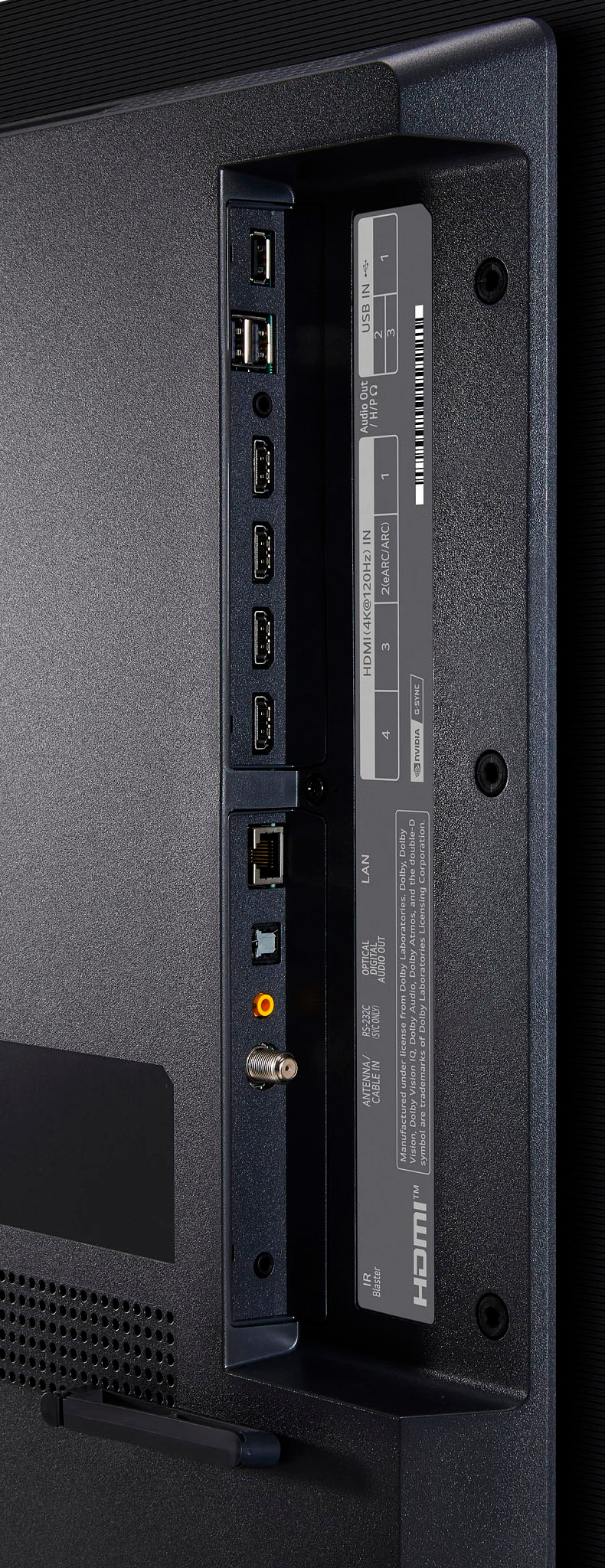
A:AnswerWell, it comes with its own electrical cord. So, if you're asking do you need a cable service to you it, the answer is no. If you are asking if you connect it to an over the air antenna to get local TV stations, the answer is yes. A hard line connection (ethernet) or WiFi, are completely optional. If you want to use streaming services (Netflix etc) you need to connect it to either a hard line connection (ethernet cord) or use the WiFi connection to give it internet capability & also to update the TV and apps as updates are released. I hope this helps you with your questions & further your understanding.
A:AnswerMine did. I believe LG has also stated that all of the TVs now have them as of this past Summer. There are YouTube vids that will show you how to get into the service menu with a regular remote to find out.
A:AnswerI got conflicting information from an employee. He said that it would come with a manufacturer warranty if the TV was just a return. He then told me that many of the open boxes were floor models and may have been running constantly since they are never turned off. I asked if he could tell me if it was a floor model or a return and he said there is no real way to tell. I went ahead and bought this on sale for 899.99 instead of the 760 open box price and got the geek squad coverage.
A:AnswerThe light reflection isn't really noticeable because of the Matte finish of the screen. I use it only for gaming. This is an excellent 4K monitor. You will not regret buying it.
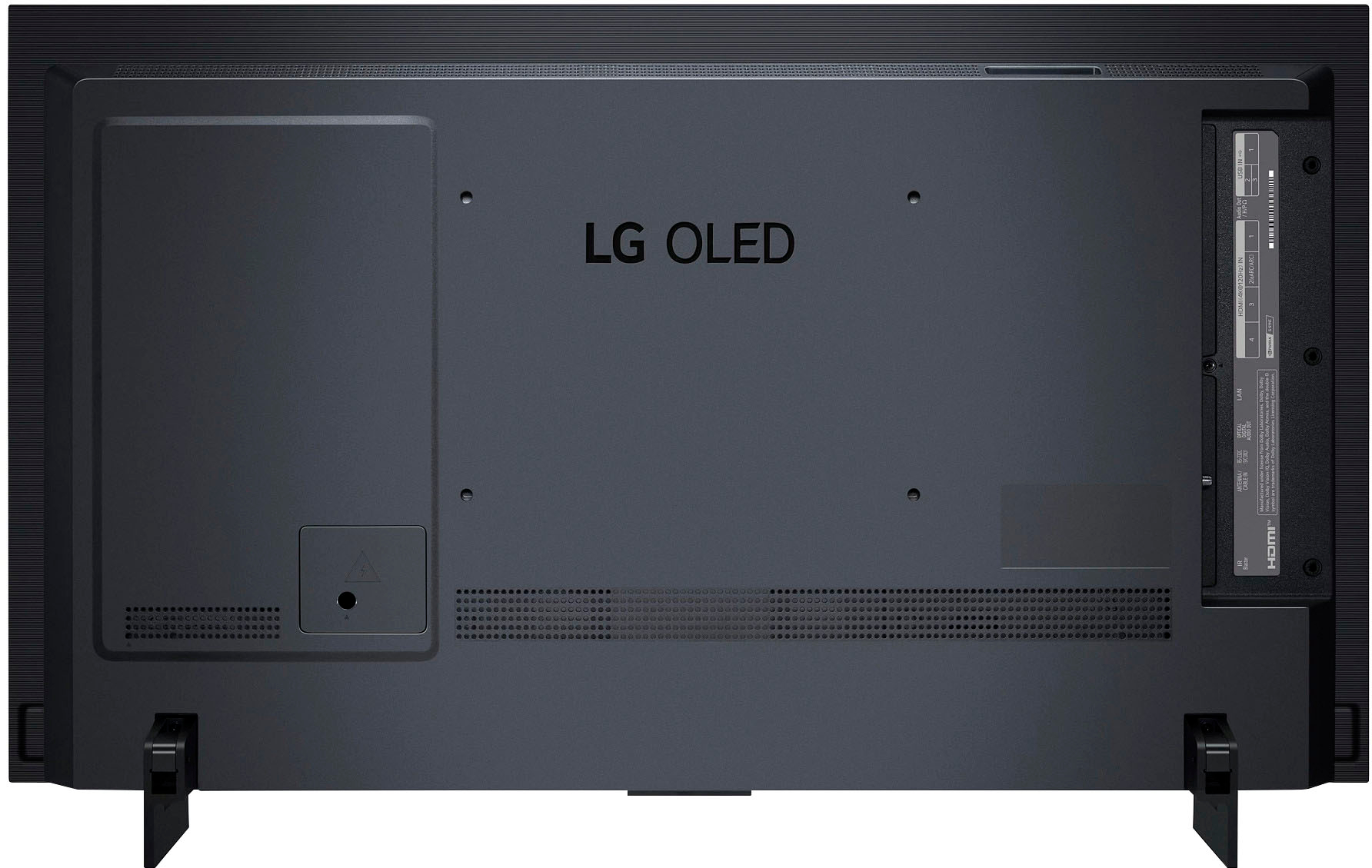
A:AnswerNo to the first question. Sonos speakers use Wifi to connect with one another, but not with the tv. Sonos speakers do not use bluetooth to connect to the tv either, they connect to the tv via a HDMI cable, and are not "wireless" in that respect. And yes, you will need to buy one of their soundbars if you want to connect it to the tv. Hope this helps. jimg
A:AnswerThey should be depending on manufacturer date, they stop production for a month or 2 because demand for tvs where not high, plus they wanted to catch up with the newer panels to add them to the 42 & 48 inches, if the screen has a pinkish tint its a newer panel as the old ones had a whitest tint
A:AnswerYes just connect your RF connector to the input for cable TVs and and it'll work fine you have to do the tuning for the channels just like you would any other TV for the dish download and you're upload it'll work fine