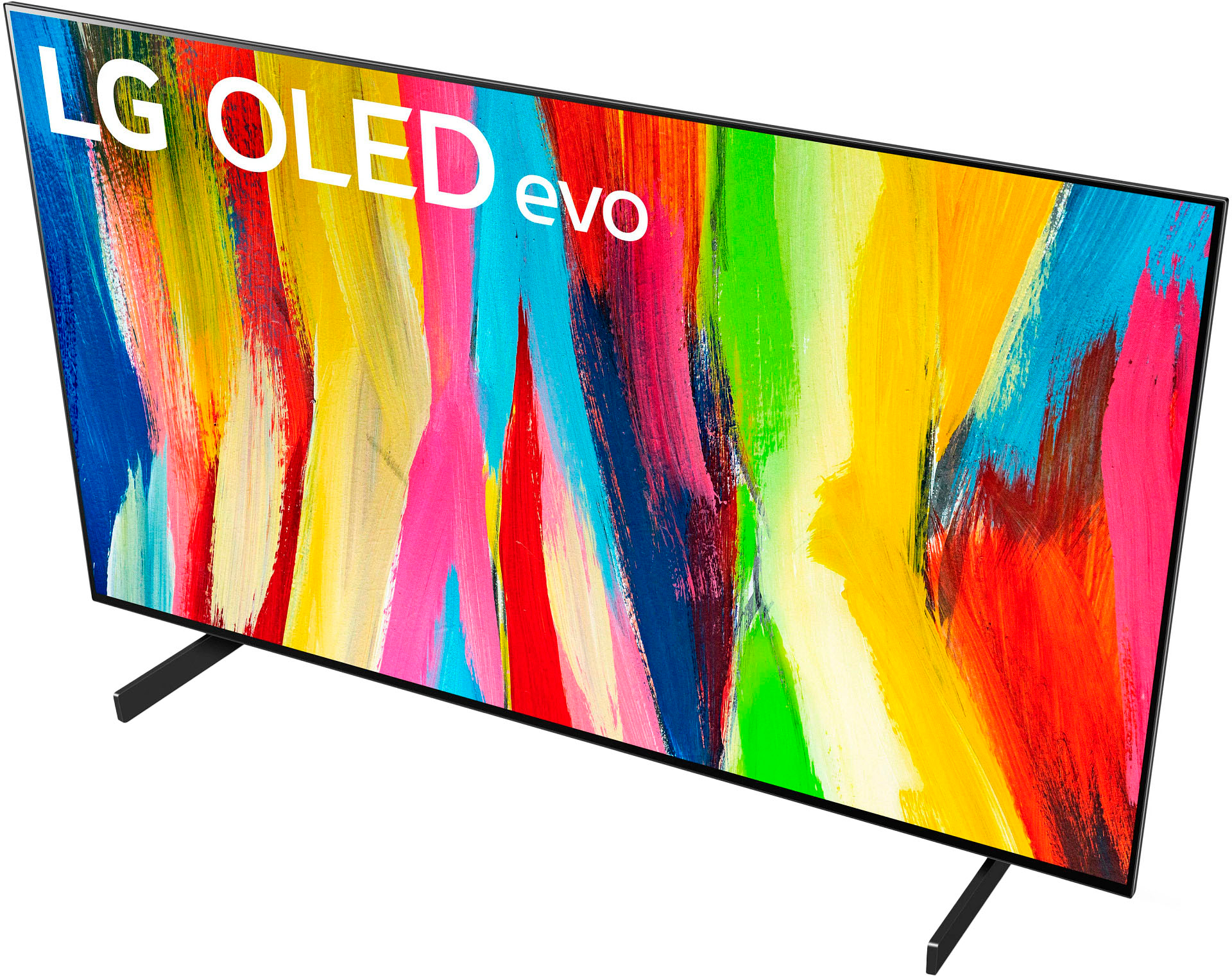
A:AnswerYou can change the cursor for the LG 2022 Magic Remote w/ Magic Tap (NFC), Model # MR22GN that comes with your LG 42" Class C2 Series OLED evo 4K UHD Smart webOS TV, Model # OLED42C2PUA or make the pointer disappear from the screen and the Magic Remote will operate like a general remote control if you press the scroll wheel while the pointer is in use...^Ivan
A:AnswerI was sitting on the floor while setting it up, and sitting in my wheelchair while putting it on my dresser. The TV is very light, so it was easy to lift with the help of someone else holding the other end. Just make sure you don't squeeze or press the TV screen against anything, because the OLED components are fragile.
A:AnswerThe LG C2 42 Inch Class 4K OLED evo w/ ThinQ AI, Model # OLED42C2PUA supports AirPlay 2, and Screen Share on the TV allows you to display the screen of the connected smart device (Smartphone or tablet)on the TV...^van
A:AnswerHi there. Thanks for reaching out. For the LG - 42" Class C2 Series OLED EVO 4K UHD Smart webOS TV. The Wi-Fi can be turned off by going in to your settings. Network. Wi-Fi. On\Off. `Jai.
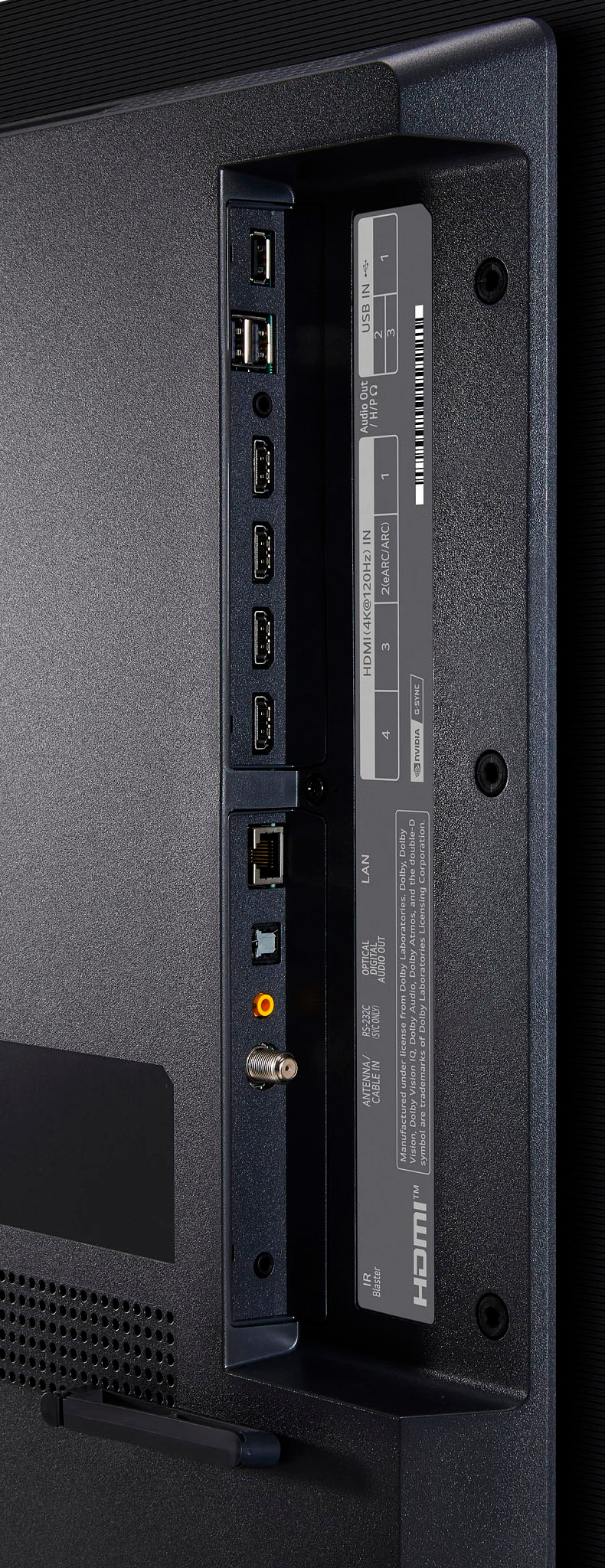
A:AnswerThis TV can support a 60hrz display. There is a feature called AirPlay, which can wirelessly share content from Apple products, such as your Mac. While I haven’t tested this myself, you could also try connecting the Mac and TV together with a HDMI cable.
A:AnswerMaybe check your HDMI cable - if you're using a bad one, or one that can't push enough bandwidth, you'll see that same flickering. I had the same problem and bought a new 2.1 certified HDMI cable and it now works fine.
A:AnswerNo but you can make it smaller and as long as you use the buttons on the remote and not the cursor it will disappear immediately. Plus, if you want to browse a website or something similar you’ll wish you had it.
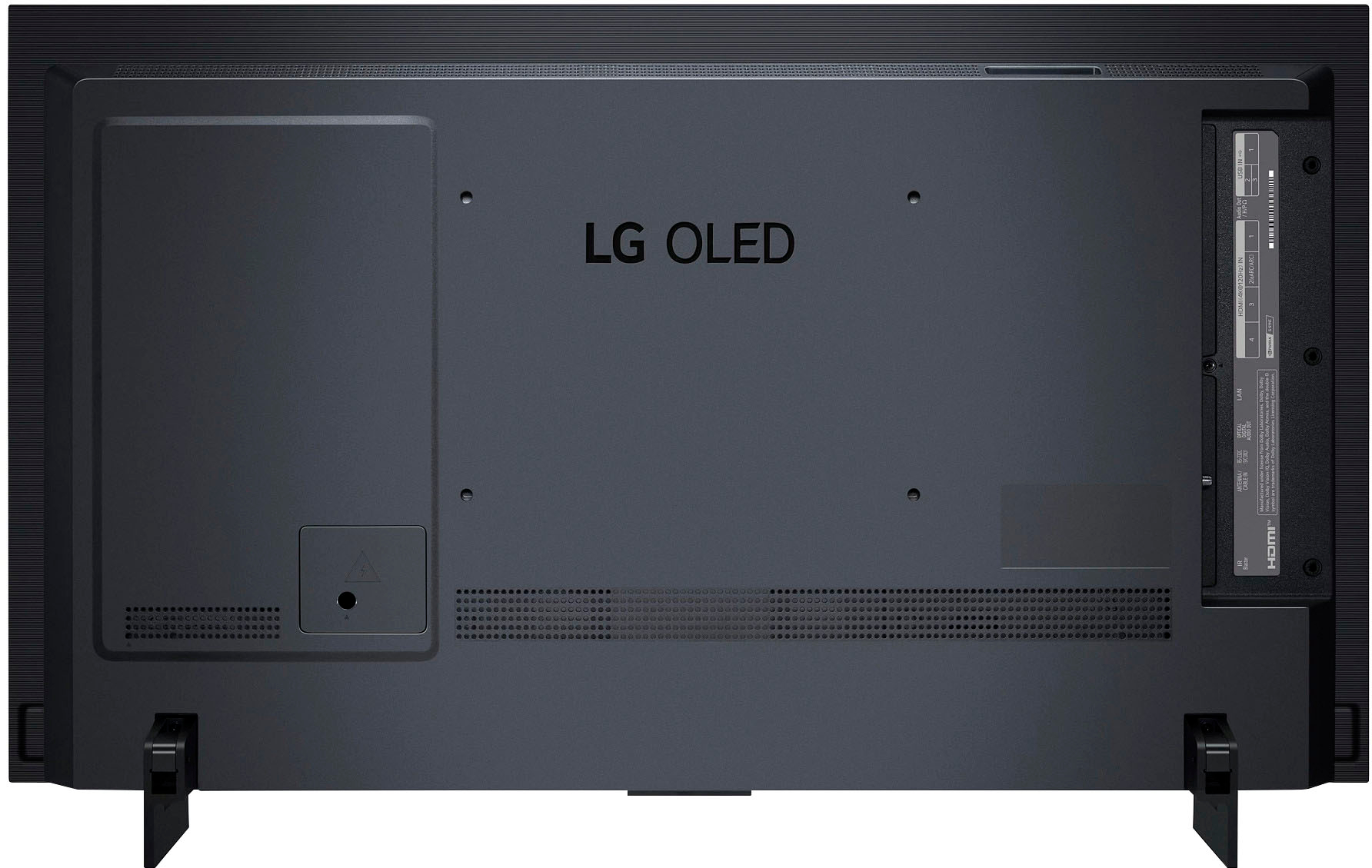
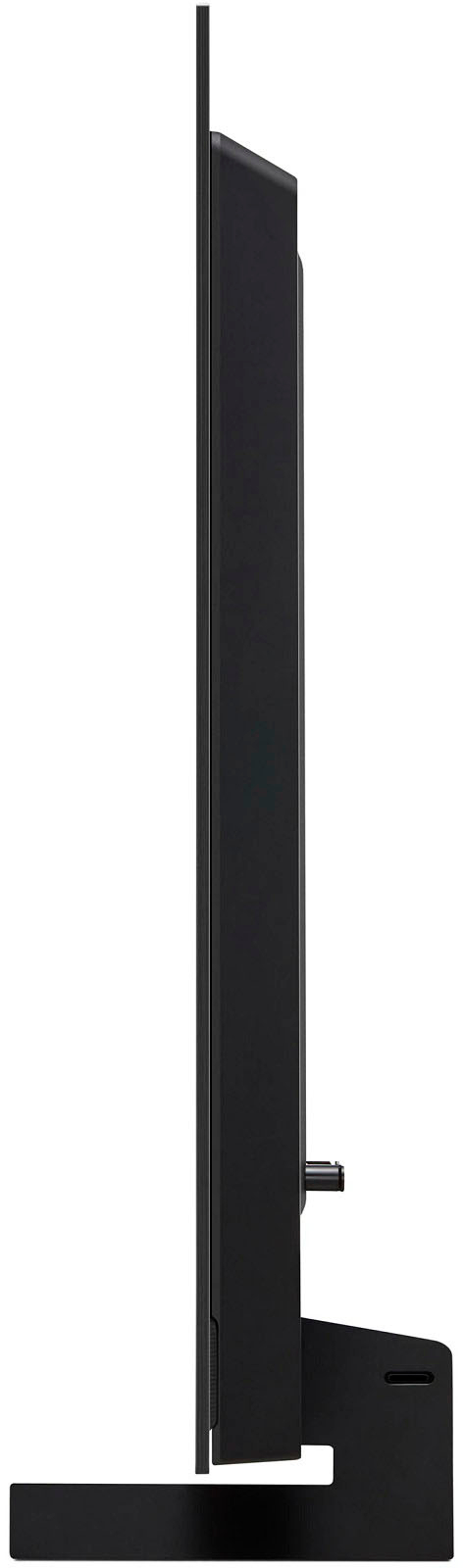
A:AnswerThey are behind the tv , the speakers are not visible from the front at all. They are good but you really should run it through an amp and into good speakers
A:AnswerHi Rory, the PBS app is not available on LG's smart TV content store. To see what apps are available to download on any LG TV, click the following link and enter in your model number under the 'Search TV app' tab: https://us.lgappstv.com/main ^Chris