A:AnswerLet us help you with that! Please send us a private message on Facebook or Twitter using @LGUSSupport and include #VOC, your contact info and we can expedite a resolution for you. Thank you. ^Venette
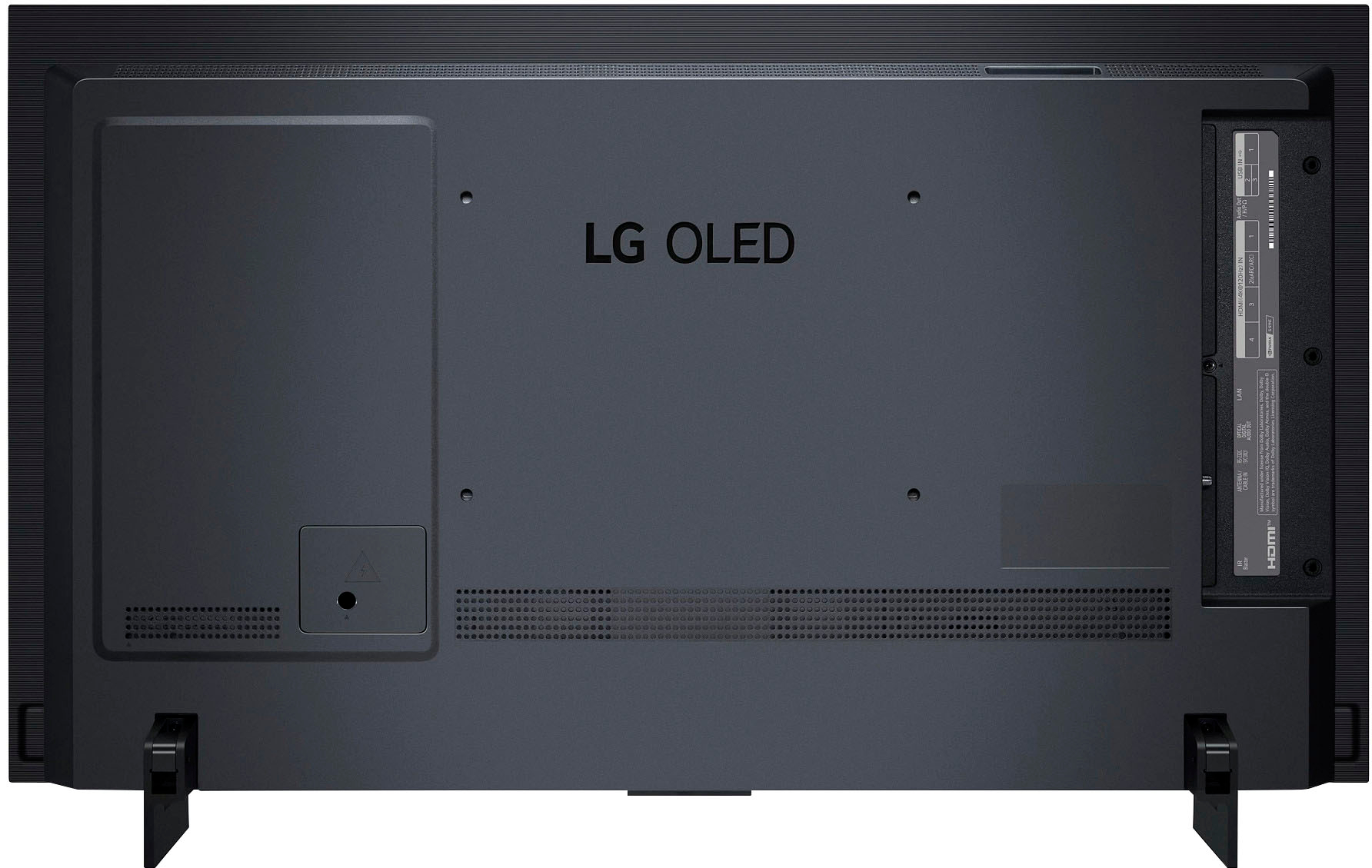
A:AnswerI also own the c9 model. I was never able to get picture and picture to work with two HDMI outputs. I was hoping that that wouldn't be the case when I bought this one but I still have been able to figure it out.
A:AnswerThanks for the response,
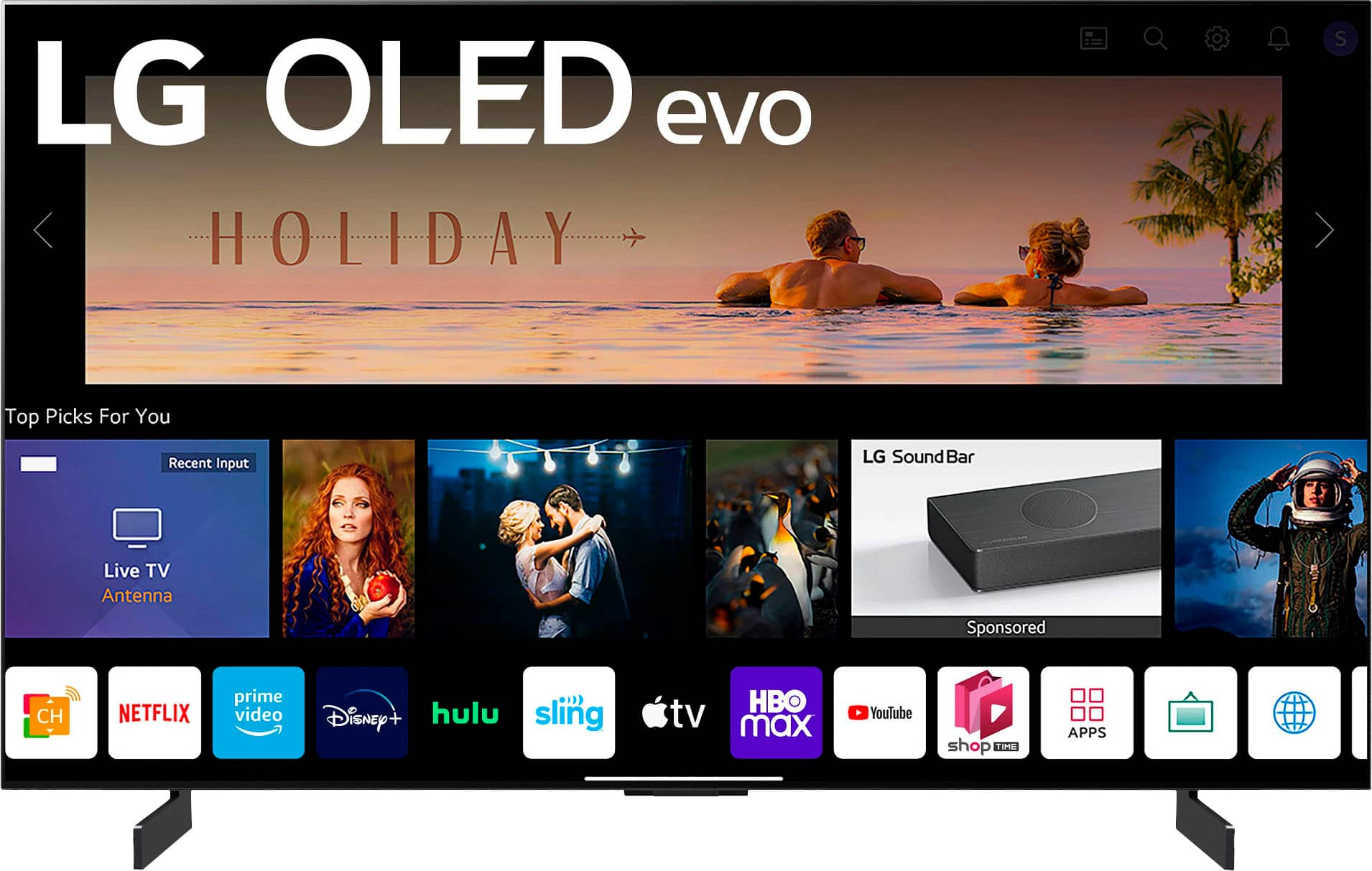
I followed the path on the website and it shows that Paramount+ is available but I cant figure how to get it on the TV
A:AnswerHey there, Silvio. We appreciate you sending us your feedback. Please know that your thoughts are important to us as it will be shared with our marketing and product teams to meet your expectations moving forward. Meanwhile, if you need further assistance, send us a private message on Facebook or Twitter using @LGUSSupport, and include your contact info, or call our Customer Service at (800) 243-0000. Thank you ~Anthony
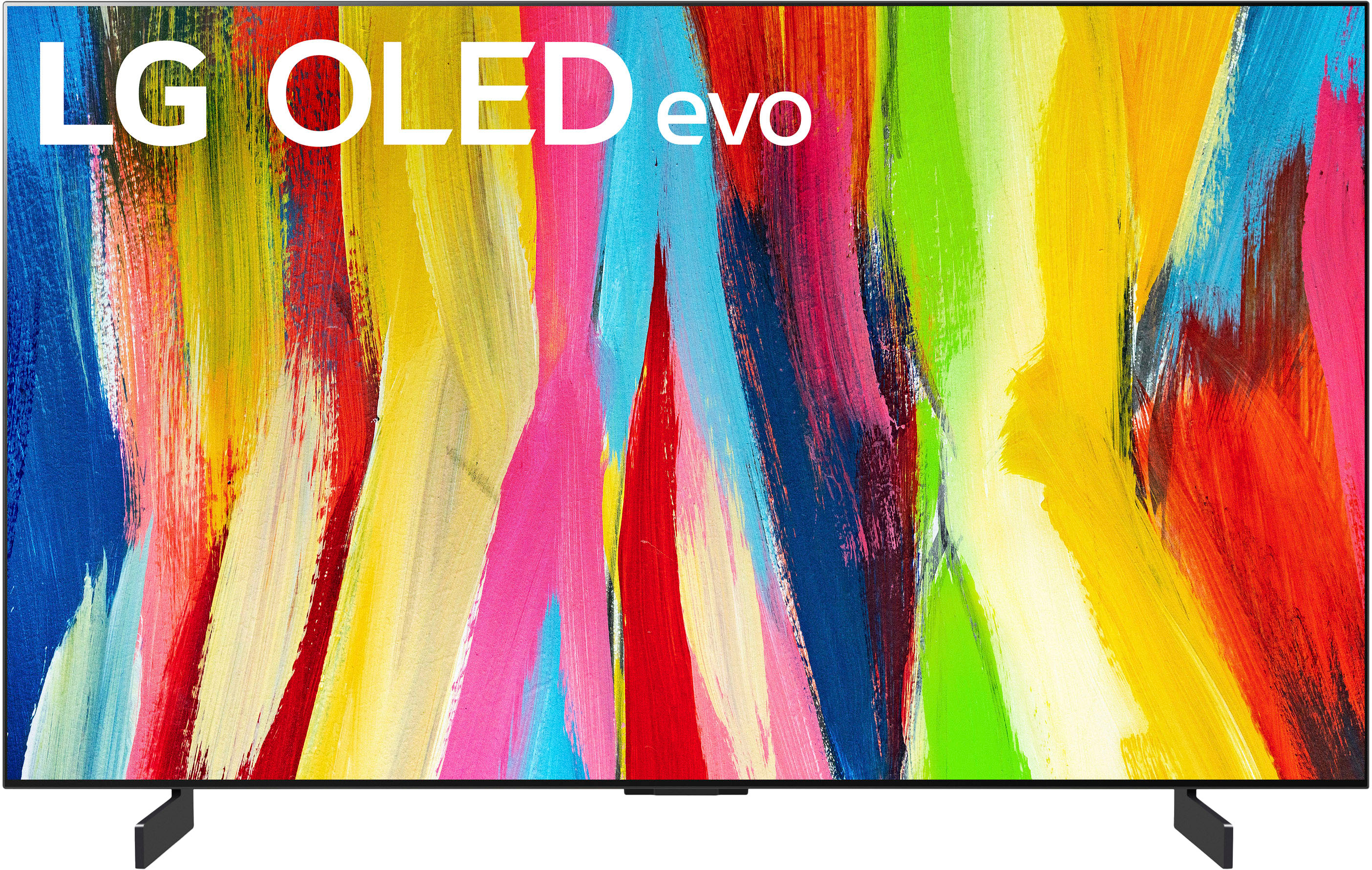
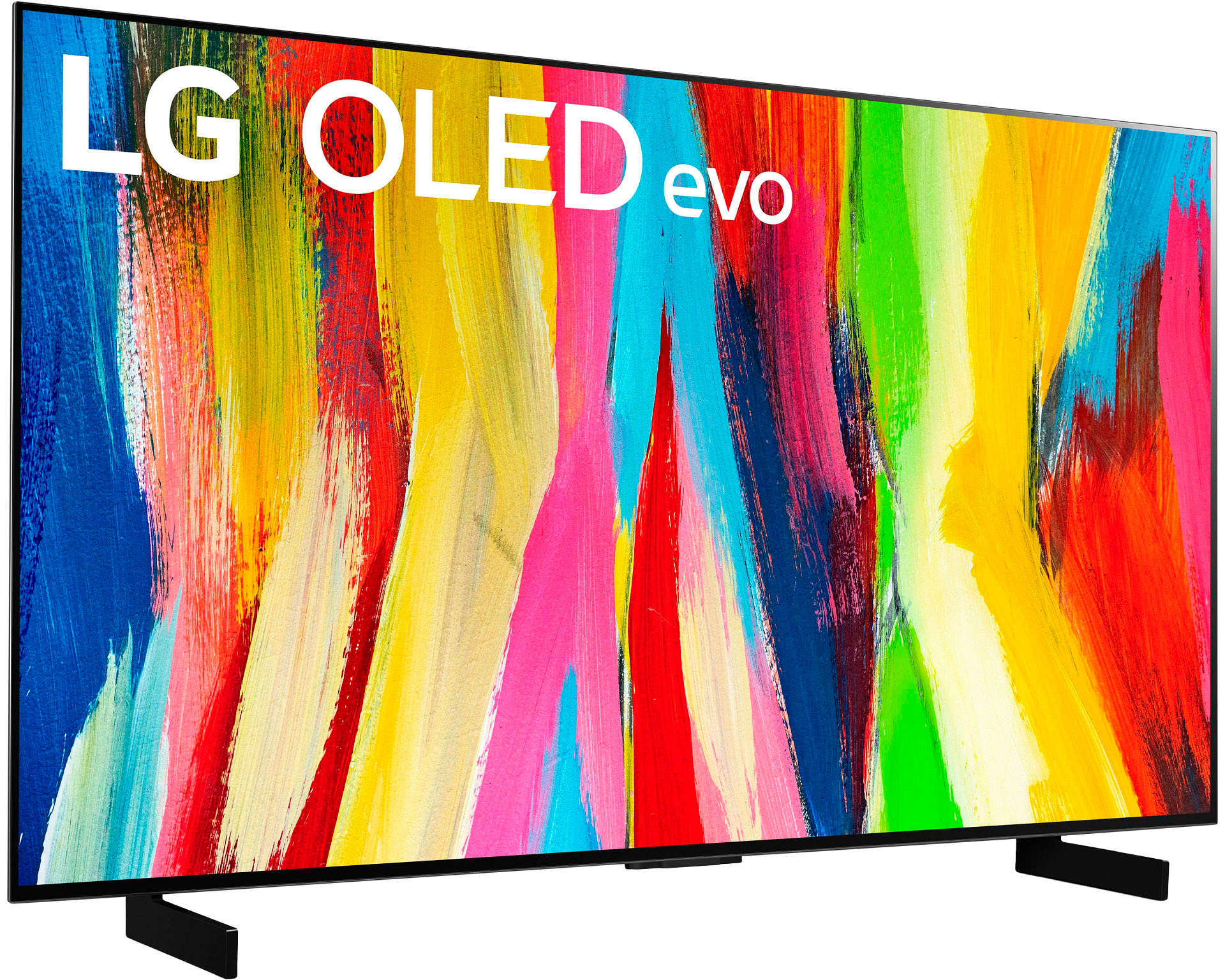
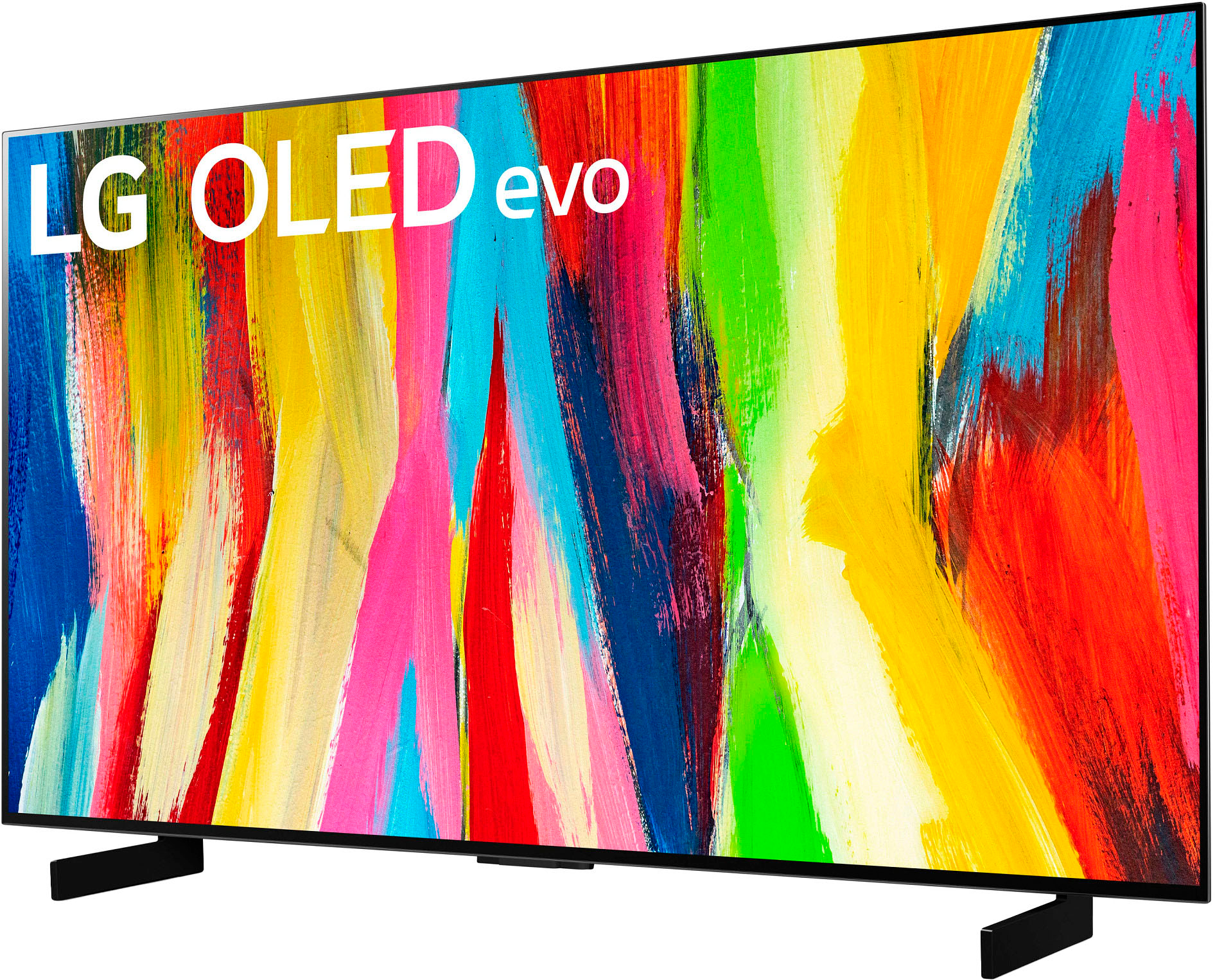
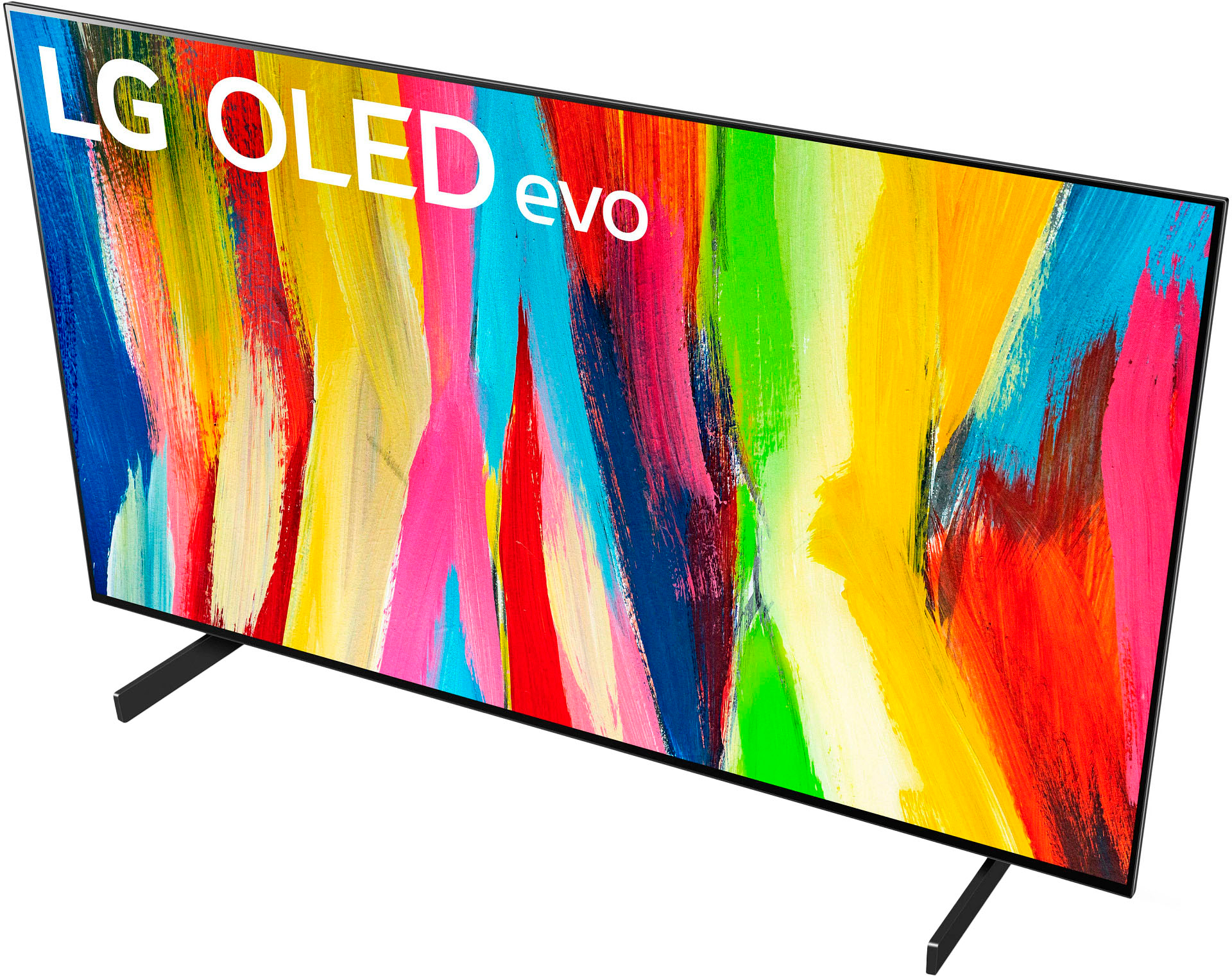
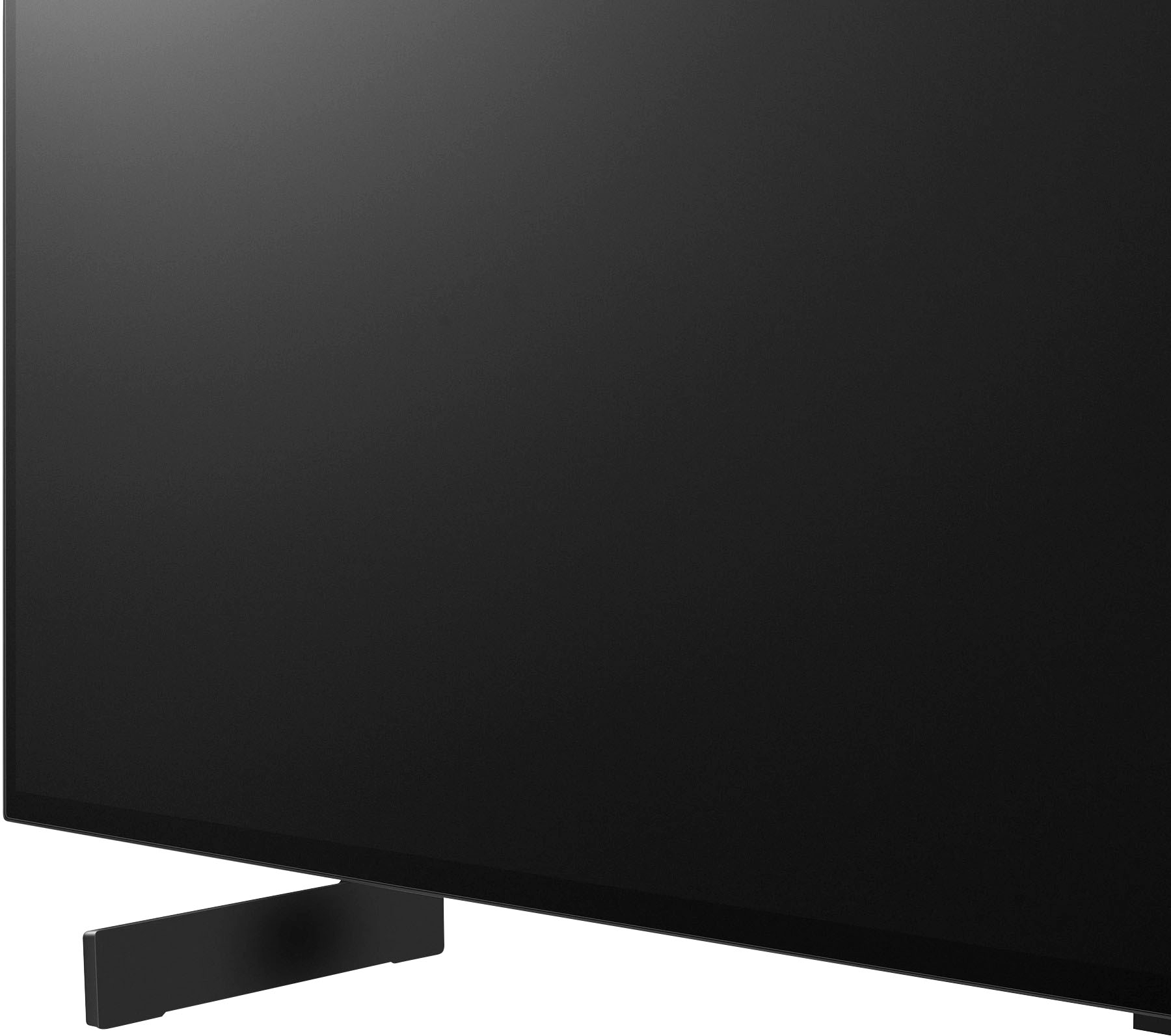
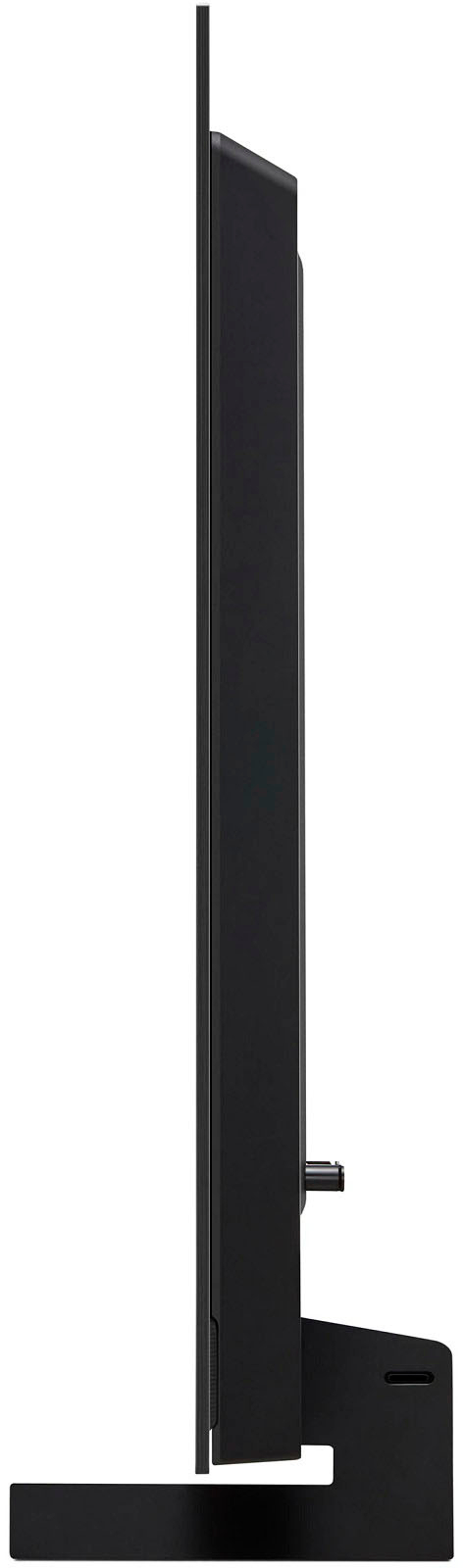
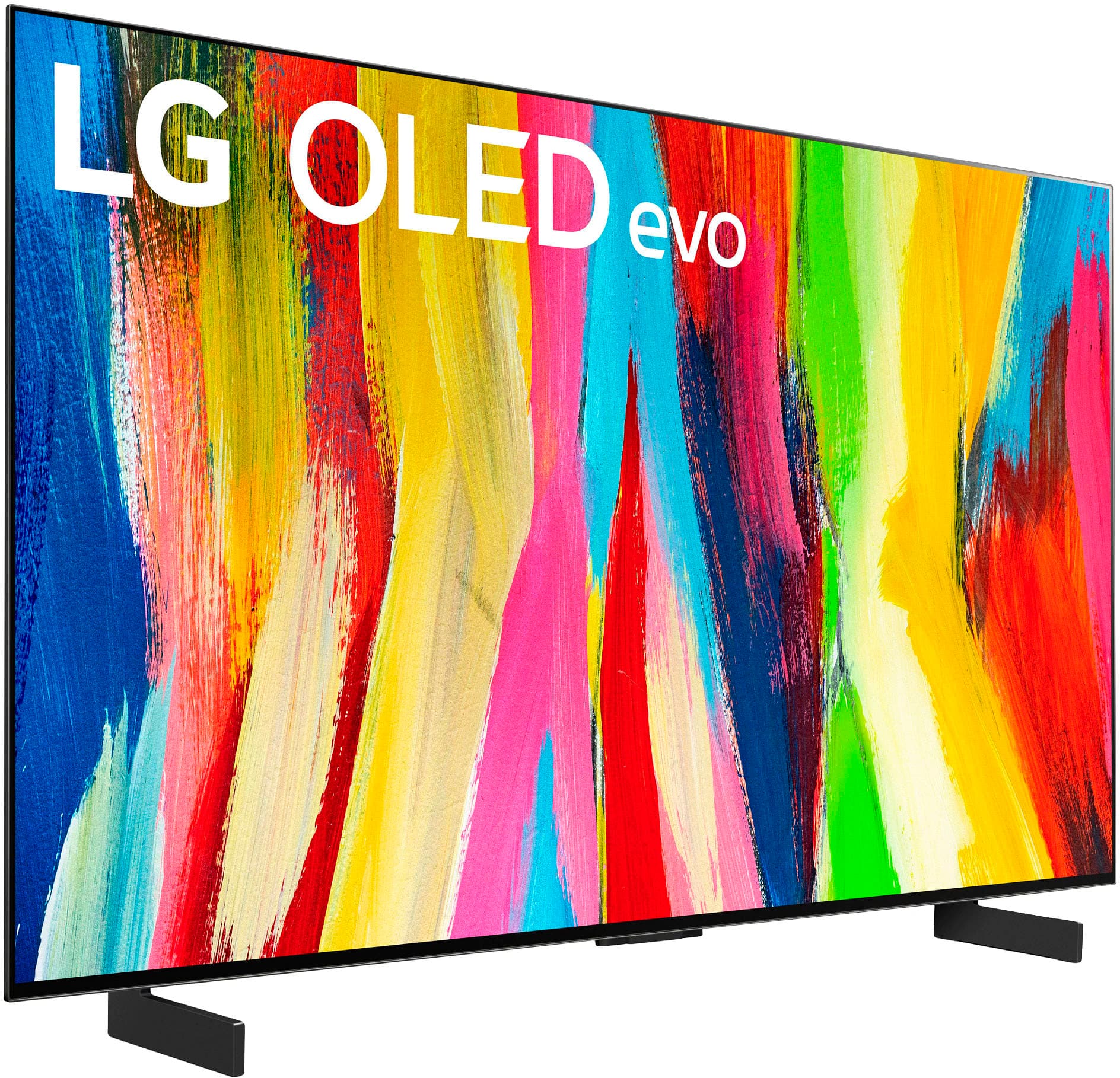
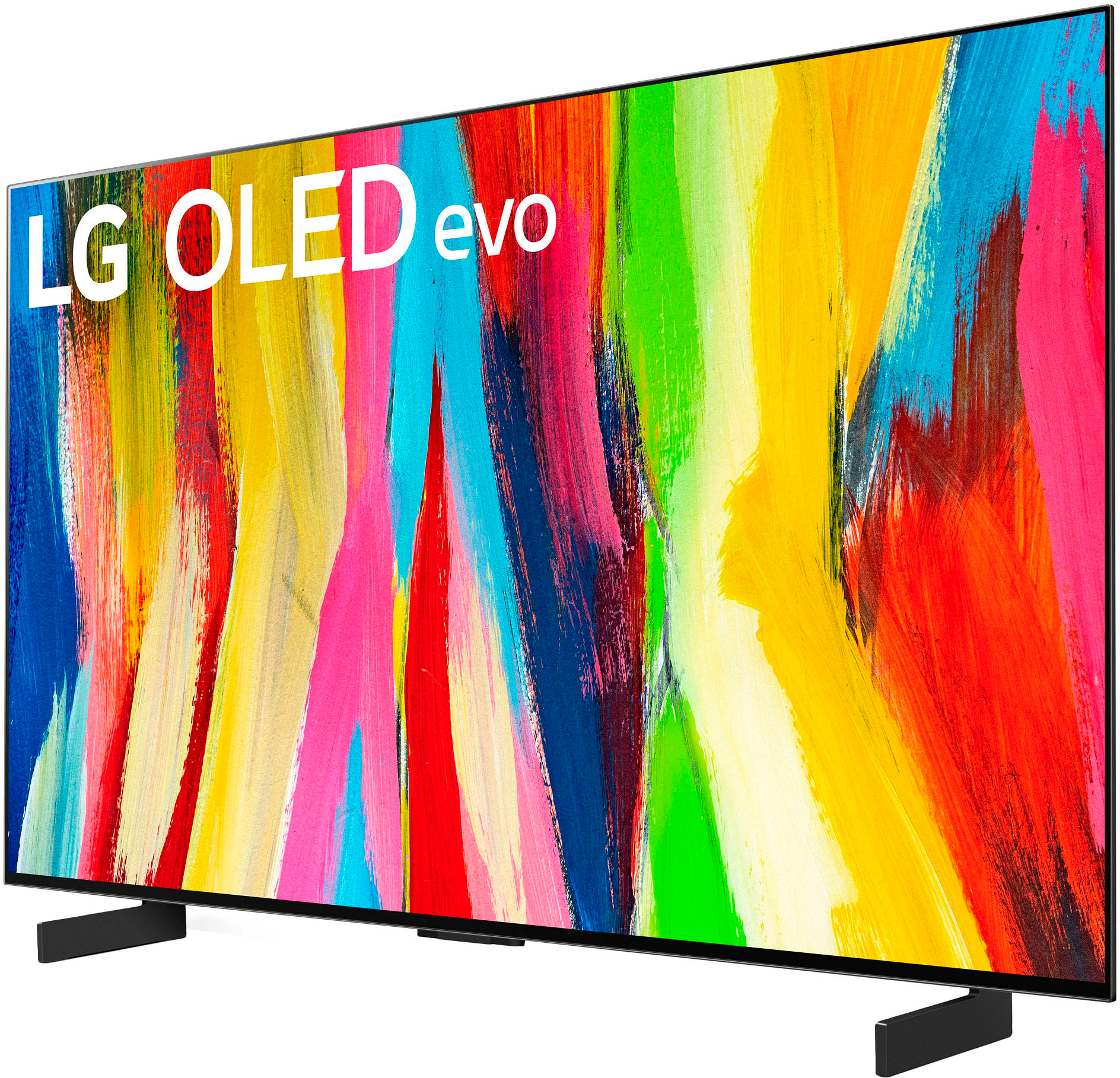
A:AnswerThe stand is perfectly fine for holding up the display, and it is small enough to where even the legs being apart shouldn't interfere with your setup. If anything, the TV is raised a bit higher compared to the center stand design which I think a lot of people will like. I would say that unless you are wall mounting it or really hate the look, these legs are perfectly serviceable and I personally would not invest any extra money in a 3rd party stand.
A:AnswerI’ve only been using it a couple of days text clarity isn’t the best so if you’re doing a lot of reading I would just decrease the sharpness to zero in tv picture settings. Not sure about the panel tech life expectancy but from what reviewers I’ve watched on YouTube the their main complaint is just the text clarity but for me you’ll get used to it. I messed with cleartype in windows and it helps a lot.