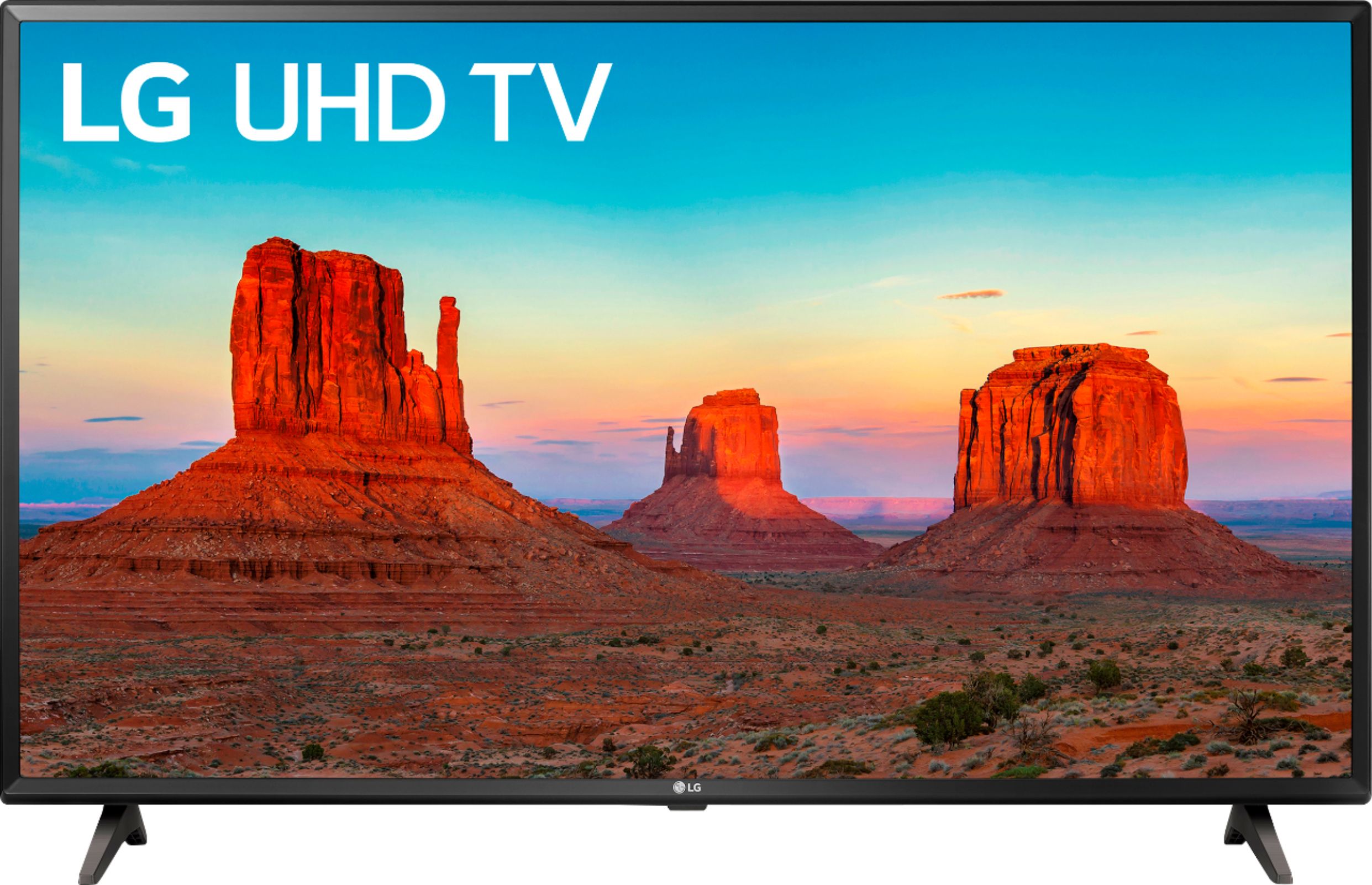
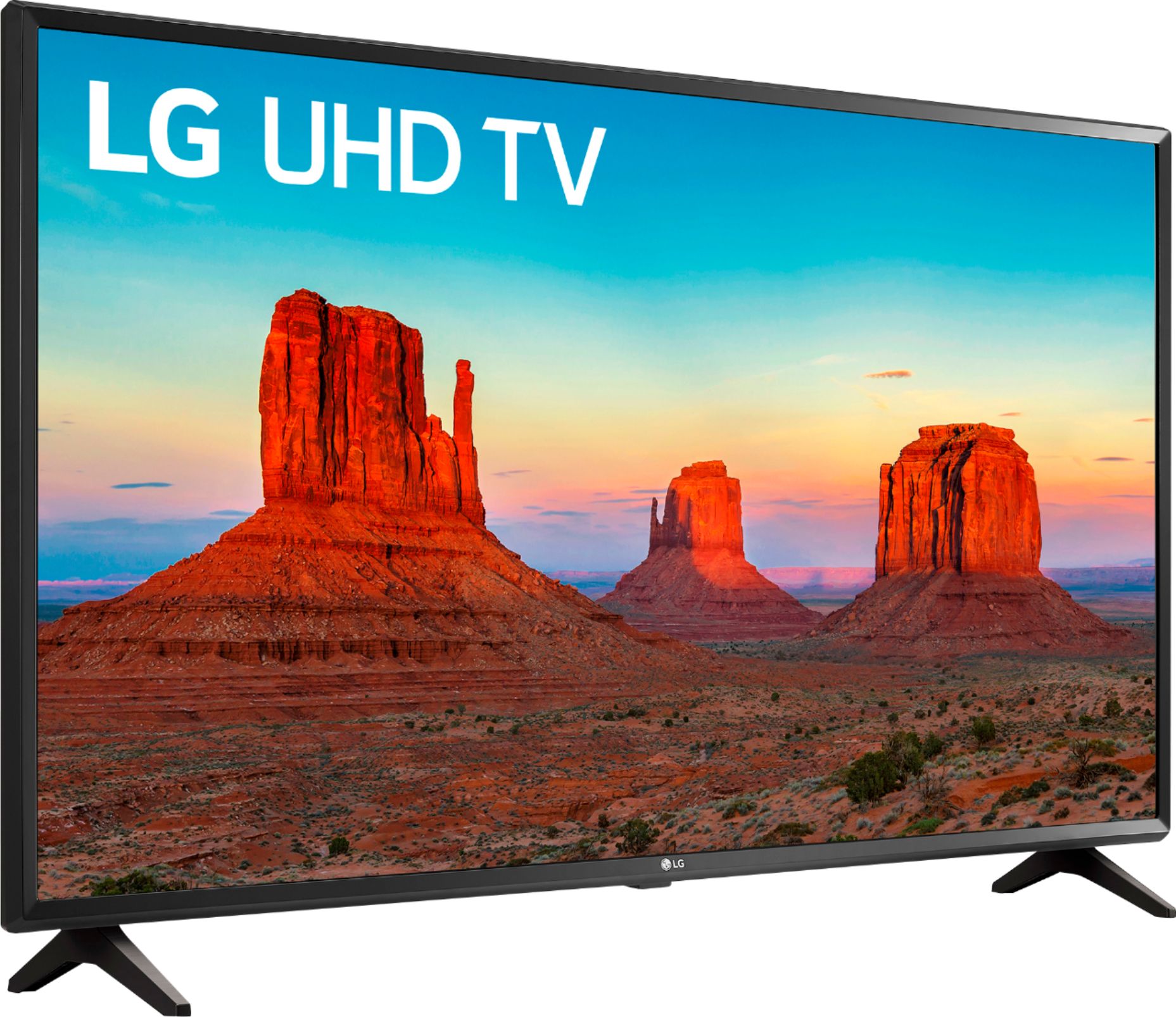
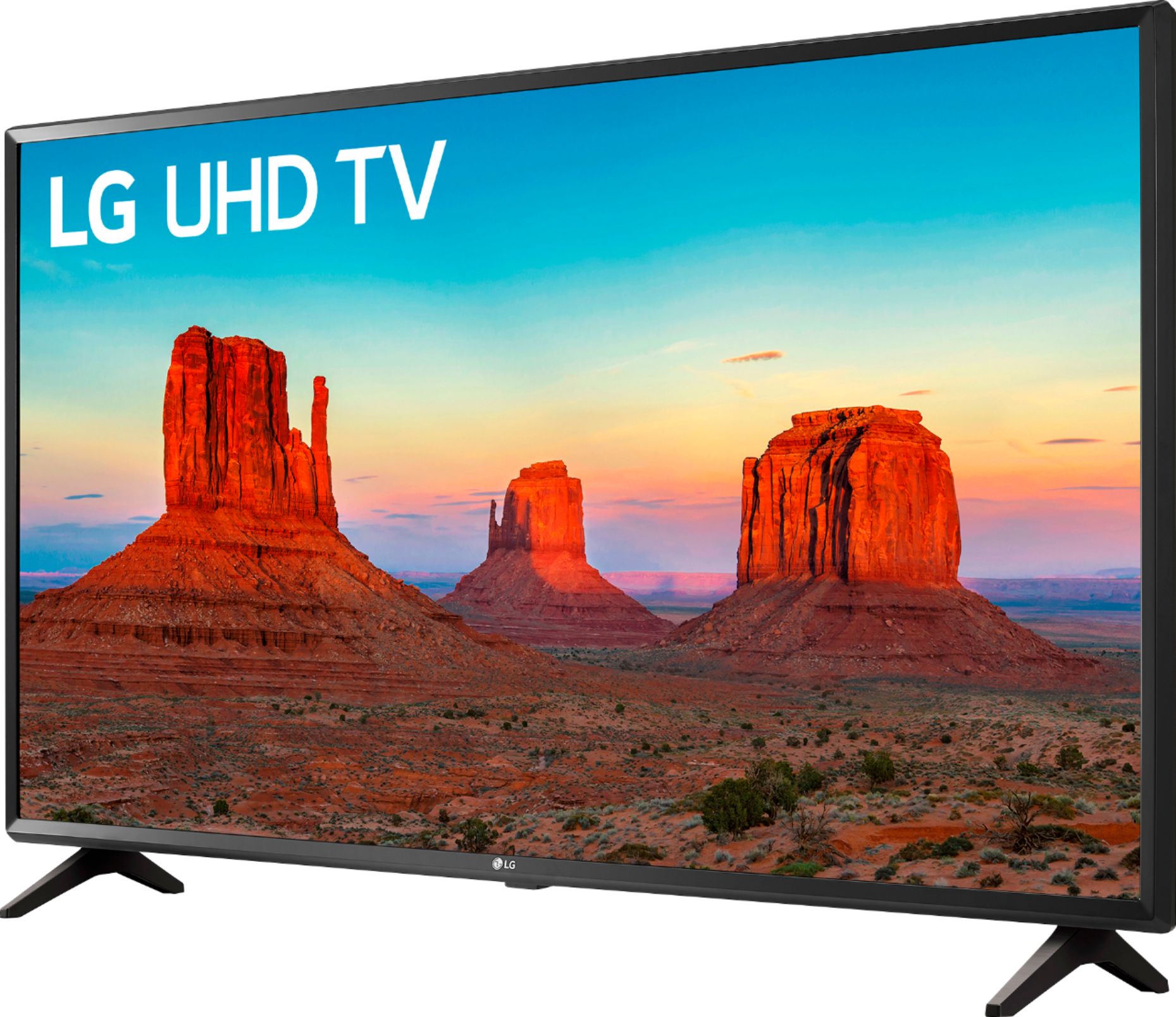
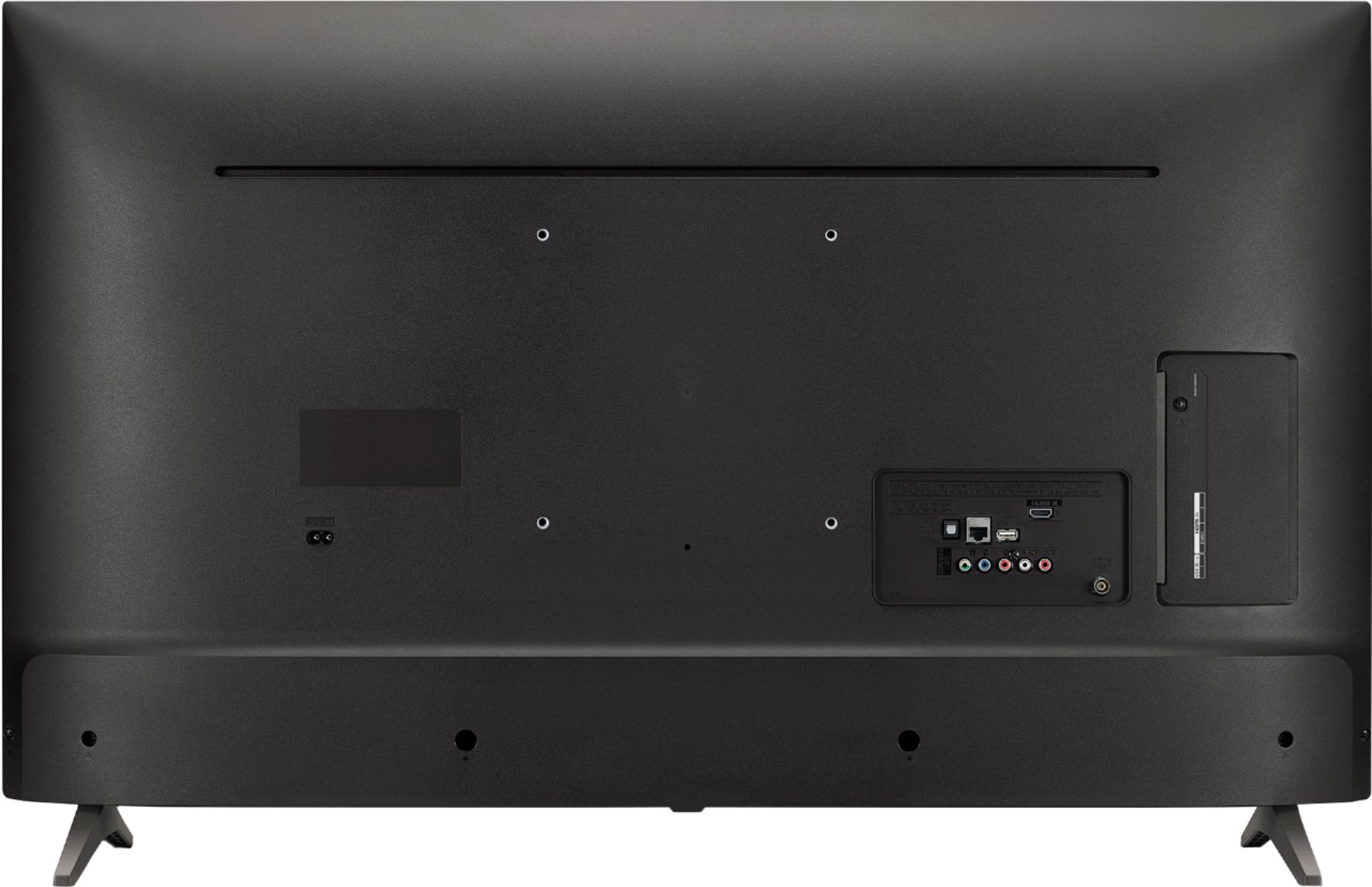
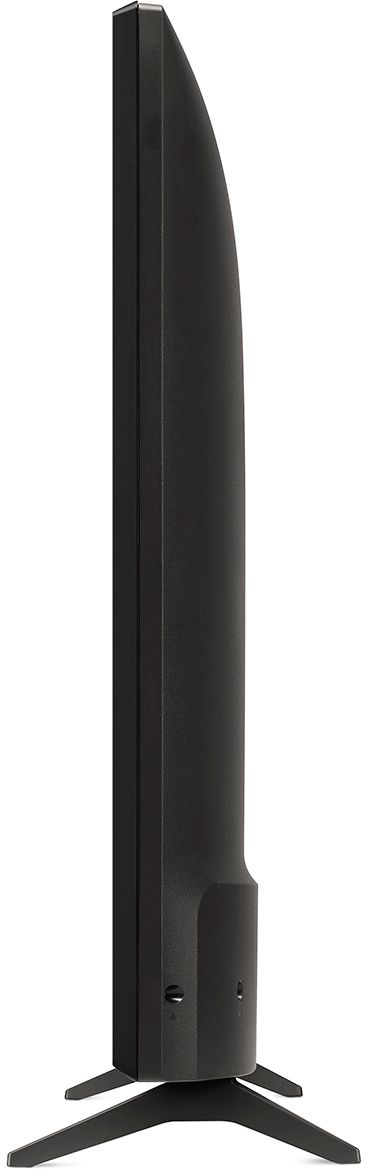
A:AnswerThe VESA Wall Mount Interface Pattern for the LG UK6090PUA 4K HDR Smart LED UHD TV - 43'' Class (42.5'' Diag), Model # 43UK6090PUA is 200 x 200mm. That means the VESA bolt Holes are 200mm apart horizontally and 200mm apart vertically...^IFV
A:AnswerMany times picture quality troubles can be resolved with a few tweaks to the settings. We have a help library article that recommends the settings for getting the best picture settings: https://www.lg.com/us/support/product-help/CT10000018-20150577528034-menu-settings If you're in need of some guidance with using your TV, please head to our support page at @LGUSSupport on Twitter or you can give us a call at 800-243-0000 so a specialist can help out. ^CP
A:AnswerThe LG UK6090PUA 4K HDR Smart LED UHD TV - 43'' Class (42.5'' Diag), Model # 43UK6090PUA only has one Shared Composite/Component port that you can use for external devices like a VCR/DVD Player or CD/DVD player that connects via Composite or Component ports. You can inquire from the Best Buy associates if they have an adapter that has multiple Composite or Component ports and a single Out that you can use to connect more than one device that uses those ports to the TV that also allows you to switch the input source...^IFV
A:AnswerPlease contact LG Customer Support so that we can better investigate your issues and quickly assist you towards a resolution. You can contact our Customer Support by any of the below options:
Phone: 1-800-243-0000
LiveChat: https://www.lg.com/us/support/chatbot
Email: https://www.lg.com/us/support/email-appointment
Facebook Messenger: https://www.facebook.com/LGUSA/
Twitter: @LGUSSupport
The LG Community Forum is also a great resource for getting help from other LG customers: https://lgcommunity.us.com
Thank you for sharing your feedback about your TV and we hope to help you get this resolved together. ^CP
A:AnswerFor a help video on attaching the legs of the 43UK6090PUA, check out the following link: https://www.lg.com/us/support/video-tutorials/lg-tv-attaching-the-stand-CT10000020-1407969338199 ^CP
A:AnswerThe 43UK6090 has the following inputs/outputs for connecting to external devices: HDMI (HDCP 2.2), Audio Return Channel Support (via HDMI), USB v 2.0, RF In (Antenna/Cable), Composite In, Ethernet, Digital Audio Out (Optical). ^CP
A:AnswerThe 43UK6090 must be used in the following Environment conditions:
Operating Temperature 0°C to 40°C(32°F to 104°F)
Operating Humidity Less than 80%
Storage Temperature -20°C to 60°C(-4°F to 140°F)
Storage Humidity Less than 85%.
We hope this information helps. If you have additional questions, you can contact our Customer Support by any of the below options:
Phone: 1-800-243-0000
LiveChat: https://www.lg.com/us/support/chatbot
Email: https://www.lg.com/us/support/email-appointment
Facebook Messenger: https://www.facebook.com/LGUSA/
Twitter: @LGUSSupport
The LG Community Forum is also a great resource for getting help from other LG customers: https://lgcommunity.us.com/
A:AnswerThe Screen Share feature in the LG UK6090PUA 4K HDR Smart LED UHD TV - 43'' Class (42.5'' Diag), Model # 43UK6090PUA allows you to see your mobile devioce's screen on the TV. You will need to enable Miracast on your phones and the TV will be displayed in a list of available devices. When you select the TV from that list, after connection is established, the TV will display your phone's screen. Make sure that both your phone and the TV are connected to the same router (5 GHz router) and that bot are on the same home network...^IFV
A:AnswerRegrettably, the LG UK6090PUA 4K HDR Smart LED UHD TV - 43'' Class (42.5'' Diag), Model # 43UK6090PUA does not support Bluetooth and Bluetooth cannot be added...^IFV
A:AnswerNo, the 43UK6090 does not have bluetooth capability to connect to a wireless keypad. The 43UK6090 does have a full web browser built in. If you need guidance with using your TV, you can contact our Customer Support by any of the below options:
Phone: 1-800-243-0000
LiveChat: https://www.lg.com/us/support/chatbot
Email: https://www.lg.com/us/support/email-appointment
Facebook Messenger: https://www.facebook.com/LGUSA/
Twitter: @LGUSSupport
The LG Community Forum is also a great resource for getting help from other LG customers: https://lgcommunity.us.com/