A:AnswerI don't know which is the best... but I did use the Sony ones and it was pretty good... there was no delay at all... sound and mouth matched perfectly.. but it was low in volume, even when up to max.
A:AnswerWe are sorry to see you are experiencing an issue with the closed captioning of your TV. We would be happy to look into this further with you to see what could be continuing to allow the captioning to persist. Please take a moment, at your convenience, to contact us directly via Twitter @LGUSSupport or Facebook https://www.facebook.com/LGUSA/ or you can give us a call at 800-243-0000. ^CP
A:AnswerLet's get you to the following article which will walk through adjusting this - http://www.lg.com/us/support/product-help/CT10000018-1432651636835-dark-or-dim-picture If this doesn't resolve the issue you are experiencing, our support team would be happy to help. Please reach out to a specialist via Twitter @LGUSSupport or Facebook www.Facebook.com/LGUSA ^CP
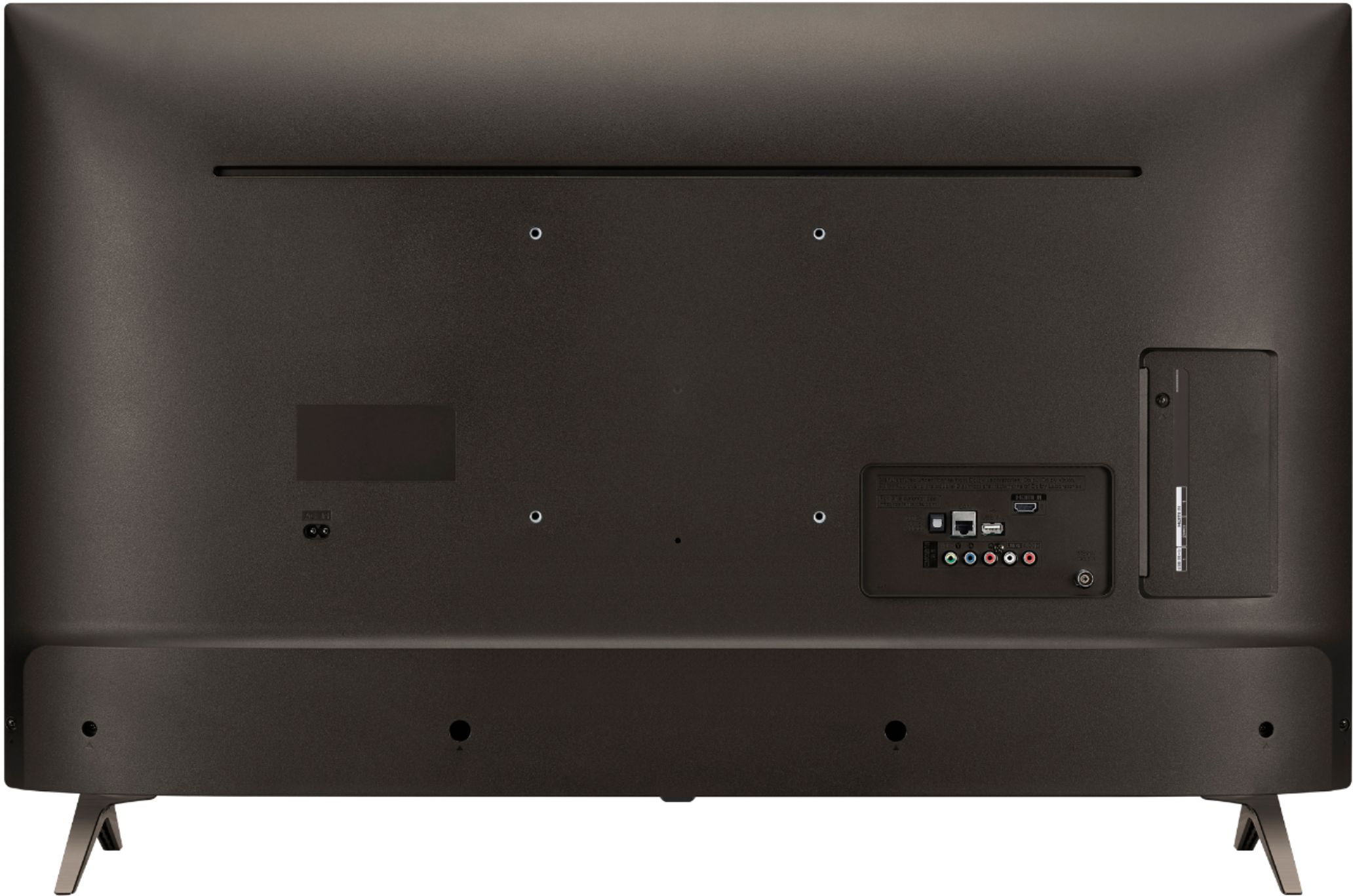
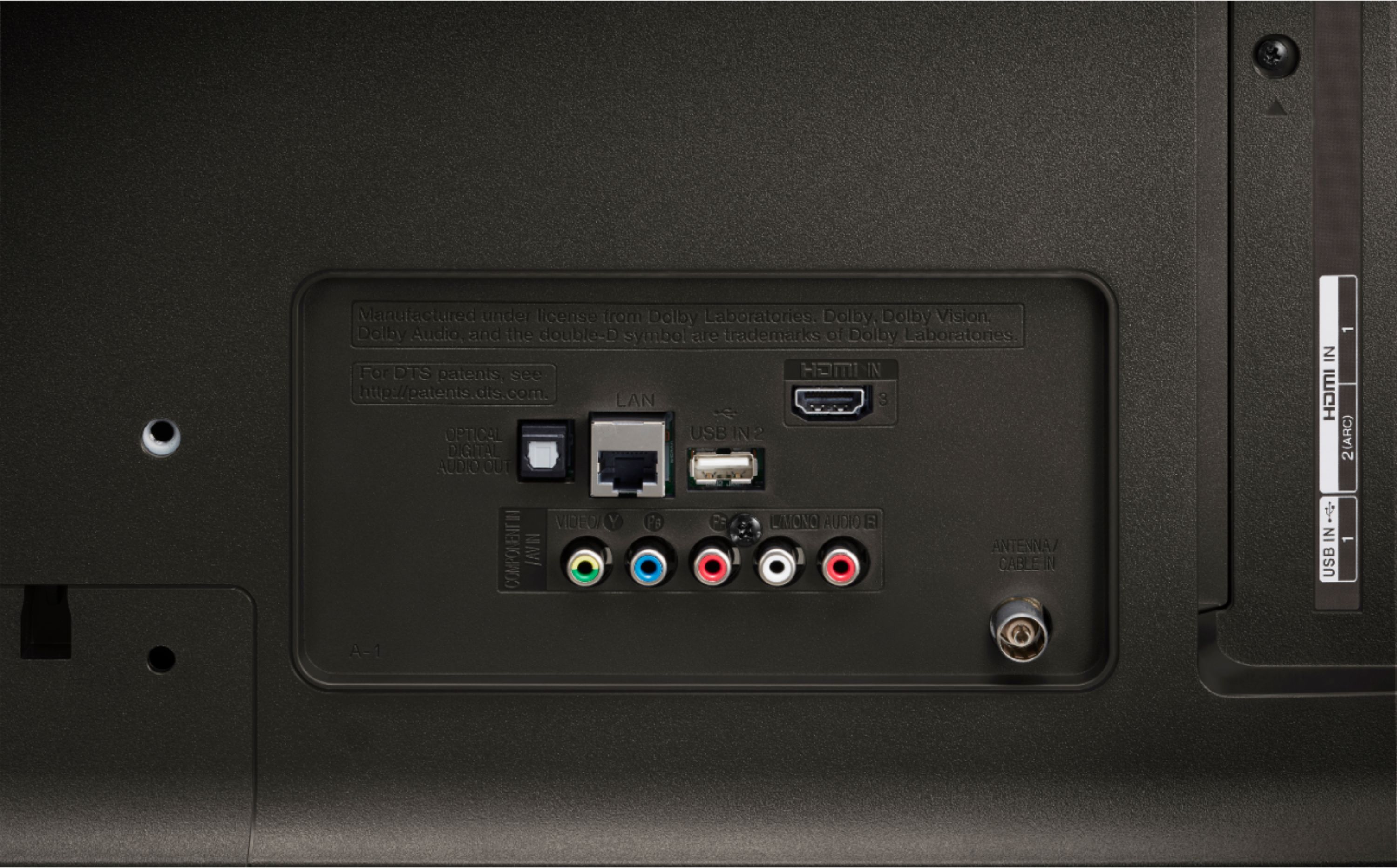
A:AnswerI had the same problem without an audio output on the tv except the optical audio output. I had an old surround audio system with only a digital input. I found on the internet a really cheap optical to digital converter that accepts the optical audio tv output. Now, my old sound system works fine.
A:AnswerYou can use a HDTV indoor outdoor antenna, the viewing quality is excellent no matter whether antenna or Internet which can be streamed from either your phone hotspot or home hub.
A:AnswerWe would need additional information regarding your soundbar to see if it is able to be mounted to the TV. Our support team is available via Twitter @LGUSSupport, Facebook https://www.facebook.com/LGUSA/ or you can give us a call at 800-243-0000. ^CP
A:AnswerHello, the UK6300 runs LG's webOS 4.0, which is easy to navigate and has a lot of great features. It has a good selection of built-in apps, and the LG Content Store has a wide selection of additional apps as well as movies and TV shows available for rental or purchase. ^AC
A:AnswerUsing Multi-view: By splitting your screen, you can watch two broadcasts or external inputs simultaneously.
1. Press the HOME button on the remote control.
2. Run the Multi-view app
Multi-view use may be limited depending on the device connected or the strength of the broadcast signal. ^CP