A:AnswerHello, 8000 series uses LED backlight, local dimming, a7 Gen5 AI Processor 4K and free sync. While 9000 series uses MiniLED backlight, full array dimming pro, dolby vision. dolby atmos, a7 Gen4 AI Processor 4K, dolby vision and dolby atmos.^Venette
A:AnswerHi, there. To disable Audio Guidance feature option and regain on-screen cursor control, bring the highlight up to “On/Off” toggle line by pressing Arrow Up button on remote controller until you get there. Once option highlighted, press ENTER button to toggle option back to “off”. Or other options is Use the down arrow on your remote to scroll down to All Settings. When the All Settings screen opens, select Accessibility. Scroll down the Accessibility Menu and select Audio Guidance. Toggle the button next to “Audio Guidance” into the “off” position. ^Vanessa
A:AnswerHey, Amanda! To add more LG channels/apps, go to the LG app store: On the TV remote, click Start/Home, choose More Apps, and open the LG Content Store. ~Rita
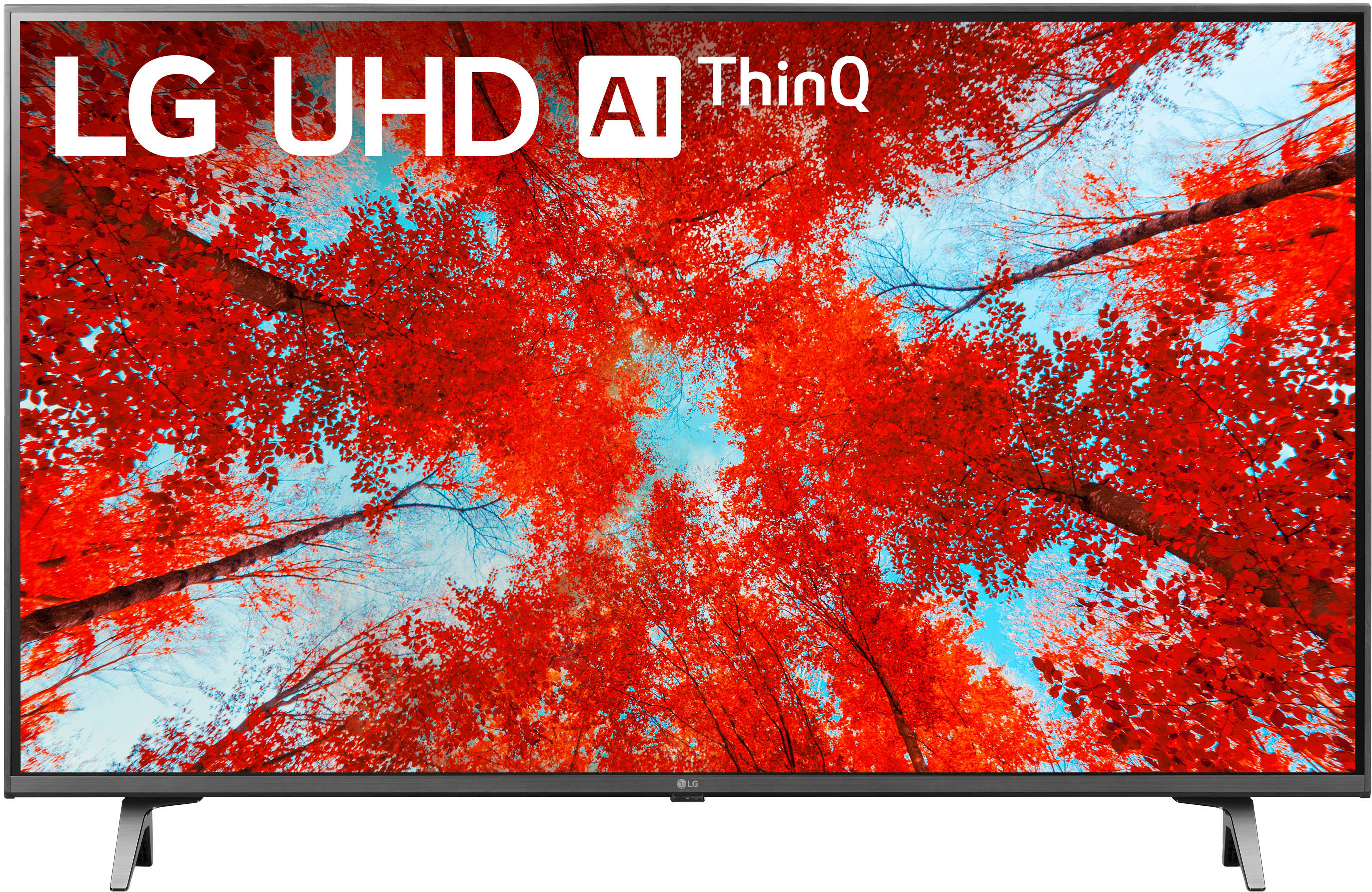
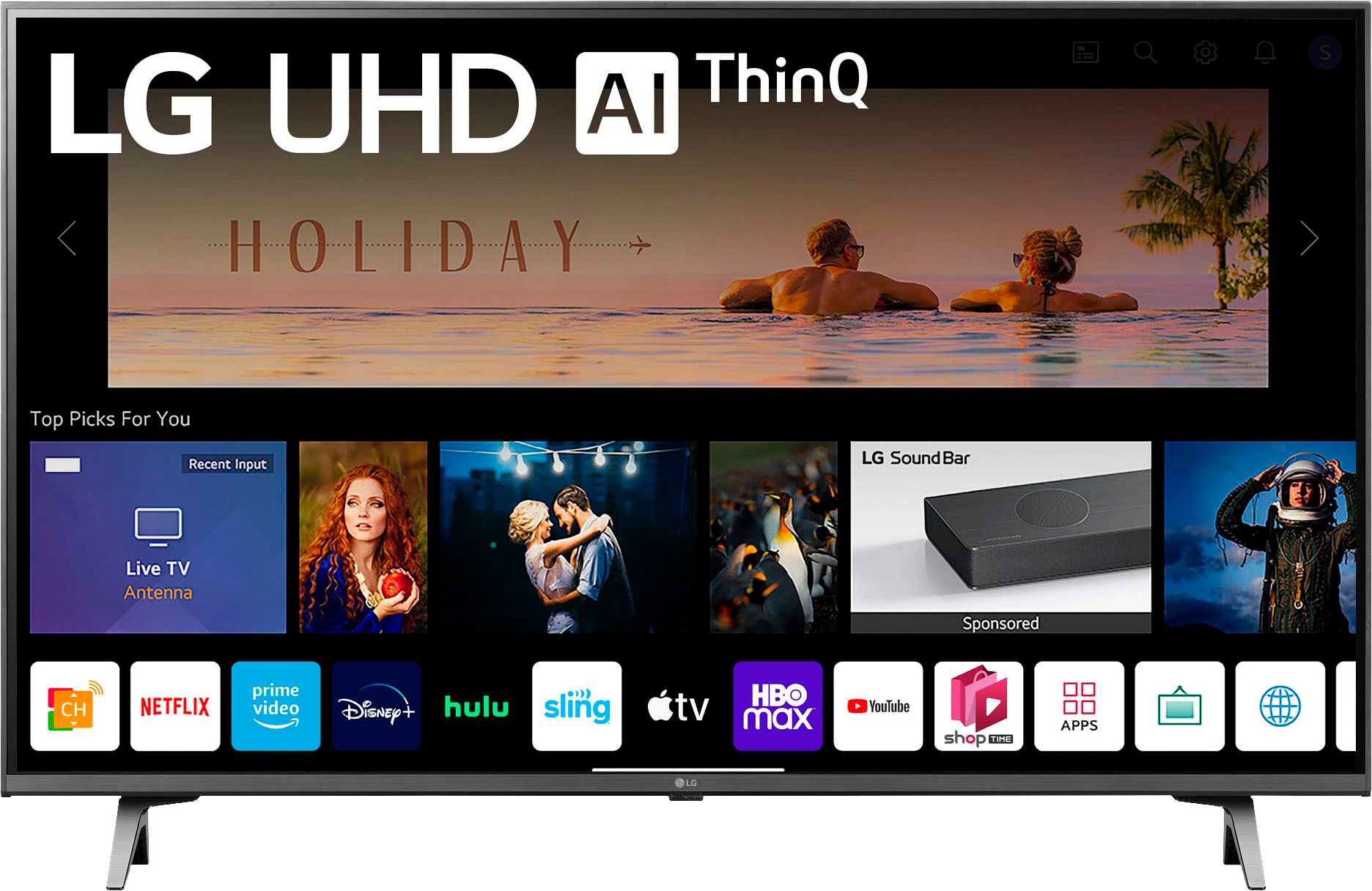
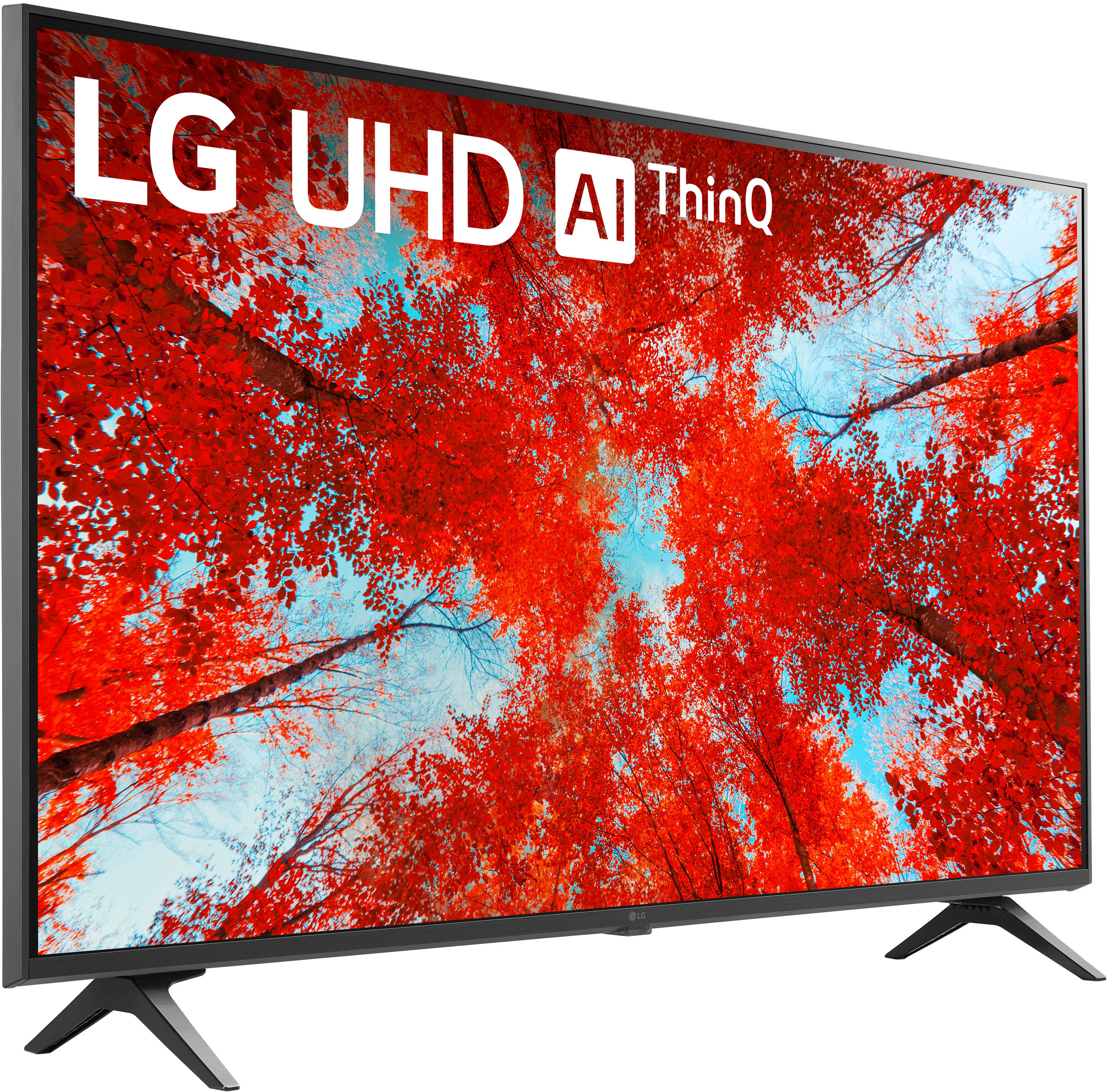
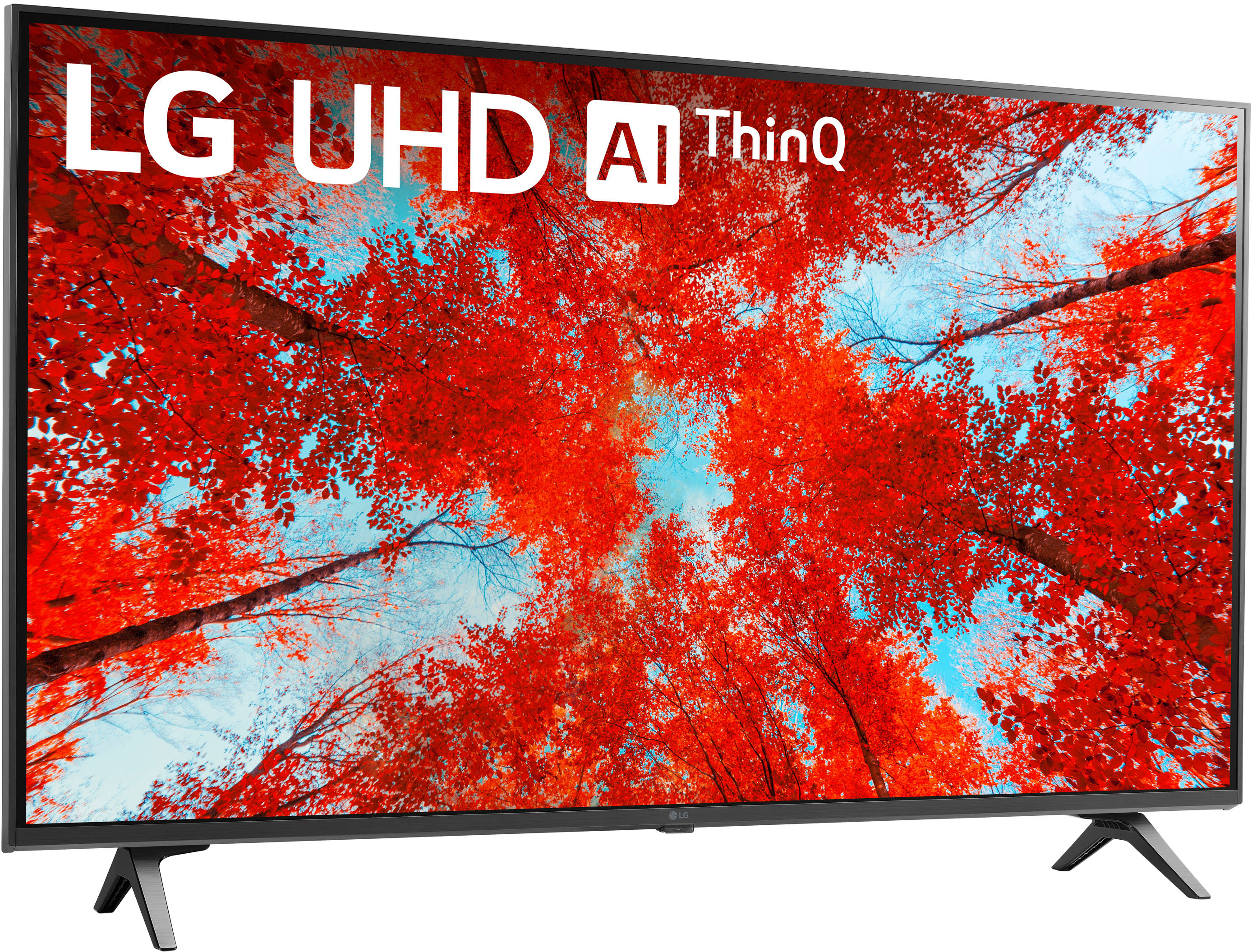
A:AnswerThe LG 43 Inch Class UQ9000 PUD series LED 4K UHD Smart webOS 22 w/ ThinQ AI TV, Model # 43UQ9000PUD features an LG Content Store (App Store) that you can use to download and install apps that are compatible with the webOS TV Platform (OS)that the TV runs on,and you can only download such apps through the LG Content Store.Apps like Netflix, HBO Max, Amazon Prime Video, Hulu, Vudu, Apple TV, Disney +,Tubi, Peacock,Sling TV, YouTube TV,Paramount +, Discovery +, Starz, just to name a few are preinstalled apps on the TV...^Ivan
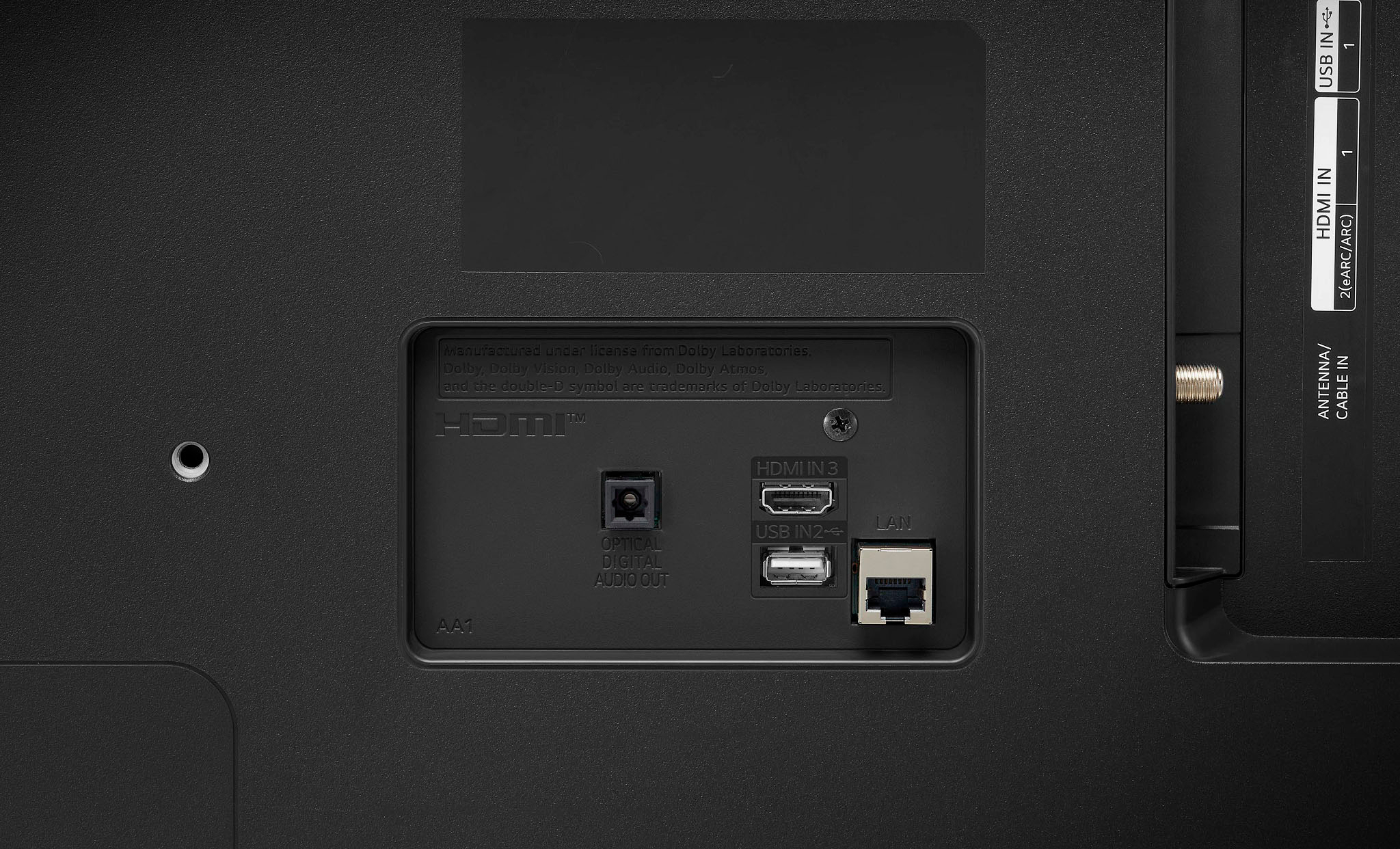
A:AnswerThe most common way of connecting a Soundbar to a TV is to connect the Optical Digital Audio Out on a TV to the Optical Digital Audio Input an a Soundbar.
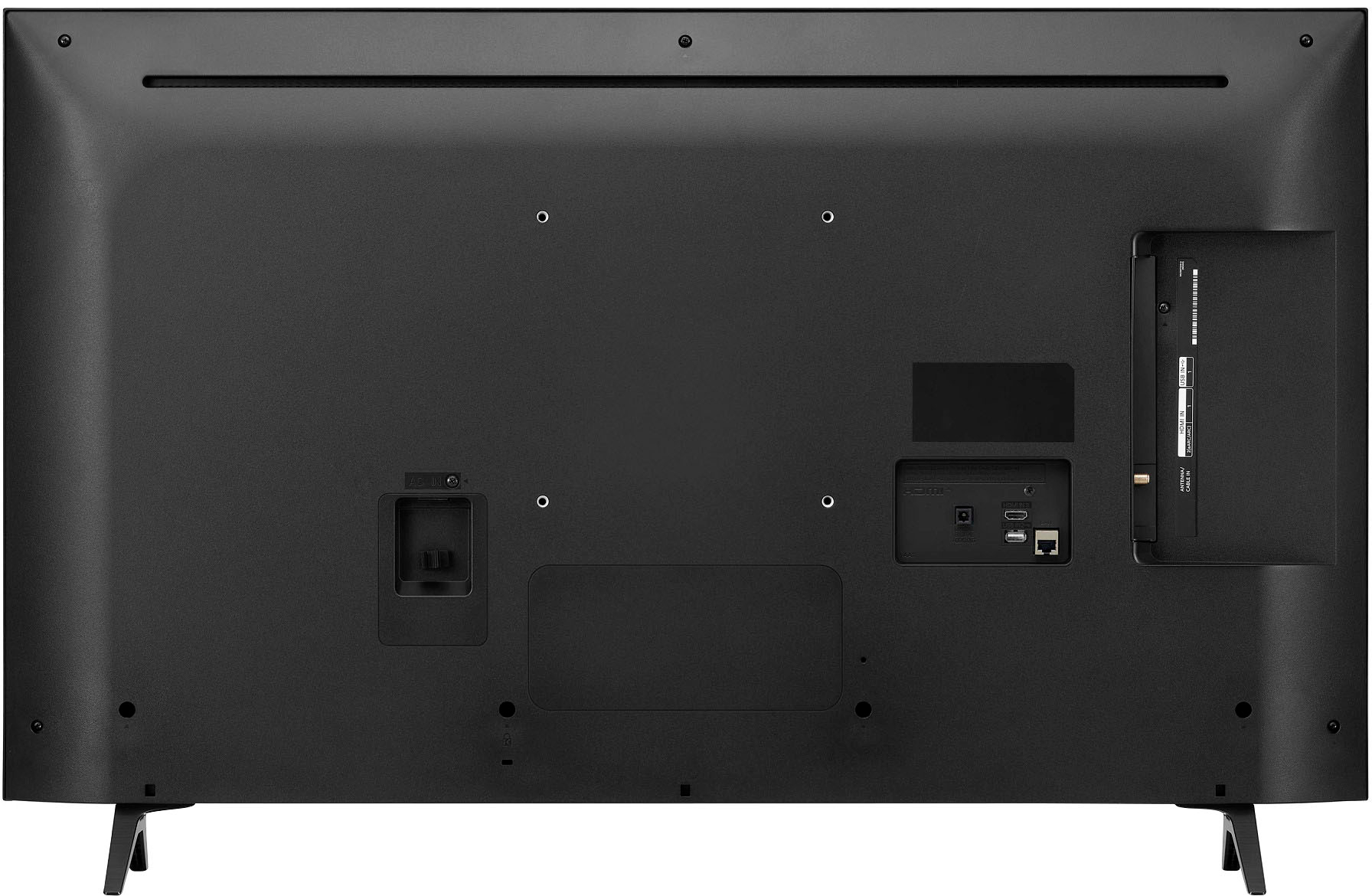
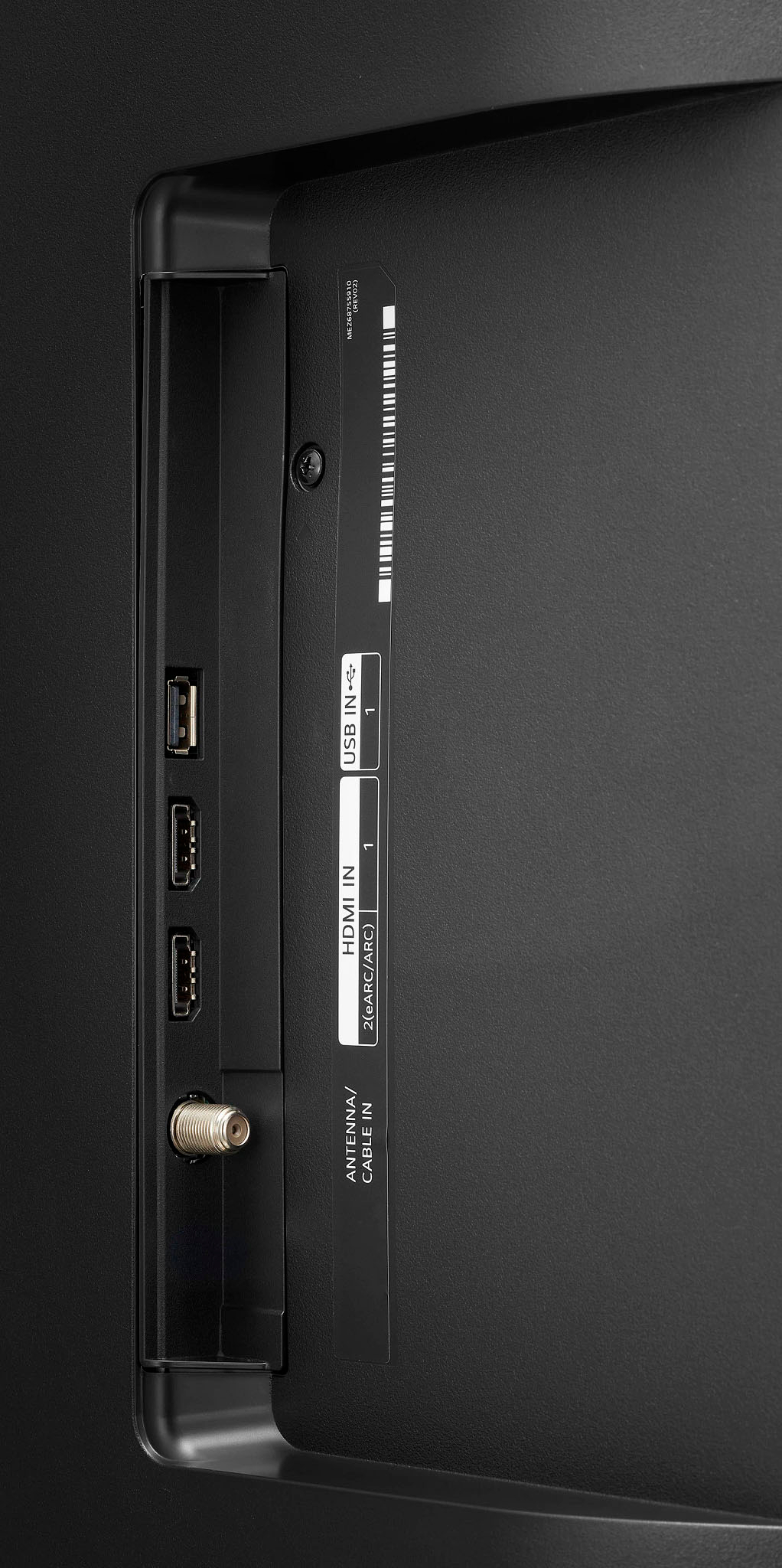
The LG 43 Inch Class UQ9000 PUD series LED 4K UHD Smart webOS 22 w/ ThinQ AI TV, Model # 43UQ9000PUD can be connected to a Soundbar in one of three ways depending on what connectivity the Soundbar is. It can be paired via Bluetooth to a Bluetooth-enabled Soundbar for a wireless Bluetooth connection. It can be connected to a Soundbar with an HDMI ARC/eARC port via its HDMI eARC port or it can be connected via its Optical Digital Audio Output to a Soundbar with an Optical Digital Audio Input. The choice of how to connect it to your Soundbar is yours...^Ivan
A:AnswerThank you for your interest in the LG 43 Inch Class UQ9000 PUD series LED 4K UHD Smart webOS 22 w/ ThinQ AI TV (43UQ9000PUD) model. The LG 43UQ9000PUD TV does not have an ATSC 3.0 tuner and is not NextGen TV ready. LG has decided to drop ATSC 3.0 support from its 2024 TV lineup due to a patent battle and increased royalties for the tuners. You can download its owner's manual through this link for more information: https://www.lg.com/us/support/product/lg-43UQ9000PUD.AUS. ^Cris
A:AnswerWe're sorry to hear about the issue you've encountered with the LG 43” Class UQ9000 Series LED 4K UHD Smart WebOS TV, Model # 43UQ9000PUD, Jess. Regarding the warranty, you mentioned that you are two months late in checking the manufacturer's warranty. While it is unfortunate that you missed the warranty period by a small margin, we can still provide you with excellent assistance to get this issue sorted out. You may visit this link for more troubleshooting steps: https://www.lg.com/us/support/help-library/lg-tv-why-does-my-tv-have-no-power-CT10000020-1441914332865 or you can reach out to us via private message on Facebook or X @LGUSSupport for direct assistance, and we'll be happy to accommodate you. `Alice
A:AnswerHi, there. The LG 43UQ9000PUD is not listed as a supported device for DIRECTV STREAM. To check the available and compatible apps for this model, you may visit this link: https://us.lgappstv.com/main/appSearch. ^Jayne
A:AnswerHello there! Thank you so much for your feedback! It helps us continue to improve and provide the best possible service to customers like you. We look forward to serving you always. We're sorry to hear you're having these issues with your LG 43" Class UQ9000 Series LED 4K UHD Smart webOS TV! We would like to make things right. Please send us a private message on @LGUSSupport on Twitter or Facebook or call 800-243-0000. `Jai.
A:AnswerHello, Amanda! Channel Plus is compatible with this TV, and there are over 175 free channels! We've attached a link with more info below. https://www.lg.com/us/support/help-library/lg-channel-plus-tv-plus-tv-CT10000020-20150552982846 ^Ian
A:AnswerSo far all of my devices have been automatically connected and recognized by the tv. I play ps4, xbox 360, series x, super nintendo and my s21 phone are flawless. It has more apps and channels then you will expect and it connects to apple devices but i do not have those in my home. Also has a voice assist mode that has actually been helpful in figuring out custom tv settings if your into it.
A:AnswerHi Amanda. Regardless of whether you buy the LG 43 Inch Class UQ9000 PUD series LED 4K UHD Smart webOS 22 w/ ThinQ AI TV, Model # 43UQ9000PUD directly from LG or from Best Buy, the TV is handled by so many different hands from the time it is transported from the factory to the warehouses before it is sold and then again when it is transported to your home when you purchase it, it is subjected to a lot of jostling and vibrations during transportation. So while it is rare that you will receive a model that will have problems or issues right out of the box, we cannot guarantee you 100% that that will be the case. The TVs are tested for quality assurance before leaving the factory...^Ivan