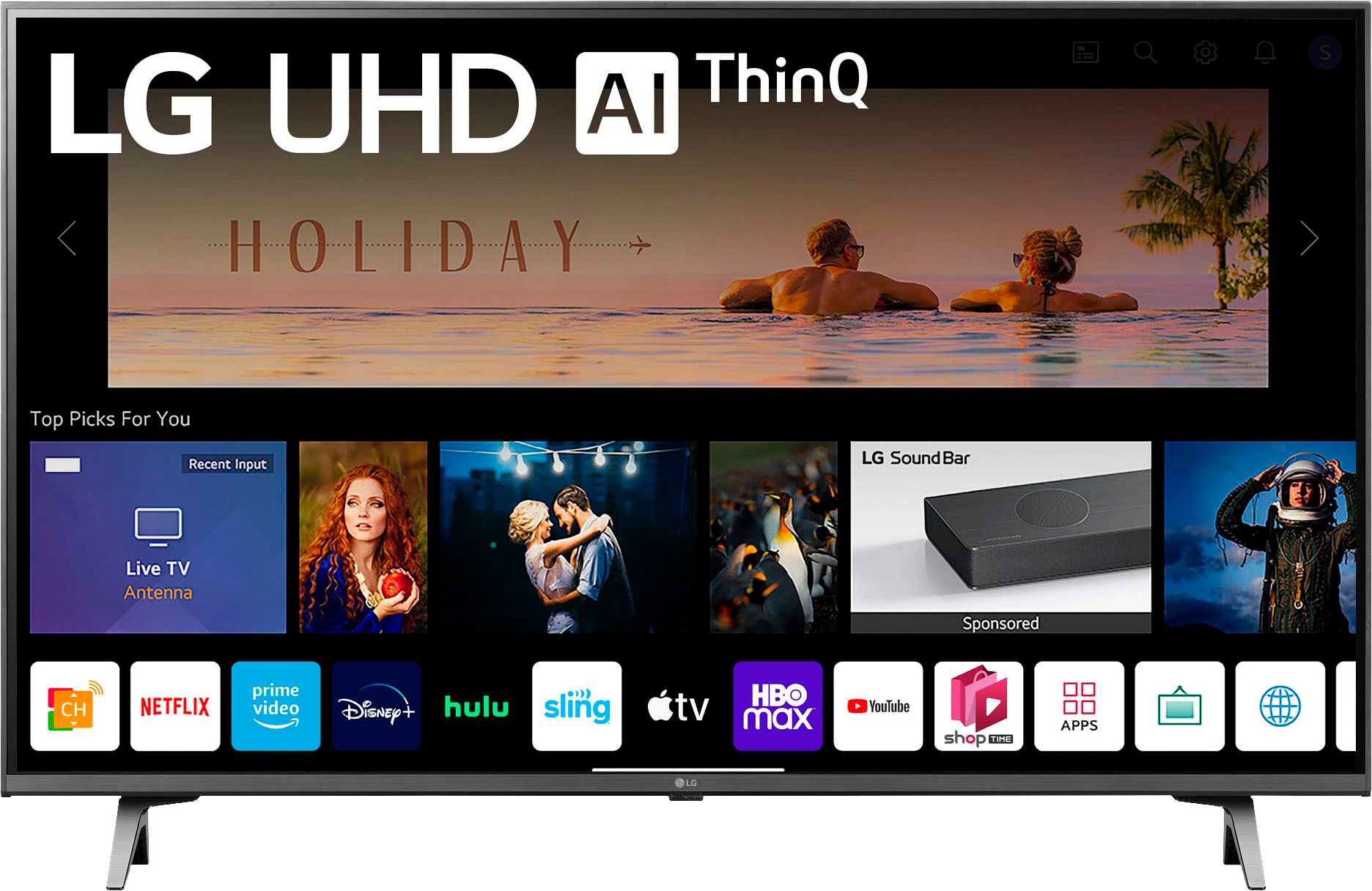
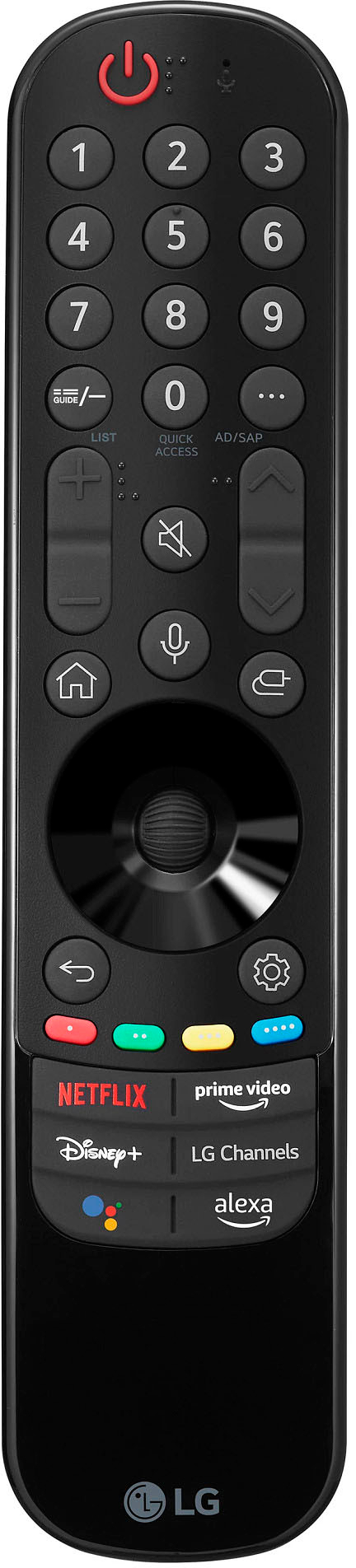
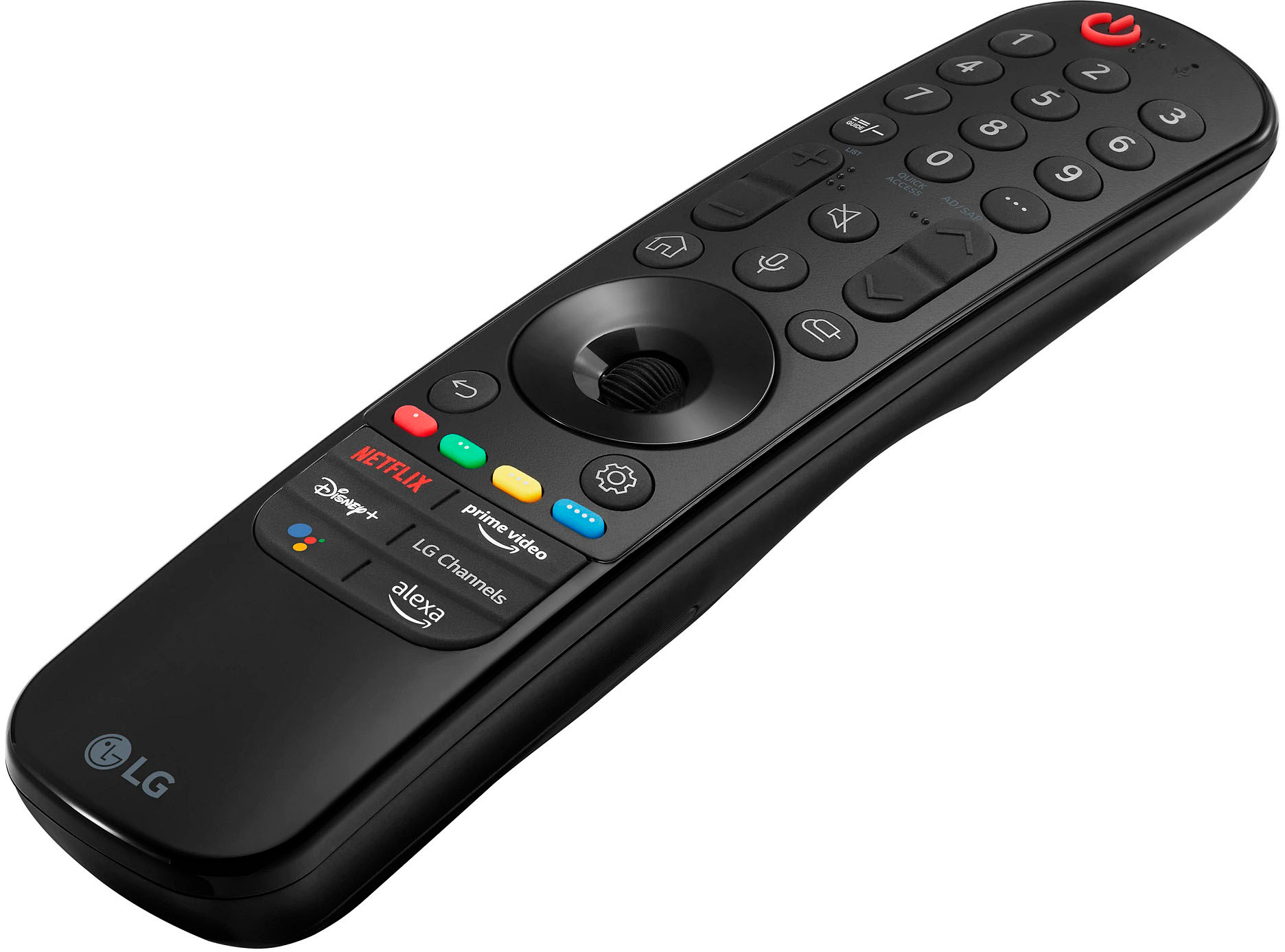
A:AnswerA. There are over 175 available channels, and Yes LG Channel Plus is where it's at. In the meantime, We wanted to include this link which includes a video with some helpful/useful information: https://tinyurl.com/bdcrsmca. Please reach out again should you have more questions. ~Tanisha
A:AnswerHi Amanda. Thanks for reaching out. To add more LG channels/apps, go to the LG App store: On the TV Remote, click Start/Home, choose More Apps, and open the LG content Store. Select Premium, choose a channel to add, and install. `Jai.
A:AnswerHey there. Thanks for reaching out. For the LG 43" Class UQ9000 Series LED 4K UHD Smart webOS TV cannot output sound both from TV Speakers and Headphones at the same time. `Jai.
A:AnswerHi, the only ABC app available for this model TV is the ABC10+ app, which is a news station local to the Sacramento, CA area. Should you want to see which apps are available on this model TV, please go to: https://us.lgappstv.com/main/appSearch , click the tab 'Search TV app,' and enter in the model number (43UQ9000PUD). ^Chris
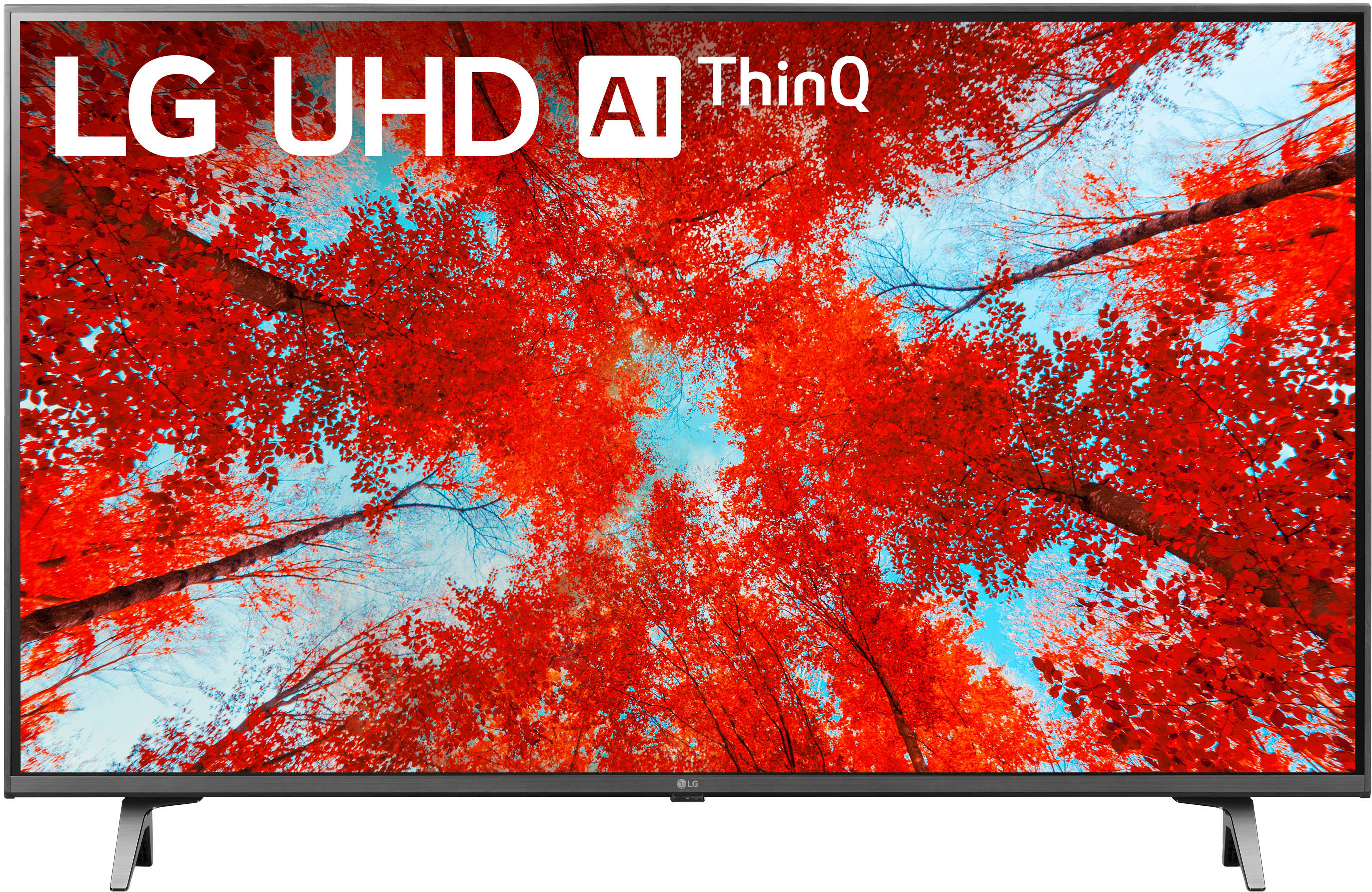
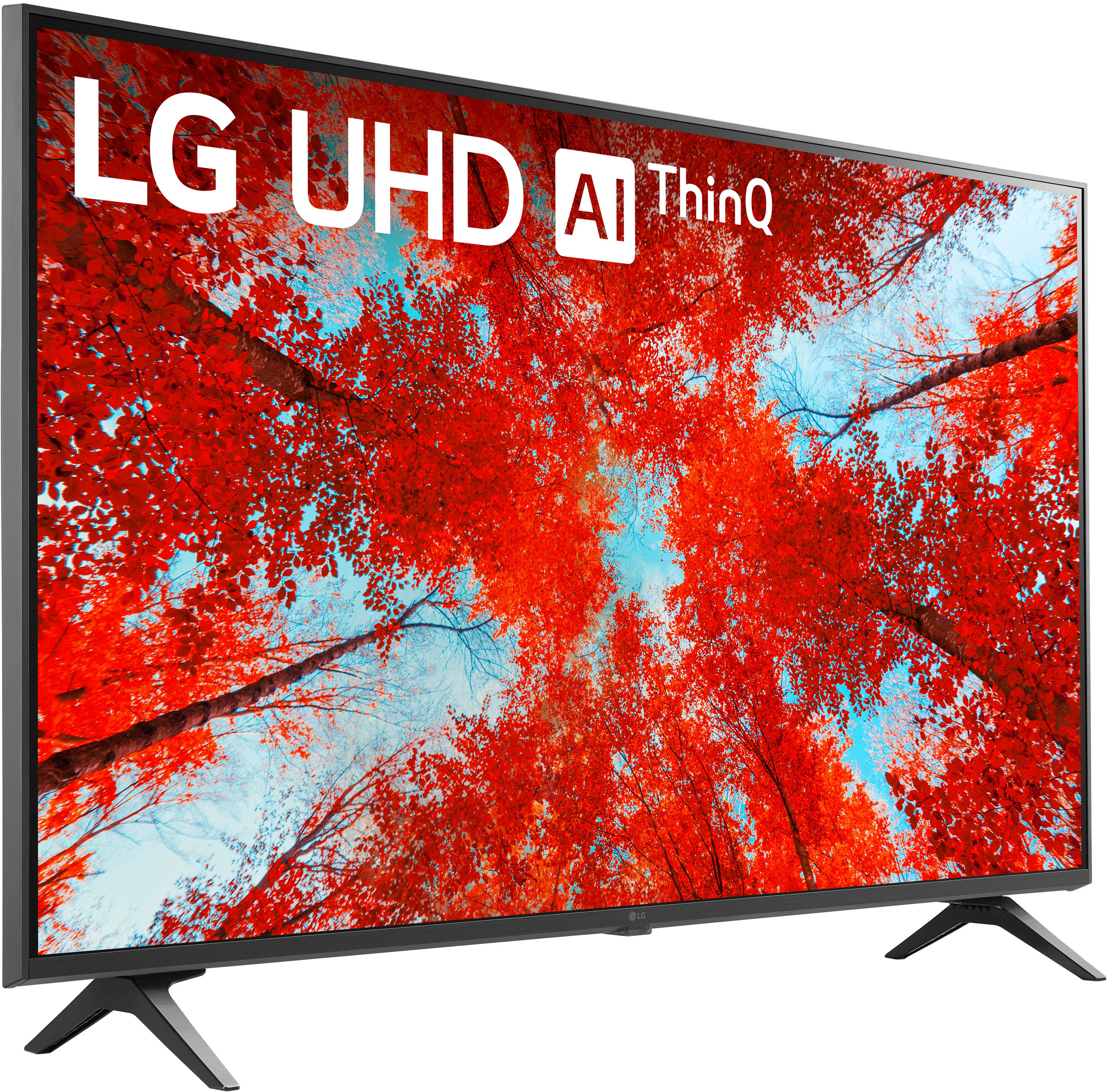
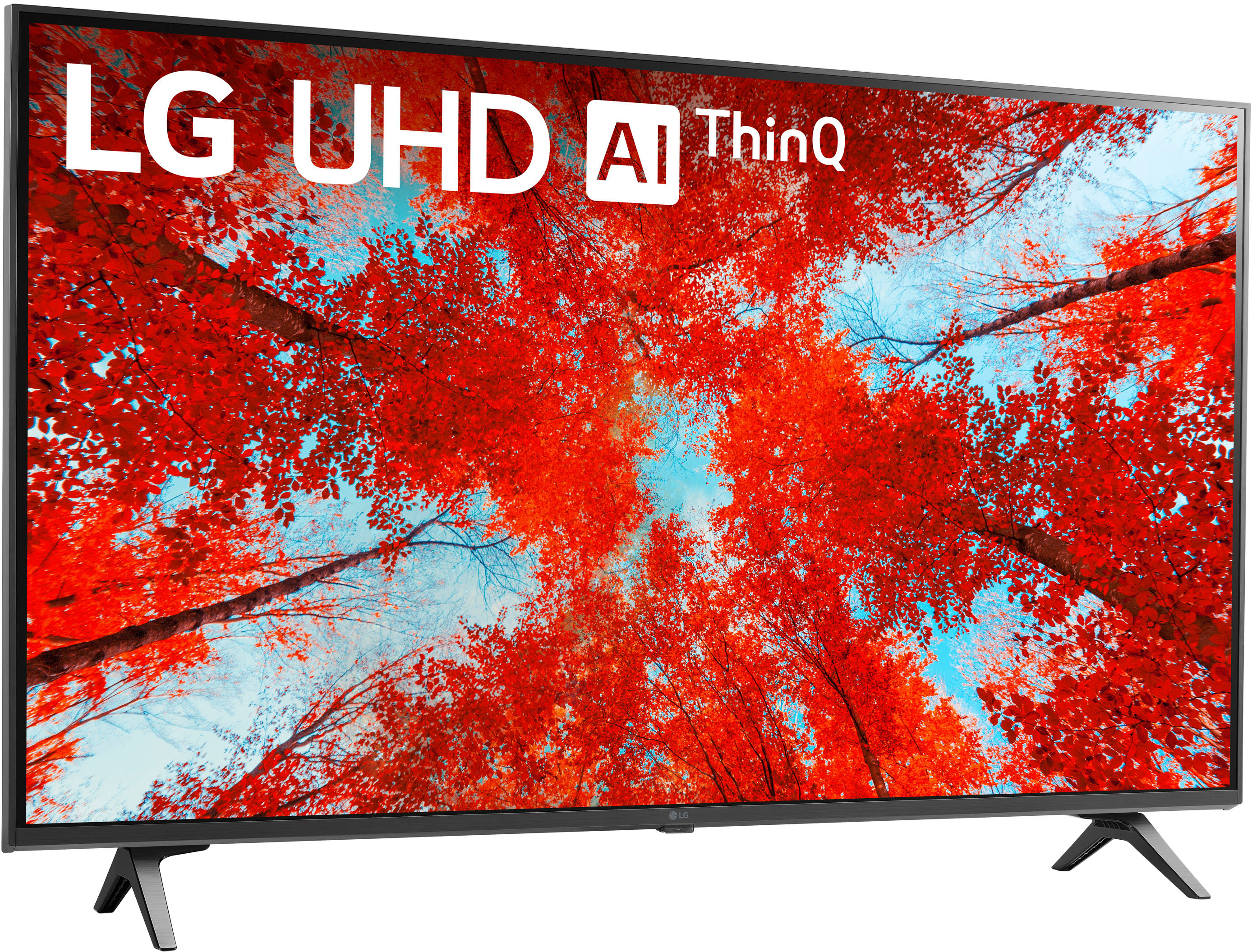
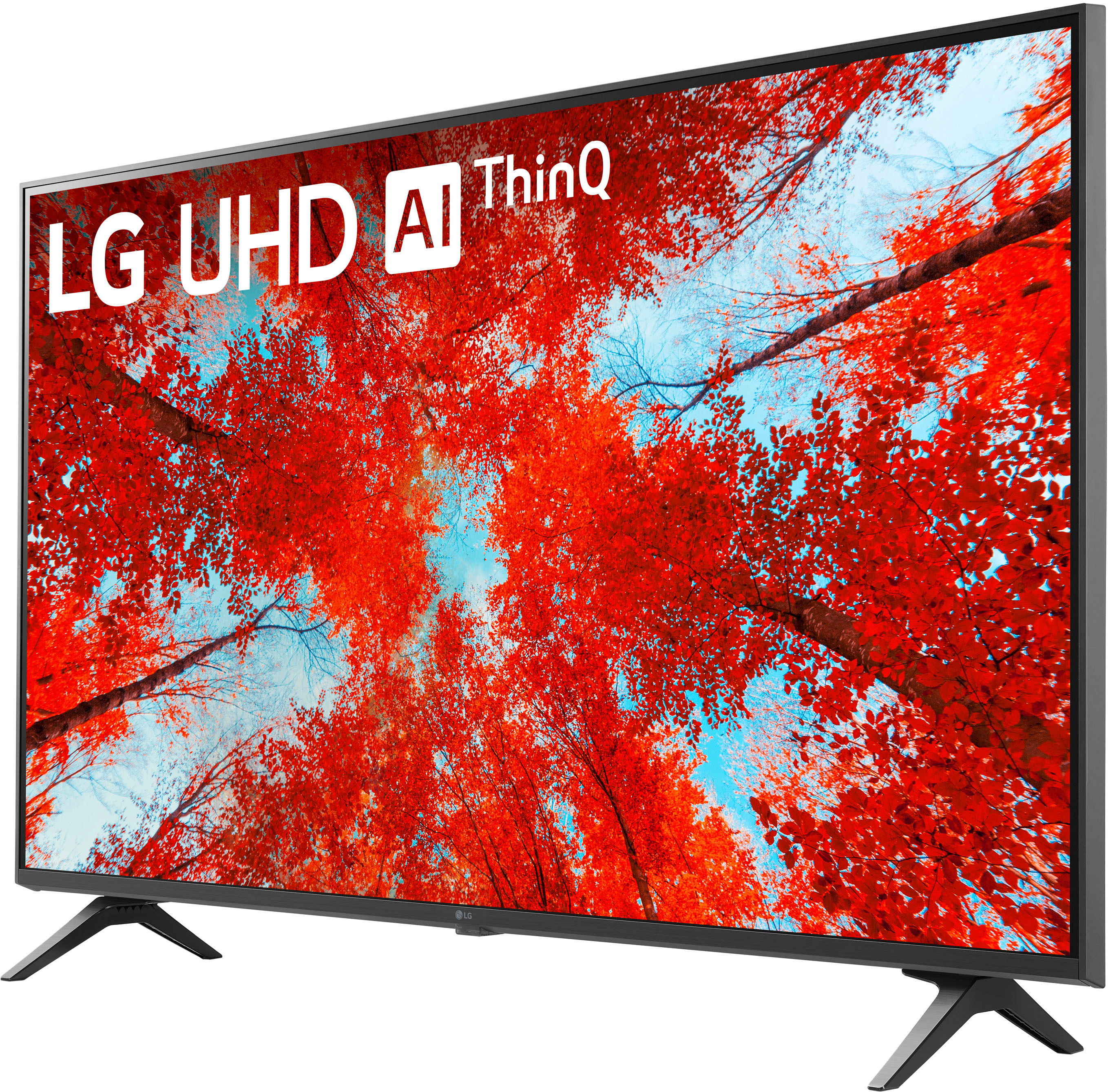
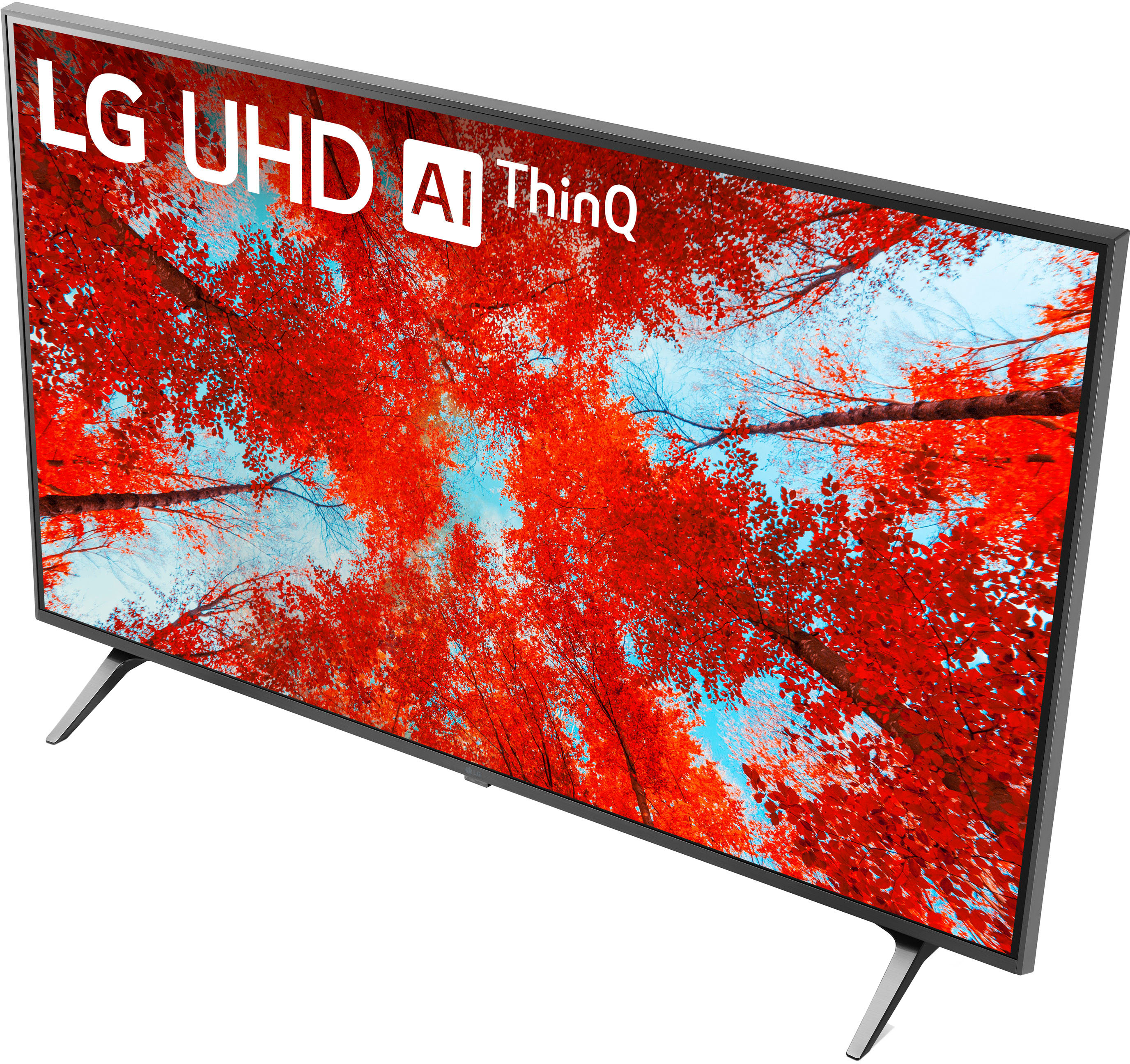
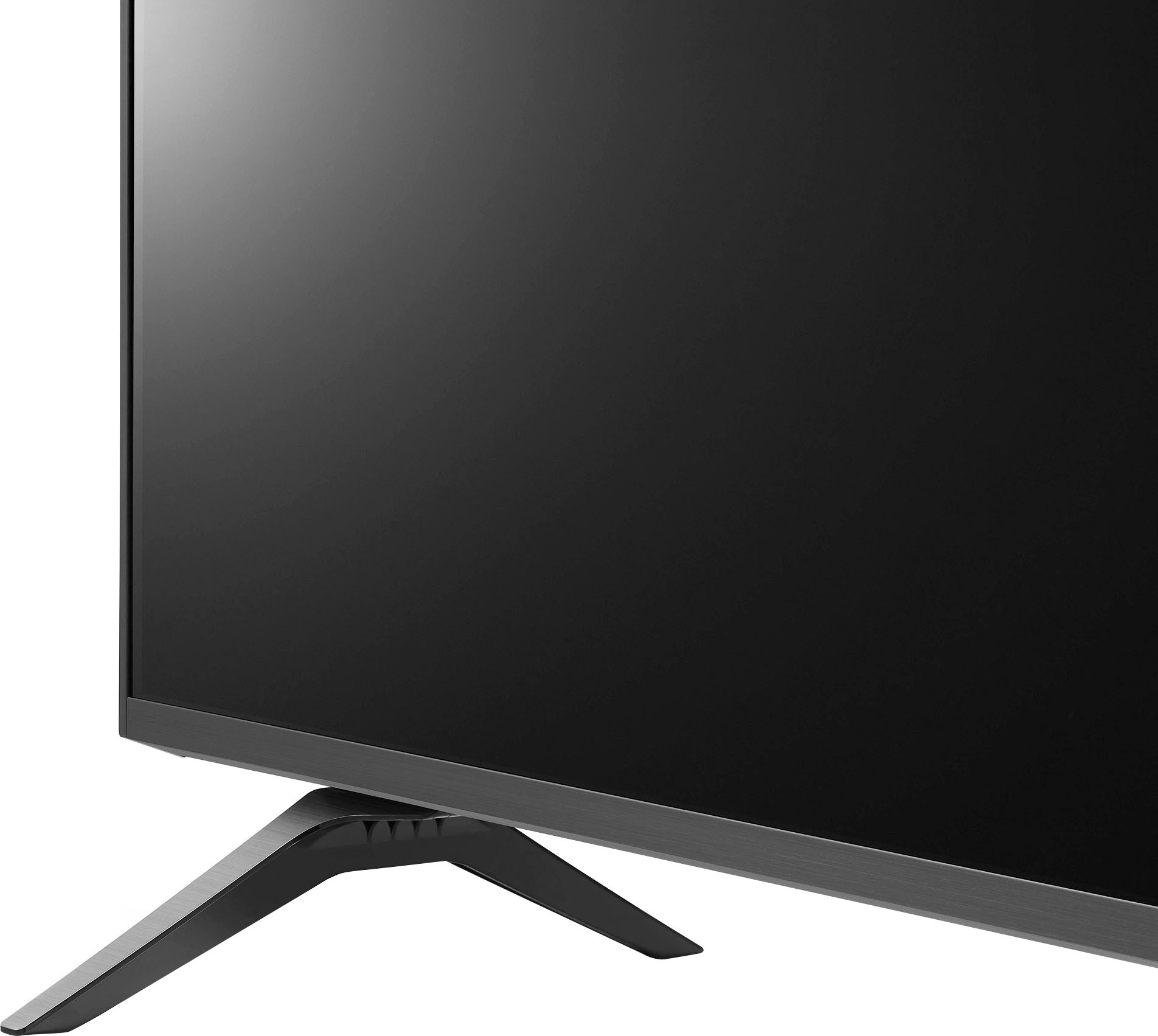
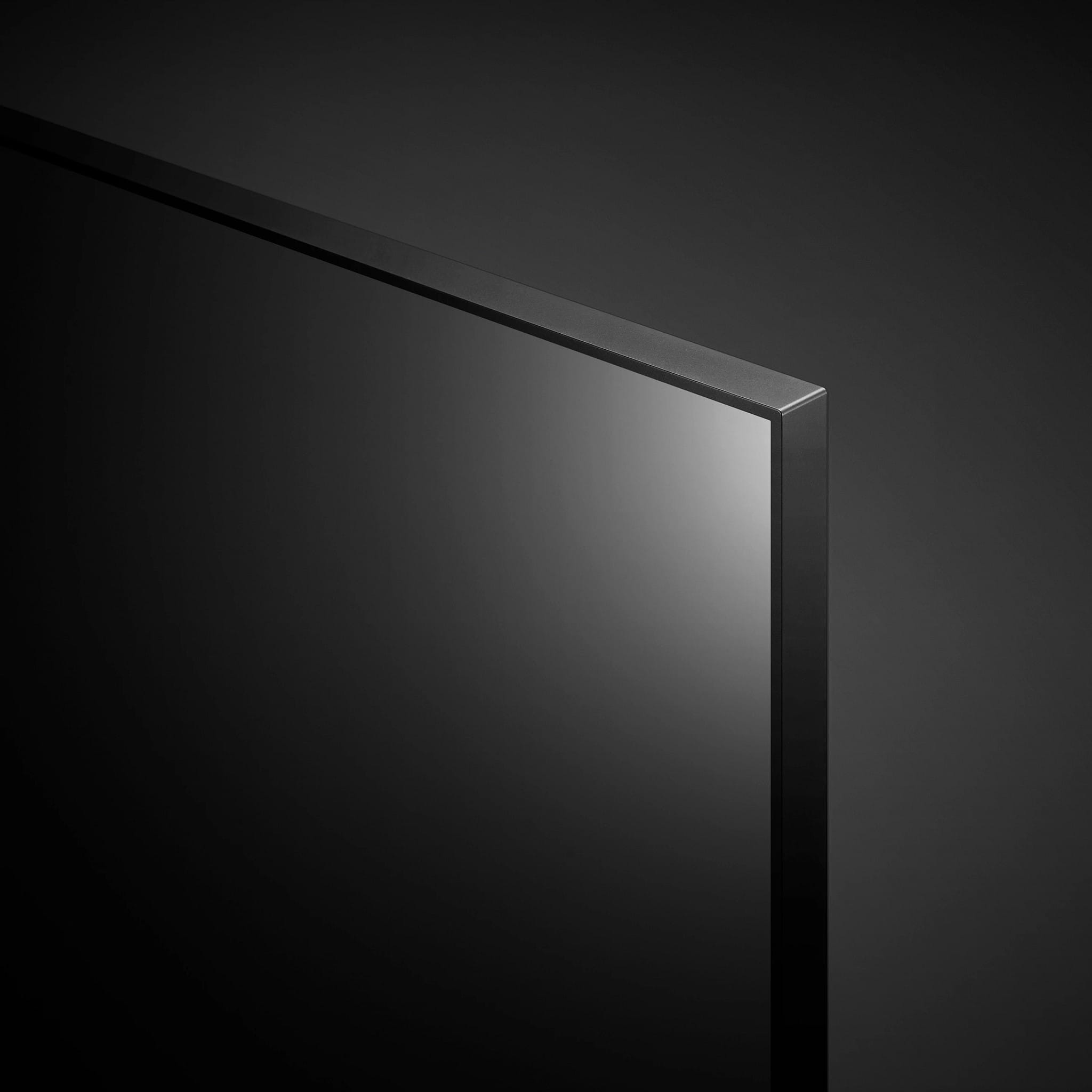
A:AnswerHi there Amanda. This LG TV brings you everything you need to bring your favorite content to life with the power of 4K and the extras you crave. Experience your favorite content up-close with an ultra-large 4K UHD TV. LG UHD TVs are designed slim and sleek with a minimal bezel so they’ll match your space perfectly. Get your popcorn ready with a 4K viewing experience that’ll make it feel like you’re at the theater. This is really a great TV. `Jai.
A:AnswerHi! We'd be happy to do so! Soundbar models SPQ8-S and SK1 are the models we offer under that price range. Please see the following links:
1. https://www.lg.com/us/sound-bars/lg-spq8-s
2. https://www.lg.com/us/sound-bars/lg-SK1-sound-bar
^Chris
A:AnswerYes. The Xfinity universal remote may be compatible with this TV as there are codes available for LG TV's that would be necessary to pair them. ^Chris
A:AnswerHello there Amanda. Thanks for reaching out. For the LG - 43" Class UQ9000 Series LED 4K UHD Smart webOS TV Yes as long as you get the wall bracket that is compatible for your model. `Jai.
A:AnswerHi Amanda, Best Buy's professional services offer delivery + TV/display setup & mounting for TV's up to 55". They don't offer to take your current TV off the mount. For more information, please contact the Best Buy retailer you would be purchasing the TV from.
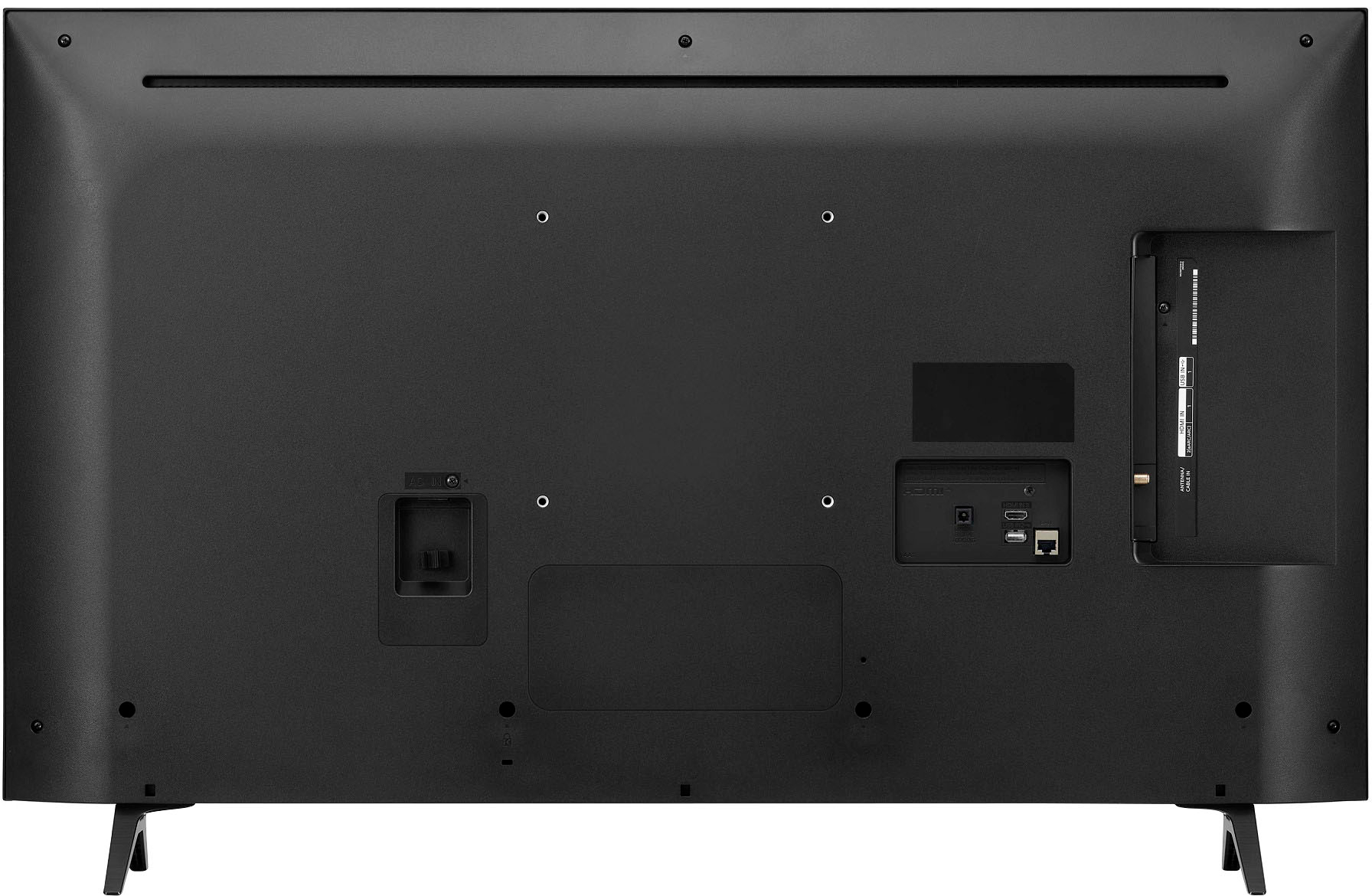
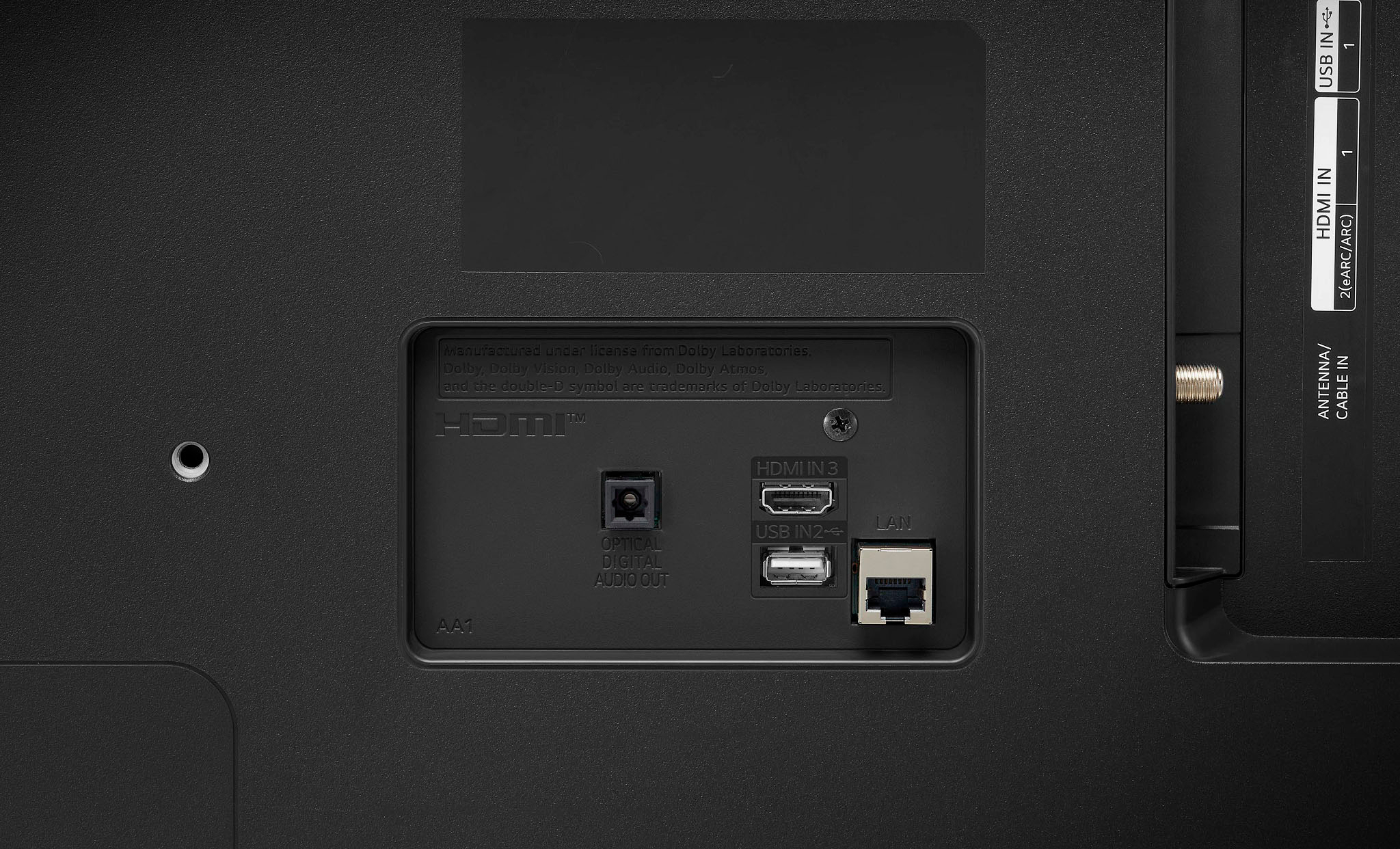
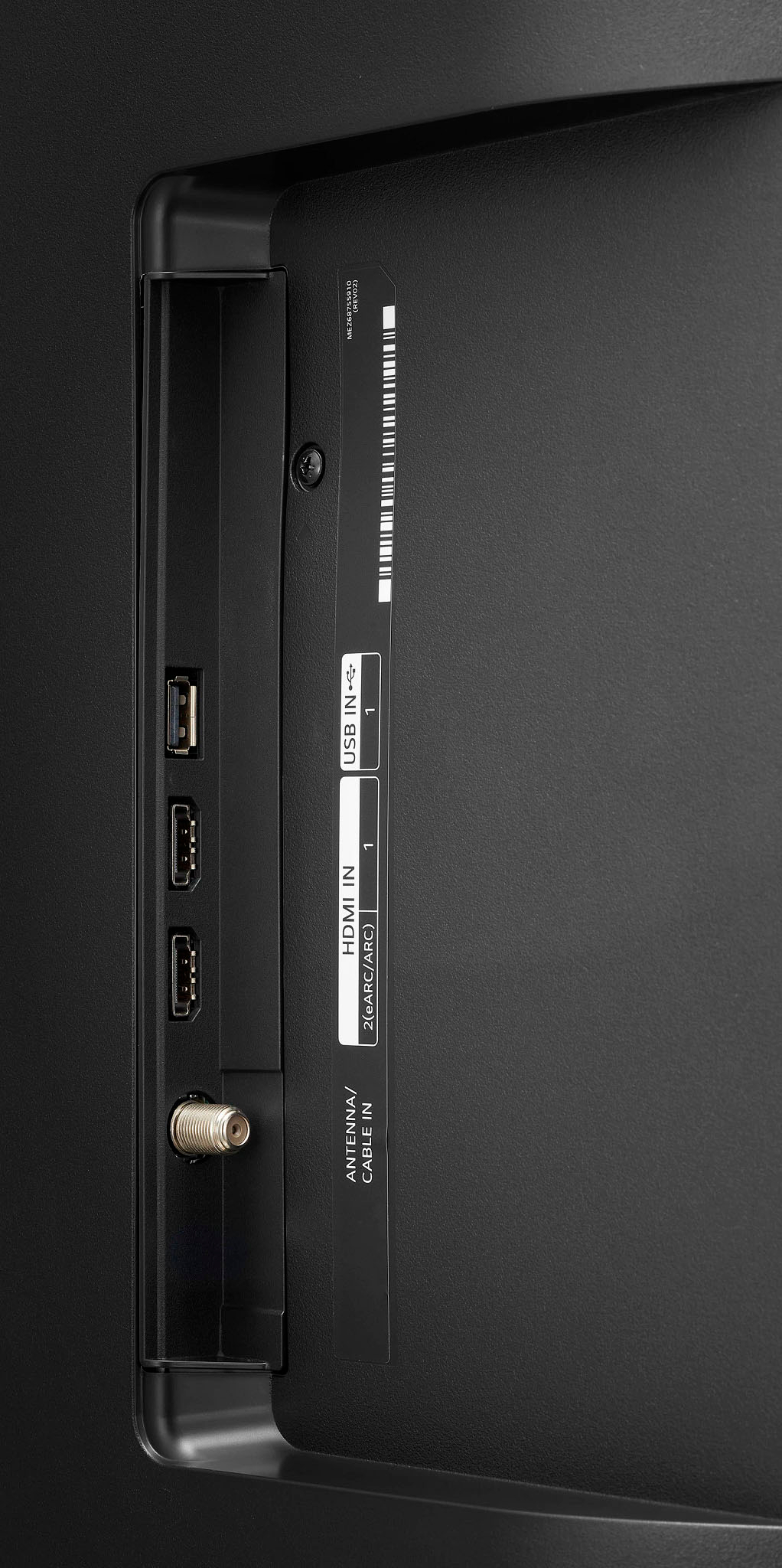
A:AnswerHey there. You can use any of the HDMI connections for this model as long as they fit onto the TV. Either one will work depending on the HDMI cable you input. ~Anthony
A:AnswerHey there. While this TV does not have resistance with the glare, we have built a technology on it called "AI Brightness Control". No matter how bright or how dark your room is, you’ll experience just the right brightness with our AI Brightness Control that automatically adjusts your screen to match the room. In that way, it can sort of help out with the glare. Hope this information helps! Here from LG. ~Anthony
A:AnswerHi Cell. Frame Rate (FPS) and Refresh Rate (Hz) are not the same thing. Frame rates are measured in FPS or Frames per Second and Refresh rate is measured in frequency (Hz) which is the number of times per second your TV or monitor can redraw the screen. The LG 43 Inch Class UQ9000 PUD series LED 4K UHD Smart webOS 22 w/ ThinQ AI TV, Model # 43UQ9000PUD has a native refresh rate of 60 Hz...^Ivan
A:AnswerHello Akshay. Our α7 Gen5 AI Processor that is featured on the LG OLED B2, A2, QNED90, QNED85, and QNED80 is only available with NANO75/76/79 models of NanoCell 86-inch TVs and UQ90/91 models of UHD 86-inch TVs. The LG 43 Inch Class NANO75 UQA series LED 4K UHD Smart webOS 22 w/ ThinQ AI TV, Model # 43NANO75UQA is the only 43" screen with the a5 Gen 5 AI Processor 4K...^Ivan