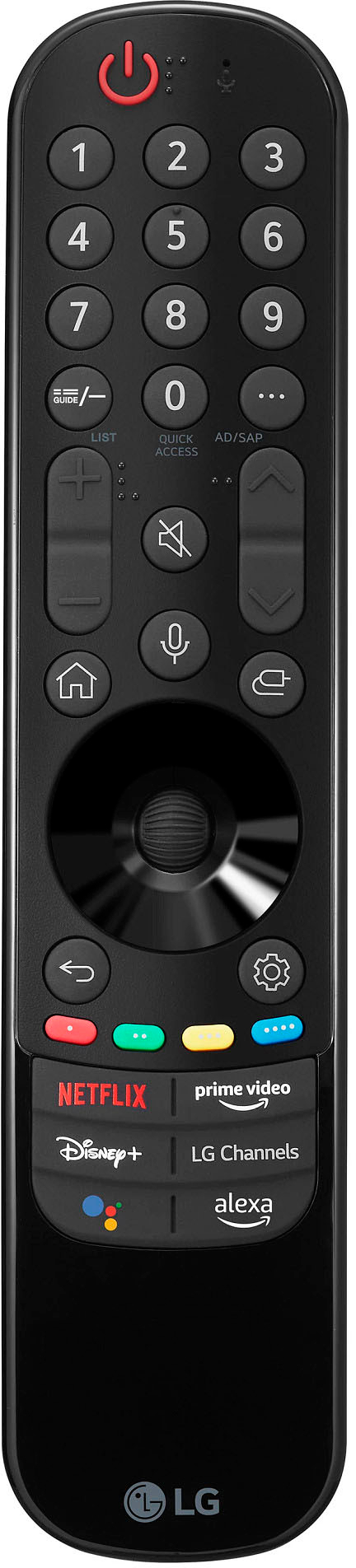
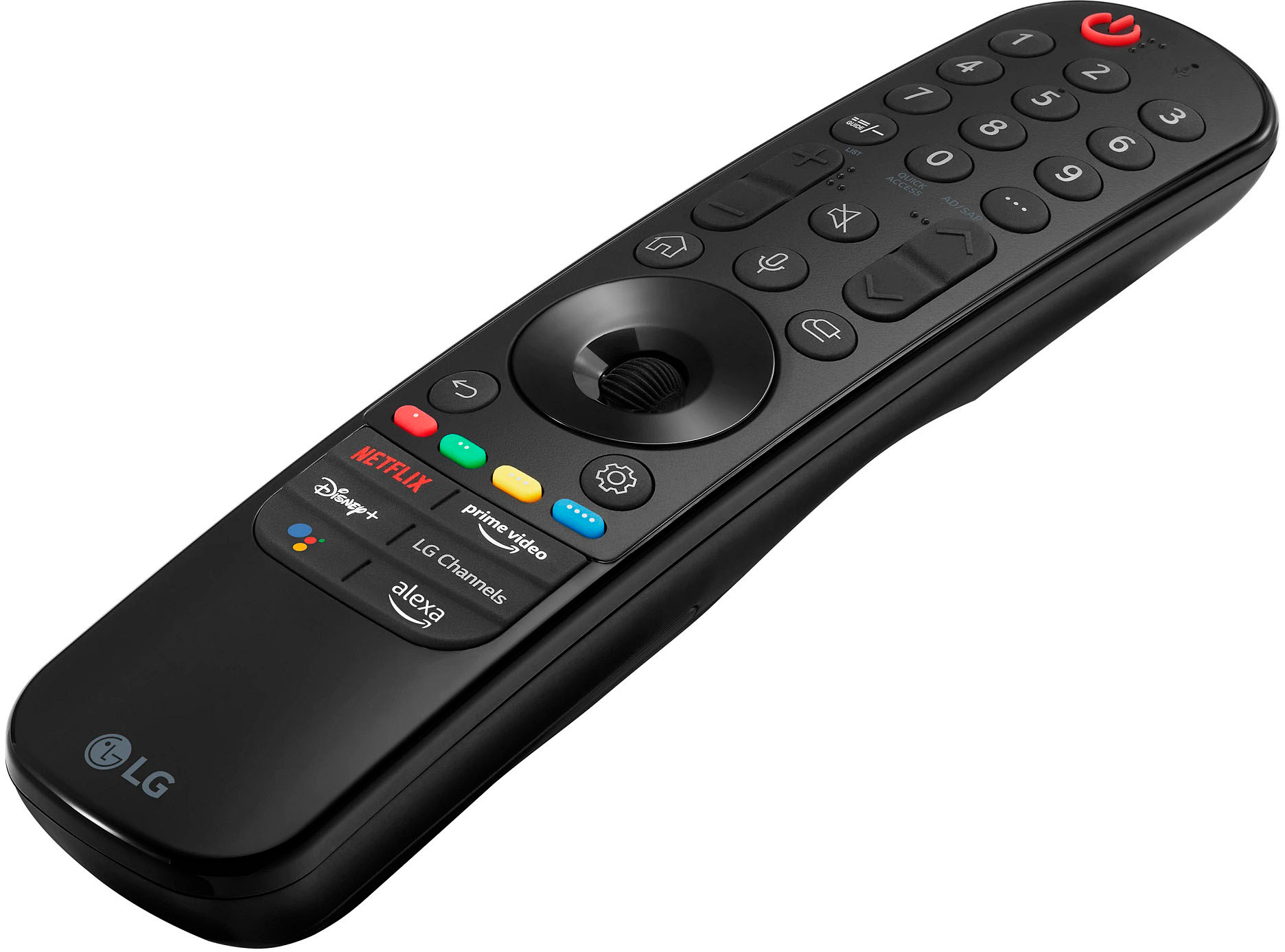
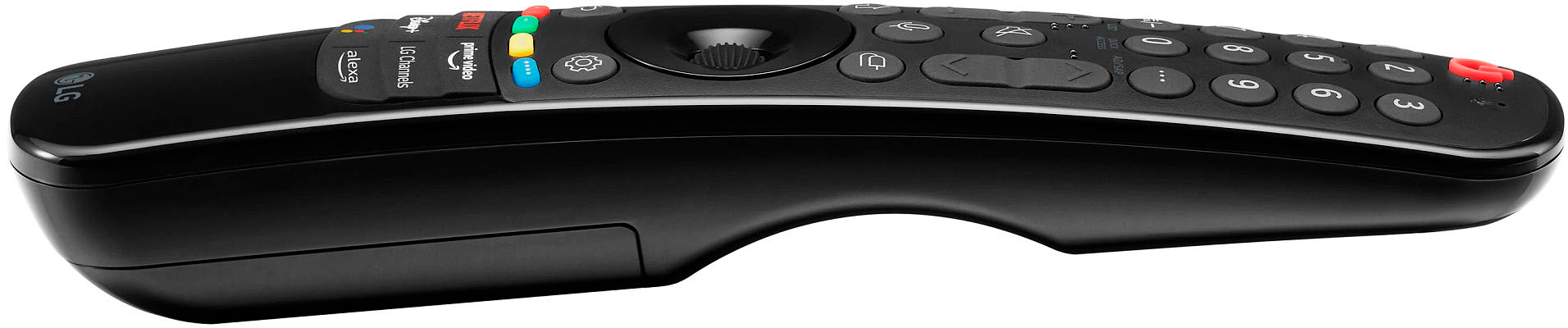
A:AnswerHi, Here's the troubleshooting steps https://www.lg.com/us/support/help-library/remote-control-troubleshooting-operation-hdtv-netcast-webos-CT10000018-1427121727809, if nor resolved, please reach out to our support in Facebook @LGUSSupport or call our customer service at 1-800-243-0000. ^Vanessa
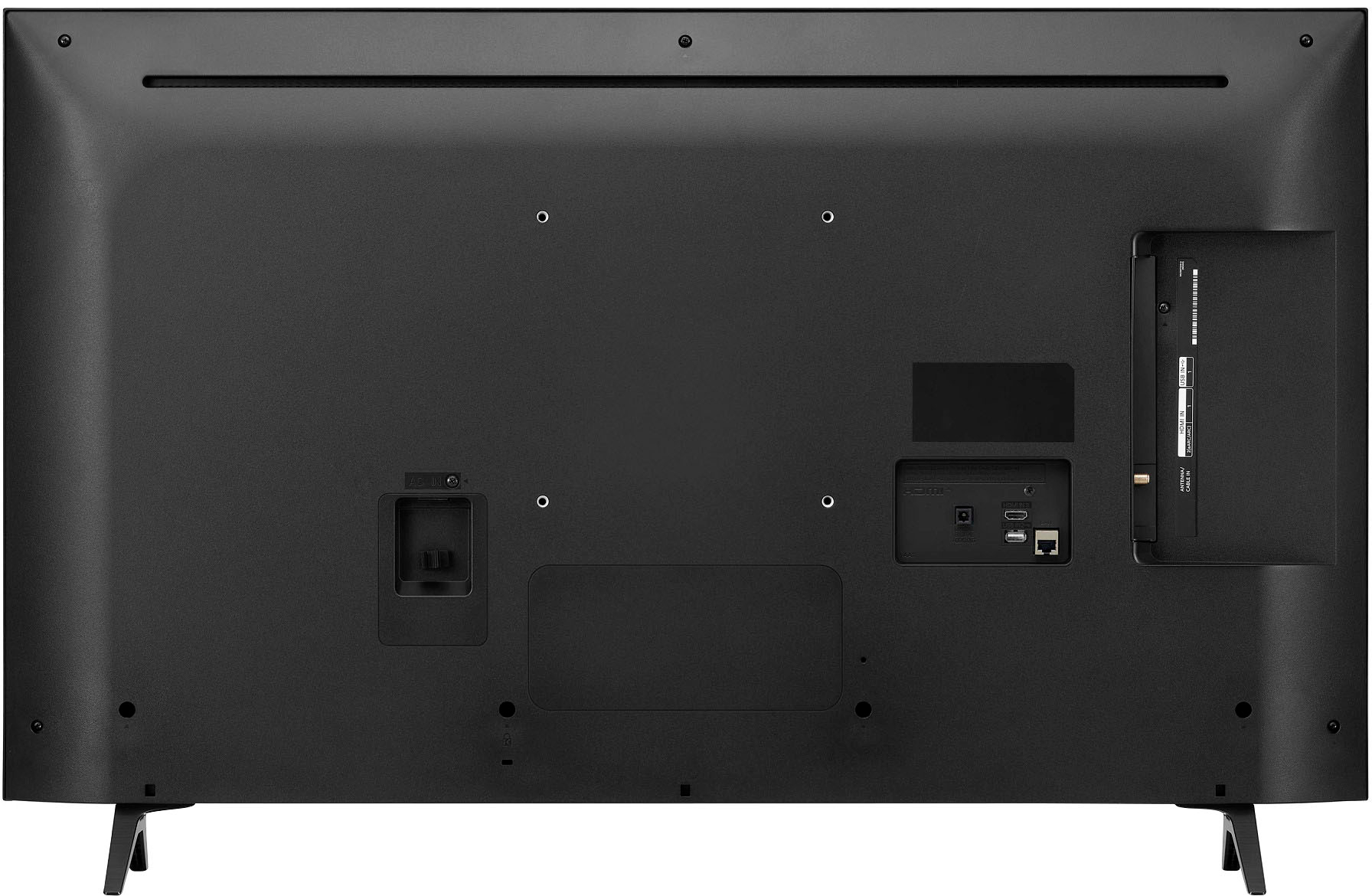
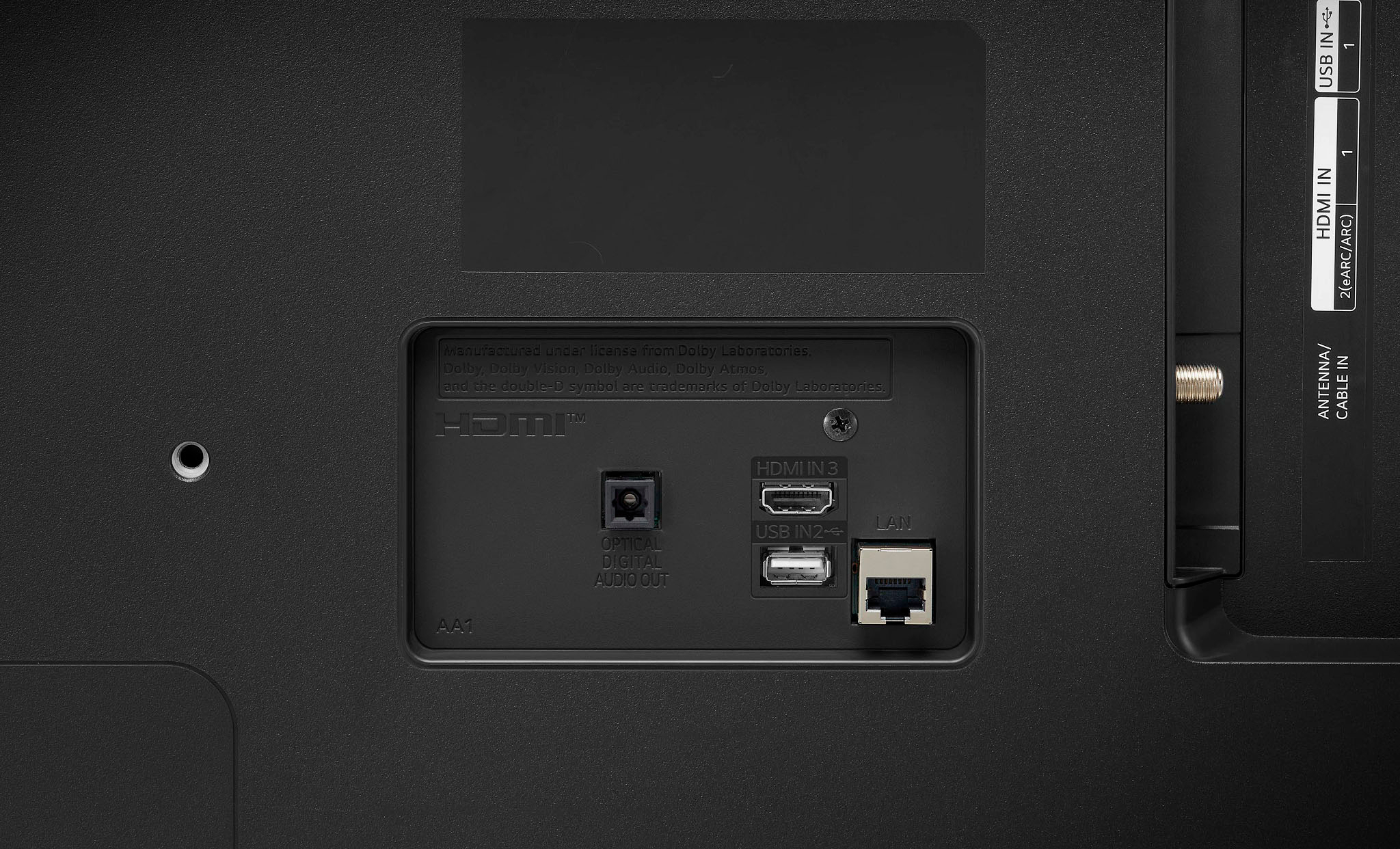
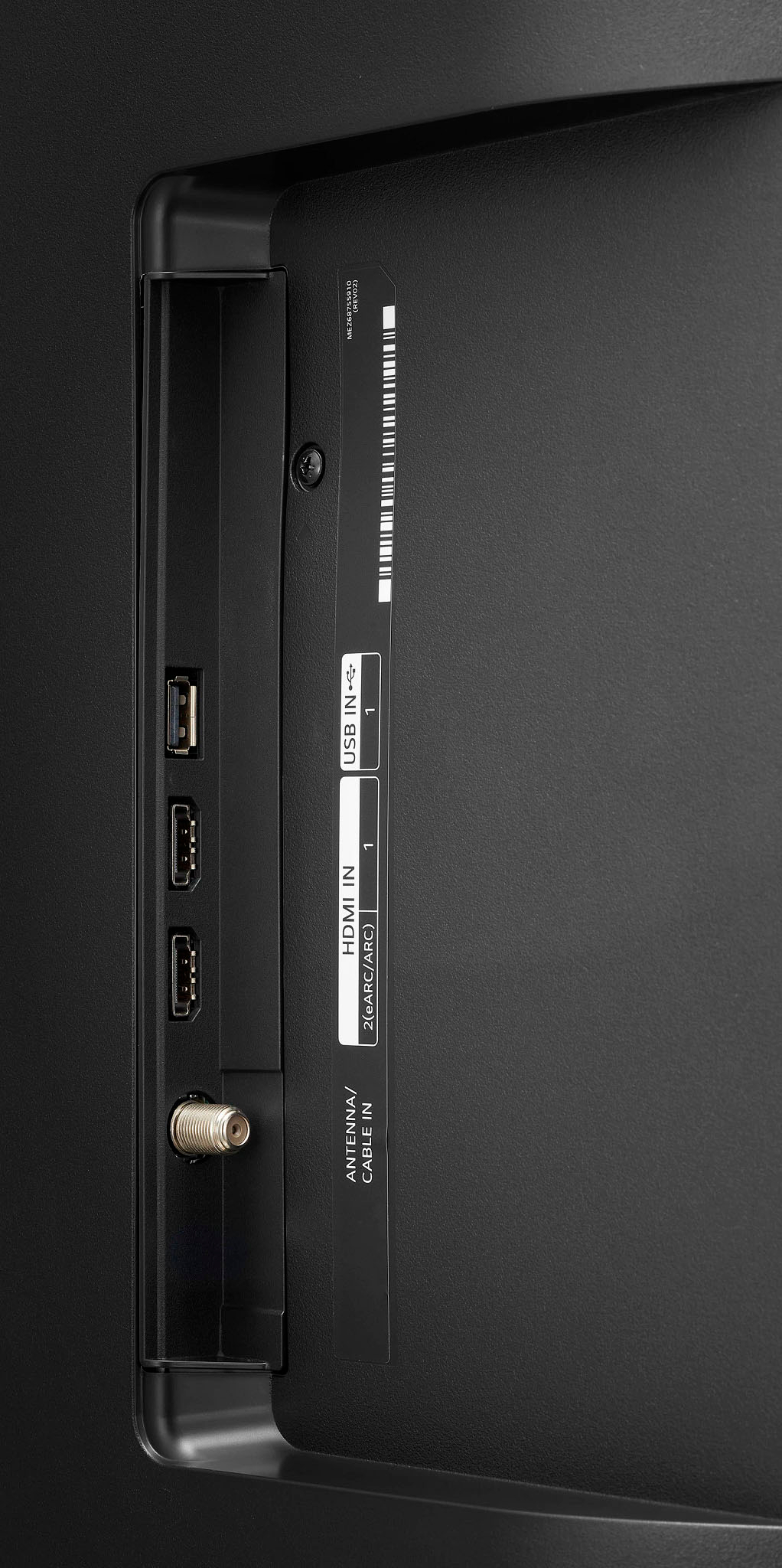
A:AnswerThat would not be normal. Suggest: 1) try connecting the source to one of the other HDMI inputs on the TV - if that works, then the TV has a bad HDMI port 2) Try a different HDMI cable - preferably one you know is good 3) Connect the source to another known working device (e.g. another TV with HDMI that is know to be working).
A:AnswerYes you can turn off the auto-start so it goes directly to the device plugged into HDMI 1. I have it set to go straight to my Roku whenever I power it on.
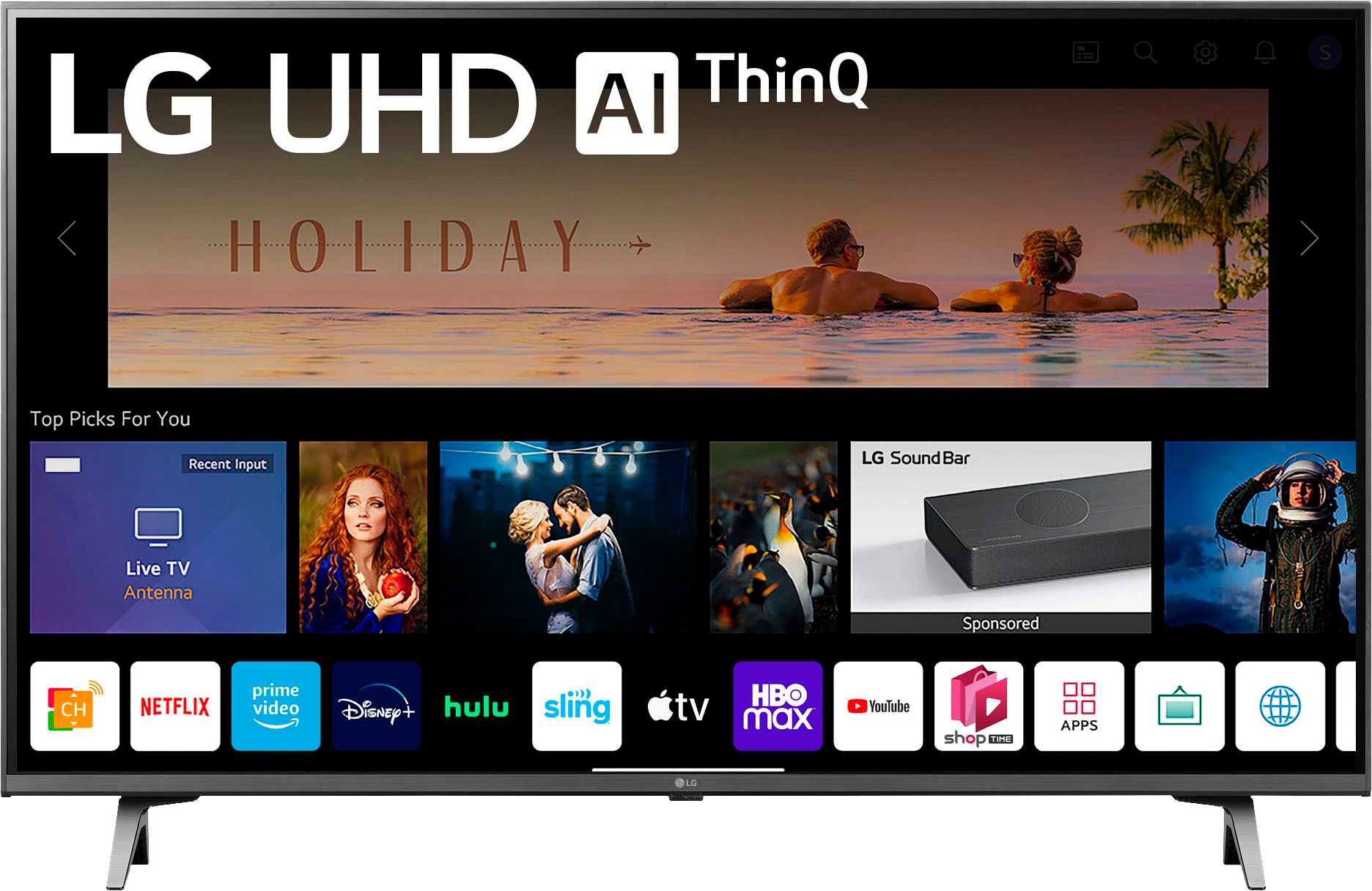
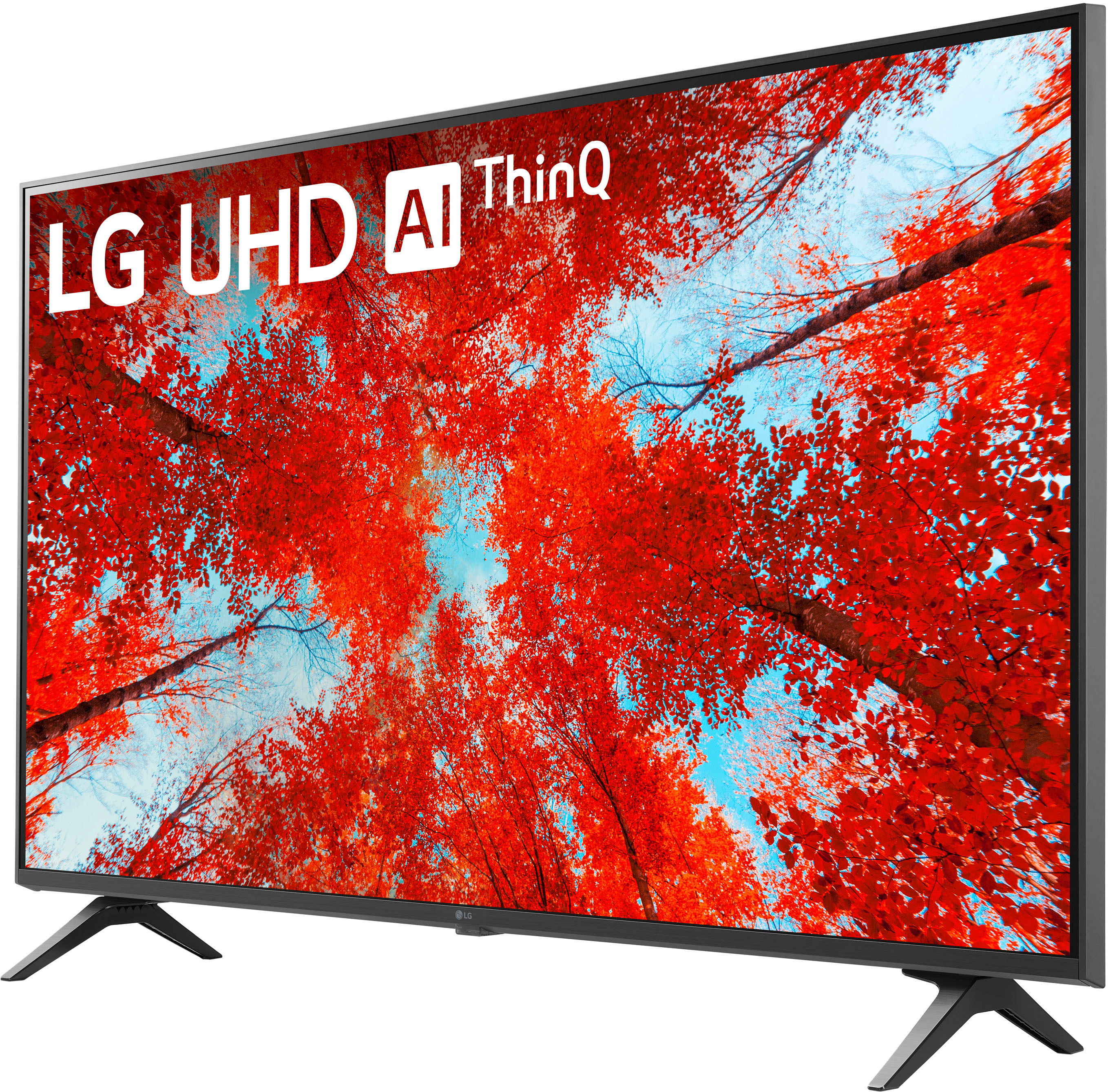
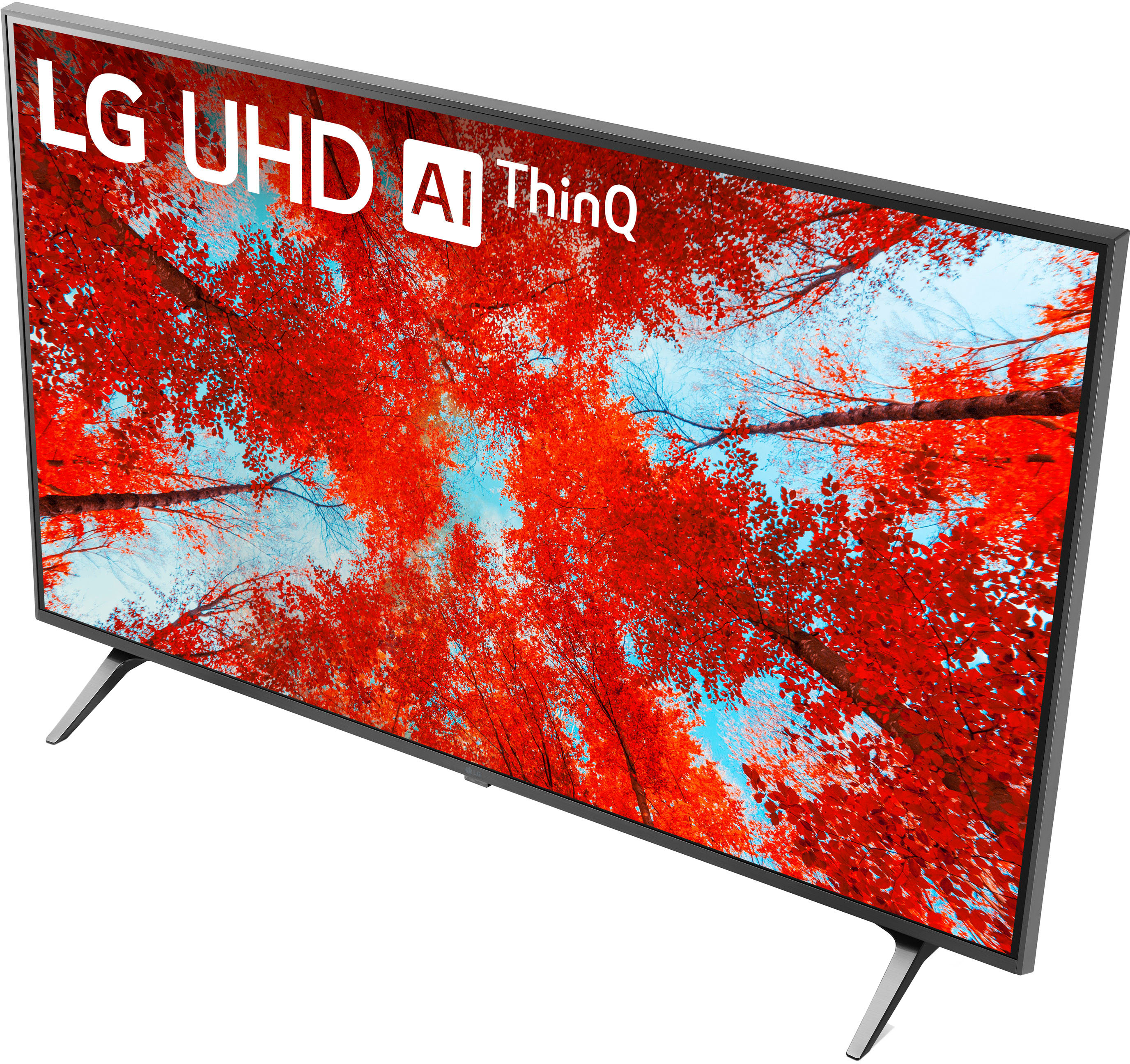
A:AnswerIt has Google Chromecast built-in, so it comes with several apps already available. It's easy to add additional apps. This is a perfect TV for streaming but of course it will work well with cable.
A:AnswerPlease look for distributor servicing your area:
Eastern Time Zone:
C.E Sundberg Company
(800-621-9190)
www.sundbergamerica.com
Mar-Cone Appliance Parts Company
(866-678-9132)
http://marcone.com
Central Time Zone:
Dey Appliance Parts Service
(800-397-1339)
www.deydistributing.com
Encompass Supply Chain
(855-371-0084)
www.encompass.com
ALL Areas
Reliable Parts 877-733-9241
https://www.reliable parts.com/
Trible's 800-874-2527
www.tribles.com
All Brands Appliance Parts
877-836-1981
http://www.allbrandonline.com.^Venette