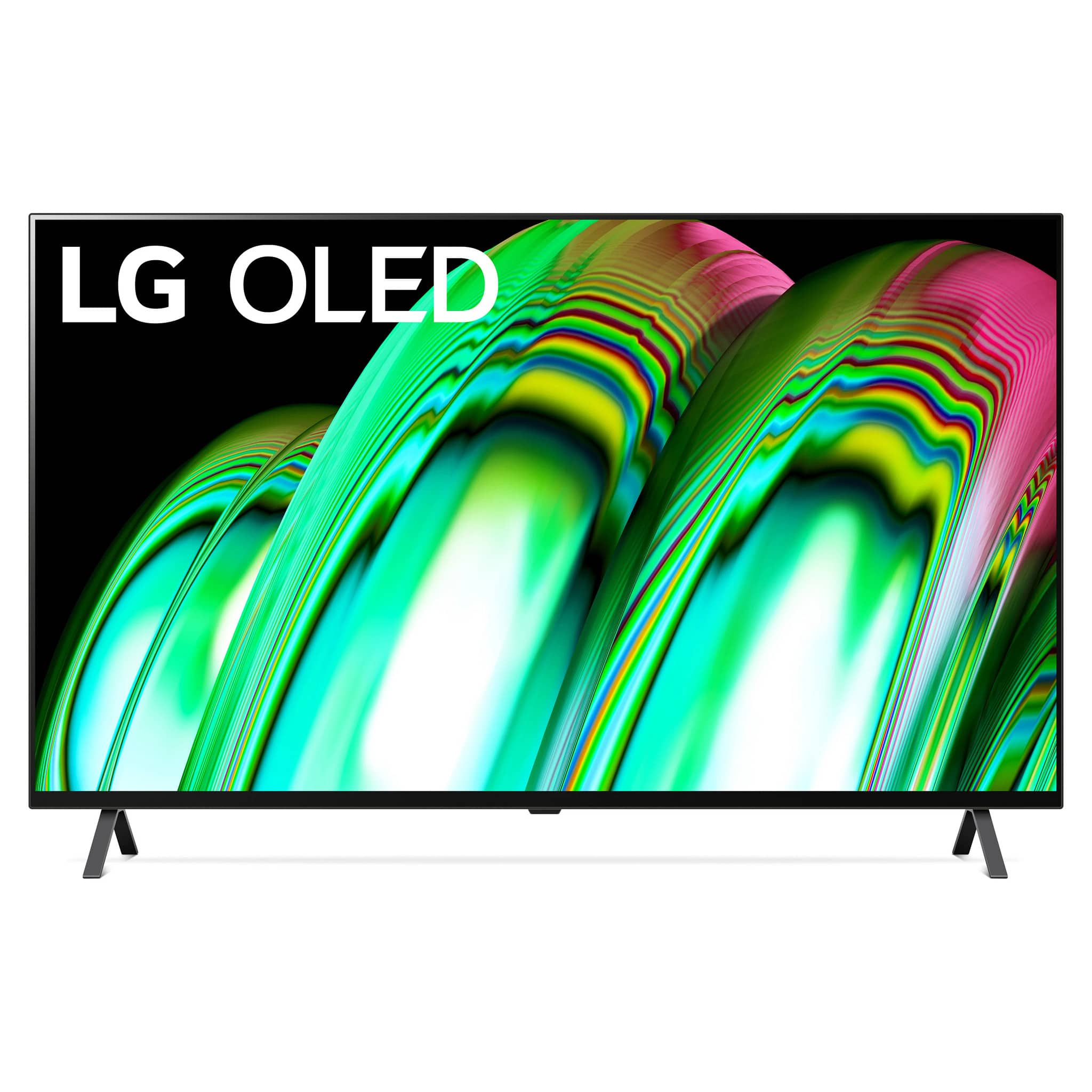
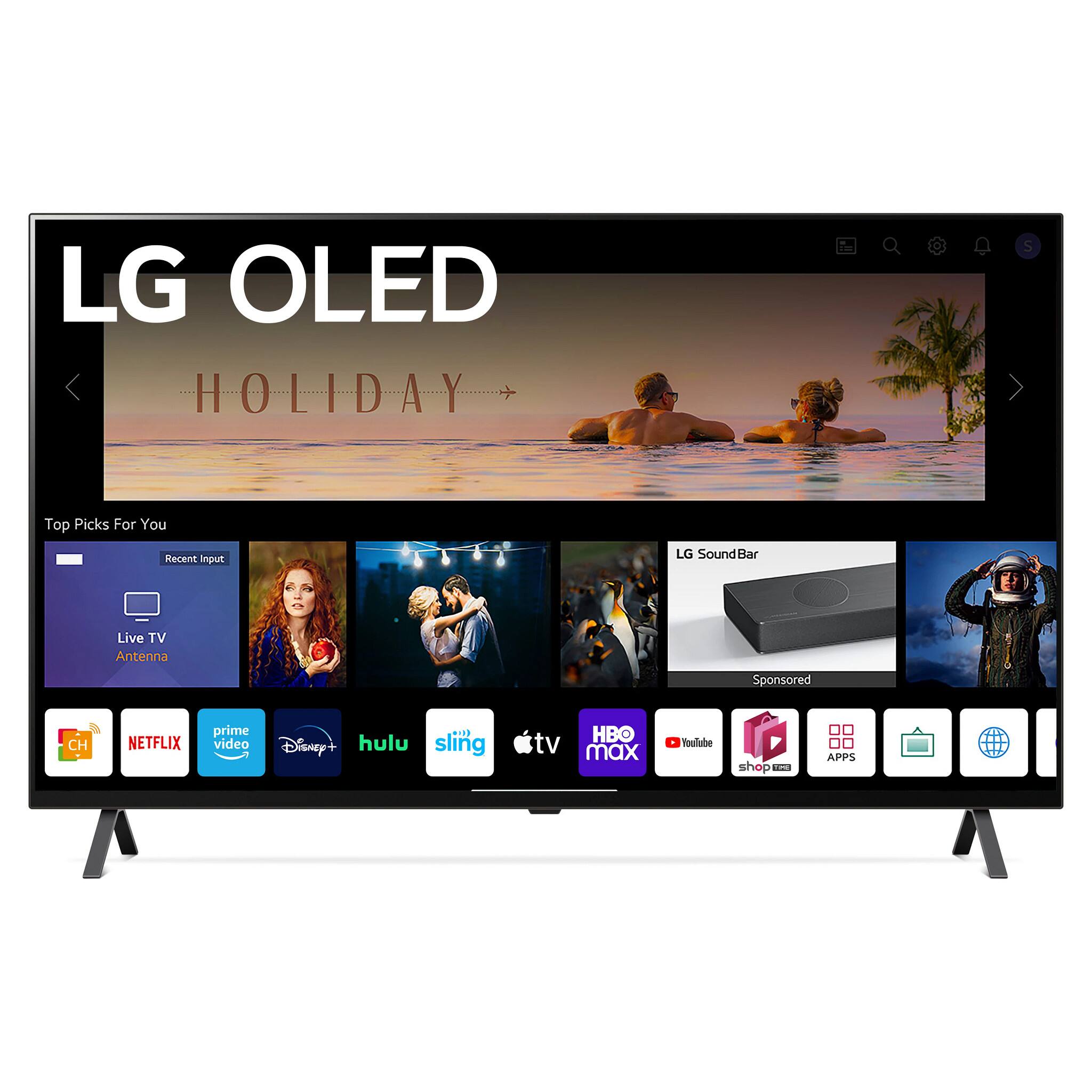
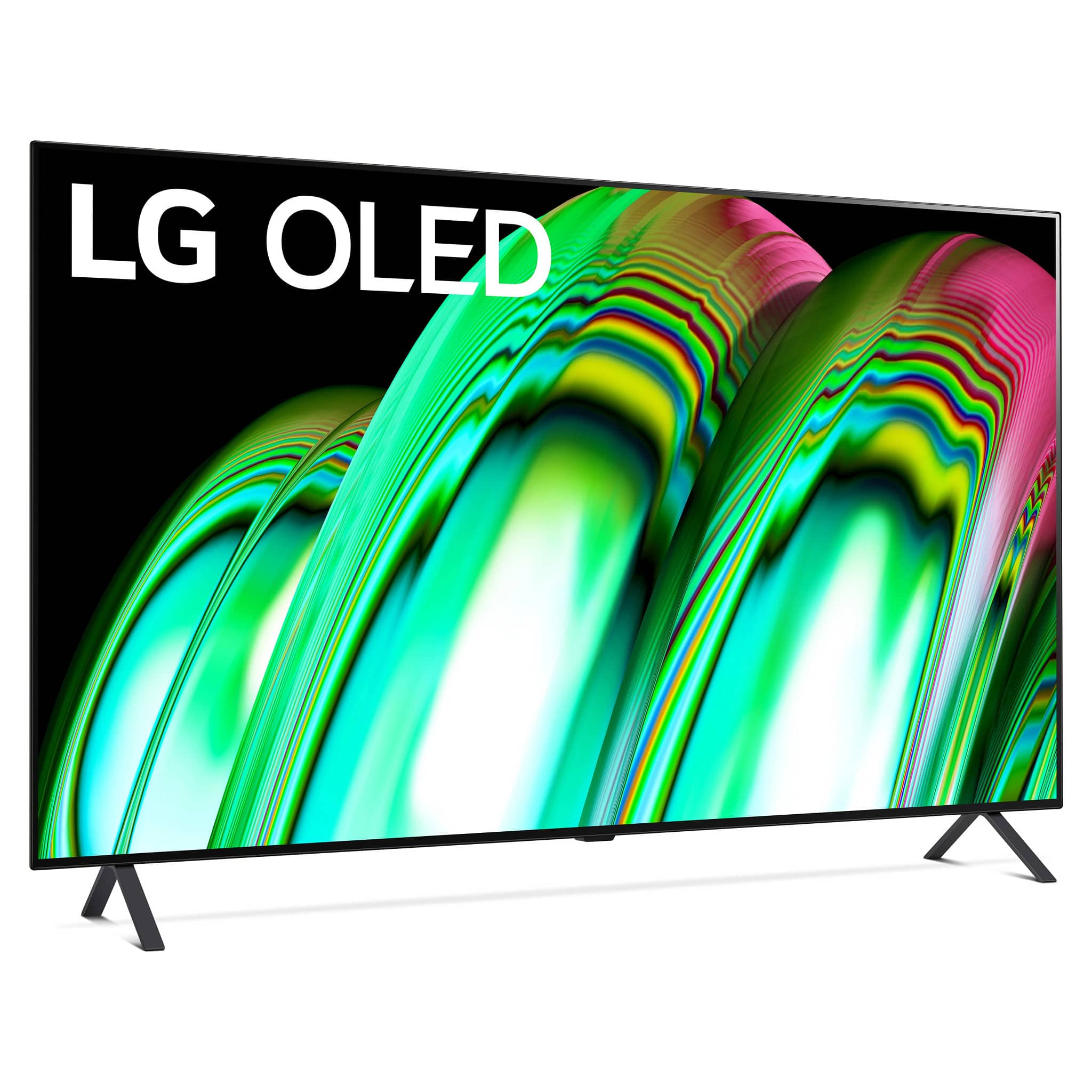
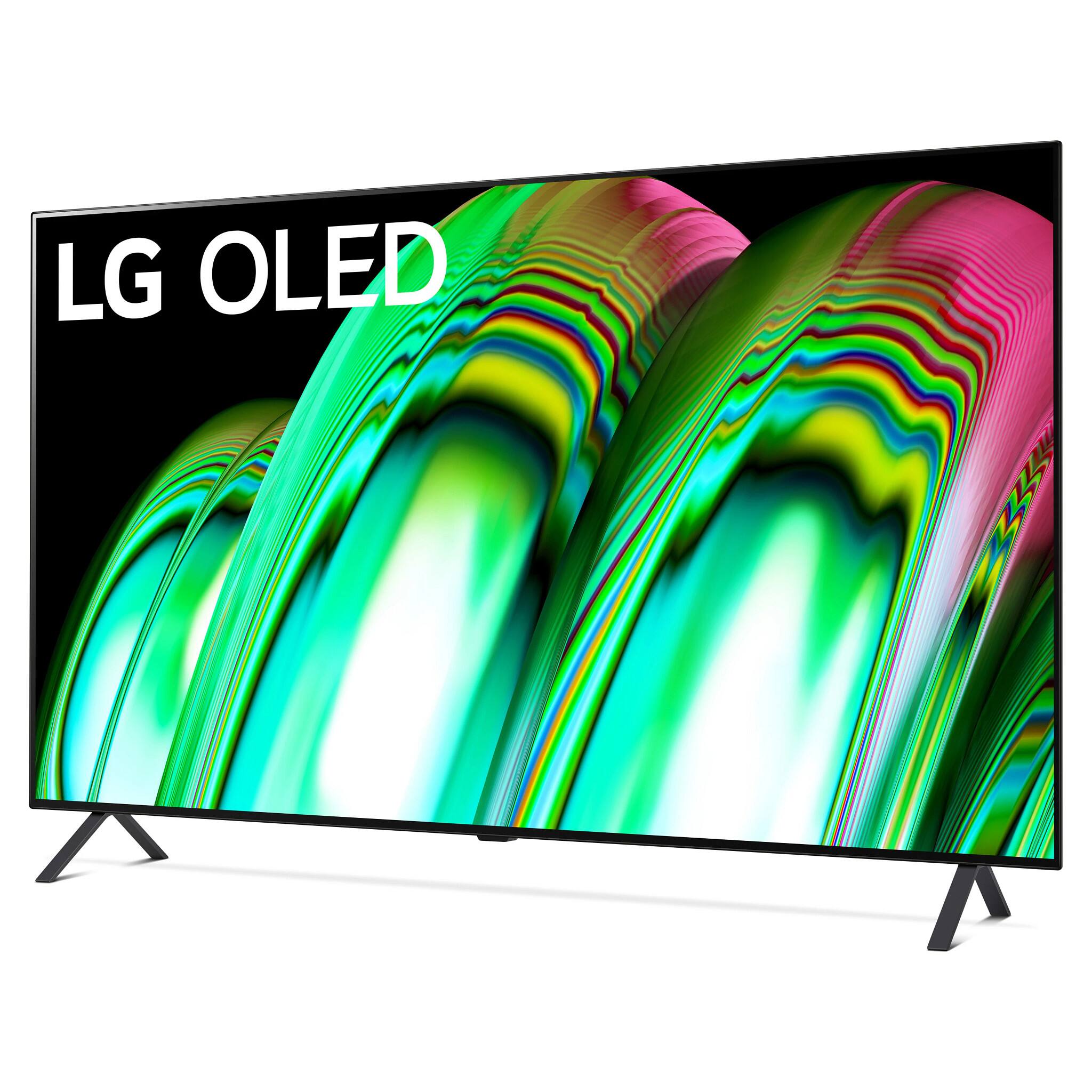
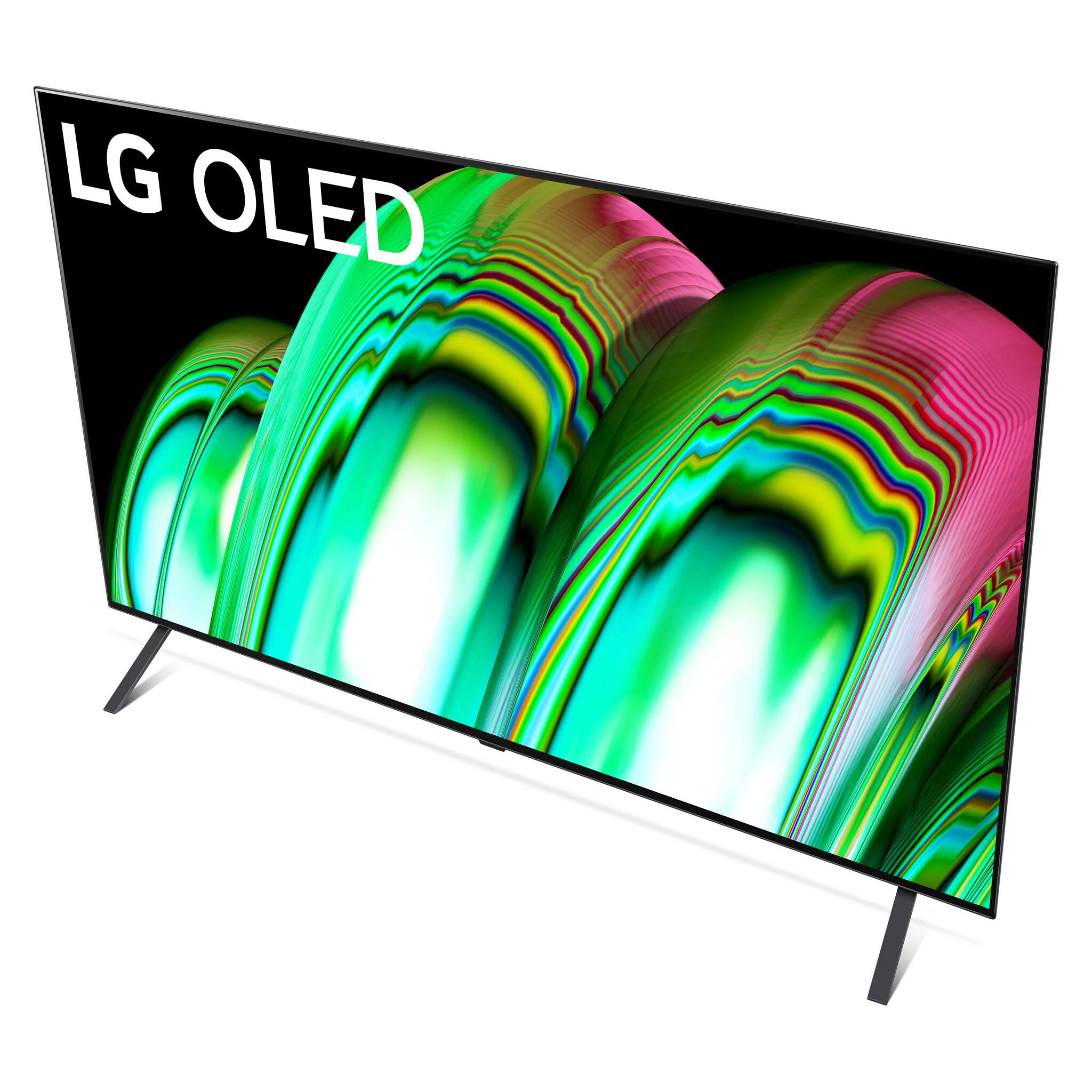
A:AnswerDIMENSIONS/WEIGHTS
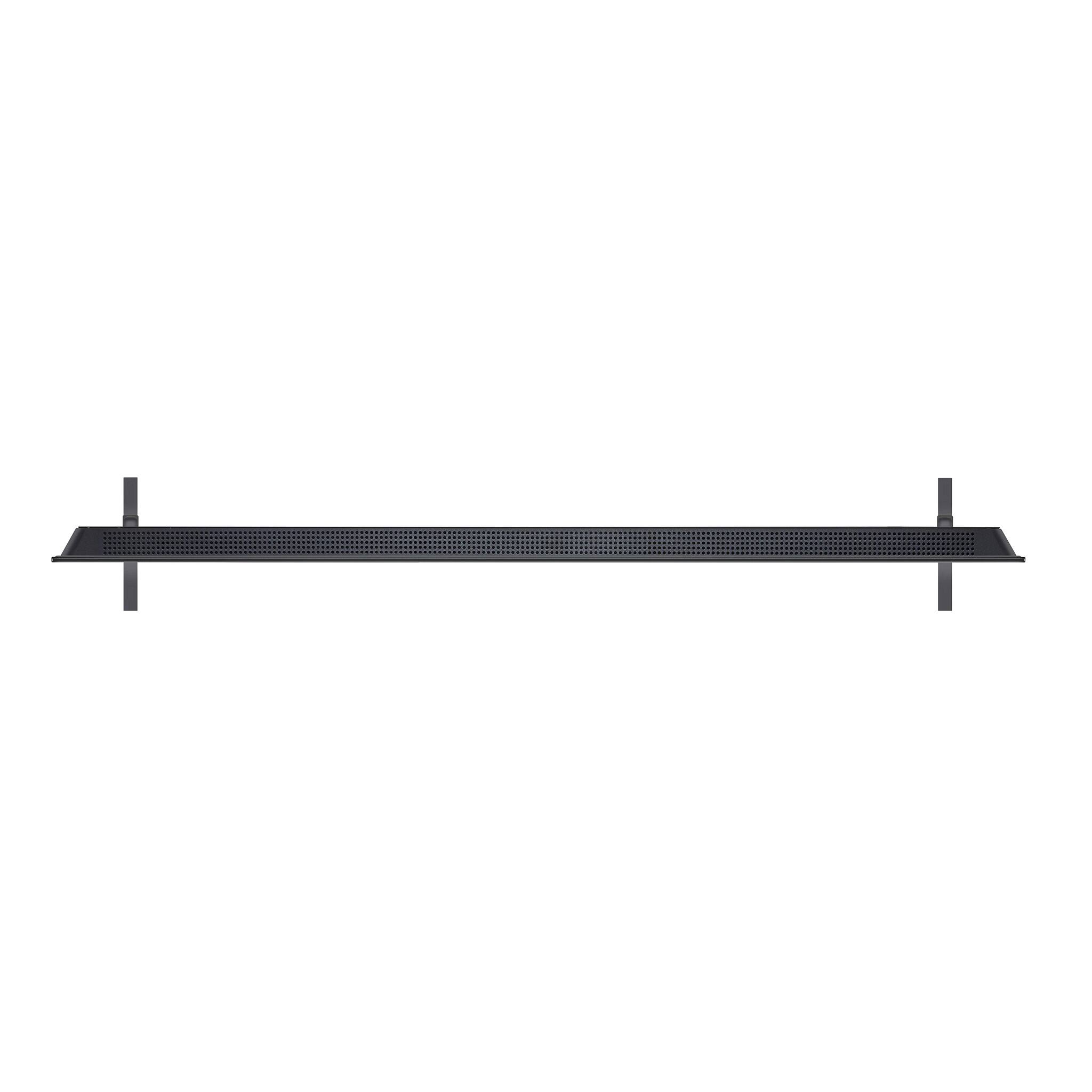
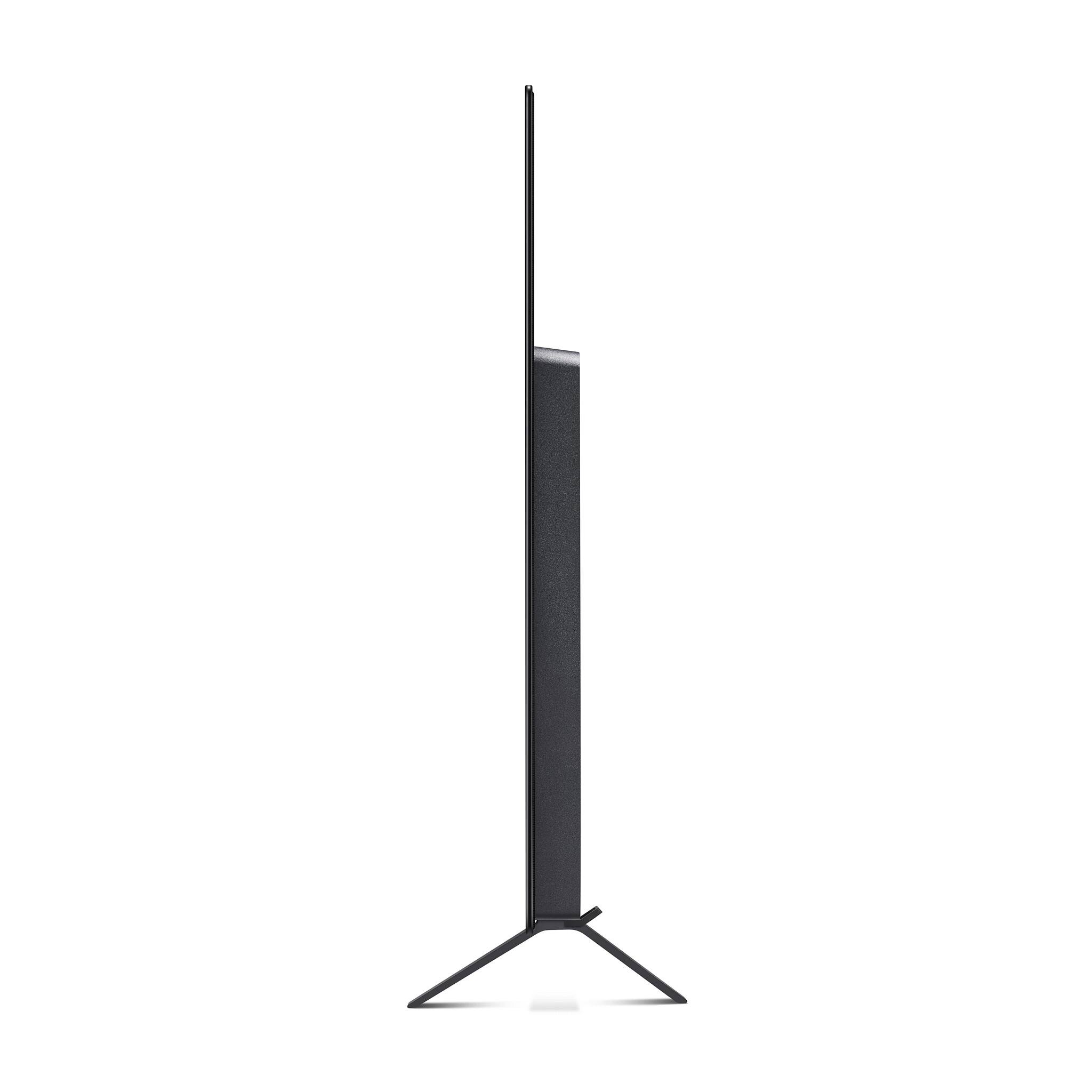
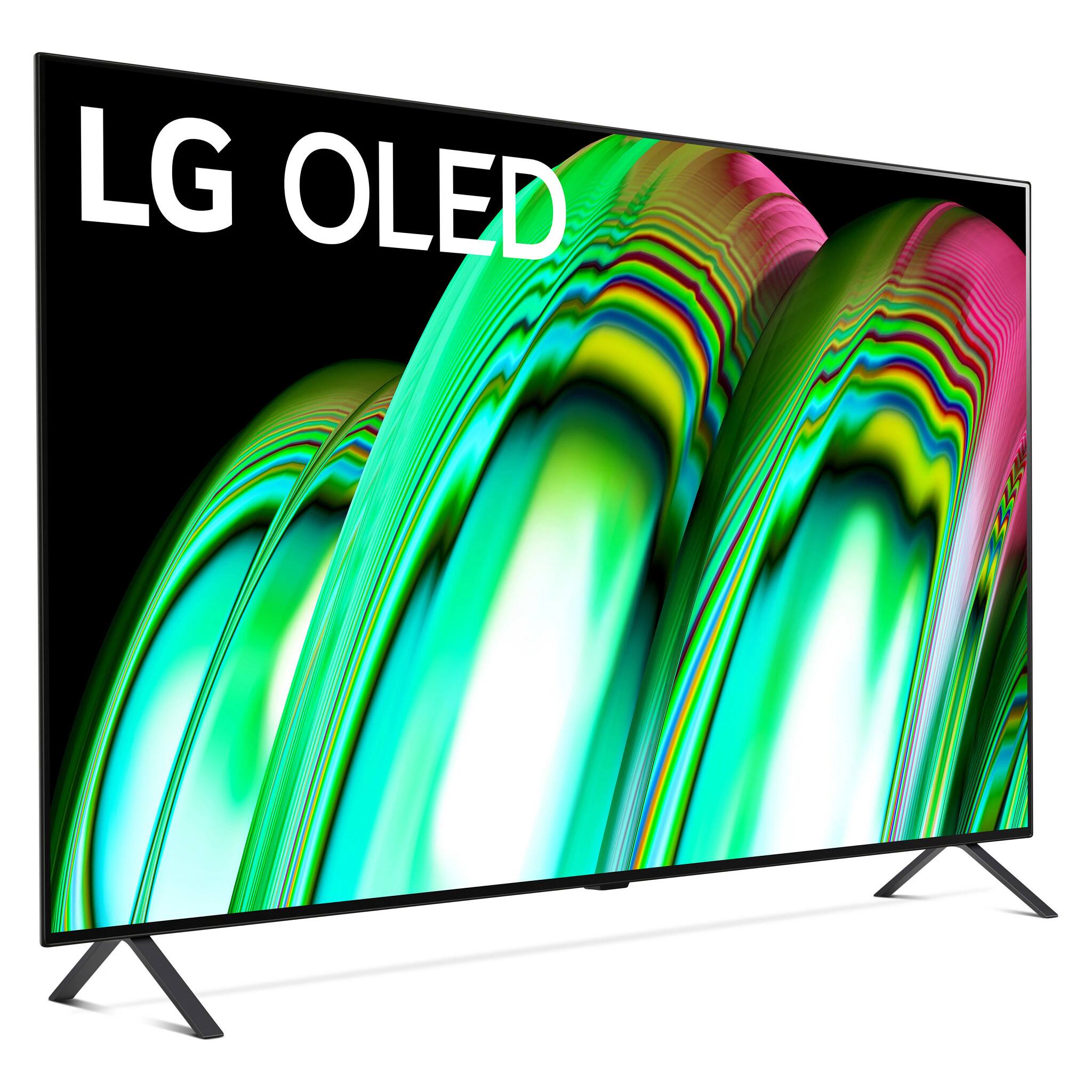
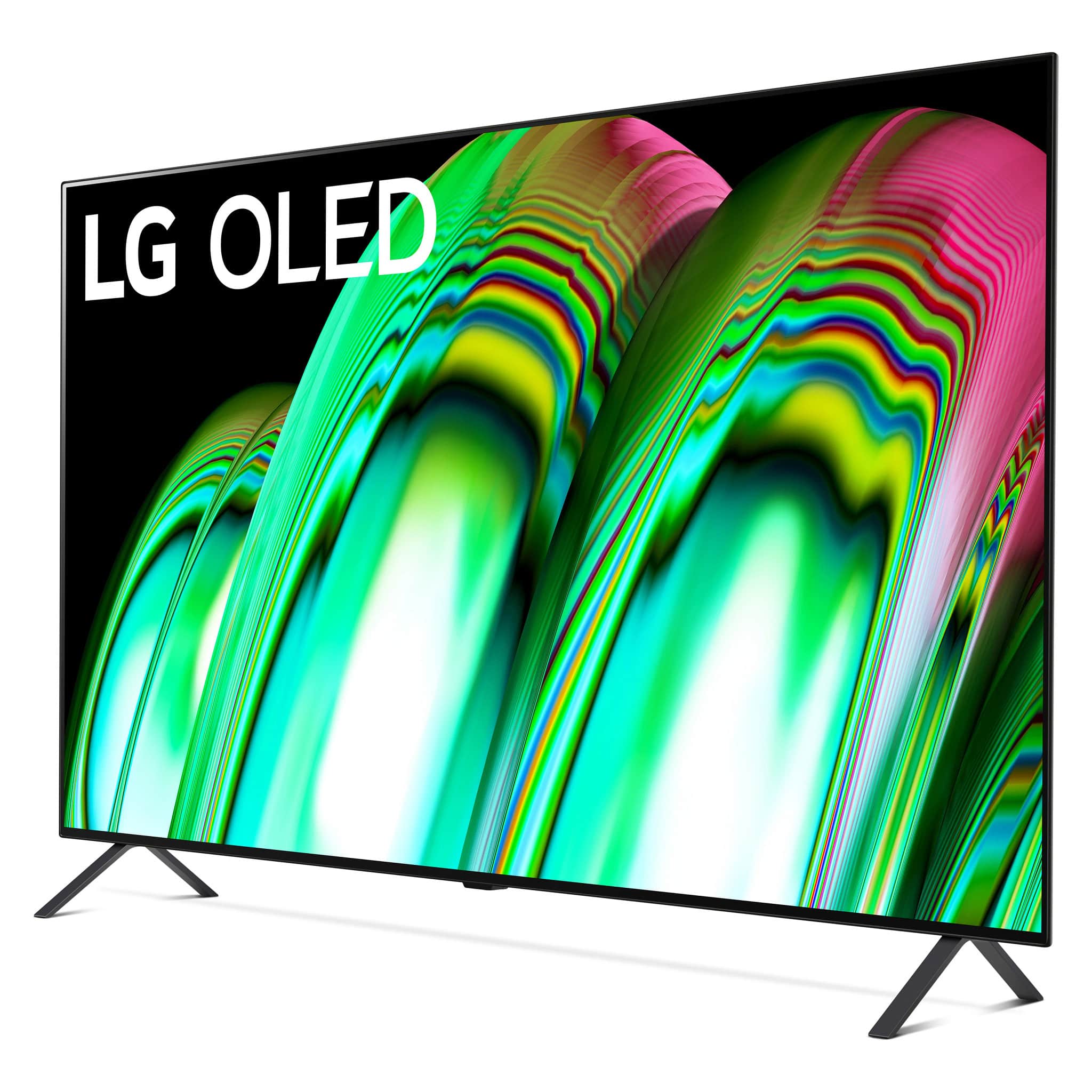
TV Dimensions with Stand (WxHxD) 42.2" x 26.7" x 10.7"TV Dimensions without Stand (WxHxD) 42.2" x 24.3" x 1.8"
Packaging Dimensions (WxHxD) 50" x 29.1" x 6.4"Stand Width 36.3"
TV Weight with Stand 33.7 lbsTV Weight without Stand 33.1 lbs
Packaging Weight 42.3 lbs
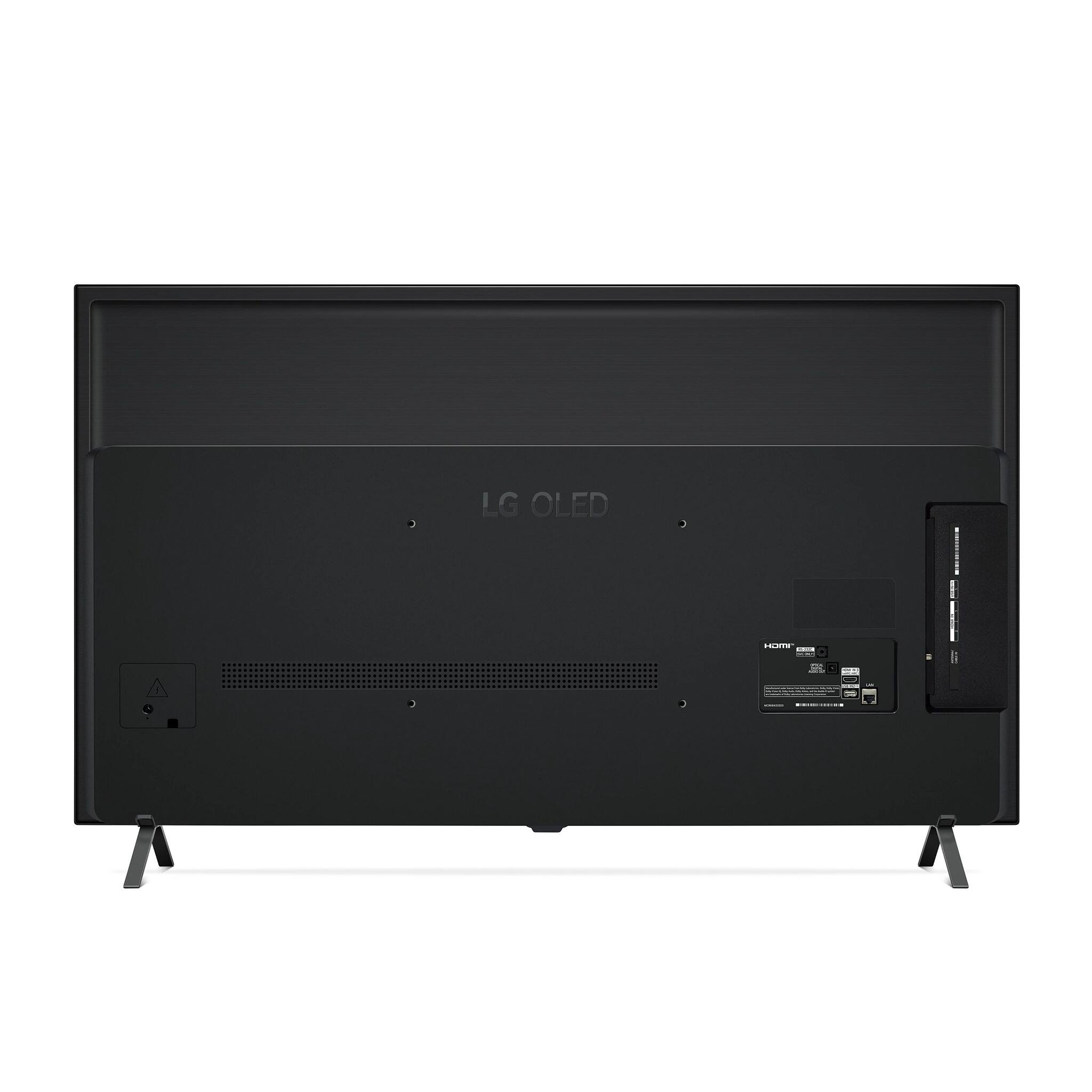
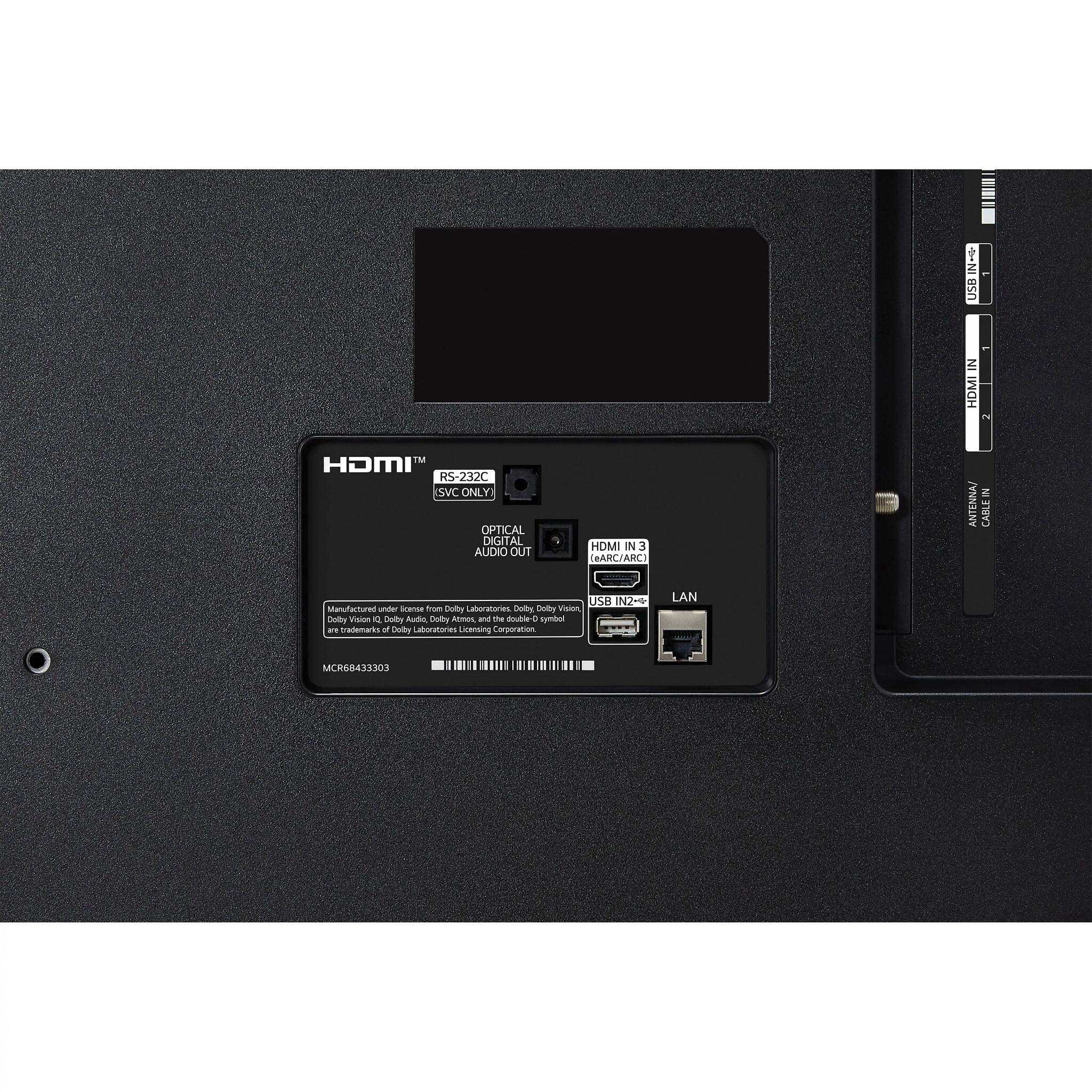
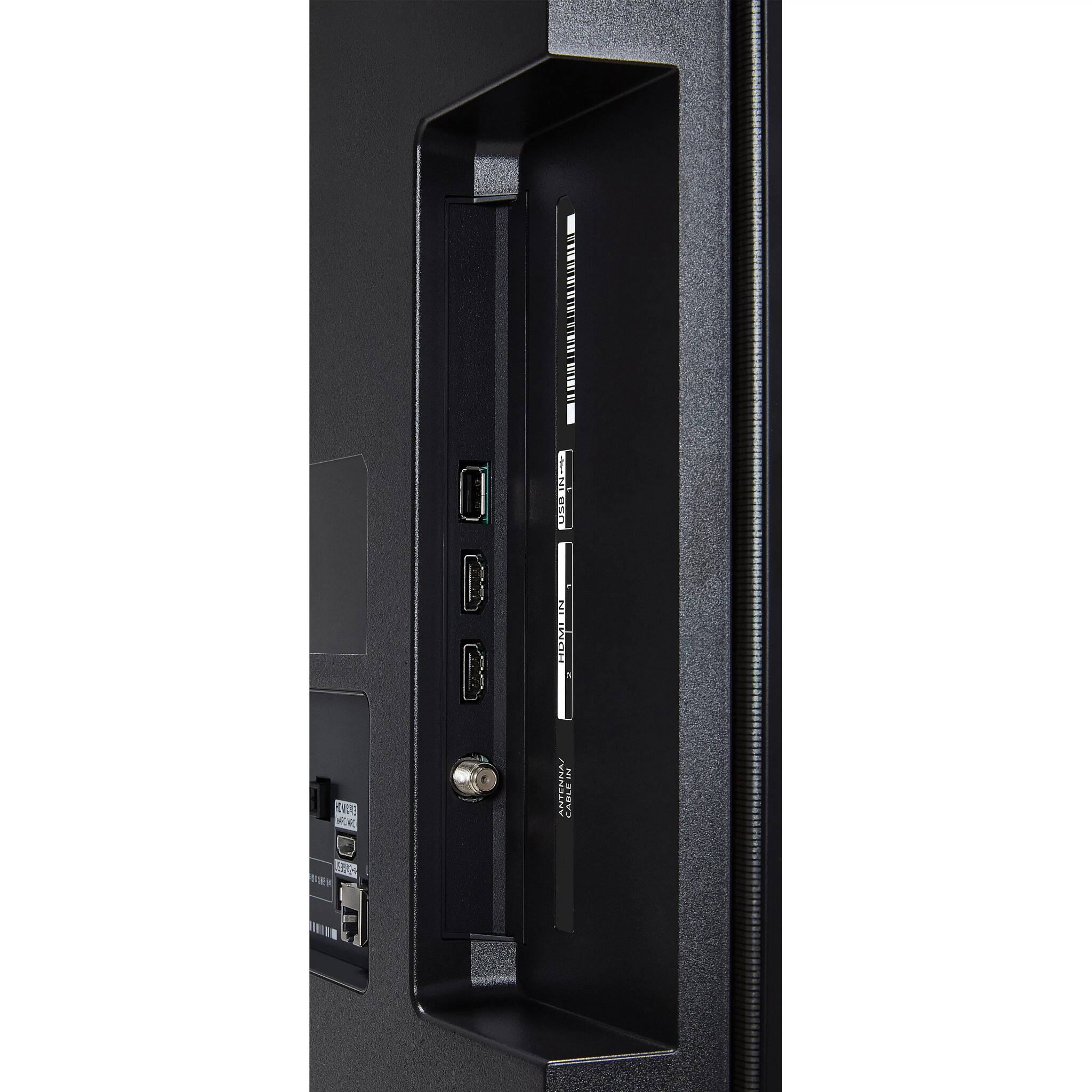
A:AnswerThe above answer is incorrect. The reason I need help is because the LG OLED48A2PUA does not have RCA inputs, it has only HDMI and USB ports. Today, I went to Best Buy and they suggested an an Insignia RCA to HDMI Converter. I hooked it up but now my TV doesn't work. It wants me to do something else. I unhooked everything having to do with the Fahrenheit headphones and converter but the TV still no longer works. A little frustrating.
A:AnswerThank you for your interest in the LG OLED48A2PUA.AUS model. The USB ports on LG OLED TVs, such as the LG OLED48A2PUA, typically provide power to devices even when the TV is turned off. The power output of the USB ports is usually limited to 500mA for USB 2.0, with a total power delivery from 2.5W to 4.5W at 5V. You can download its owner's manual through this link for more information: https://www.lg.com/us/support/product/lg-OLED48A2PUA.AUS. ^Cris
A:AnswerThank you for your interest int he LG OLED48A2PUA.AUS model. The LG OLED48A2PUA TV with a 60Hz refresh rate is great for watching live sports. This means the screen is refreshed 60 times per second, which is enough for most broadcasts. While a 120Hz TV can slightly improve some sports sequences, it's not necessary just for sports. If you're deciding between a 60Hz and a 120Hz TV, consider what you'll watch. A 120Hz TV is better for gaming and 24FPS content, while a 60Hz TV is more affordable and works great for most people. You can download its owner's manual through this link for more information: https://www.lg.com/us/support/product/lg-OLED48A2PUA.AUS. ^Cris
A:AnswerIts in the Settings but really hard to find it, though its there.
An easier way is to press the "mic" button on the remote and just say "turn off after 30 minutes" (or after however number of minutes you want to turn it off after)
The TV responds with a voice response confirming the command.
The TV turns off after the determined time.
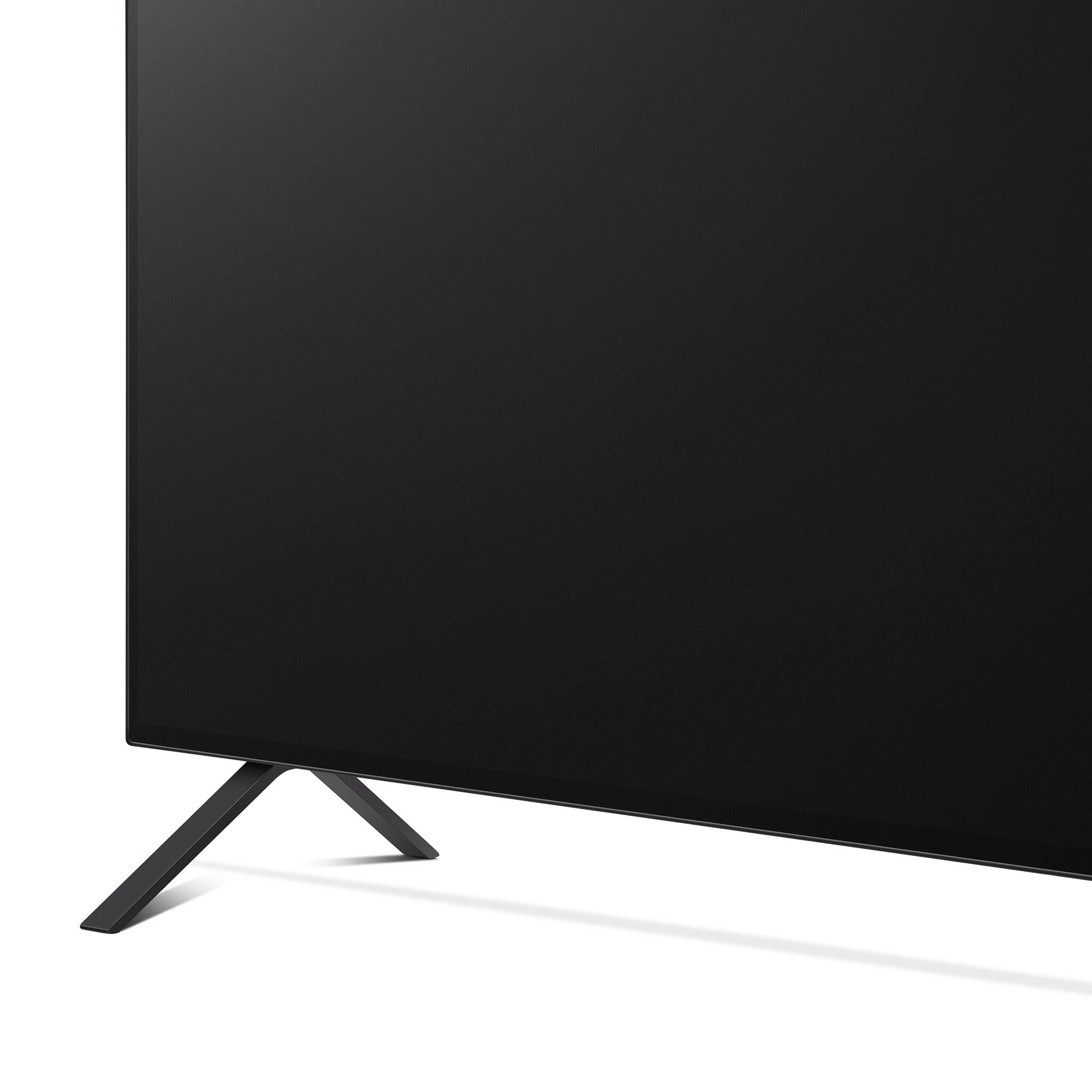
A:AnswerYou would have procure an after market product by a third party stand manufacturer compatible with the lg stand connect points . Since the tv is fairly light best to get a typical wall mount many of which are inexpensive and quite easy to mount and you can place the tv in the exact position you desire