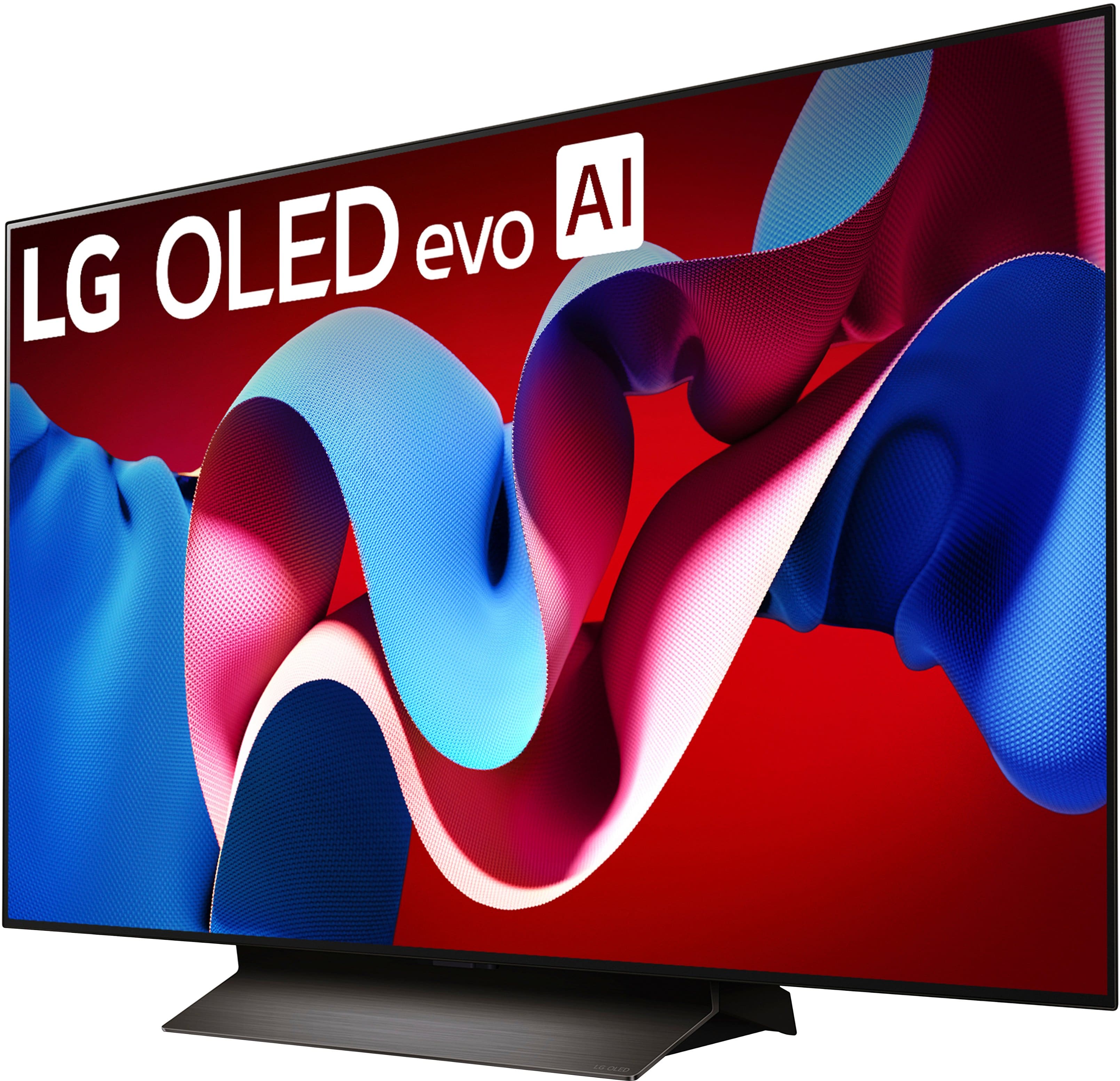
A:AnswerI have this TV. While it is advertised, the answer is No. You cannot do 2 HDMI’s at the same. For example, 2 Xbox’s cannot display on the screen together. I’ve tried it already. It does support and HDMI and App or basically any other feature.
A:AnswerNo, the LG C4 OLED does not have a full array backlight. OLED (Organic Light Emitting Diode) technology inherently provides its own illumination for each pixel, meaning it doesn't require a separate backlight like traditional LED TVs. Full array local dimming, a feature found in some LED TVs, involves dividing the screen into zones that can be individually dimmed or brightened to enhance contrast, but this is not relevant to OLED technology
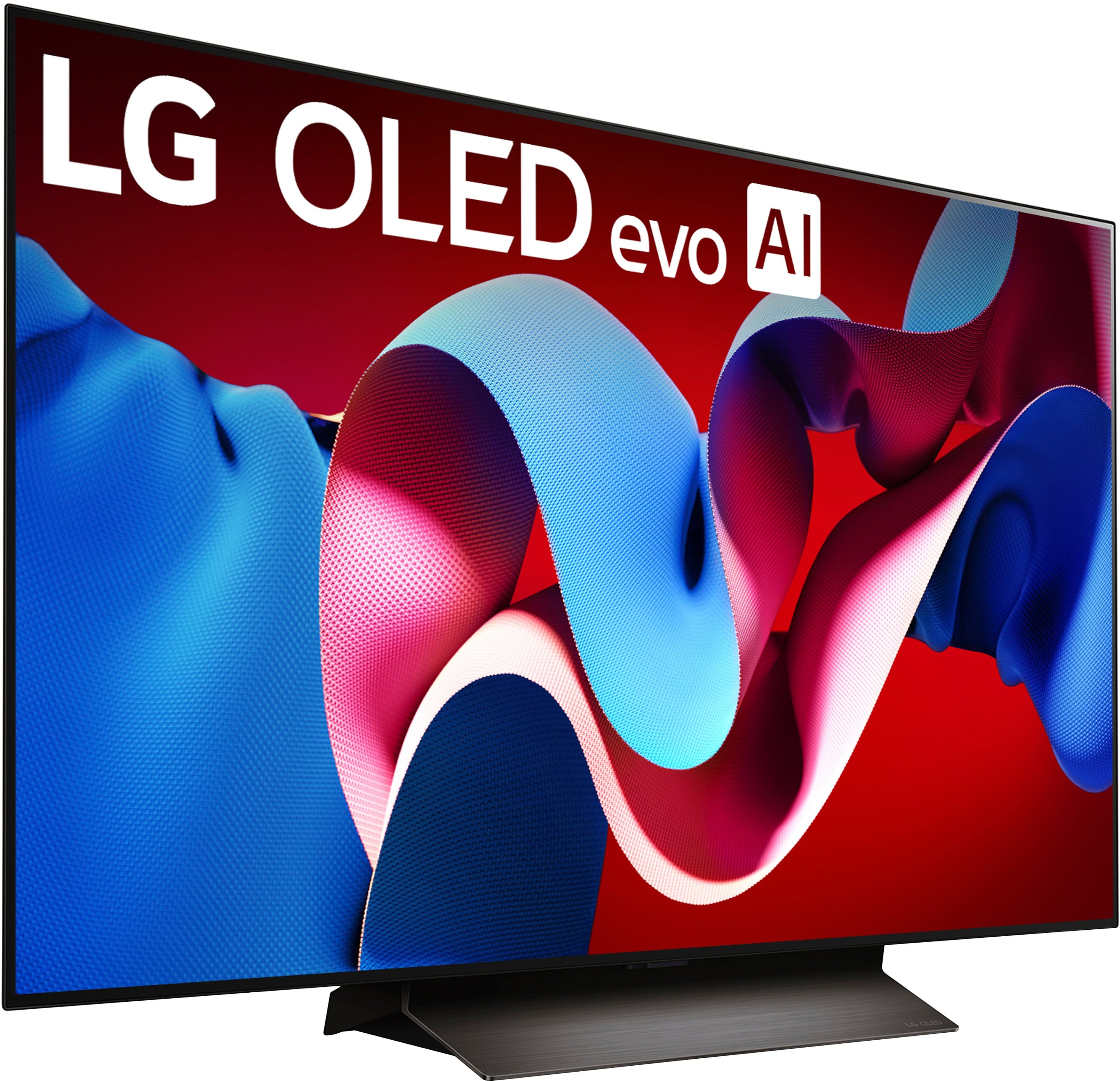
A:AnswerHello! Thanks for your question about the LG 48" C4 OLED TV. While all C4 series models are branded with OLED evo technology, the 42" and 48" versions do not feature the same brightness enhancement (peak brightness) levels as the larger 55" and up C4 models. This is due to panel size and design differences.
Brightness Comparison:
The 48" C4 achieves excellent OLED evo picture quality with high contrast and vibrant colors, but its peak brightness is somewhat lower than the larger models (55" and above), which benefit from an enhanced panel structure allowing higher peak brightness levels.
Exact nits numbers aren’t officially published by LG, but we suggest that the 48" peaks around 600-700 nits in HDR mode, while larger C4 models can reach closer to 800-900 nits or more.
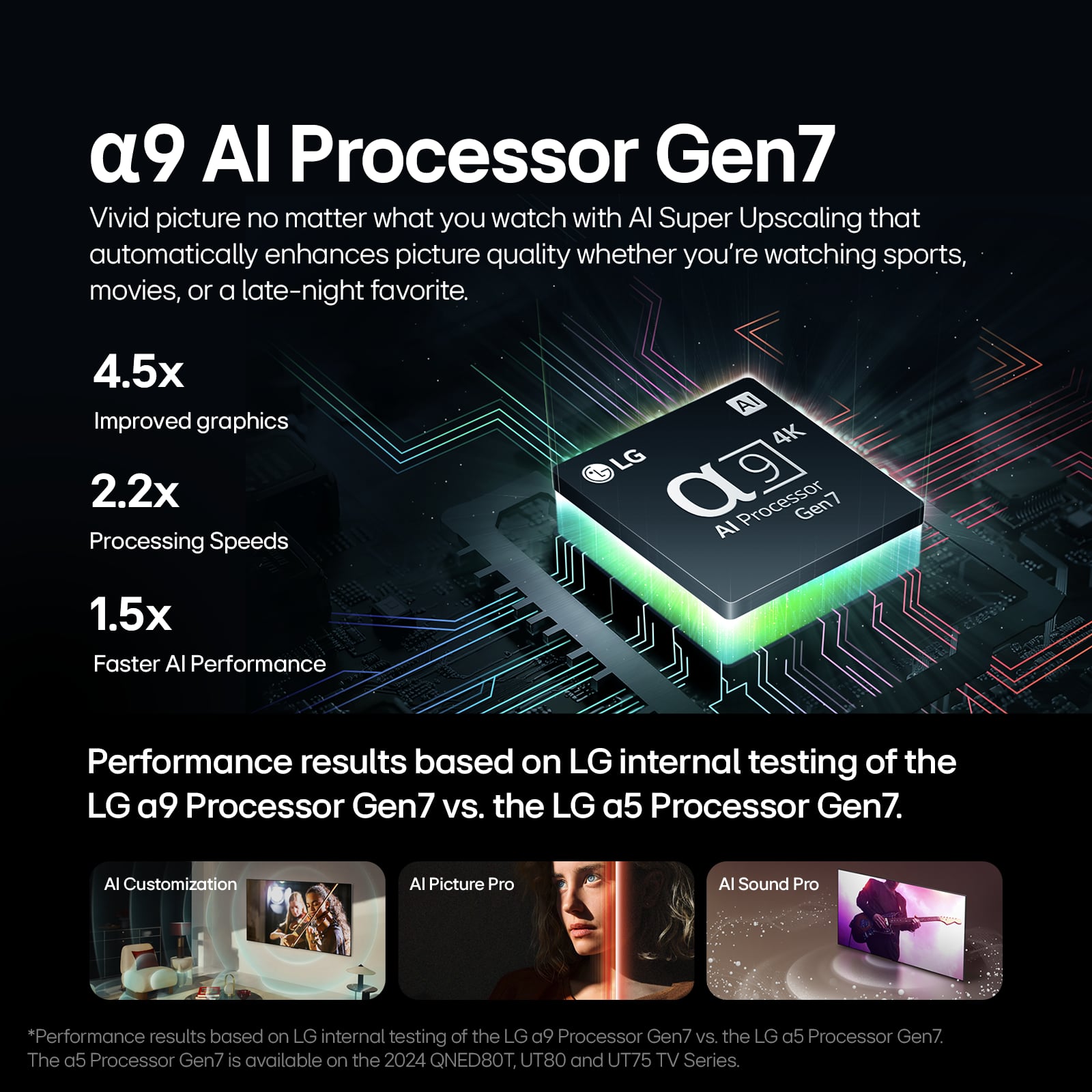
Despite this, the 48" C4 delivers stunning HDR performance and all the other benefits of OLED evo like improved color accuracy, better screen uniformity, and enhanced processing with the α9 Gen7 AI processor.
https://www.bestbuy.com/site/lg-48-class-c4-series-oled-evo-4k-uhd-smart-webos-tv-2024/6578058.p?skuId=6578058
If you want the absolute brightest HDR picture in the C4 lineup, larger models offer a bit more punch, but the 48" remains excellent for most living room and gaming setups.
If you want, feel free to message us privately @LGUSSupport for any more details or help picking the perfect model for your needs. —Renzo
A:AnswerThe OLED screen on the LG 48" Class C4 Series OLED evo 4K UHD Smart webOS TV (2024), Model # OLED48C4PUA consists of several layers, and depending on what needs to be replaced, a qualified service technician will have to inspect the unit to determine what needs to be replaced and give you a diagnostic fee for the cost to replace the screen...^Ivan.
A:AnswerHello there, Joe. Thank you for sharing your inquiry about preventing static image burn-in on your OLED48C4PUA TV. We understand your situation and appreciate your focus on protecting your display for long-lasting, high-quality viewing.
LG’s OLED technology is designed with several built-in features to help minimize the risk of burn-in. Your TV includes functions such as pixel shifting, automatic screen savers, and logo detection that work to periodically move static elements and reduce image retention. As a troubleshooting step, we recommend enabling the screen shift or logo detection settings in your TV’s menu, which will help disperse static images. Additionally, consider setting a sleep timer or turning off the TV when not in use, and avoid leaving static images (like channel logos or paused content) on the screen for extended periods. It’s also beneficial to keep the TV’s firmware up to date to ensure you’re benefiting from the latest enhancements in burn-in prevention.
For further guidance or if you need additional support on adjusting these settings, please send us a private message on Social Media @LGUSSupport. Our team is here to work with you to explore all available solutions and ensure your viewing experience remains optimal.
https://www.lg.com/us/tvs/lg-oled48c4pua-oled-4k-tv#pdp_specs
We appreciate your patience and look forward to assisting you further.
—Renzo
A:AnswerHi there, Joe. Thank you for your interest in the LG OLED48C4PUA. Like all OLED TVs, it’s possible for image retention to occur if static images are left on the screen for extended periods. However, this model includes advanced features like Screen Shift, Logo Luminance Adjustment, and Pixel Refresher to help prevent image retention and maintain optimal picture quality. For the best experience, we recommend varying content and using these built-in features regularly.
https://www.lg.com/us/tvs/lg-oled48c4pua-oled-4k-tv#pdp_specs
If you need more details, feel free to send us a private message @LGUSSupport. We’re here to help! —Renzo
A:AnswerHi there, Zelda. Thank you for sharing your inquiry with us. We understand your situation and appreciate your interest in the streaming services available on your LG OLED48C4PUA. This model is powered by webOS, which gives you access to a wide array of streaming apps and LG Channels—allowing you to browse over 300 free channels and enjoy popular content from a variety of providers.
To clarify, the LG OLED48C4PUA comes with access to many standard streaming services such as Hulu and Disney+, among others like Netflix, Max, YouTube, Prime Video, ESPN, Apple TV, Sling TV, and more. While some channels like MLB Network and Peacock might not be pre-installed on every unit, they are typically available for download from the LG Content Store. In most regions, you should be able to find and add these apps if they are supported in your area.
As a troubleshooting step, if you’re not seeing a particular app (like MLB Network or Peacock) on your home screen, we recommend checking that your TV’s software is updated to the latest version. An update can often add new channels and improve app availability. Additionally, ensure that your LG account is set up and that your internet connection is stable to receive the full range of streaming options.
https://www.lg.com/us/tvs/lg-oled48c4pua-oled-4k-tv#pdp_specs
If you need further assistance or have additional questions about your streaming options, please send us a private message on Social Media @LGUSSupport. Our team is more than happy to explore possible solutions with you.
—Renzo
A:AnswerYes, the LG OLED48C4PUA can access YouTube TV directly without a Roku stick. This 2024 model Smart TV comes with built-in streaming capabilities and supports YouTube TV through its webOS platform. -Charles
A:AnswerHi there, Steve. Thank you for reaching out! We understand you're inquiring about the warranty for the LG OLED48C4PUA 4K OLED TV. The warranty coverage for this model is as follows:
Labor: 1 year
Parts: 1 year
This warranty ensures that you’re covered for any defects or issues that may arise with the TV during the first year of ownership.
LG WARRANTY: https://www.lg.com/us/support/warranty-information#cusCode=OLED48C4PUA.AUS&cat=CT10000018&salCode=CT30017664&sufCode=undefined
If you need any further details or have additional questions, please feel free to send us a private message on Social Media @LGUSSupport, and our team will be happy to assist you. We appreciate your patience!
—Renzo
A:AnswerHi there, Molly. Thank you for your question about activating your 3-month free Apple TV+ subscription with your new LG OLED48C4PUA! We’re excited for you to enjoy this exclusive offer. Here's how you can get started:
Check Eligibility:
Ensure your TV is connected to the internet and updated to the latest software version. This promotion is valid for both new and existing LG Smart TVs that support the Apple TV app.
Open the Apple TV App:
Navigate to the Apple TV app on your LG OLED48C4PUA.
If you don't see the app, you can download it from the LG Content Store.
Sign In or Create an Apple ID:
Open the app and either sign in with your existing Apple ID or create a new one if you don’t have an account yet.
Redeem the Offer:
After signing in, you should see an option to activate your 3-month free trial. Follow the on-screen instructions to complete the process.
Start Watching:
Enjoy access to Apple TV+ content, including original shows, movies, and more!
3 Month Apple TV Subscription with LG TV | LG USA - https://www.lg.com/us/promotions/apple-tv-deal
If you encounter any issues during activation or need assistance, feel free to send us a private message on Social Media @LGUSSupport, and our team will be happy to assist further.
—Renzo
A:AnswerHello there, Mickey. Thank you for your question about the LG OLED48C4PUA TV! It’s great to hear you’re interested in purchasing this model. Since you have a Geek Squad membership, we recommend reaching out directly to Geek Squad or the retailer where you plan to make your purchase to confirm if your membership covers installation services for the TV. They can provide details on the installation process and schedule a technician if needed. You may contact Best Buy's Customer service 1 (888) 237-8289.
If you have any other questions or need assistance, please feel free to send us a private message on Social Media @LGUSSupport. We’re here to help!
—Avril
A:AnswerHi there, Lee. Thank you for reaching out! We understand you're asking about sending your LG OLED48C4PUA TV to a plant store in San Jose. We are unable to directly process shipping requests to specific locations through this platform.
To proceed, we recommend reaching out to your local retailer or the LG Customer Support Team through @LGUSSupport on social media for assistance with any delivery or store inquiries.
We appreciate your patience!
—Renzo
A:AnswerHello there! Thank you for your question about the OLED48C4PUA TV. Yes, this model is equipped with built-in speakers, providing a rich audio experience.
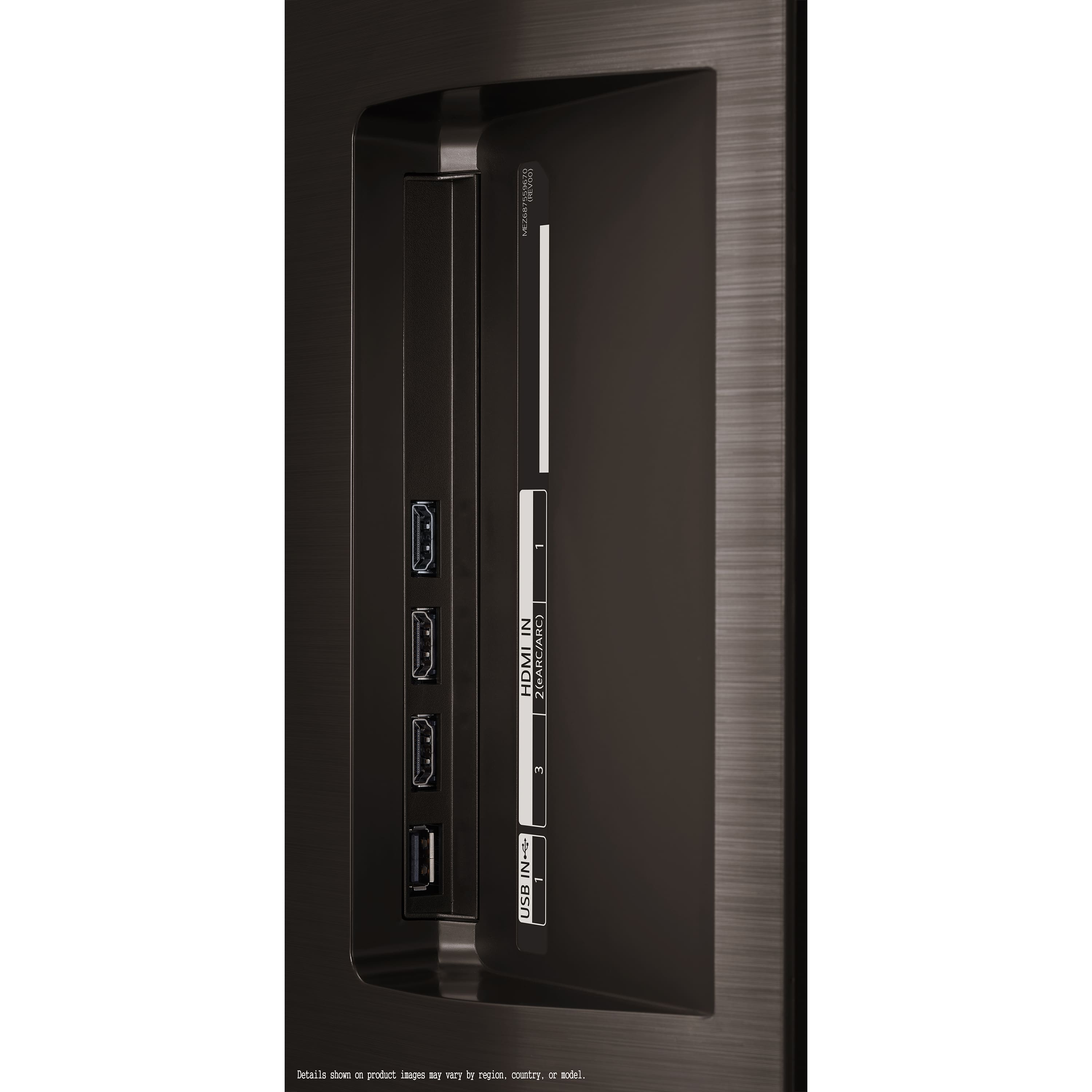
Regarding compatibility with a Mac, the TV supports HDMI connections, so you can easily connect your Mac directly to the TV using an HDMI cable. No additional device is necessary for this connection.
If you have any further questions or need assistance with setup, please feel free to send us a private message on Social Media @LGUSSupport. We're here to help, and we appreciate your patience!
—Avril
A:AnswerHello there. Thank you for reaching out! The AI features on the OLED48C4PUA enhance your viewing experience in several ways. AI Picture Pro and AI Sound Pro automatically adjust the picture and sound settings based on the content you're watching, ensuring optimal quality. Additionally, AI Brightness Control adjusts screen brightness to match the lighting conditions in your room. If you'd like more information or have additional questions, please send us a private message on social media @LGUSSupport, and we'd be happy to assist further.
We appreciate your inquiry!
—Avril


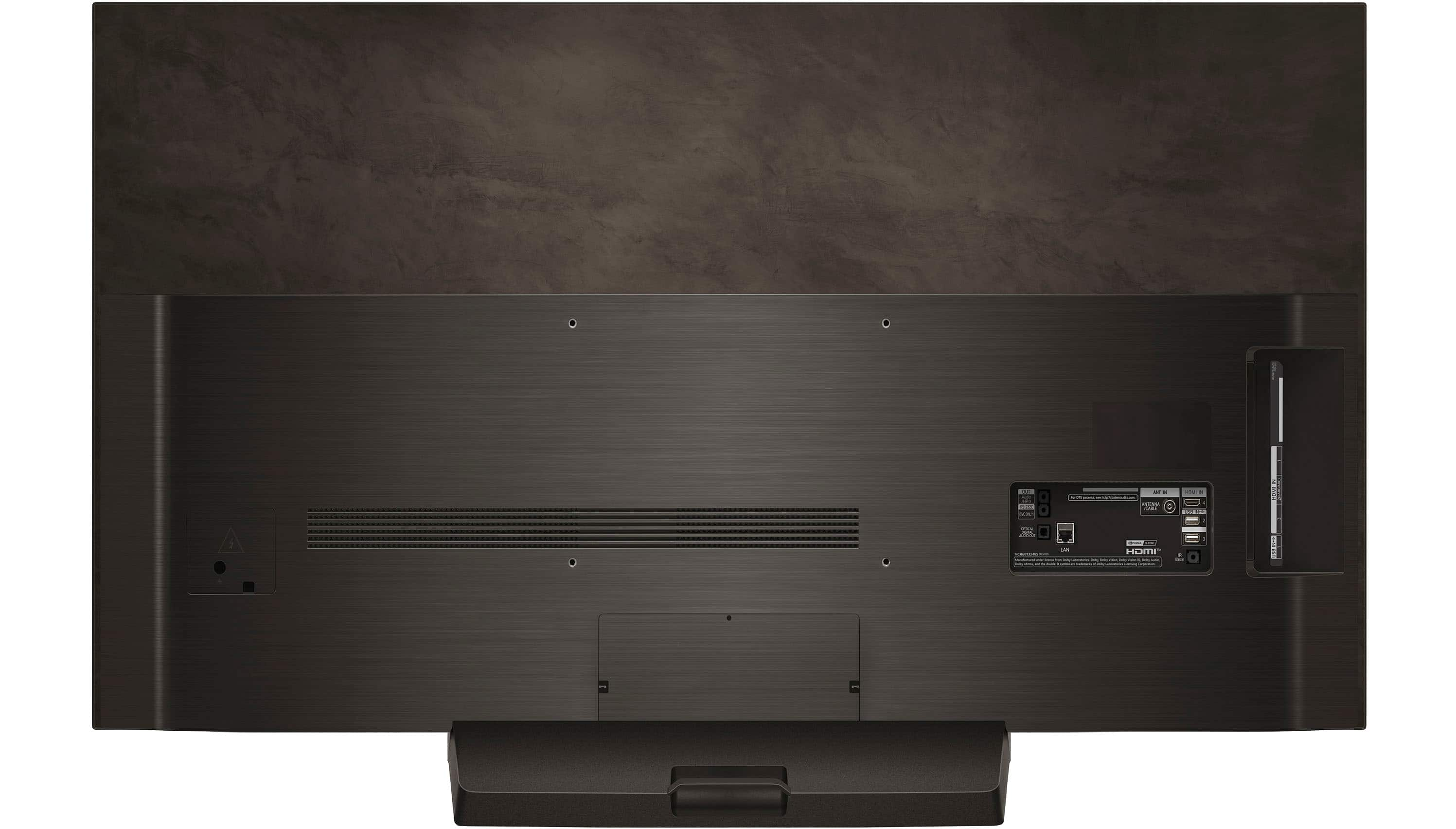
![The text on the image is grouped and corrected as follows:
OUT Audio /HPO RS-232C SVC ONLY ANT IN For DTS patents <http://patents.dts.com> ANTENNA /CABLE HDMI IN 4 USB IN NHS 2 IN HDMI 2(eARC/ARC) 3 OPTICAL DIGITAL AUDIO OUT nE 5T LAN HDMI TM MCR68132485 (REVOS] Manufactured under license from Dolby Laboratories Dolby Vision, Dolby Vision, Dolby Audio, and the double-D symbol are trademarks of Dolby Laboratories Licensing Corporation IR Blaster 3 N= USB Details shown on product images may vary by region, country, or model.](https://pisces.bbystatic.com/image2/BestBuy_US/images/products/3a3576bc-c07e-40ab-b129-09ce11187381.jpg)