A:AnswerThis LG model did not work well enough out of the box to check XFinity's streaming service. I had three other tv savvy persons confirm the inferior picture quality. I returned it to Best Buy, and purchased a Sony. The Sony I replaced the LG with for additional cost functions as advertised, with good picture and sound quality.
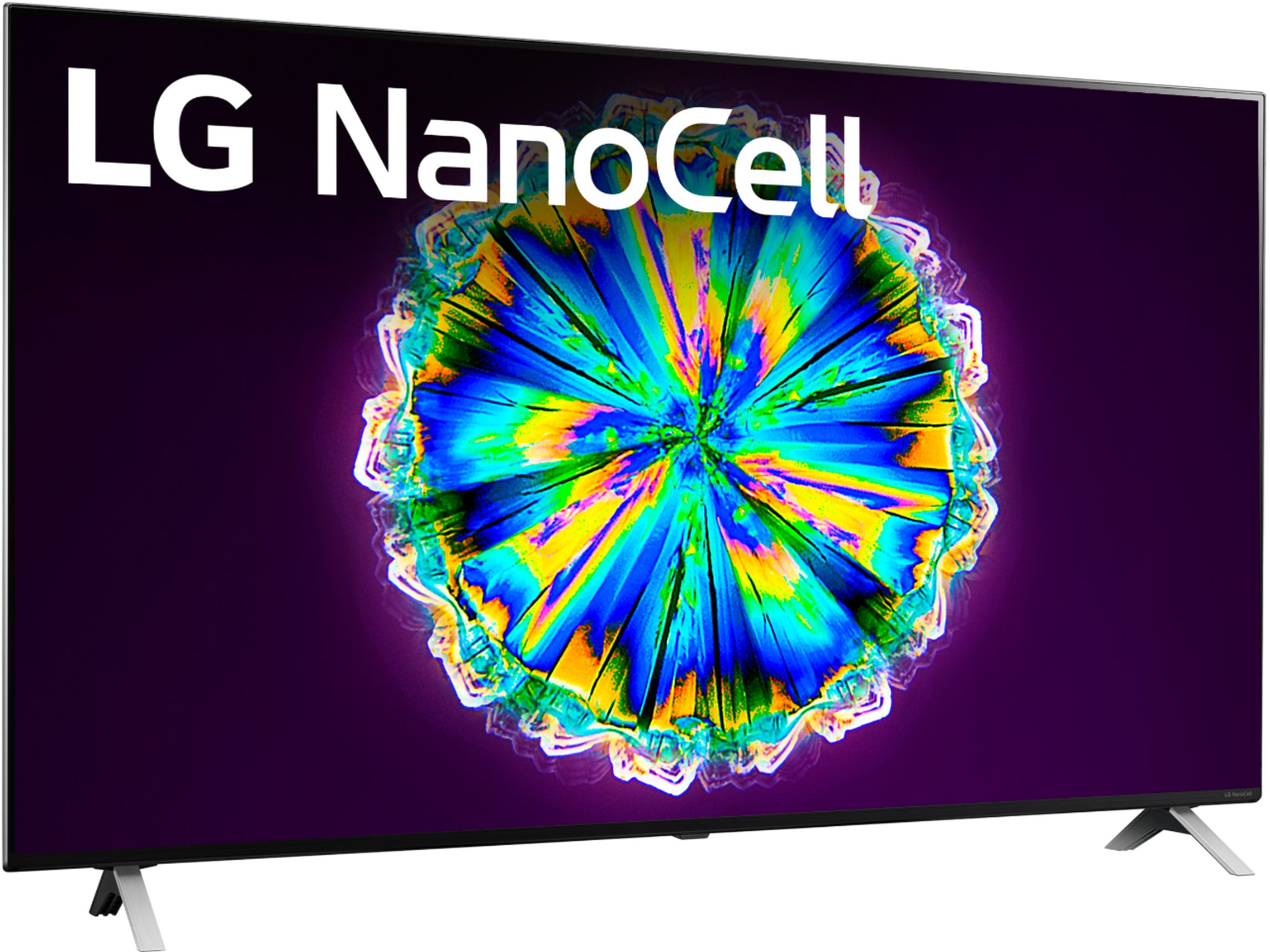
A:AnswerLG NanoCell technology brings you an immersive viewing experience with specular color purity. See the fact page https://www.lg.com/us/nanocell at for more information. ^Daphane
A:AnswerFilmmaker Mode? TruMotion? All settings can be adjusted settings, Picture > Picture Mode Settings> Picture Mode; Picture > Additional Settings. If you have further questions or concerns, please reach out to our Support team on Twitter via @LGUSSupport or on Facebook at https://www.facebook.com/LGUSA. ^Daphane
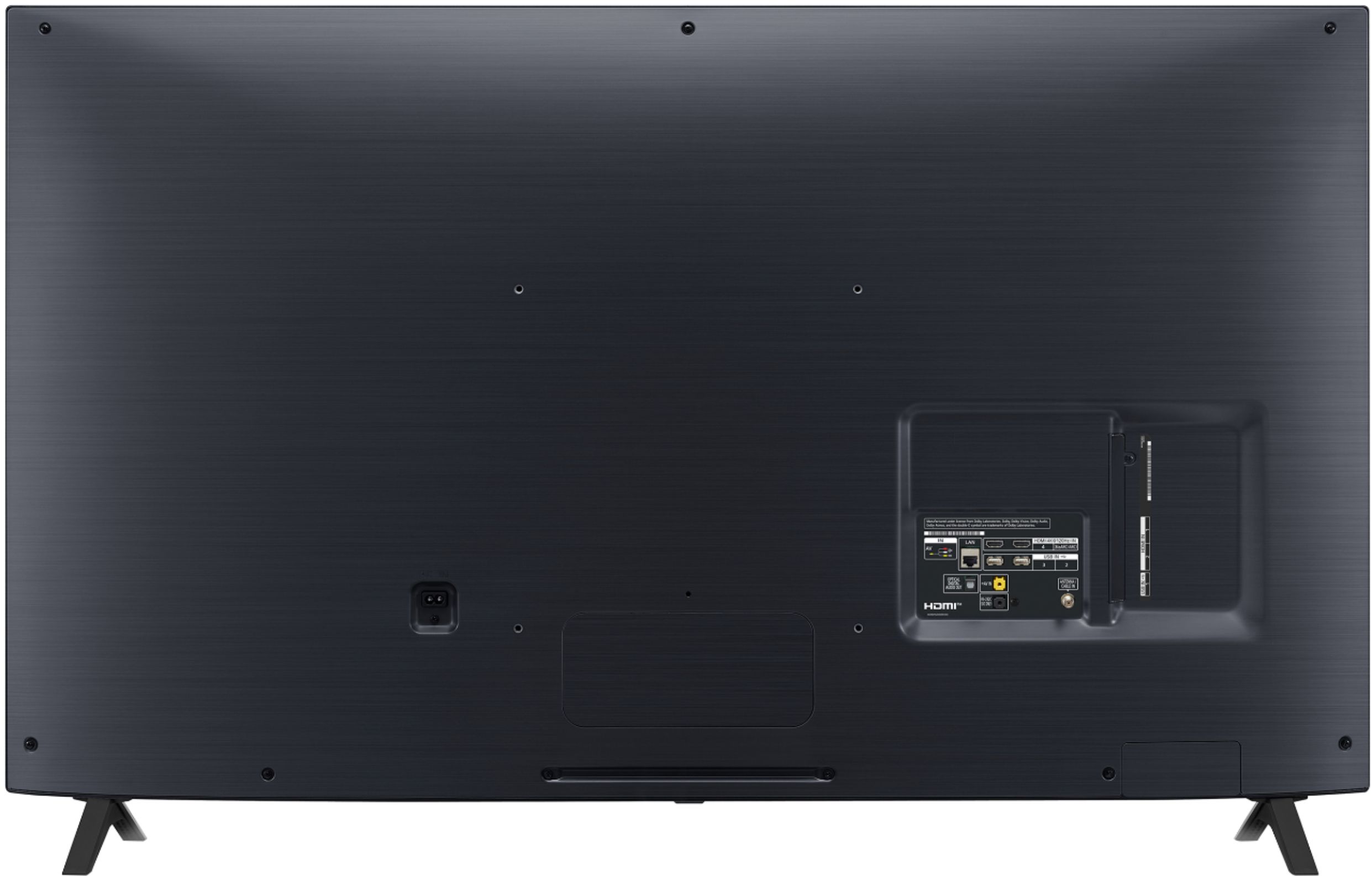
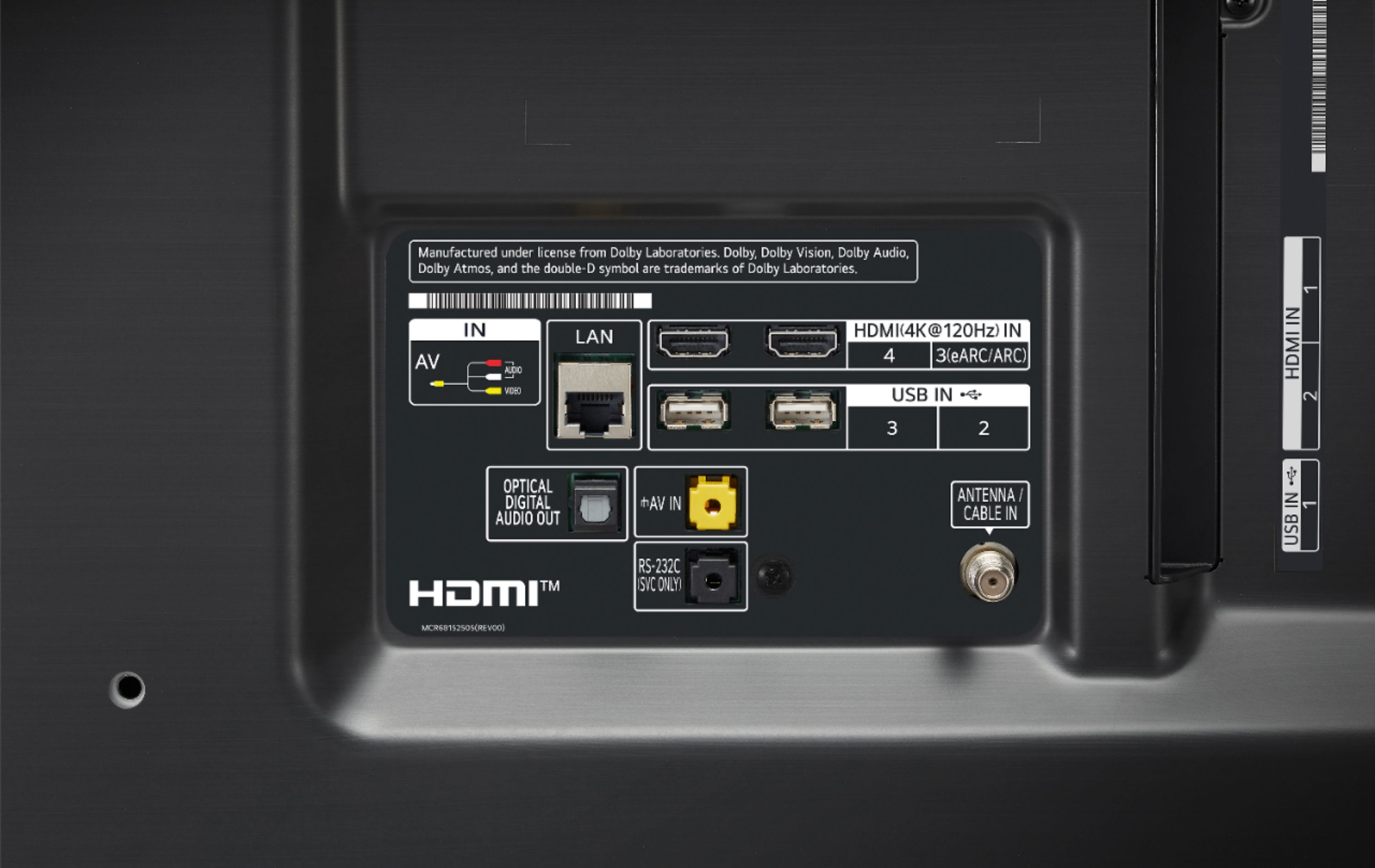
A:AnswerTo properly answer the question, we would need more informaton about your setup. However, the TV does allow Dolby passthrough over HDMI. You would only need to change the sound settings in the TV. ^JL
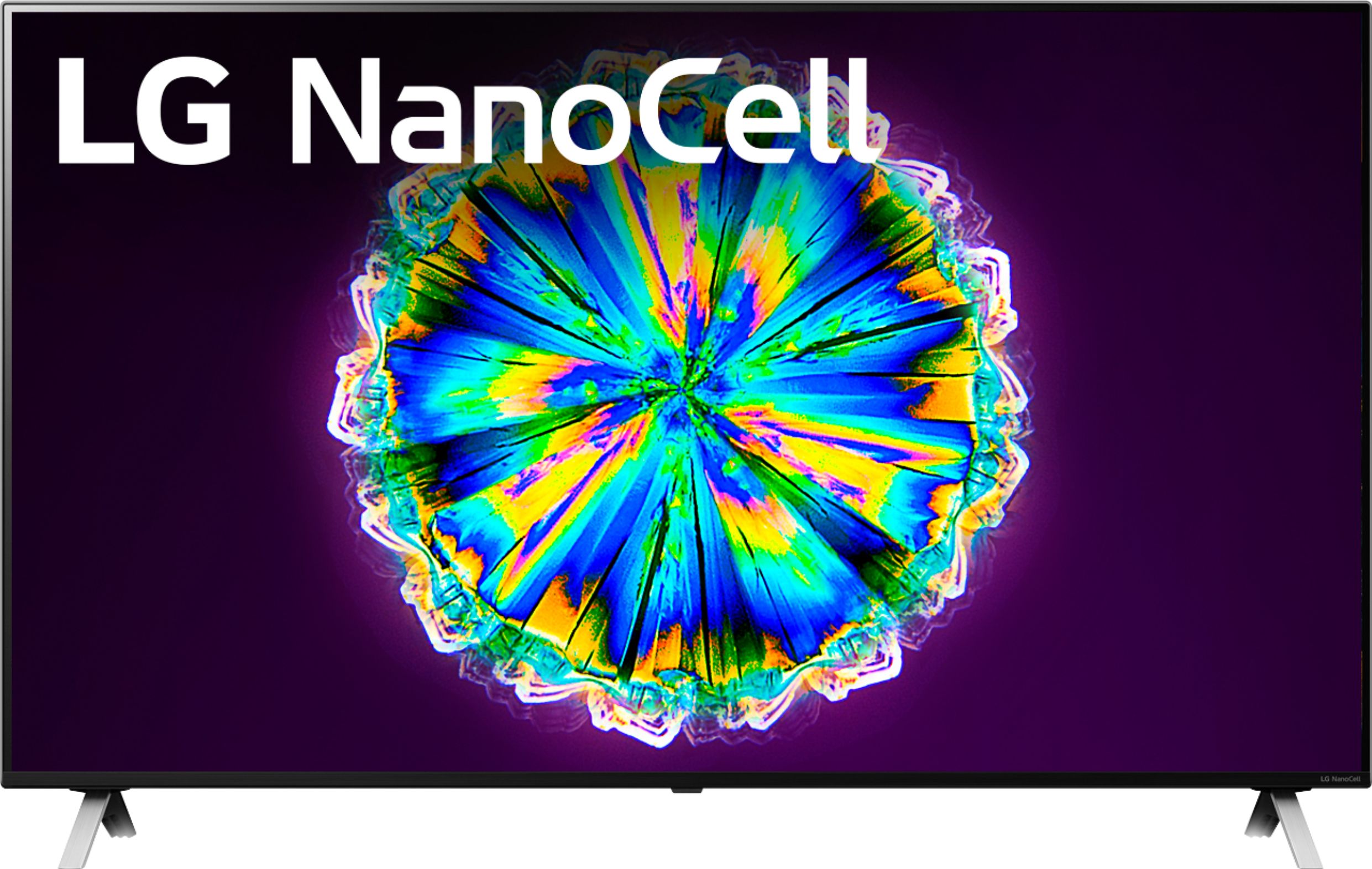
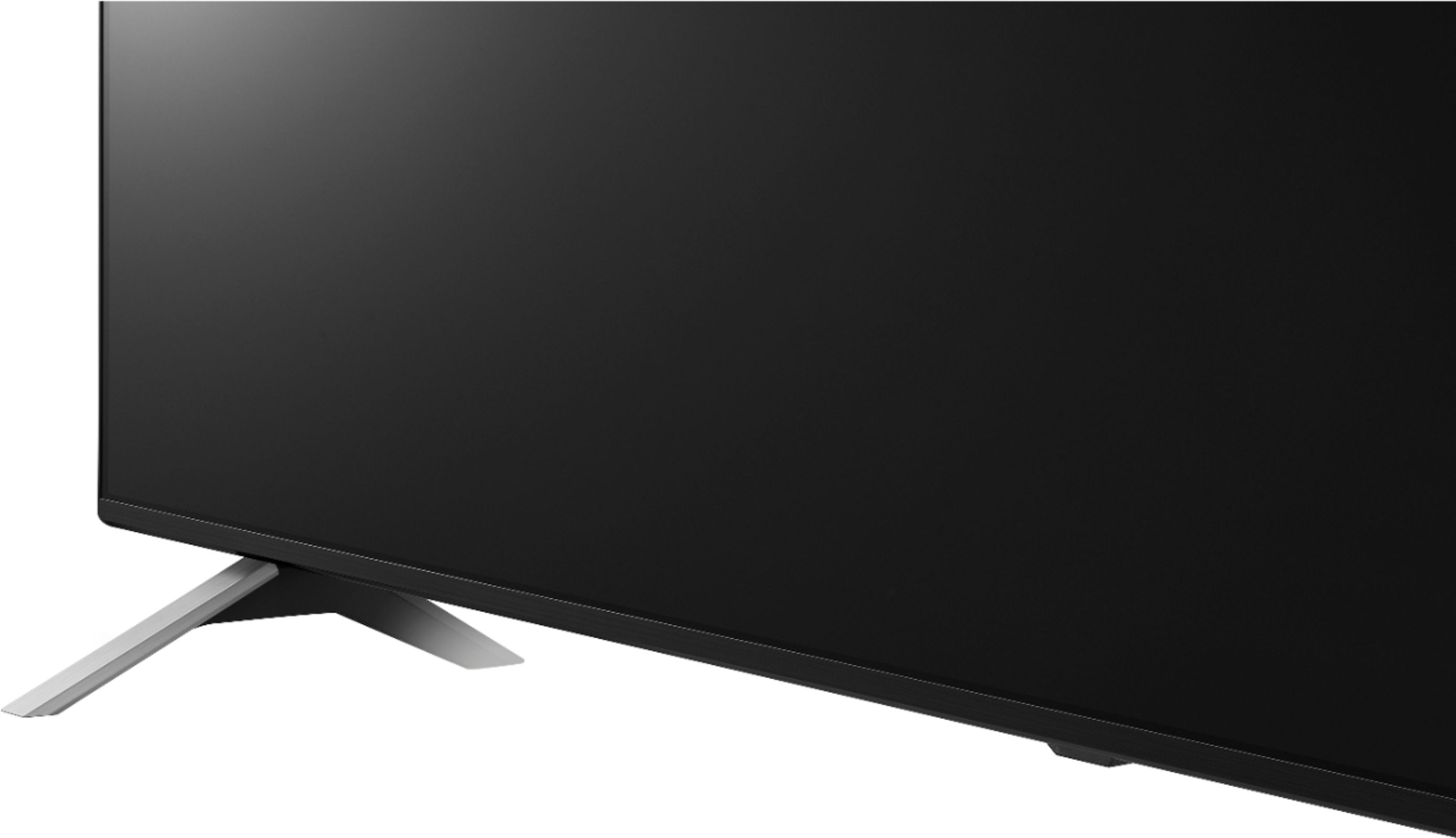
A:AnswerThe TV dimensions with the stand are 43.1"W x 27.4"H x 9.1"D and the stand width is 35.5". I am not sure about the availability of pickup or return policy. Please contact the store directly. ^Daphane
A:AnswerThe TV and laptop should be connected to the same network. Open the "Start" menu on your laptop for media streaming options. Turn on media streaming > Allow all of the media streaming options > select Ok. Select the connected laptop from the Home Dashboard app on the TV then select the file you wish to play. ^Daphane
A:AnswerThe 49NANO85UNA does not have an option stand nor will it support connecting the stand from the 81 series because there are no holes to attach it. ^Daphane