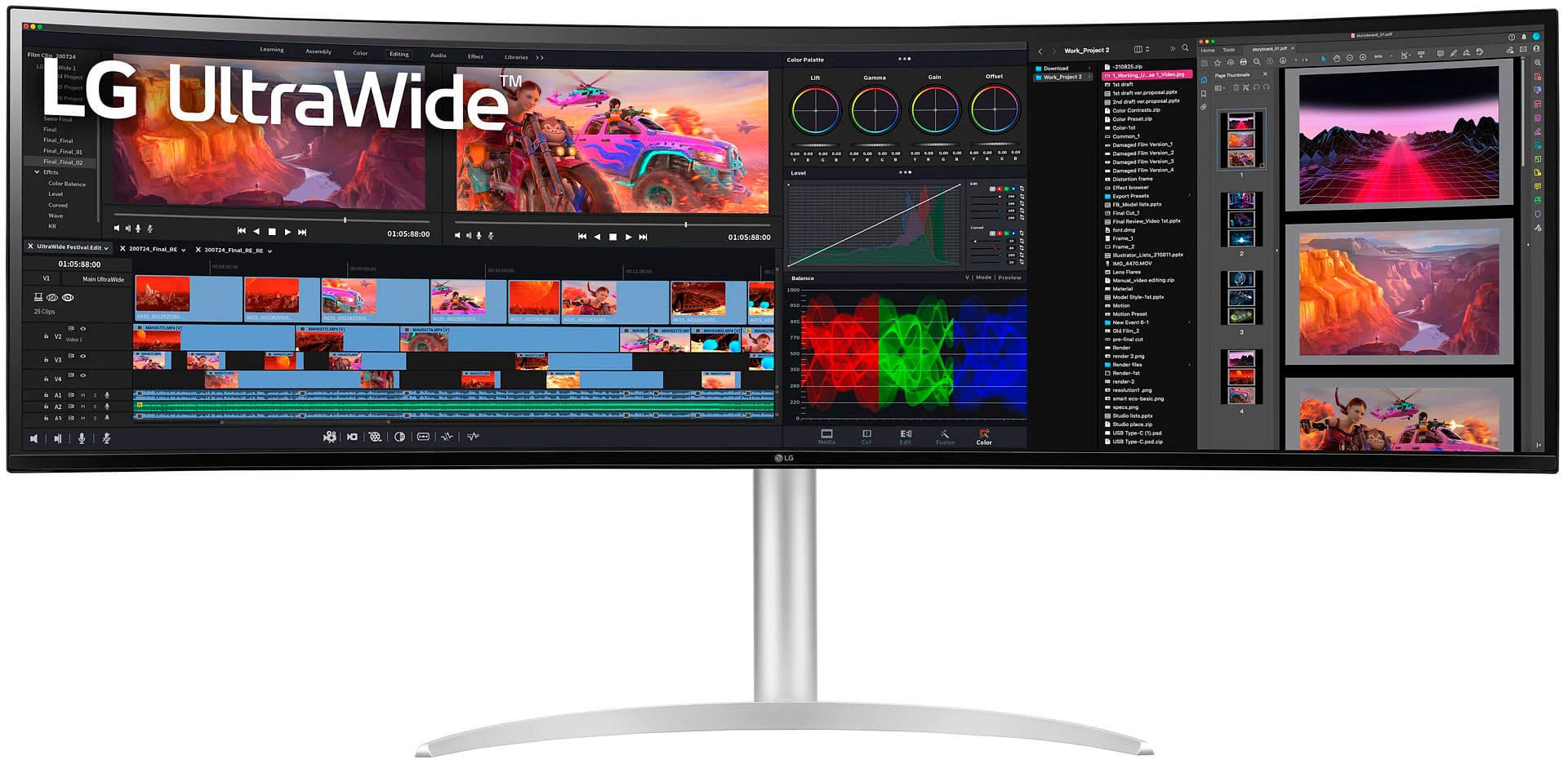
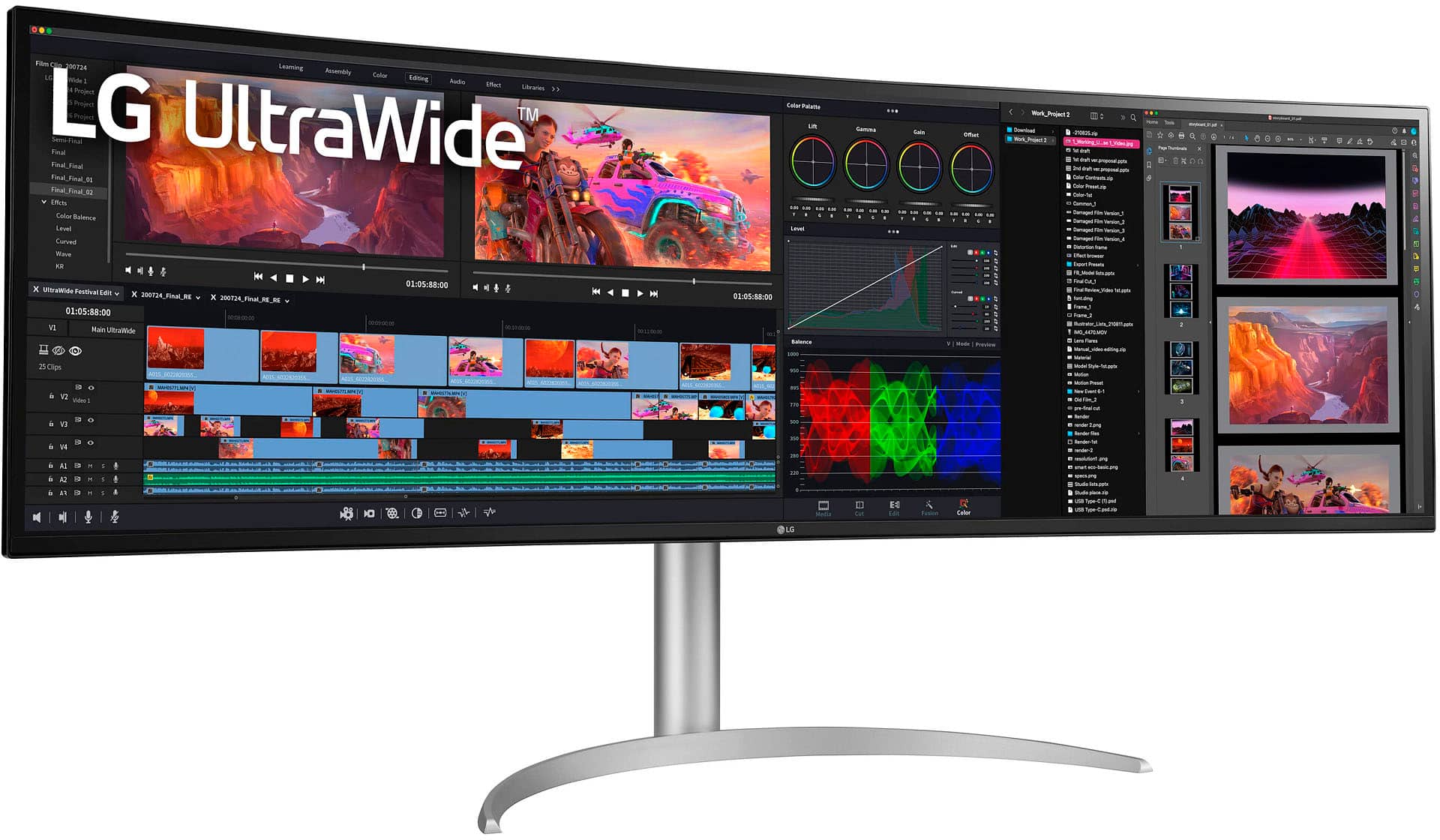
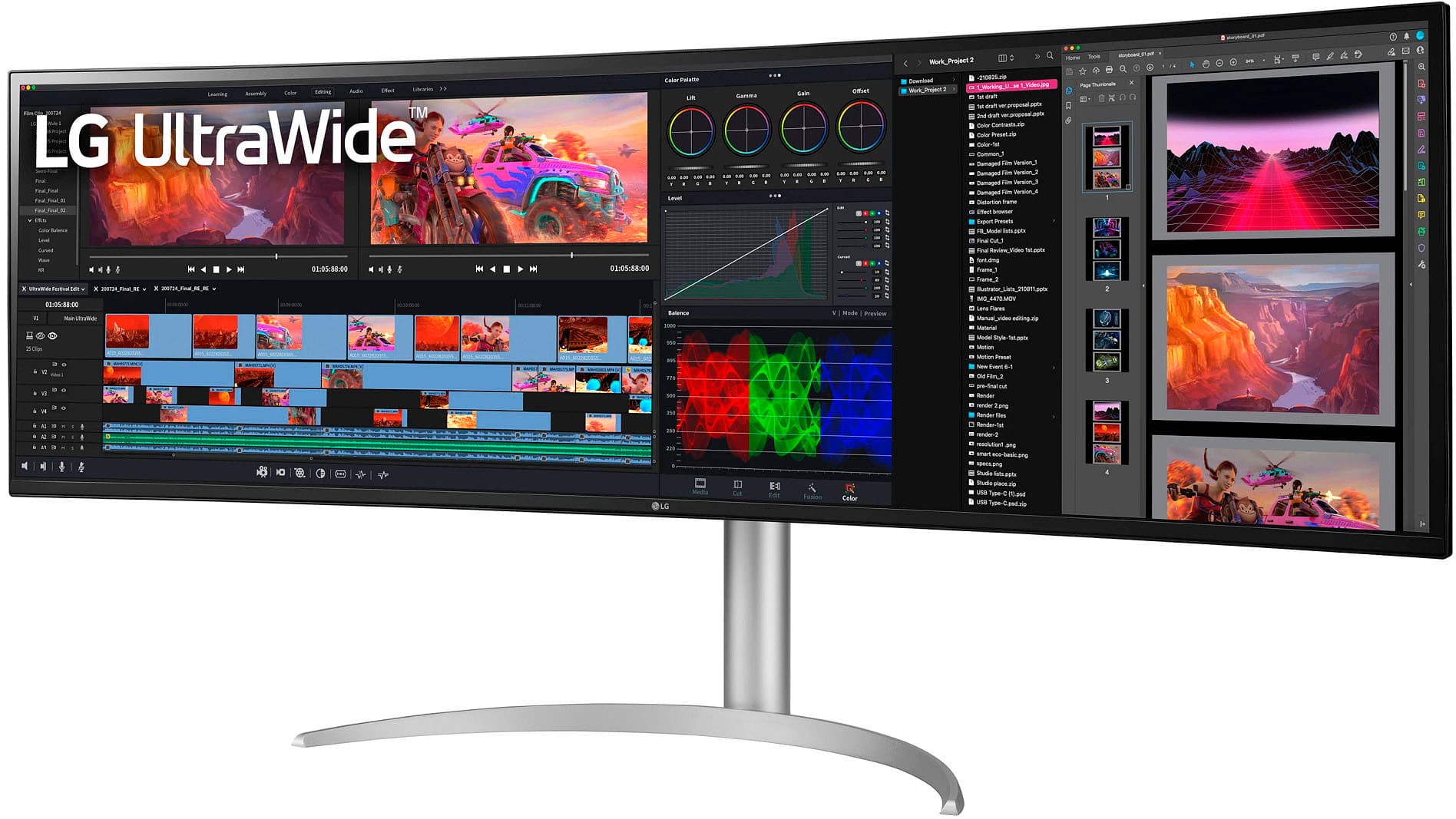
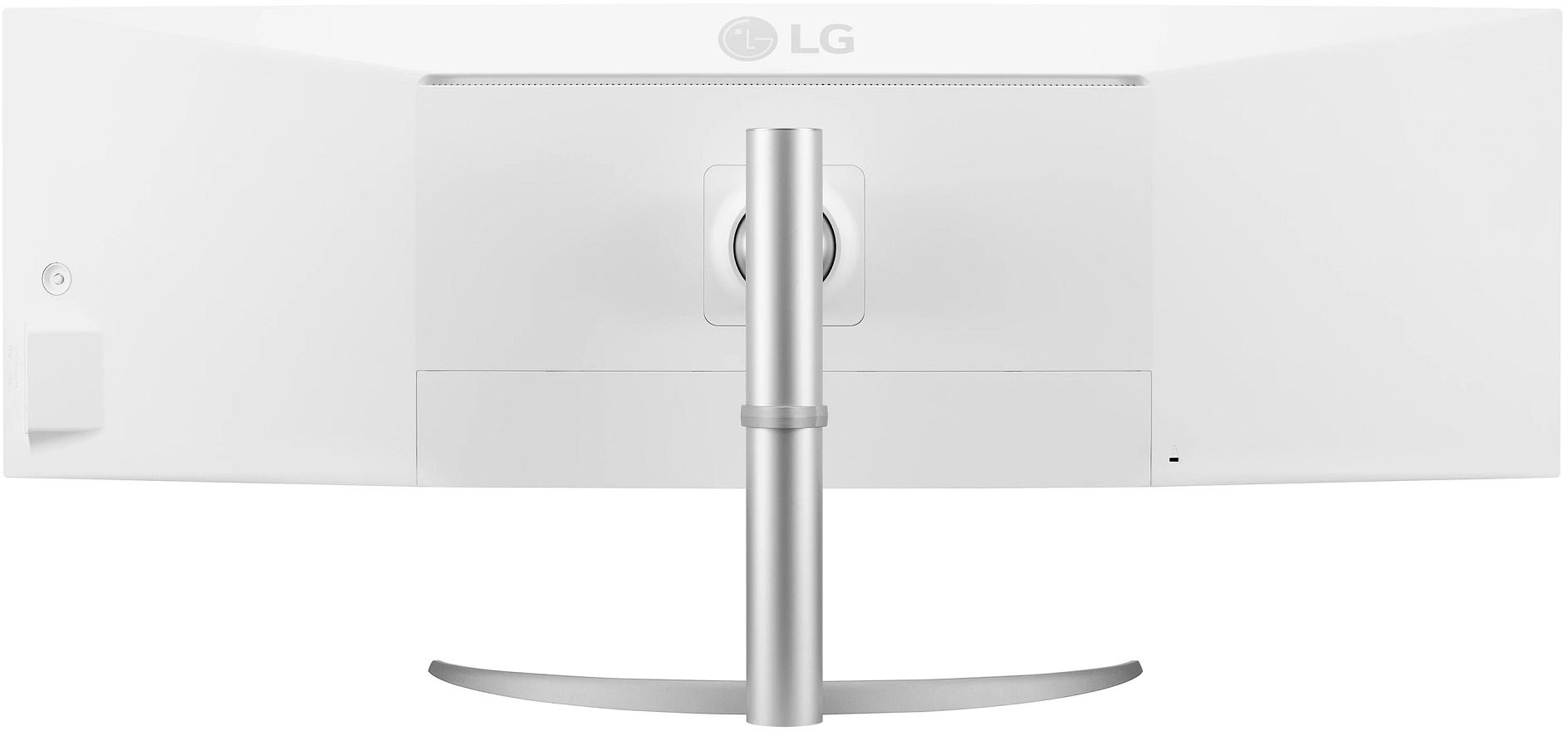
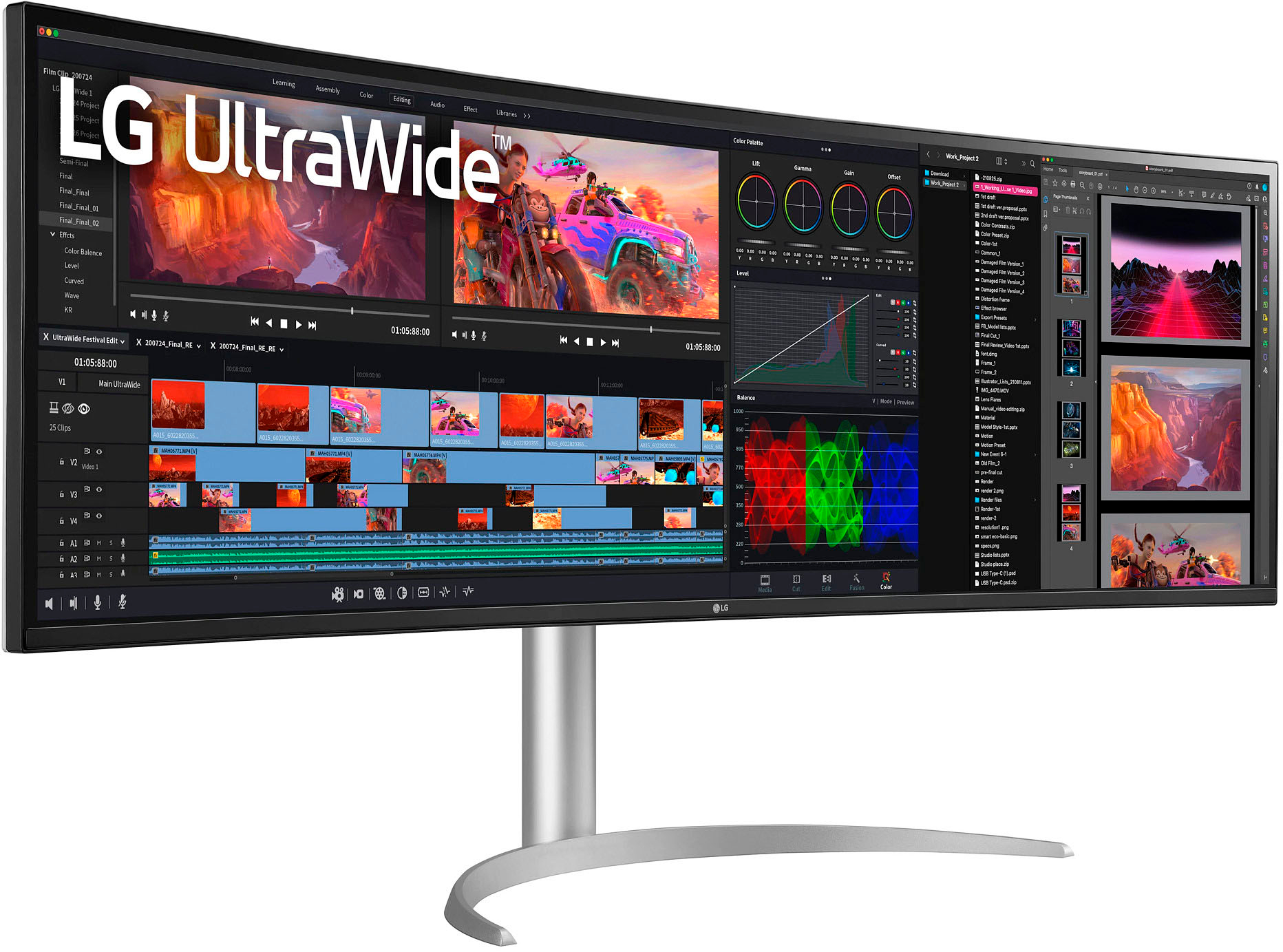
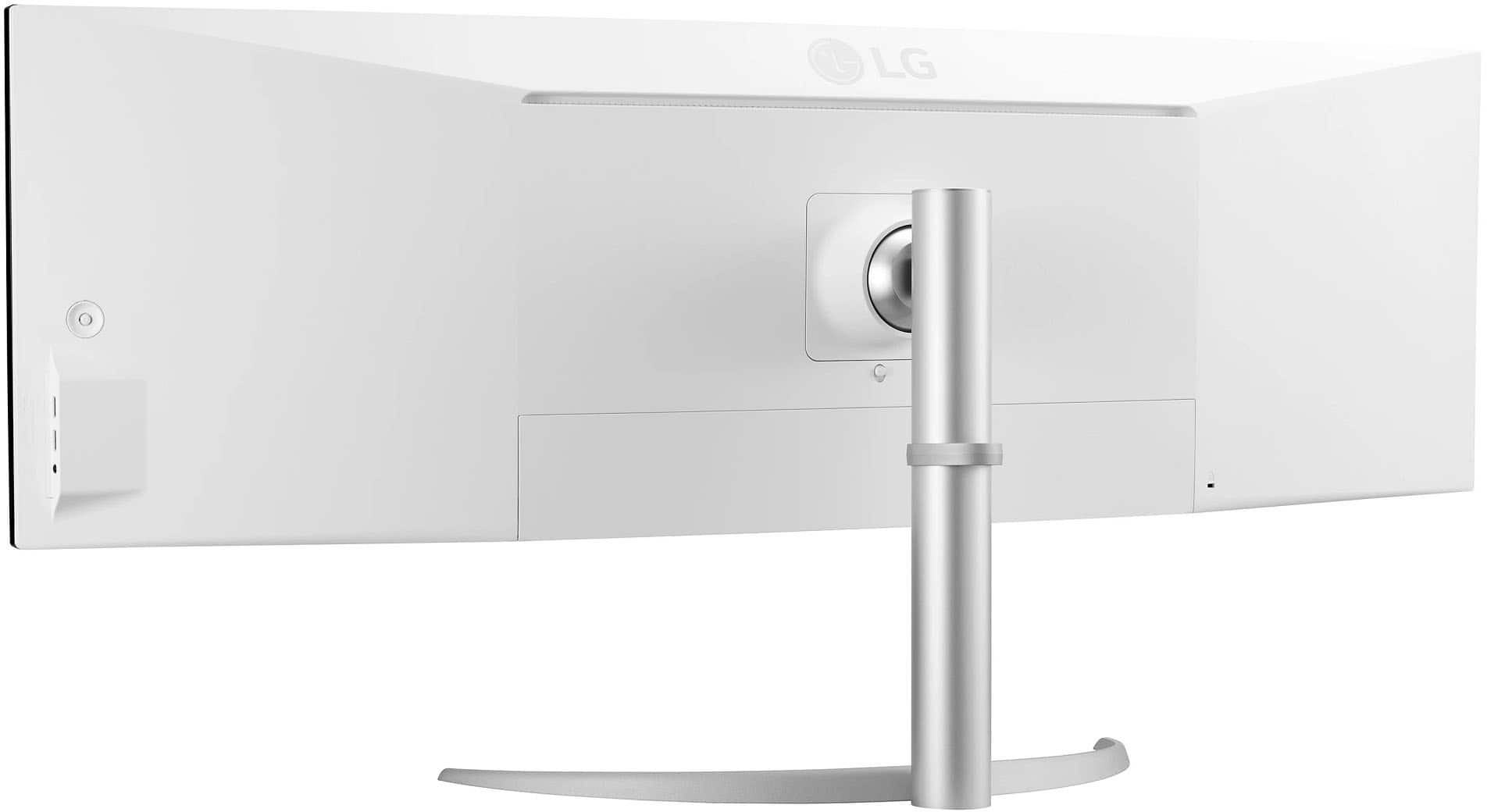
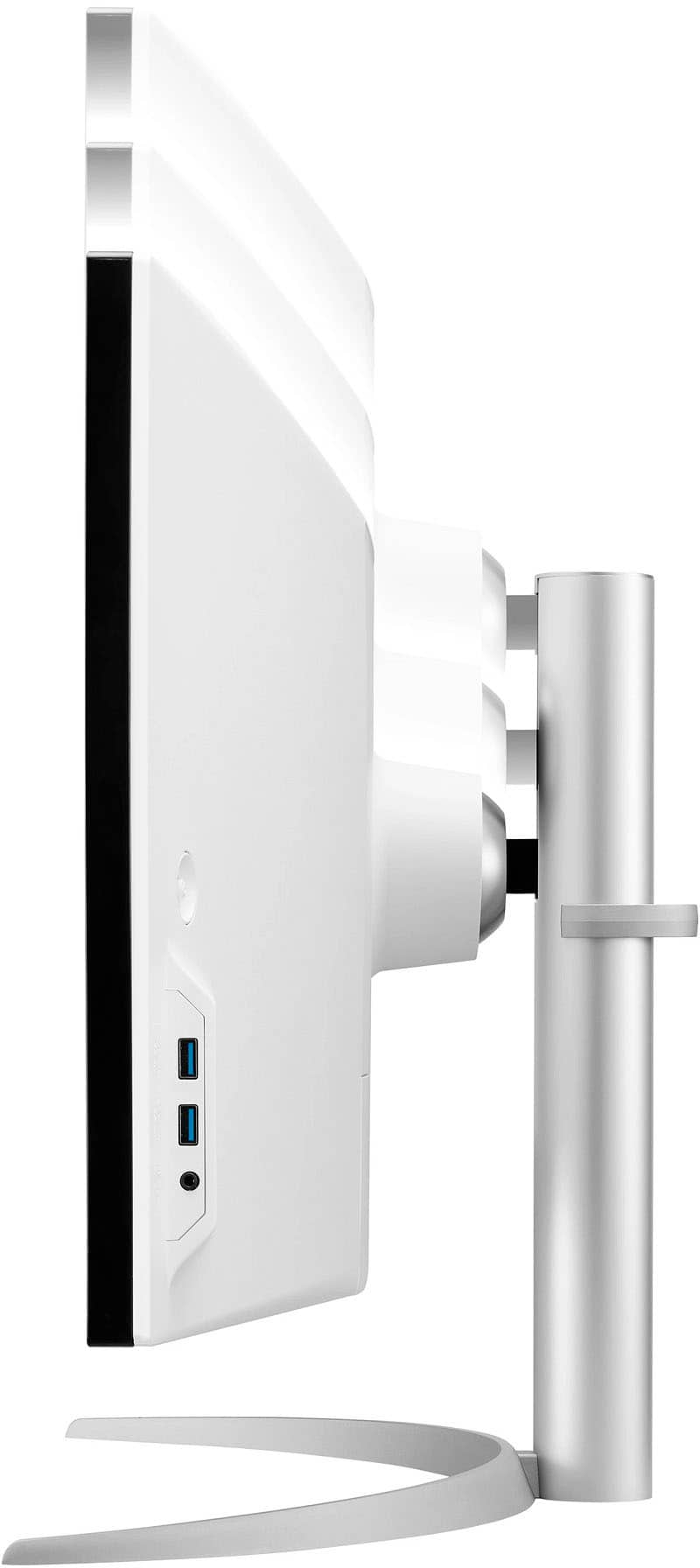
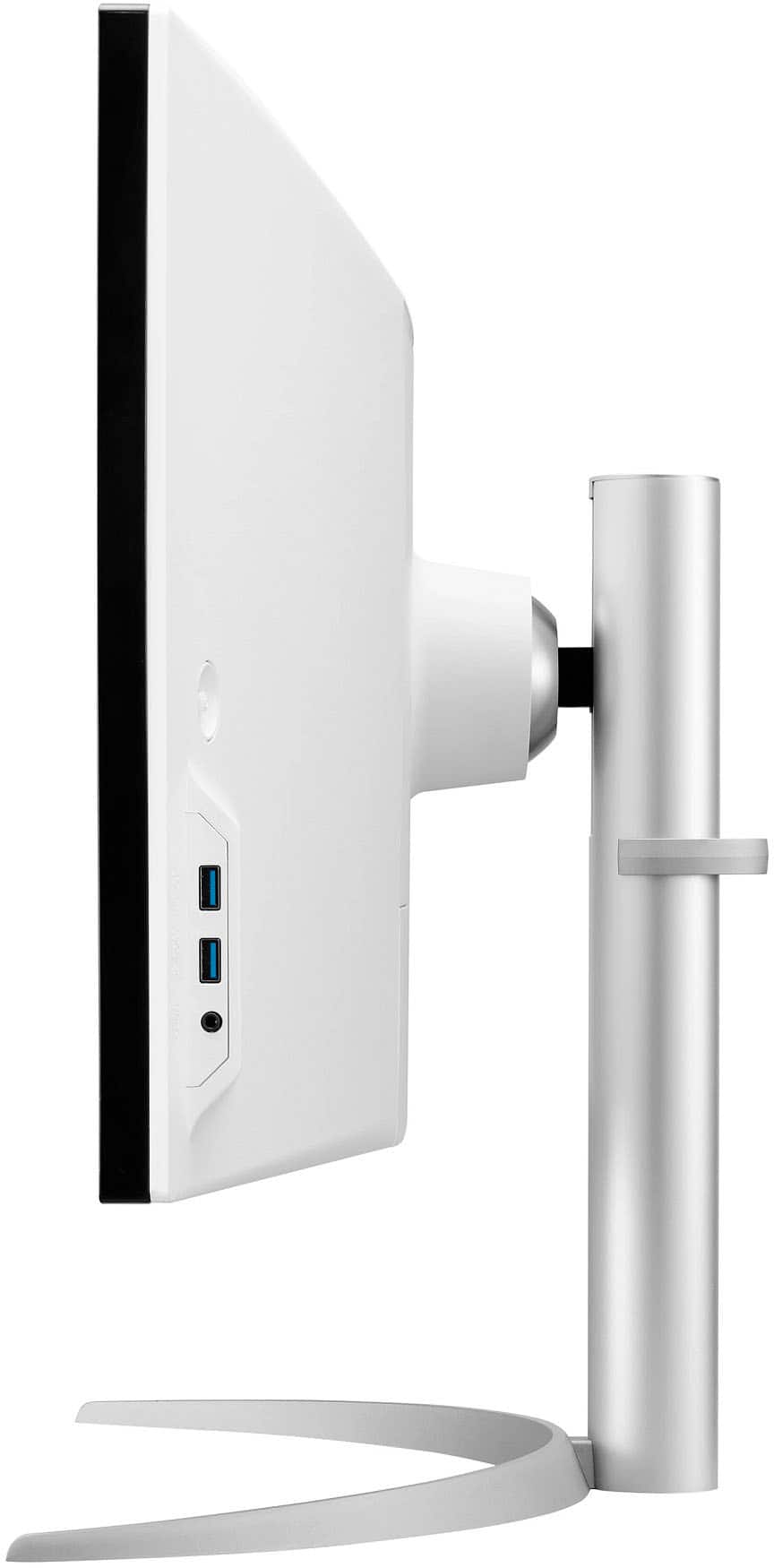
A:AnswerHi, The height can be adjusted up to 110.0 mm (4.3 inches). Lift the monitor and place it on the table in an upright position. Place the monitor at least 100 mm (3.9inches) away from the wall to ensure sufficient ventilation. The angle of the screen can be adjusted forward or backward from -5° to 20° for a comfortable viewing experience. This cannot be positioned vertically The dimension is With Stand (WxHxD) 47.8" x 23.1" x 11.1" and Without Stand (WxHxD) 47.8" x 14.4" x 4.5". ^Vanessa
A:AnswerHello there. 49WQ95C-W Contrast Ratio 1000:1 (Typ.), 700:1 (Min.), refresh rate is 144Hz, Display Resolution DQHD, has PBP (Picture by Picture) and PIP (Picture in Picture), has Display Position Adjustments Tilt/Height/Swivel
49WL95C-W 700:1 (Min.), 1000:1 (Typ.), refresh rate is 60Hz, Display Resolution: UW-DQHD, has PBP (Picture by Picture), has Display Position Adjustments Tilt/Height/Swivel
both unit is NVIDIA as G-SYNC Compatible.Both unit is good for gaming ^Vanessa
A:AnswerThank you for your interest in the LG 49" Curved UltraWide™ DQHD Nano IPS 144Hz HDR 400 Monitor with G-SYNC® Compatible (49WQ95C-W) model The LG 49WQ95C-W is a 49-inch UltraWide monitor with a 32:9 aspect ratio and a Dual Quad HD resolution. It is designed to provide an expansive screen space for multitasking and productivity. You can download its owner's manual through this link for more information: https://www.lg.com/us/support/product/lg-49WQ95C-W.AUS. ^Cris
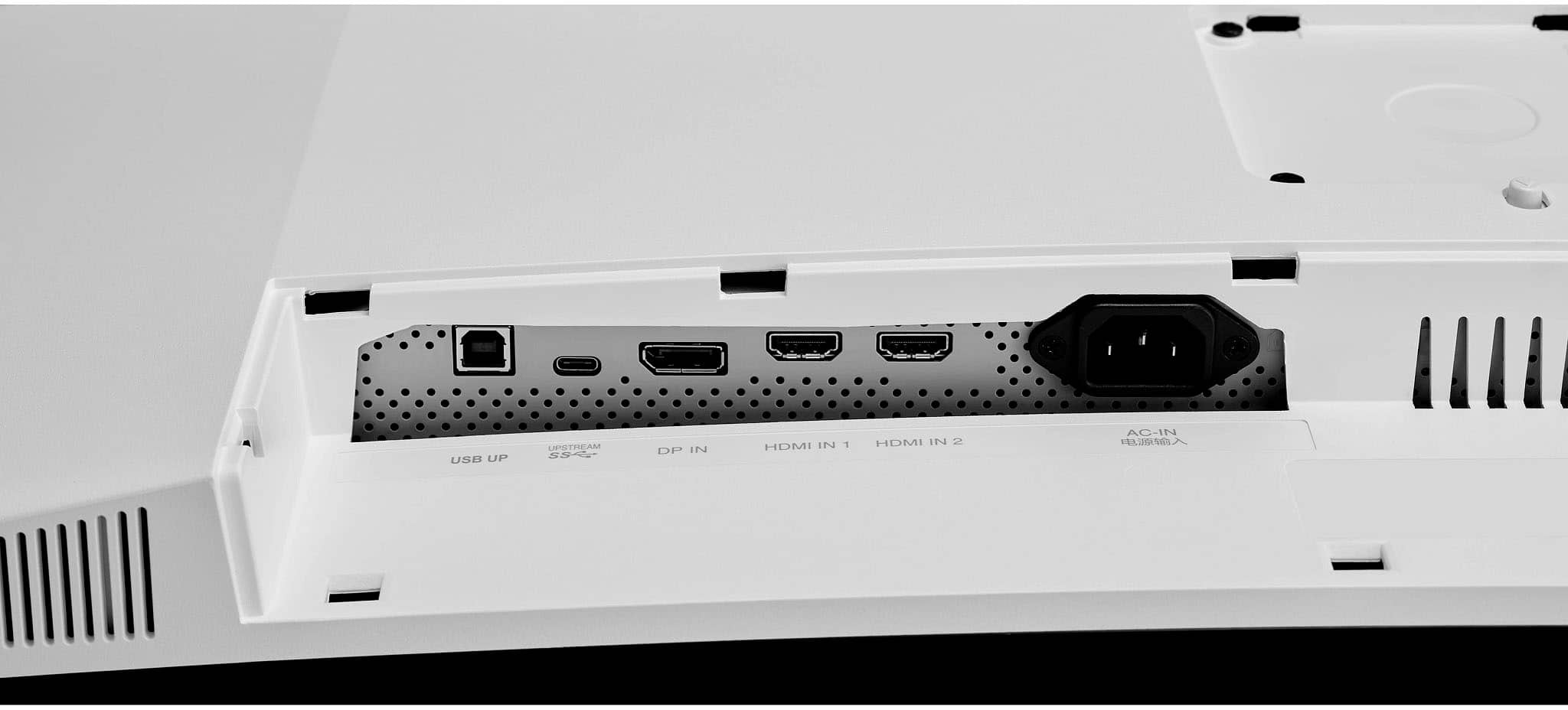
A:AnswerThank you for your interest in the LG 49" Curved UltraWide™ DQHD Nano IPS 144Hz HDR 400 Monitor with G-SYNC® Compatible (49WQ95C-W) model. The LG 49WQ95C-W monitor has a built-in KVM switch with a USB hub. Here are some tips for fixing this issue:
Make sure that the KVM switch is properly connected to both the monitor and the peripherals.
Try using a different HDMI cable to connect the monitor to the computer.
Check that the HDMI input on the monitor is selected as the active input.
Update the firmware of the monitor to the latest version
It's worth noting that the monitor's USB-C input seems to work fine with the KVM switch
You can download its owner's manual through this link for more information: https://www.lg.com/us/support/product/lg-49WQ95C-W.AUS. ^Cris
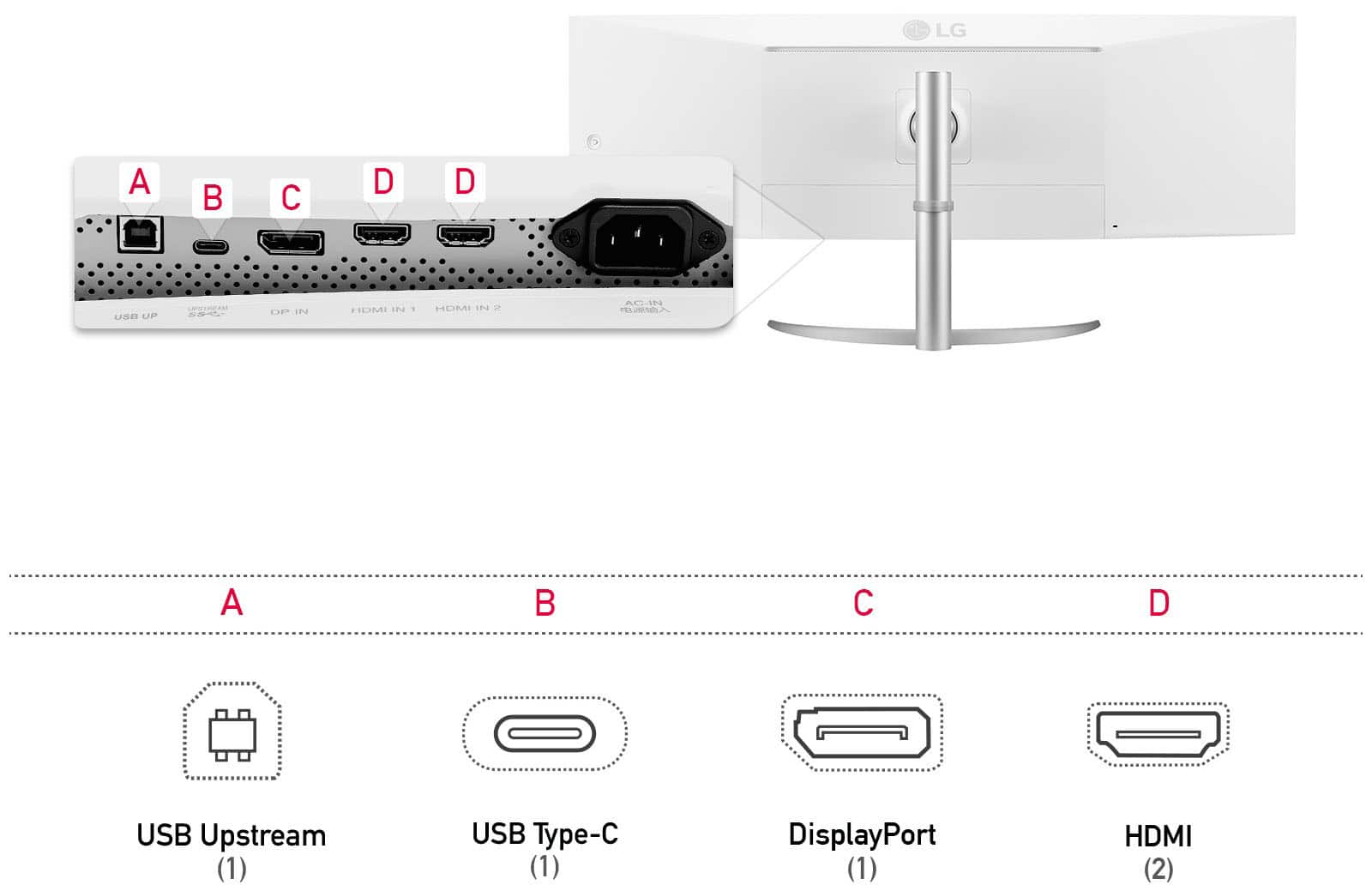
A:AnswerHello there Kevin. Thanks for reaching out. For the LG - 49" IPS LED Curved Ultrawide DQHD FreeSync and G-SYNC Compatible Monitor with HDR(HDMI, DisplayPort, USB) model: #49WQ95C-W.AUS USB-C is an industry-standard connector for transmitting both data and power on a single cable. All you need is a USB-C and you are good to go. ` Jai.