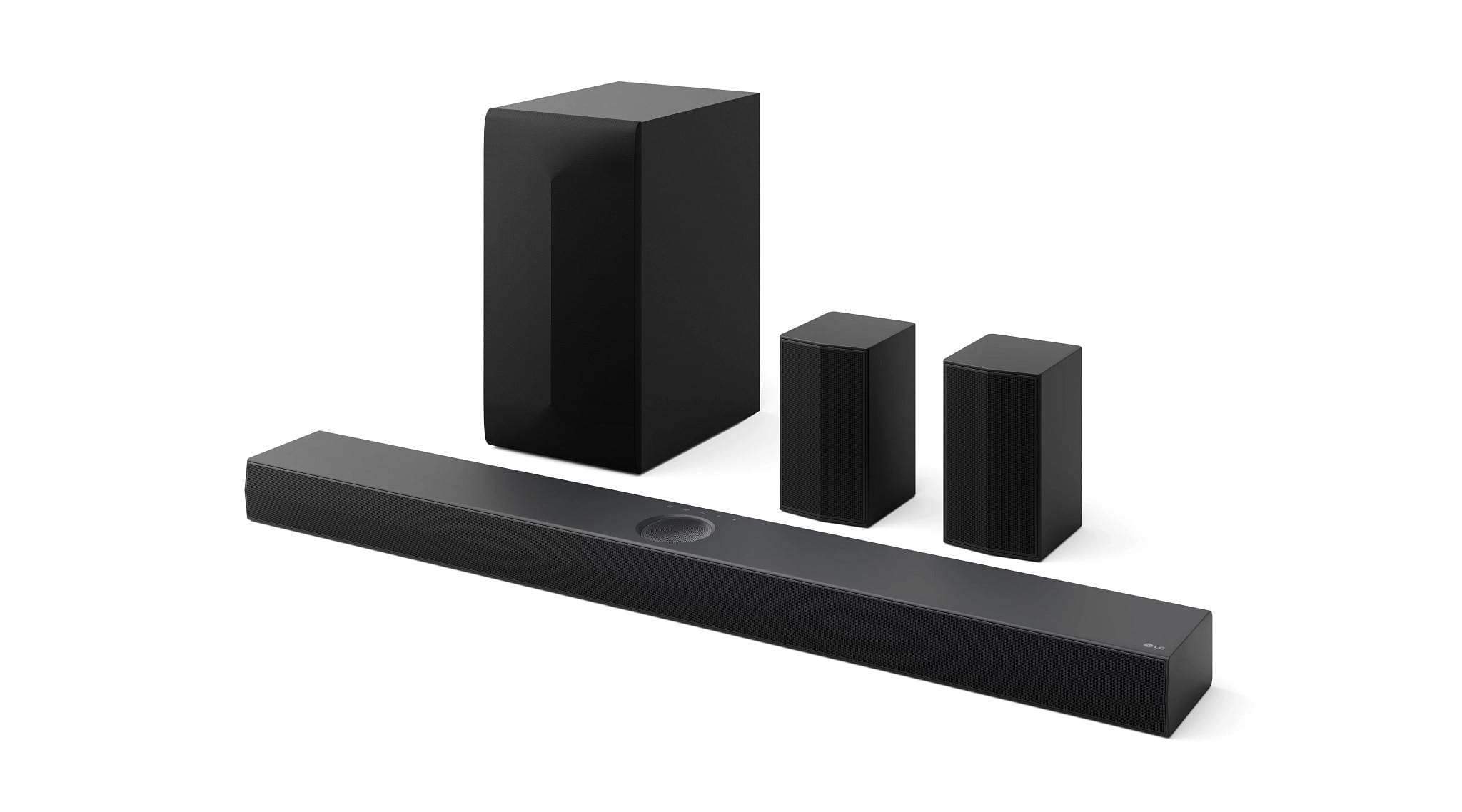
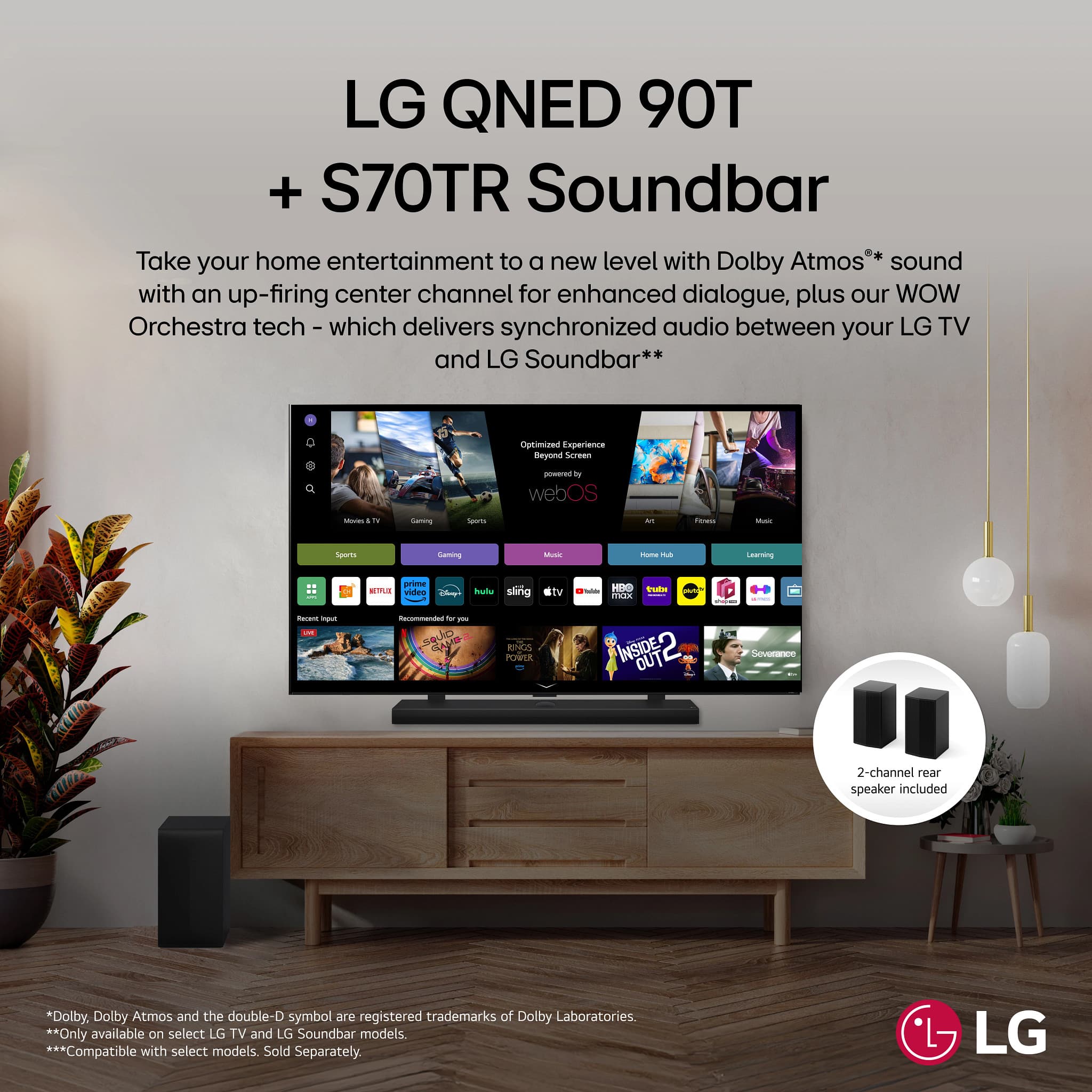
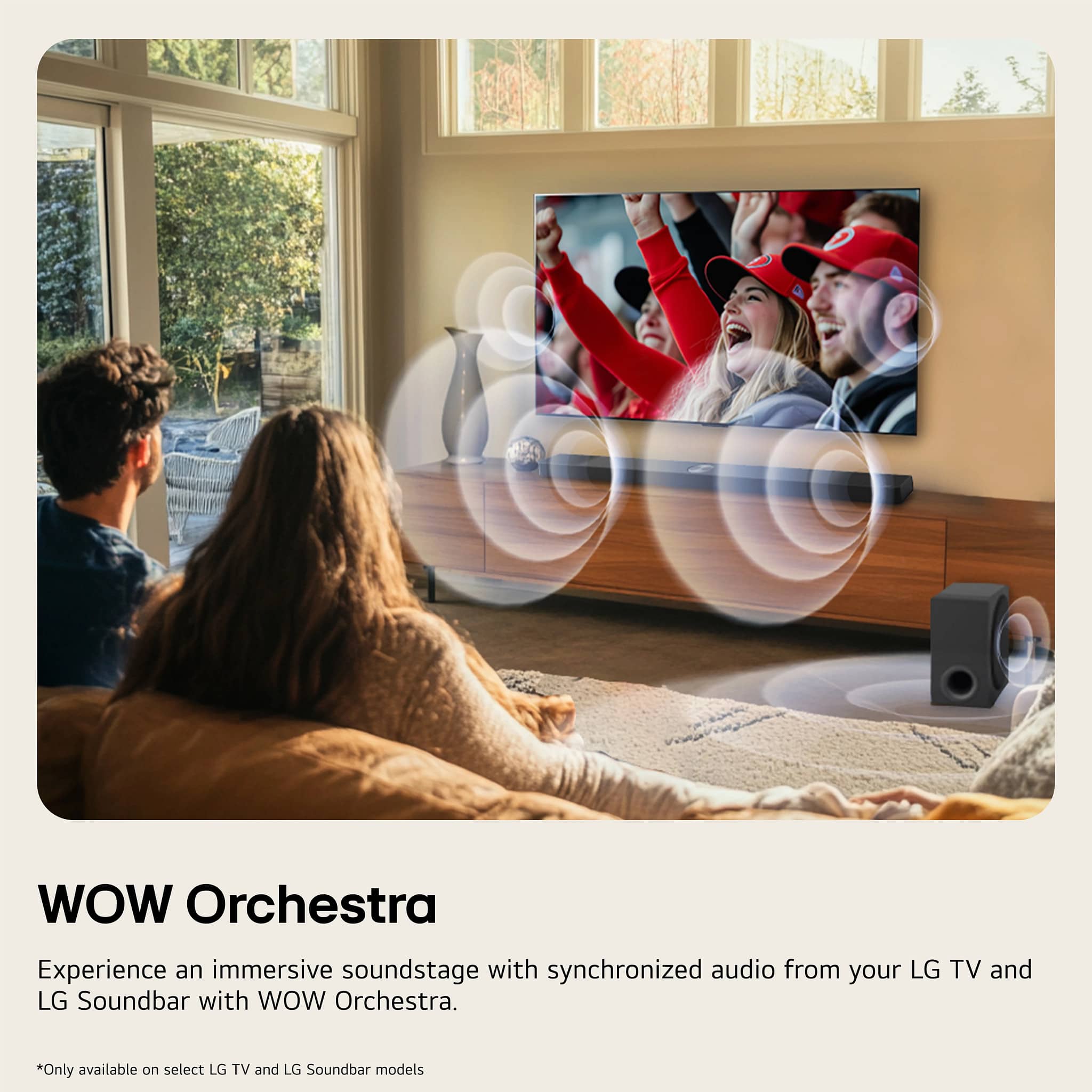
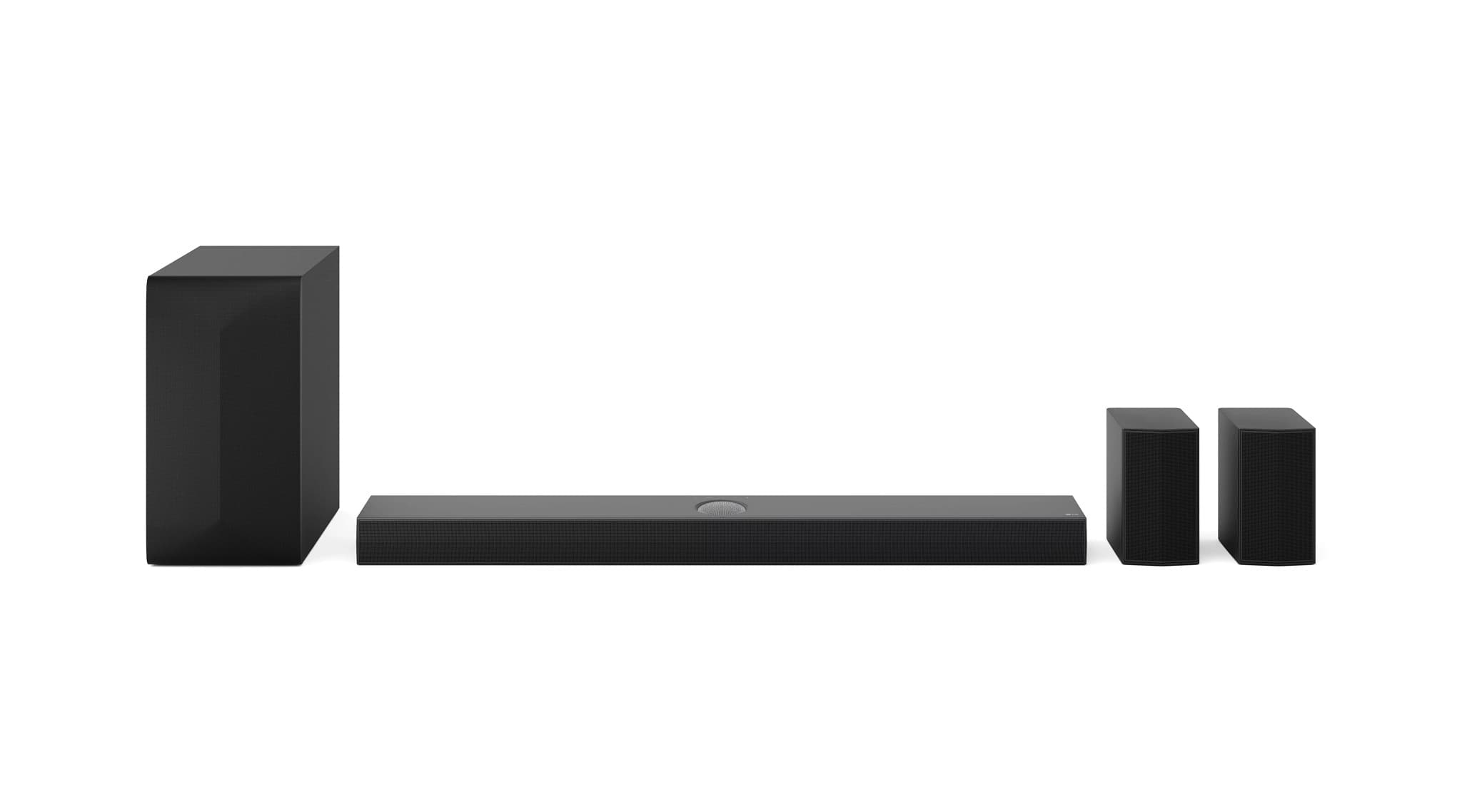
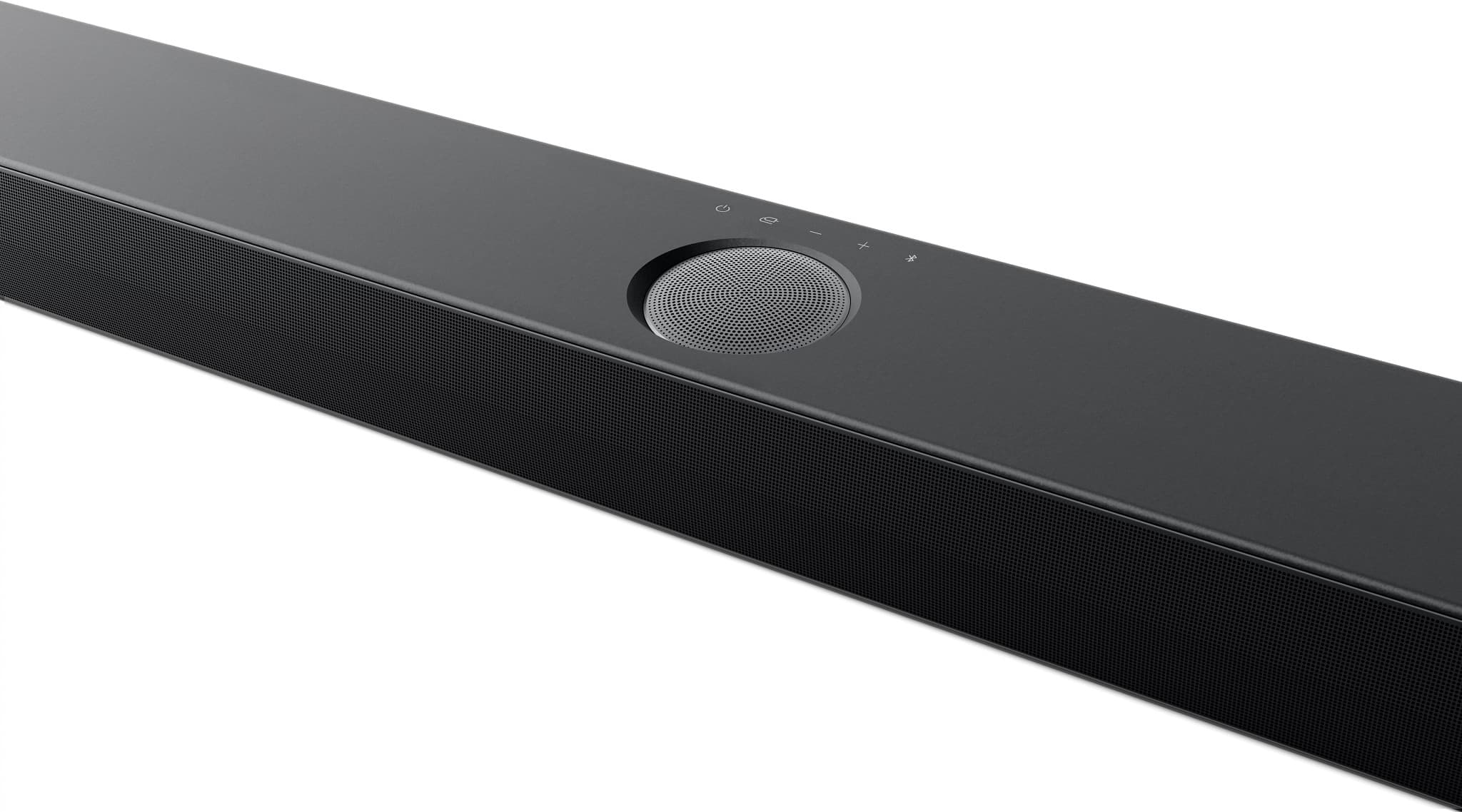
A:AnswerHello there, Chubs. Thank you for sharing your experience with us. We understand your inquiry about the wattage of the LG 5.1.1-Channel S70TR Home Theater Soundbar with Wireless Subwoofer and Rear Speakers.
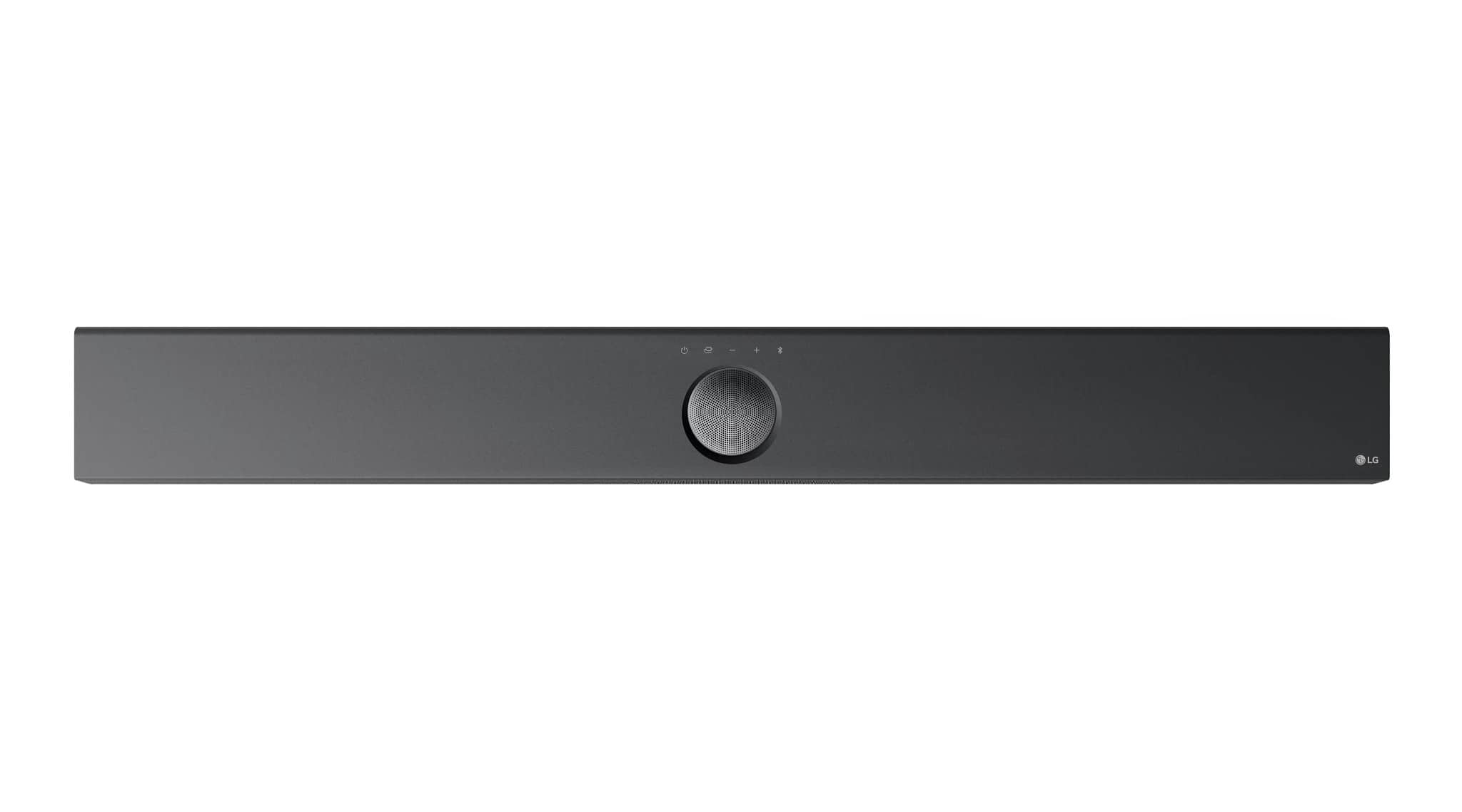
The LG S70TR soundbar system has a total power output of 500 Watts. This total power includes the soundbar itself, the wireless subwoofer, and the rear speakers, all working together to deliver a robust audio experience.
https://www.bestbuy.com/site/lg-5-1-1-channel-s70tr-home-theater-soundbar-with-wireless-subwoofer-and-rear-speakers-dolby-atmos-wow-orchestra-black/6578017.p?skuId=6578017
If you have any further questions or require additional assistance, please send us a private message on Social Media @LGUSSupport, and our team will be more than happy to explore possible solutions. We appreciate your patience. —Renzo
A:AnswerYou cannot pair additional wireless rear speakers to the LG 5.1.1-Channel S70TR Home Theater Soundbar with Wireless Subwoofer and Rear Speakers, Dolby Atmos®, WOW Orchestra - Black, or connect additional wired rear speakers to it...^Ivan.
A:AnswerThe LG 5.1.1-Channel S70TR Home Theater Soundbar with Wireless Subwoofer and Rear Speakers, Dolby Atmos, WOW Orchestra - Black pairs well with any of our G3, G4 or G5 series OLEDs so it will pair well with the LG OLED evo G3 77 Inch Class 4K OLED TV 2023, Model # OLED77G3PUA...^Ivan.
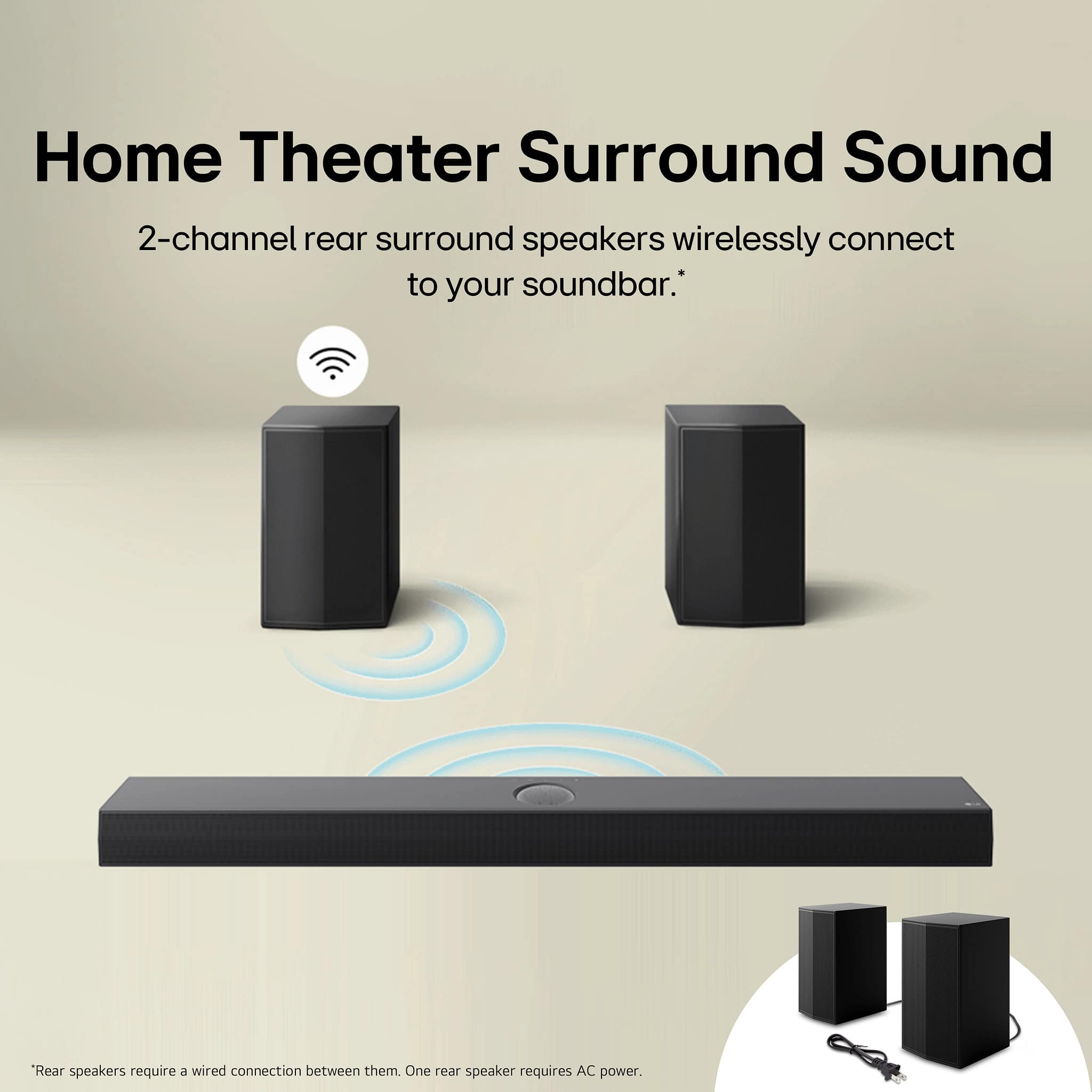
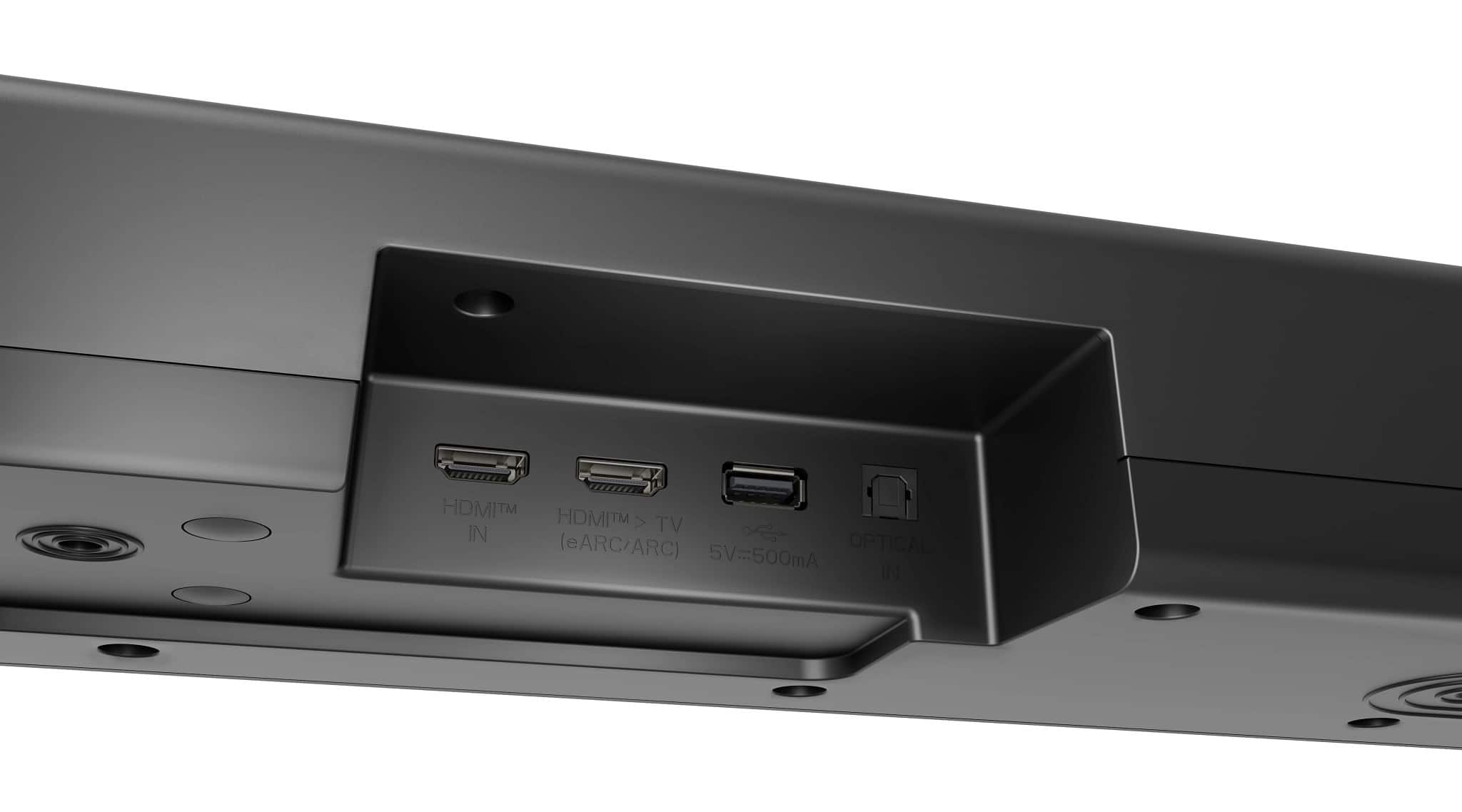
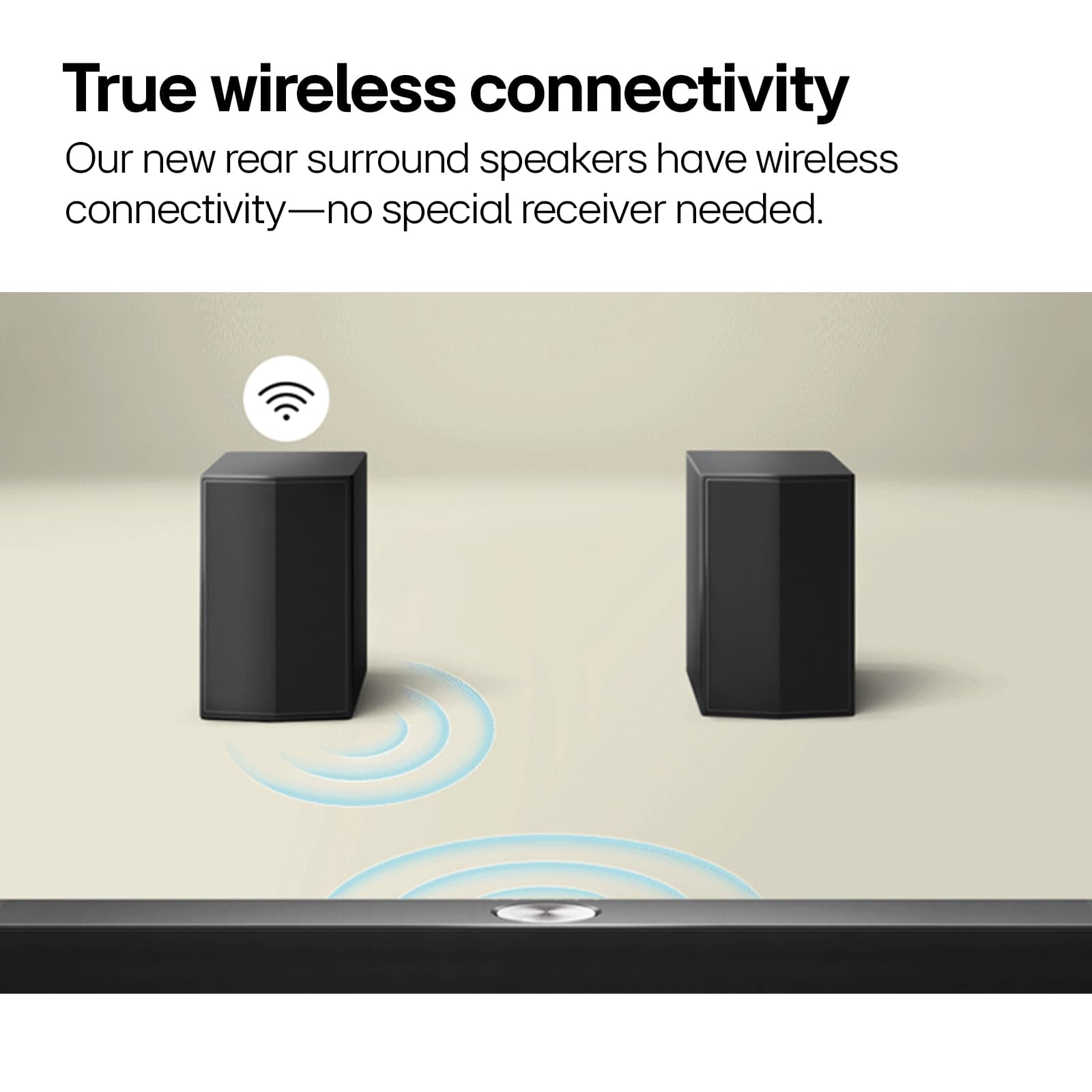
A:AnswerHi there! Thank you for sharing your inquiry with us regarding the LG - 5.1.1-Channel S70TR Home Theater Soundbar with Wireless Subwoofer and Rear Speakers, Dolby Atmos, WOW Orchestra - Black. We understand your inquiry about compatibility and setup. This soundbar is designed to work with any television, including Samsung models, via an HDMI ARC/eARC or Optical connection. Regarding the rear speakers, they connect wirelessly to a central receiver module that is included in the box, which then connects to your wall outlet for power, so you do not need to run wires from the front soundbar to the back of your room.
https://www.bestbuy.com/product/lg-5-1-1-channel-s70tr-home-theater-soundbar-with-wireless-subwoofer-and-rear-speakers-dolby-atmos-wow-orchestra-black/JJ8VPZQWVT
We want to ensure your home theater installation goes smoothly, so for further assistance and any specific concerns you may have, please contact us on [email protected], and our team will be more than happy to assist you. —Renzo
A:AnswerHello there! Thank you for sharing your inquiry with us regarding the LG - 5.1.1-Channel S70TR Home Theater Soundbar with Wireless Subwoofer and Rear Speakers, Dolby Atmos, WOW Orchestra - Black. We understand your inquiry about whether a separate receiver is required for this setup. This soundbar system is an all-in-one solution with a built-in amplifier, so you do not need an external receiver to use the sound system. You can simply connect the soundbar directly to your TV using the included HDMI cable or an optical cable to begin enjoying your audio experience immediately.
https://www.bestbuy.com/product/lg-5-1-1-channel-s70tr-home-theater-soundbar-with-wireless-subwoofer-and-rear-speakers-dolby-atmos-wow-orchestra-black/JJ8VPZQWVT
We want to ensure your home theater setup is as seamless as possible, so for further assistance and any specific concerns you may have, please contact us on [email protected], and our team will be more than happy to assist you. —Renzo
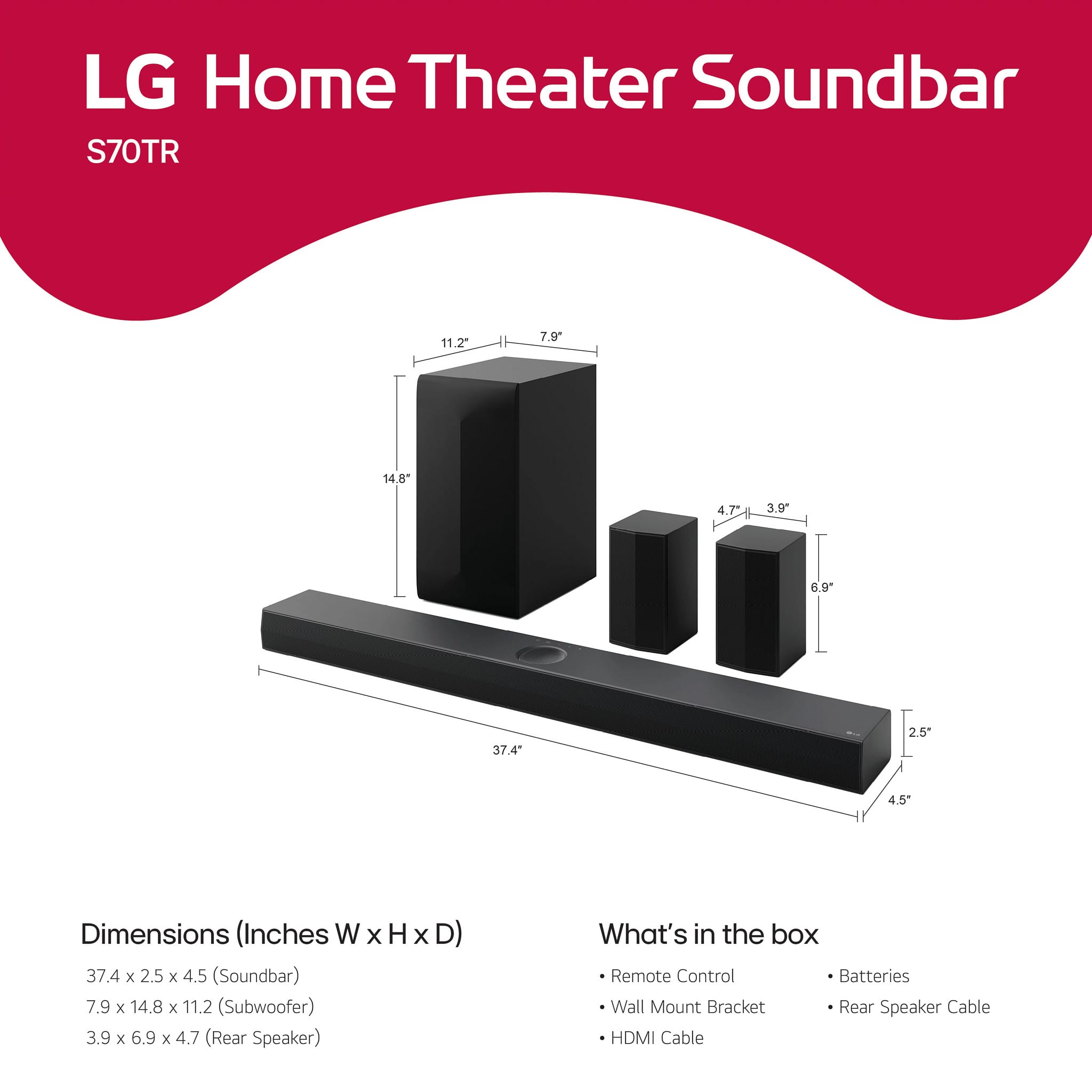
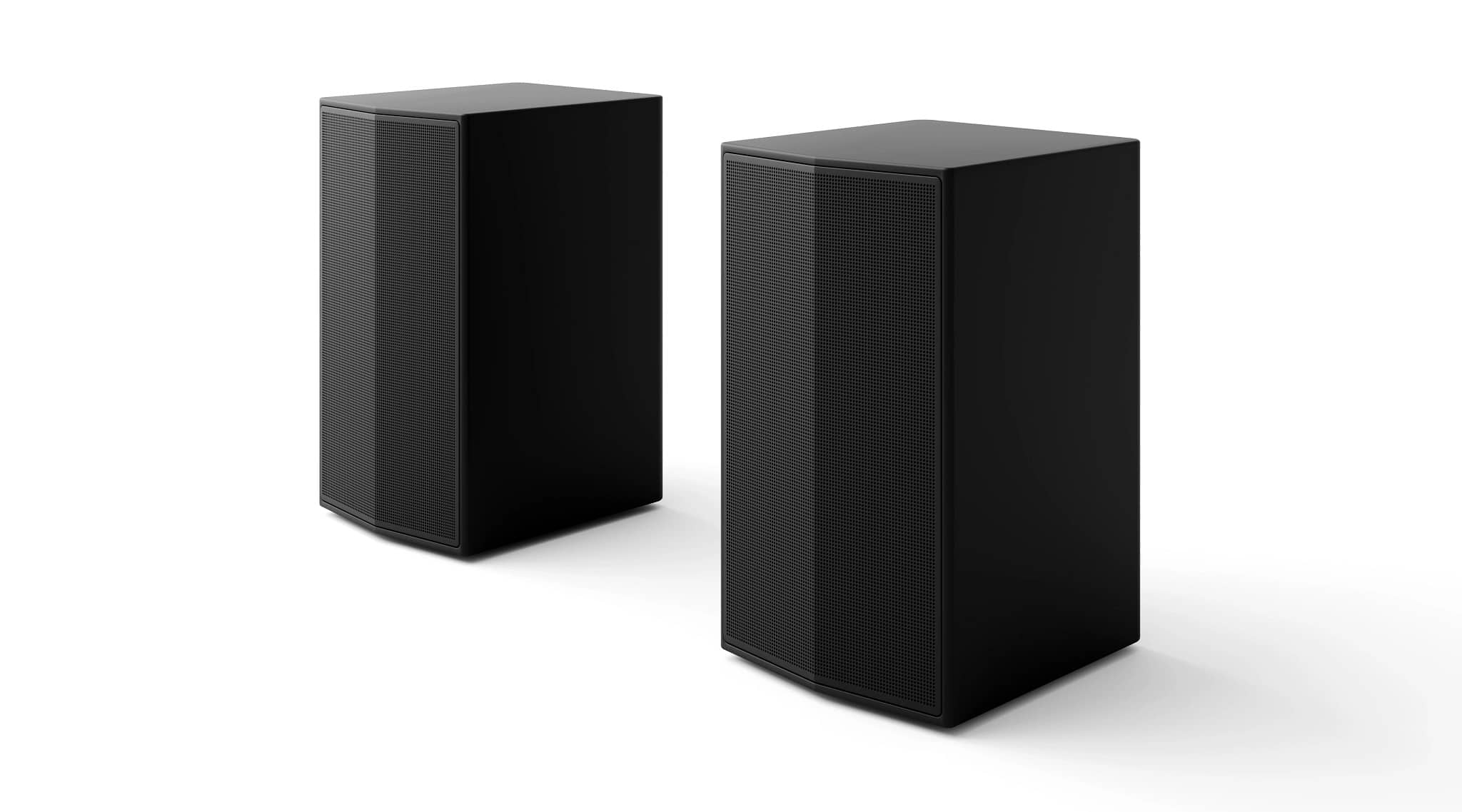
A:AnswerThe W x H x D dimensions for the rear speakers for this 5.1.1-Channel S70TR Home Theater Soundbar with Wireless Subwoofer and Rear Speakers, Dolby Atmos®, WOW Orchestra - Black are 3.9" x 6.9" x 4.7"...^Ivan.
A:AnswerWhat connectivity does your old CD player have?
Connectivity for the LG 5.1.1-Channel S70TR Home Theater Soundbar with Wireless Subwoofer and Rear Speakers, Dolby Atmos®, WOW Orchestra - Black includes Bluetooth®, an HDMI eARC port and an Optical Digital Audio Input...^Ivan.
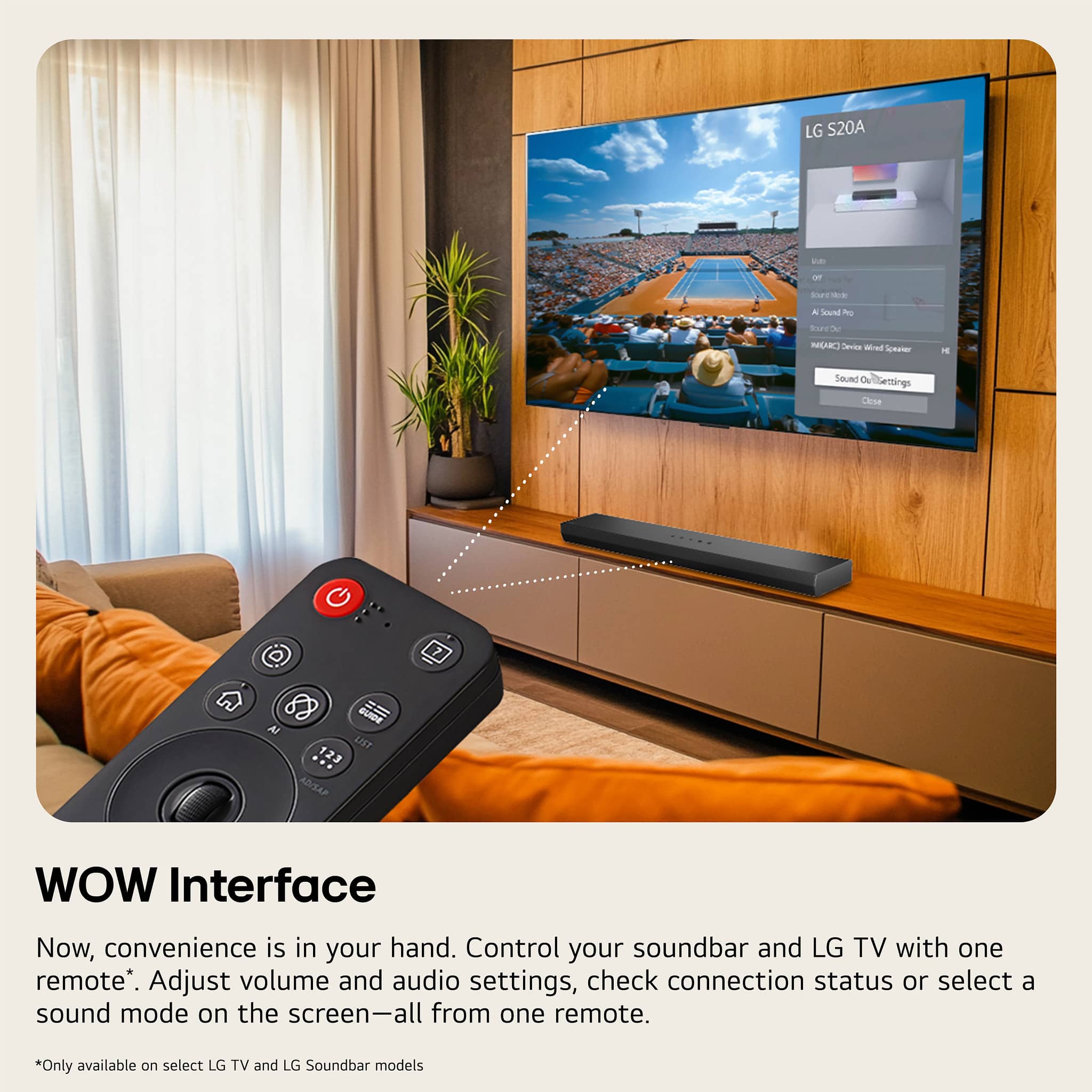
A:AnswerHello there, Stan. We understand your inquiry about mounting your LG S70TR soundbar. This model uses keyhole slots on the rear panel to hang securely on the included wall bracket—not on the bottom.
Troubleshooting Tip:
Before you install, attach and level the wall bracket at your desired height (use a stud finder and a bubble level). Once it’s secure in the wall, align the soundbar’s rear keyhole slots over the bracket pegs, then slide down gently until you feel it click into place. This ensures a snug, stable fit and optimal audio performance.
https://www.bestbuy.com/site/lg-5-1-1-channel-s70tr-home-theater-soundbar-with-wireless-subwoofer-and-rear-speakers-dolby-atmos-wow-orchestra-black/6578017.p?skuId=6578017
Please send us a private message on social media @LGUSSupport so our team can help you with any further questions or setup assistance. We appreciate your patience and are here to make sure you get the best from your LG soundbar! —Renzo
A:AnswerHello there, DaleK. Thanks for reaching out! We understand your inquiry about the rear speaker not producing sound in your LG S70TR 5.1.1-channel soundbar system. Since one rear speaker is wired to the wireless receiver, we recommend first checking that the speaker wire is securely connected on both ends—at the speaker terminal and at the wireless receiver. Try swapping the left and right rear speaker cables to see if the issue follows the speaker or stays with the output channel. This can help determine if it's a speaker issue or a port issue.
https://www.bestbuy.com/site/lg-5-1-1-channel-s70tr-home-theater-soundbar-with-wireless-subwoofer-and-rear-speakers-dolby-atmos-wow-orchestra-black/6578017.p?skuId=6578017
If everything is connected correctly and it’s still not working, please send us a private message on Social Media @LGUSSupport so we can provide further personalized assistance. —Renzo
A:AnswerHi there, Vladimir. We understand your inquiry about your S70TR home theater system and appreciate you bringing this to our attention. It sounds like your rear speakers are paired (green light) but aren’t outputting any audio. Let’s try a quick troubleshooting step to get them back in action:
Troubleshooting Step: Power–cycle and re-pair your rear speakers. First, unplug the power cords from both the soundbar and rear speakers for 30 seconds. Then plug them back in and, on the soundbar, press and hold the Rear Speaker Pairing button (located on the back) until the LED flashes white. Next, press and hold the pairing button on each rear speaker until their LEDs flash white. Once both devices show a steady white light, test playback again. This process refreshes the wireless connection and often restores audio transmission.
If you’ve already tried reconnecting and the issue persists, please verify that your soundbar’s firmware is up to date via the LG Wi-Fi Sound Sync app or by checking the Settings > Firmware Update menu on the soundbar display. Outdated firmware can sometimes prevent proper speaker communication.
https://www.bestbuy.com/site/lg-5-1-1-channel-s70tr-home-theater-soundbar-with-wireless-subwoofer-and-rear-speakers-dolby-atmos-wow-orchestra-black/6578017.p?skuId=6578017
We’re committed to making sure you experience full surround sound. Please send us a private message on social media @LGUSSupport with your serial number and any error indicators you see on the display, and our team will be happy to walk you through any additional steps or arrange service if needed. We appreciate your patience and look forward to helping you enjoy immersive Dolby Atmos audio!
—Renzo
A:AnswerHi there, Vikes74. Thank you for sharing your question with us. We understand your inquiry about connecting your Xbox Series X through the LG S70TR to your TCL TV.
The S70TR supports HDMI 2.1 passthrough with eARC, so you can hook up your Xbox Series X directly to the sound bar and still send video on to your TV:
Connect the Xbox to the HDMI IN port on the S70TR using a high-speed HDMI cable (HDMI 2.1 / eARC compatible).
Connect the S70TR’s HDMI OUT (eARC) port to your TCL TV’s HDMI ARC/eARC input with another high-speed HDMI cable.
On your TCL TV, go to Settings > Audio (or Sound) > set TV Sound Output to External Speaker (HDMI ARC) or eARC.
On your Xbox Series X, under Settings > General > Volume & audio output, select HDMI audio as Bitstream out and Dolby Atmos for home theater if you have that license, or Windows Sonic otherwise.
Troubleshooting Step: If you’re not getting audio, please ensure both HDMI cables are rated for eARC/4K @ 120 Hz, and in your TV’s audio menu, confirm that Digital Output Format is set to Auto or Bitstream rather than PCM. Then power-cycle all devices (turn off, wait 10 seconds, turn on again) to reinitialize the HDMI handshake.
https://www.lg.com/us/soundbars/lg-s70tr-home-theater-soundbar#pdp_specs
If you’d like any further assistance or want to explore additional settings, please send us a private message on Social Media @LGUSSupport and our team will be more than happy to help you. We appreciate your patience.
—Renzo
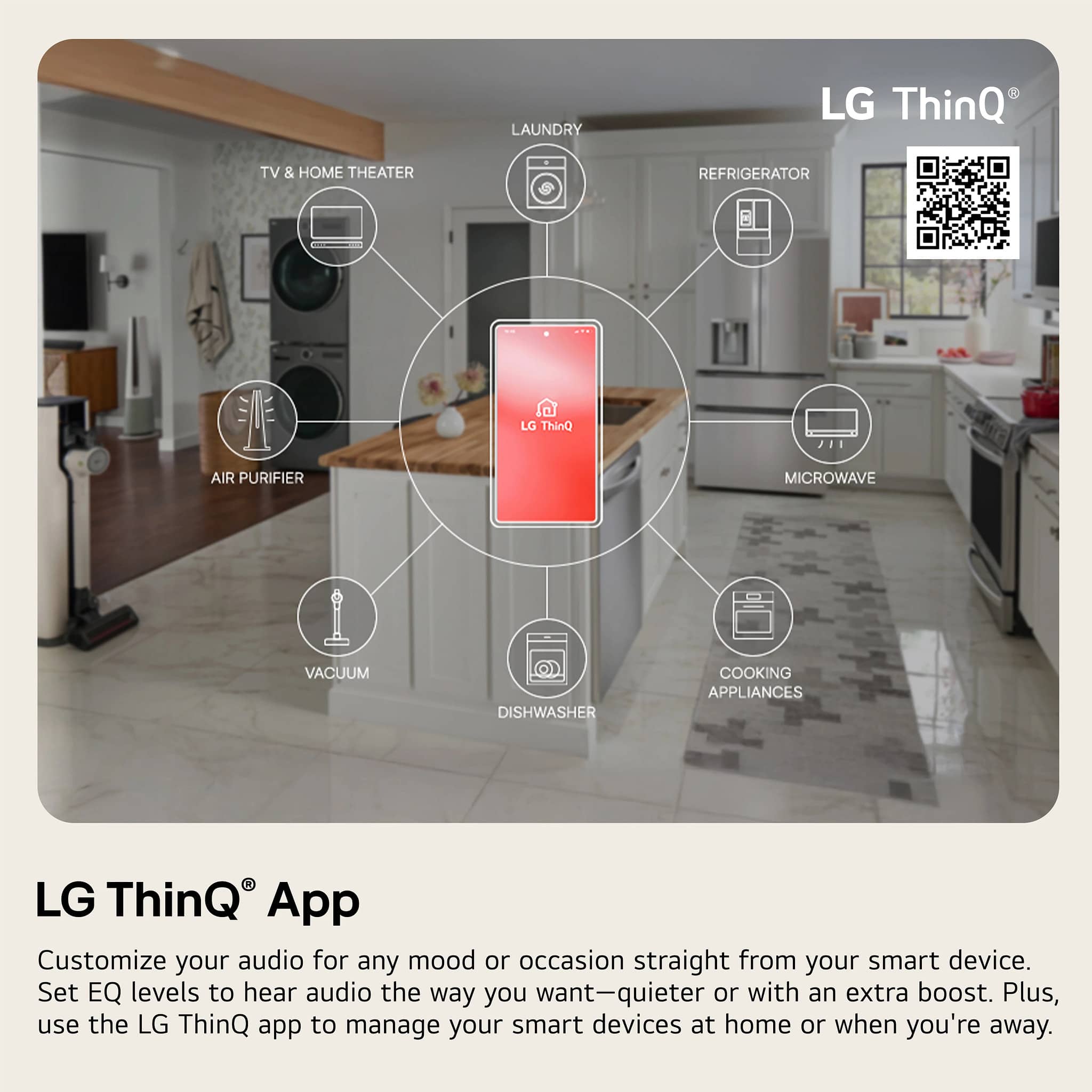
A:AnswerHi there, Tony. Thank you for sharing your inquiry about the S70TR soundbar. We understand your situation and appreciate your interest in exploring voice control options with Alexa. Based on our official resources, the S70TR is designed to offer a range of smart features through the LG Smart Remote App, but it does not support direct connectivity with Alexa at this time. As a troubleshooting step, we recommend ensuring that your soundbar’s firmware is updated to the latest version to take full advantage of the available smart features.
https://www.lg.com/us/soundbars/lg-s70tr-home-theater-soundbar#pdp_specs
Please send us a private message on Social Media @LGUSSupport so our team can further explore possible solutions tailored to your setup. We’re here to help you get the most out of your LG soundbar.
—Renzo
A:AnswerHello, Dave.
The speakers for the 5.1.1-Channel S70TR Home Theater Soundbar with Wireless Subwoofer and Rear Speakers, Dolby Atmos, WOW Orchestra - Black are called wireless because they can play music wirelessly, but they still need to be connected to a power source. The term "wireless" refers to the ability to stream audio wirelessly, but it does not mean that the speakers are completely self-contained or do not require any additional power source...^Ivan.
A:AnswerHello there. Thank you for reaching out with your inquiry regarding the woofer driver size in your S70TR subwoofer. We understand your situation and appreciate your interest in understanding every detail of your soundbar system. While the official product specifications provide the external subwoofer dimensions, they don’t list the precise diameter of the woofer driver itself. Based on typical design practices for subwoofers in this product line, many of our models often feature a driver around 8 inches in diameter.
https://www.lg.com/us/soundbars/lg-s70tr-home-theater-soundbar#pdp_specs
If further clarification is needed, please send us a private message on Social Media @LGUSSupport so our team can provide you with the most detailed and updated product information.
We appreciate your patience and are here to help every step of the way.
—Renzo
A:AnswerHi there, Bink. Thank you for sharing your experience with us. We understand that you’d like to set up the S70TR sound bar and subwoofer without using the rear satellites. While the S70TR is designed to deliver an immersive 5.1.1 channel experience with rear satellites included, you can still enjoy excellent audio performance by configuring it to operate in a mode that doesn’t require them.
A helpful troubleshooting step is to disable the surround or rear satellite feature using the remote or the smartphone remote app. By selecting a standard or sound bar-only mode (often available via the “Surround (On/Off)” setting), you can run the system with just the sound bar and wireless subwoofer. This should allow you to enjoy your favorite audio content without the need to integrate the rear satellites into your setup.
https://www.lg.com/us/sound-bars/lg-s70tr-sound-bar#pdp_specs
If you need any further assistance or step-by-step guidance on how to adjust these settings, please send us a private message on Social Media @LGUSSupport. Our team is here to help you get the best experience out of your LG S70TR sound bar.
We appreciate your inquiry and are happy to help every step of the way.
—Renzo