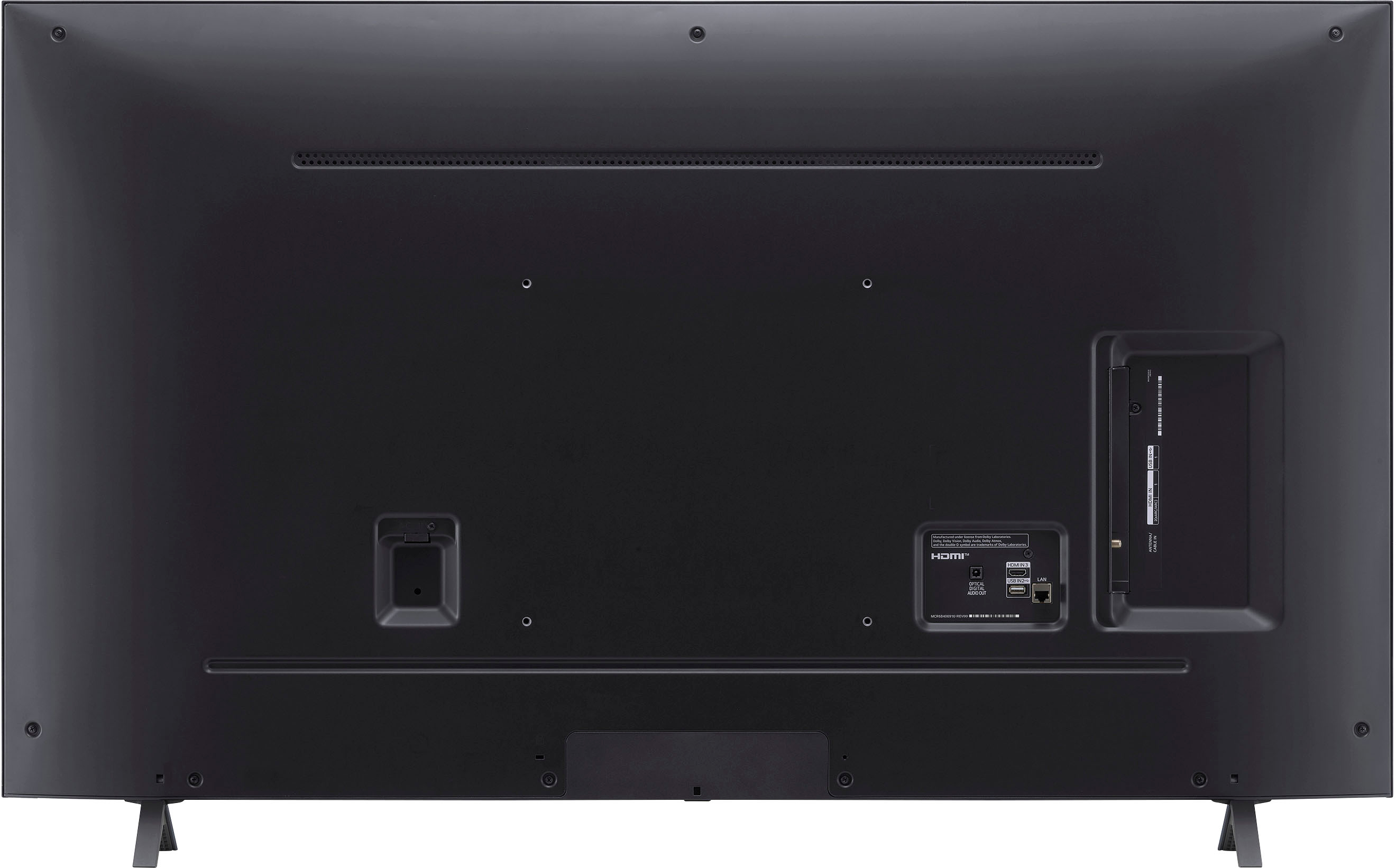
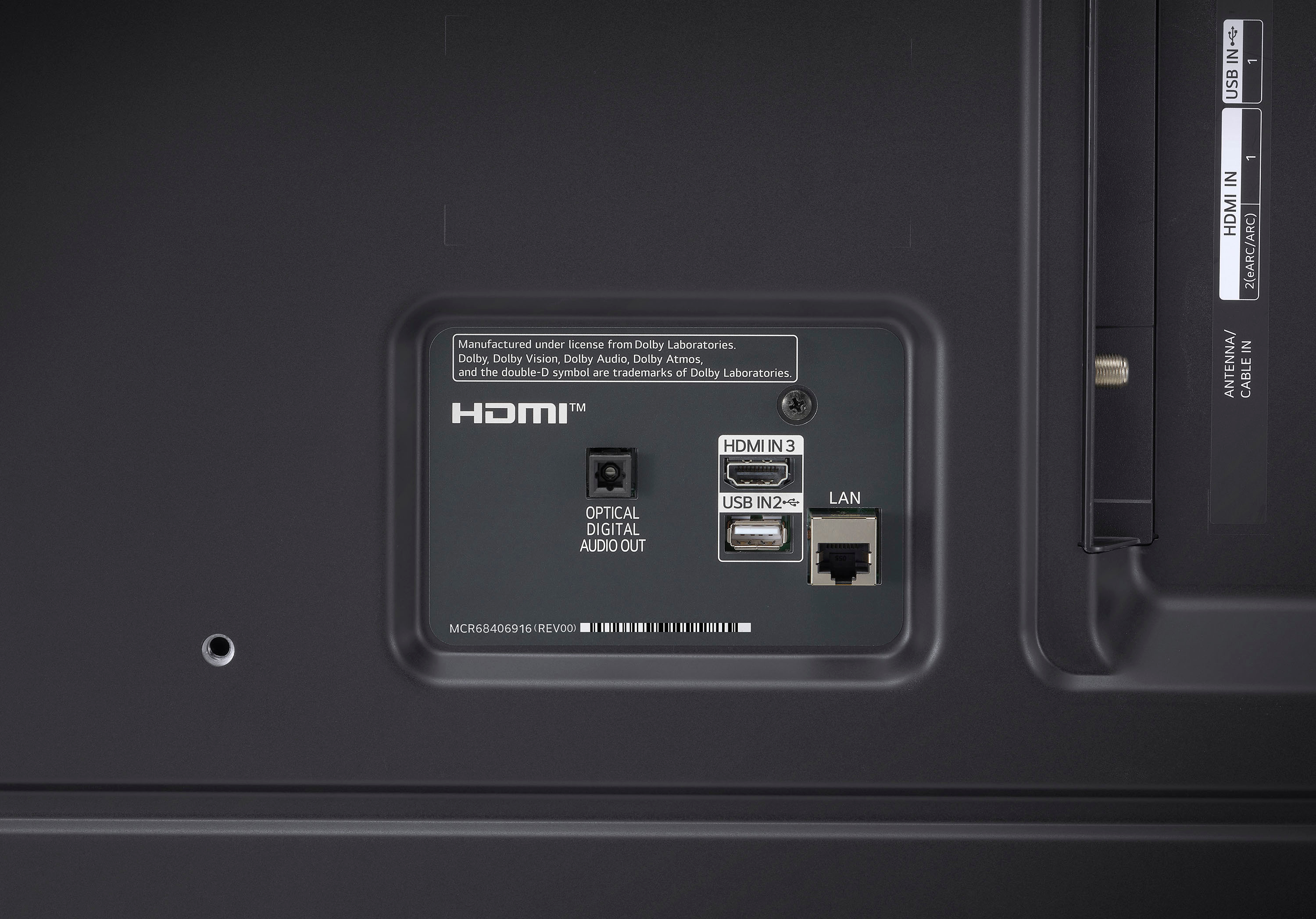
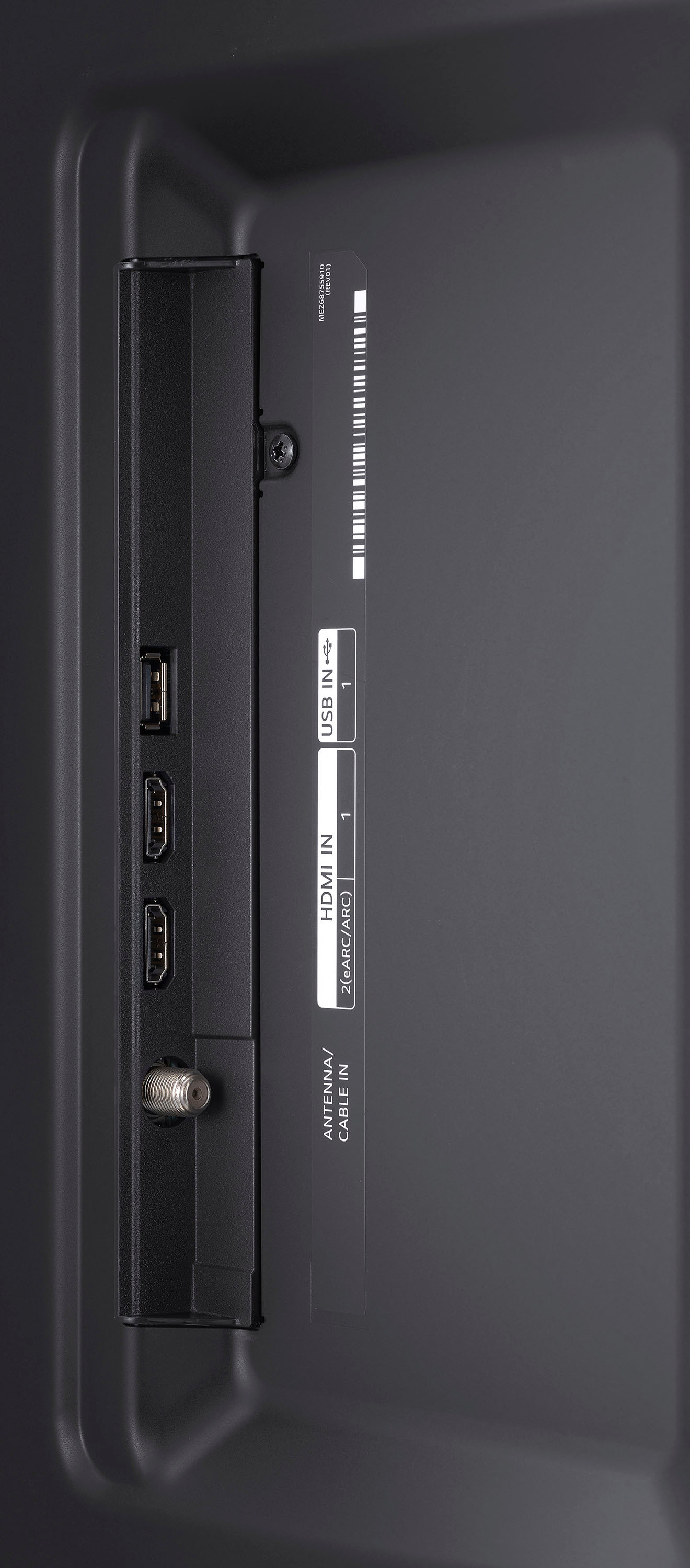
A:AnswerHDMI from DVD player to one of the HDMI inputs to TV. If you are using an AVR (audio video receiver) HDMI from DVD player to designated input on AVR.
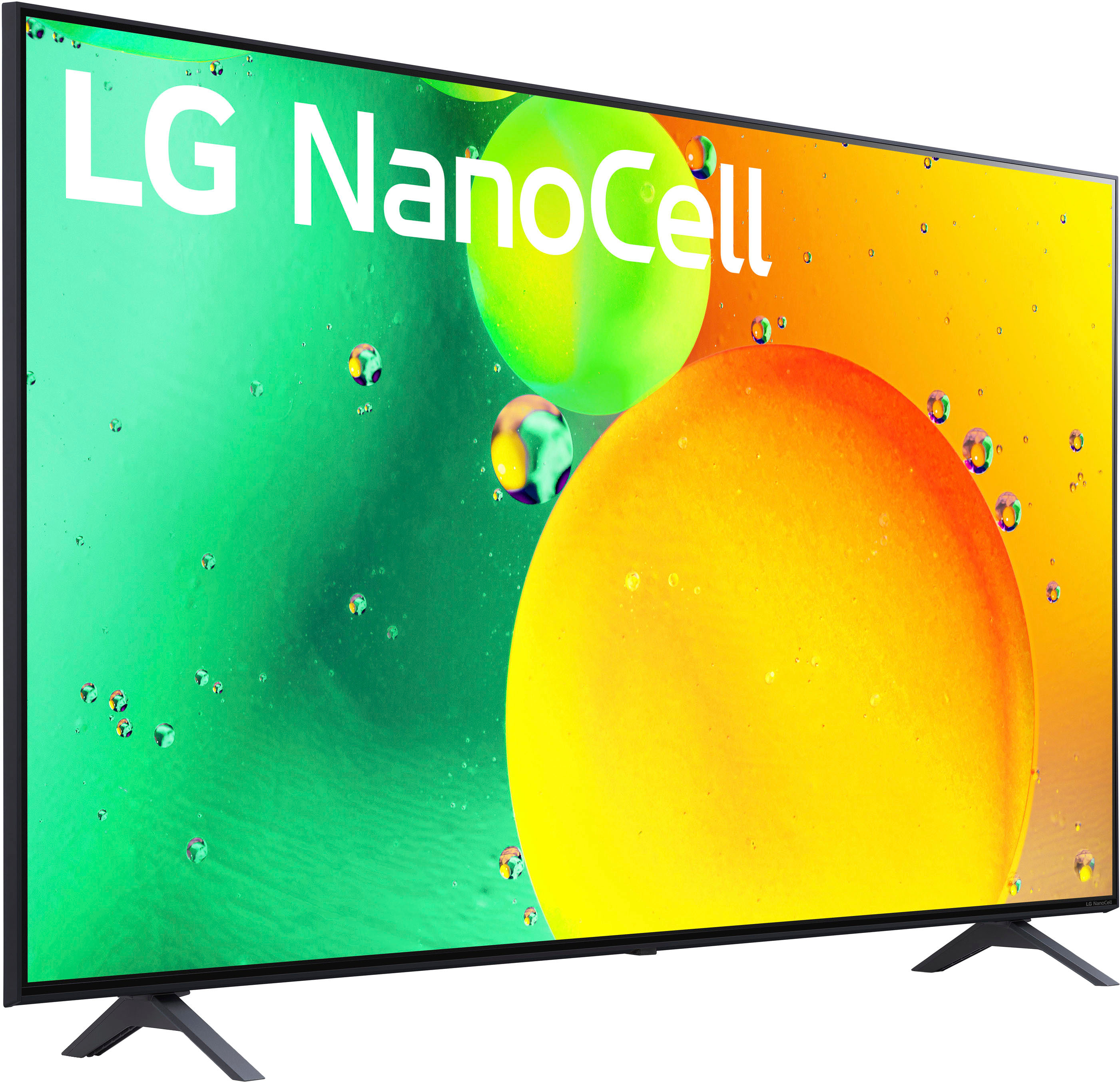
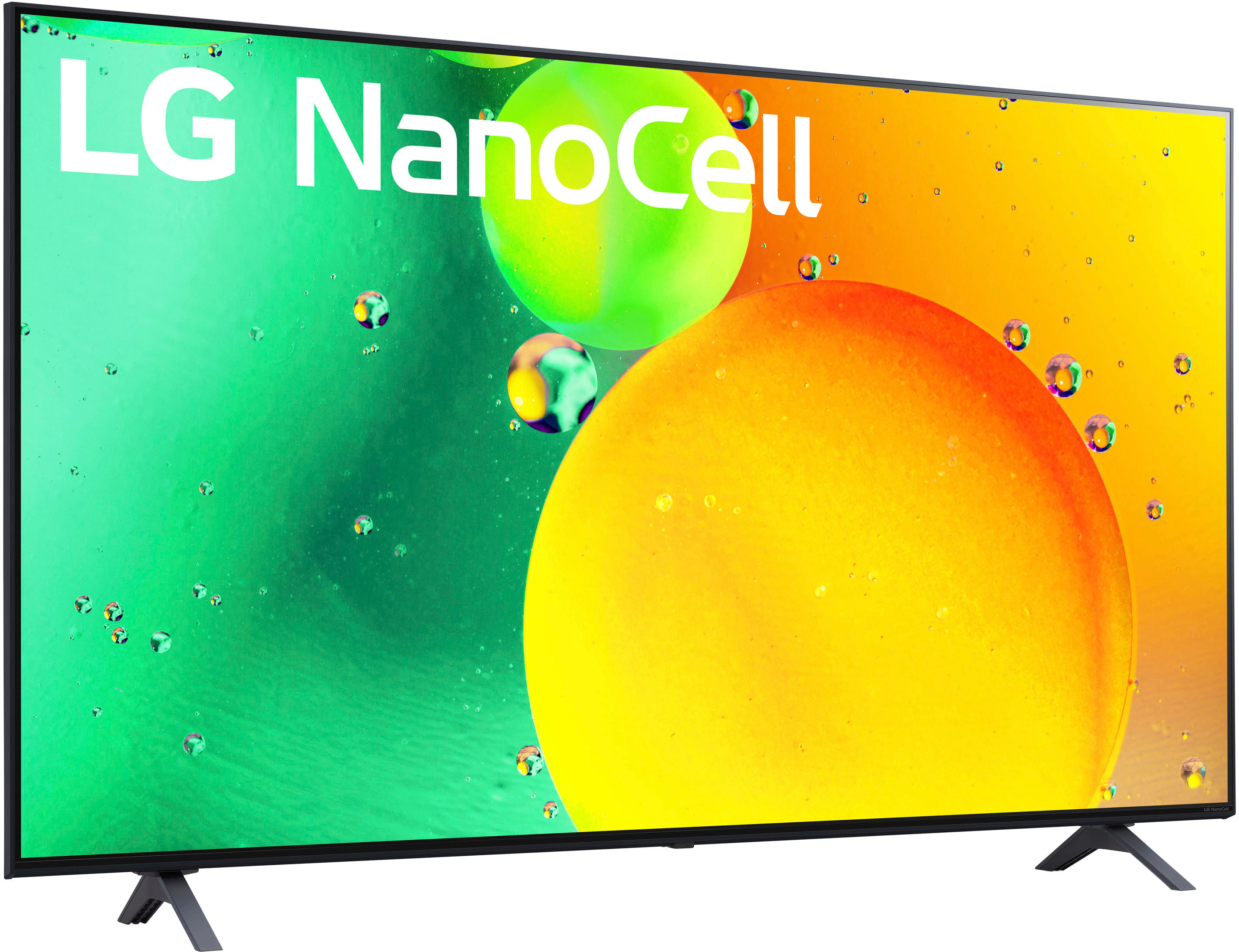
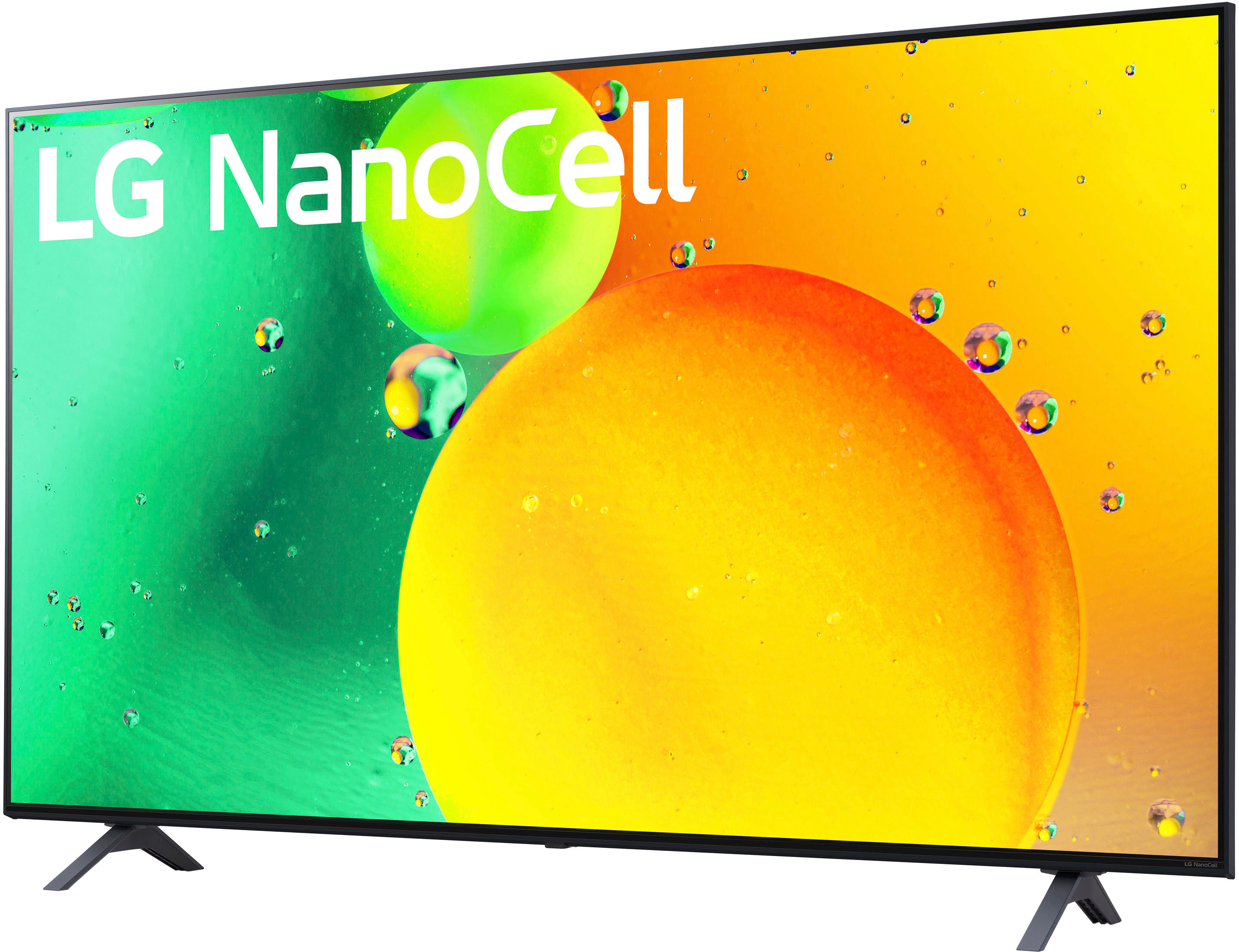
A:AnswerGood question! The LG 50 Inch Class NANO75 UQA series LED 4K UHD Smart webOS 22 w/ ThinQ AI TV has an RF Connection Input on one side. To see the various connectivity features of this LG TV, you can visit our website using this link: https://www.lg.com/us/tvs/lg-50nano75uqa ^James.
A:AnswerThe LG 50-Inch Class NANO75 UQA series LED 4K UHD Smart webOS 22 w/ ThinQ AI TV, model# 50NANO75UQA, has two USB Ports (v2.0), one for the rear and the other for the side. ^Winie
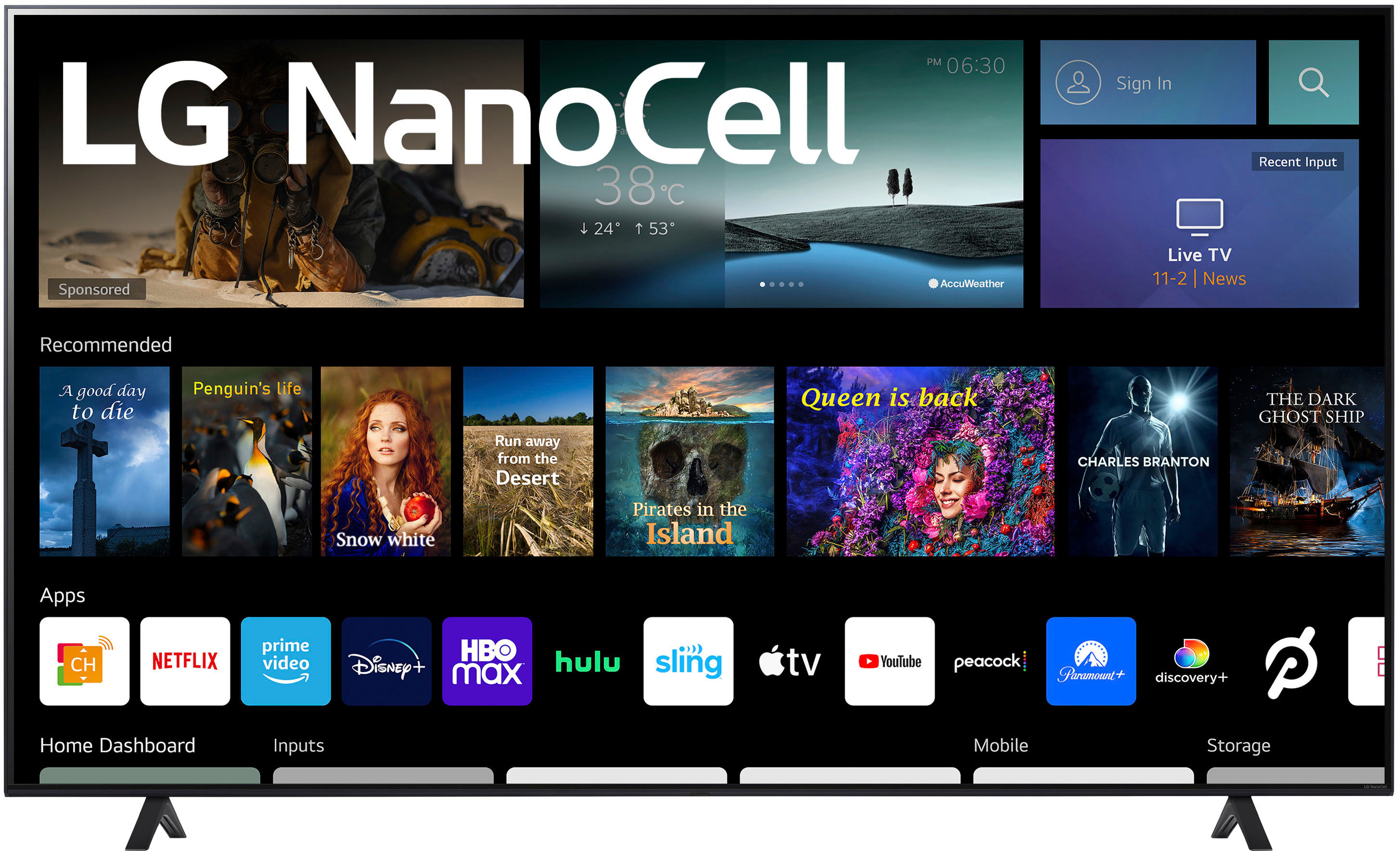
A:AnswerGreat question! So, here are the steps to set your home screen with your apps for the LG - 50" Class NanoCell 75UQA Series LED 4K UHD Smart webOS TV: from the Home screen, tap the Menu key to access the following options: Add apps & widgets – Allows you to customize your Home screen with apps, widgets, and wallpaper Hope this helps! ~Rita.
A:AnswerHi, there. You may check this link for the step-by-step instructions on how to connect your Iphone to LG ThinQ app: https://www.lg.com/us/support/help-library/lg-thinq-connecting-your-device-to-the-lg-thinq-app-via-wi-fi-on-an-iphone-CT10000012-20153105651527. and to set up the airplay properly, you may check this link: https://www.lg.com/us/support/help-library/lg-tv-how-do-i-setup-airplay-on-my-lg-tv--20153095979536. If still not connecting, please send us a private message with the product information on Facebook or Twitter with the handle @LGUSSupport to discuss the problem in detail and explore potential solutions. ^Jayne
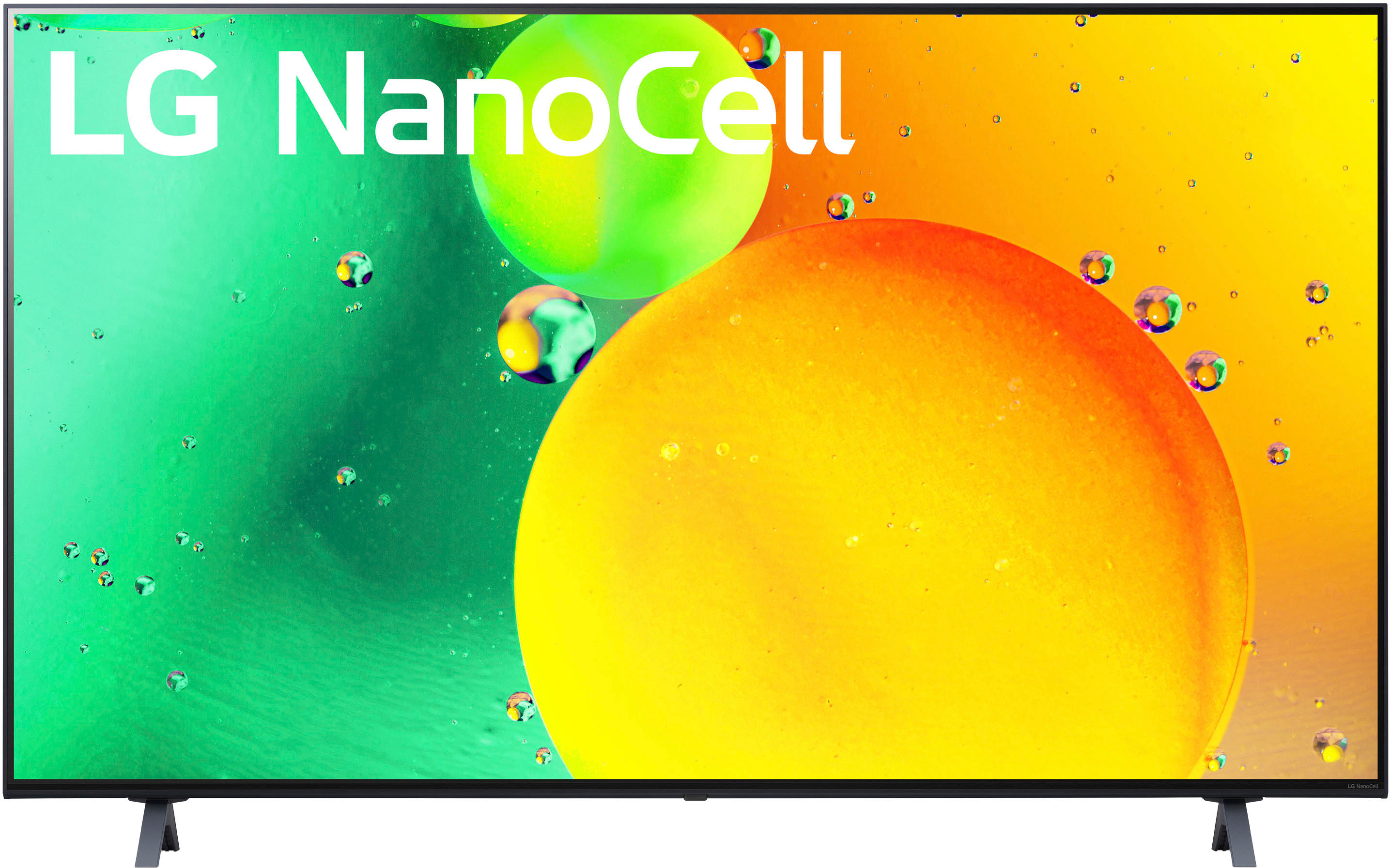
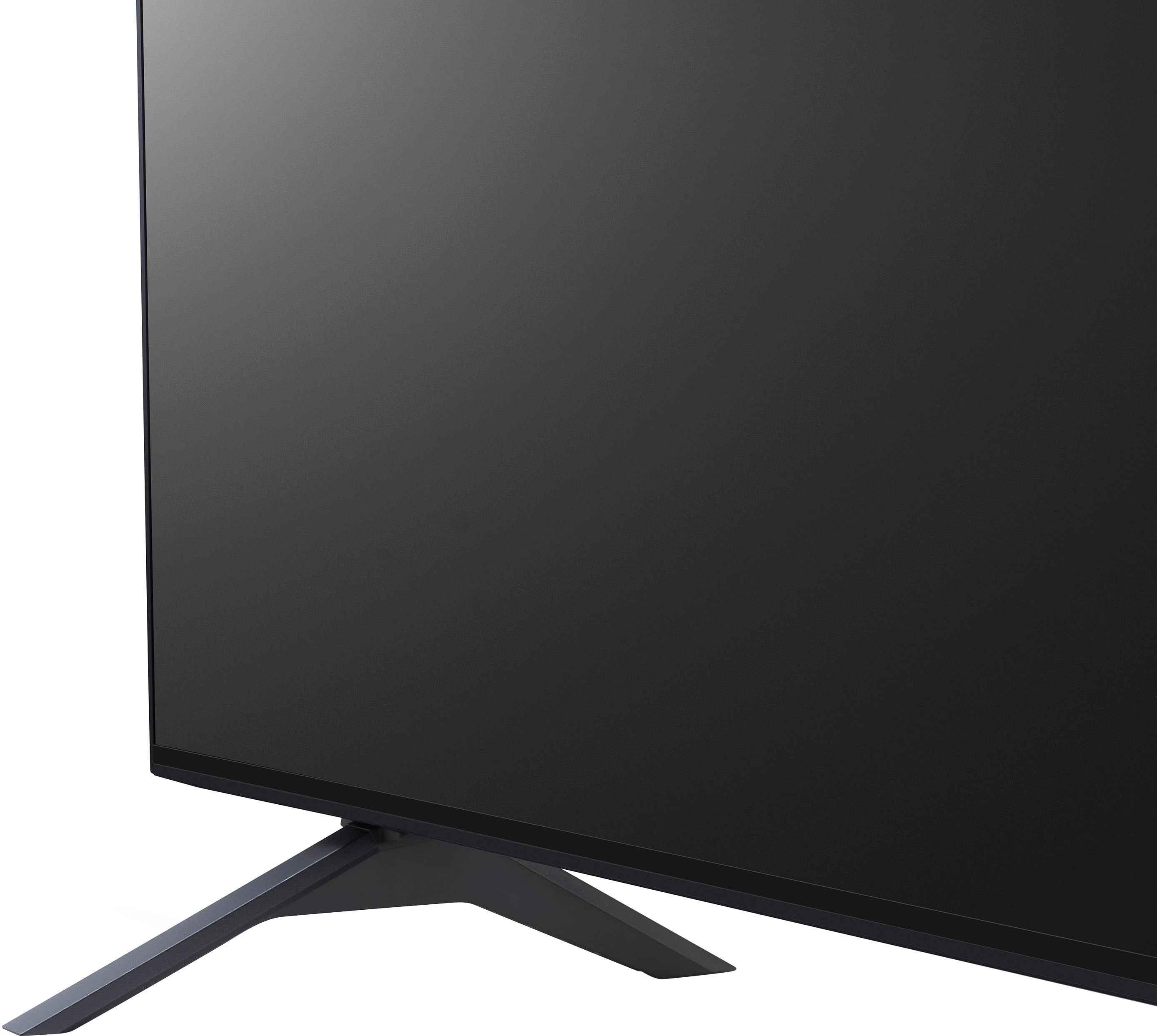
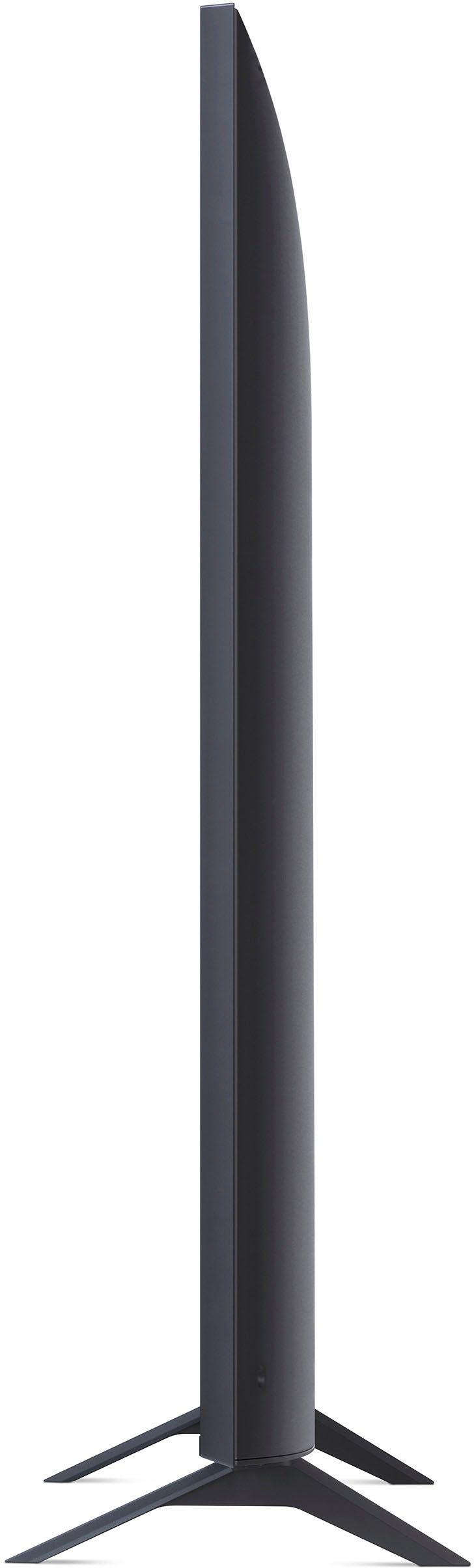
A:AnswerHi, Here's the dimension Product Height With Stand 30.5 inches, Product Width 48.6 inches
Product Depth With Stand 9.1 inches, Stand Width 33.9 inches. Stand Depth 9.1 inches. The Stand width is not adjustable.^Vanessa