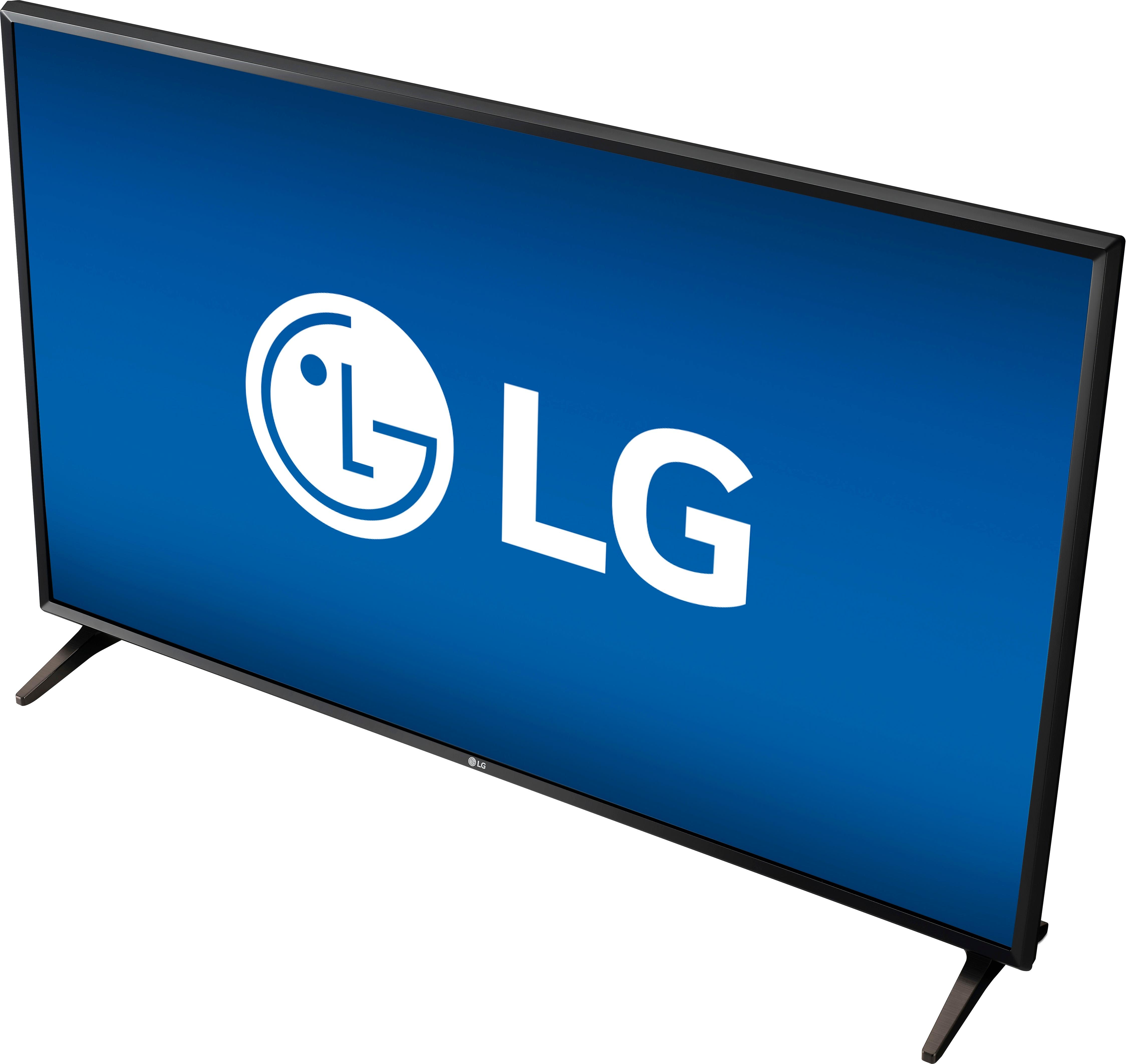
A:AnswerHey our cable provider which is spectrum provided us with a remote but since it’s a smart tv you just have to call and have the remote you’re gonna get programmed. It is possible!
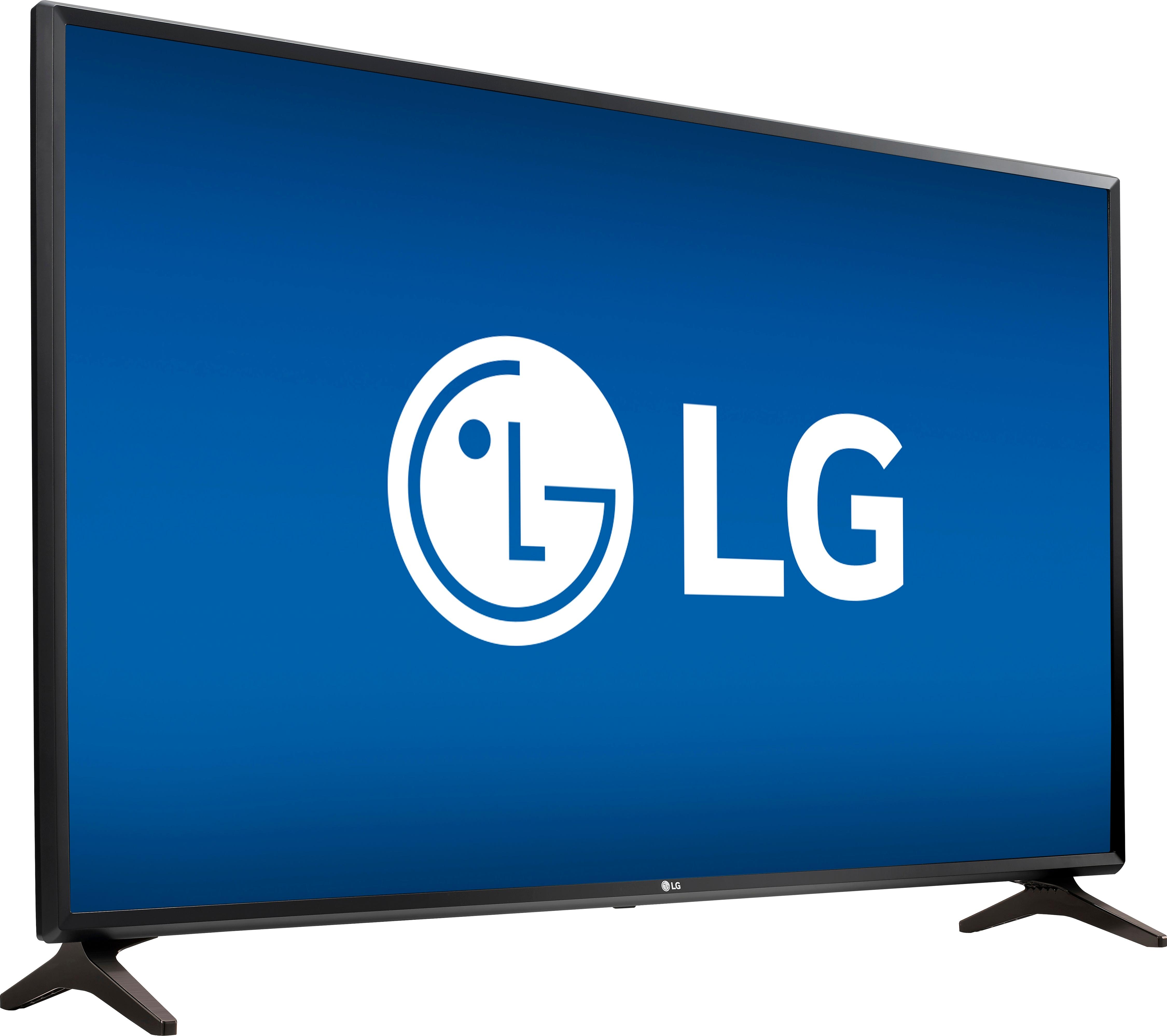
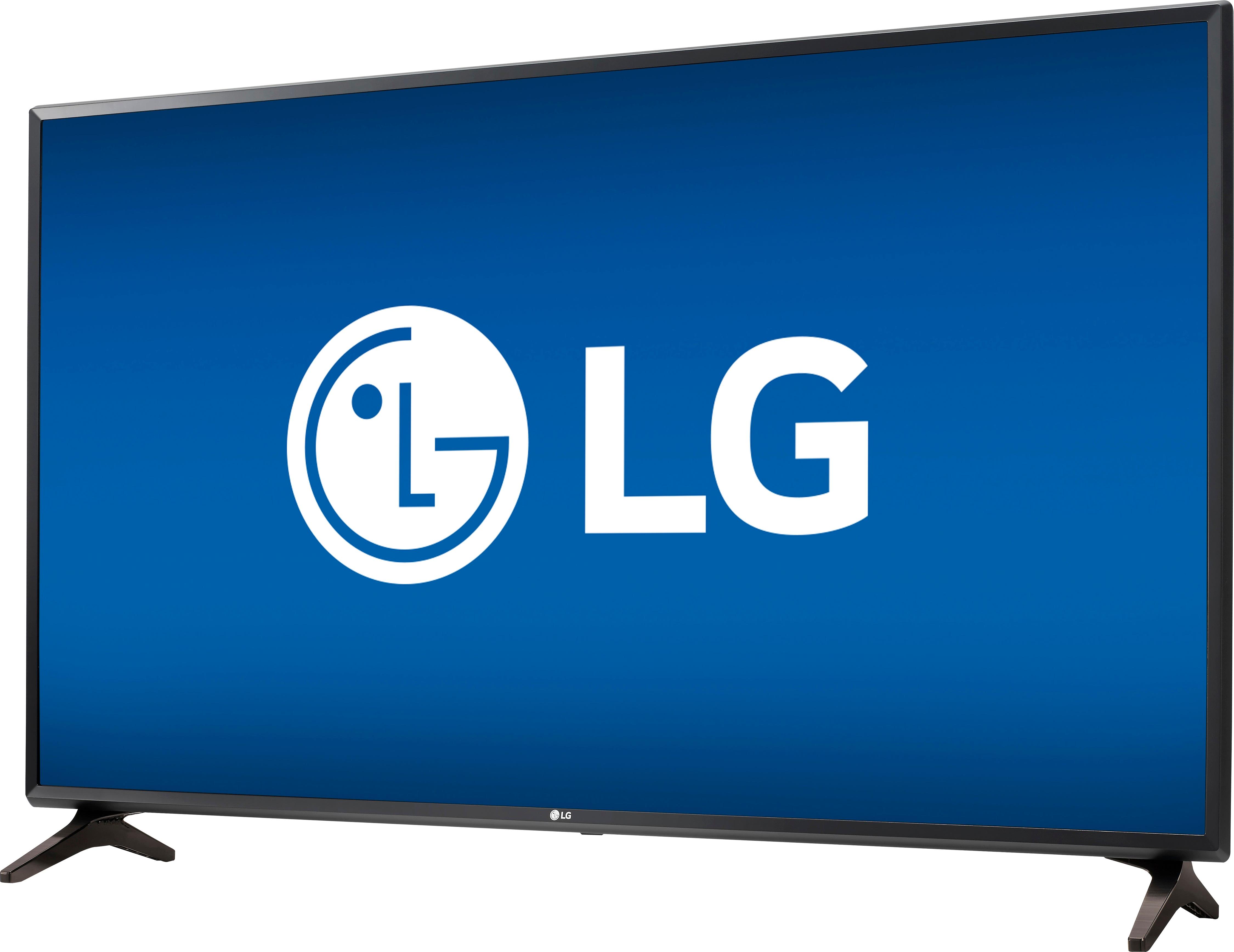
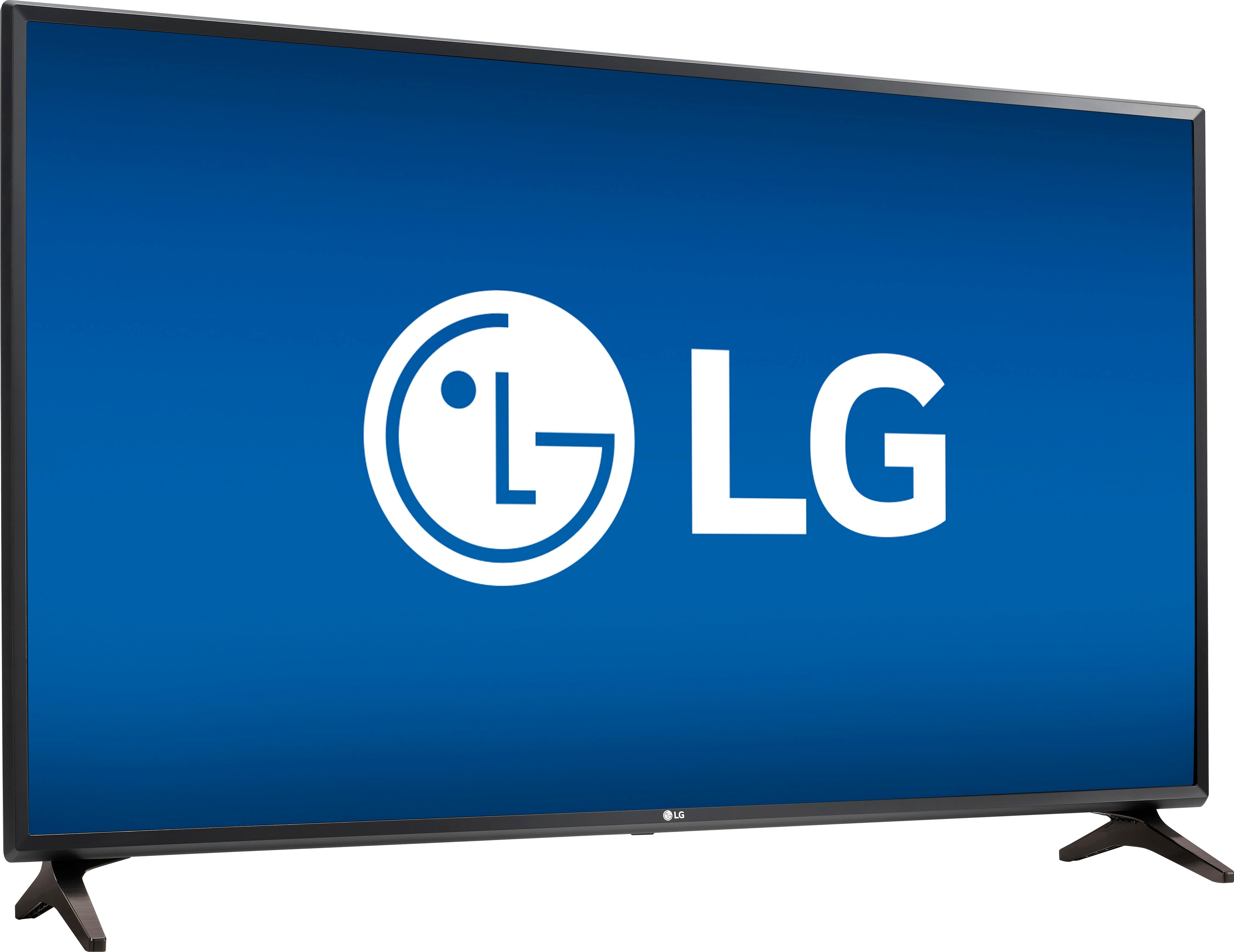
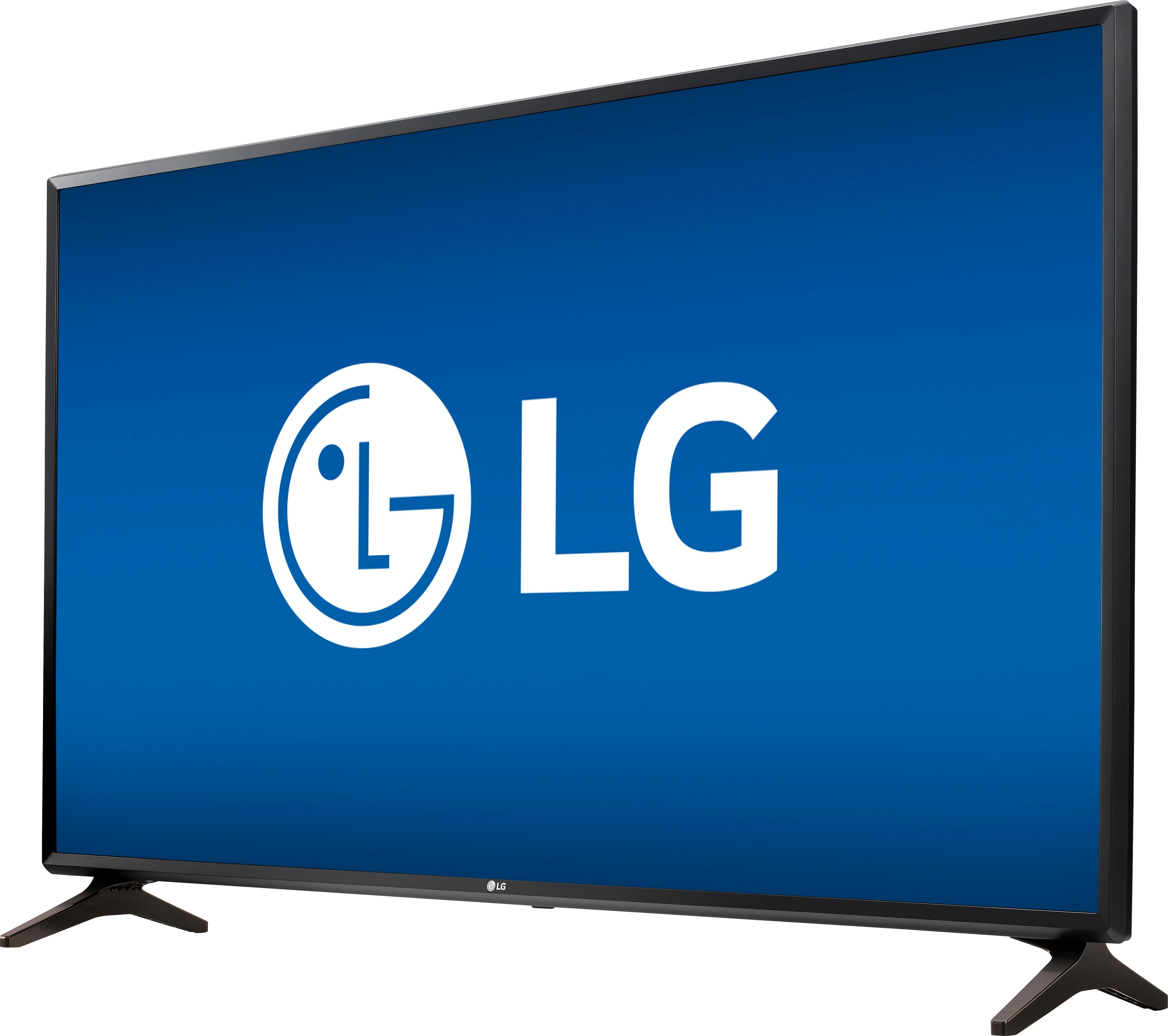
A:AnswerWe highly recommend that you contact the Geek Squad to inquire about what would be required to mount the LG Full HD 1080p Smart LED TV - 55" Class (54.6" Diag), Model # 55LJ550M into the masonite siding of your house...^IFV
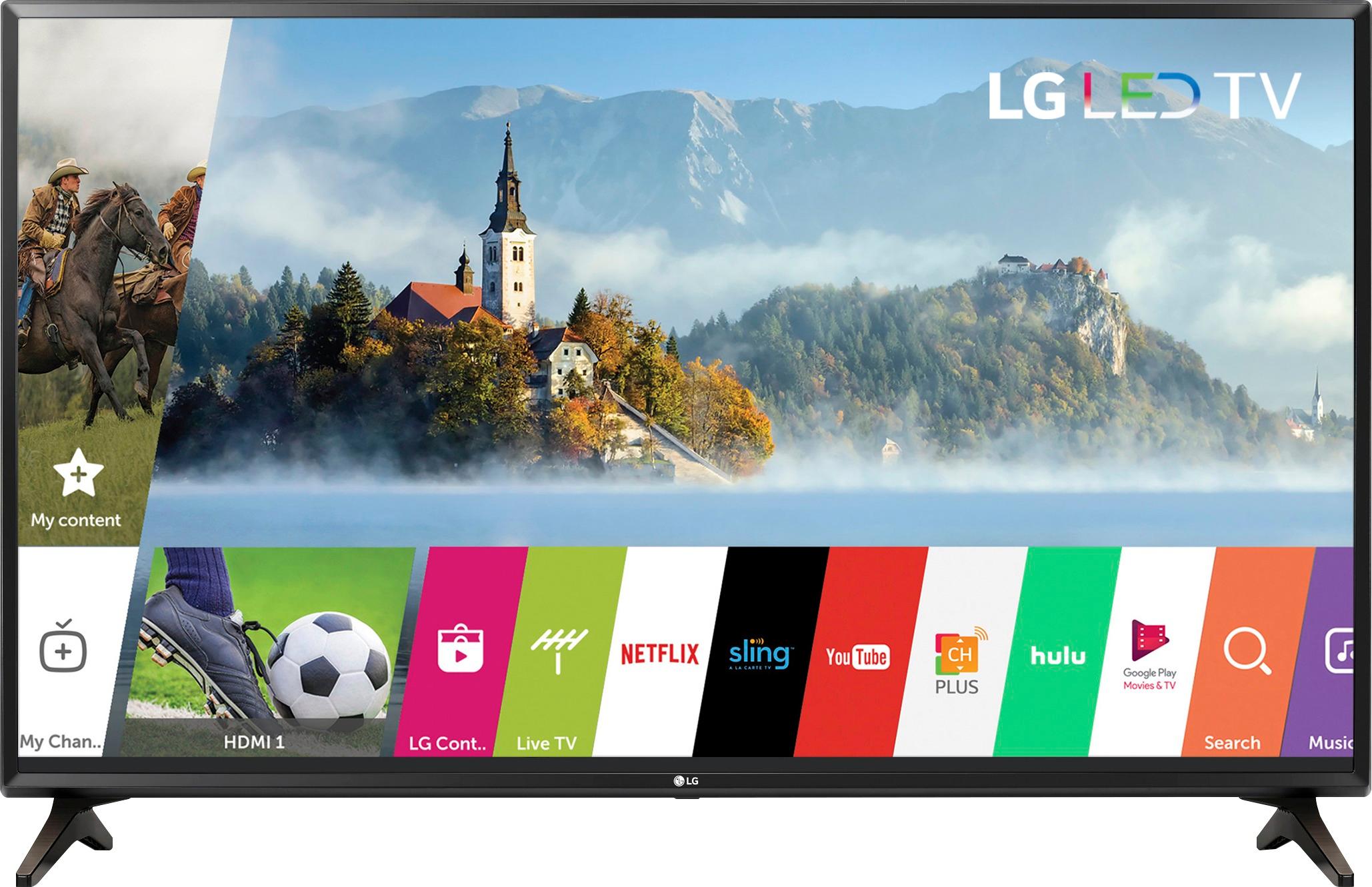
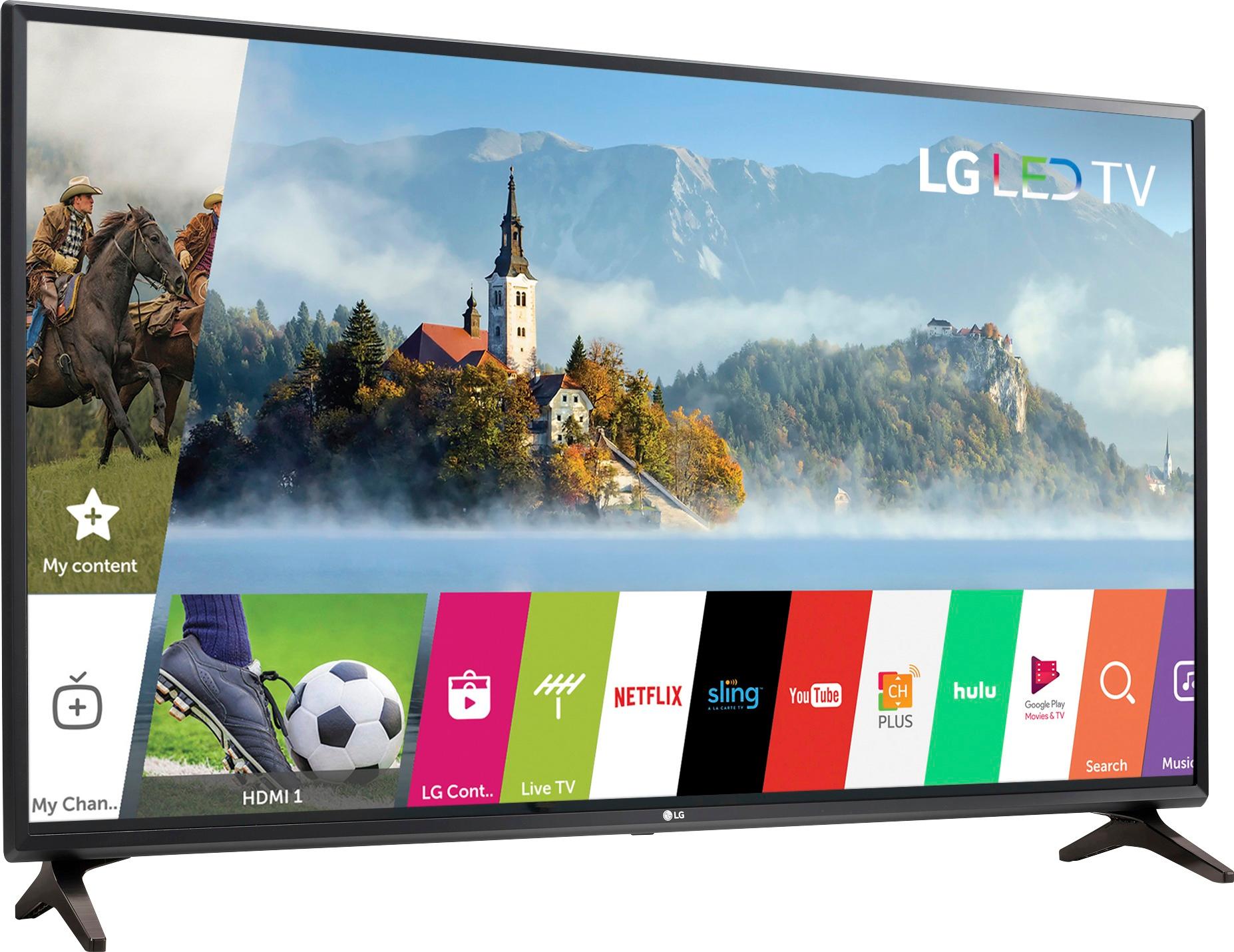
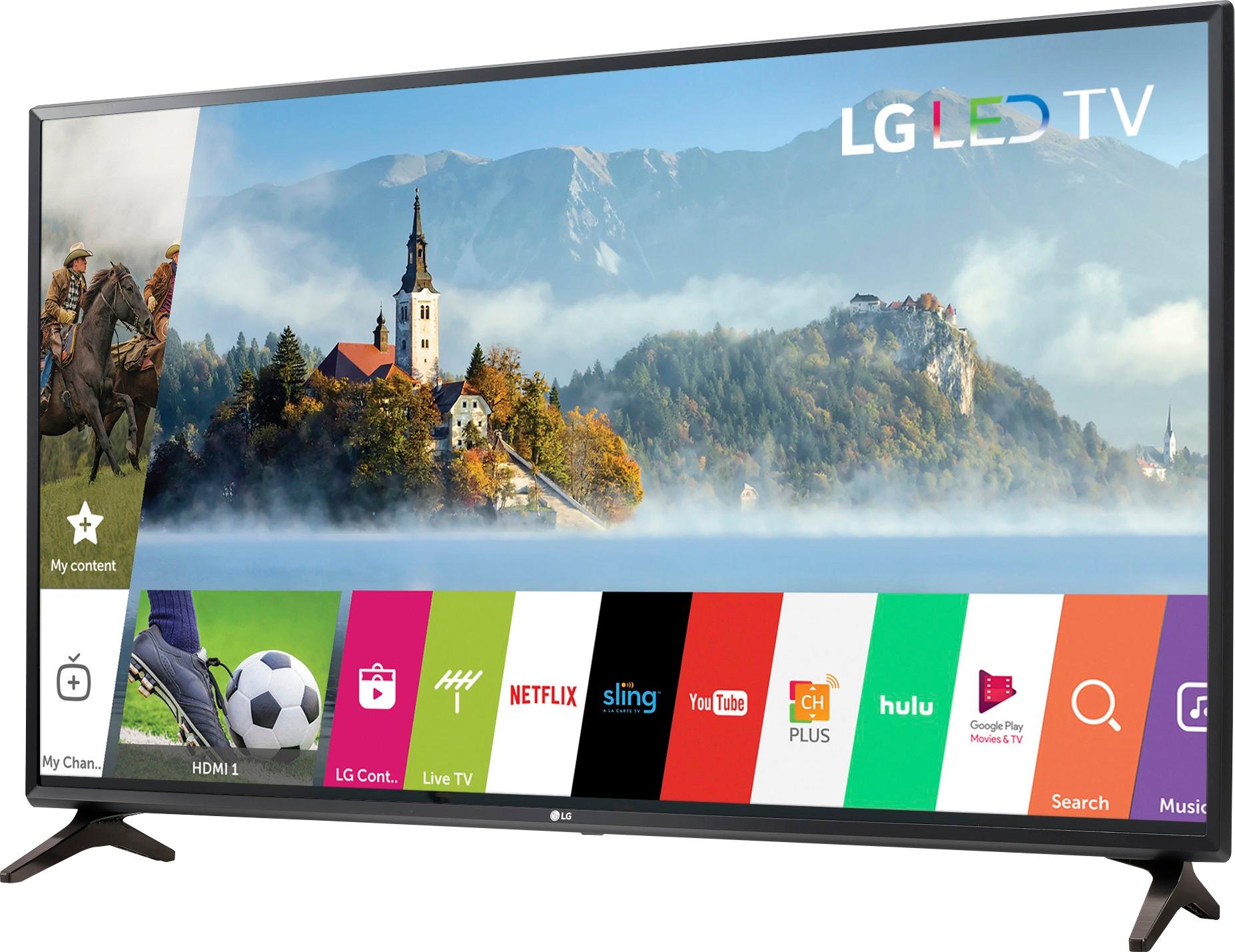
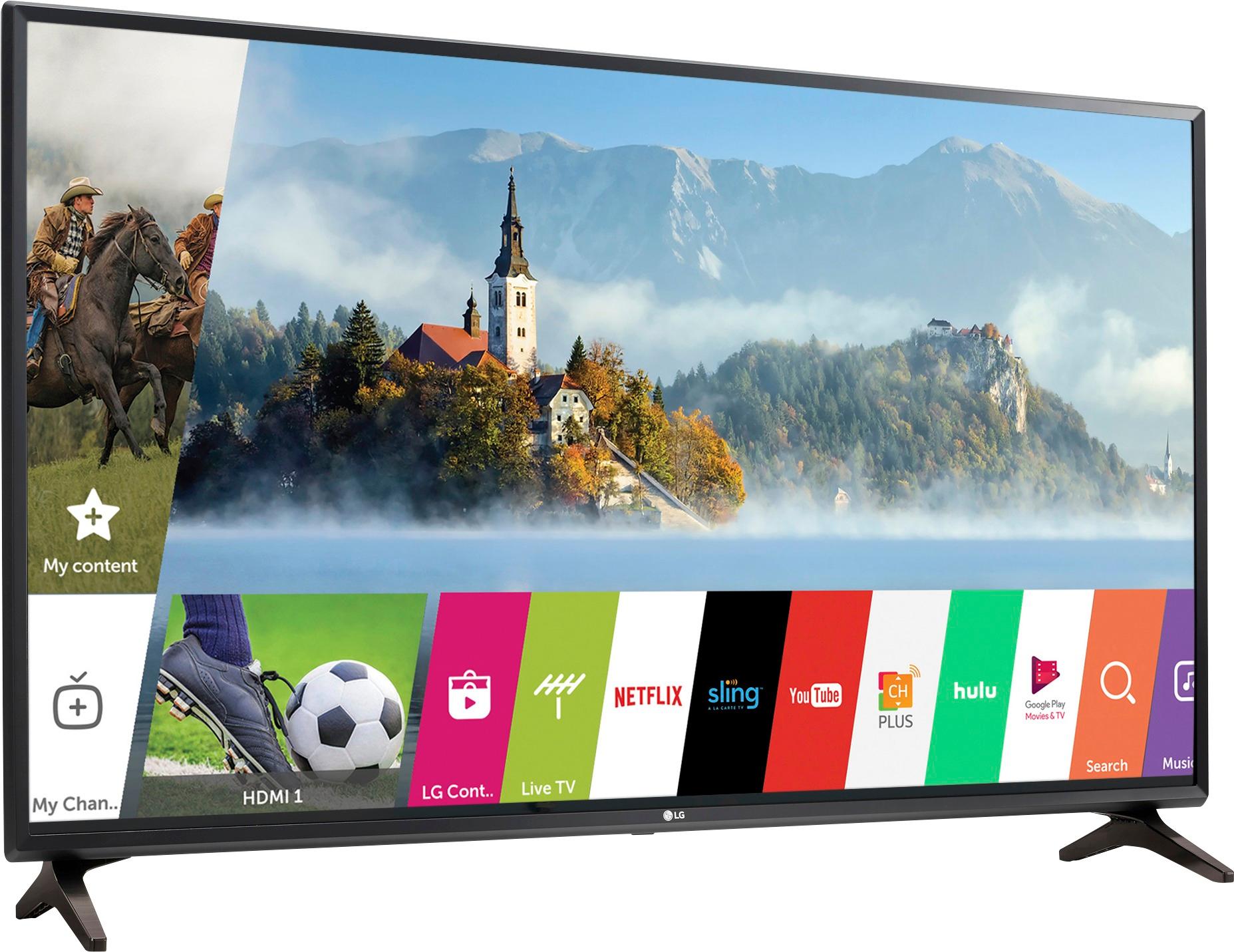
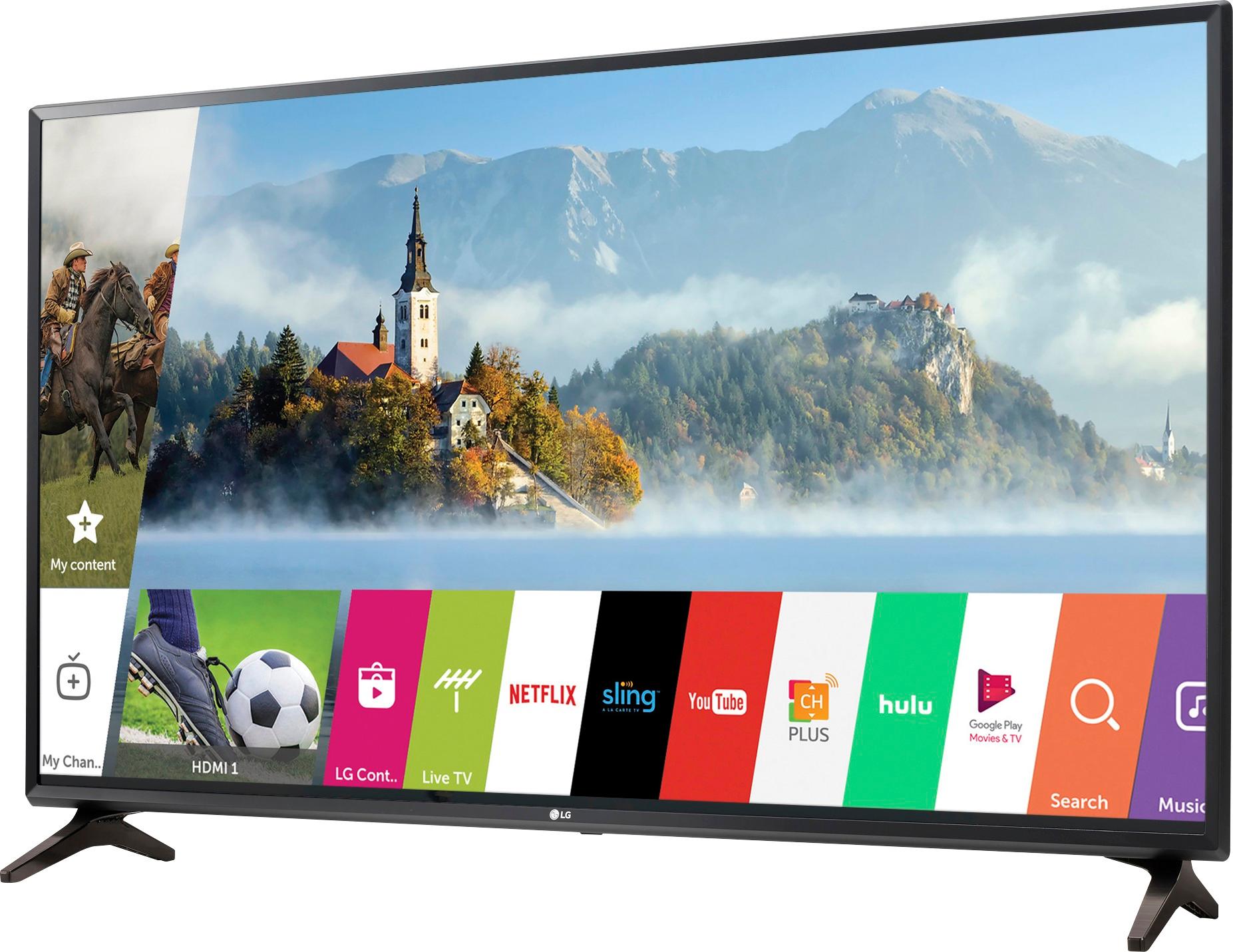
A:AnswerThe LG Full HD 1080p Smart LED TV - 55" Class (54.6" Diag), Model # 55LJ550M comes with the most popular media apps pre-installed such as Netflix, Amazon Video, YouTube, Sling TV, Hulu, VUDU, Google Play Movies and TV, etc., It also provides access to the LG Content Store for additional content. Please contact our Support Center, (800) 243-0000, for a full listing of the pre-installed apps on it...^IFV
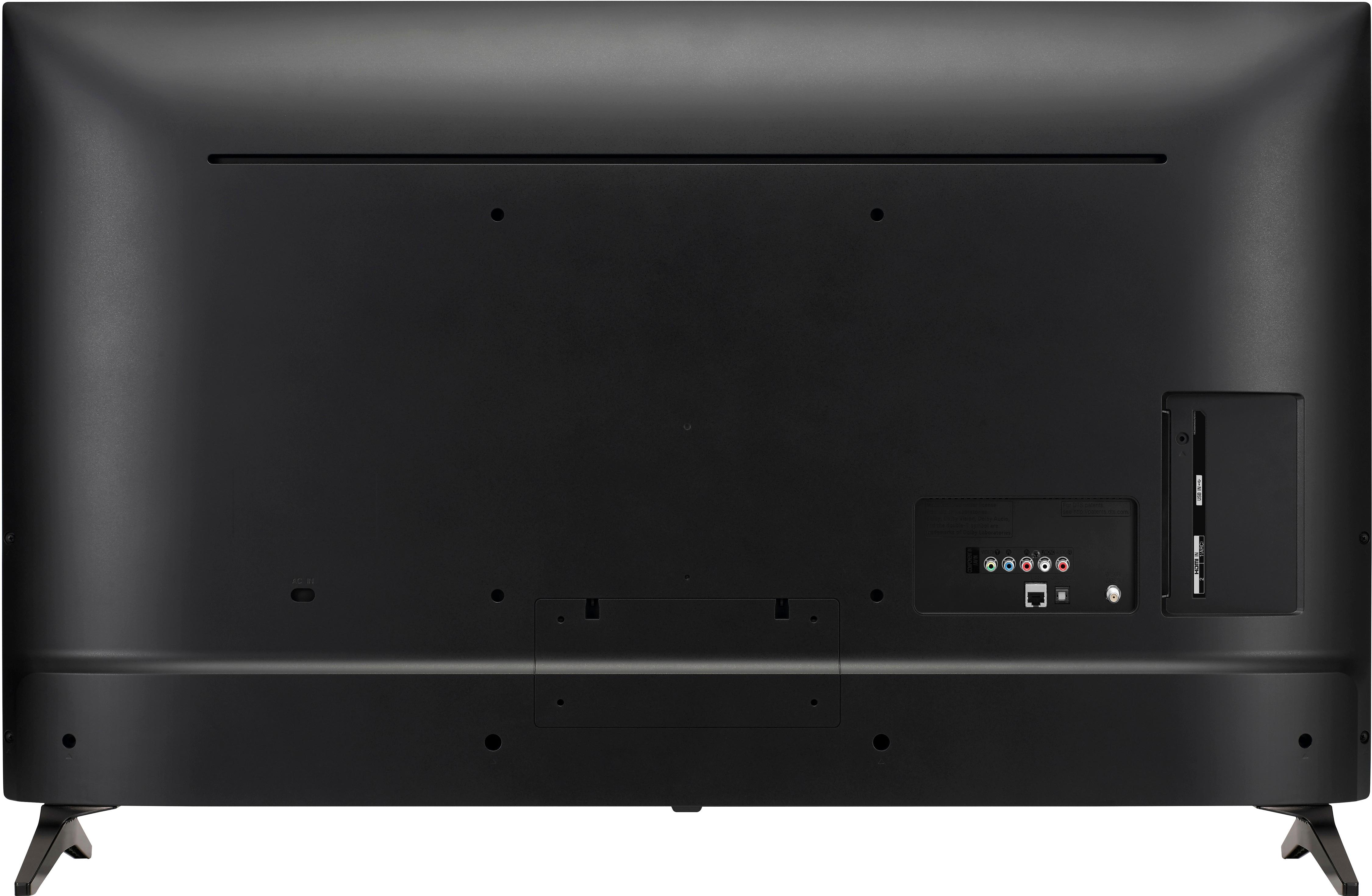
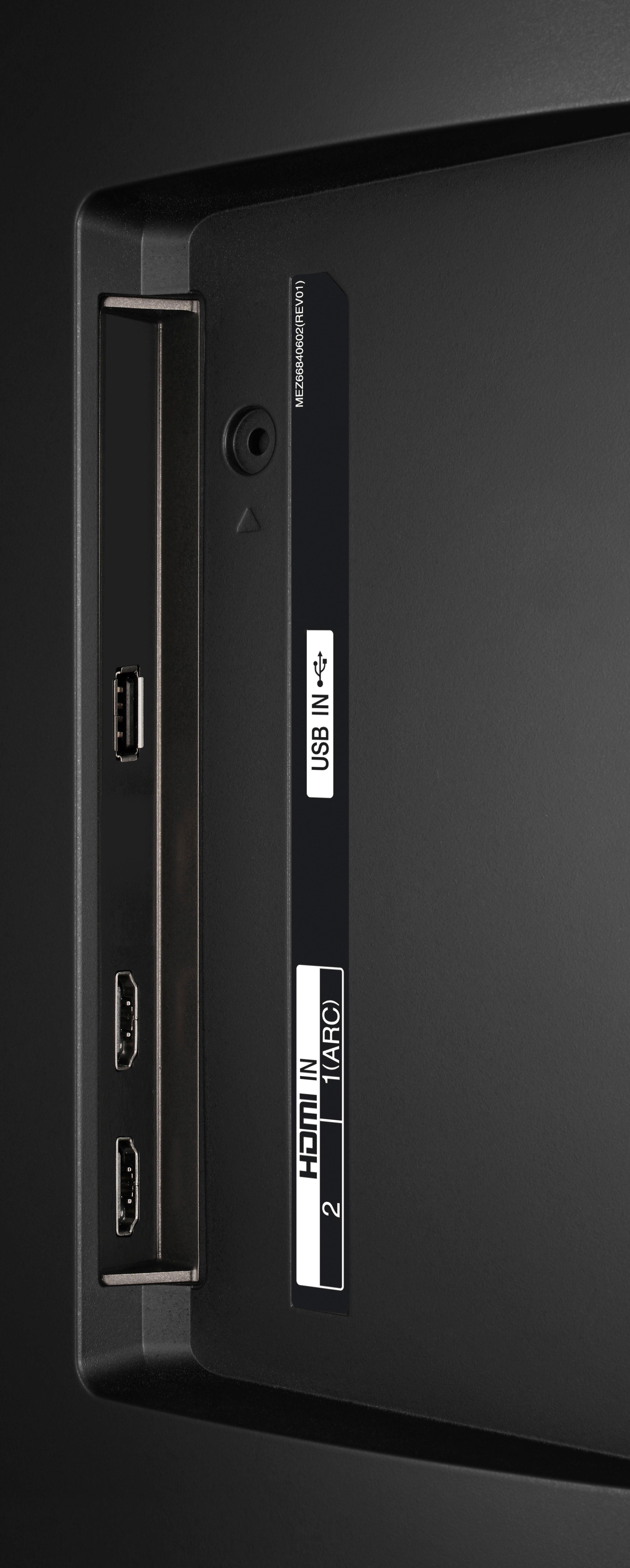
A:AnswerThe LG Full HD 1080p Smart LED TV - 55" Class (54.6" Diag), Model # 55LJ550M cannot turn on by itself, but like has an RS-232C input on it (labeled as Service Only) that you can connect to a PC or an A/V control system to control its functions externally. You will need to purchase either a USB to Serial converter/RS-232C input jack or a phone-jack to RS-232 cable for connection. LGTV supports PL2303 chip-based (Vendor ID : 0x0557, Product ID : 0x2008) USB to serial converter which is not made nor provided by LG. It can be purchased from computer stores that carry accessories for IT support professionals. You will find the Command reference list at the end of the owner's manual for the TV that allows it to communicate "ka command" in power-on or power-off status if an RS-232 cable is used, but with the USB-to-Serial converter cable, the command works only if TV is on...^IFV
A:AnswerThe LG - 55" Class (54.6" Diag.) LED 080p Smart HDTV has the functionality to download the Amazion Video app from the App store or directly from Amazon.
A:AnswerThe LG Full HD 1080p Smart LED TV - 55" Class (54.6" Diag), Model # 55LJ550M does not have the capability of looping videos through its USB port. That functionality will have to be built-in on the USB Storage device that you insert into its USB port...^IFV