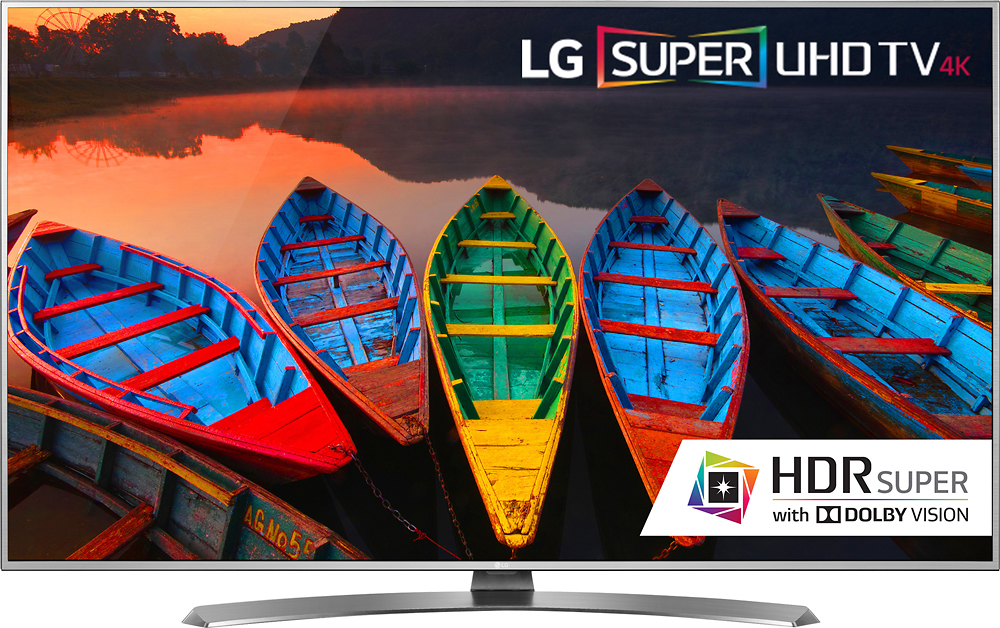
A:AnswerI have one Samsung TV and love it. Samsung makes great TV's. The reason why I chose LG over Samsung was for the HDR capabilities. Samsung only supports HDR10 and LG has Dolby Vision HDR which also supports HDR10. TV's such as Samsung with only HDR10 support cannot support Dolby Vision as Dolby Vision is hardware chip built into TVs that support Dolby.
If you are looking at a TV with HDR support I would choose LG or another with Dolby Vision. As the HDR format war plays out, if Dolby Vision wins out, then TV's with HDR10 will not be able to play HDR content, but if HDR10 format Wins then a TV with Dolby Vision will be able to play HDR10.
A:AnswerI have the exact same setup as you. GTX 1080 hooked up.to TV. I spent many hours frustrated with this, and blackouts. I have done research, and unfortunately the issue is not with the TV, but the 1080. The GPU does not send does not send color information exactly right with HDMI. From my understanding, it doesn't even fully support HDR. (Only on HDR supported Directx full screen programs does it allow HDR) but it doesn't property send this info with HDMI, so the TV thinks it can, but since it's not properly supported, it causes issues. Hooking it up to the TV via a Display Port to HDMI adapter, fixes all these issues (it's what I had to do) However, this will disable HDR for the most part, since it's not fully supported.
A:AnswerI purchased the same LG 55 inch color TV about two weeks ago. I hooked it up and it has been working perfect. I do not get any fluttering. If it's still under warrenty I would bring it back to the Geek Squad at Best Buy. They should be able to determine what is the problem. Good Luck.
A:AnswerThe built-in Wi-Fi standard used for the higher tiered TVs in the LG lineup like the ENERGY STAR® Qualified LG Super UHD 4K HDR Smart LED TV - 55" Class (54.6" Diag), Model # 55UH7700 is the IEEE 802.11a/b/g/n/ac) standard. Lower tiered TVs use the IEEE802.11a/b/g/n standard...^IFV