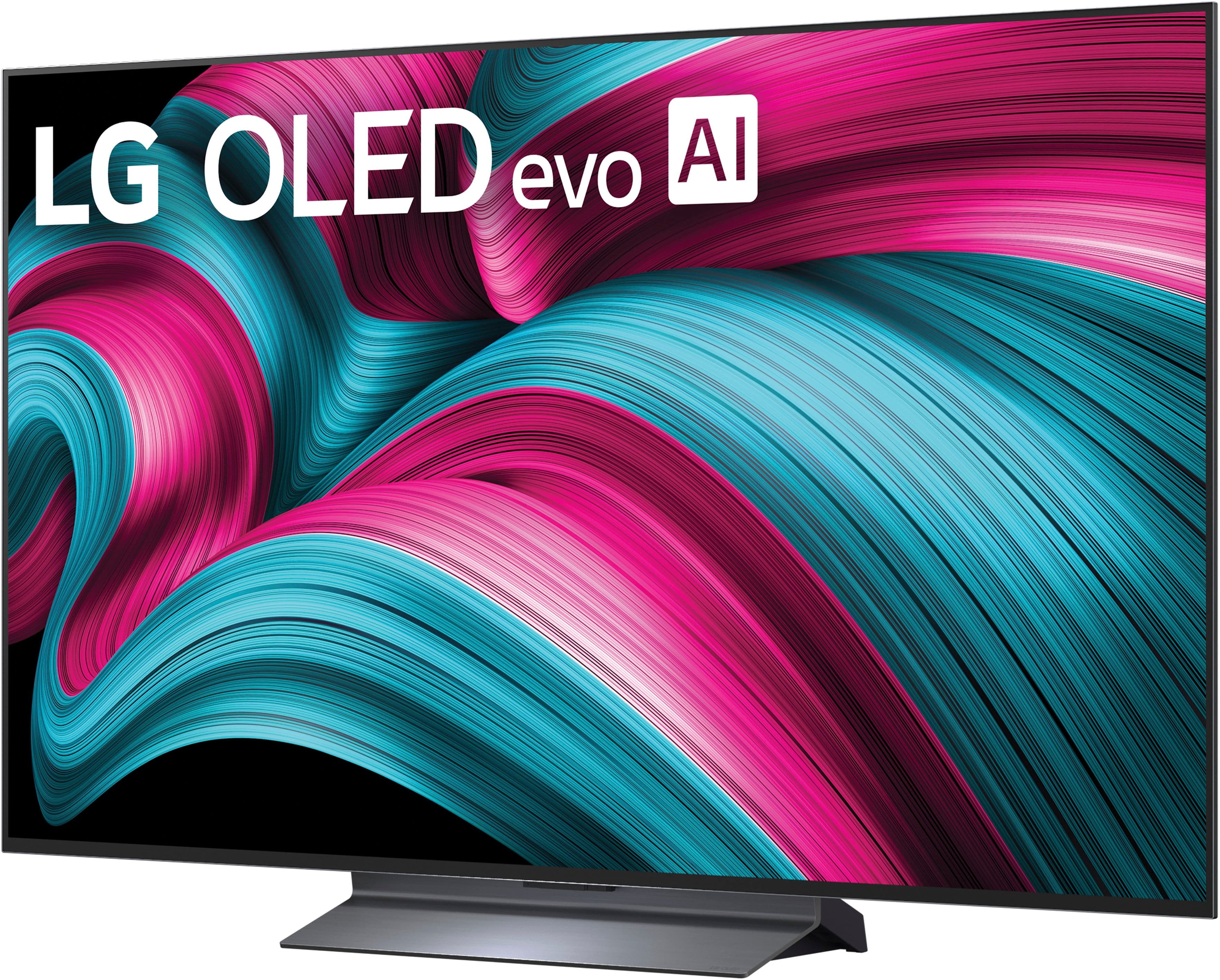
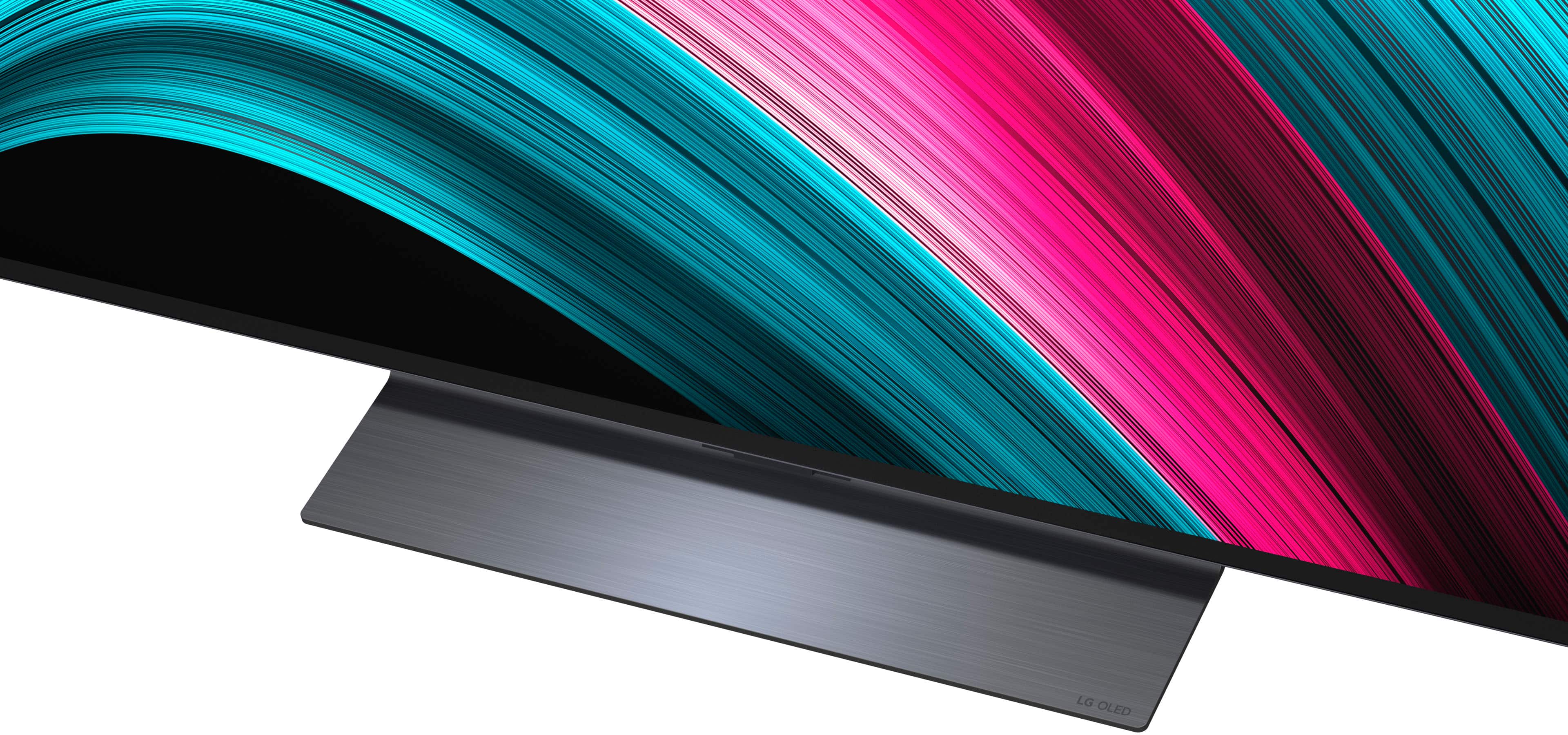
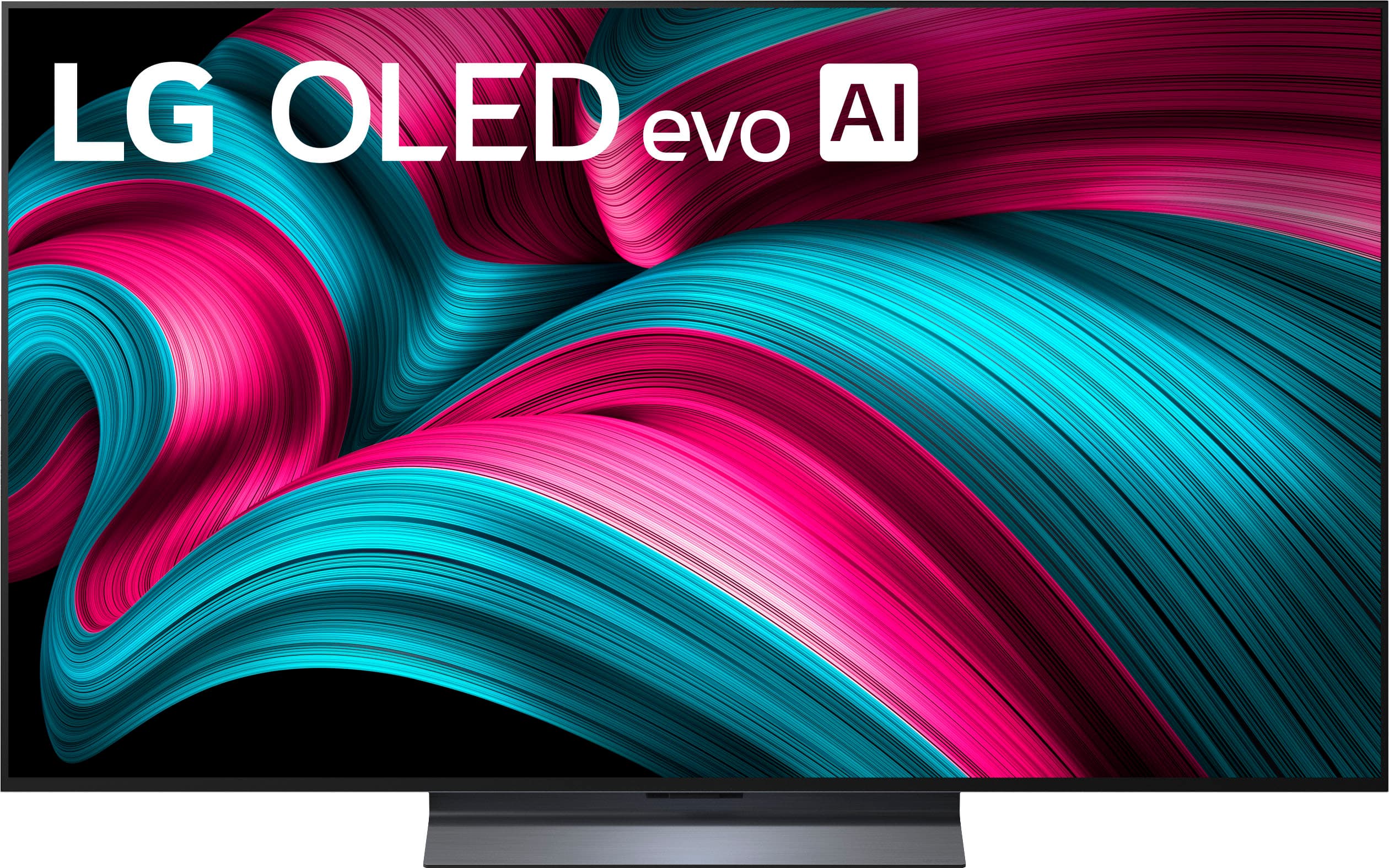
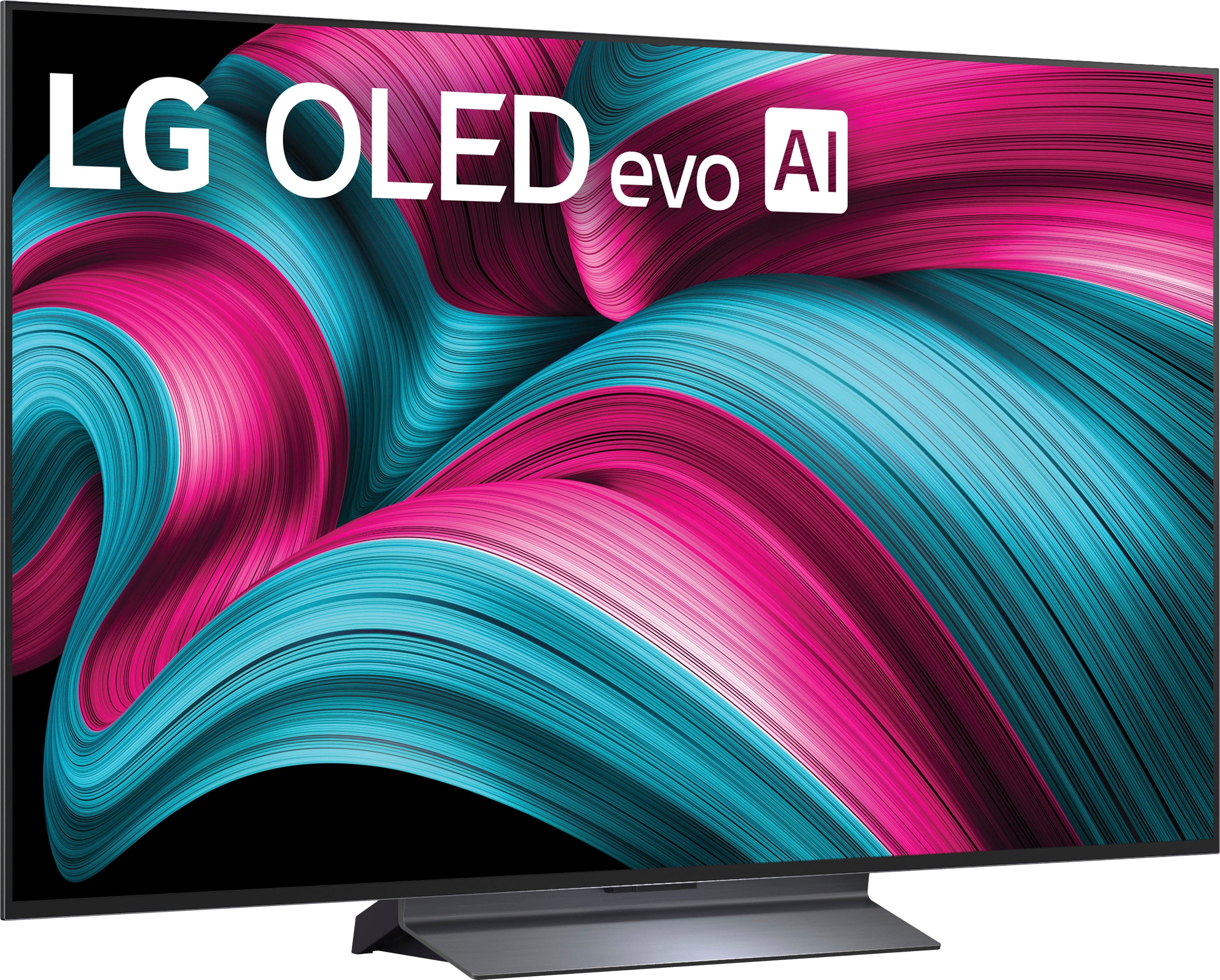
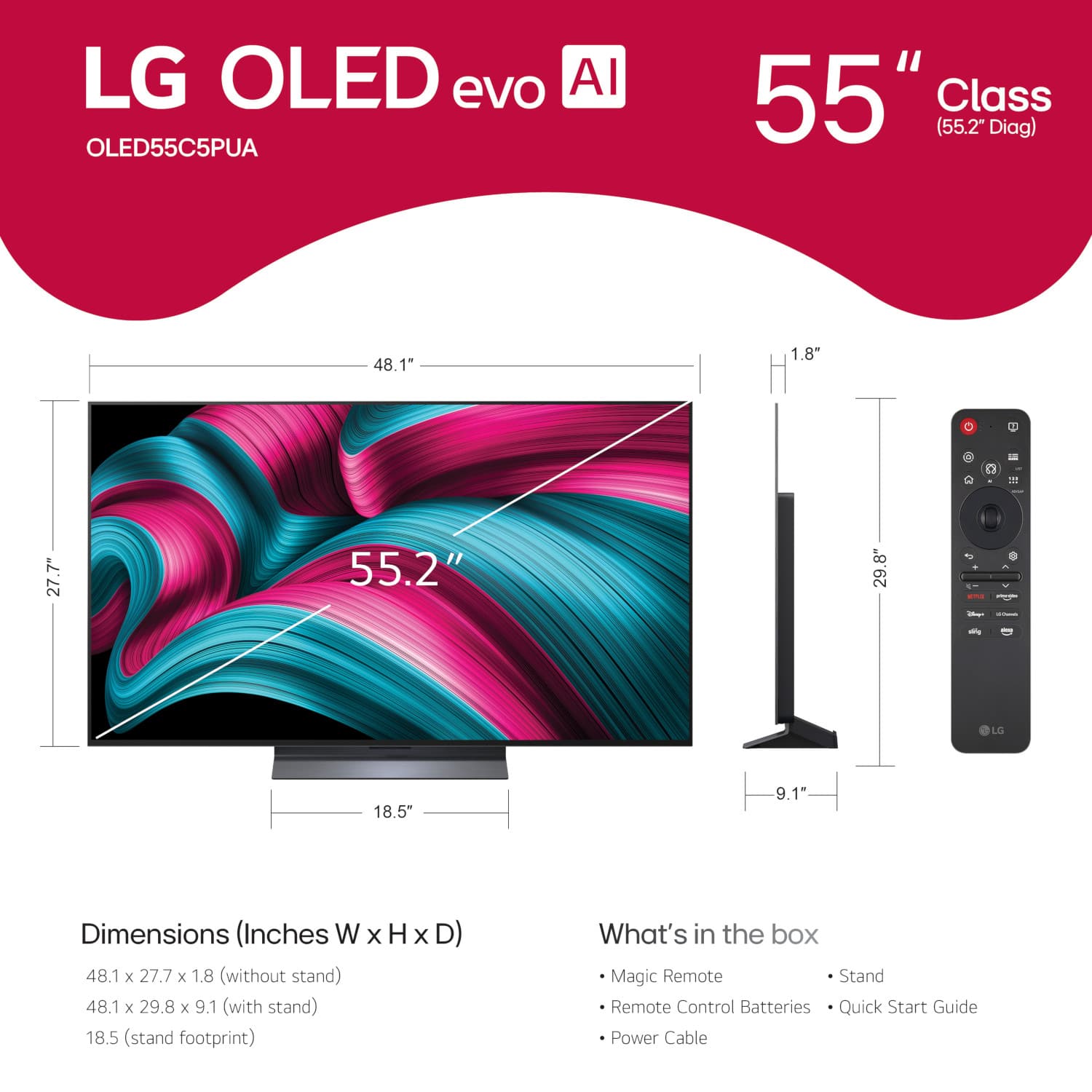
A:AnswerThe LG 55" Class C5 Series OLED evo AI 4K UHD Smart webOS TV (2025), Model # OLED55C5PUA, does not come with stand legs. It comes with the stand shown in the images of the TV, which will have to be attached after unboxing the TV...^Ivan.
A:AnswerThe W x H x D packing dimensions for the LG 55 Inch Class LG OLED evo AI C5 4K Smart TV 2025, Model # OLED55C5PUA, are 53.25" x 31.5" x 7.2" with a weight of 48.9 lbs...^Ivan.
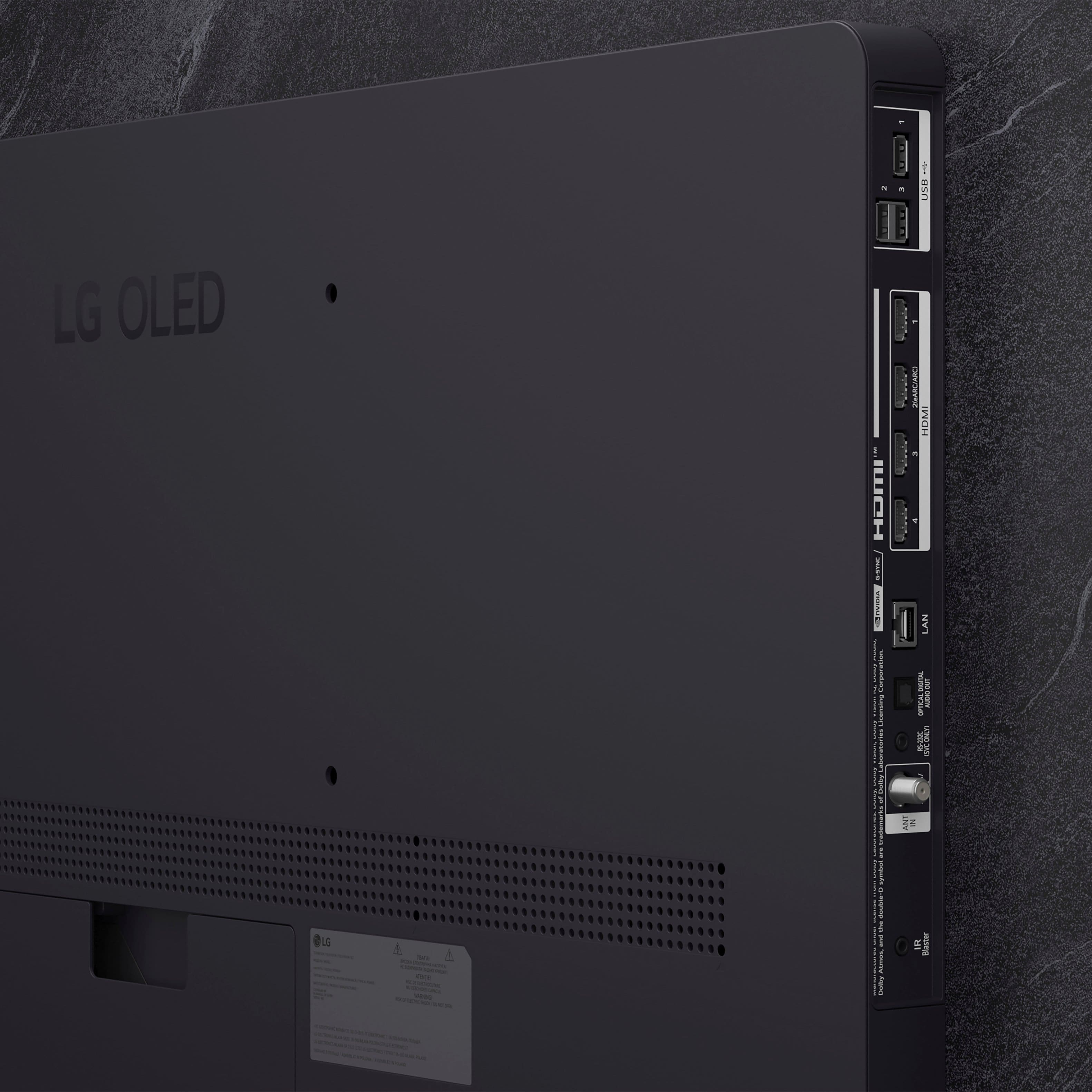
A:AnswerAll four of the HDMI ports on the LG - 55" Class C5 Series OLED evo AI 4K UHD Smart webOS TV (2025), Model # OLED55C5PUA are HDMI 2.1 ports...^Ivan.
A:AnswerHi there, Bob. Thank you for your question regarding the LG OLED evo C5 Series 4K Smart TV (Model OLED55C5PUA). We understand your inquiry regarding the location of the sleep timer. Please note that there is no dedicated sleep timer button on the Magic Remote, but you can access it through the TV menu. To do this, press the Settings (Gear icon) button on your remote, then navigate to All Settings > General > System > Time & Timer > Sleep Timer. Alternatively, you can simply press the Microphone button on the remote and say "Set sleep timer" for a quicker option.
https://www.bestbuy.com/product/lg-55-class-c5-series-oled-evo-ai-4k-uhd-smart-webos-tv-2025/JJ8VPZTR8R
If you have any further questions about its features, please contact us on [email protected], and our team will be more than happy to assist you. —Renzo
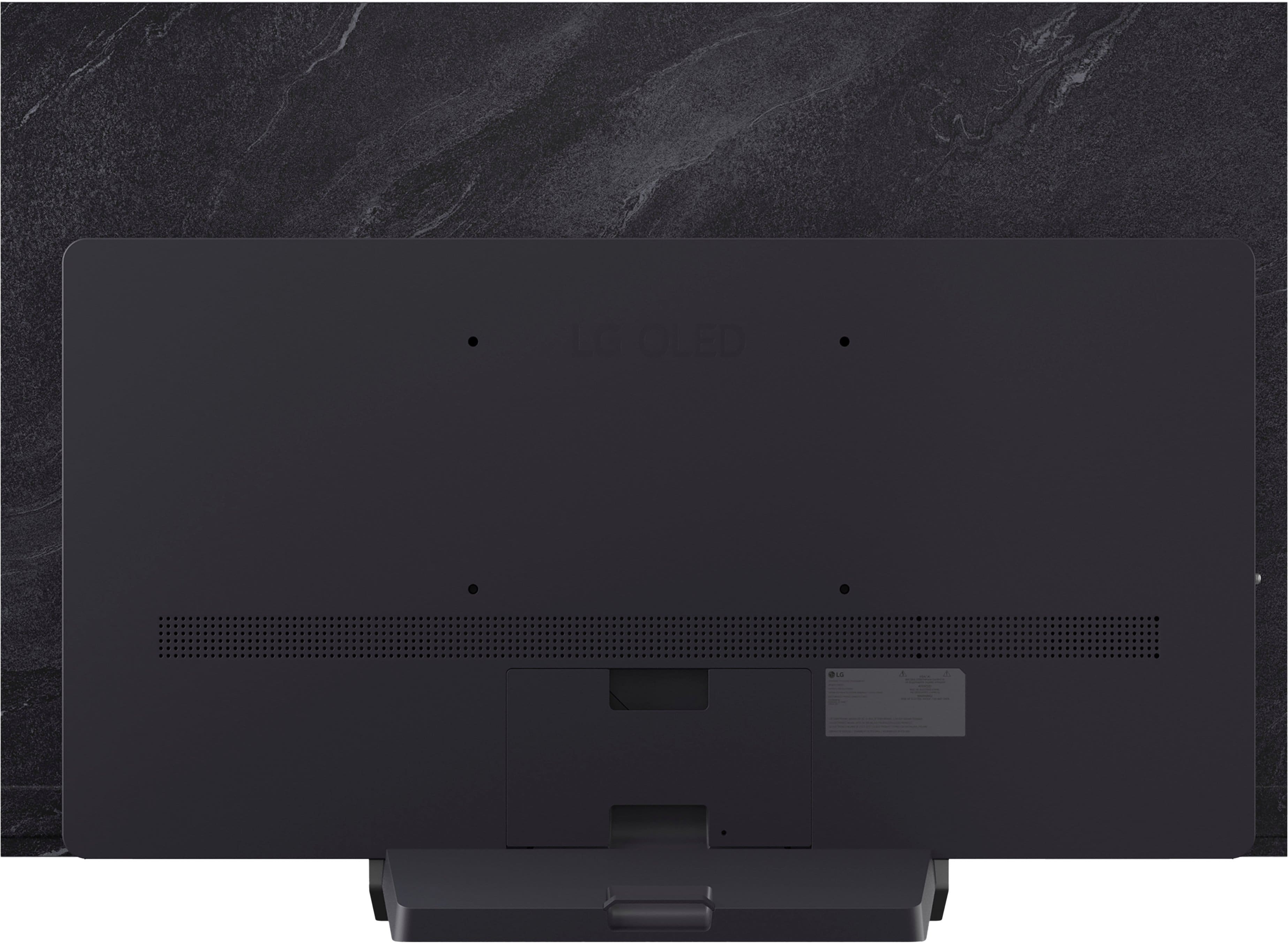
A:AnswerHello there, Marie. Thank you for sharing your inquiry with us. We understand your question regarding the wall mount screws for the OLED55C5PUA. This unit features a VESA mounting pattern of 300 x 200 mm and uses standard M6 metric screws. Please ensure to check your wall mount manual for the specific screw length required for a secure fit, as this depends on the thickness of the bracket.
https://www.bestbuy.com/product/lg-55-class-c5-series-oled-evo-ai-4k-uhd-smart-webos-tv-2025/JJ8VPZTR8R
If you have any further questions about its features, please contact us on [email protected], and our team will be more than happy to assist you. —Renzo
A:AnswerManufacturers highly recommend upright transit, especially if it is an OLED. In transporting it flat you are assuming the risk of the tv flexing and cracking the screen. Best Buy will often not return a tv cracked in transit in this manner.
A:AnswerLG's AI (Artificial Intelligence) for televisions primarily revolves around its ThinQ AI platform, which integrates various smart features and services.
With Voice activation, you can control the TV using voice commands through Google Assistant and Alexa, allowing for hands-free operation.
LG AI TVs learn your viewing habits and patterns and can make recommendations about movies, programs, or music you may like. A simple voice request like, “Recommend a comedy movie”, makes it easy to find content quickly. You can even do some shopping from the couch with a command like, “Find the best gift for teenagers”. Want to check your calendar? Dim the lights? Turn off your robot vacuum? It’s all at your fingertips and more.
Using the intuitive Home Dashboard, you can access connected smart devices remotely from one big screen, and create your unique daily routine with the Magic Remote. And with Smart ThinQ 3.0, you can see the full picture on the big screen with Magic Link, and you can get background information or control the interactive EPG (Electronic Program Guide) from your smartphone without blocking your TV’s content.
LG AI TVs, like this 55-inch Class LG OLED evo AI C5 4K Smart TV 2025, Model # OLED55C5PUA, support 4K Cinema HDR formats, including Dolby Vision™, Advanced HDR, Hybrid Log Gamma (HLG), and HDR10, as well as enhanced processing with HLG Pro and HDR 10. In addition, LG OLED TVs like this model with AI ThinQ® boast the most powerful LG α9 Gen8 processor, enhanced image rendering, as well as OLED’s already perfect black levels, and it provides smooth, crisp picture and sound with AI Picture Pro and AI Super Upscaling.
LG AI TVs can control compatible smart home devices, enhancing the overall smart home experience. AI Concierge tracks user preferences and provides contextual insights, generating personalized content and settings.
AI Picture Pro enhances picture quality by upscaling content and refining details, ensuring a lifelike viewing experience.
These features collectively enhance the user experience and provide a more connected and personalized viewing environment...^Ivan.
A:AnswerAll four of the HDMI ports on the LG 55" Class C5 Series OLED evo AI 4K UHD Smart webOS TV (2025), Model # OLED55C5PUA, are HDMI 2.1 ports. HDMI 2 is also an HDMI eARC port...^Ivan.
A:AnswerIf the 'Listen Together with Hearing Aid' in the settings menu for the LG 55" Class C5 Series OLED evo AI 4K UHD Smart webOS TV (2025), Model # OLED55C5PUA, is set to Bluetooth Device, only one Bluetooth device can be connected.
With the 'Bluetooth Device + TV Speaker' setting, both the TV's internal speakers and a Bluetooth speaker can be used to output the sound at the same time, or a surround sound can be used.
Up to two Bluetooth devices of the same model can be connected.
The LG WOWCAST Device + TV Speaker setting outputs sound simultaneously through the TV's internal speakers and an LG soundbar that supports LG WOWCAST.
You can select this option if you connect an LG soundbar that supports LG WOWCAST.
The Optical Out Device + TV Speaker setting plays audio through the TV's internal speakers and the audio device connected to the digital optical audio output port simultaneously.
With the HDMI(ARC) Device + TV Speaker setting, the TV's internal speakers and soundbar can simultaneously output sound for a richer audio experience.
When you connect an LG soundbar to the TV's HDMI (eARC/ARC) port, it will be connected automatically...^Ivan.
A:AnswerRegrettably, LG does not make or sell longer power cords for the LG 55" Class C5 Series OLED evo AI 4K UHD Smart webOS TV (2025), Model # OLED55C5PUA...^Ivan.
A:AnswerIt uses m6 screws. The VESA spec calls out 12mm I believe, but that is after you account for the thickness of the mount and any spacers (ex. 25mm screw for 3mm thick wall mount bracket and 10mm spacer). That said, it can accommodate longer screws, but don't exceed 20mm into the television. They don't put the maximum screw depth in the manual for some reason, but if you want to know you can put a toothpick in there and stop as soon as you get any resistance and measure. Subtract a few mm, and that is the max length your screw can go after spacers, washers, etc.
A:AnswerRegrettably, we are not familiar with the televator in your RV nor with what VESA Mount patterns it supports to determine if you can mount the LG 55" Class C5 Series OLED evo AI 4K UHD Smart webOS TV (2025), Model # OLED55C5PUA with it.
What is the model number for your older 4K LG TV so we can check to see what VESA Mount Pattern is has.
If it has the same 300 x 200 mm VESA Mount Pattern as this LG Model # OLED55C5PUA, you will be able to use your televator to mount it like you did with your older 4K LG TV...^Ivan.
A:AnswerThe LG 55" Class C5 Series OLED evo AI 4K UHD Smart webOS TV (2025), Model # OLED55C5PUA, has a built-in User Guide.
To access the user guide, select All Settings, then navigate to General > About This TV > User Guide. Alternatively, you can use the voice command "User Guide" with the included LG Magic Remote.
For a copy of the owner's manual, you can find a PDF copy on the TV's support page on the company site that you can download and print out...^Ivan.




. Independently Tested for Quality and Workmanship CheckPlus: 100 % Color Volume to DCI-P3 oi PSSEANE Intertek [www.IntertekCheck.com](http://www.IntertekCheck.com). 100% Color Fidelity and '100% Color Volume to DCI-P3' applies to 2025 OLED TVs. *LG OLED Display is verified by UL for Perfect Color measured to IDMS 11.5 Ring-light Reflection standards. *100% Color Volume is defined as the performance of display which is equal or greater than the size of DCI-P3 standard color volume as verified independently by Intertek. *The LG OLED Panel is certified by Intertek for 100% Color Fidelity, measured to IDMS 11.5 Ring-light Reflection standards.](https://pisces.bbystatic.com/image2/BestBuy_US/images/products/3661ed5e-8d92-47a9-baef-65aa6eb5dcb9.jpg)