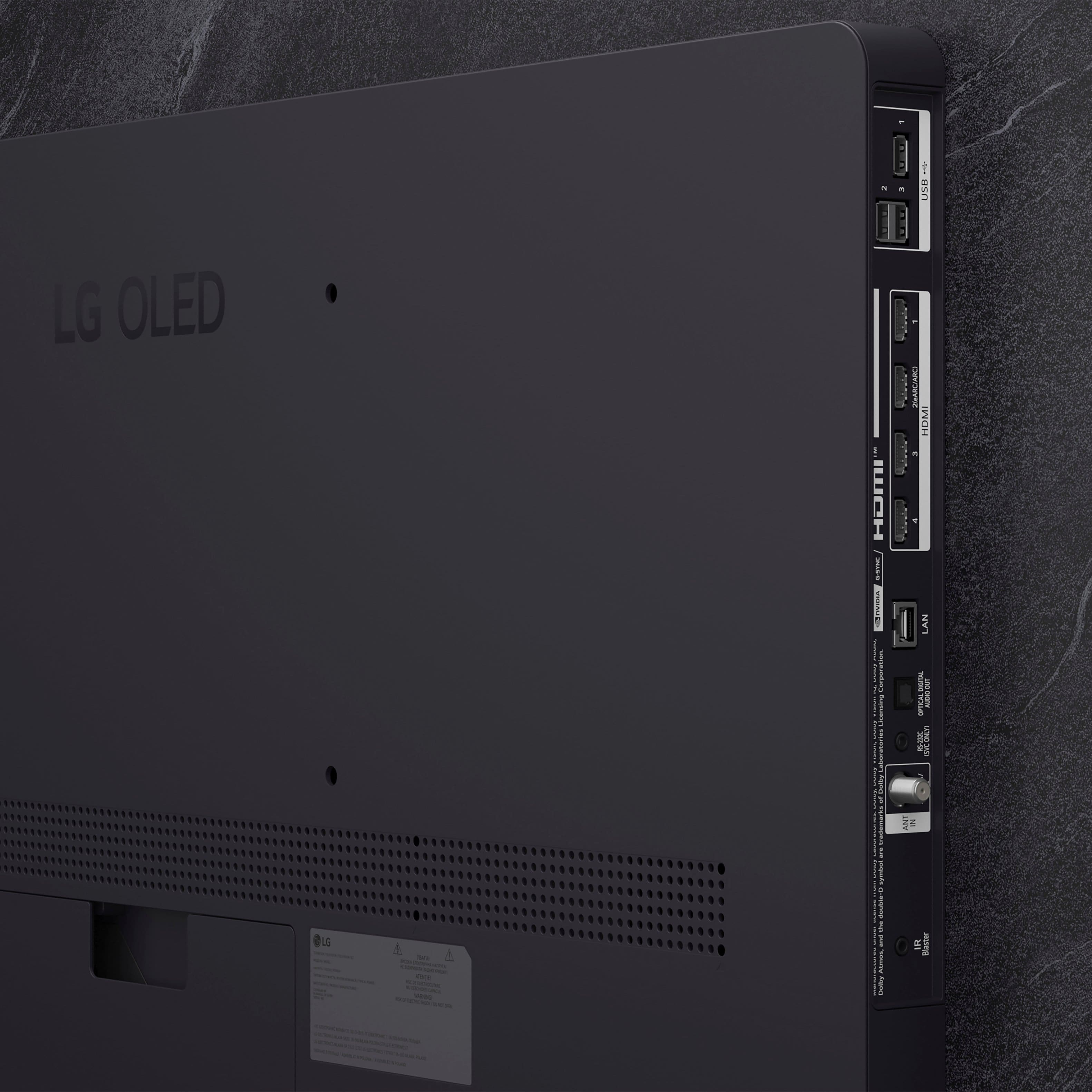
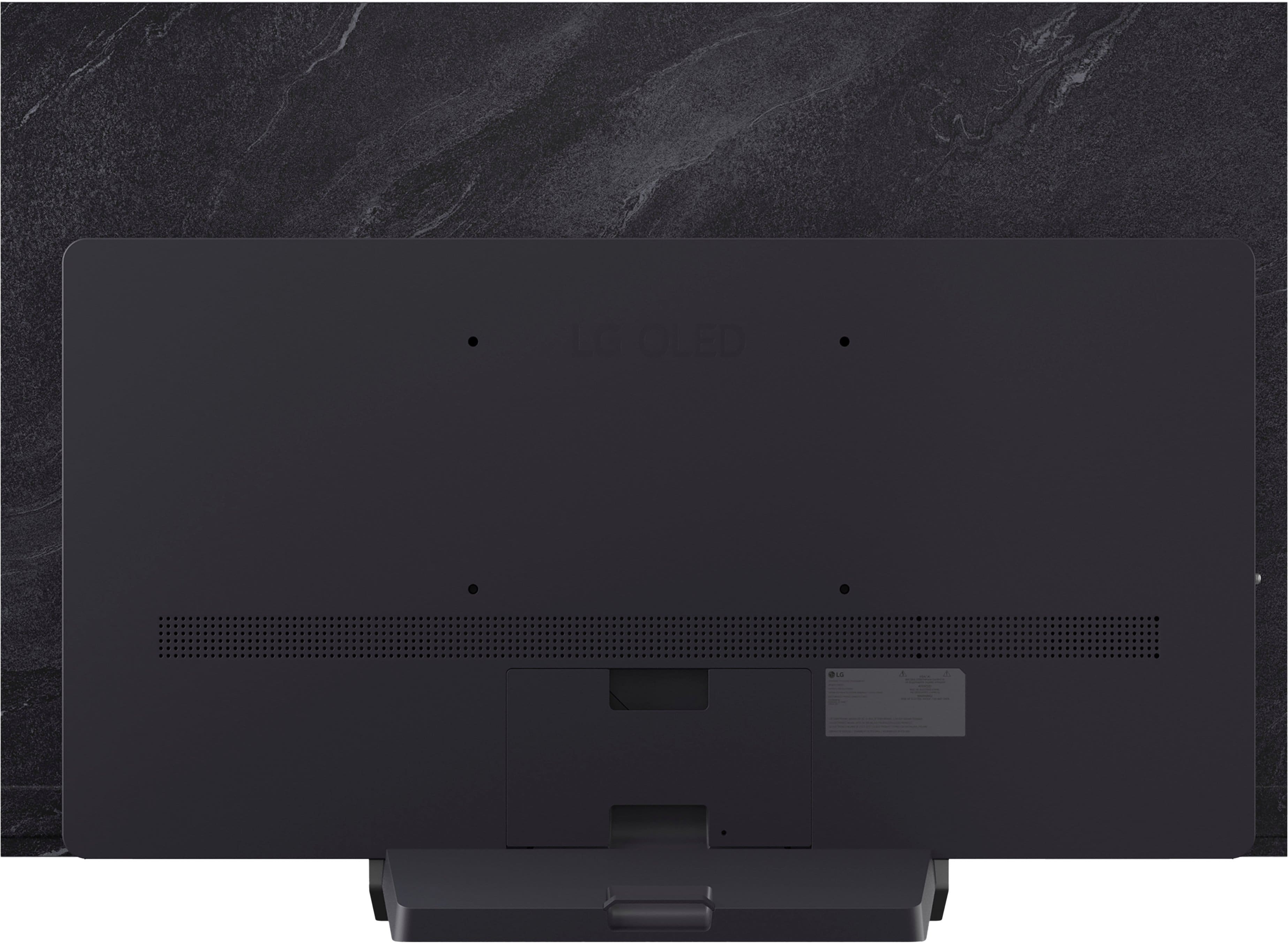
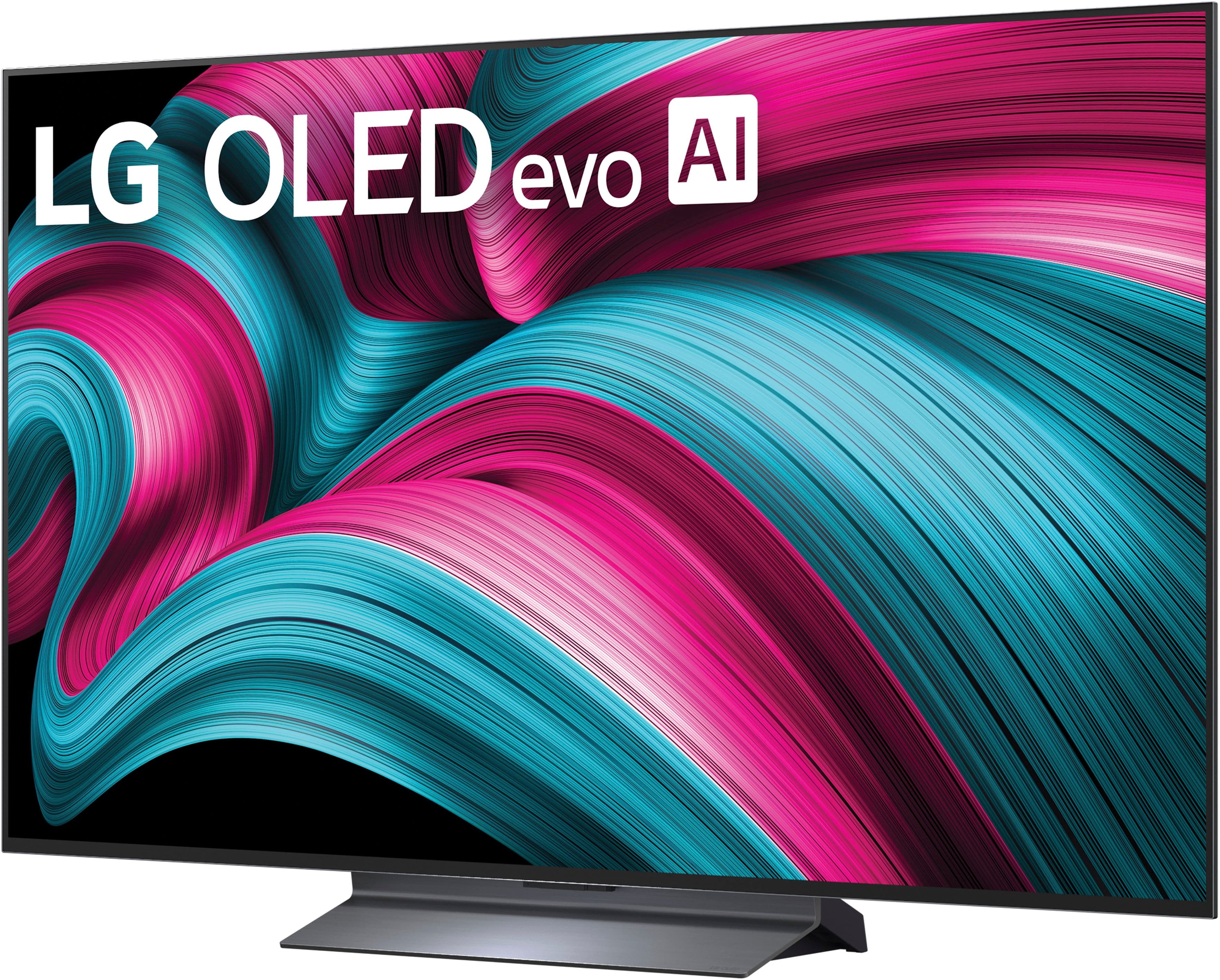
A:AnswerHi there. Thank you for sharing your question with us. We understand your inquiry regarding the OLED55C5PUA TV. To answer your question directly, yes, this model certainly has Bluetooth capability. It comes fully equipped with built-in Bluetooth support (version 5.3) and is also Bluetooth Surround Ready, allowing you to easily connect your compatible wireless headphones, soundbars, or speakers. Your feedback is important, and we'd like to assist you further.
https://www.bestbuy.com/product/lg-55-class-c5-series-oled-evo-ai-4k-uhd-smart-webos-tv-2025/JJ8VPZTR8R
If you have any further questions about its features, please contact us on [email protected], and our team will be more than happy to assist you. —Renzo
A:AnswerHello there, Marcus. Thank you for sharing your question with us. We understand your inquiry regarding the OLED55C5PUA TV and whether it is an ideal size for a master bedroom.
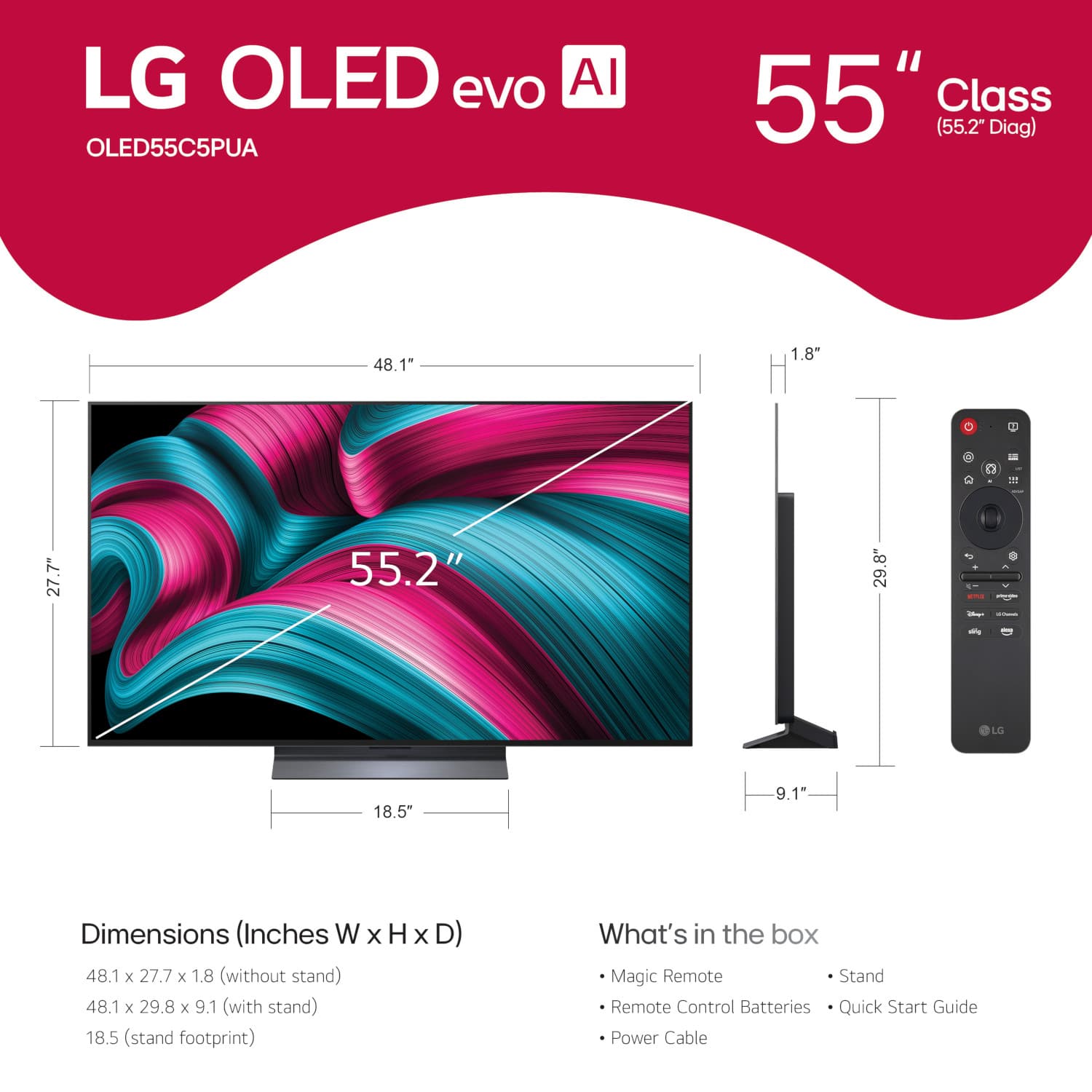
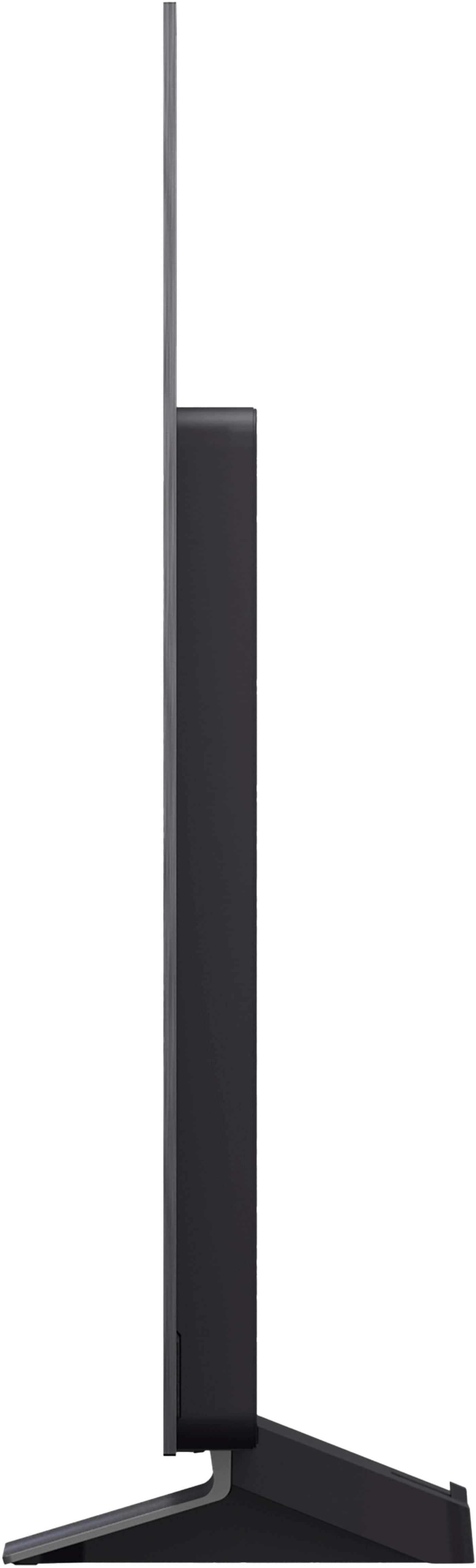
To answer your question directly, a 55-inch television is generally considered an excellent and very popular choice for a master bedroom. Based on the specifications, this model measures 48.1 inches wide and 27.7 inches tall without the stand, offering a beautifully immersive viewing experience without overwhelming the space. While the perfect size ultimately depends on your specific room dimensions and how far your viewing area is from the screen, this unit provides a wonderful balance for most bedroom setups.
https://www.bestbuy.com/product/lg-55-class-c5-series-oled-evo-ai-4k-uhd-smart-webos-tv-2025/JJ8VPZTR8R
Your feedback is important, and we'd like to assist you further. If you have any further questions about its features, please contact us on [email protected], and our team will be more than happy to assist you. —Renzo
A:AnswerRegrettably, the LG 55" Class C5 Series OLED evo AI 4K UHD Smart webOS TV (2025), Model # OLED55C5PUA, has not been tested with an Amazon Fire remote to determine if you can mute it.
Your Amazon Fire remote is programmed to send IR or CEC commands to a television to control power, volume, and mute functions, acting as a single remote solution through the Equipment Control settings, so you may have to program it properly...^Ivan.
A:AnswerYou can hide the power cord for the LG 55" Class C5 Series OLED evo AI 4K UHD Smart webOS TV (2025), Model # OLED55C5PUA, or any other LG TV or TV regardless of brand or manufacturer, inside a wall, but you cannot simply snake the standard, flexible power cord that comes with the TV inside the wall. Doing so violates building codes and causes fire hazards. To do it safely and legally, you must use a specialized in-wall power extension kit.
It is against the National Electrical Code to connect a standard TV power cord or extension cord wiring through a hole or opening in a wall, inside a dropped ceiling, or under flooring, because these cords aren't rated for in-wall use, lacking protection against damage, heat, and pests, which the National Electrical Code (NEC) prohibits as a substitute for permanent wiring. Safe, code-compliant alternatives involve using specialized in-wall-rated power cords/kits (CL2/CL3 rated), installing a proper electrical box with permanent wiring, or running low-voltage cables...^Ivan.
A:AnswerI don't game. Not sure what is meant clearly about a custom cross hair, unless its that ghost-like teardrop shaped that I use to guide and navigate with to access Network broadcasts or Fire Stick shows like a pointer.
A:AnswerHi there. We understand your inquiry about the availability of encryption settings within the manufacturer's settings on the LG OLED55C5PUA TV.
While the LG OLED55C5PUA operates on the secure webOS 25 platform and includes advanced networking features like Wi-Fi 6E, the public-facing user settings in LG TVs typically focus on accessibility, picture, sound, network connection, and general system management. Direct, configurable encryption settings for data or communication are usually managed automatically by the webOS platform or are handled by the security protocols of your home network (like WPA2/WPA3 encryption on your router) and the security features of specific apps or services you use. The TV itself does not generally expose a manufacturer setting for manual encryption configuration.
https://www.bestbuy.com/product/lg-55-class-c5-series-oled-evo-ai-4k-uhd-smart-webos-tv-2025/JJ8VPZTR8R
If you have any further questions about the TV's security or network features, please send us a private message on Social Media @LGUSSupport, and our team will be more than happy to assist you. —Renzo




. Independently Tested for Quality and Workmanship CheckPlus: 100 % Color Volume to DCI-P3 oi PSSEANE Intertek [www.IntertekCheck.com](http://www.IntertekCheck.com). 100% Color Fidelity and '100% Color Volume to DCI-P3' applies to 2025 OLED TVs. *LG OLED Display is verified by UL for Perfect Color measured to IDMS 11.5 Ring-light Reflection standards. *100% Color Volume is defined as the performance of display which is equal or greater than the size of DCI-P3 standard color volume as verified independently by Intertek. *The LG OLED Panel is certified by Intertek for 100% Color Fidelity, measured to IDMS 11.5 Ring-light Reflection standards.](https://pisces.bbystatic.com/image2/BestBuy_US/images/products/3661ed5e-8d92-47a9-baef-65aa6eb5dcb9.jpg)