A:AnswerHello there, Barney. Thank you for sharing your experience with us regarding your LG OLED55C5PUA TV. We understand your inquiries about firmware updates and stand installation.
Regarding firmware and updates from LG, these consist of improvements to the TV's operating system (webOS), bug fixes, performance enhancements, and sometimes new features for various functionalities like picture processing, audio, and smart TV apps. While your TV will function for basic viewing without every single update, installing them is highly recommended to ensure optimal performance, stability, and access to the latest improvements and security patches. They are generally not necessary for the TV's initial basic operation, but they are crucial for maintaining its best possible performance over time.
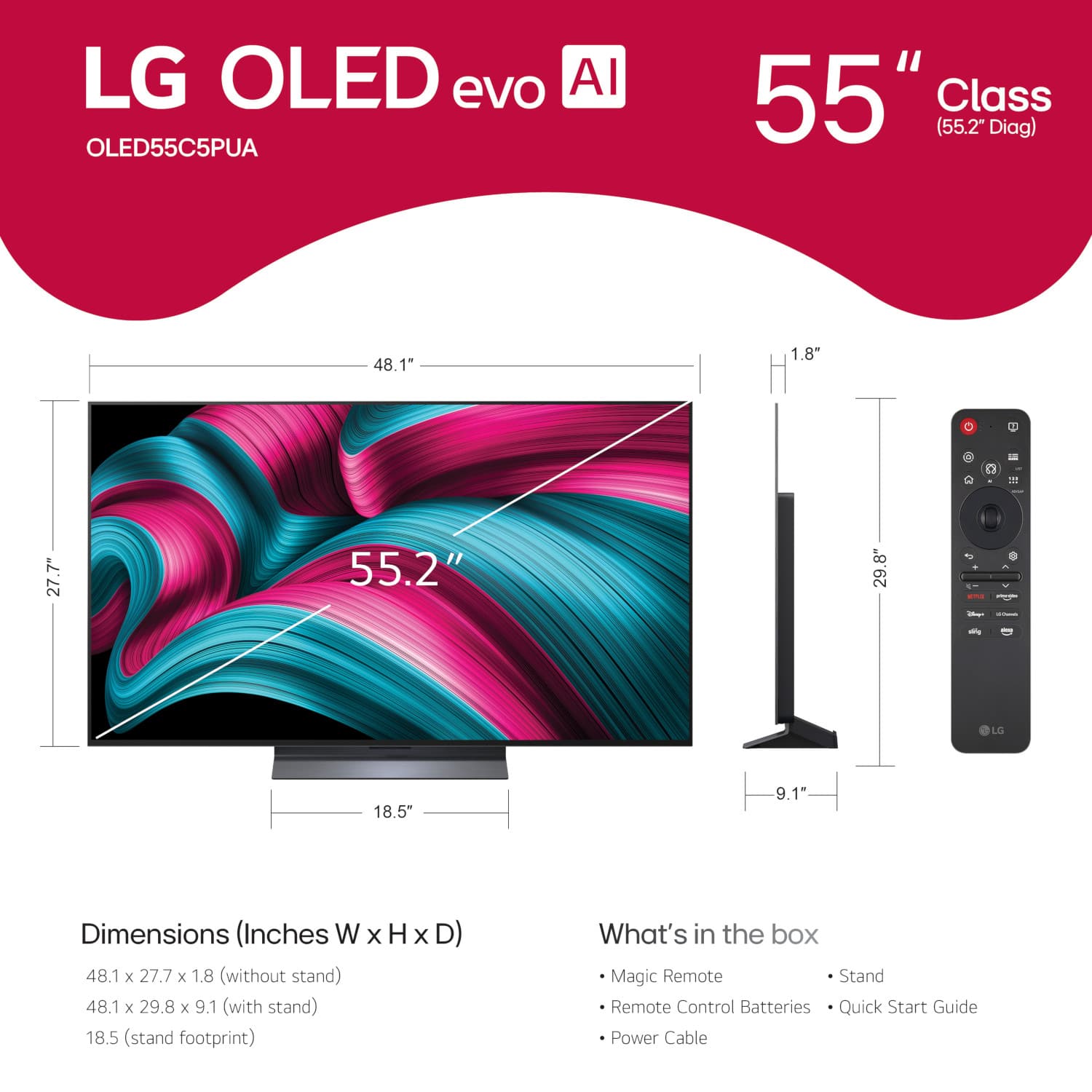
As for attaching the TV to the stand, based on the Owner's manual page 4 to 6 for installation, it does require tools. Based on the owner's manual, you will typically need a "+" shaped screwdriver (manual or electric) for securing the screws that attach the stand to the TV. It is recommended to place the screen facing down on a cushioned table or flat surface to protect it from scratches during the process. The manual also advises having at least two people to move and install a large TV safely.
For Firmware firmware update and manual for model OLED55C5PUA - https://www.lg.com/us/support/product/lg-OLED55C5PUA.AUS)
Your feedback is important, and we'd like to assist you further if you have any other questions about your unit. Please send us a private message on Social Media @LGUSSupport and our team will be more than happy to explore possible solutions. We appreciate your patience. —Renzo
A:AnswerYou need to have an account on the 55-inch Class LG OLED evo AI C5 4K Smart TV 2025, Model # OLED55C5PUA, or any LG Smart TV to access various smart services offered by LG Electronics, including the LG Content Store, where you can download apps and manage your applications.
To download apps from the LG Content Store which is a feature found on the TV's home screen, you must create an LG account. This is necessary for managing your downloaded applications and accessing additional features.
The account serves as a unified login for multiple LG services, making it easier to manage your devices and access content across different platforms.
You can use basic functionalities of an LG smart TV without an account, but having one is essential for a full experience, including downloading apps and accessing various smart services...^Ivan.
A:AnswerSmart TVs work without an internet connection. However, there are several limitations.
If you do not have Wi-Fi, then you cannot stream from the preinstalled apps on the 55-inch Class LG OLED evo AI C5 4K Smart TV 2025, Model # OLED55C5PUA or download additional compatible apps.
You will not be able to receive firmware updates, set up an account, or access features powered by the internet, such as streaming services
You can still use the TV without Wi-Fi and use the TV as a regular TV. You can connect it to an antenna, cable, or satellite to view free and subscription channels.
If you have a Blu-ray DVD Player, you can connect that to the TV or view content from a flash drive connected to the USB ports on the TV.
You can also connect the TV to using a mobile hotspot. Just like with a Wi-Fi network, you can access all your apps, download more apps, and stream your content using the mobile hotspot. However, mobile hotspot connections come with the limitation of consuming a lot of mobile data, especially when you stream HD videos...^Ivan.
A:AnswerThe LG 55-inch Class LG OLED evo AI C5 4K Smart TV 2025, Model # OLED55C5PUA is currently available for preorder through LG but we have not made any public announcements yet about specific dates for when it will be available other than an initial press release saying it should be available in March.
Retail stores will have different dates of availability in their stores and online so you will need to contact Best Buy's Customer Support to inquire about when it will be available online or in their stores...^Ivan.
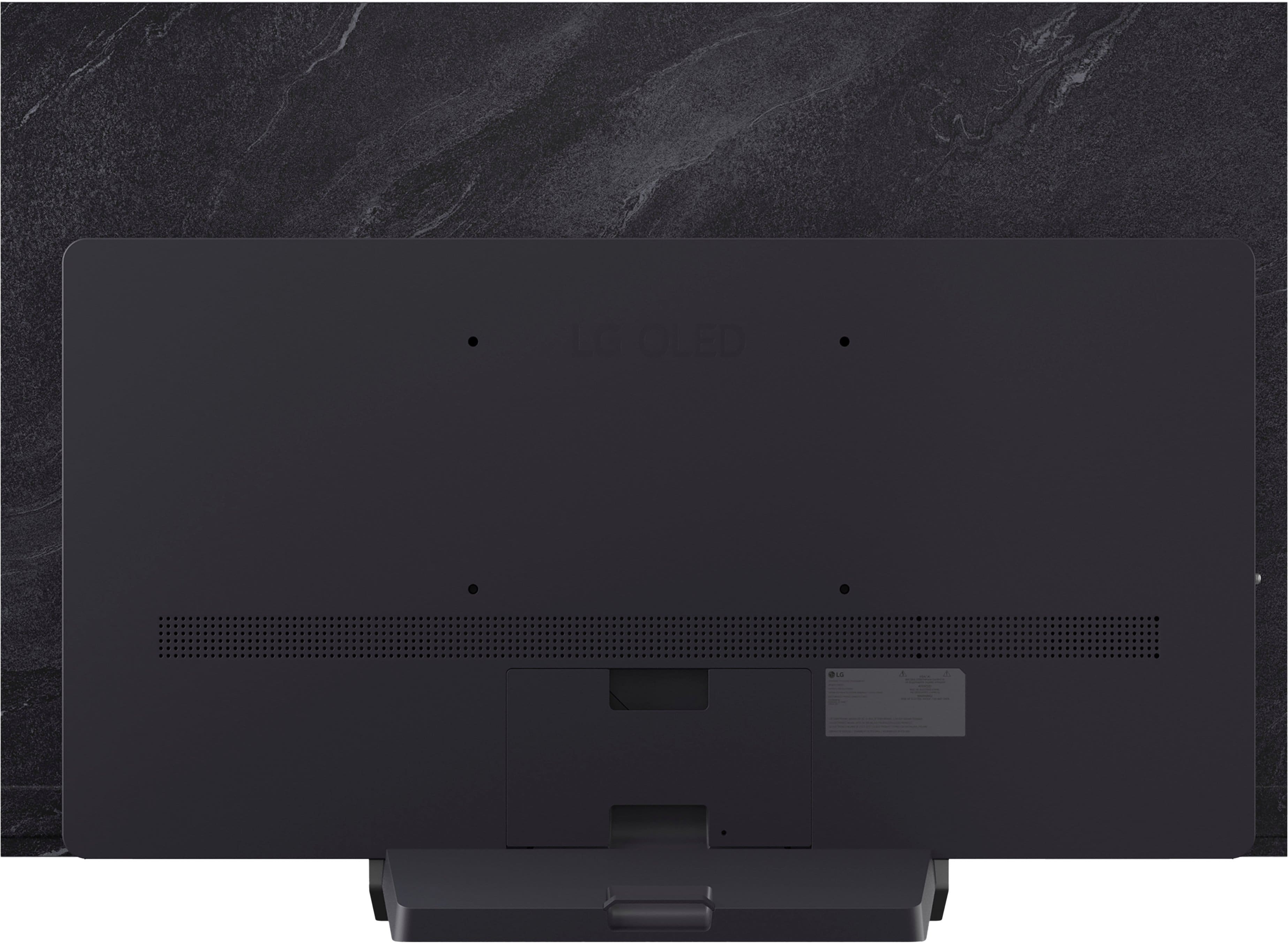
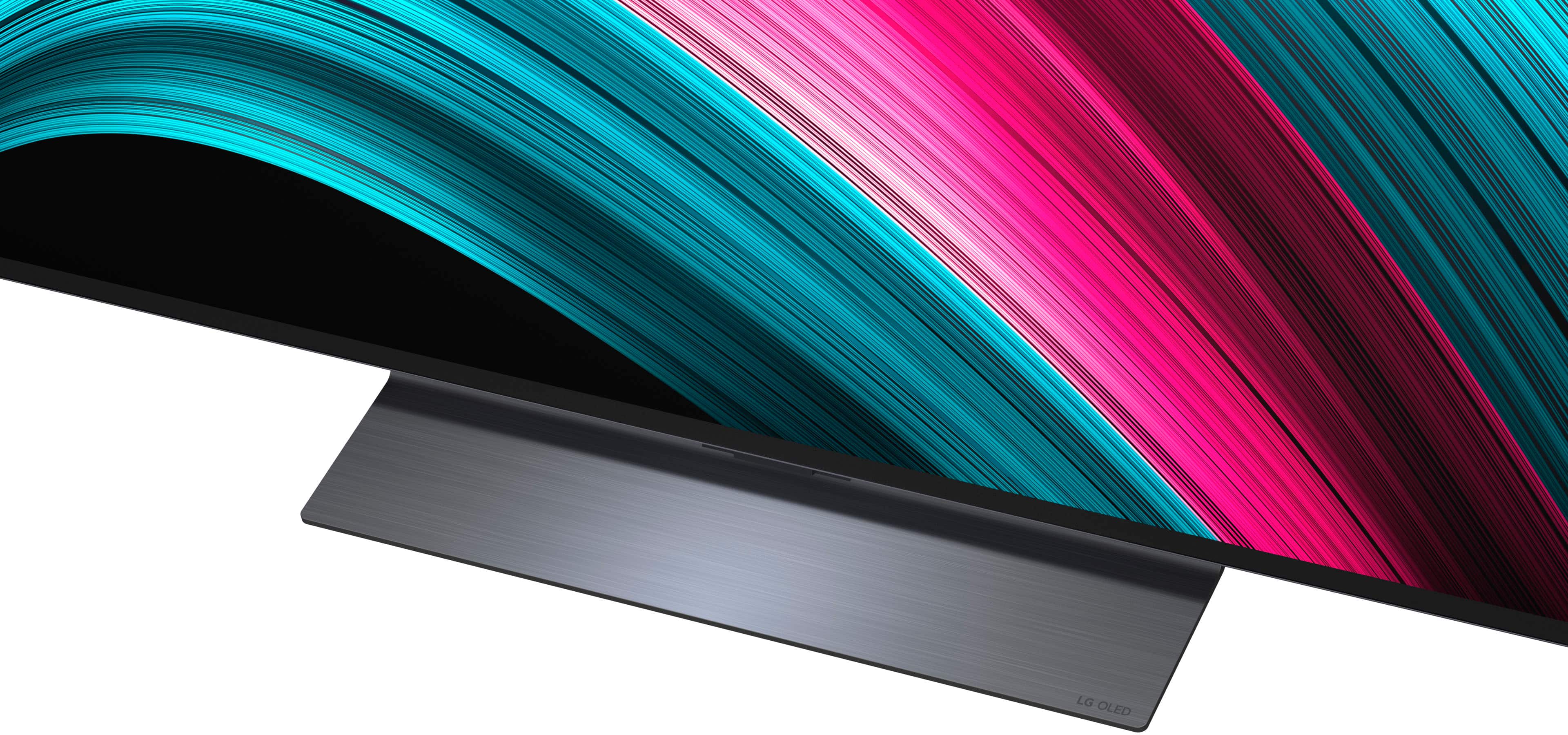
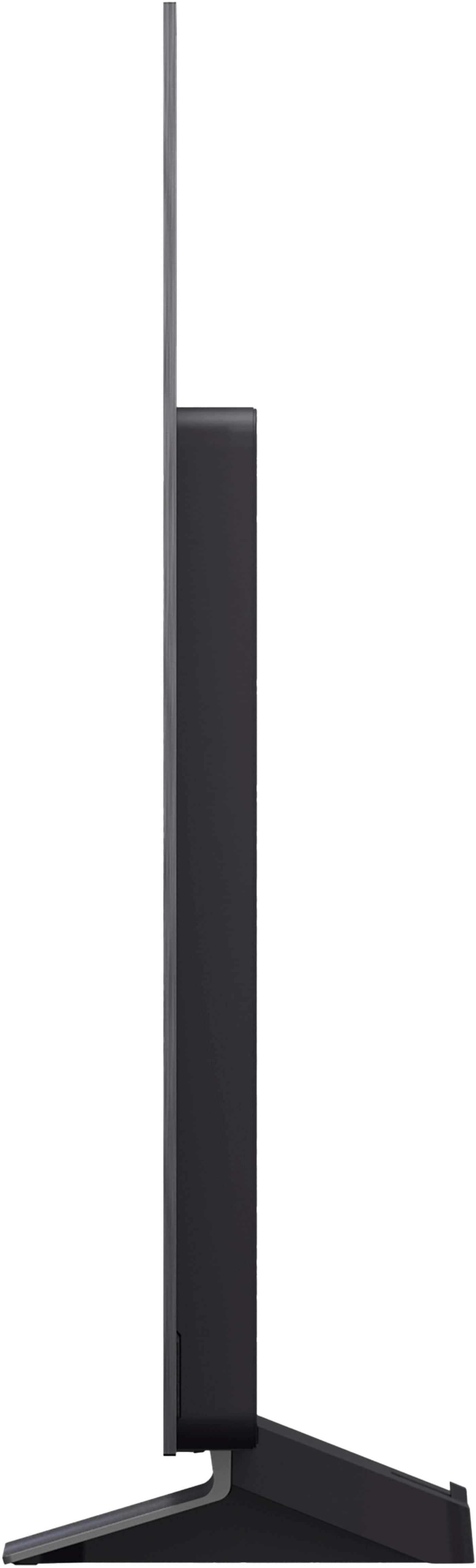
A:AnswerThe stand base for the LG 55" Class C5 Series OLED evo AI 4K UHD Smart webOS TV (2025), Model # OLED55C5PUA, does not come attached to the TV. You have to attach it when you unbox the TV, but even though it is removable, LG does not make a swivel base for the TV...^Ivan.
A:AnswerSome of the AI functions on the 55-inch Class LG OLED evo AI C5 4K Smart TV 2025, Model # OLED55C5PUA, like Voice Recognition and other AI features, can be disabled allowing for a more personalized viewing.
You can press the Settings button on the remote control, select All Settings, go to General, and then select AI Service. From there, you can toggle off options like Voice Recognition and other AI features...^Ivan.
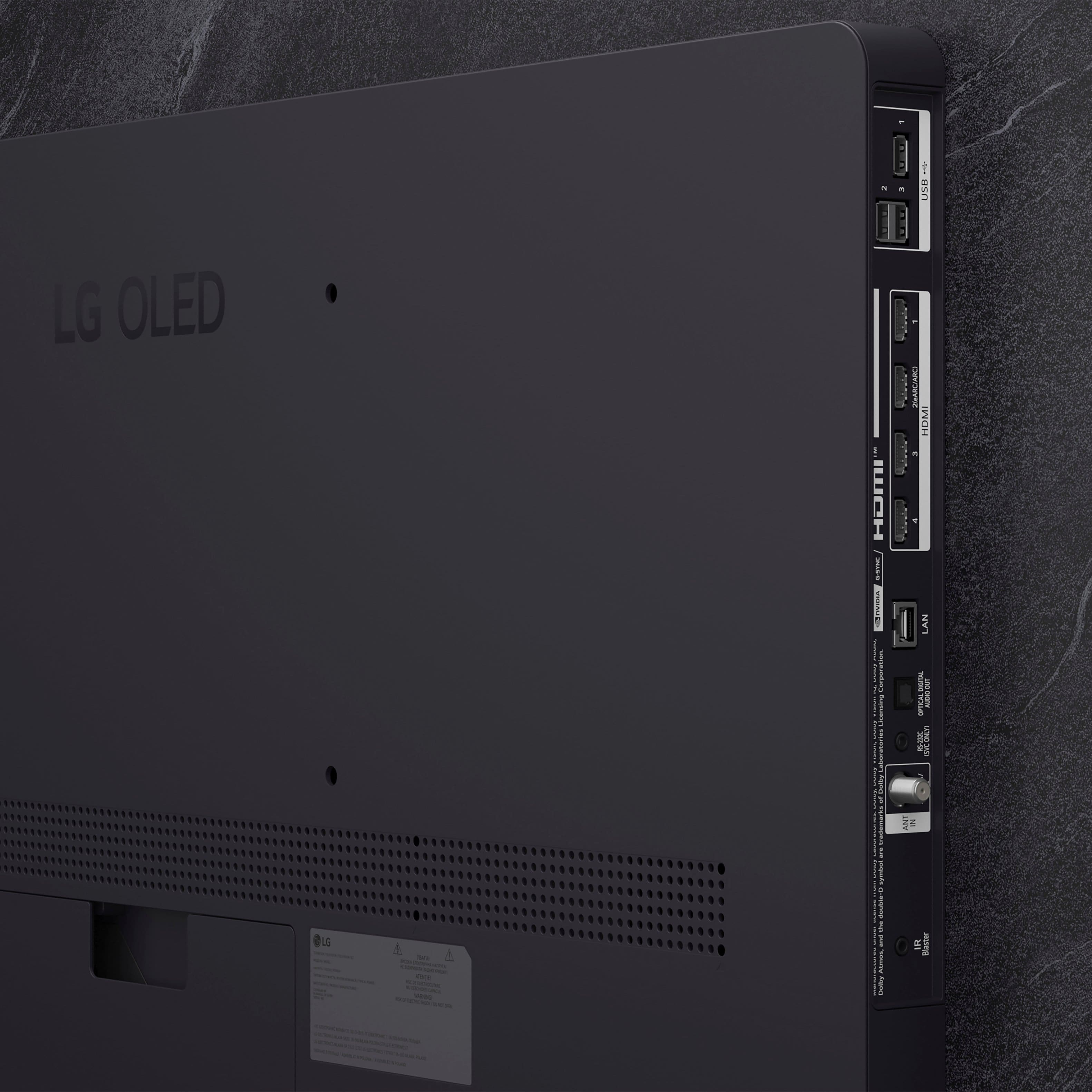
A:AnswerThe LG 55" Class C5 Series OLED evo AI 4K UHD Smart webOS TV (2025), Model # OLED55C5PUA, is a VESA compliant display with a 300 x 200mm (11.8" x 7.87") VESA Mount Pattern.
That means the VESA Mount holes on the back of the TV are 300 mm (11.8") apart horizontally and they are 200 mm (7.87") apart vertically.
The TV can be wall mounted with ANY VESA compliant wall mount, regardless of type, brand or manufacturer, that supports its VESA mount pattern as guaranteed by VESA compliance...^Ivan.
A:AnswerHello there. Thank you for sharing your inquiry with us. We understand you're asking about the manufacturer's warranty for the LG 55" Class C5 Series OLED evo AI 4K UHD Smart webOS TV (2025), model OLED55C5PUA.
Yes, this LG TV comes with a manufacturer's warranty. It includes a 1-Year Limited Warranty for both parts and labor.
https://www.bestbuy.com/site/lg-55-class-c5-series-oled-evo-ai-4k-uhd-smart-webos-tv-2025/6621828.p?skuId=6621828
Please send us a private message on Social Media @LGUSSupport and our team will be more than happy to explore possible solutions. We appreciate your patience. —Renzo
A:AnswerHello, Chuckf.
As indicated in its title on the company website, the 55-inch Class LG OLED evo AI G5 4K Smart TV 2025 with Supplied Wall Mount, Model # OLED55G5WUA is specifically designed for wall mounting so it ONLY comes with a supplied wall mount.
The LG OLED G Series 55" Stand, Model # SA-G5SN55 is optional and has to be purchased separately...^Ivan.
A:AnswerYour Roku remote may not be able to operate more than the Power On/Off functions for the LG 55" Class C5 Series OLED evo AI 4K UHD Smart webOS TV (2025), Model # OLED55C5PUA, but you will need to verify that with Roku. You will also need to ask them about how you can make it your main remote.
The LG Magic Remote that comes with the TV, will control the peripherals (Blu-ray/DVD player, home theater, set-top box, etc.) when you set up the Universal Remote Control function, rather than using their dedicated remote controls.
However, some buttons may not work for your Roku remote...^Ivan.




. Independently Tested for Quality and Workmanship CheckPlus: 100 % Color Volume to DCI-P3 oi PSSEANE Intertek [www.IntertekCheck.com](http://www.IntertekCheck.com). 100% Color Fidelity and '100% Color Volume to DCI-P3' applies to 2025 OLED TVs. *LG OLED Display is verified by UL for Perfect Color measured to IDMS 11.5 Ring-light Reflection standards. *100% Color Volume is defined as the performance of display which is equal or greater than the size of DCI-P3 standard color volume as verified independently by Intertek. *The LG OLED Panel is certified by Intertek for 100% Color Fidelity, measured to IDMS 11.5 Ring-light Reflection standards.](https://pisces.bbystatic.com/image2/BestBuy_US/images/products/3661ed5e-8d92-47a9-baef-65aa6eb5dcb9.jpg)