
Skip to contentGo to Product Search
Main Content

Questions & Answers

$699.99
Save $600
The comparable value is $1,299.99
Page Showing 1-8 of 8 questions
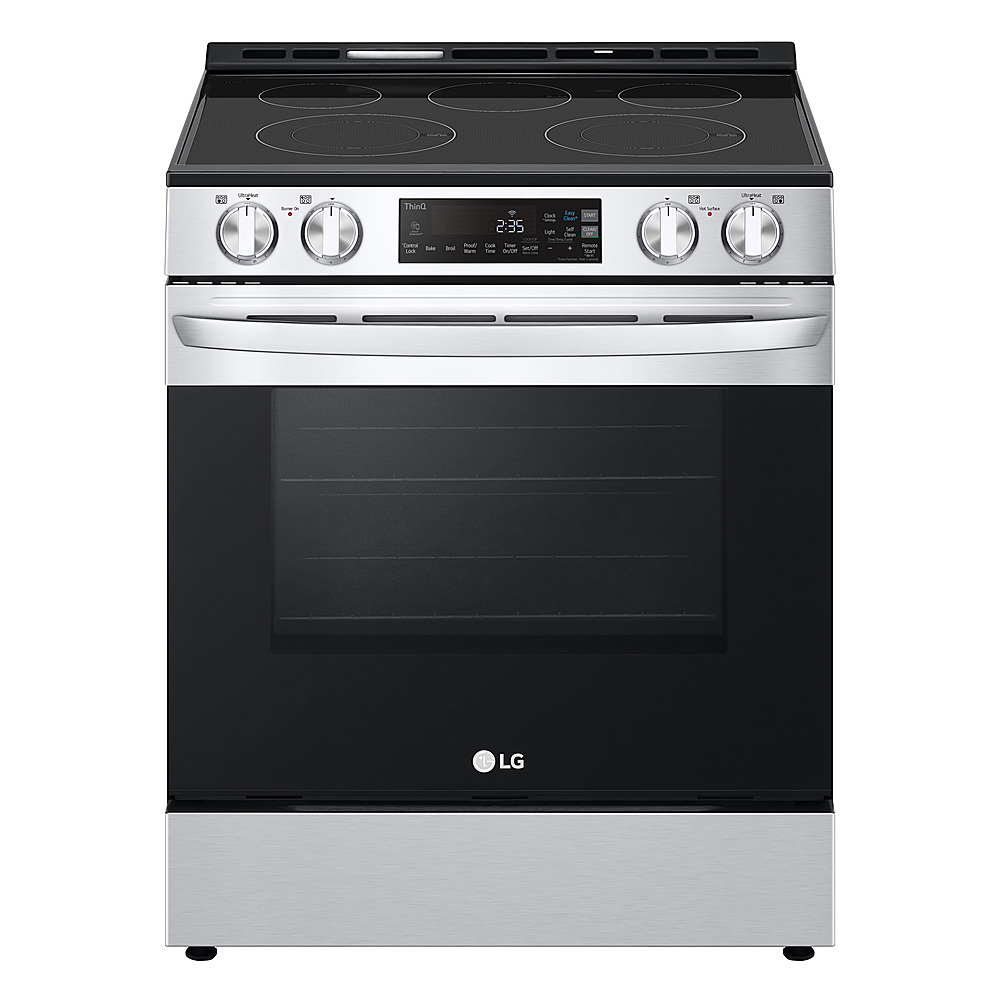
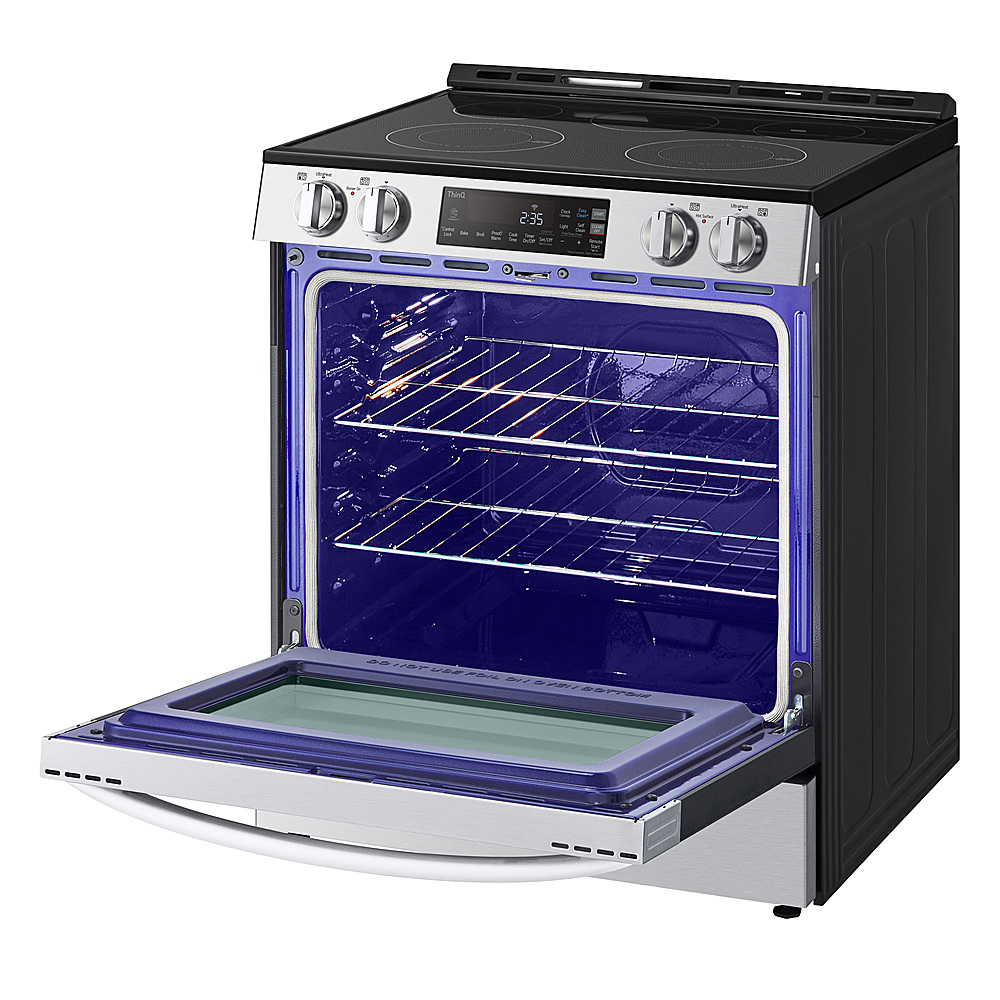
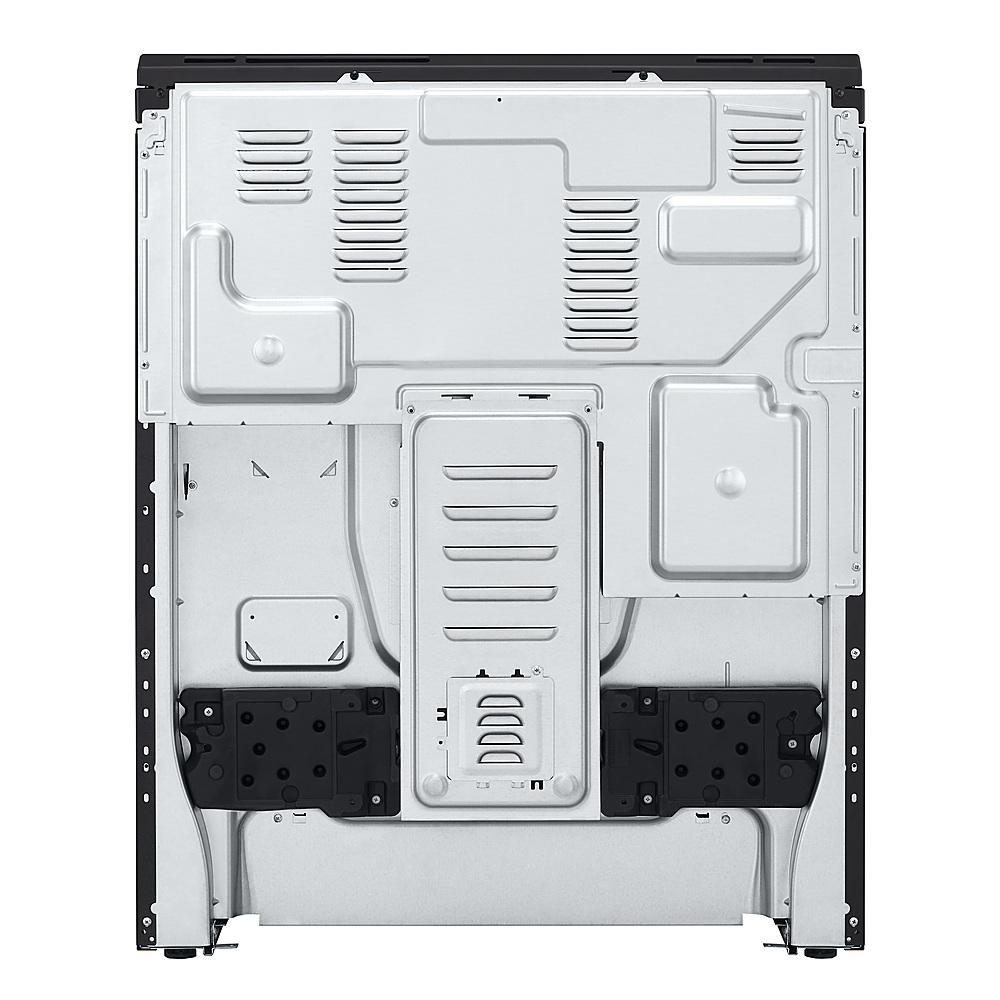
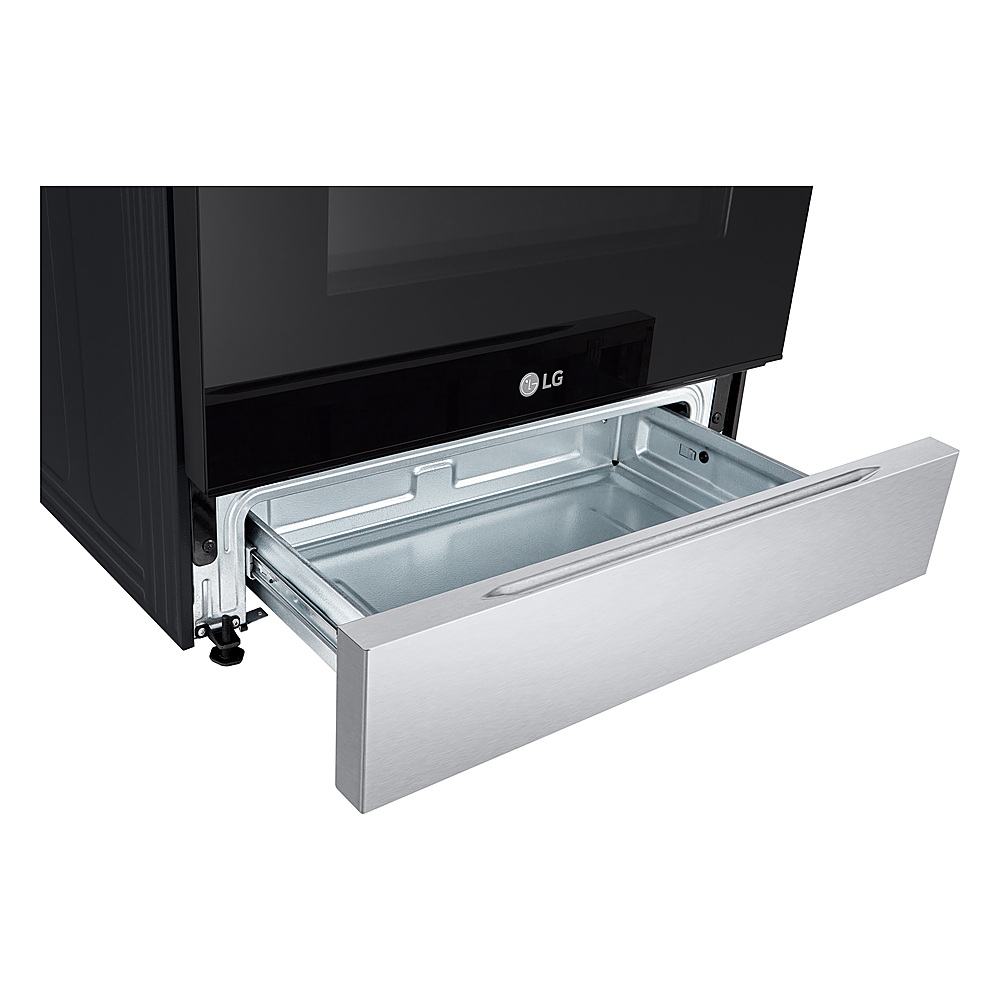
  • QuestionDoes this range have a storage drawer?

    • Answer Yes, this range has a storage drawer.
    This question and answer was generated by AI based on customer and product data.
  • QuestionDoes this range work with Amazon Alexa?

    • Answer Yes, this range works with Amazon Alexa.
    This question and answer was generated by AI based on customer and product data.
  • QuestionIs the finish of this range fingerprint resistant?

    • Answer Yes, the finish of this range is fingerprint resistant.
    This question and answer was generated by AI based on customer and product data.
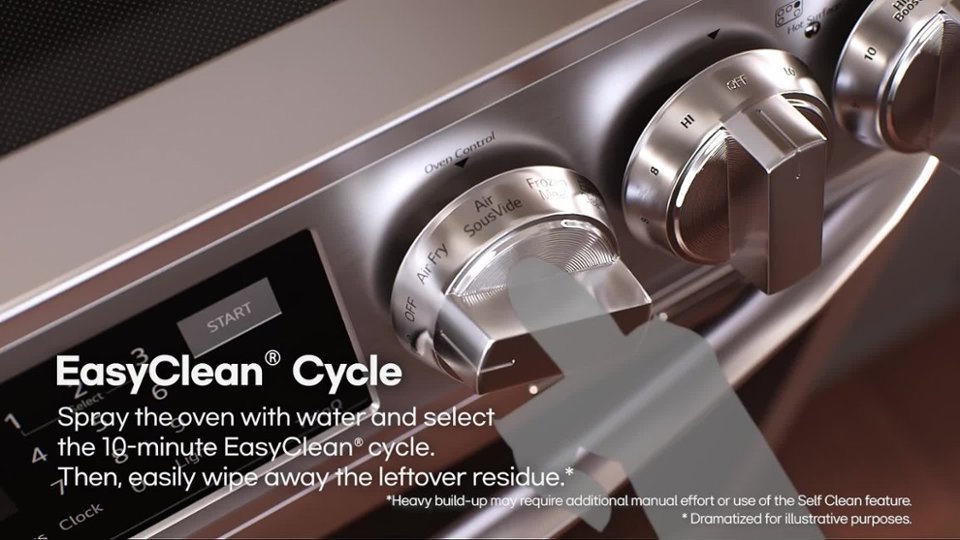
  • QuestionDoes this electric range have a self-cleaning option?

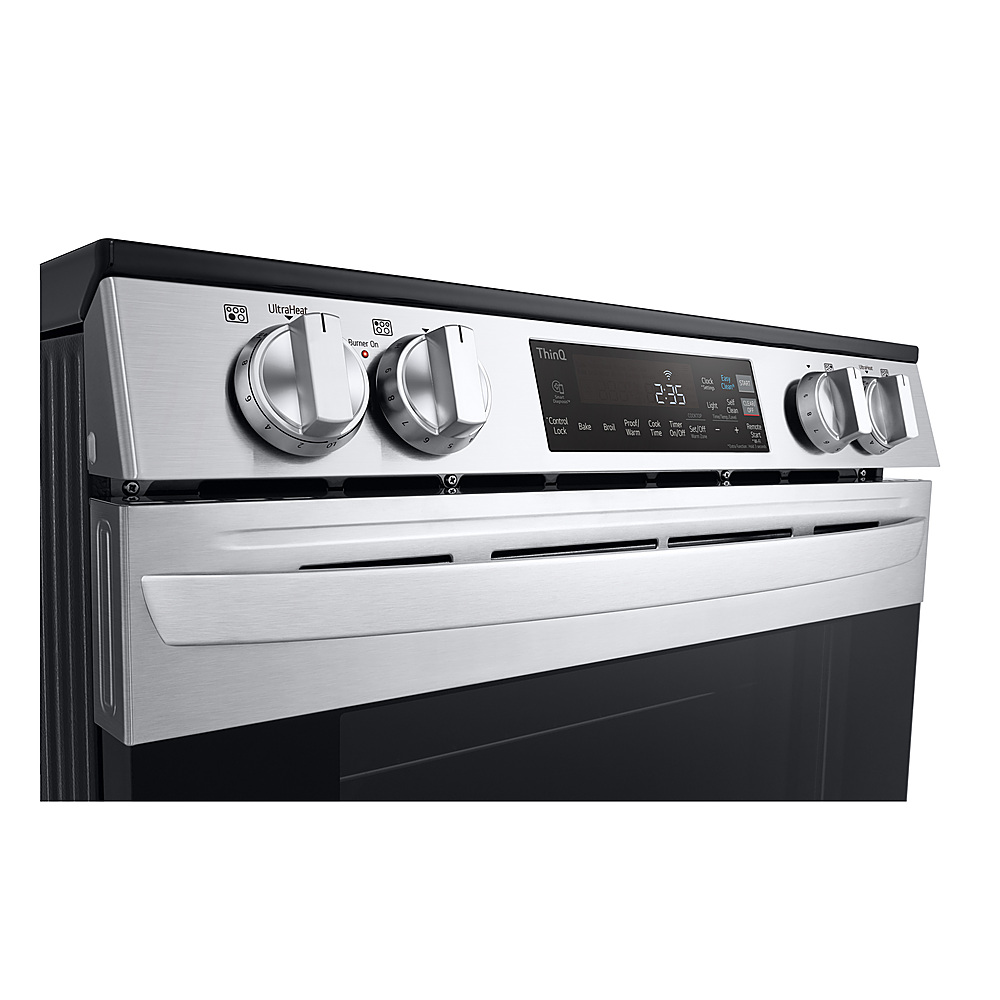
    • Answer Yes, this electric range has both EasyClean and a traditional self-clean cycle.
    This question and answer was generated by AI based on customer and product data.
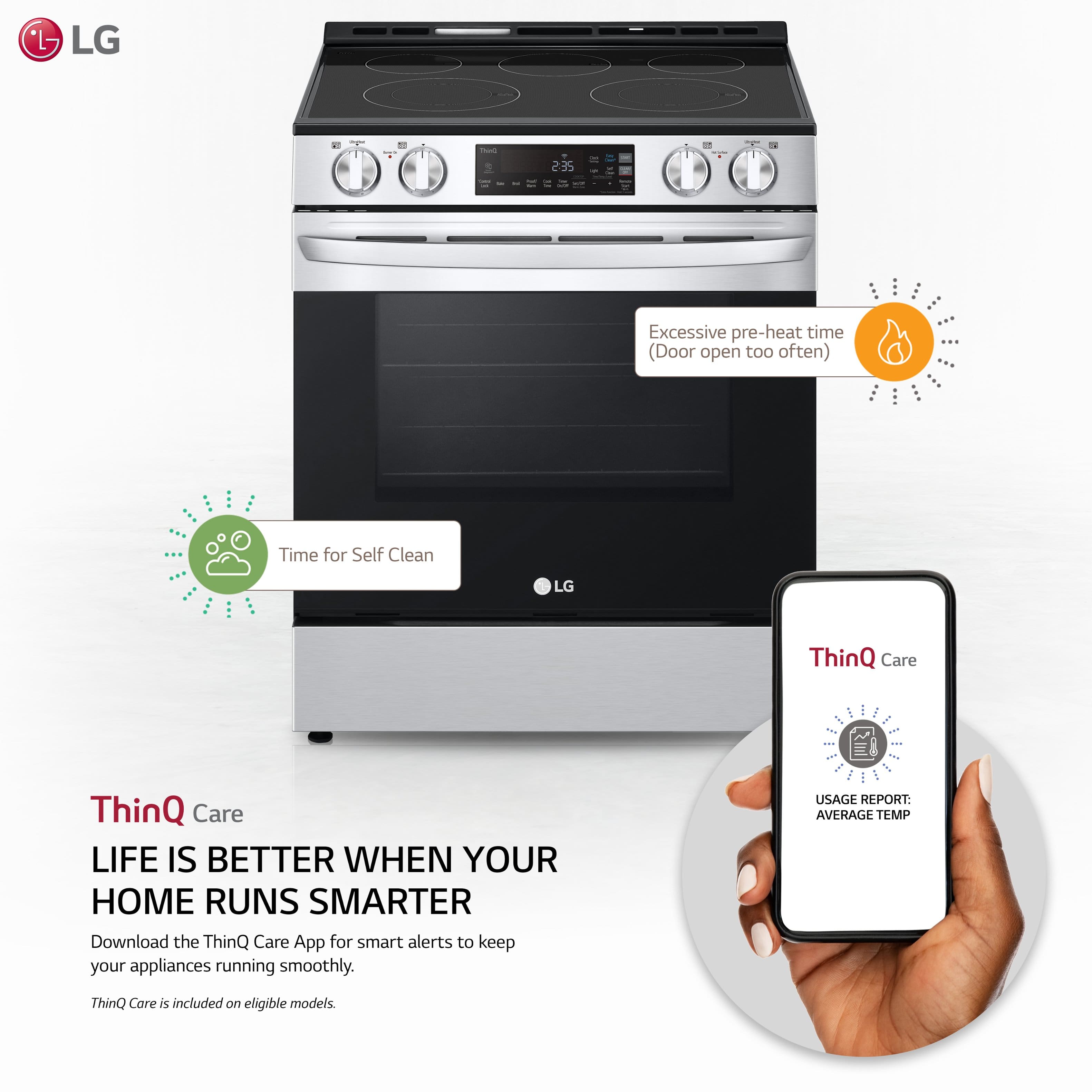
  • QuestionCan I control this range using a smart phone application?

    • Answer Yes, you can control this range using a smart phone application.
    This question and answer was generated by AI based on customer and product data.
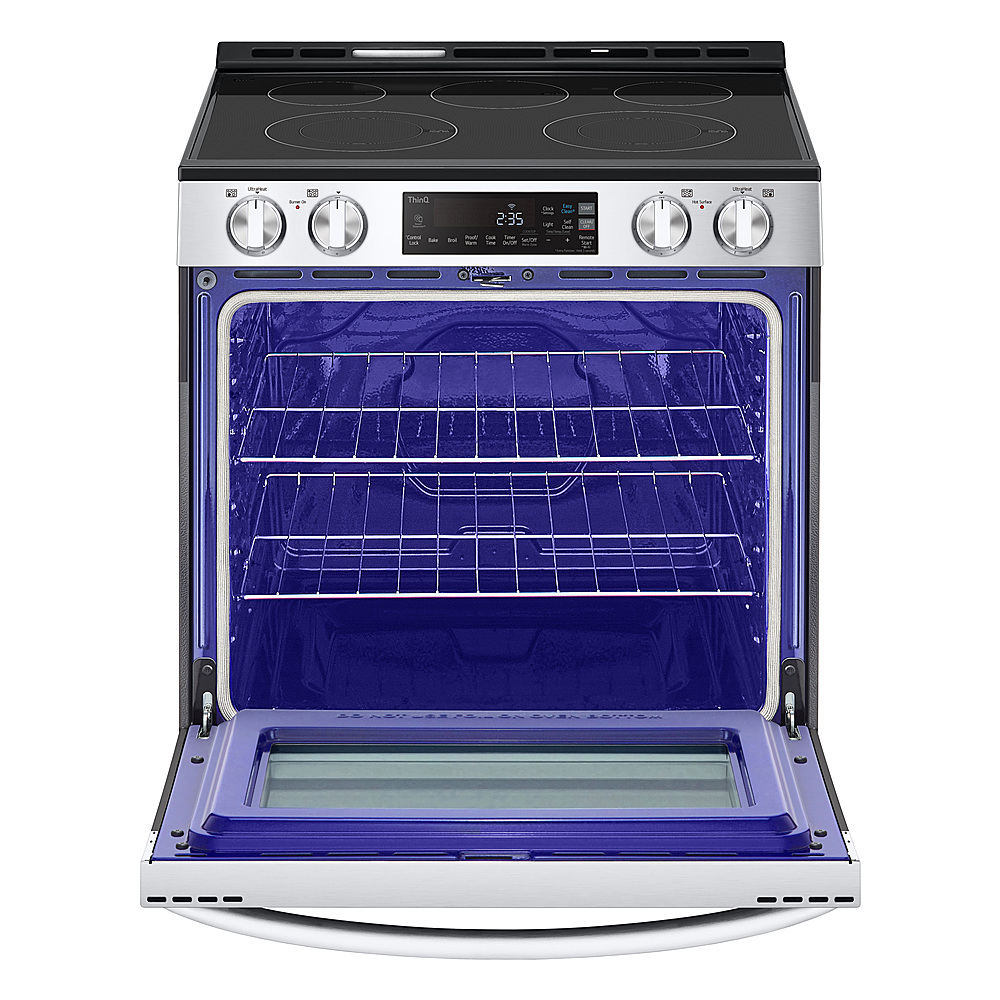
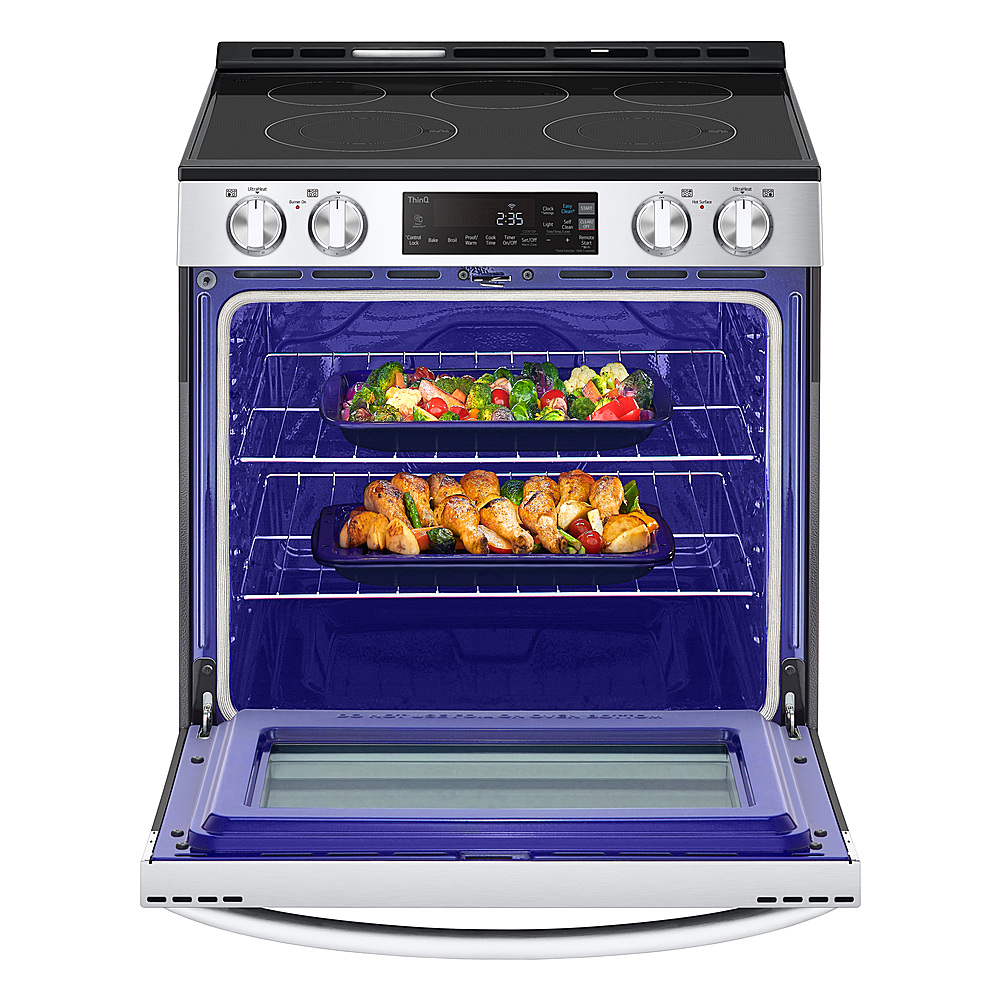
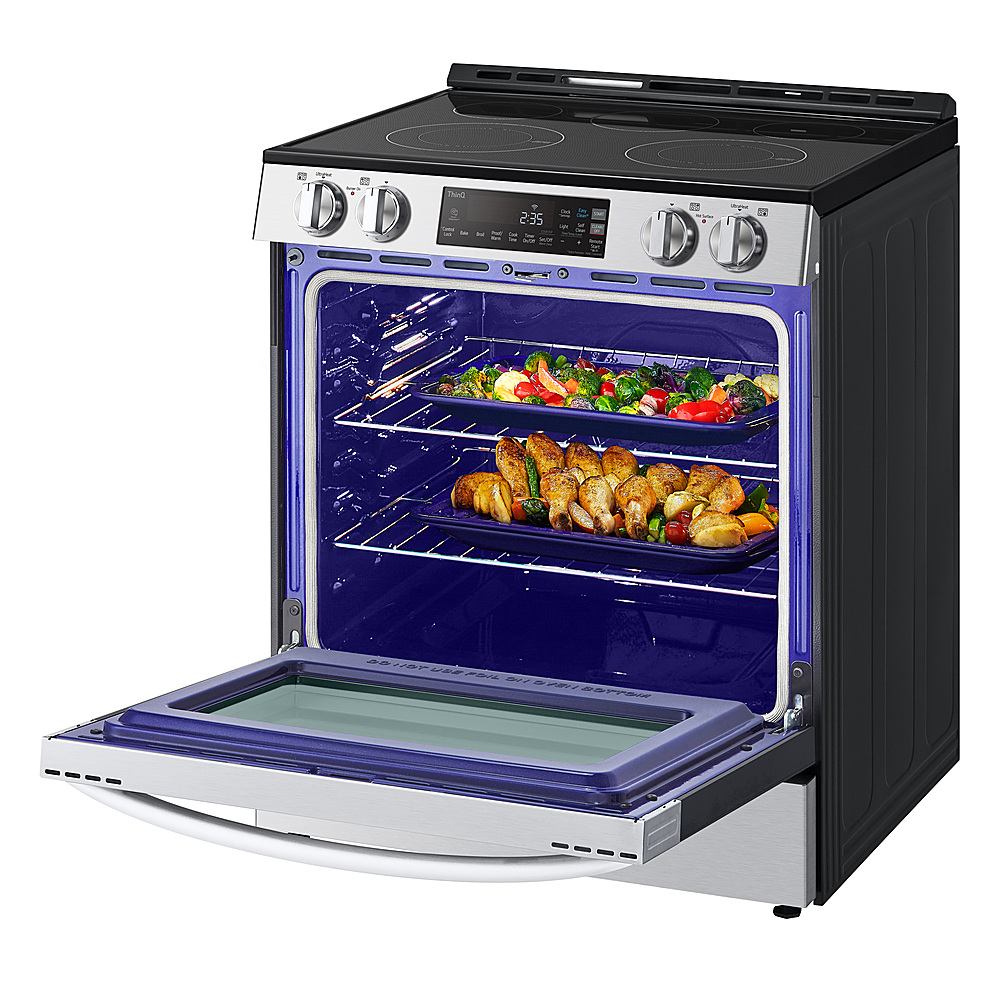
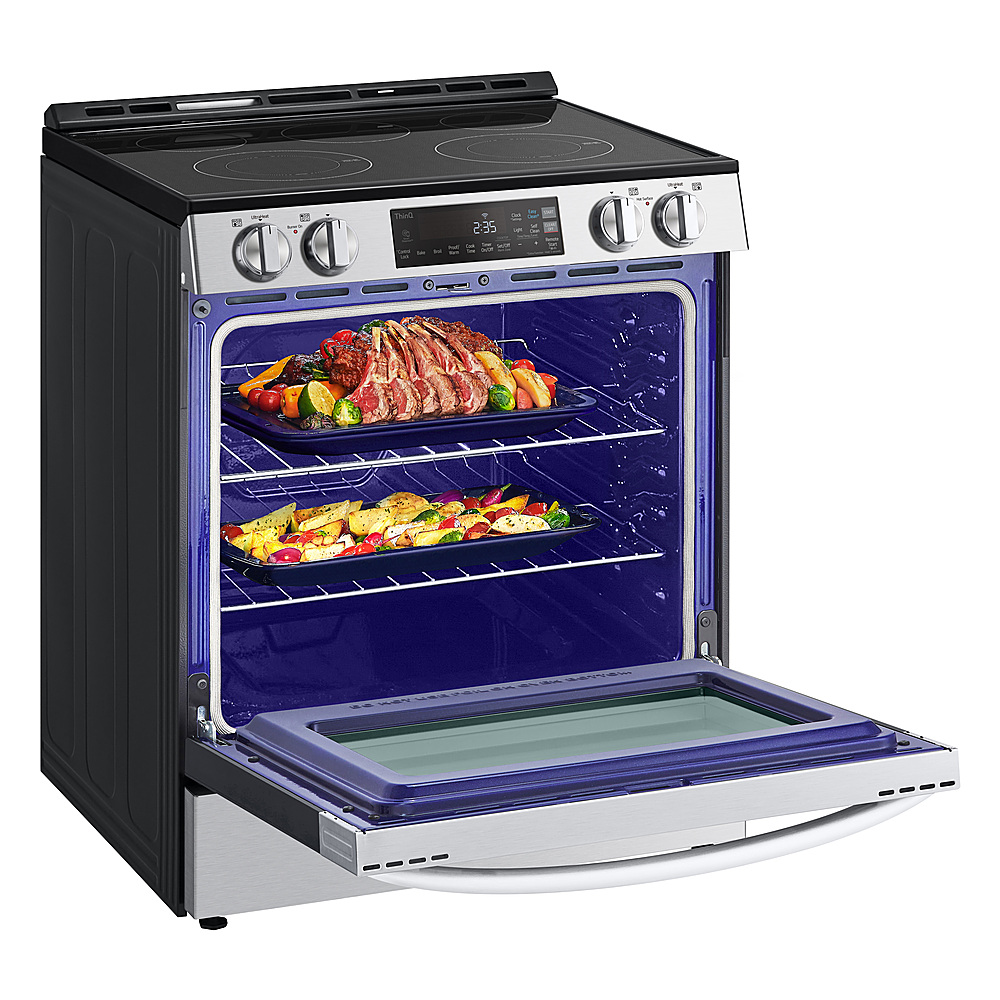
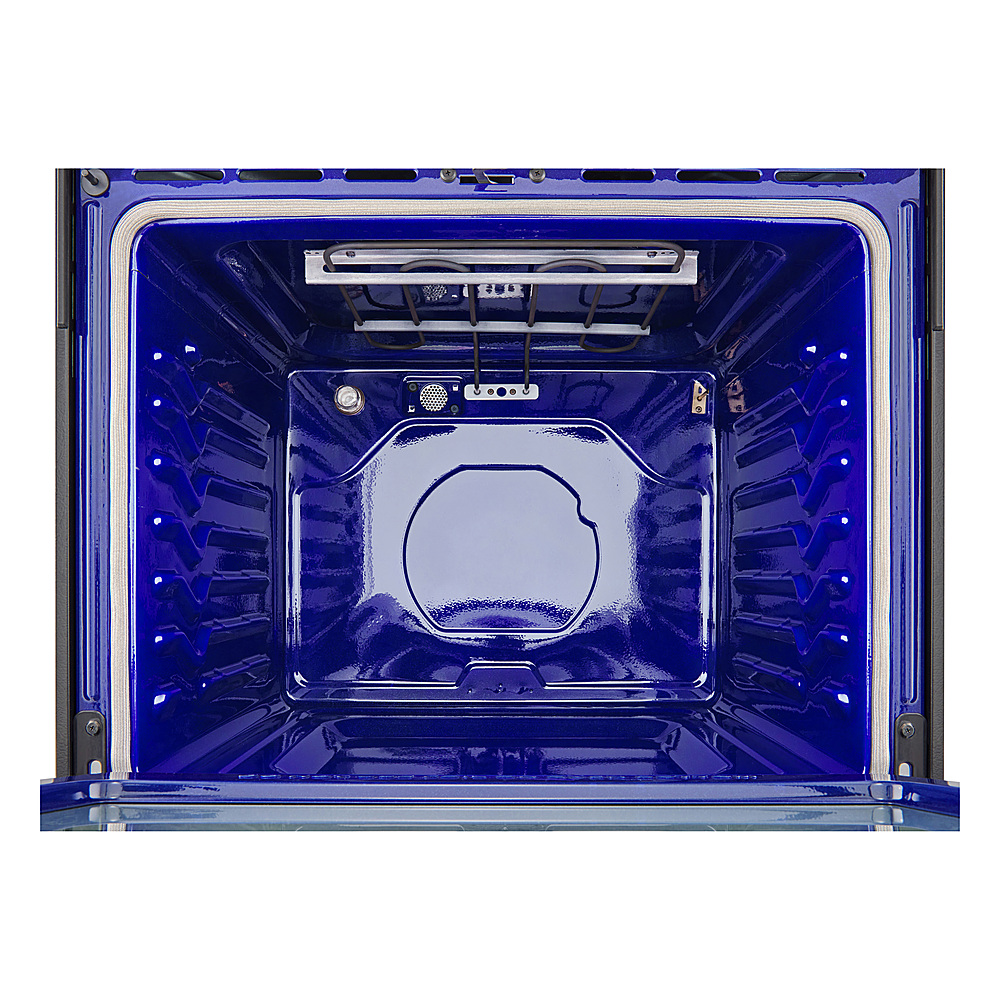
  • QuestionWhat is the capacity of the oven in this range?

    • Answer The oven capacity in this range is 6.3 cubic feet.
    This question and answer was generated by AI based on customer and product data.
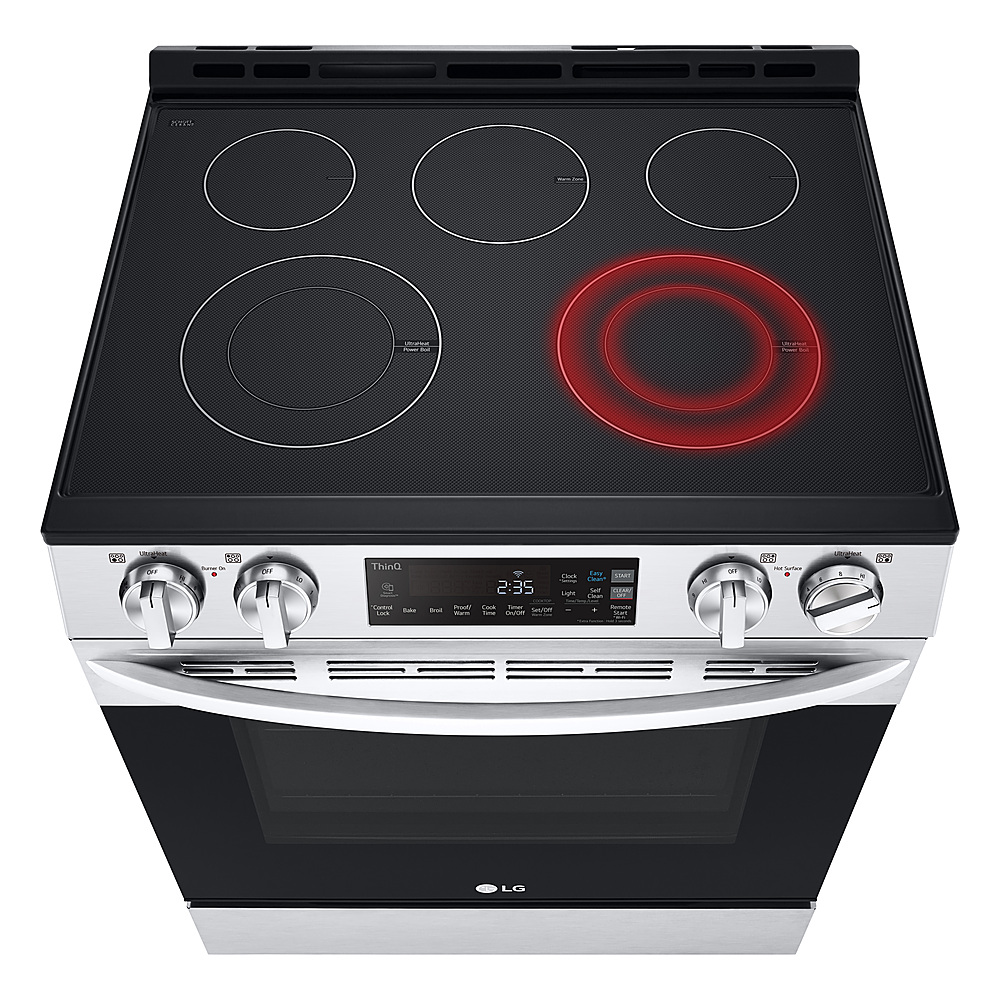
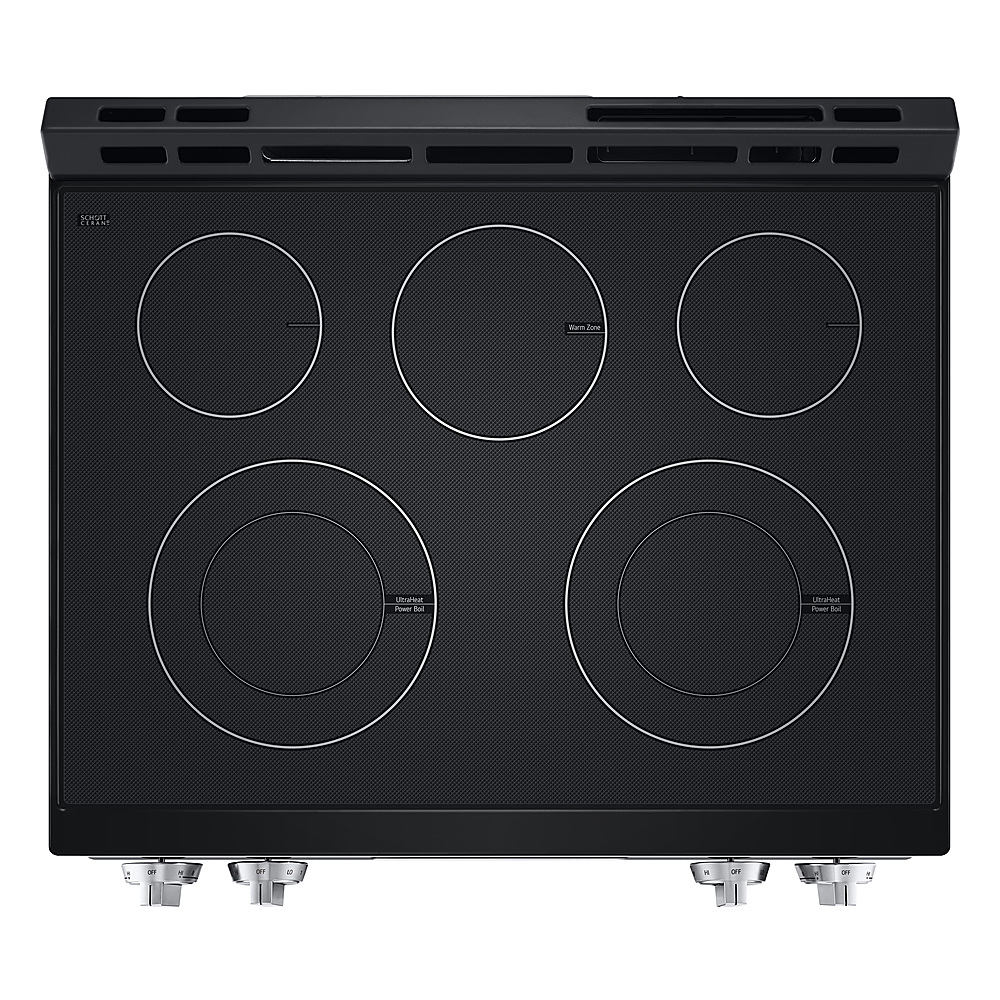
  • QuestionAre there hot surface indicators on the cooktop?

    • Answer Yes, there are hot surface indicators on the cooktop.
    This question and answer was generated by AI based on customer and product data.
  • QuestionWhere can I see this oven at a store in Myrtle beach, SC

    Asked by Jazzy.

    • Answer If the page that you are reviewing the LG 6.3 Cu. Ft. Smart Slide-In Electric Range with EasyClean® and ThinQ Technology - Stainless Steel, Model # LSEL6331FR, is not showing 'On Display', that means the product is not showcased on Best Buy's showroom floor. Between the shopping cart icon and 'Gift Ideas' in the top right corner of the product detail page, it will show which Best Buy store location you are currently on. If that is not a Best Buy store in Myrtle Beach, SC, click on the location that is showing, then click on 'Find Another Store', and on the page that opens up, enter your ZIP code in the 'Search by ZIP, City or State', then click 'Update to get a listing of stores in Myrtle Beach that you can check to see if they show 'On Display', or contact them with the listed phone numbers. Best Buy switches showroom models out frequently, so you will need to contact them for verification...^Ivan.

      Answered by LG Digital Customer Care