A:AnswerGO INTO SETTINS ,THEN GO ALL THE WAY DOWN UNTIL YOU SEE THE THREE DOTS UNDER THE LOCK THEN YOU WILL BE IN A DIFFERENT MENU GO OVER TO PICTURE MODE AND HAVE FUN ,LG TV'S TAKES SOME PLAYING WITH MY LAST ONE WAS A PLASMA BUT ONCE YOU GET THE HANG OF IT THERE GREAT AND SOLID TV'S. ALSO GO ON YOU TUBE AND TYPE IN THE MODEL NO. THERE ALOT OF INFO THERE TOO.
A:AnswerManufacturers package DLNA under different names on their TVs. On LG TVs and on the ENERGY STAR® Qualified LG - 60" Class (59.5" Diag.) - LED - 2160p - Smart - 4K Ultra HD TV with High Dynamic Range - Silver, Model # 60UH7700 it is packaged as "SmartShare"...^IFV
A:AnswerThis TV will do either HDR 10 or Dolby Vision depending on what it is being fed. It will use one or the other automatically based of the media.
A:AnswerA better way with this TV is to setup the LG software (easy after install) and you can wirelessly beam your Notebook screen to the TV. No wires just show the PowerPoint from your Notebook on the TV. You can download the LG software from the website.
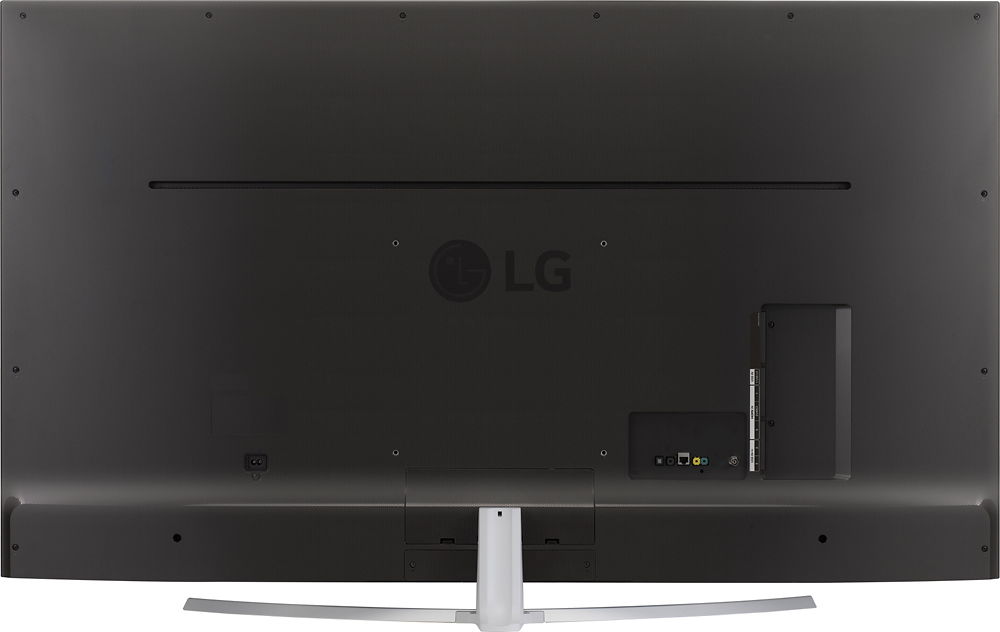
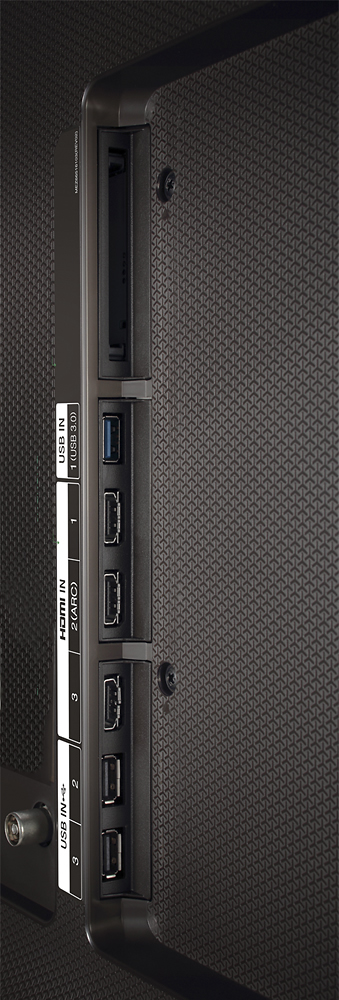
A:Answeri had to buy a new bluray player because my tv dont have the convental red, yellow, white cable hook up. and have to get a new surround sound system. so check all your connections before purchase