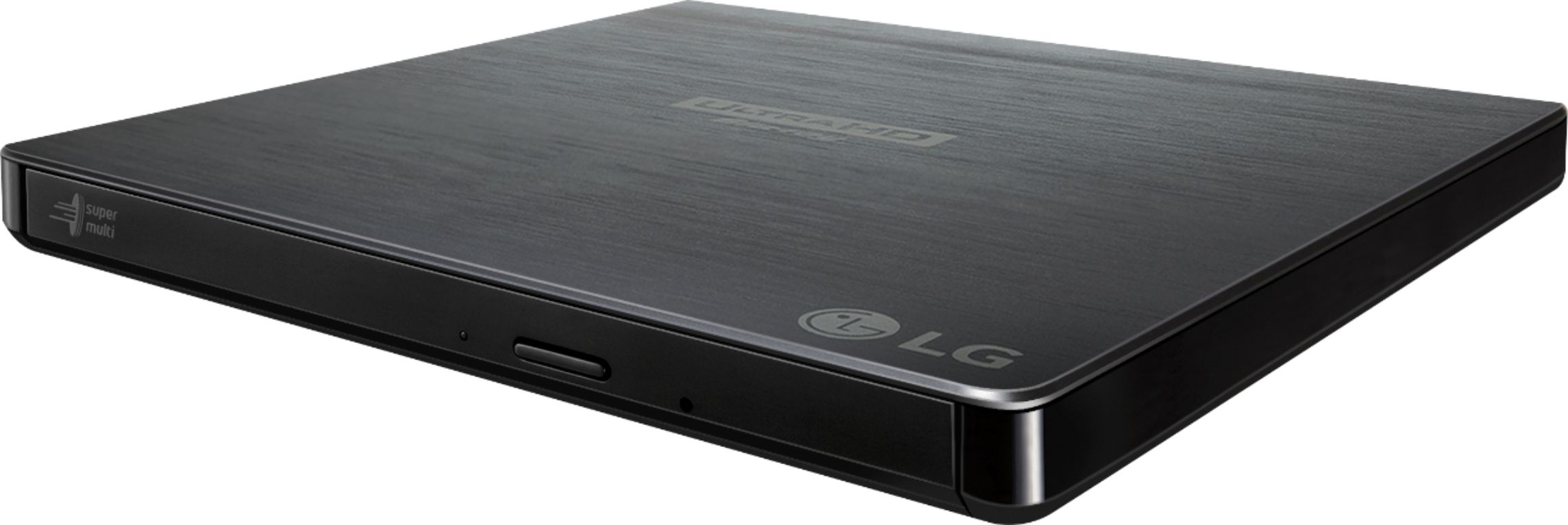
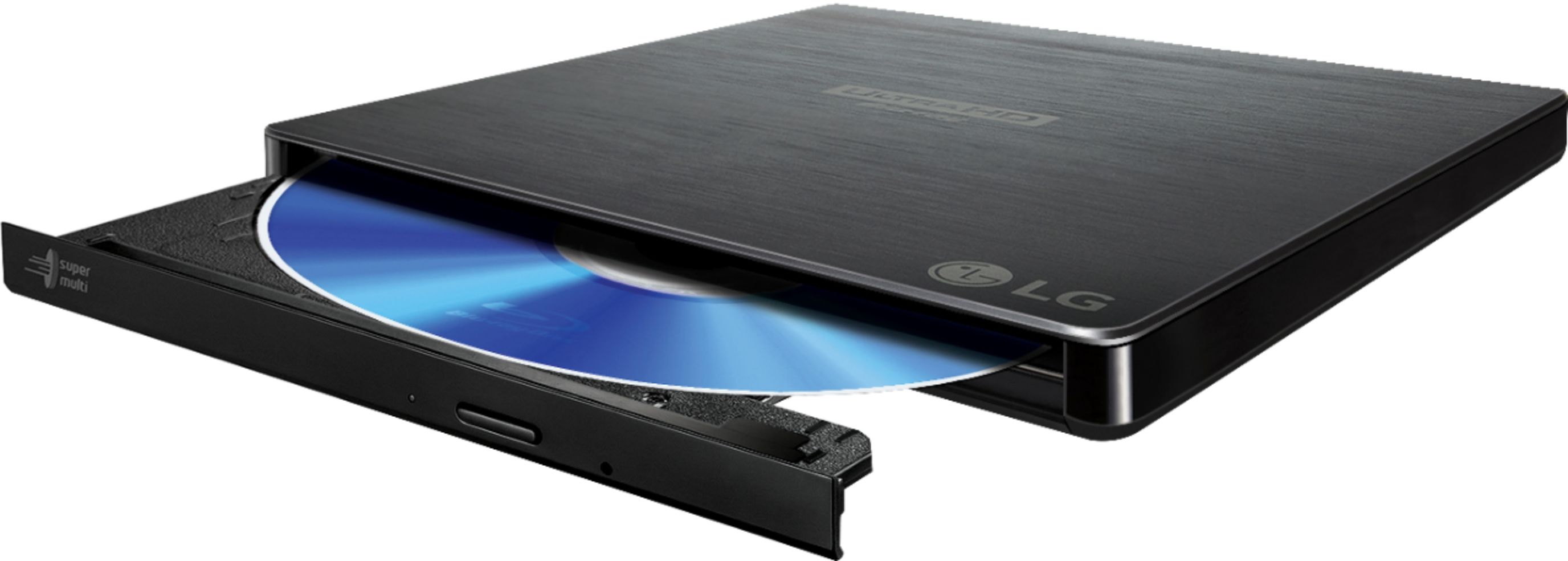
A:AnswerHi there, Lori! Thank you for sharing your question to us about the LG External Drive (BP60NB10). This model features a compact design with measurements of 0.6 inches in height, 0.59 inches in depth, and 5.7 inches in width, making it a convenient option for portable use. You can explore the full feature list and support details here: https://www.bestbuy.com/product/lg-6x-external-blu-ray-disc-double-layer-dvdrw-cd-rw-drive-black/JXTZZLC8F8. If you need further assistance, please feel free to email us at [email protected].
- Avril
A:AnswerThank you for your interest in the LG Slim Portable. Yes, the LG BP60NB10 6X Ultra HD 4K Blu-ray Burner External Drive is compatible with Windows 11 Pro. You can download this website for more options and for more information: https://www.lg.com/us/burners-drives/lg-bp60nb10-external-blu-ray-dvd-drive. If problem persist, please reach out to us on social media @LGUSSupport so we can help you further. ^Cris
A:AnswerThank you for reaching us regarding LG Slim Portable. No, the LG BP60NB10 Blu-ray player is not inherently all-region or region-free out of the box. If problem persist, please reach out to us on social media @LGUSSupport so we can help you further. ^Cris
A:AnswerThank you for your interest in the LG Slim Portable Blu-ray / DVD Writer & 3D Blu-ray Disc Playback & DVD M-DISC™ Support (BP60NB10) model. The LG BP60NB10 Slim Portable writer can write to Blu-ray discs and has a 6x BD-R write speed, allowing you to record up to 100GB of files, photos, and business documents onto a BDXL disc. It also supports M-DISC and has USB 2.0 connectivity for easy use. You can visit this website for more information: https://www.lg.com/us/burners-drives/lg-bp60nb10-external-blu-ray-dvd-drive. ^Cris
A:AnswerThank you for your interest in the LG Slim Portable Blu-ray / DVD Writer & 3D Blu-ray Disc Playback & DVD M-DISC™ Support (BP60NB10) model. The LG BP60NB10 external Blu-ray/DVD drive is not directly compatible with an iPad. It can be used with Windows and Mac computers that meet the system requirements. Please contact our Support Center at (800) 243-0000 for assistance with where you can get a PDF file for a copy of the owner's manual for the LG UHD 3D Blu-ray Disc Playback & M-DISC™ Support, Model # BP60NB10. ^Cris
A:AnswerThank you for your interest in the LG Slim Portable Blu-ray / DVD Writer & 3D Blu-ray Disc Playback & DVD M-DISC™ Support (BP60NB10) model. No, the LG BP60NB10 Slim Portable Blu-ray / DVD Writer is not designed to read SACD (Super Audio CD) discs. It supports various disc formats, including Blu-ray, DVD, and CD. ^Cris
A:AnswerWhat disc format are your PlayStation 3 game discs in? As indicated in its title, the LG 6x External Blu-ray Disc Double-Layer DVD±RW/CD-RW Drive & M-DISC™ Support - Black, Model # BP60NB10 will read DVD±RW/CD-RW discs, and it will also read BD-ROM (SL/DL), BD-R (SL/DL), BD-R (SL/LTH), BD-RE (TL), DVD-ROM (SL/DL), DVD-R (SL/DL), DVD-Video (CSS Compliant Disc) (SL/DL), CD-DA, BD-ROM (UHD DL/TL), BD-RE (SL/DL), BDMV (AACS Compliant Disc) (SL/DL), DVD+R (SL/DL), DVD-RAM, and CD-R/RW/ROM discs...^Ivan
A:AnswerIf you are attempting to play them on a system that doesn't do UHD, then probably not as you won't be able to see anything anyway. Even if the player spins up the disc, you'll have no idea what it's outputting.
A:AnswerI'm guessing that it does. It mentioned my region when I first played a movie with it. So it probably locked me into this region. I looked up this subject a long time ago - I think they all limit you to 2 or 3 region changes. After that, you're stuck with the last one. You should research this. Good luck!
A:AnswerThis drive is designed for use with a laptop or desktop computer. The video files would need to be on your computer to transfer to a disc. If you have additional questions regarding our drives, give our computer specialists a call at 800-243-0000. ^CP