Questions & Answers
No content





- Model:
- 75UN7070PUC
- |
- SKU:
- 6417303
Highly rated by customers for: Picture Quality, Ease of use, Price
Page Showing 141-146 of 146 questions
Q: Questionwhat is the power rating.....is this auto volt
Asked by tony.
- A:Answer The power requirement for the LG UHD 70 Series 75 inch 4K HDR Smart LED TV, Model # 75UN7070PUC is 120 VAC, 50/60Hz...^IFV
Answered by LG Digital Customer Care

Q: Questioncan this tv be mounted outside permanently?
Asked by outside.
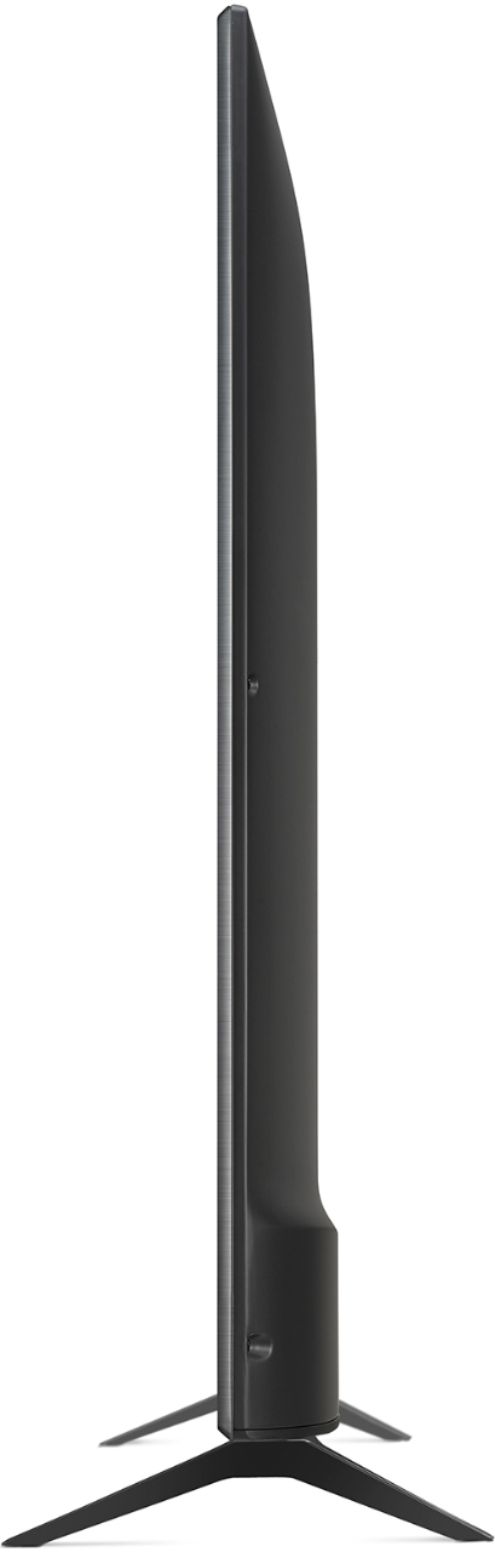
- A:Answer The LG UHD 70 Series 75 inch 4K HDR Smart LED TV, Model # 75UN7070PUC is not designed for outdoor use. It is designed for indoor use only...^IFV
Answered by LG Digital Customer Care
Q: QuestionIs this 100-240V power supply?
Asked by Fernando.
- A:Answer The power requirement for the LG UHD 70 Series 75 inch 4K HDR Smart LED TV, Model # 75UN7070PUC is 120 VAC, 50/60Hz. It is not a dual voltage TV...^IFV
Answered by LG Digital Customer Care
Q: QuestionIs it Bluetooth capable
Asked by Jaywalk.
- A:Answer This TV does not have Bluetooth connectivity. ^Daphane
Answered by LG Digital Customer Care
Q: QuestionHow do you change the aspect ratio? Also how do you pair with Alexa?
Asked by Shirley.
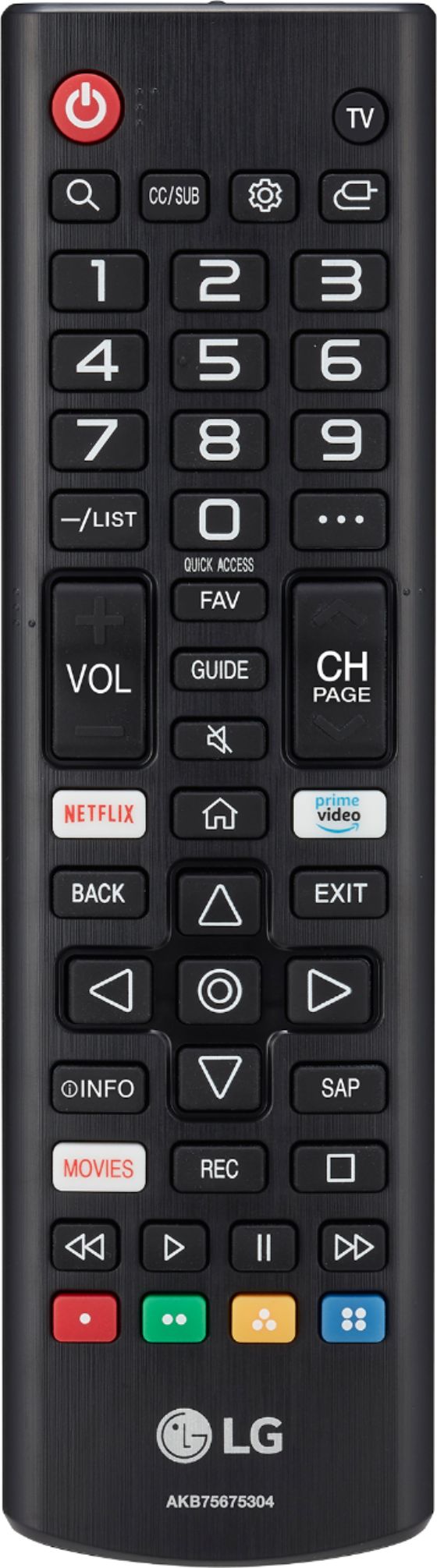
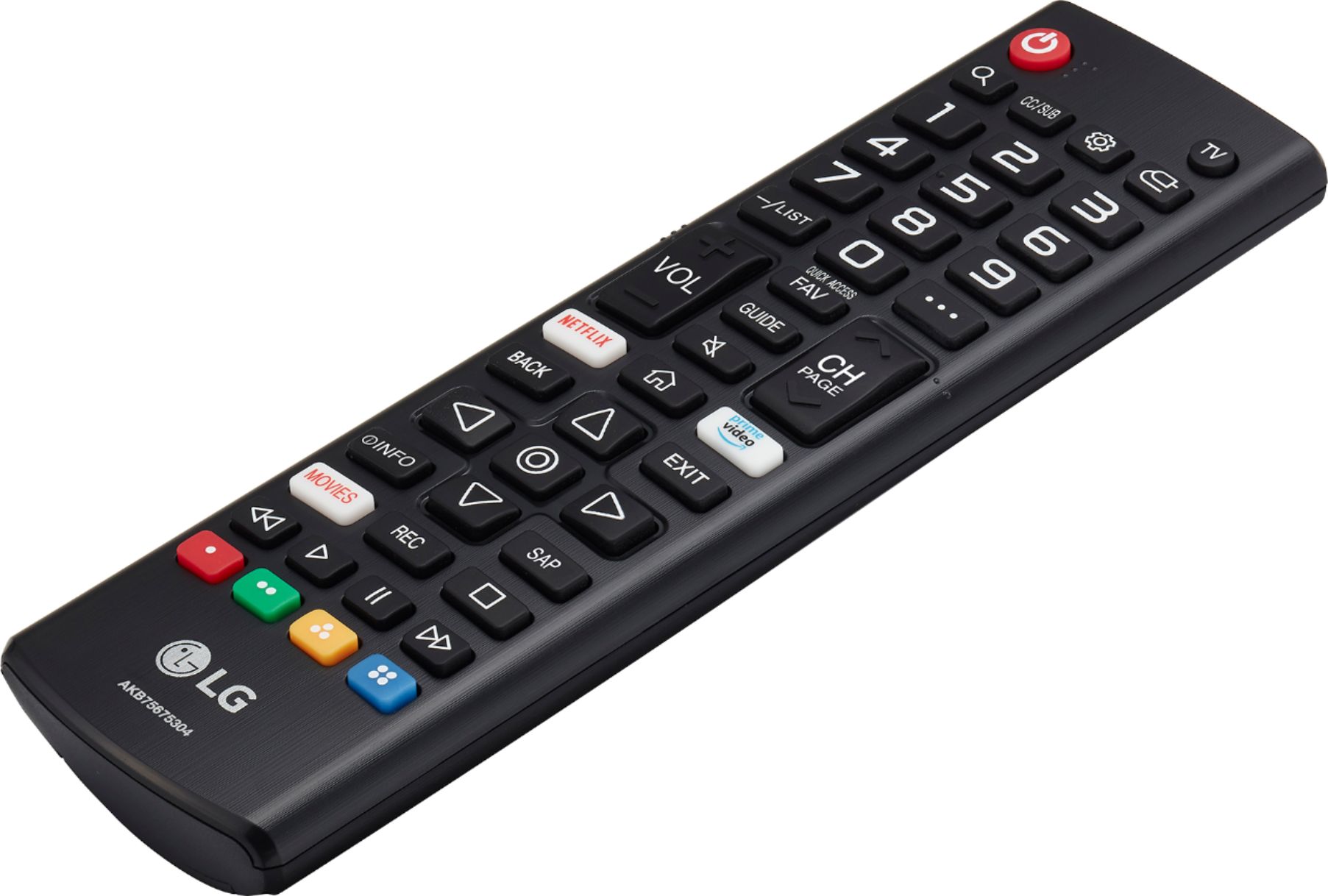
- A:Answer You have to access the settings menu for the LG UHD 70 Series 75 inch 4K HDR Smart LED TV, Model # 75UN7070PUC to change the Aspect Ratio. On the remote control, press Settings, then on the TV, press Advanced Settings > Aspect Ratio Settings > Aspect Ratio. To pair with Alexa, you will need to press the Home button on the remote control and launch the "Set Up TV for Alexa" app on the TV, then follow the setup guide on the TV to complete the TV registration. You have to create an LG Account from Settings > General > Account Management in the TV or from the LG Mobile App (SmartThinQ) which you can download and install on your smartphone from the Google Play Store or iTunes Store. Once your TV is properly registered, you need to setup your Alexa device. Turn the Alexa device on, the light ring turns blue then orange. When the light turns orange, Alexa greets you. Follow the guided instructions in the app to connect your Alexa device to your Wi-Fi network. Then you need to link Alexa and the LG ThinQ together. LG supports both Smart Home Skill and Custom Skill. You can choose to enable Smart Home Skill (LG ThinQ – Basic), Custom Skill (LG ThinQ - Complete (Smart Appliance and TV)), or both to control LG ThinQ appliances. Smart Home Skill supports 4 devices: Air Conditioner, Air Purifier, Robot Cleaner, and TV with web OS 4.0 operating system. Custom Skill supports 9 devices: Washer, Dryer, Refrigerator, Air Conditioner, Air Purifier, Range, Robot Cleaner, Dishwasher and TV with web OS 4.0 operating system. • Open Alexa App.• Search for "LG ThinQ". • Select Skill you would like to enable. • Select "Enable". • Sign in with LG account. There are two ways to continue discover your device. 1) Using the Alexa App, • Open the Alexa App. • Select "Smart Home" from the Menu. • Select "Add Devices" in the Devices tap.. You can also use Alexa • Say "Alexa, Discover Devices". After the discovery, you can control LG appliances with your voice...^IFV
Answered by LG Digital Customer Care
Q: Questiondoes this tv have an RCA Audio out?
Asked by Anonymous.
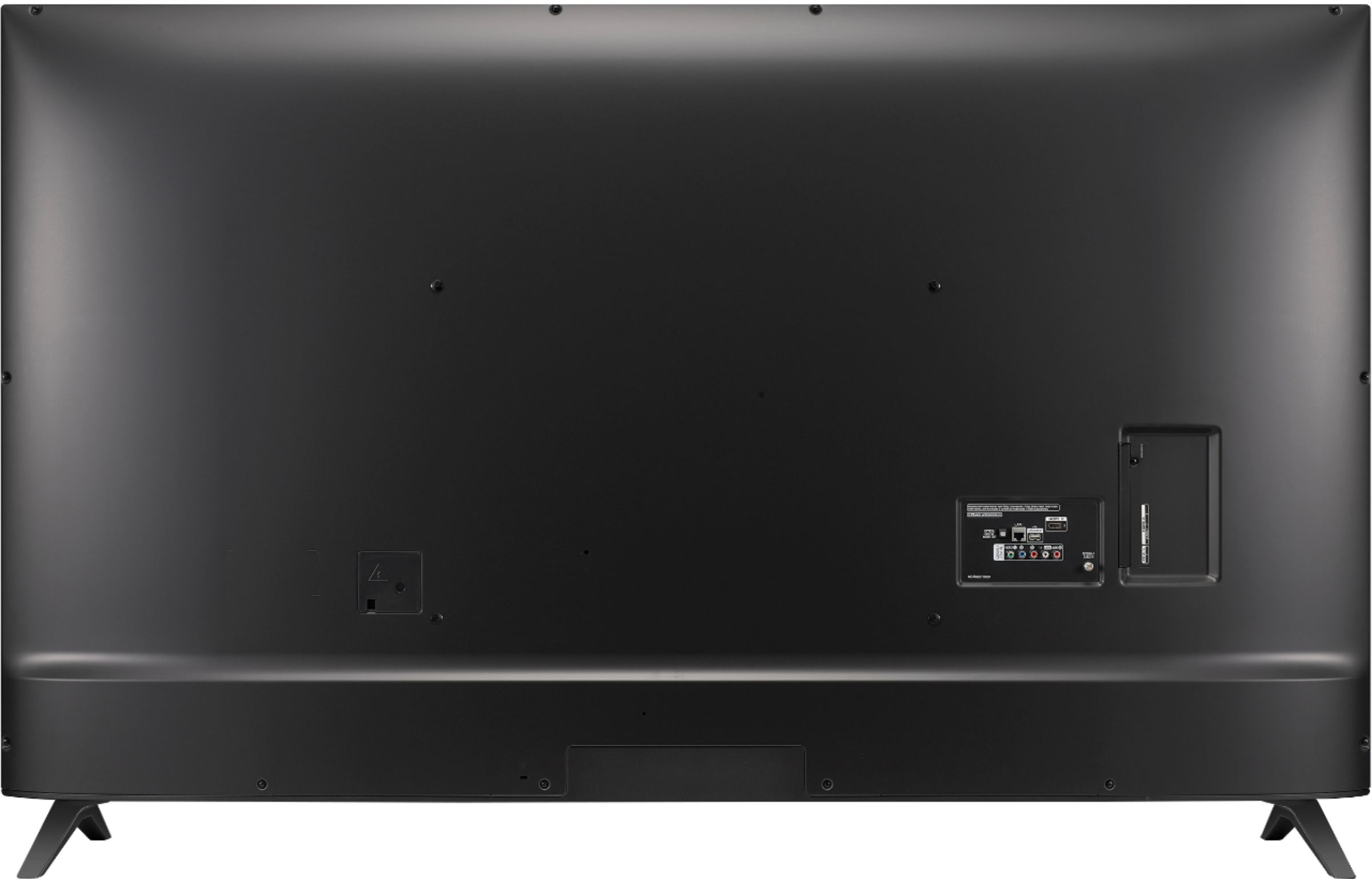
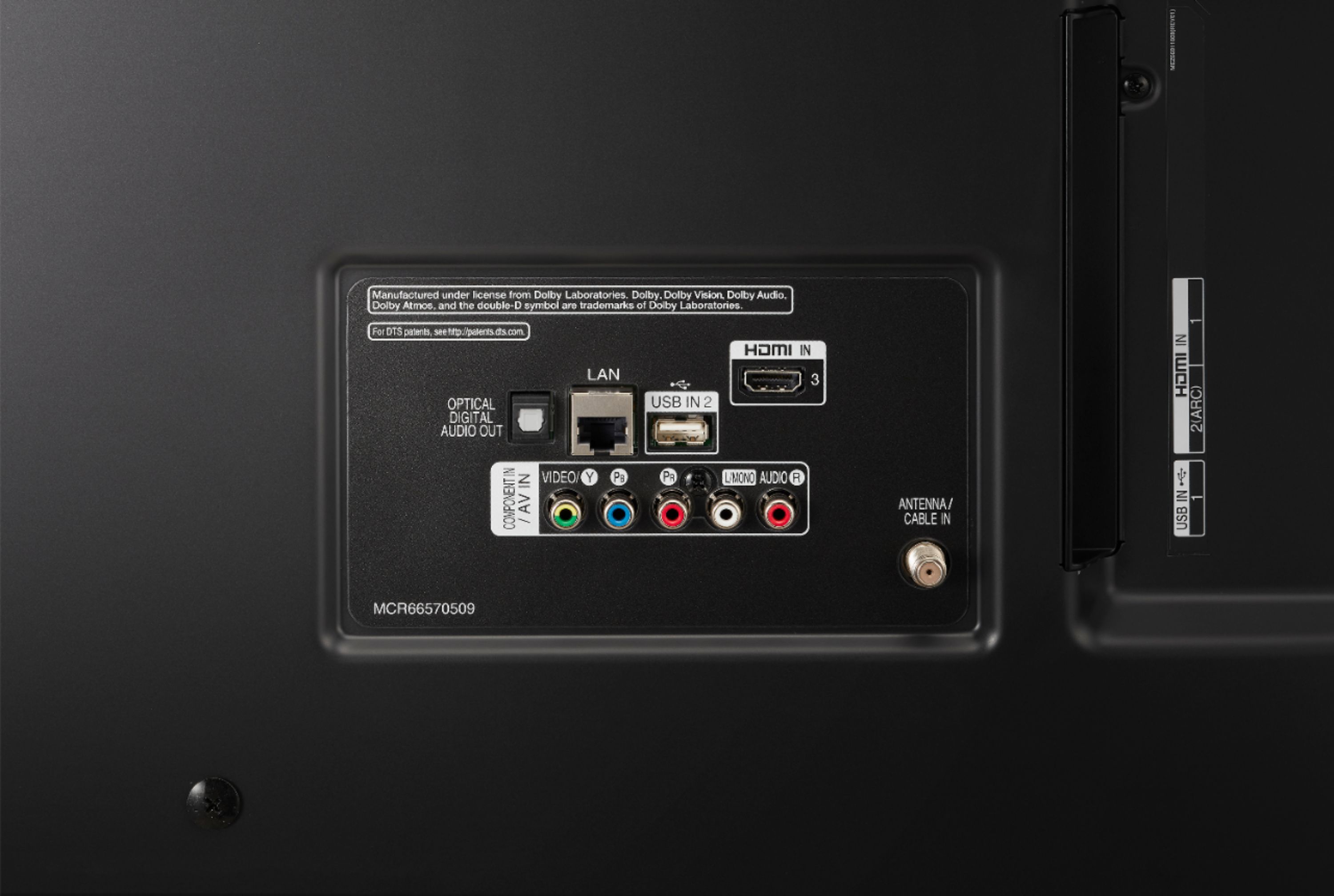
- A:Answer The LG UHD 70 Series 75 inch 4K HDR Smart LED TV, Model # 75UN7070PUC does not have an RCA Audio Out. It has an Optical Digital Audio Out and if you need to connect the TV to external devices with RCA Audio In ports, you will need to purchase a Digital/Analog Converter that will connect to the Optical Digital Audio Out on the TV and that you can connect to RCA Audio Inputs...^IFV
Answered by LG Digital Customer Care