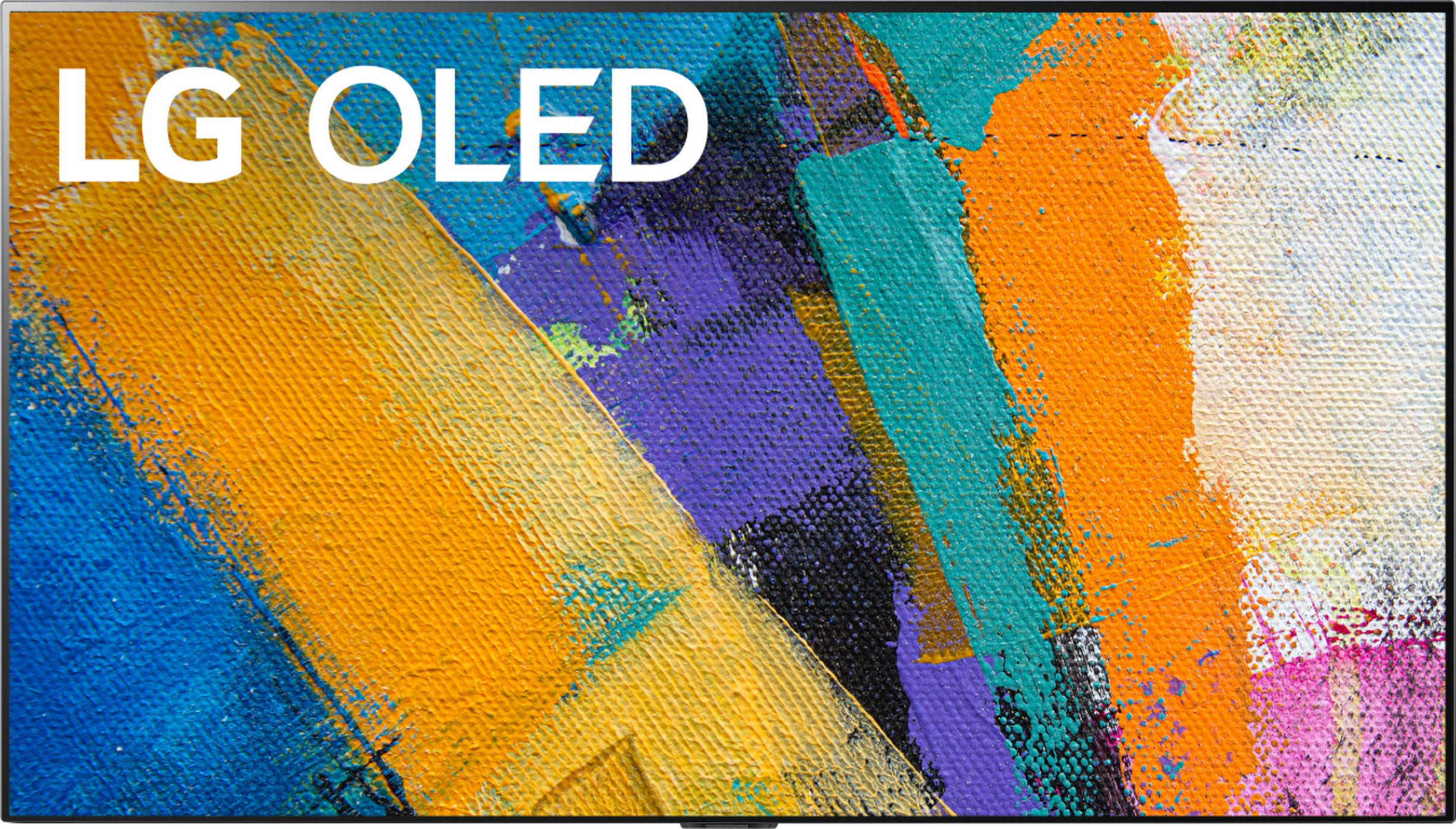
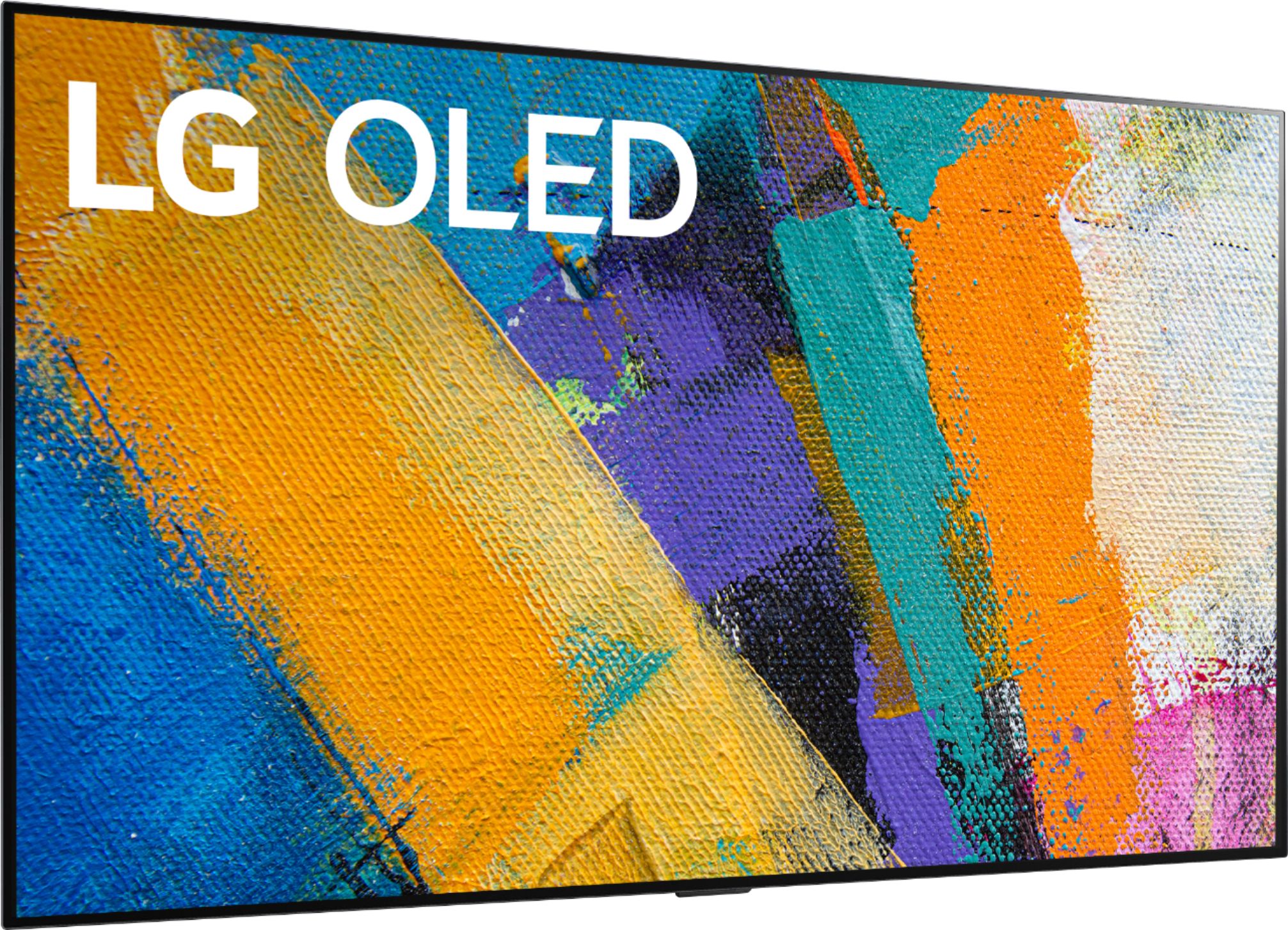
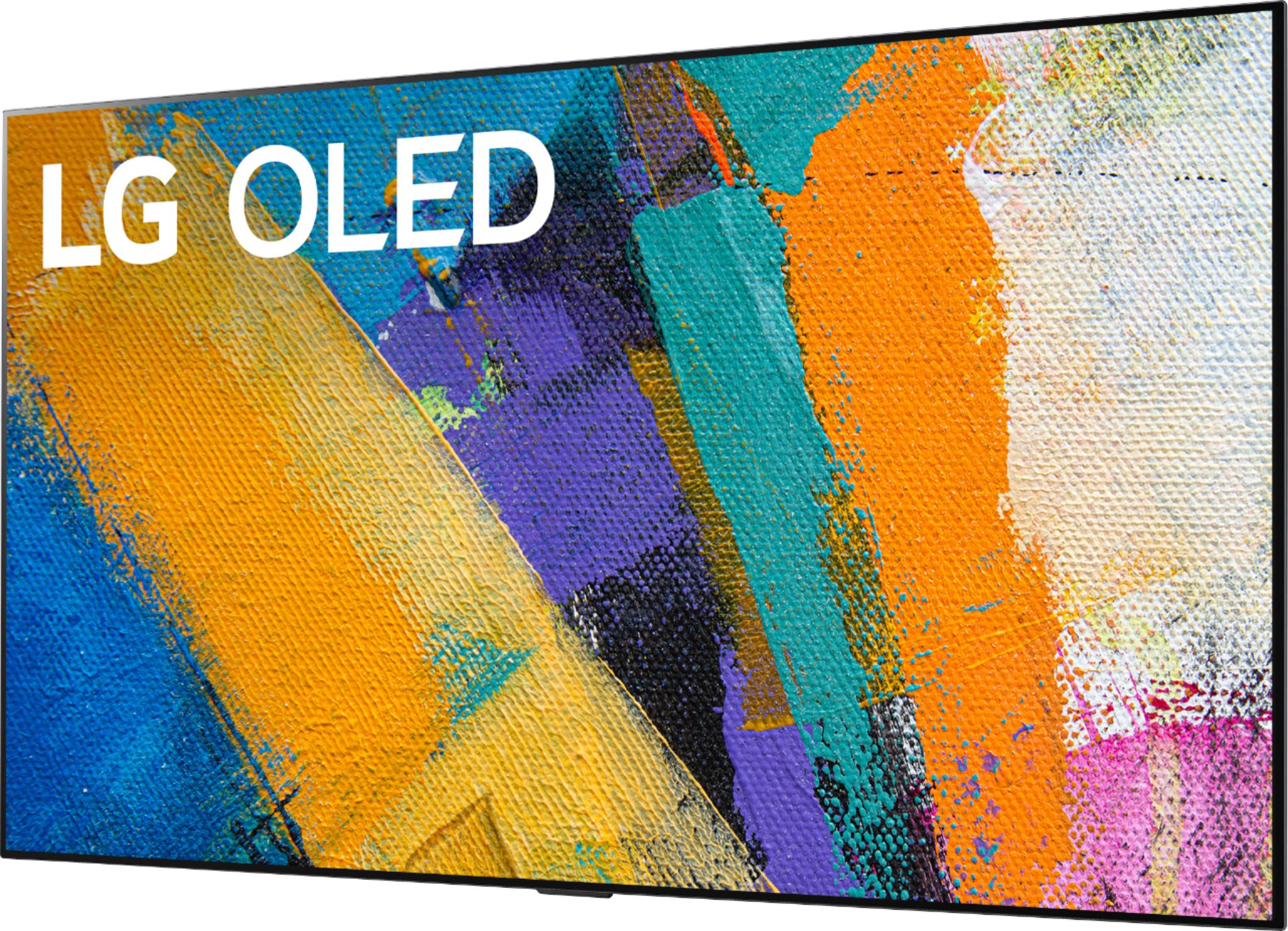
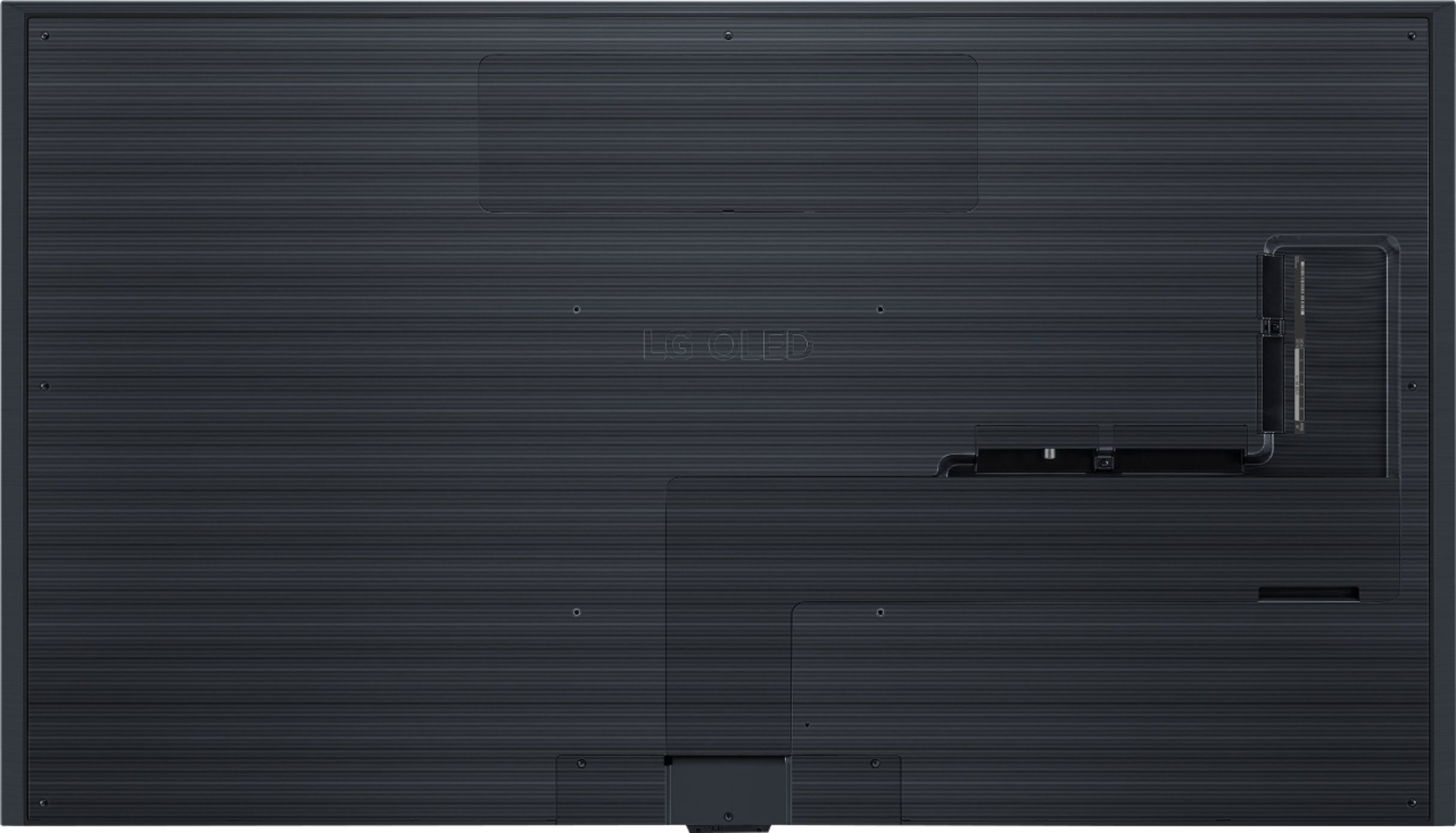
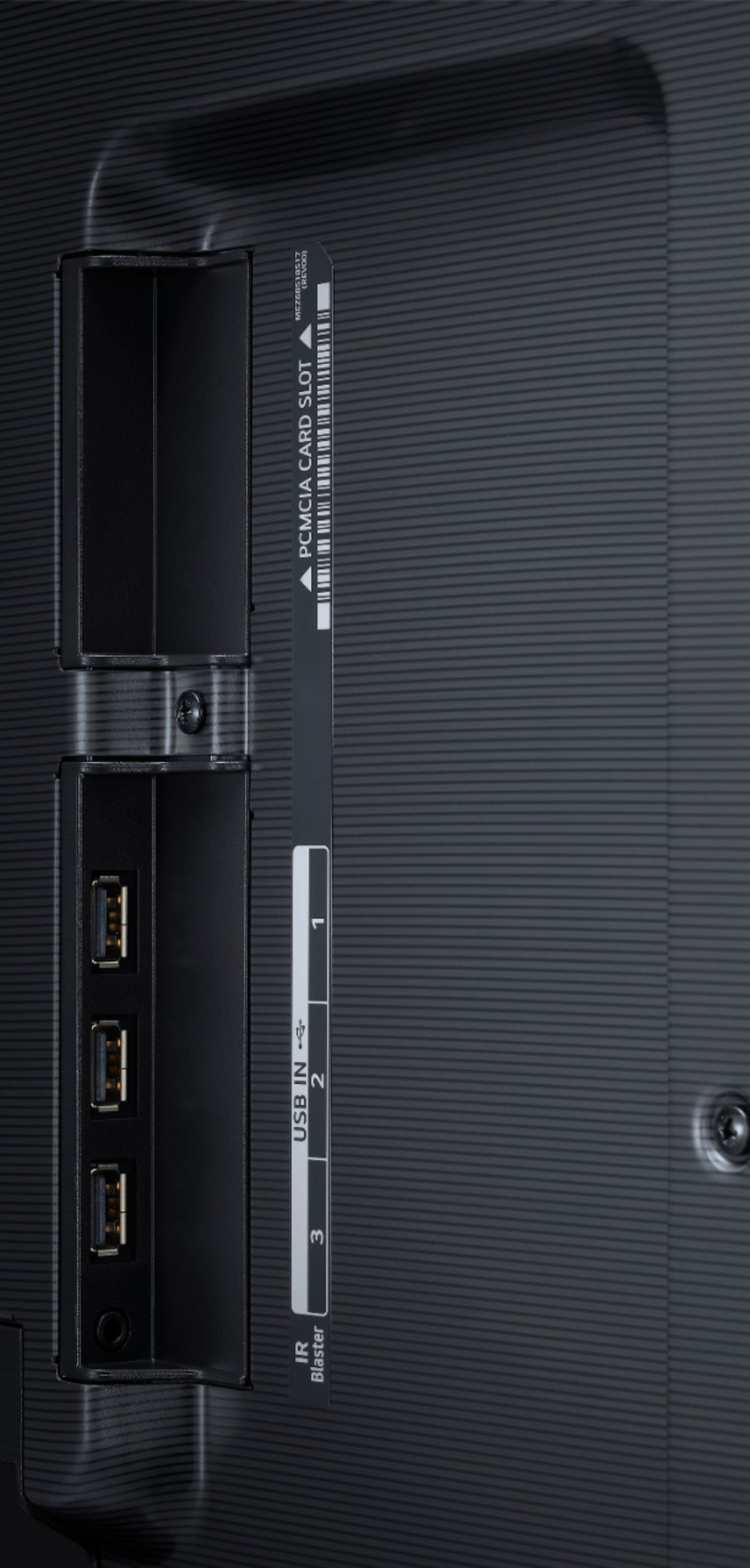
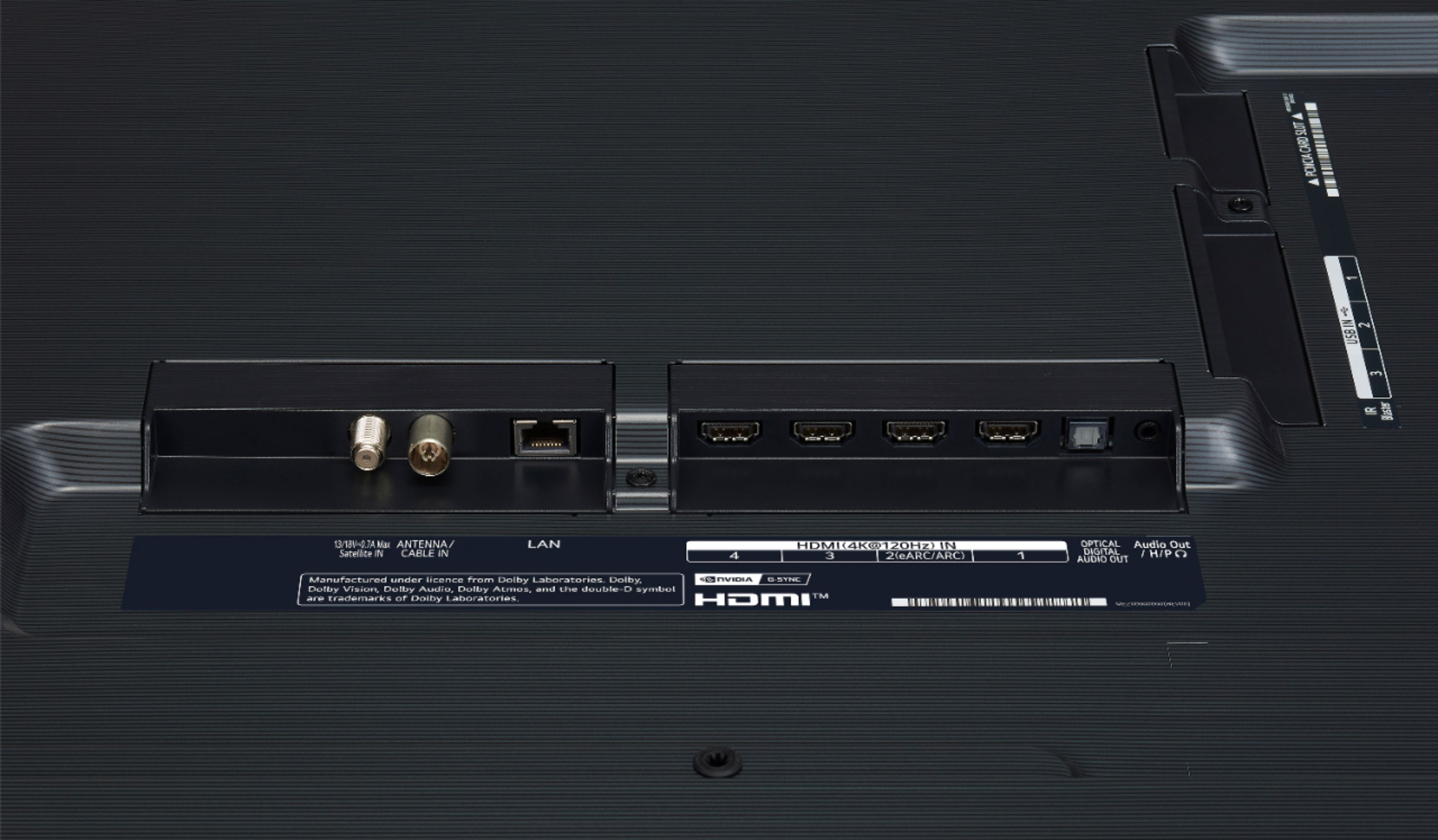
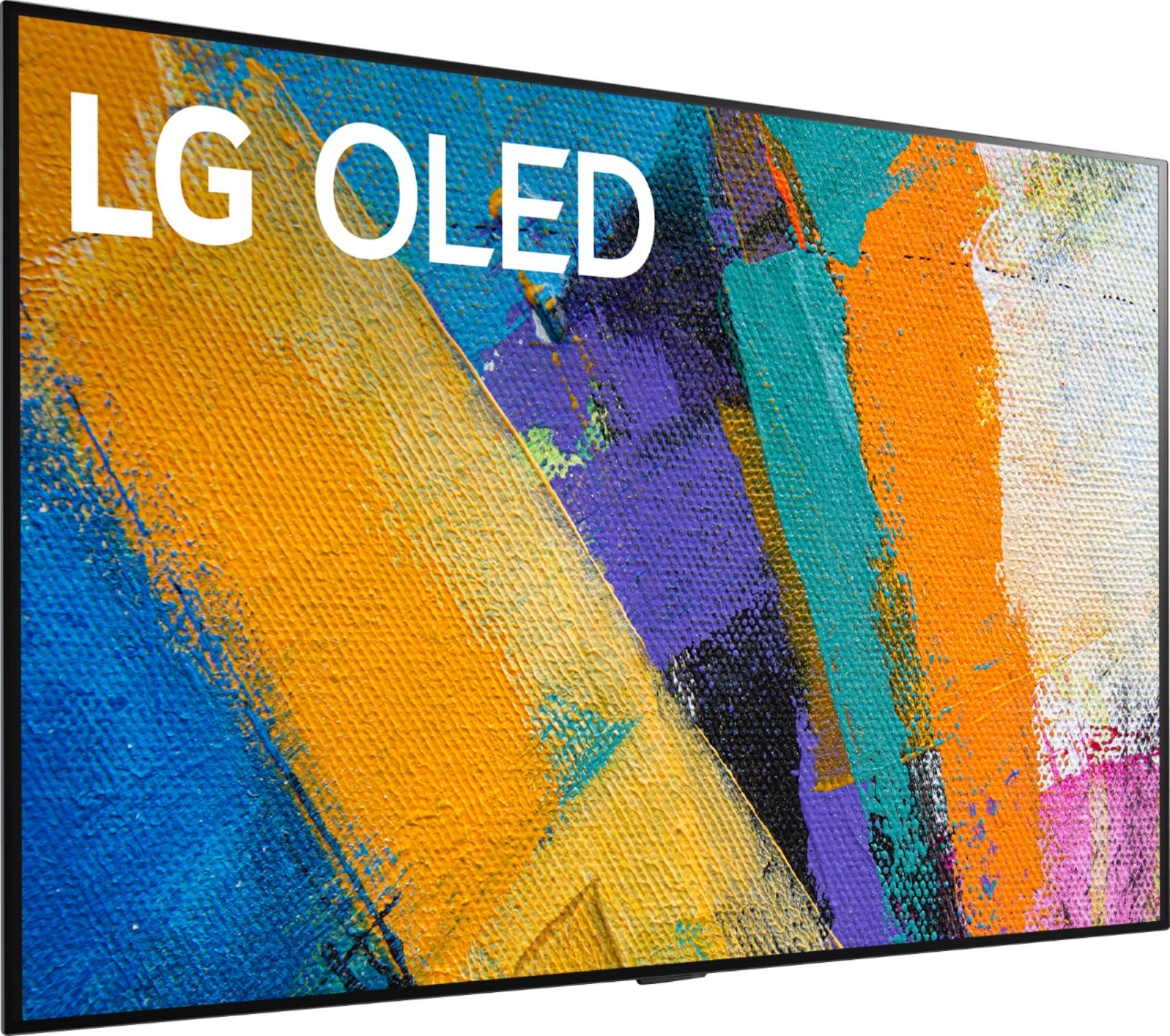
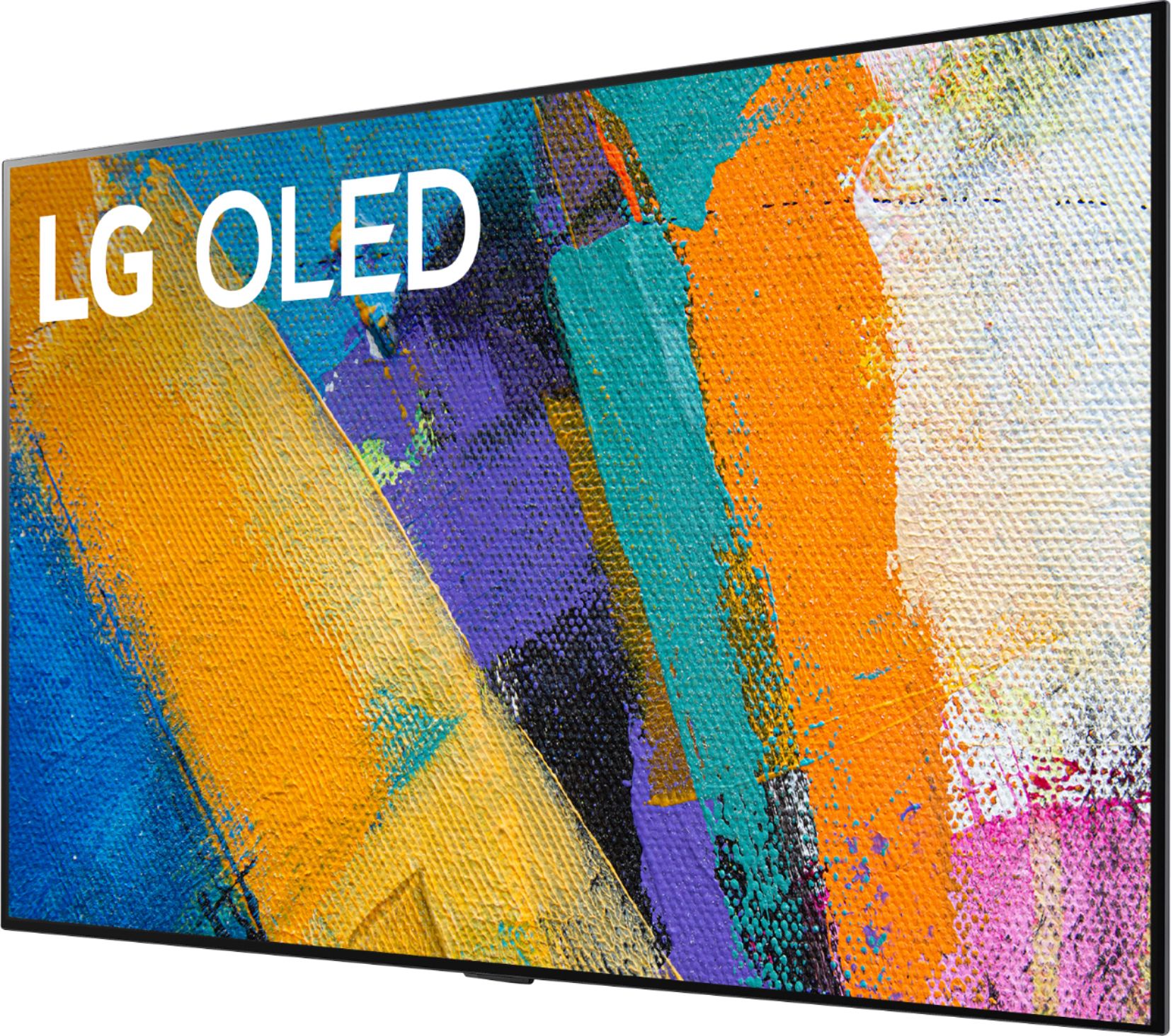
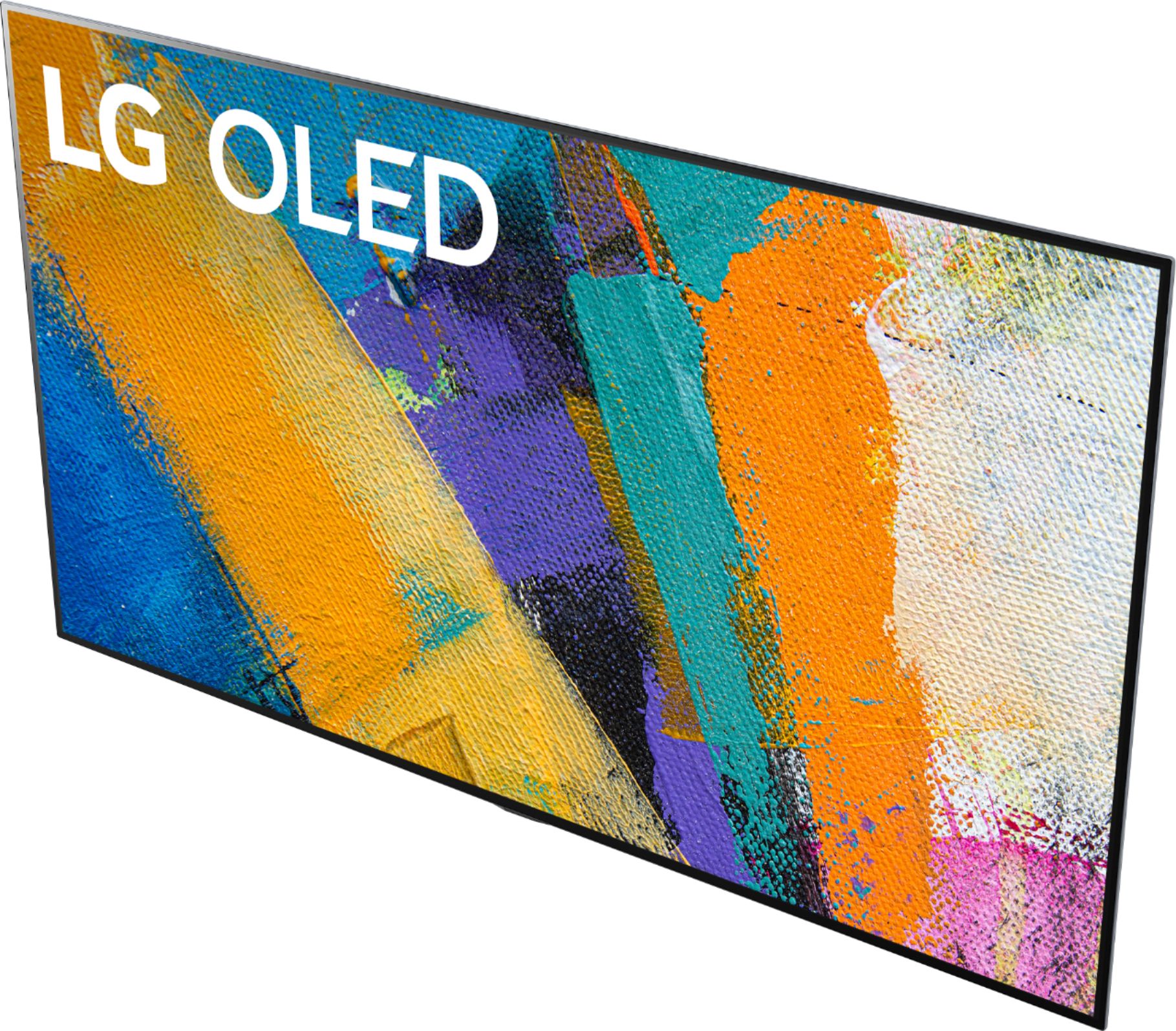
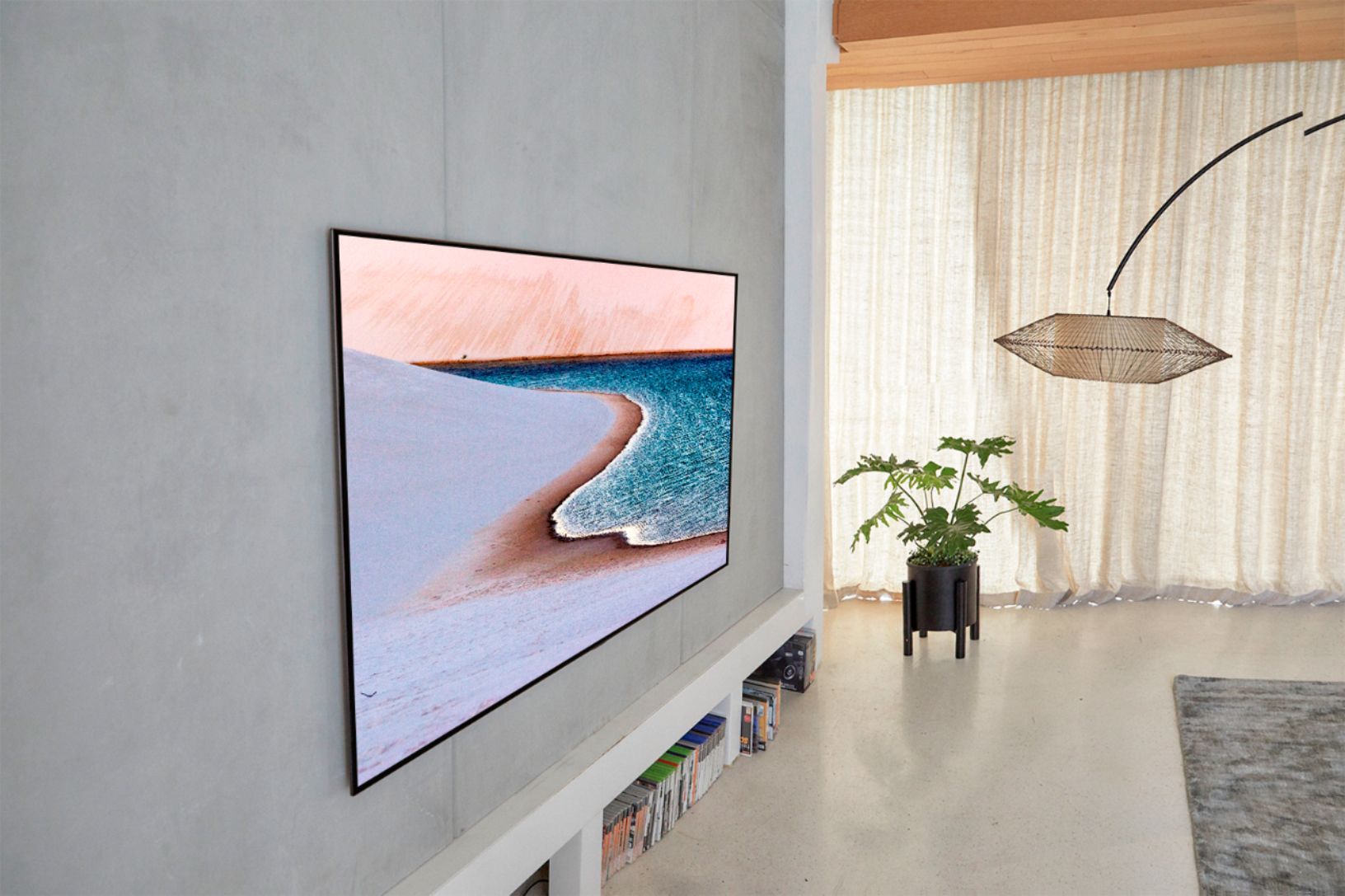
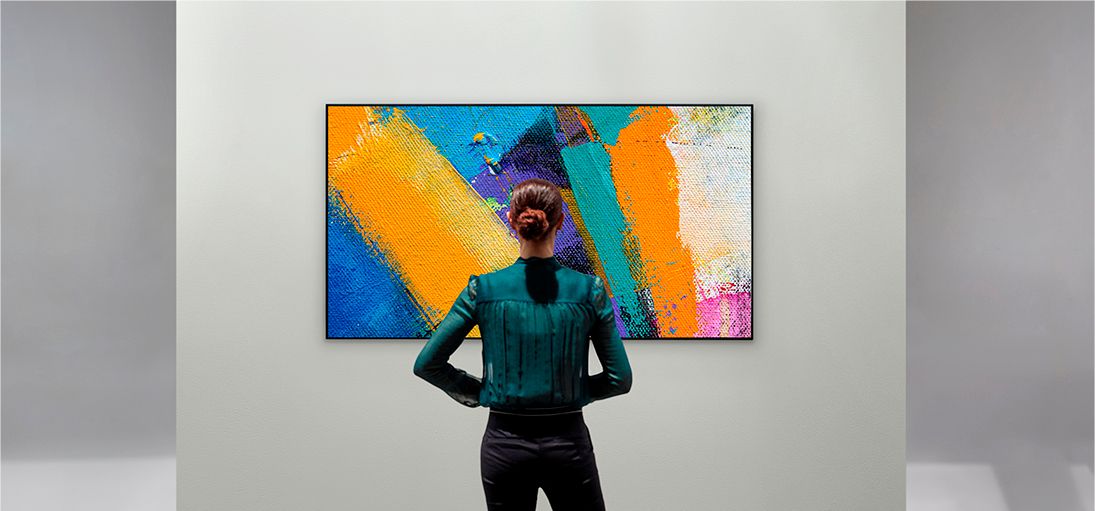
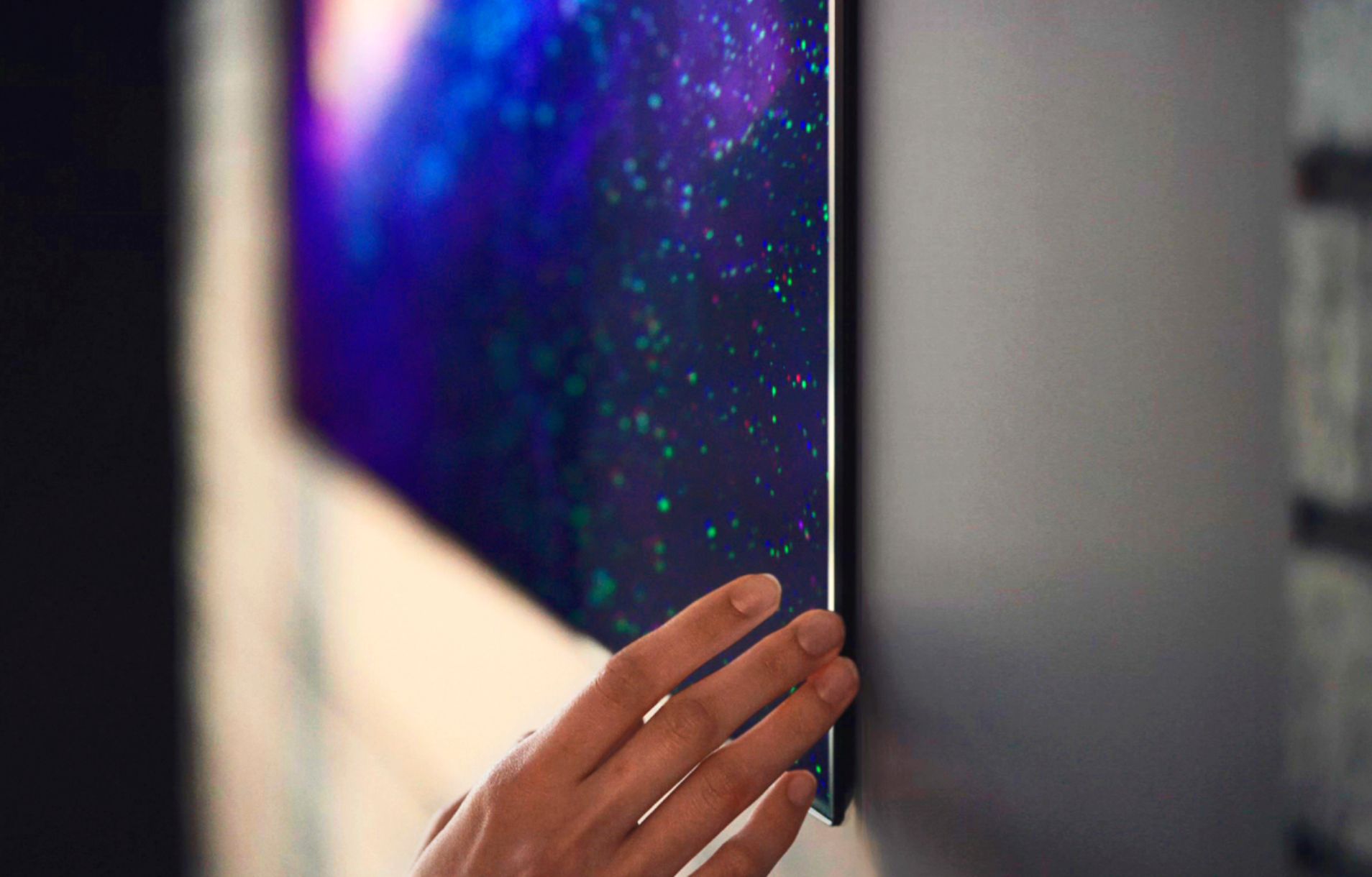
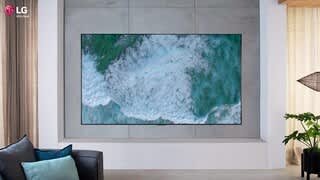
A:AnswerWe highly recommend that you read all instructions and consult with a professional, if necessary, prior to starting installation for the LG GX 77 inch Class with Gallery Design 4K Smart OLED TV w/AI ThinQ® (76.7'' Diag), Model # OLED77GXPUA so you can determine how and where to run the cables for the TV with regards to where your power outlet is located behind the where you intend to mount the TV. Best Buy's Geek Squad® does site surveys and they can send a professional installer out to survey where you would like to have the TV installed and give you advice on how best to run the cables within your setup...^IFV
A:AnswerVery very tight tolerance for error honestly the hardest install I've had. The issue is they put keyholes on the slots so there is no room for error. Forget the studfinder, you are gonna have to use the drywall knife to verify your studs location and center for this one. What a nightmare....seriously. even "B the installer" struggled with his GX and G1 and he does it as a living. Lg def needs a redesign.
Luckily for me I had a doublestud on one side.
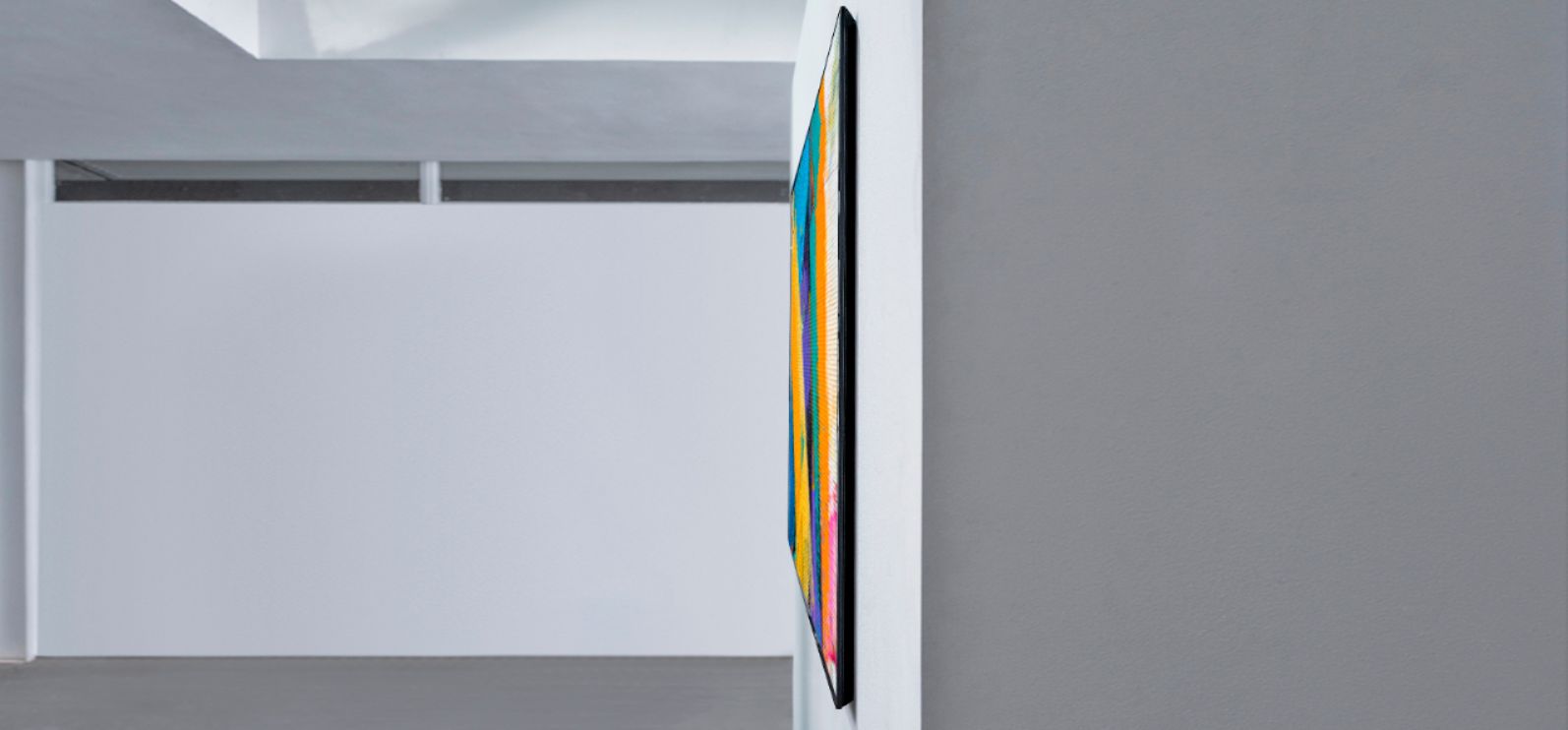
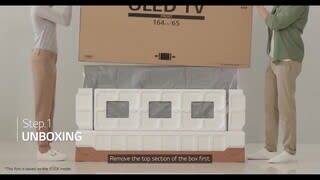
A:AnswerProfessional installation is recommended. We recommend that you read all instructions and consult with a professional if necessary prior to starting installation for the LG GX 77 inch Class with Gallery Design 4K Smart OLED TV w/AI ThinQ® (76.7'' Diag), Model # OLED77GXPUA. Please visit out YouTube Channel at https://www.youtube.com/watch?v=vhCdALQKXZ8&feature=youtu.be for a step-by-step guide on installing the TV with a flush mount using a recessed TV box...^IFV
A:AnswerAn optional wall mount can be used with your LG Television. Consult with your local dealer for a wall mount that supports the VESA standard used by your TV model. Carefully attach the wall mount bracket at the rear of the TV. Install the wall mount bracket on a solid wall perpendicular to the foor. If you are attaching the TV to other building materials, please contact qualifed personnel to install the wall mount. Detailed instructions will be included with the wall mount. We recommend that you use an LG brand wall mount. The LG wall mount is easy to adjust or to connect the cables. When you do not use LG’s wall mount bracket, use a wall mount bracket where the device is adequately secured to the wall with enough space to allow connectivity to external devices. If you are using a non-adjustable mount, attach the mount to the wall. Attach the cables to the TV frst, then attach the TV to the mount. If you have additional questions, you can contact our Customer Support by any of the below options:
Phone: 1-800-243-0000
LiveChat: https://www.lg.com/us/support/chatbot
Email: https://www.lg.com/us/support/email-appointment
Facebook Messenger: https://www.facebook.com/LGUSA/
Twitter DM: @LGUS
The LG Community Forum is also a great resource for getting help from other LG customers: https://lgcommunity.us.com/ ^CP