A:Answermaximum Read SpeedsInfo
6x BD-ROM DL; 6x BD-ROM; 8x DVD-ROM DL; 8x DVD-ROM; 24x CD-ROM
Maximum Write SpeedsInfo
6x BD-R/R DL/R LTH; 4x BD-R XL TL/XL QL; 6x DVD+R DL/-R DL; 8x DVD+/-R; 5x DVD-RAM; 24x CD-R
Maximum Rewrite SpeedsInfo
2x BD-RE; 6x DVD+RW; 6x DVD-RW; 16x CD-RW
Included Software
BD-DVD 3D ver. Software bundle
General
Product Name
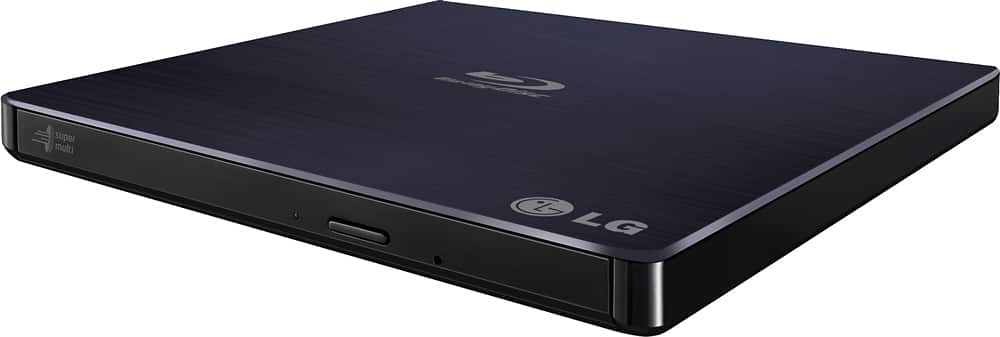
8x External USB 2.0 Blu-ray Disc Double-Layer DVD±RW/CD-RW Disc Rewriter
Brand
Thank you so much for trying LG rep I appreciate your help however this does play both blu rays and dvds and writes to both as in the above listed writes and reads both blu rays and dvds and plays them both, however my question is can I use blu ray disc to make a system disc backup on blue rays writables and if not why, you cant as I have tried several times and Hitachi apparently put a patch preventing lg blu ray burners from creating a back up system or recovery disc for your computers, which make it useless for my personal needs and why its going back to the store. Thanks again but someone else will get my money apparently.
A:AnswerYes, the disc drive will work on Linux.
Yes, there is alternate software that will work because the software is just a media suite.
Yes, the disc that comes with the drive will not work with linux.
A:AnswerIf your MacBook has supported device drivers that you can mount the disc drive to your operating system and you can put a disc in and it reads. You can burn blu-ray discs. You're asking a very specific question that isn't related to the product though.
If the software works great. If not the software provided I know is rated for Windows computers and will work. Aka just dualboot windows on your MacBook.
A:AnswerThis disc drive can read 4k UHD discs.
The software that comes with it should just push play and go. If you get a message saying "you must purchase" then the software answered your question.
But the hardware does read 4k UHD discs.