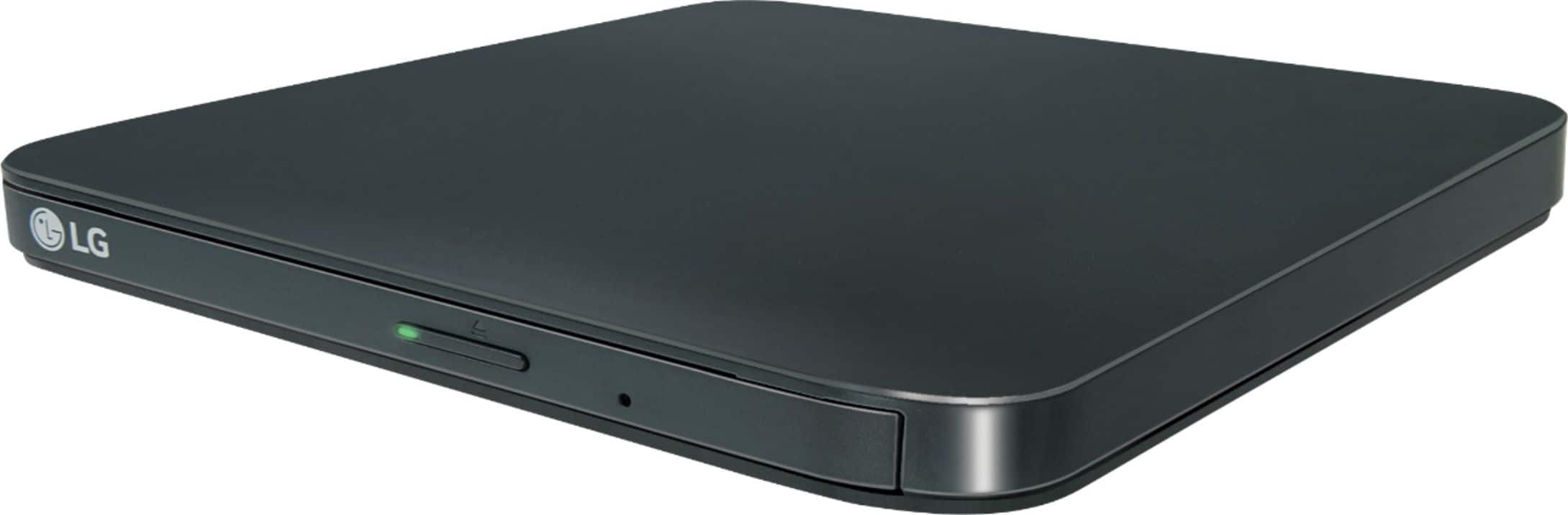
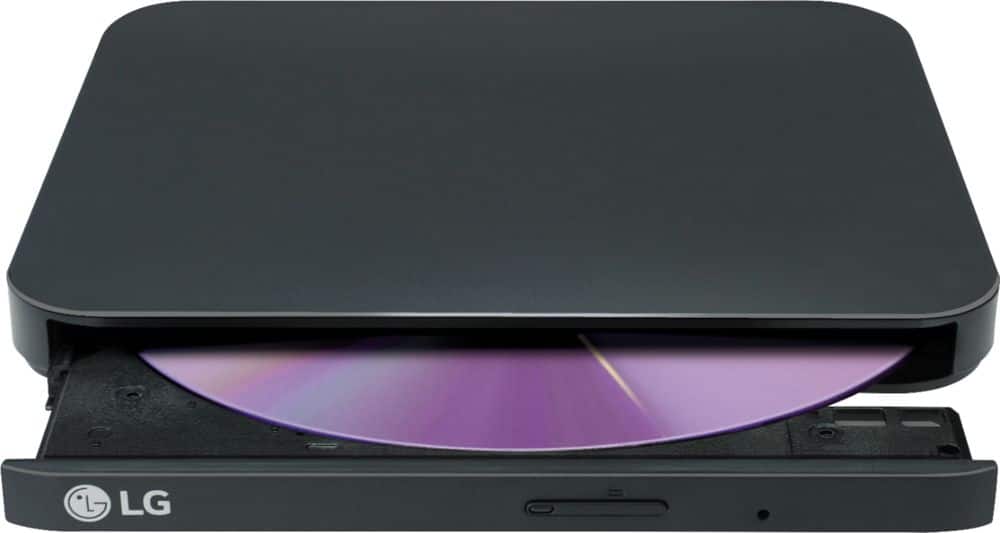
A:AnswerHi there. We understand your inquiry regarding the compatibility of your LG External USB DVDRW/CD-RW Drive with your television.
https://www.homedepot.com/p/LG-10-000-DOE-BTU-115-Volt-Portable-Air-Conditioner-Unit-Cools-450-sq-ft-with-Dual-Inverter-Wi-Fi-and-Remote-LP1419IVSM/307296364
This drive is designed primarily for computer use and is not directly compatible with LG TVs, as television USB ports do not typically support the necessary drivers or power requirements for external optical drives. For further assistance and any specific concerns you may have, please contact us on [email protected], and our team will be more than happy to assist you. —Renzo
A:AnswerHi there. We understand your inquiry regarding the LG - 8x External USB Double-Layer DVDRW/CD-RW Drive - Black. You can certainly use this external drive to install Windows 10 from a disc, provided your computer's BIOS/UEFI is configured to boot from a USB optical drive.
https://www.bestbuy.com/product/lg-8x-external-double-layer-dvdrw-cd-rw-supermulti-blade-drive-silver/J7Y69525Y6
For further assistance and any specific concerns you may have, please contact us on [email protected]. —Renzo
A:AnswerHi there. We understand your inquiry regarding the cable type for the LG External USB DVD Drive.
https://www.bestbuy.com/product/lg-8x-external-usb-double-layer-dvdrw-cd-rw-drive-black/JXTZZLCVZK
This model (SP80NB80) utilizes a USB 2.0 interface and typically connects using a Micro-USB to USB-A cable, which provides both data transfer and power to the unit. For further assistance and any specific concerns you may have, please contact us on [email protected]. —Renzo
A:AnswerIf your new car has a USB connection, this LG drive will probably work to play music CDs. Else, you could put your music files on a USB drive (thumb drive) and use that in our car.
A:AnswerHello there. We understand your inquiry regarding importing CDs to iTunes using the LG 8x External USB Double-Layer DVDRW/CD-RW Drive. This drive is compatible with both Windows and macOS, allowing you to import your CD collection into iTunes or other media libraries once connected to your computer.
https://www.bestbuy.com/product/lg-8x-external-usb-double-layer-dvdrw-cd-rw-drive-black/JXTZZLCVZK
For further assistance and any specific concerns you may have, please contact us on [email protected]. —Renzo
A:AnswerHi Plasco, while this model (SP80NB80) DVD/CD RW Drive is able to read and write files from DVD and CDs. You may need additional software so that your PC can open specific file types. ^Chris
A:AnswerTry opening the disk with a media player program, like VLC Media Player, Quicktime, Windows Media Player, etc.
The drive itself doesn't have the CODECS or other software to allow it to "understand" the file types, it's just bits of data to the drive. The software interprets it and plays it back as audio/video output.
A:AnswerHi there! We understand your inquiry regarding the setup process for the LG 8x External USB Double-Layer DVDRW/CD-RW Drive (SP80NB80). To answer your question directly, this drive is a plug-and-play device that connects via a standard USB 2.0 interface. This means that for most modern Windows and Mac operating systems, no additional driver installation is required; your computer should automatically recognize the drive once it is plugged in. We understand how important it is to have a simple and efficient installation so you can begin using your media right away.
https://www.bestbuy.com/product/lg-8x-external-usb-double-layer-dvdrw-cd-rw-drive-black/JXTZZLCVZK
For further assistance and any specific concerns you may have, please contact us on [email protected]. —Renzo
A:AnswerHi there! We understand your inquiry regarding how to burn pictures to a disc using the LG 8x External USB Double-Layer DVDRW/CD-RW Drive (SP80NB80). To answer your question directly, since this drive is a plug-and-play device, the burning process is managed by your computer's operating system or dedicated burning software. We understand how important it is to preserve your memories safely on physical media.
https://www.bestbuy.com/product/lg-8x-external-usb-double-layer-dvdrw-cd-rw-drive-black/JXTZZLCVZK
To get started, please insert a blank CD or DVD into the drive and connect it to your computer's USB port. On a Windows PC, you can simply drag and drop your picture files into the drive's folder within "File Explorer" and then select the "Finish burning" or "Burn to disc" option at the top of the window. For a Mac, you can create a "Burn Folder," place your photos inside, and click "Burn" next to the folder name. For further assistance and any specific concerns you may have, please contact us on [email protected]. —Renzo