A:AnswerThe compatible operating systems for this unit include Windows 10, Windows 8.1, Windows 8, Windows 7, Windows Vista, Windows XP and Mac OS X. ^Daphane
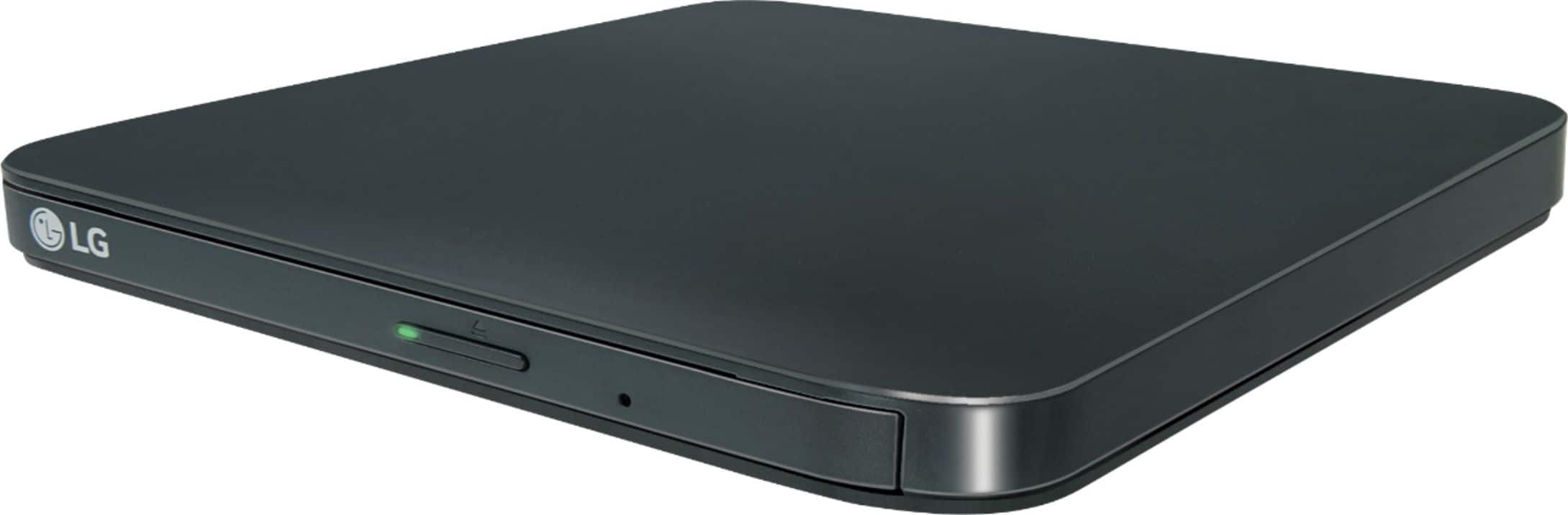
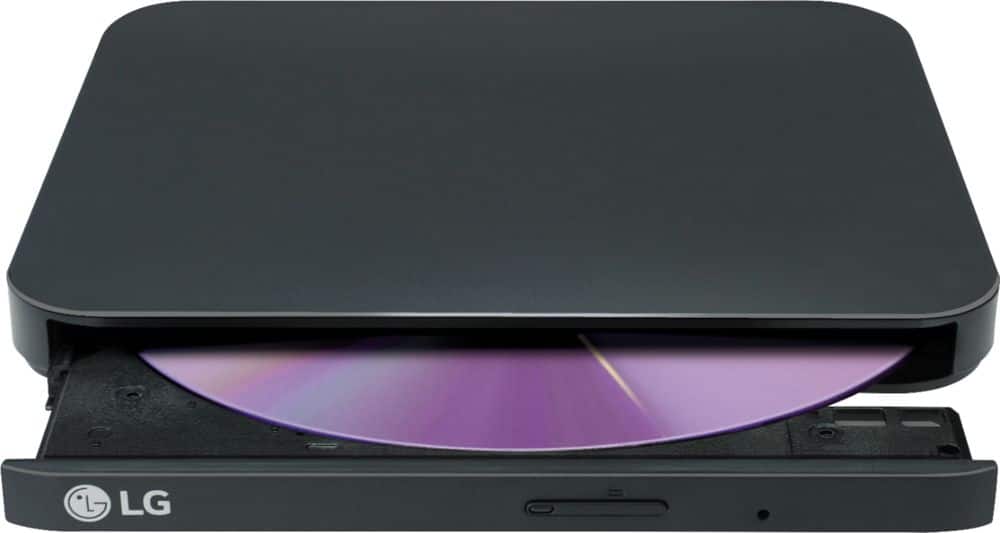
A:AnswerThe DVD/CD tray for the LG - 8x External USB Double-Layer DVD±RW/CD-RW Drive - Black, Model # SP80NB80 is only designed to accommodate discs with a diameter of 12 cm (120 mm). You will need to use an adapter that can be used in the DVD/CD tray that will accommodate discs with a diameter of 8 cm. ^Daphane
A:AnswerThis drive comes with an Install Disc for Windows. It is compatible the following operating systems: Windows 10, Windows 8.1, Windows 8, Windows 7, Windows Vista, Windows XP, and Mac OS X (v.10.7.5 or higher) Operating Systems. ^Daphane
A:AnswerThe LG - 8x External USB Double-Layer DVD±RW/CD-RW Drive is compatible with the Windows 10, Windows 8.1, Windows 8, Windows 7, Windows Vista, Windows XP, and Mac OS X Operating Systems and it will not work in a car and interface with your car's controls. ^Daphane
A:AnswerYou will need an adapter that you can fit into the DVD/CD tray for the LG - 8x External USB Double-Layer DVD±RW/CD-RW Drive - Black, Model # SPNB80 that will accommodate mini CDs ( aka CD3 or 80 mm CDs). ^Daphane
A:AnswerYes you can use aTurboTax CD. The LG Slim Portable DVD Writer DVD Disc Playback & DVD M-DISC™ Support, Model # SP80NB80 s compatible with the Windows 10, Windows 8.1, Windows 8, Windows 7, Windows Vista, Windows XP, and Mac OS X Operating Systems. ^Daphane
A:AnswerThis unit is listed as being compatible with the Windows 10, Windows 8.1, Windows 8, Windows 7, Windows Vista, Windows XP, and Mac OS X (v.10.7.5 or higher) Operating Systems. ^Daphane
A:AnswerYes, the drive will support an HP All in One PC. If you need further assistance, please reach out to our support team on Twitter via @LGUSSupport or on Facebook at https://www.facebook.com/LGUSA. ^Daphane
A:AnswerYes, it should play the burned DVDs. The following optical media is supported: CD-DA, CD-R, CD-ROM, CD-RW, DVD+R, DVD+R DL, DVD+RW, DVD+RW DL, DVD-R, DVD-R DL, DVD-RAM, DVD-ROM, DVD-ROM DL, DVD-RW, DVD-RW DL, DVD-Video, Video CD. ^Daphane
A:AnswerYou can insert a music CD into the drive to rip your audio CDs. If you are in need of assistance with using a disc drive, please call our computer specialists at 800-243-0000. ^Daphane