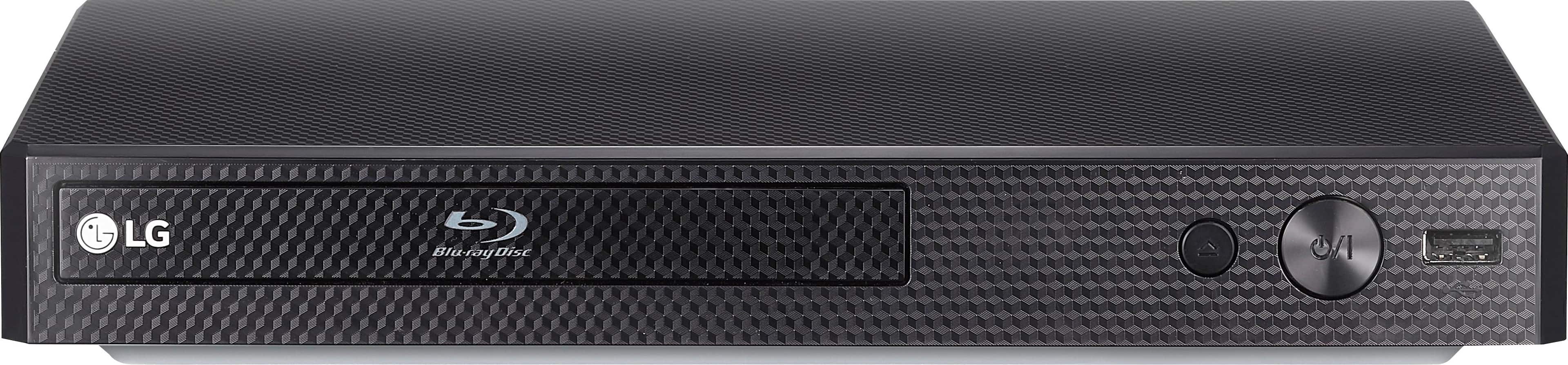
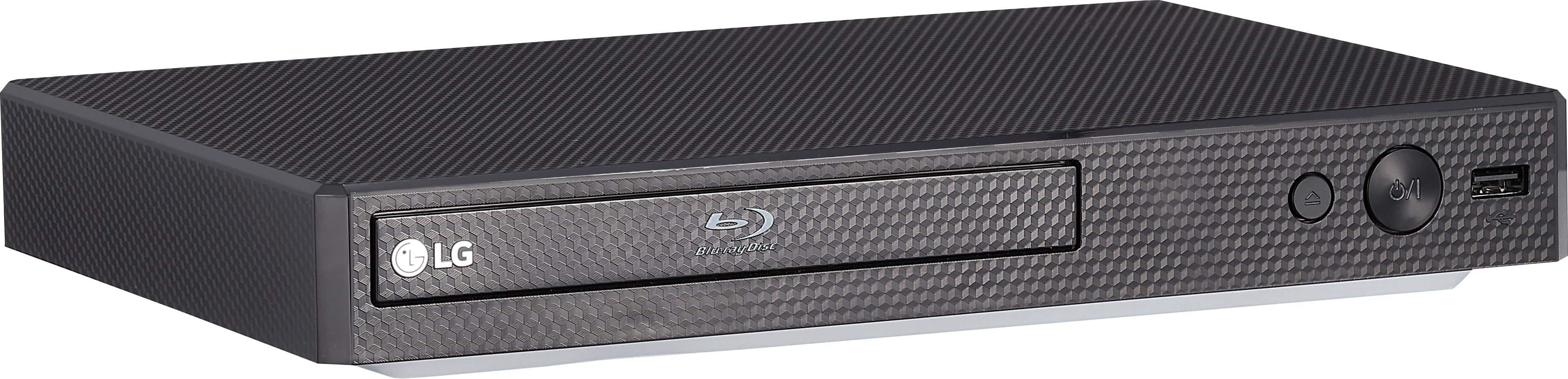
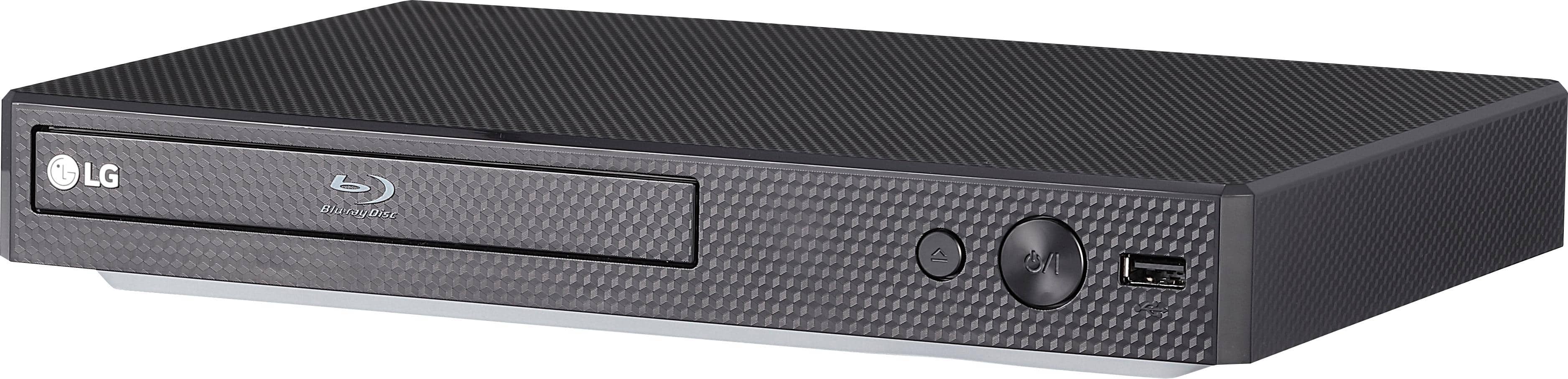
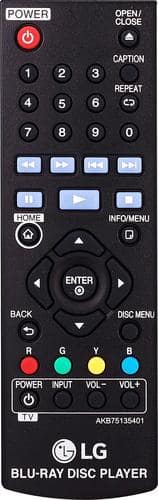
A:AnswerThe LG Blu-ray Disc™ Player with Streaming Services, Model # BP175 does not have built-in Wi-Fi. You can download and install LG's SmartShare PC software that allows you to enjoy content stored on your mobile and PC easily on a TV. SmartShare PC Software is for sharing video, audio and photo files stored on your computer to this unit as a DLNA-compatible digital media server...^IFV
A:AnswerAlthough the app is not available for the Blu-ray player, there are other options that will allow you stream Disney+ on your LG TV. Disney+ can be streamed on LG compatible devices such as Roku, Xbox One, iPhones, etc. The complete list of devices can be found at www.disneyplus.com under the Ways to Watch section at the bottom of the page. ^CP
A:AnswerI've been having some problems with mine also. What has worked for me is unplugging it and waiting about 30 seconds before I plug it back in. I think there's a way to reset. I didn't quite understand LG's customer service, but the agent told me to unplug and press the power button for about 20 seconds. Hope this helps.
A:AnswerNo, a Blu-ray player does not feature a way to connect to a hearing aid. This may be a function of your TV. You would need to reach out to your TV's manufacturer to see if this is a feature. ^CP
A:AnswerThe BP175 has a HDMI out for connecting to a video source such as a TV or a monitor. If you have additional questions, you can contact our Customer Support by any of the below options:
Phone: 1-800-243-0000
LiveChat: https://www.lg.com/us/support/chatbot
Email: https://www.lg.com/us/support/email-appointment
Facebook Messenger: https://www.facebook.com/LGUSA/
Twitter: @LGUSSupport
The LG Community Forum is also a great resource for getting help from other LG customers: https://lgcommunity.us.com/