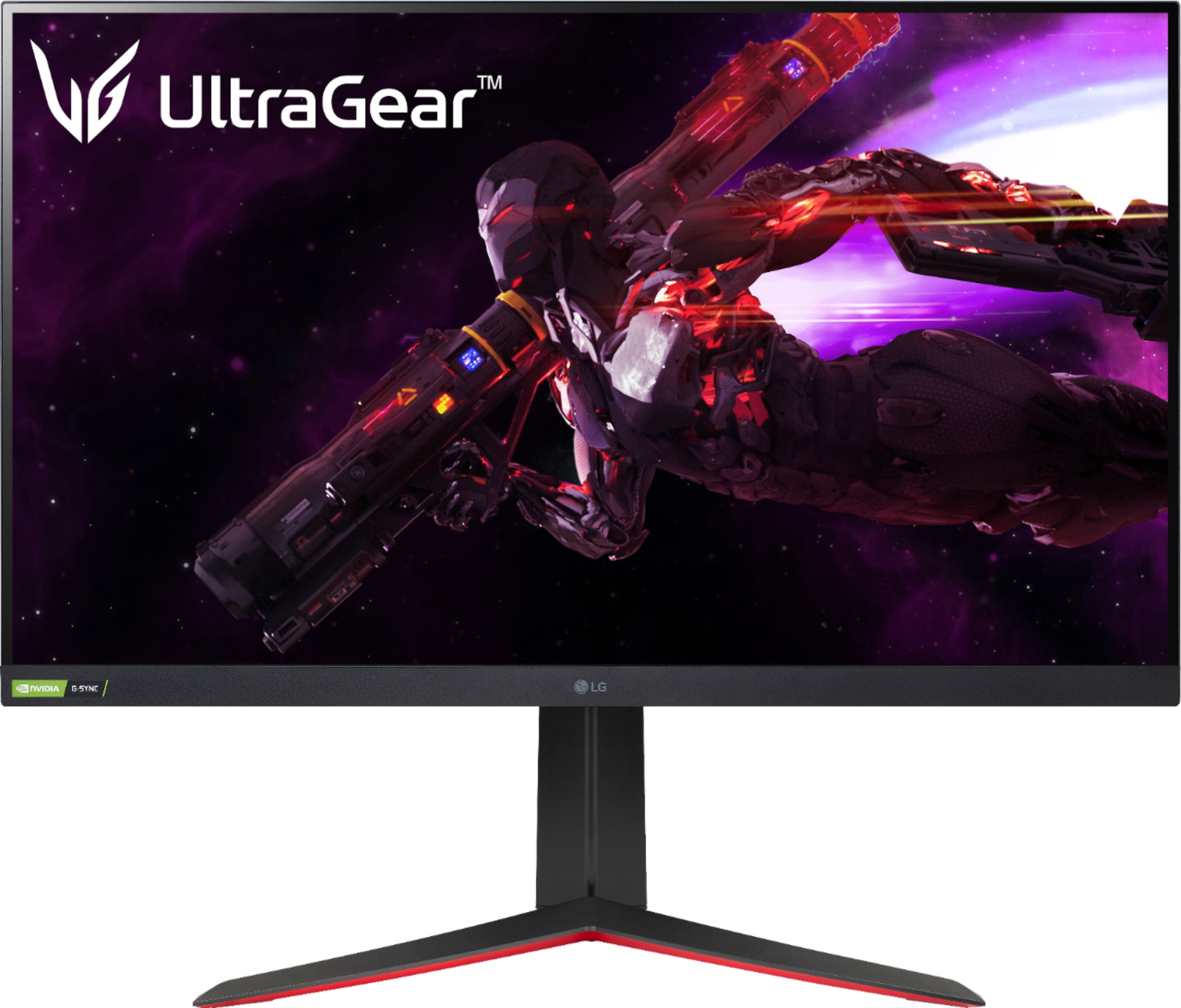
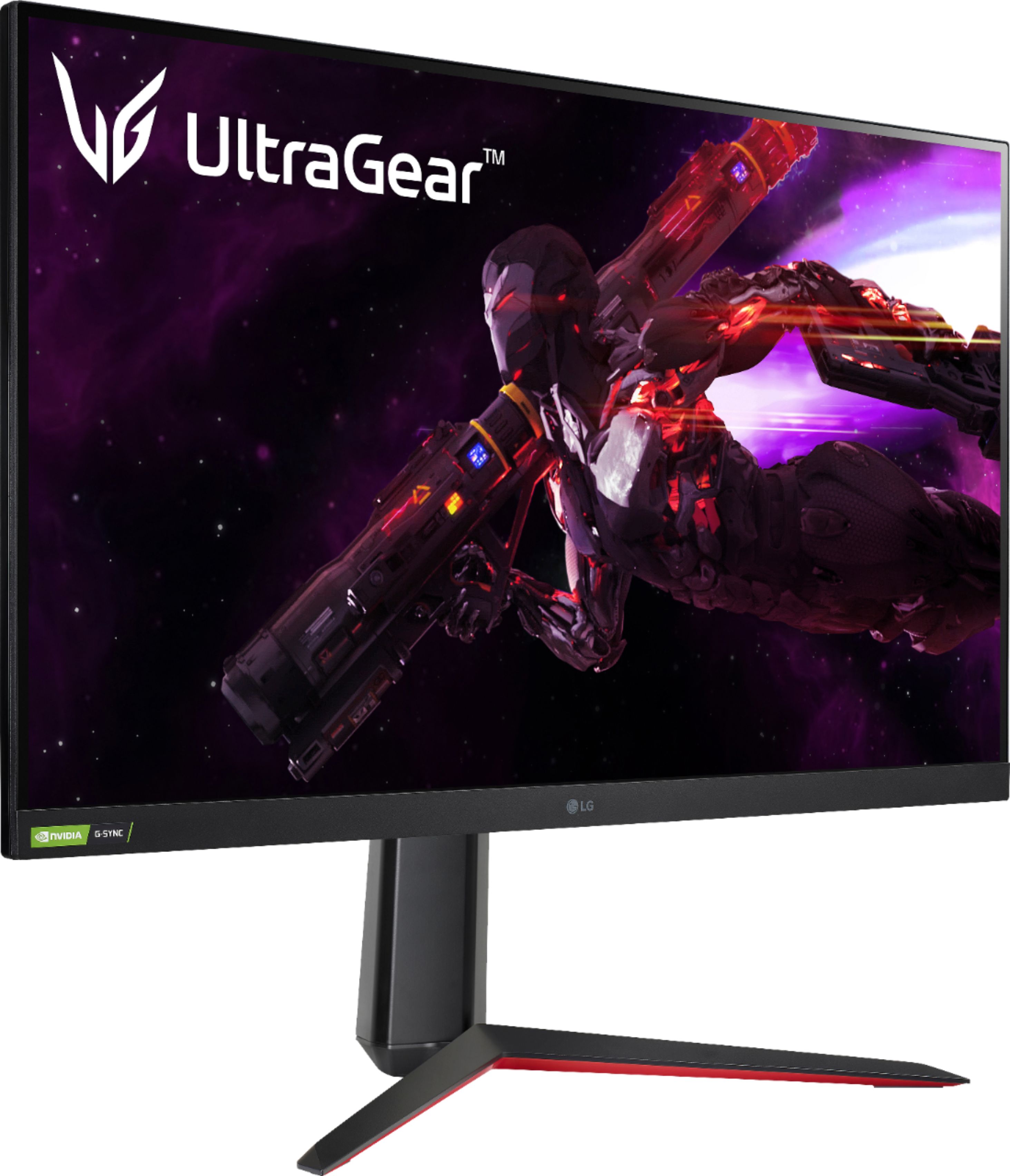
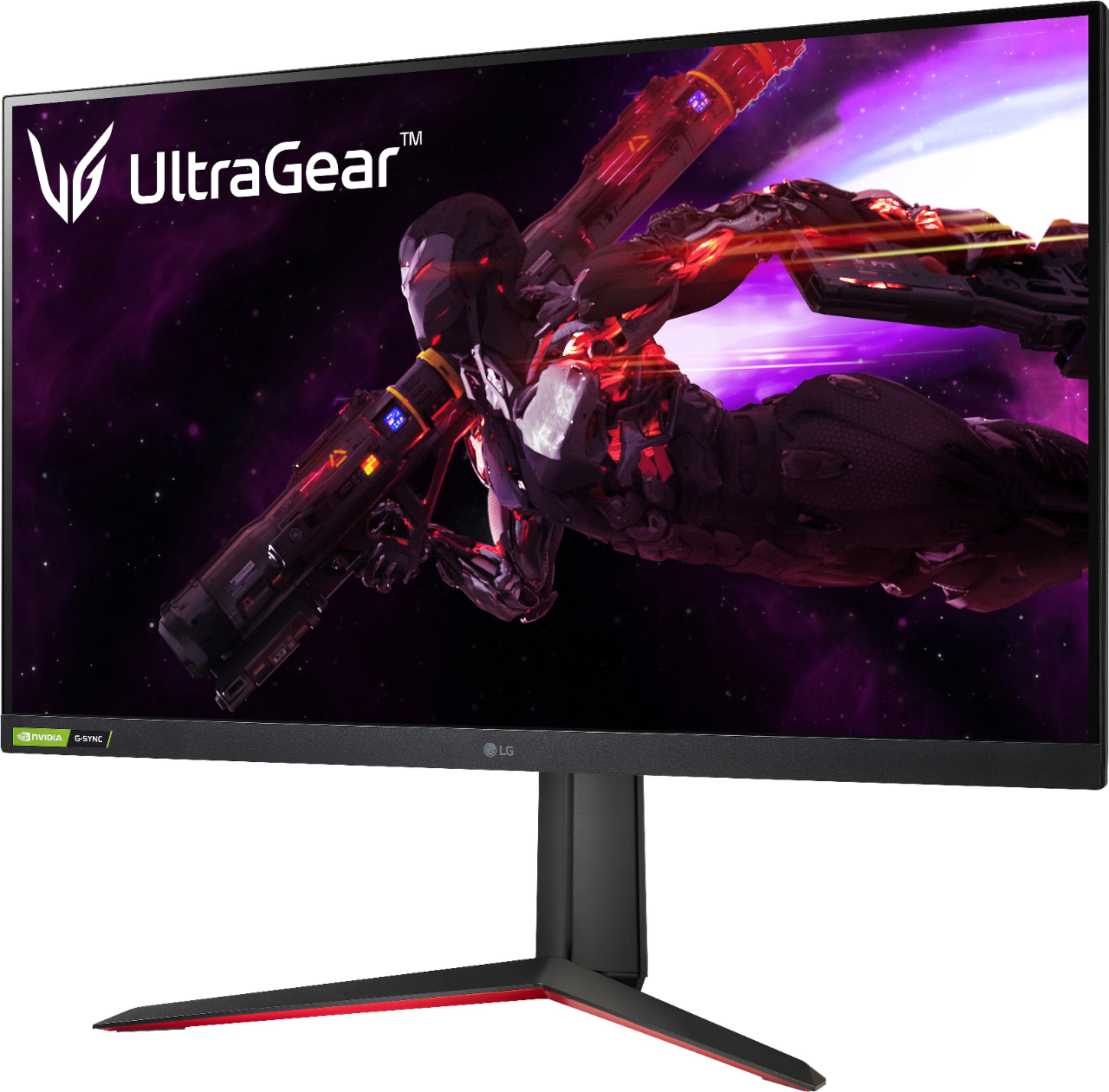
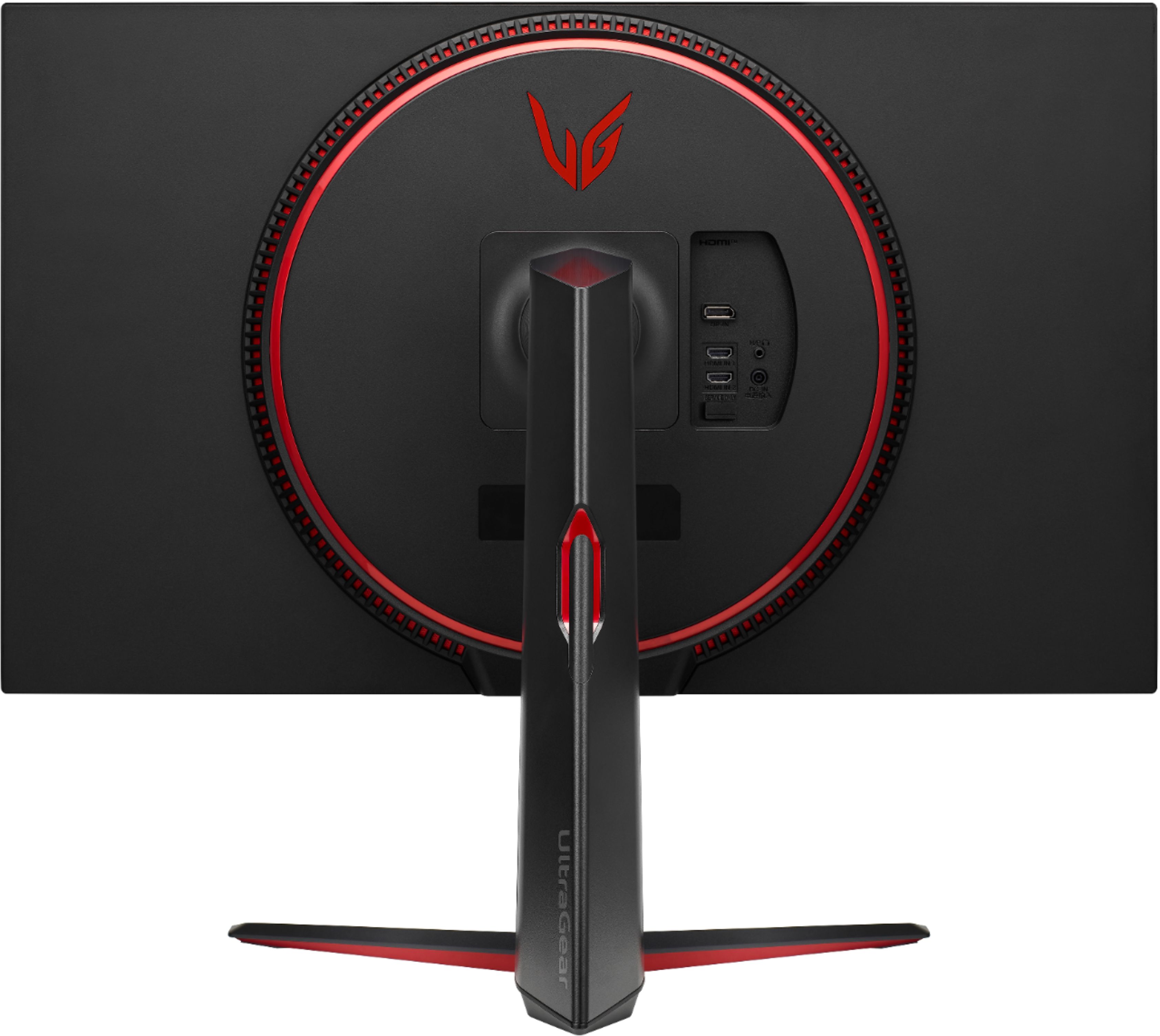
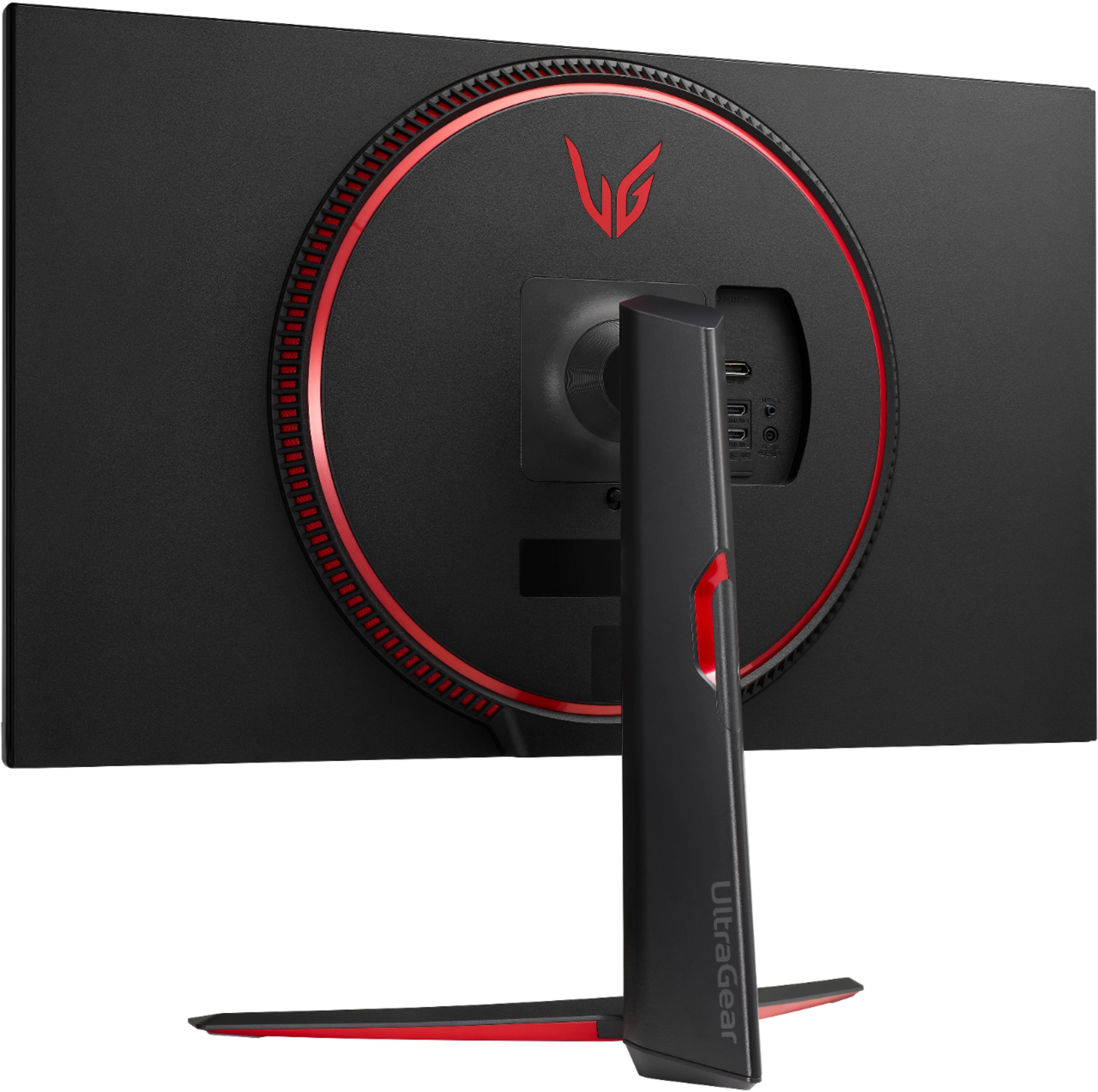
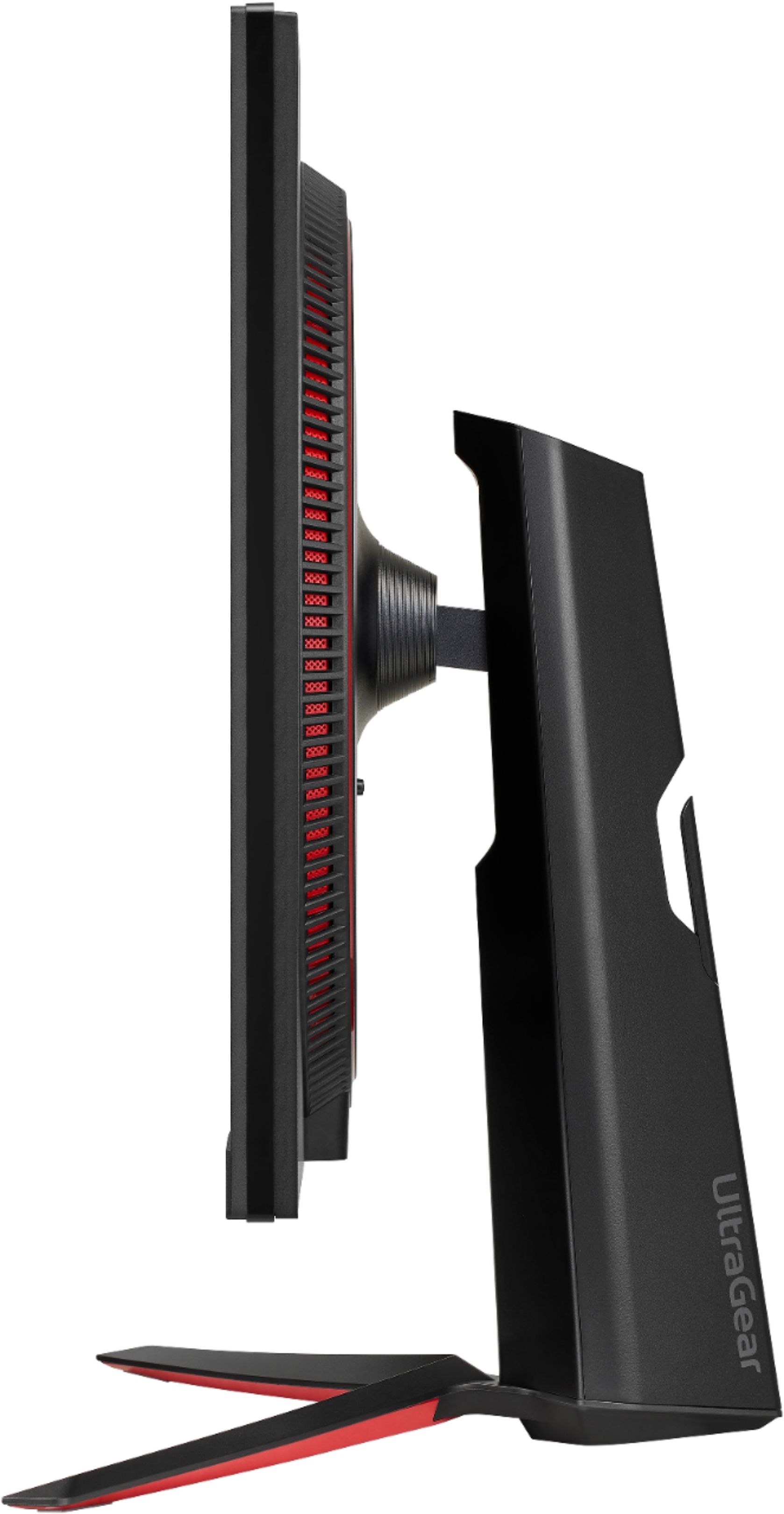
A:AnswerFor model 32GP83B-B the only dimensions offered are for the overall measurement of the monitor with the stand, 28.1"W x 23.6"H x 11.5"D (UP) 28.1"W x 19.3"H x 11.5"D (Down). ^Daphane
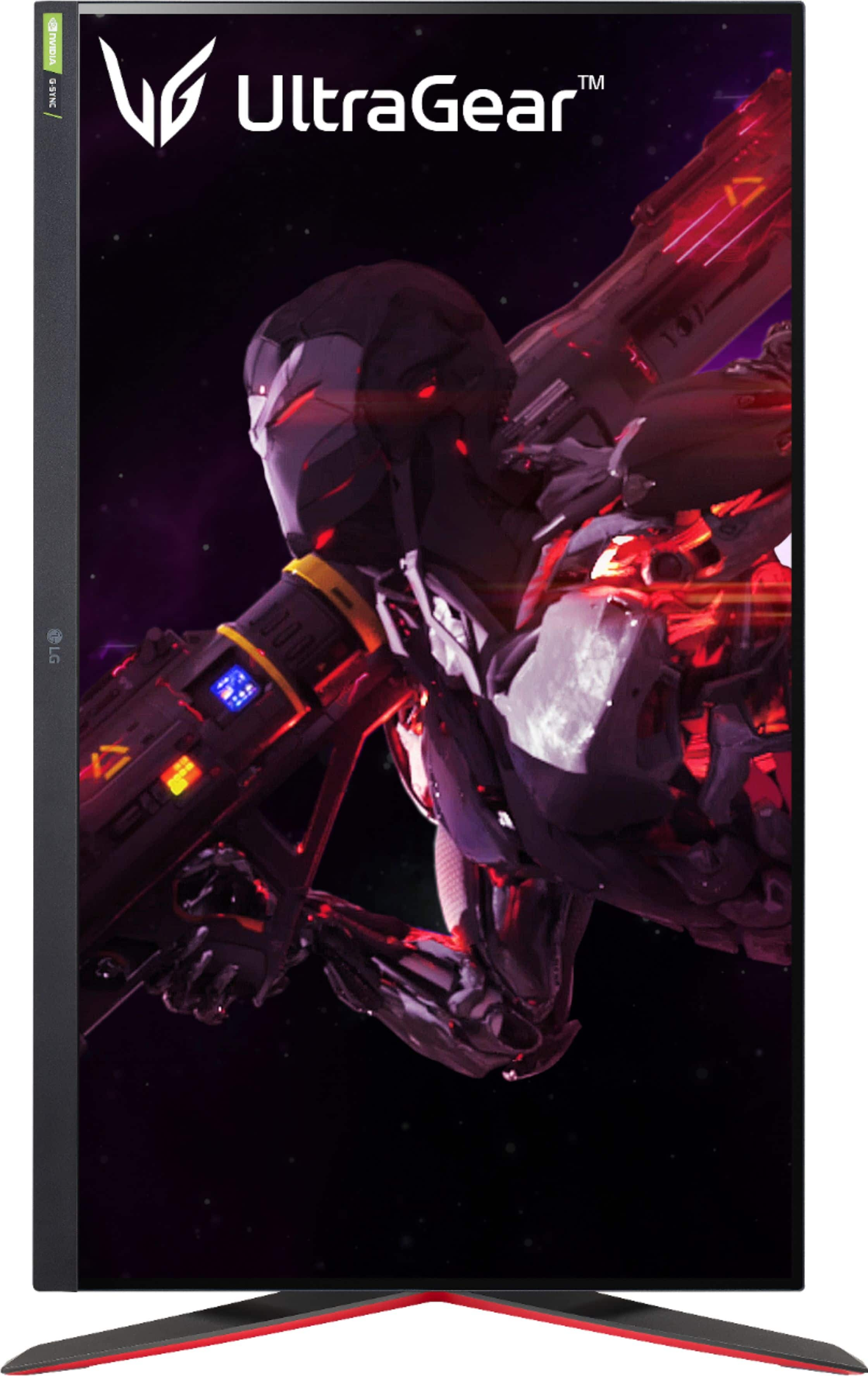
A:AnswerHi, There! The LG UltraGear 32” Nano IPS QHD monitor supports portrait mode and can be used with a PS5 console. However, please note that the PS5 itself may not have a built-in option to rotate the screen output for portrait mode. This means that while the monitor supports portrait mode physically, you may need to adjust the settings of the PS5 itself to achieve portrait orientation. If the PS5 doesn't have a specific option for this, you might not be able to use the monitor in portrait mode when connected to the PS5. It's recommended to refer to the PS5's user manual or contact Sony support for any potential workarounds or updates related to this feature. ^James.
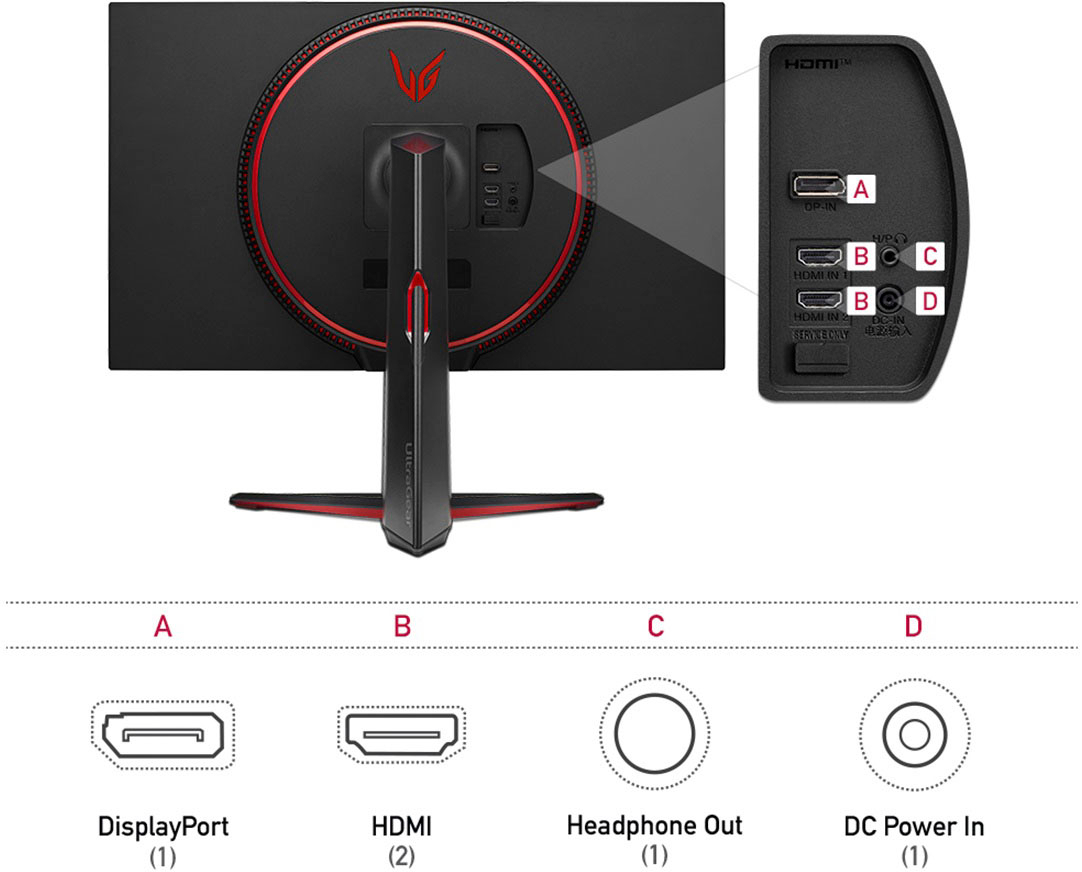
A:AnswerThis monitor has a recommended resolution of 2560 x 1440 @ 144Hz via HDMI or 2560 x 1440 @ 165Hz via DisplayPort. This monitor does not have HDMI 2.1 and will not support 4K@120Hz. ^Daphane
A:AnswerI contacted LG on both Facebook and Twitter. Both gave me different answers.
Facebook said since best buy has the listing up, they will have a release date and have stock at their warehouse. So I contacted Best Buy and they of course had no idea.
The other LG person on Twitter said they have no information about when it’ll be released.
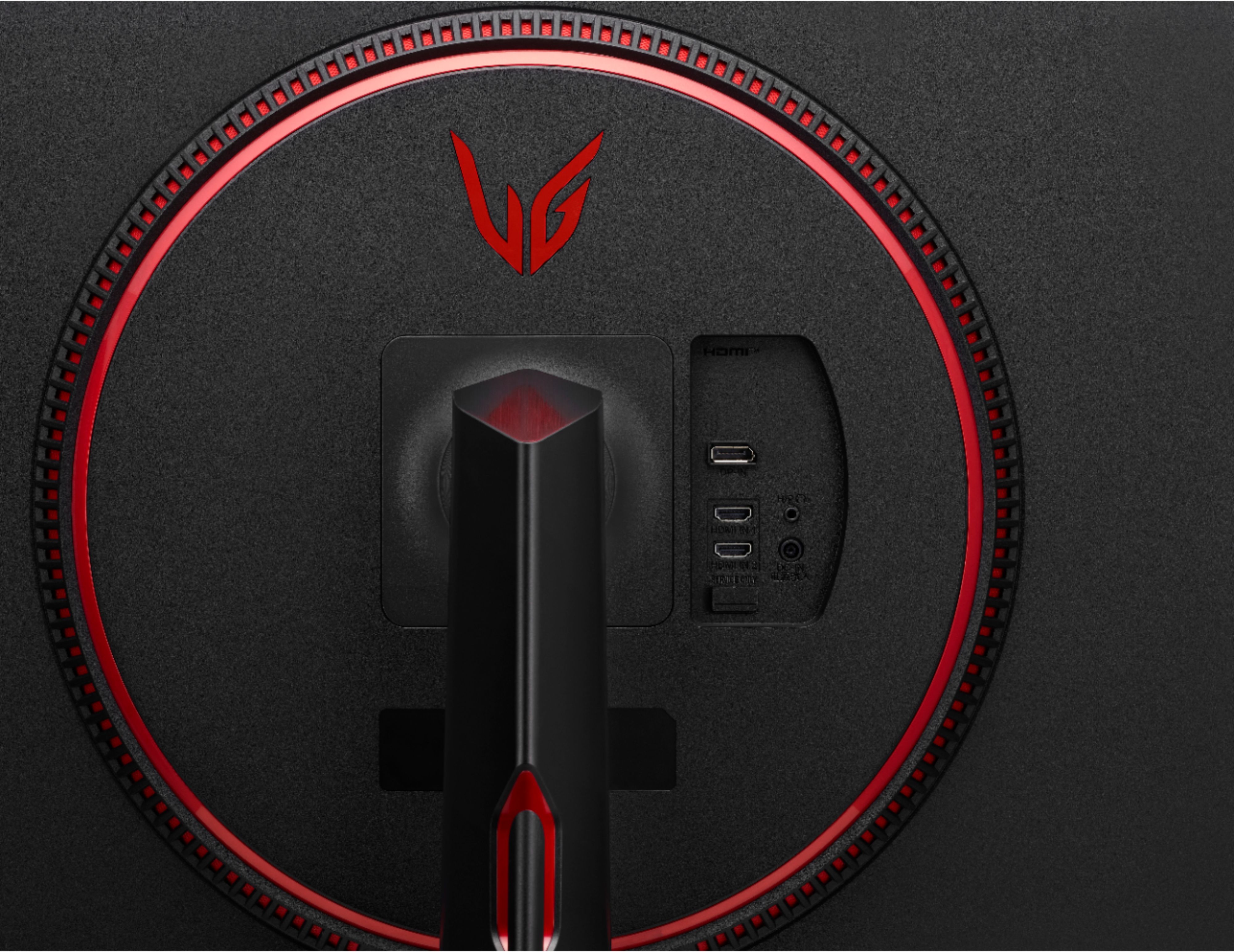
A:AnswerThe photos are showing a flat panel and the owner's manual on LG's site says it's the same product family as the 27" (27GP850/27GP83B) models, so I think it's a flat panel. It also says "curve design" on the 27" versions, so I think they're just talking about the circle on the back.