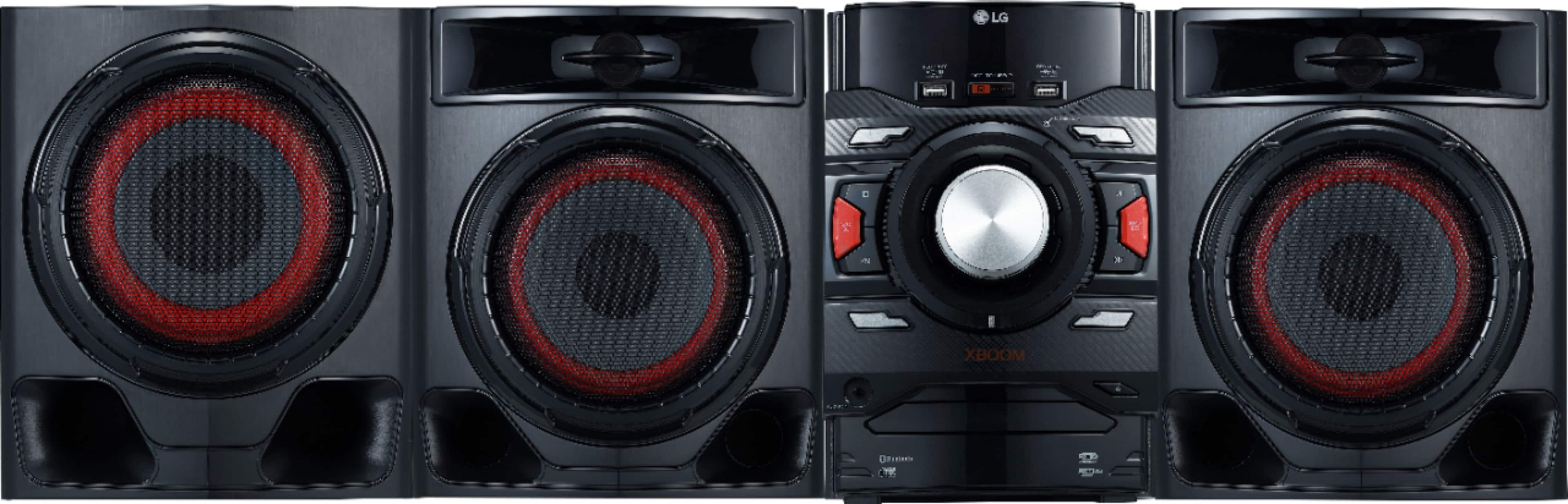
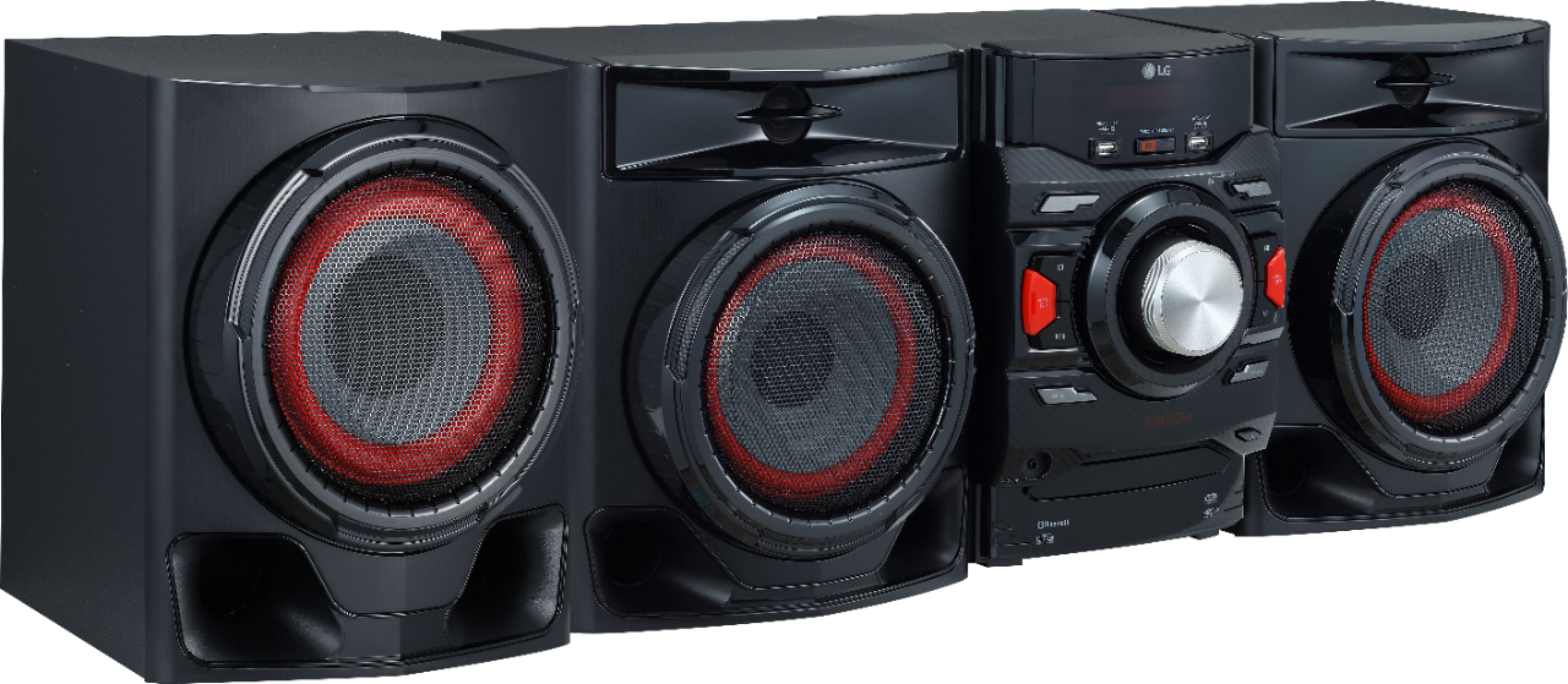
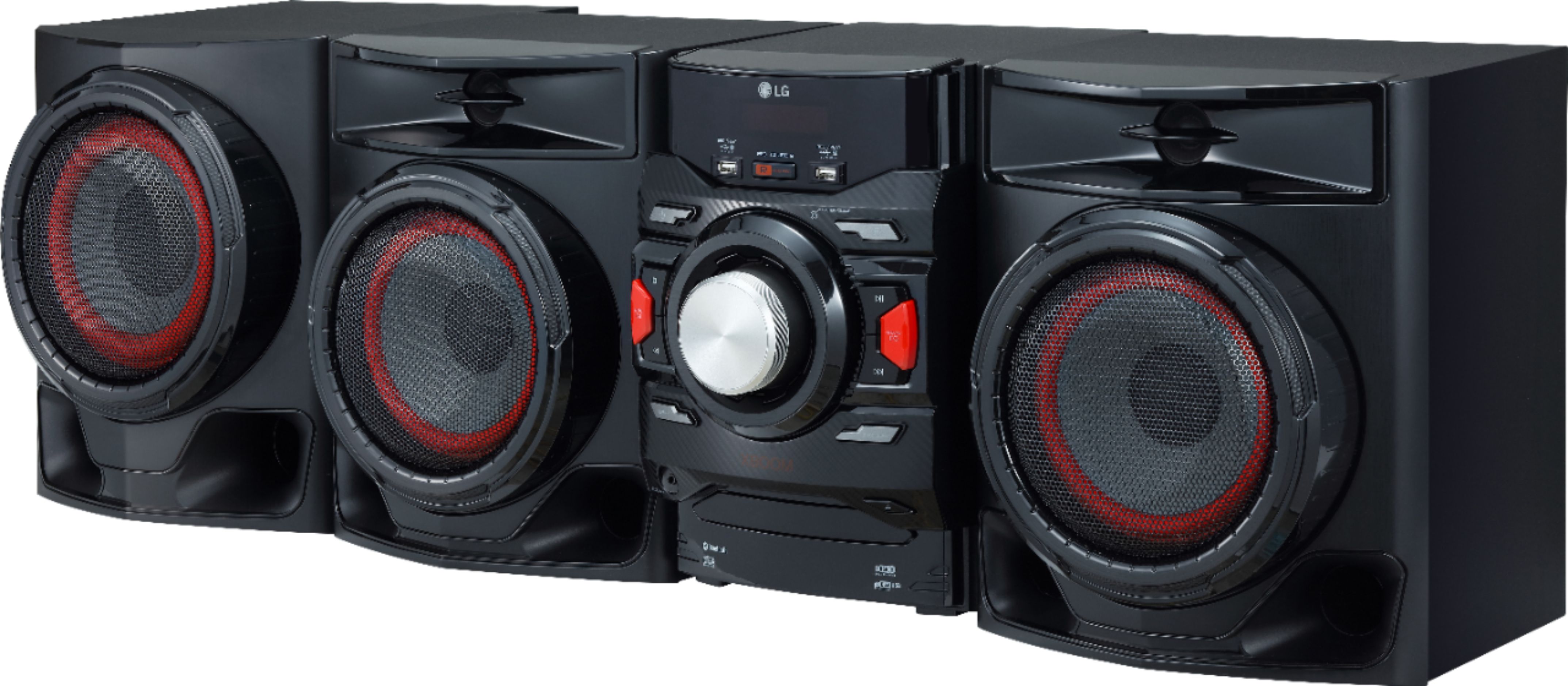
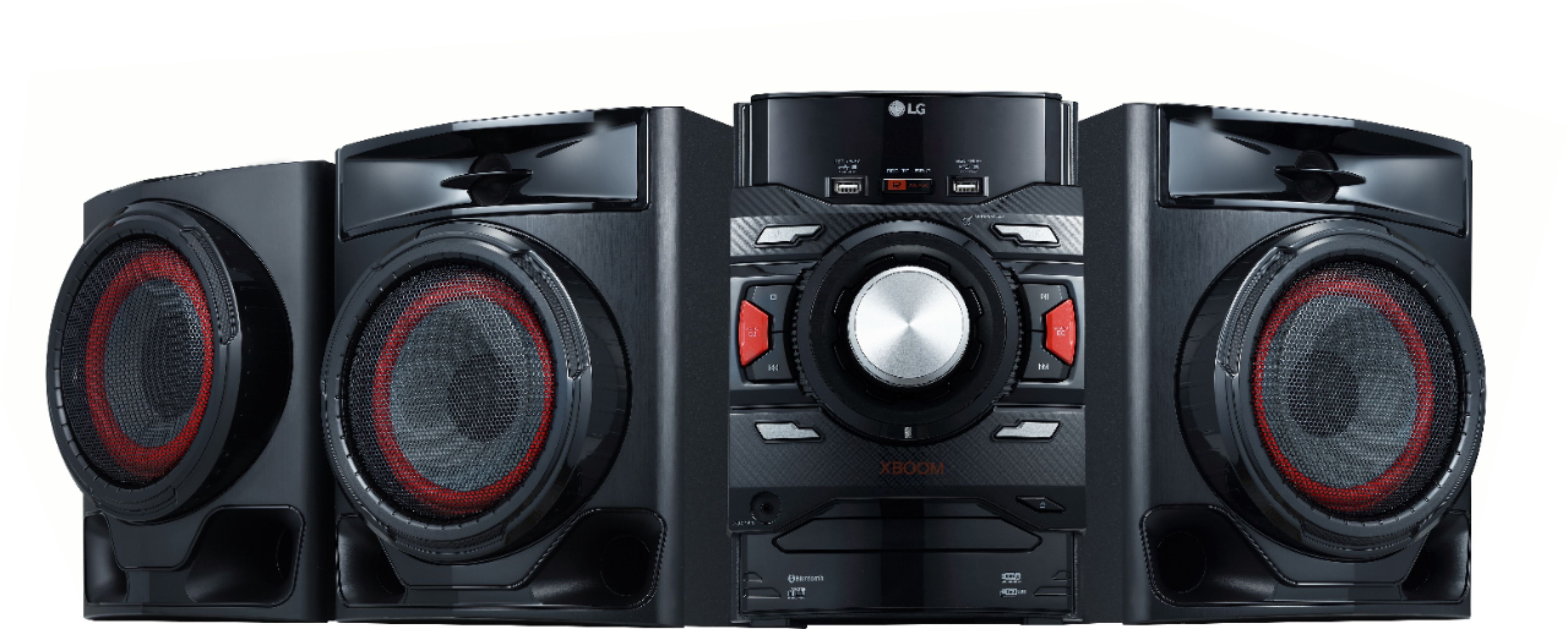
A:AnswerLG XBOOM 700W 2.1ch Mini Shelf System with Subwoofer and Bluetooth® (CM4590) model. The LG 35WN75CN-B monitor comes with a USB Type-C port, which allows for video display, data transfer, and laptop/mobile device charging with 90W power delivery, all at the same time over a single cable. You can download its owner's manual through this link for more information: https://www.lg.com/us/support/product/lg-CM4590.DUSALLK. ^Cris
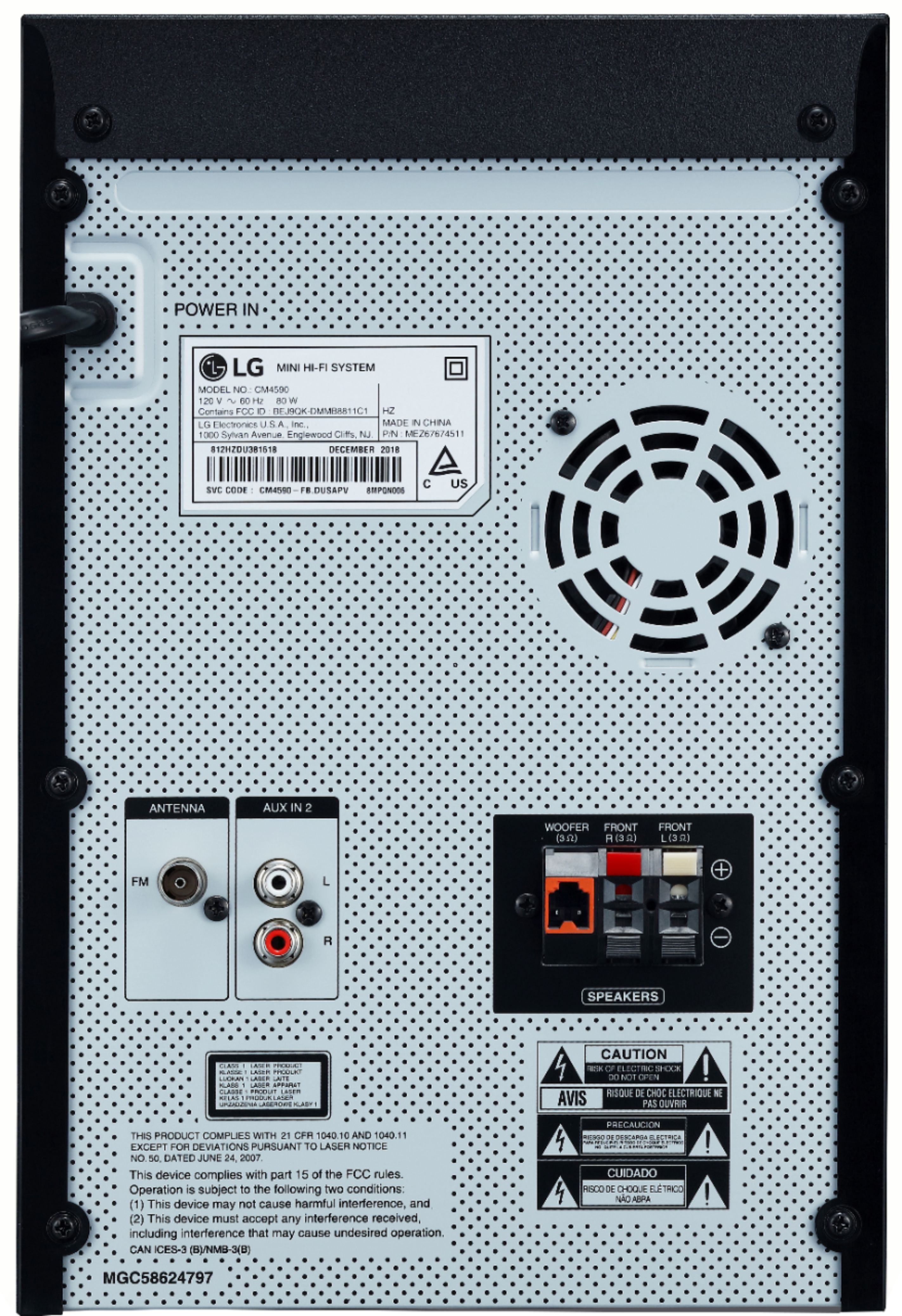
A:AnswerHey, there! The LG XBOOM 700W 2.1ch Mini Shelf System with Subwoofer and Bluetooth®, model CM4590 does not have a dedicated "out" jack to directly connect to external devices into it. Still, you can connect the two devices using the available audio output options on the LG CM4590 system.
Here's how you can do it:
Identify the available audio output options on the LG CM4590 system. It typically has several output options, such as:
a. 3.5mm Headphone Jack: This is a common audio output found on the front or back of the unit. You can use a 3.5mm audio cable to connect it to the input of your drum set brain if it has a corresponding audio input.
b. RCA (Red and White) Audio Output: The CM4590 may have RCA audio output jacks on the back. You can use an RCA-to-3.5mm adapter or RCA-to-RCA cable (if the drum set brain has RCA input) to connect the two devices.
Determine the appropriate cable type needed to connect the output from the LG CM4590 to the input of the drum set brain, depending on the available ports on both devices.
Adjust the volume level on the LG CM4590 to an appropriate level to avoid overloading the input of the drum set brain.
Keep in mind that the LG CM4590 is primarily designed as a standalone audio system for home entertainment and music playback. The connection to the drum set brain may not provide all the functionalities that a dedicated audio interface or mixer would offer.
If you encounter any issues or have specific questions about the connection, please refer to the user manuals of both the LG CM4590 and the drum set brain, or contact us by sending us a private message at @LGUSSupport on Facebook or Twitter for further assistance. ^Danee
A:AnswerLet us help you with that! Please send us a private message on Facebook or Twitter using @LGUSSupport and include #VOC, your contact info and we can expedite a resolution for you. Thank you. ^Venette
A:AnswerPlease contact LG Customer Support by direct message via Twitter (@LGUSSupport) or Facebook Messenger (https://www.facebook.com/LGUSA/). Please be sure to provide your name, phone number, address, email, model/serial numbers, and date of purchase and we will be happy to assist you. There are policies and procedures in place to ensure resolutions are consistent and fair. I am confident that we will work to provide an agreeable resolution.^Venette
A:AnswerThis unit may not connect via Bluetooth with your TCL TV. Interoperability and compatibility among Bluetooth devices varies. The unit may have to be wired. ^Daphane
A:AnswerThe LG XBOOM 700W Main Unit and Speaker System Combo Set - Black, Model # CM4590 receives Bluetooth signals, it does not transmit Bluetooth signals so if can only be paired with Bluetooth devices that transmit Bluetooth signals. Bluetooth Surround Sound Speakers are also devices that only receive Bluetooth signals so they will not work with the CM4590...^IFV
A:AnswerThat depends on what impedance the two speakers you intend to add to the LG XBOOM 700W 2.1ch Mini Shelf System with Subwoofer and Bluetooth®, Model # CM4590 are. The front speakers have an impedance of 3 Ω each and the output amplifier is designed to output to the load for those two speakers and there is only one speaker port for each speaker. Adding more speakers to the unit will overload the amplifier causing it to go into protect mode or even burn out...^IFV
A:AnswerPlease contact LG Customer Support so that we can better investigate your issues and quickly assist you towards a resolution. You can contact our Customer Support by any of the below options:
Phone: 1-800-243-0000
Live Chat: https://www.lg.com/us/support/chatbot
Email: https://www.lg.com/us/support/email-appointment
Facebook Messenger: https://www.facebook.com/LGUSA/
Twitter: @LGUSSupport
The LG Community Forum is also a great resource for getting help from other LG customers: https://lgcommunity.us.com ^CP