A:AnswerIf you need another copy of the owner's manual for the LG XBOOM 700W 2.1ch Mini Shelf System with Subwoofer and Bluetooth®, Model # CM4590, you can visit its product page on our site at https://www.lg.com/us/home-audio/lg-CM4590-mini-shelf then click on Support > Manuals and Downloads > Owner's Manual [English] and download and print out a manual. he 'Basic Operations' section on page 16 has detailed instructions on how to repeat a CD. The remote has REPEAT button on it...^IFV
A:AnswerIt is absolutely loud enough! I have it in our outdoor kitchen area. We live on acreage and crank it up when we are outside and it doesn’t take much to get it loud enough. There’s always plenty of dial left.
A:AnswerI use the Bluetooth. I downloaded a equalizer program. After tweaking you can get good sound. I listen to mp3 on my phone and iheart using the equalizer. When using it as a sound bar I use the television speakers to fill in the sound.
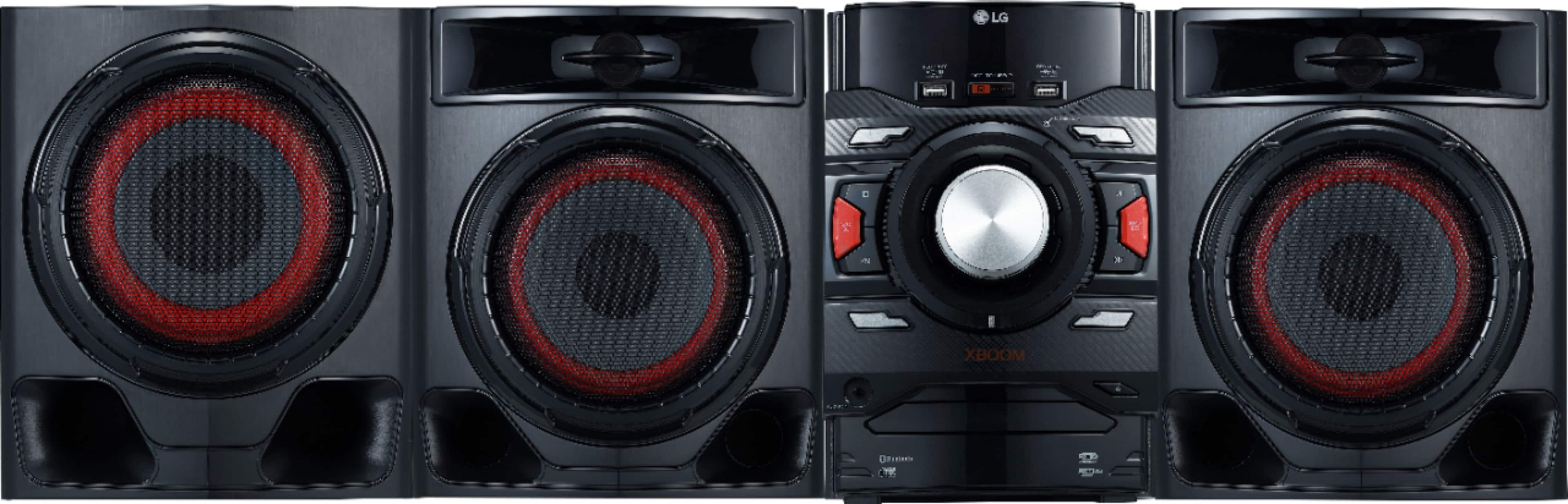
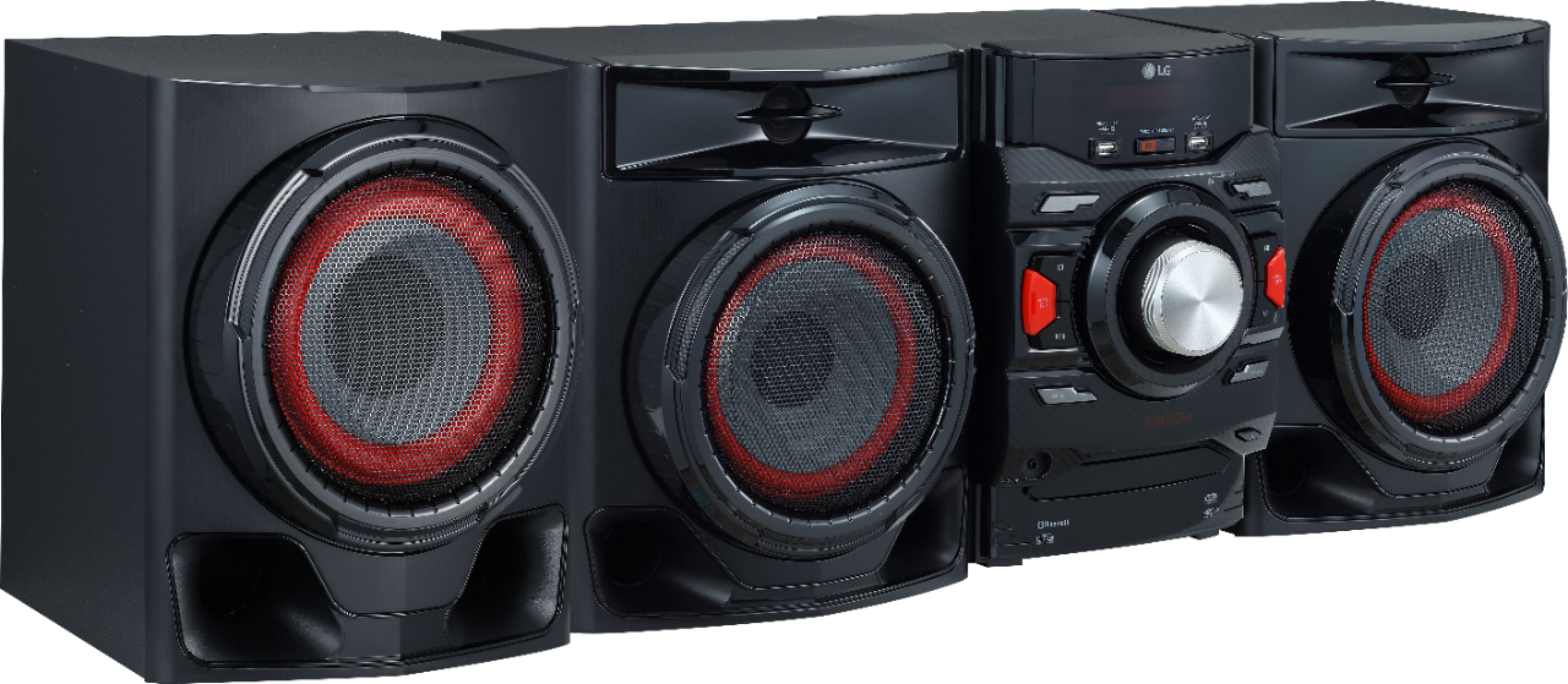
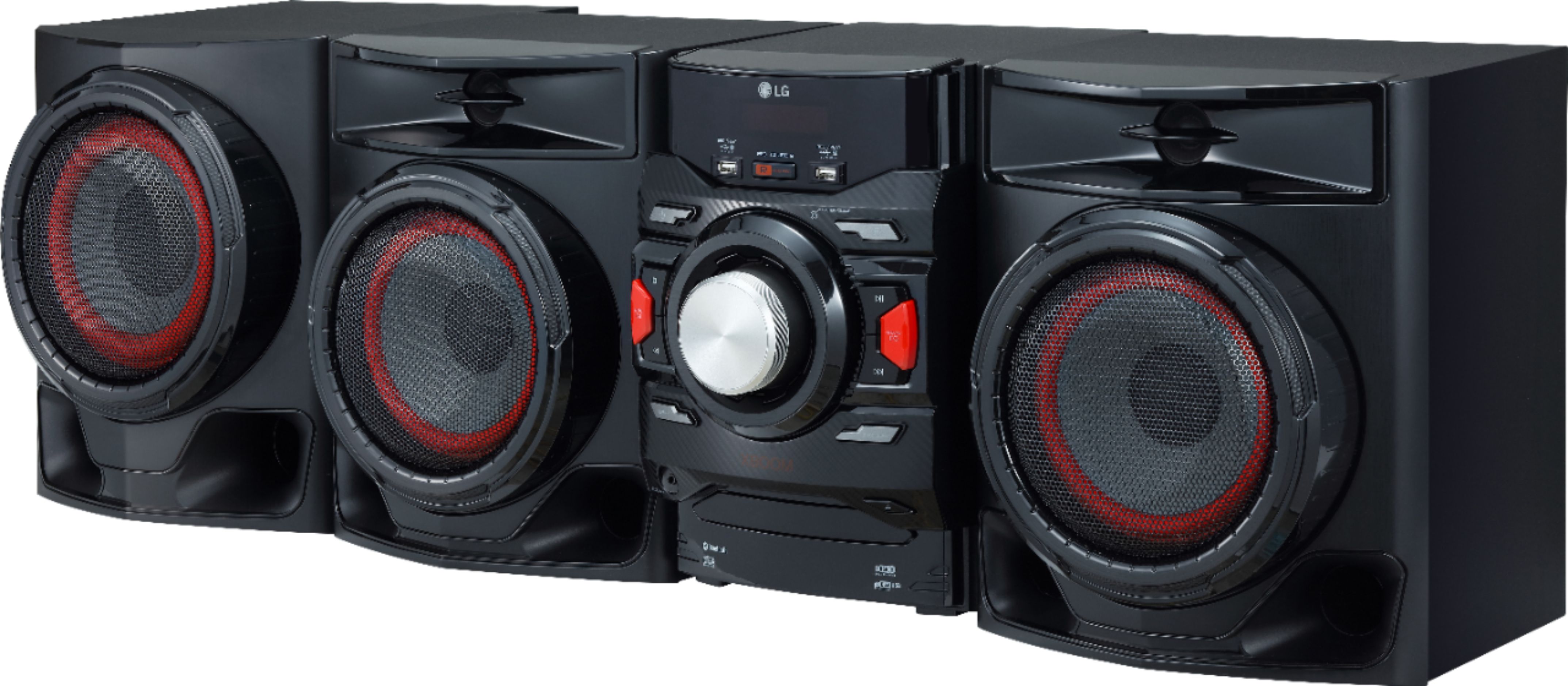
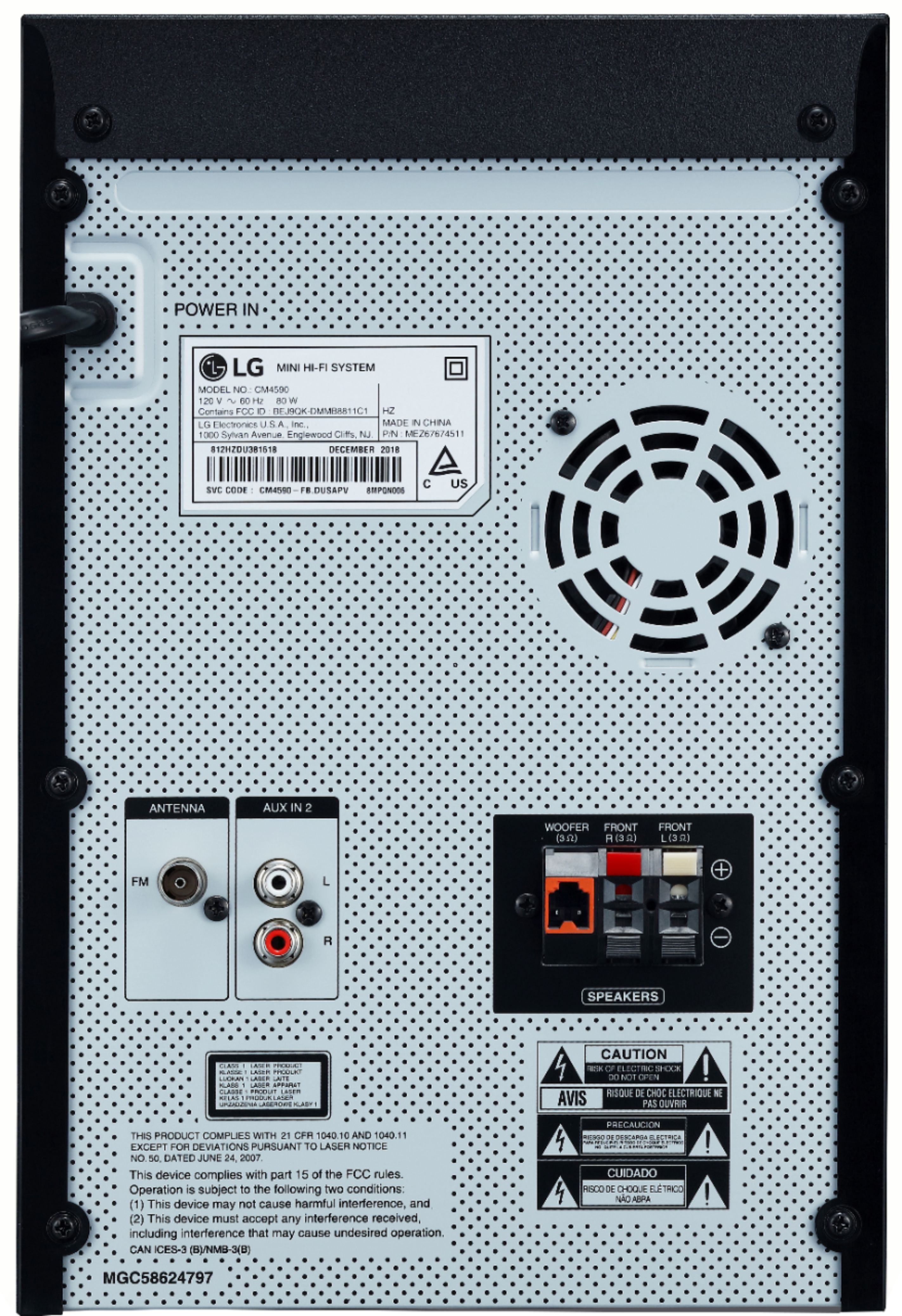
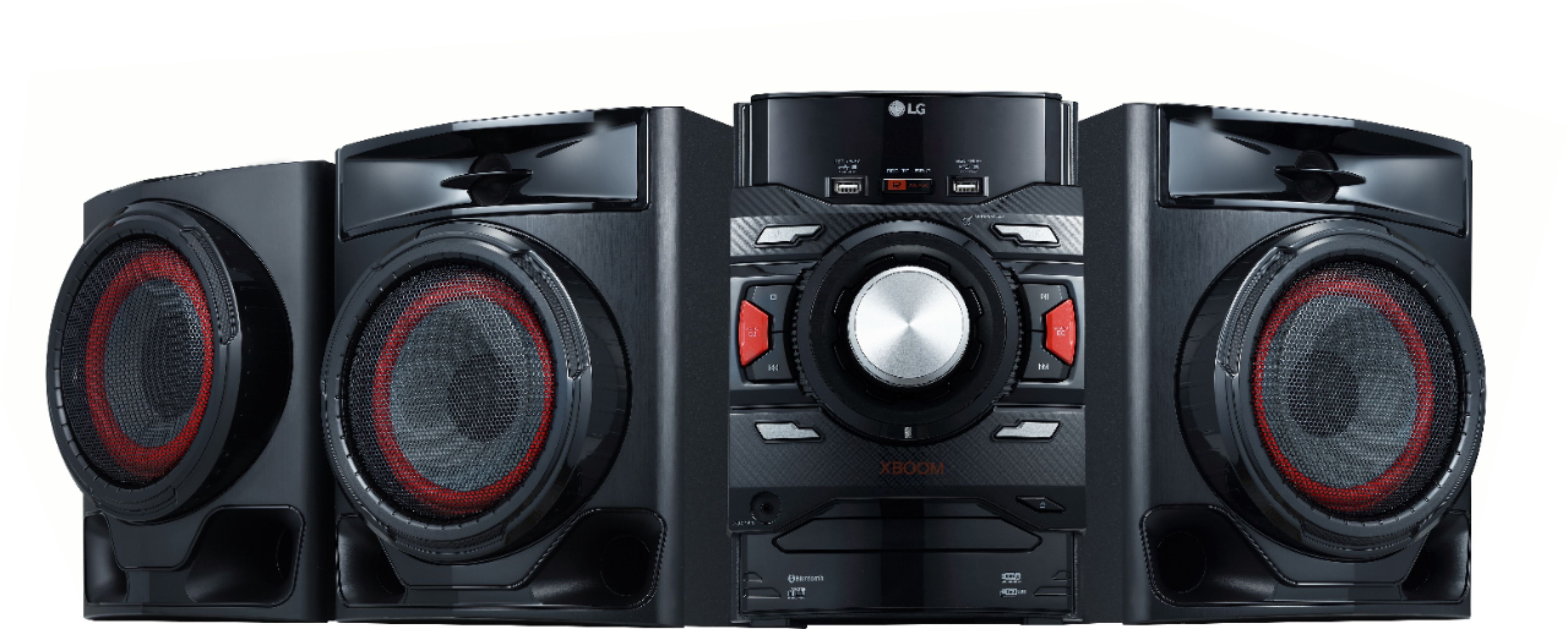
A:AnswerThis audio system has 700W total output power. It has 2 speakers and a subwoofer. It features a 6-1/2" woofer, 1-1/2" tweeter and 7" subwoofer to create a rich, dynamic soundscape. Its Preset EQ settings include bass, rock, jazz, pop and classic to enhance different musical genres. The equalizer lets you adjust the sound for optimal performance. Simply link your LG audio product with your compatible LG HDTV wirelessly via Bluetooth®, reducing the cable clutter behind/beneath your television. It also features 3.5mm input as well as AUX in (L/R) for connecting to external devices such as a compatible TV. If you have additional concerns or questions, you can contact our Customer Support by any of the below options: Phone: 1-800-243-0000 Live Chat: https://www.lg.com/us/support/chatbot Email: https://www.lg.com/us/support/email-appointment Facebook Messenger: https://www.facebook.com/LGUSA/ Twitter: @LGUSSupport The LG Community Forum is also a great resource for getting help from other LG customers: https://lgcommunity.us.com/
A:AnswerYou can find instructions on how to connect devices to the CM4590 via bluetooth on page 19 of the owner's manual https://www.lg.com/us/support/product/lg-CM4590.DUSALLK ^CP
A:AnswerThank you for raising your concern in the LG XBOOM Mini Shelf (CM4590) model. If you are unable to pair your Samsung Galaxy S22 Ultra with a Bluetooth device, you can try resetting the Bluetooth settings on your phone. One way to do this is by resetting the network settings. To reset the network settings, you can go to "Settings > Reset > Reset network settings" on your phone. This will reset all Bluetooth settings on your phone and clear all saved Wi-Fi networks. You can download its owner's manual through this link for more information: https://www.lg.com/us/support/product/lg-CM4590.DUSALLK. ^Cris