A:AnswerThis is such a joke. This phone is not what I thought it would be. Elderly don’t understand it. If they never used any electronics. They surely can understand it. Then they say you can get a plan for only $14.99 a month. Not true.
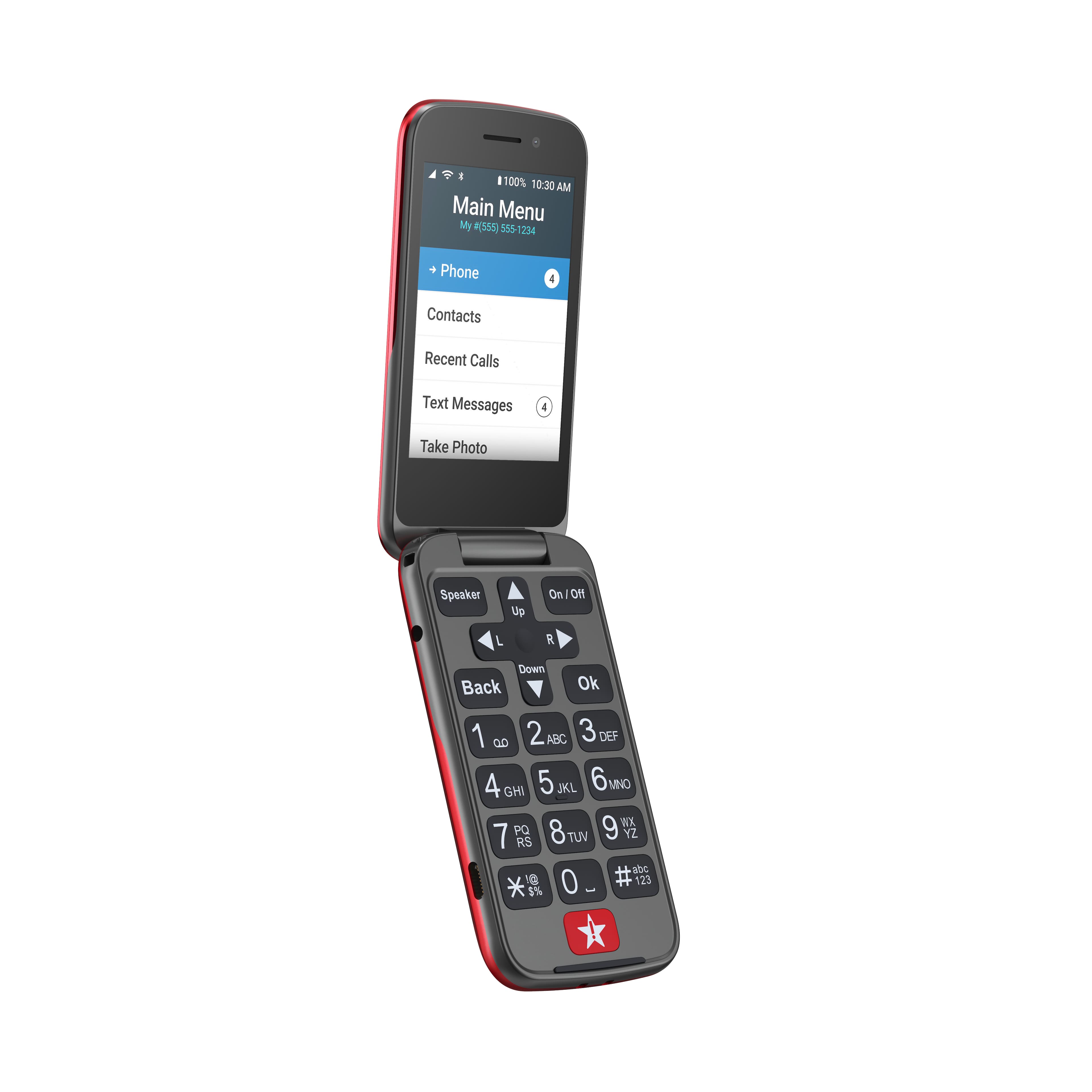
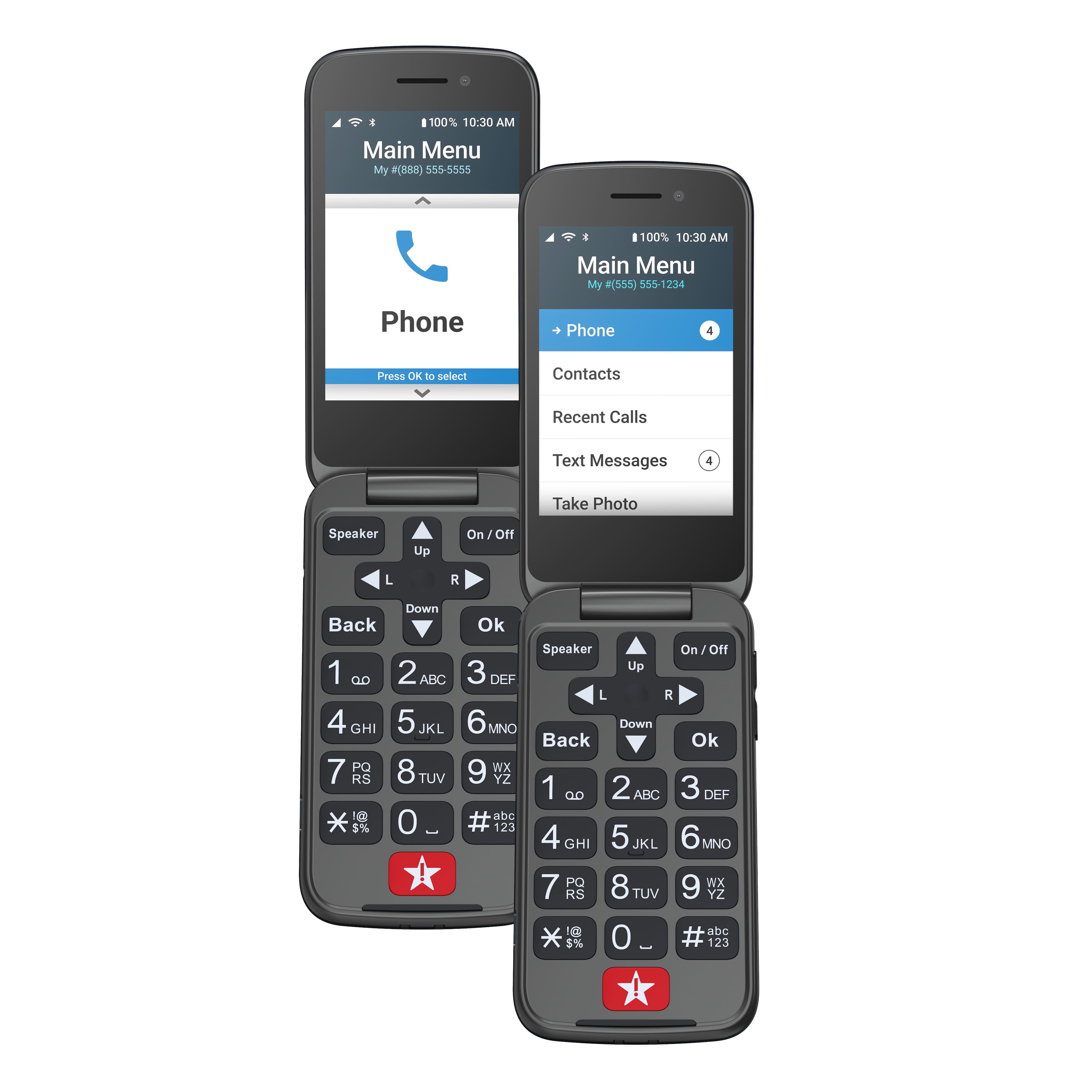
A:AnswerThe "jitterbug 2" has limited "on-line" services. The screen is .very small even if you wished to browse the internet. It is large enough to see your notifications and to scroll through your contact list.
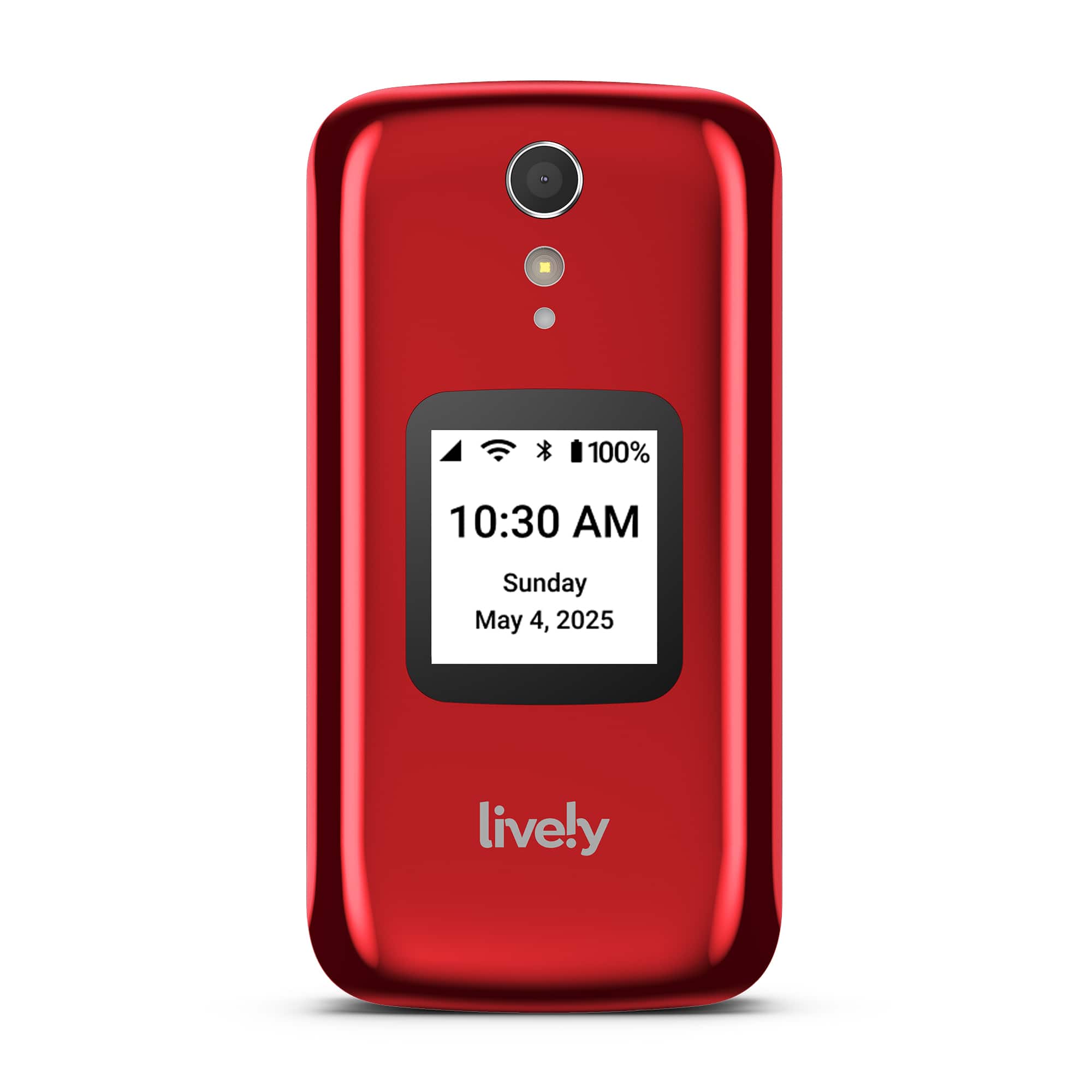
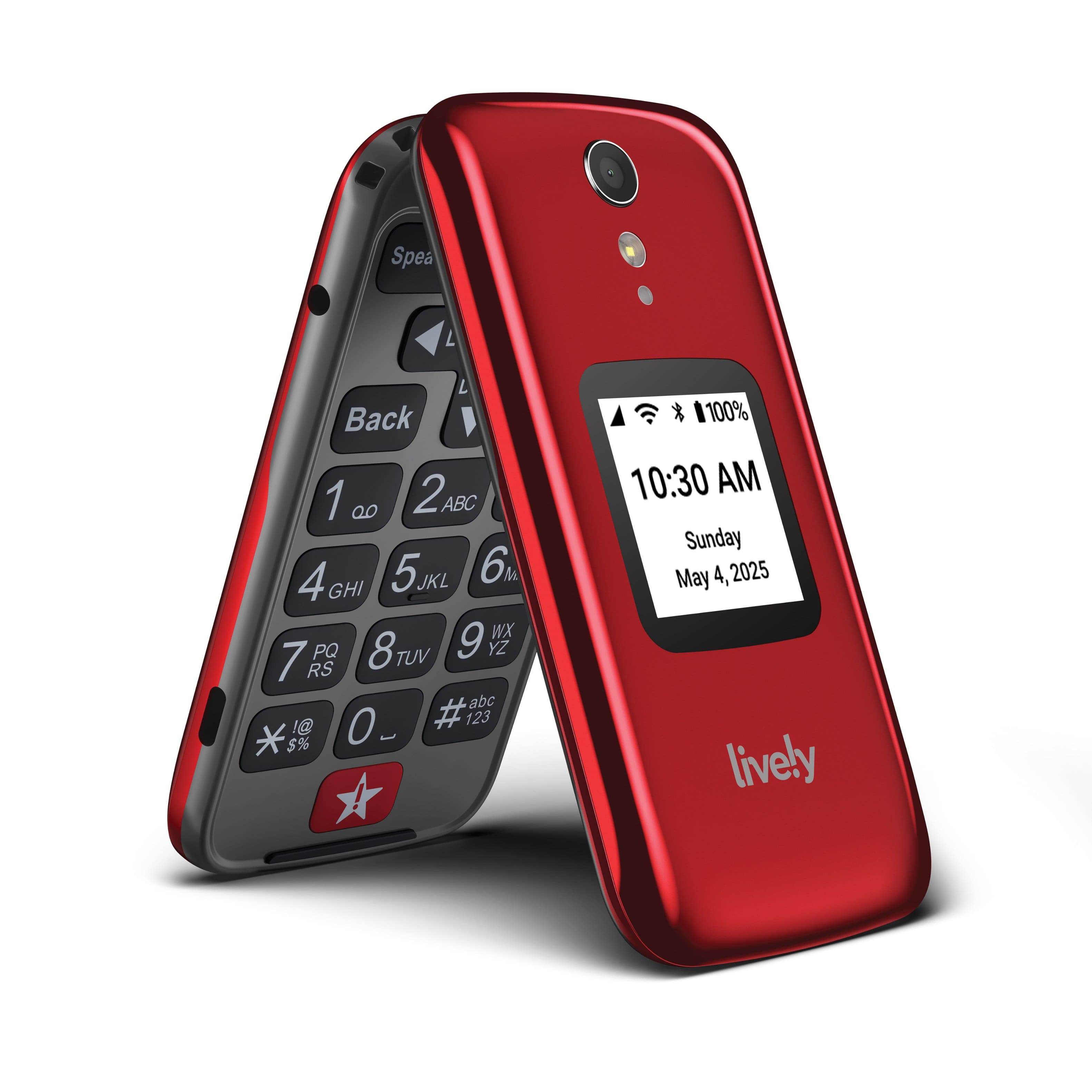
It is an enhanced but basic phone, designed for calling, voicemail access, emergency response, location assistance, texting and photo-sharing. The model 2 has more of everything the model 1 had - more storage, more pixels in the camera and a bit more security than the original unit. It seemed never to break, ever.
A:AnswerIt has no internet browsing ability. Don't know about Google/YouTube/social. Not interested in all the high-tech designs. It is and it has just the capabilities of a simple phone and text. Text is not needed by me, but I answer some when necessary. I had and still have trouble pairing it with my automobile radio. Lively replaced my new phone where the replacement still gives me the same pairing fault but not as often as the original one. Have to call Lively again for help. Mr. A. Di Marino
A:AnswerI have found in the recent and distant past, that Lively Technical support is one of the best services for a wireless phone service I have ever dealt with. Period.
They will help you with any problem you have and make suggestions for doubts you entertain.
If you call their service, the wait time is never as long as with other carriers.
That is my direct experience with them. I do not work for them and am not remunerated for this review.
A:AnswerIf your question is "Can I access the Data on my Jitterbug 2 phone via a computer and copy it to another device?"
Then the answer is "Yes you can!",
Just plug the phone's USB connector into a USB Port on your PC, Mac or Android Tablet (Not as friendly) and the phone will come up as a "Drive" in your device list.
You can then "Explore the filesystem" and locate your data quickly and easily.
A:AnswerThe reason you might want to activate your internet for this phone, is that when you are in proximity to an open internet connection - any call you make might not count against your minutes if you have a limited plan. It can save you some money to activate internet calling.