A:AnswerNone of the procedures found here work for me. There is always a step called out that I do not have on my Lively Jitterbug Flip 2. What earthly good is a camera in a phone for which no ability is provided to transfer the photos to something where they can actually be seen, and not just a tiny photo stored in the Flip Phone.
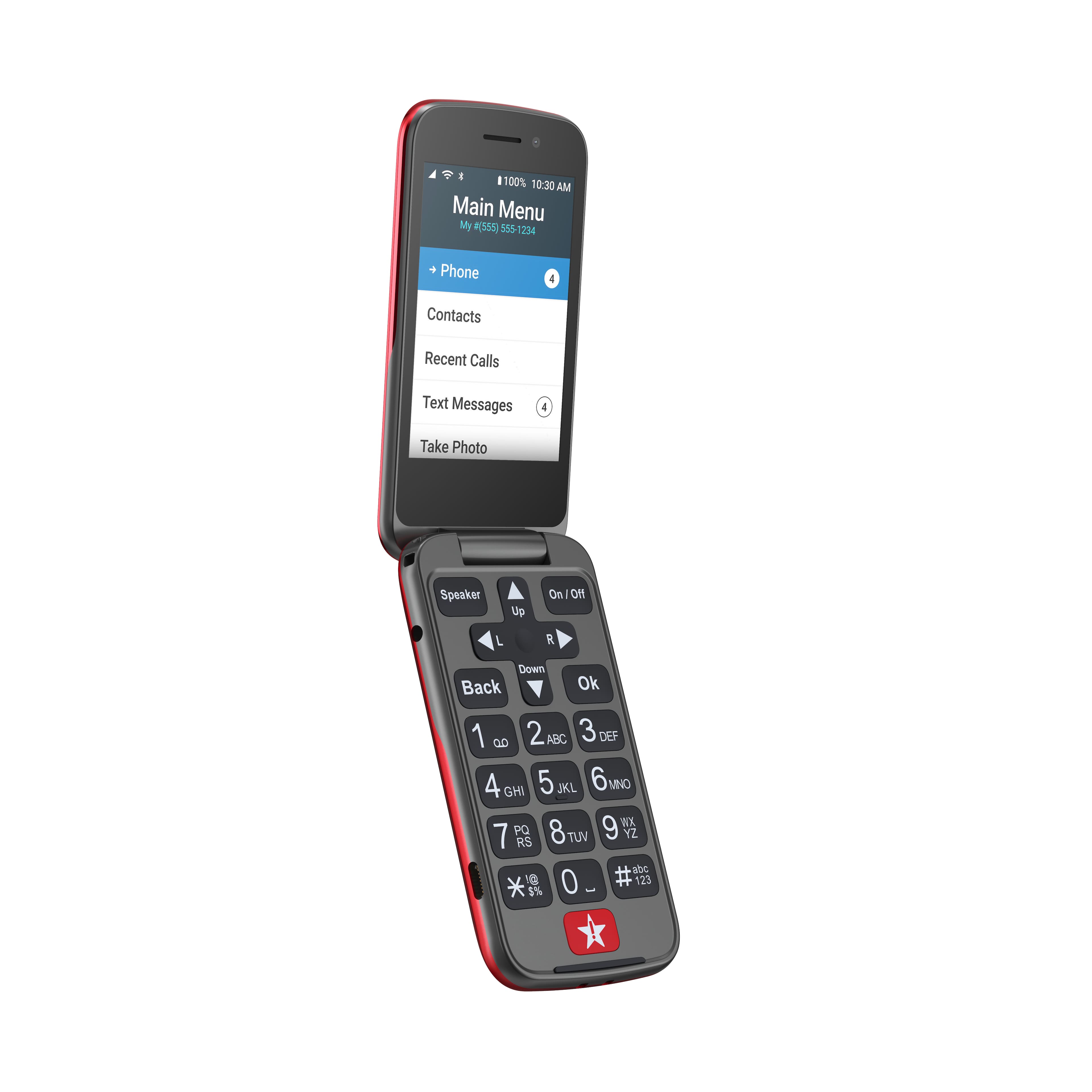
A:AnswerHello Anonymous, The volume buttons are on the top right side of the phone, the top one raises and the bottom lowers and there is a vibrate option. These buttons can be locked to avoid lowering them and the instructions are on page 117 of the user guide. The user guide can be found on the Lively website under Support.
A:AnswerWe are so glad you asked. Lively phones were specifically designed to work on the Lively network which is powered by the nation’s largest and most reliable wireless network. To enjoy exclusive features that are only available on the Lively network, activate with Lively by phone or on the Lively website. Lively has a variety of plans so you can choose the one that works best for you.
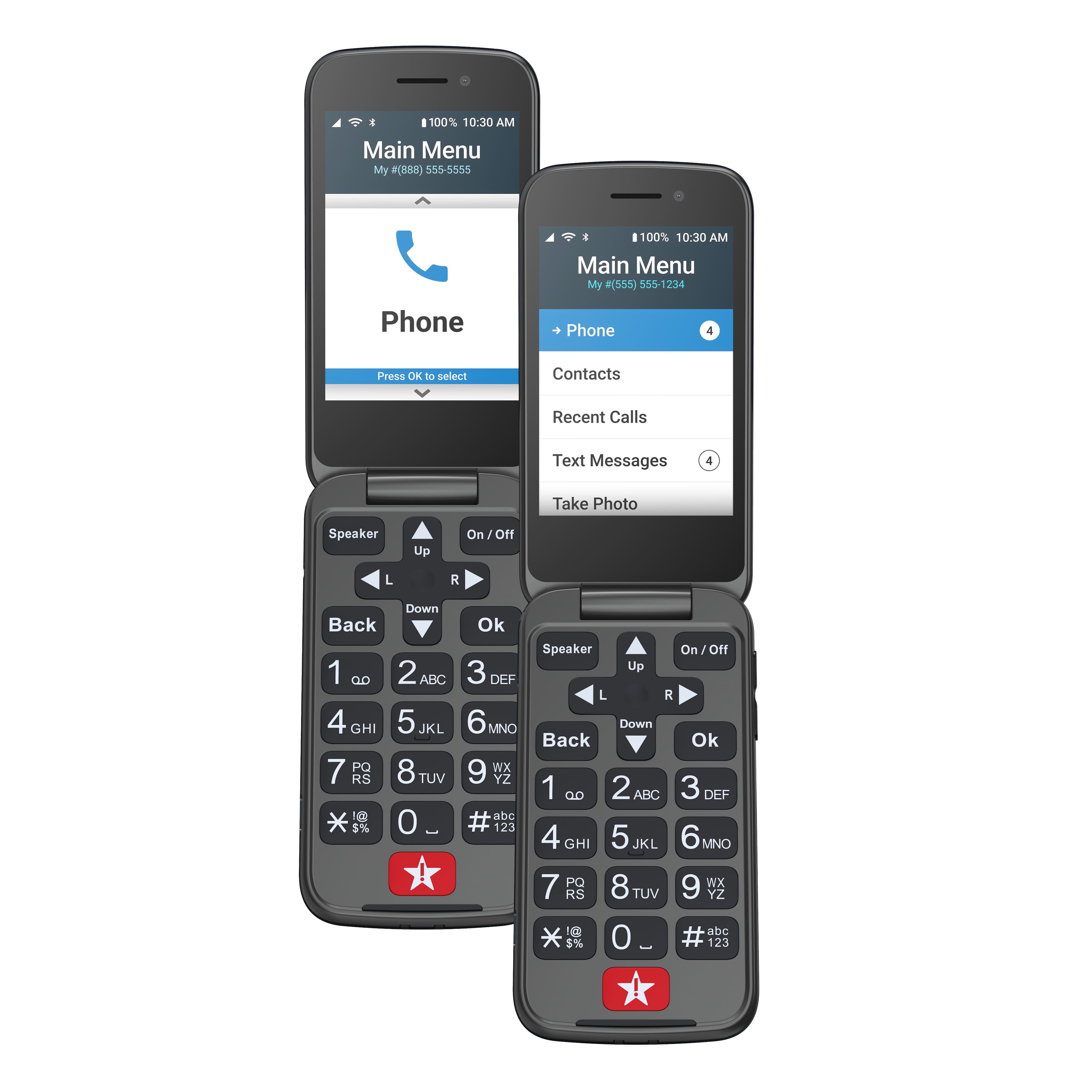
A:AnswerHello Thomas, to delete the call history you need to follow these simple steps. First scroll to “phone” and press the “ok” button. Then scroll to the option “call history” and press the “ok” button. Once the call history is displayed, at the top you will be presented with the option to “clear all”; press the “ok” button. The screen will then ask you to confirm the action by selecting “clear all” once more. For more details about the Lively Flip, please visit the Product Support page of our website.
A:AnswerThe Lively Flip is unlocked per nationwide standards, but we cannot control which carriers choose to accept or activate our phones. Our phones were specifically designed to work on our network which is powered by the nation’s largest and most dependable wireless network. Our award-winning U.S. based support and Urgent Response service is only available on our network. We offer a variety of affordable plans which can be viewed at our webpage.
A:AnswerBecause it is garbage. Ive talked to two reps so far and they have escalated it again because they cant figure it out. Waiting for their call...
A:AnswerI am a Lively Agent. In order to get the Flip 2 out of Airplane mode you have to do Factory Data Reset. You can do this by typing into the dial pad: #733872 & press Ok
A:AnswerI tried setting up my phone for a voicemail message and the call to voicemail failed. I think this is an extra charge? wow not good if so.
I called *611 and they were not friendly or helpful.
We need to know add ons when we are sold a product over the phone. My reception is poor with this as well as my last carrier near santa rosa ca.
I may have to bail.
A:AnswerIv tried to deactivate my 2 AND WHEN I GO TO THE VOICEMAIL TO CHANGE IT IM ASKED TO ENTER MY PASSWORD FOLLOWED BY POUND KEY,how am i supposed to tit for tat the text into it and then hit pound,,its ridiculous,,just now im wishing id kept my ole land line,lot simplier than all this,, and jitterbug says this simplifies phones for seniors???? Not today pal!