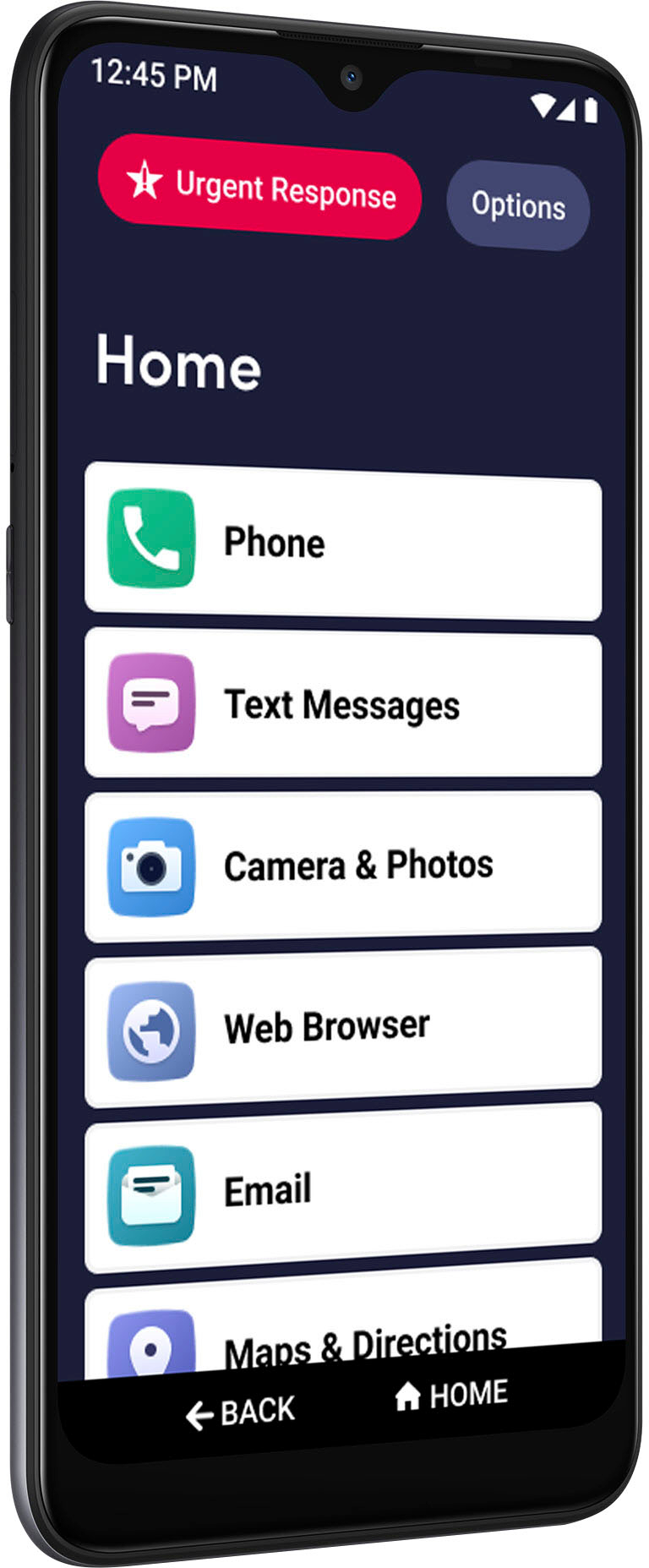
A:AnswerGreat question! The Jitterbug Smart3 phone has pre-installed applications to play music such as Play Music and Radio. You can also download music apps from the Google Play store.
A:AnswerWe are so glad you asked. Lively phones were specifically designed to work on the Lively network which is powered by the nation’s most reliable wireless network. To enjoy exclusive features that are only available on the Lively network, activate with Lively by phone or on the Lively website. Lively has a variety of plans so you can choose the one that works best for you.
A:AnswerGreat question! The Jitterbug Smart3 phone does have the pre-installed app, WhatsApp, that is perfect for video chatting with family and friends.
A:AnswerGreat question! Our Lively phones do have the ability to call out to Canada. For additional information regarding our International Calling/International Long Distance, please contact our Customer Service.
A:AnswerI don't believe you can. I tried to simplify the home screen as much as possible for my elderly parent and there were four items that could not be removed (phone, contacts, camera, and text messages -- I think those are the four.)
A:AnswerI can't answer your question, because I don't have mine set up as yet. I purchased it from the Best Buy that is being remodeled, and they did not have the equipment to transfer my info from my flip top. I was able to get the flip top working again, and will just wait until they are up and working again at Best Buy, and get the smart phone up. I hope they can also tell me how to use it. Sorry
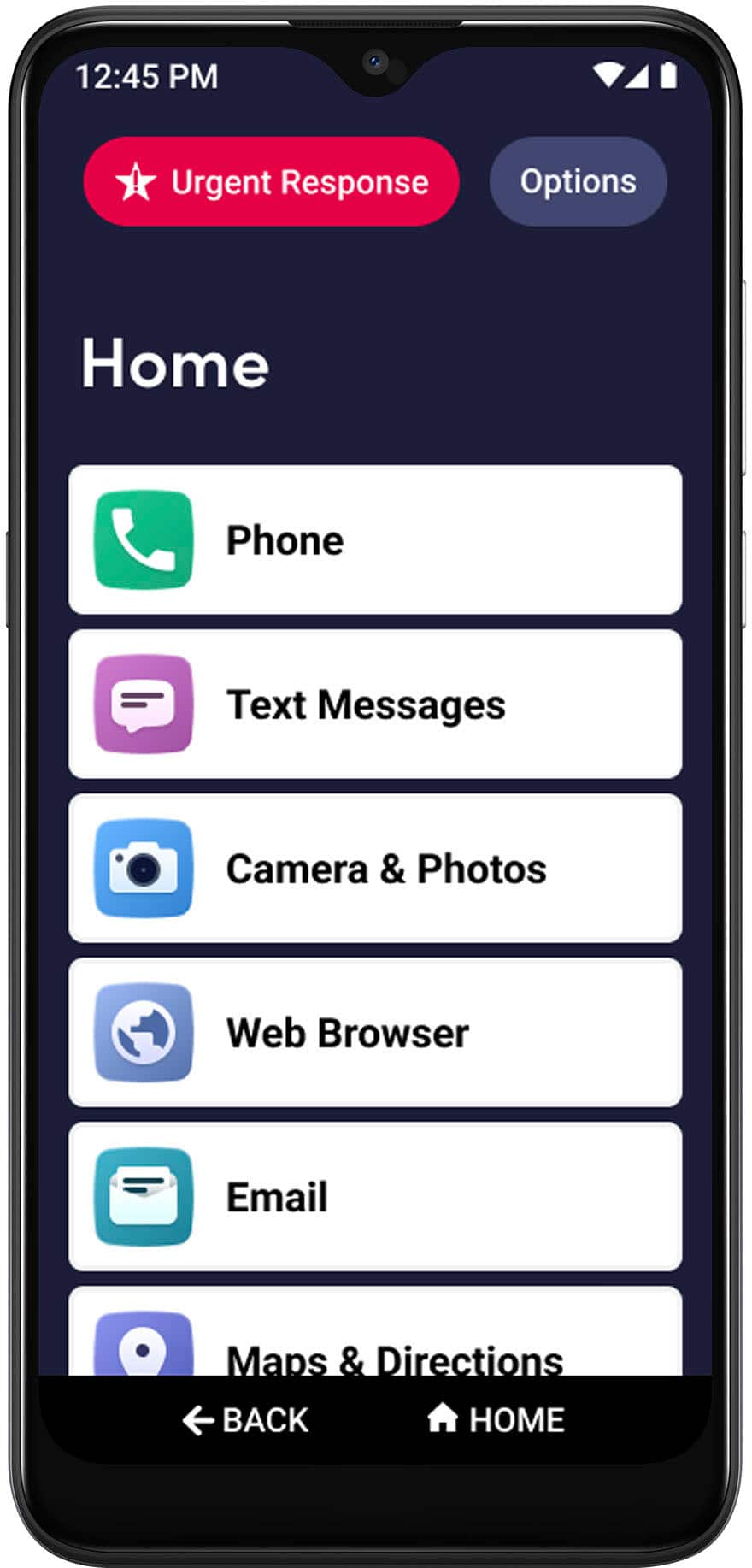
A:AnswerThe Smart 3 phones do have the capability of running the Android 11 operating system, which means that the newer requirements for applications, like Google Home, SHOULD work. If you're having issues downloading, please contact Lively Customer Care.