A:AnswerIt appears that your current wireless network provider is Consumer Cellular and you appear to be asking whether your contemplated "Jitterbug" phone device can be used on that wireless network. My guess is "NO" but this question should be addressed to Consumer Cellular not to 'LIVELY" the from which you will get your Jitterbug. Lively
https://en.wikipedia.org/wiki/Lively_(company) is an MVNO https://en.wikipedia.org/wiki/Mobile_virtual_network_operator who, Wikipedia says, has contracted with the Verizon Wireless network to transmit the zeros and ones to and from your device. I respectfully submit that you should not care about the identity of the corporate entity which owns the wireless network but rather about the quality of wireless network coverage near your home base. If you want to know whether the Jitterbug device has adequate coverage, I suggest you ask Verizon. Then comprises prices, both for the new device and monthly. I switched from t-Mobile to Lively and am saving about $40 per month. I know absolutely nothing about Consumer Cellular and could be completely wrong.
A:AnswerThis phone does have parental controls you can add content restrictions and set limits if you you can supervise the phone remotely with the family link app for parents and add restrictions like app approval or content restrictions
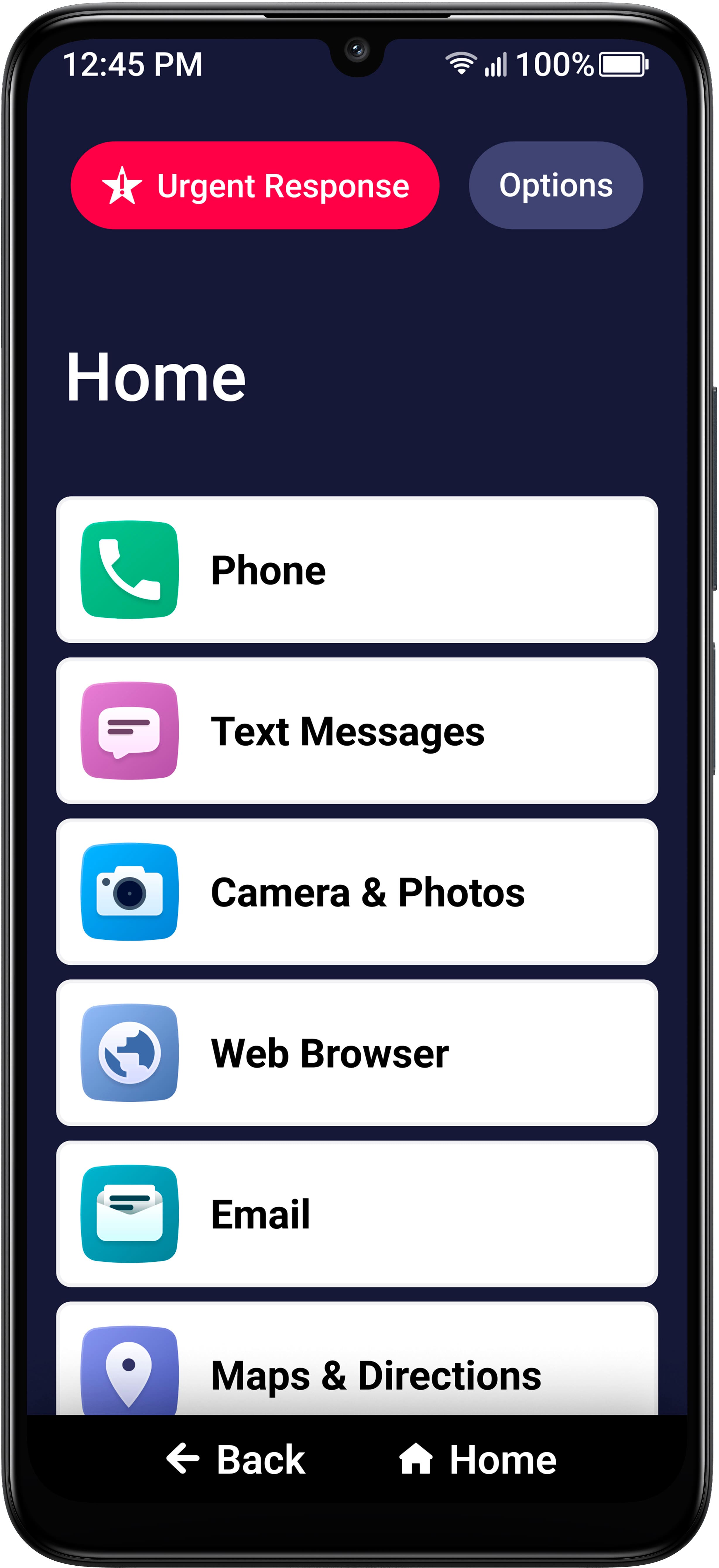
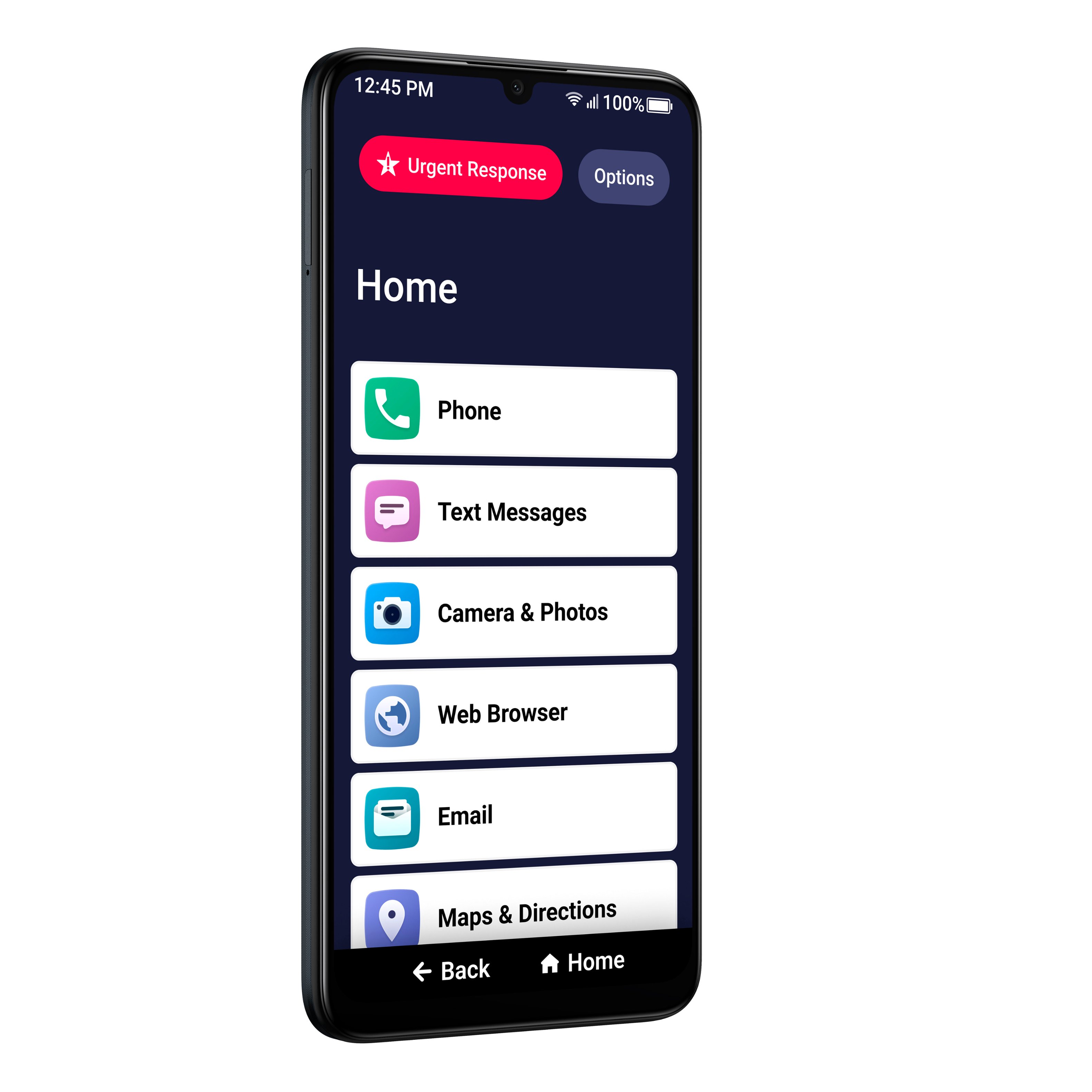
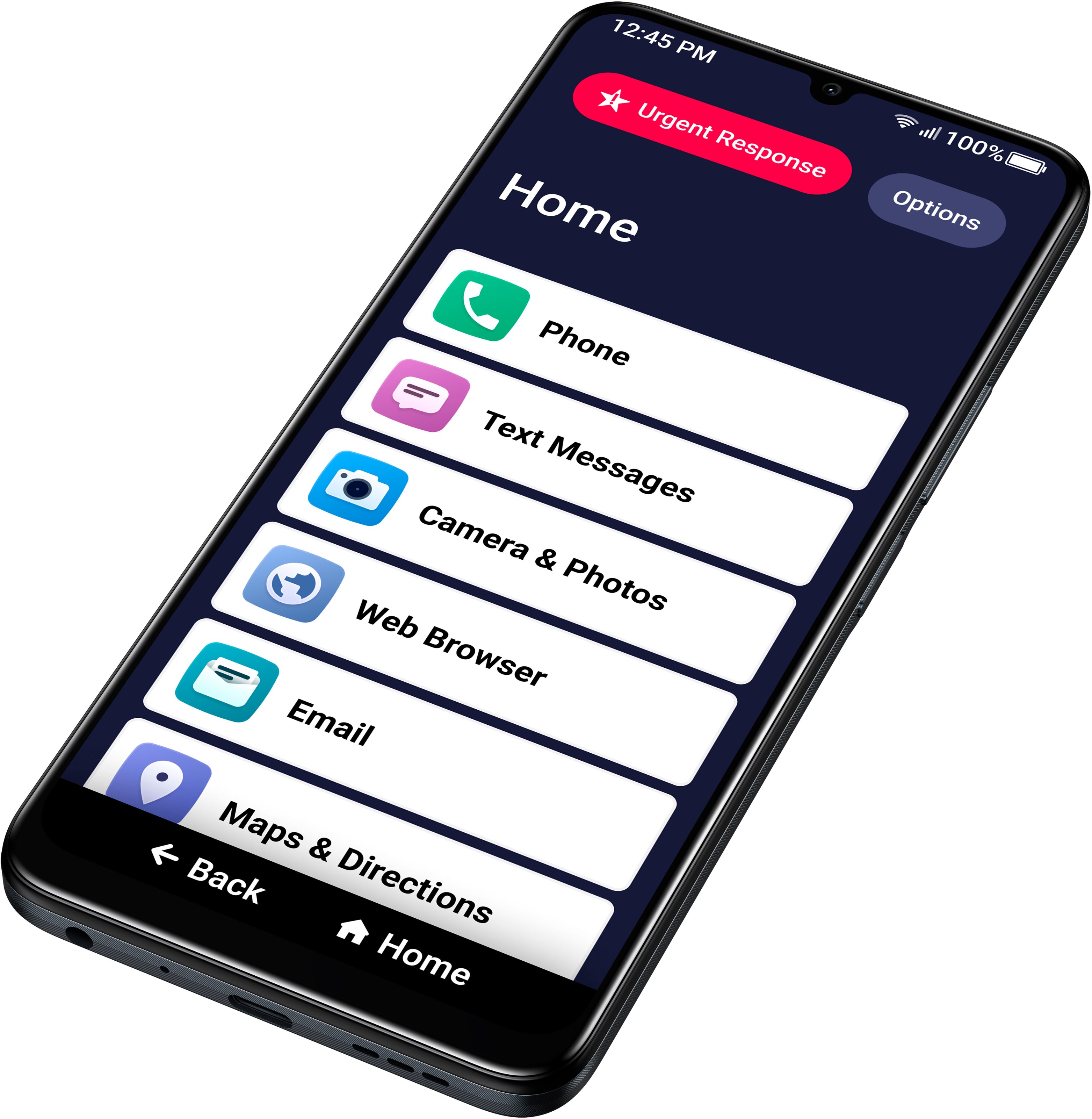
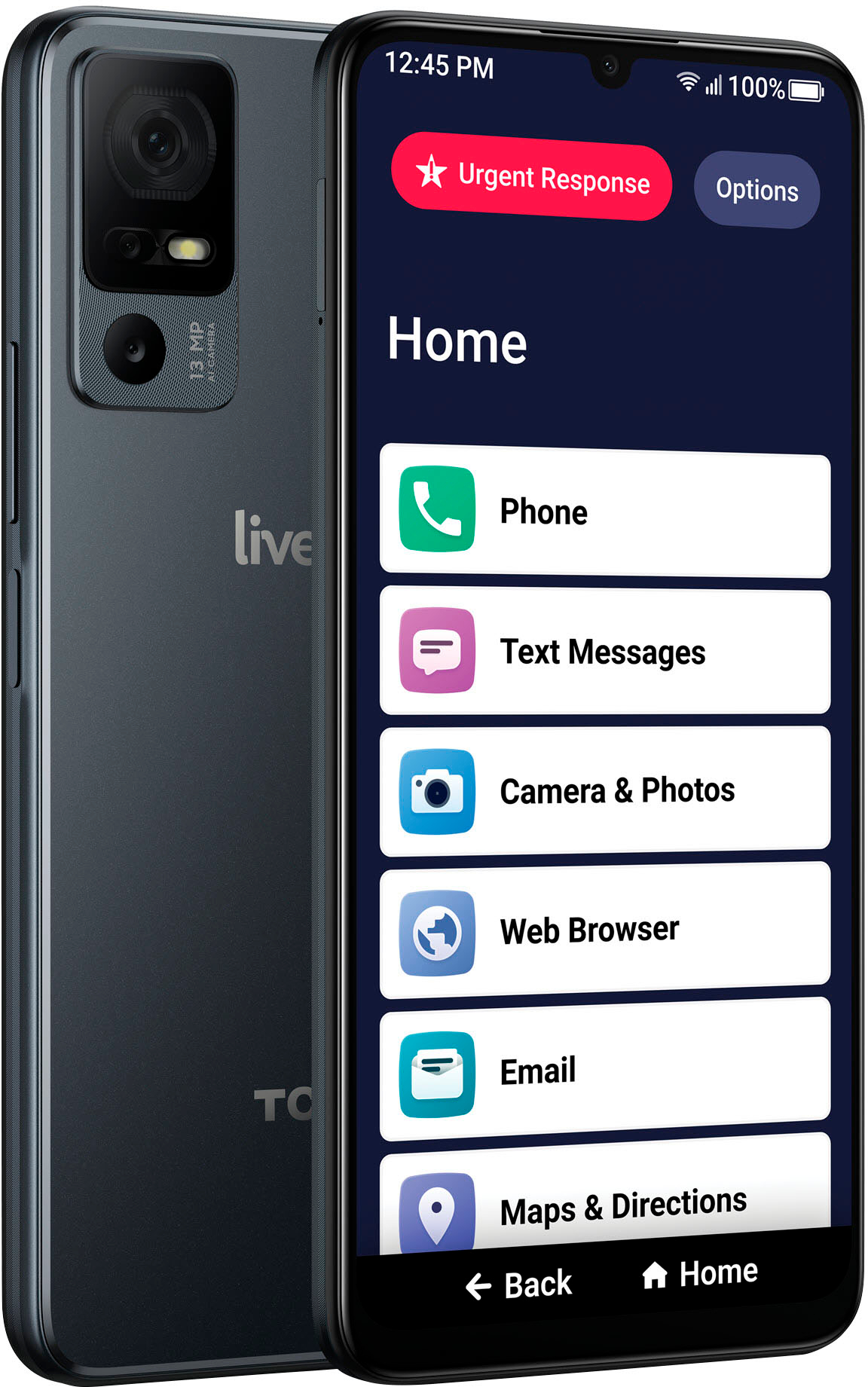
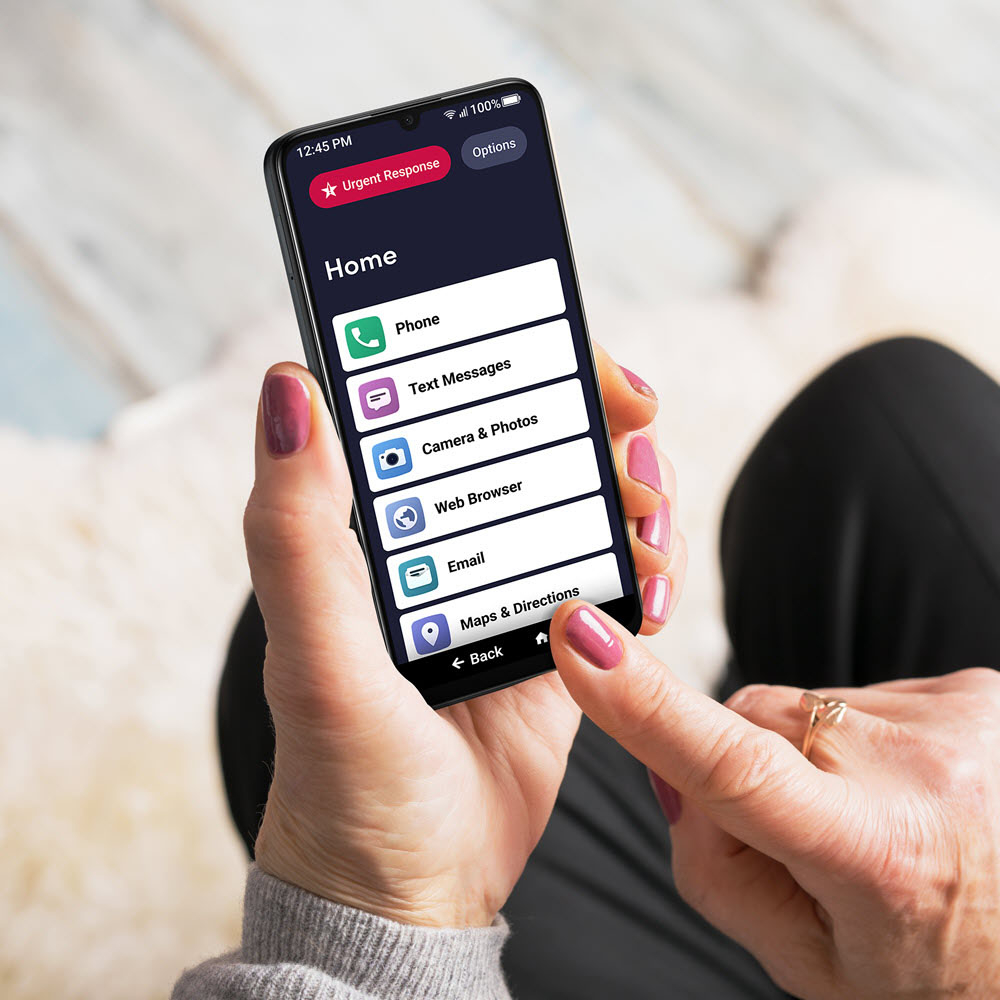
A:AnswerData is required to browse the web/internet. So the Web Browser, email and Maps & Services buttons would require the internet or a data plan.
Phone calls and Text messages are covered via the phone service. Pretty sure sending phone attachments in a message would be covered under the standard phone servive.
A:AnswerI did swap out the SIM card. I ordered a SIM Card from TracFone and activated the phone. The JitterBug top button "Urgent Response" was not set up correctly as I suspect the Lively activation intercpts this type of call so they can help the user get 911 access.