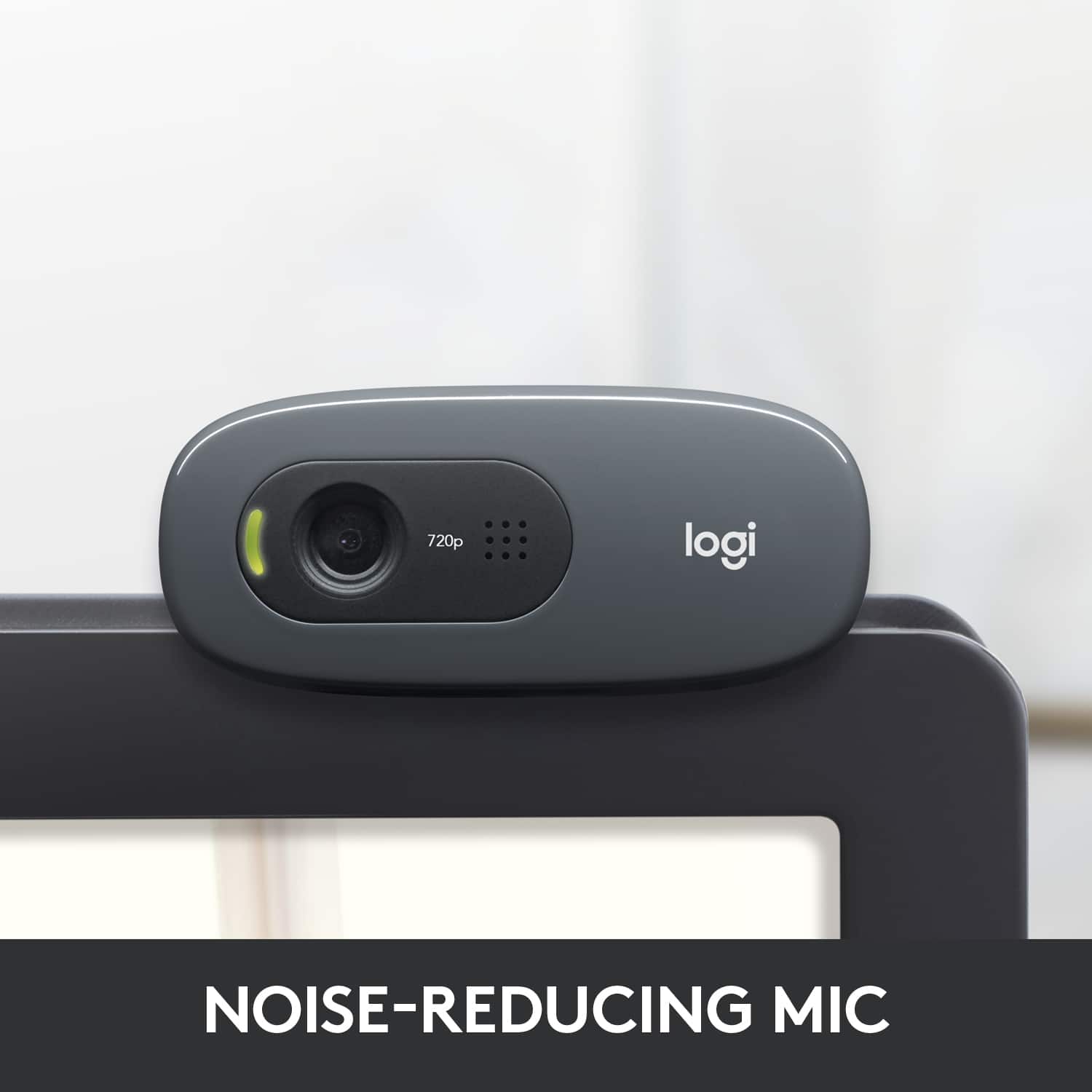
A:AnswerAs long as your operating system sees it as two devices...a camera and a microphone then yes. Windows 10 is able to use it as a microphone. I haven't tried it on any other OS though.
A:AnswerYes! Depending on your software, you can toggle on and off specific microphones, including the one packaged in with the webcam. Just make sure your default input device is set to your current audio interface.
A:AnswerIt seems like the webcam's activated its "Follow my face" feature. I had this activated on mine by default, but I've found it doesn't seem to work all too well. I downloaded the Logitech webcam software (called Logitech Capture, make sure you're downloading it from Logitech's website and not another site) and opened the Configure Video panel. Right under the "Webcam Control" panel, there's a check box that says "Follow my face." Go ahead and uncheck that, and you should stop experiencing these issues!
A:AnswerThe Logitech C270 webcam allows you to adjust the view with the software - there's a widescreen and standard view. (It works fine.) There's also an "advanced" settings for auto white balance, color intensity, contrast, etc. You have to download the software off their website - the unit doesn't come with software.
A:AnswerIf the Ipad has a usb drive then yes, if not then you may need an adapter (micro usb to usb 2 or 3) to properly hook up the camera to the ipad.
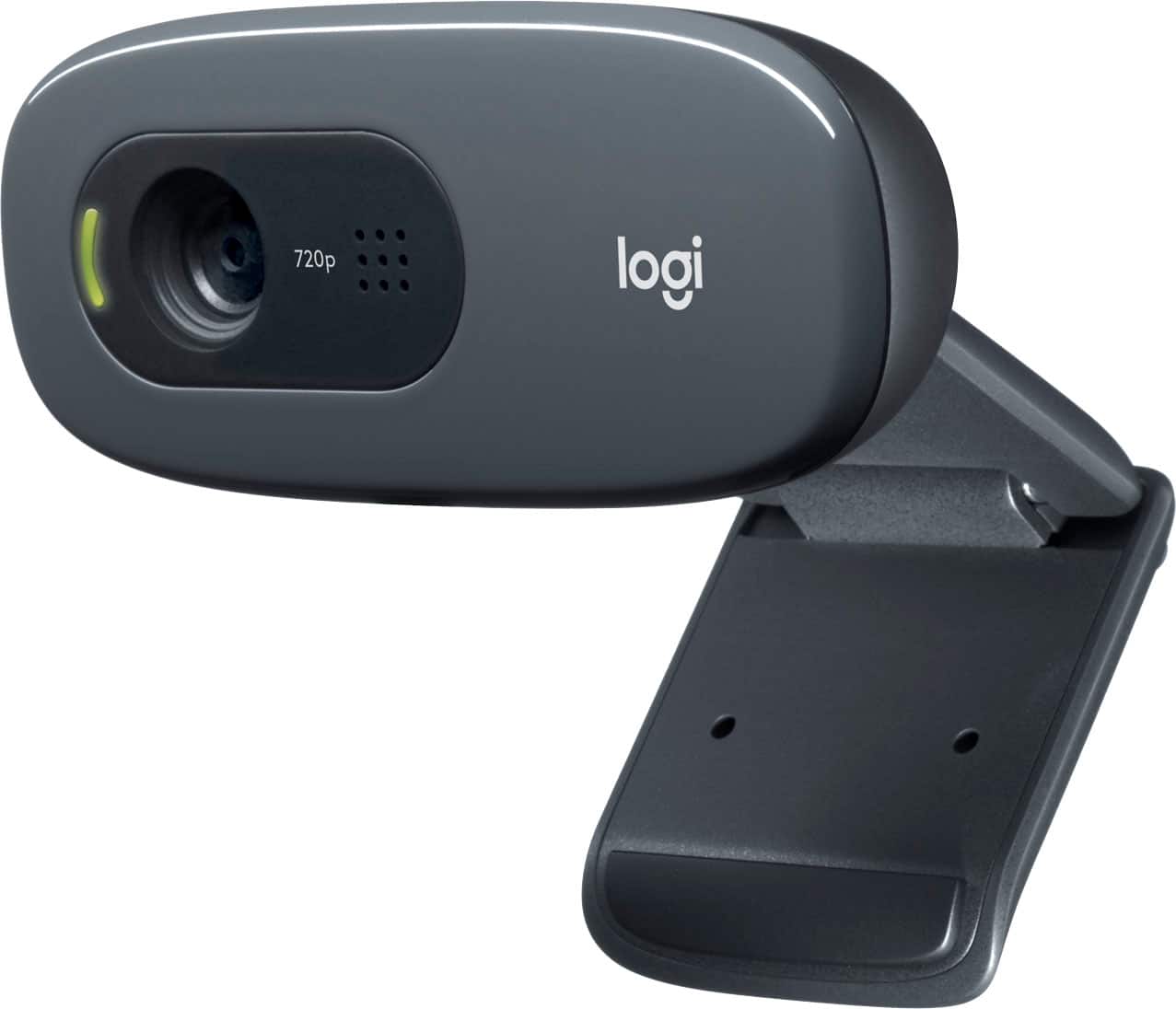
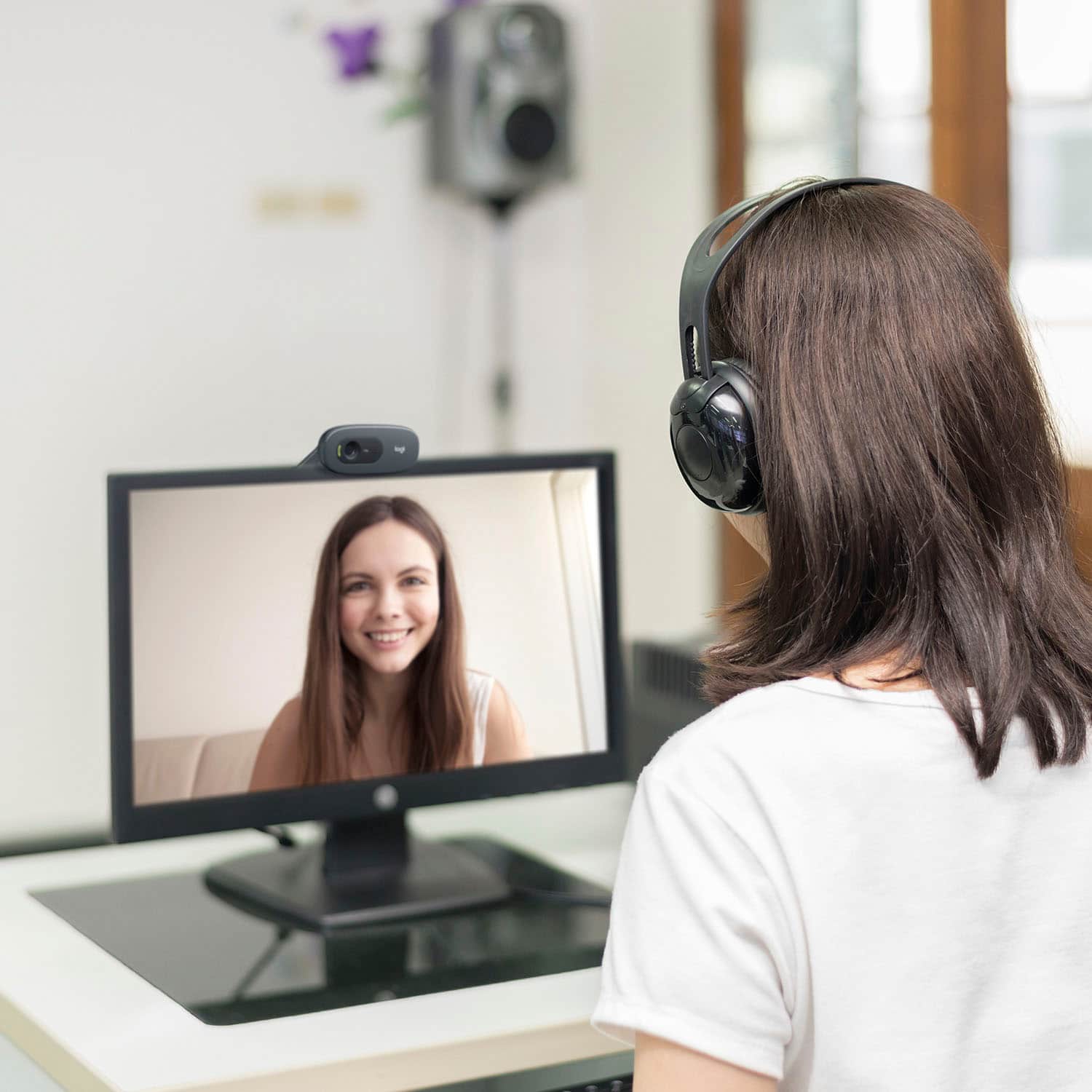
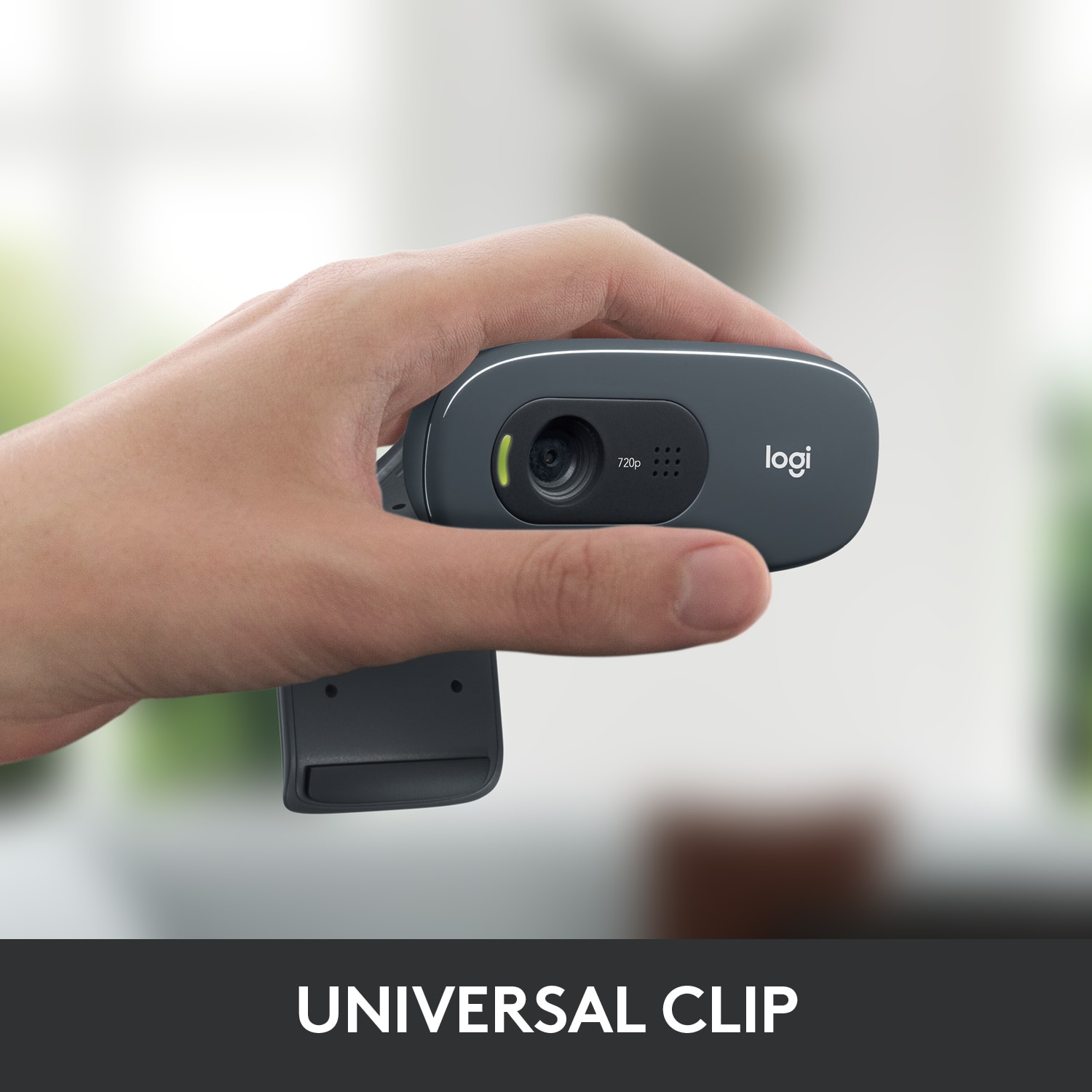
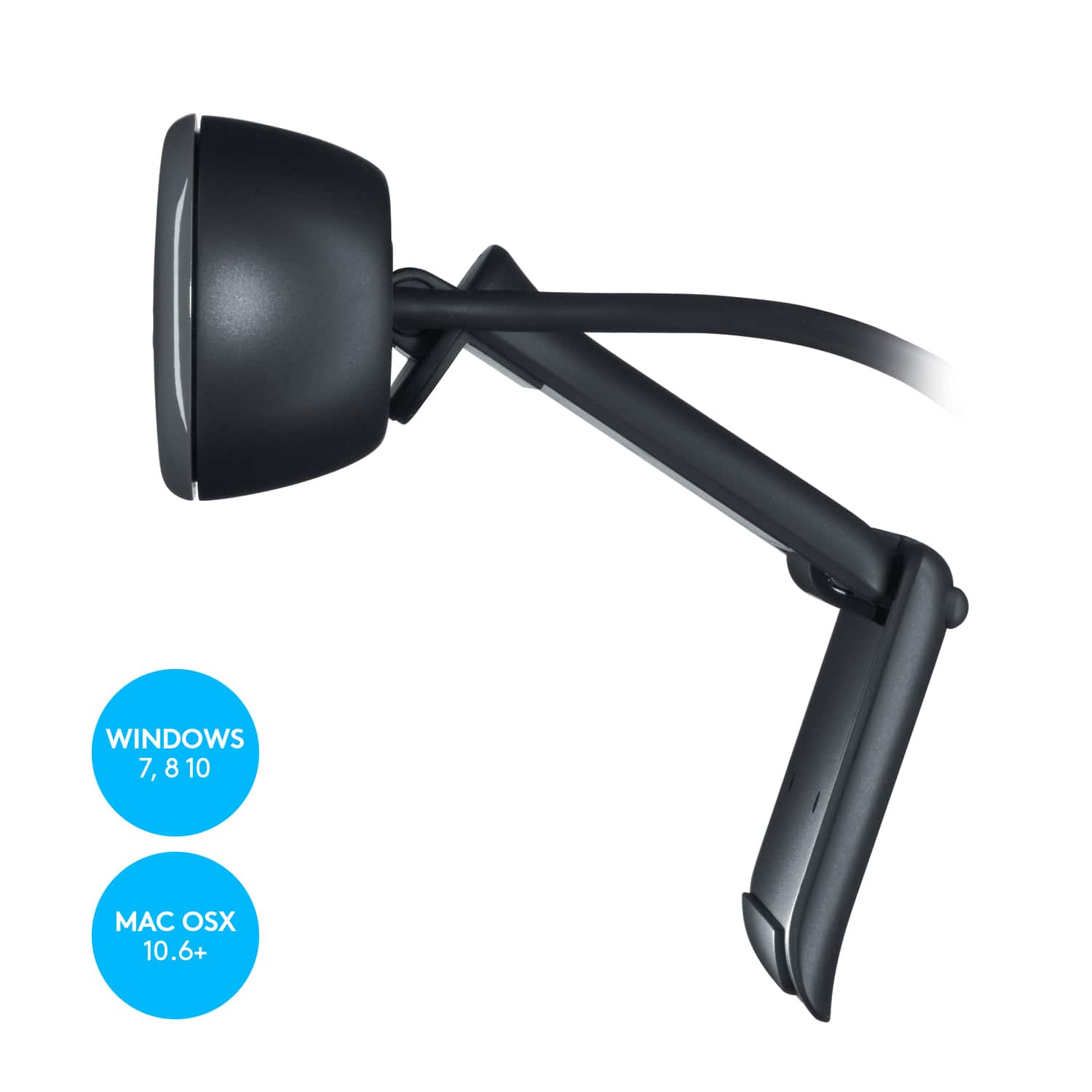
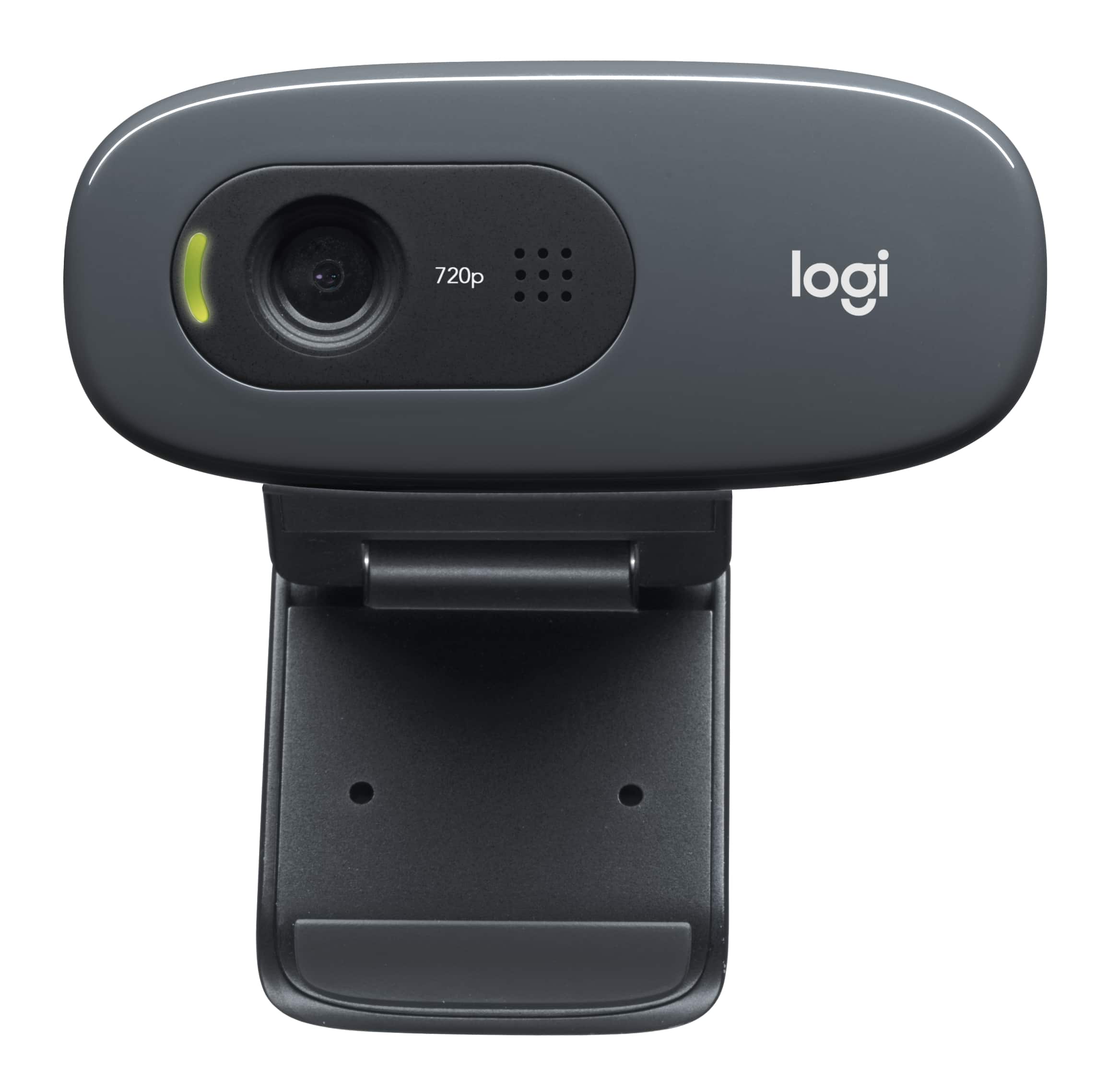
A:AnswerI have to limit my comment to laptops running Windows 10, as that is the context for my experience. Indeed, this camera should work quite well for your laptop, if it uses Windows. The hinged mount sits securely on the top lip of the screen, and the camera is then adjustable in terms of angle. The camera has a built-in mic and both the camera and the mic use a single USB cable. There is an indicator light that glows when the camera is in use, but I'd probably unplug it or cover it when you're not using it. Logitech makes great cameras... this one is inexpensive but does a fine job with Zoom, etc.