A:AnswerIt should work with the xbox one and one s.
if you are trying to use this as a camera hooked up to the xbox connect it via usb port.
if you are trying to stream your game from the puter of the xbox then hook up device and point the camera in the direction and add the zoom to your liking.
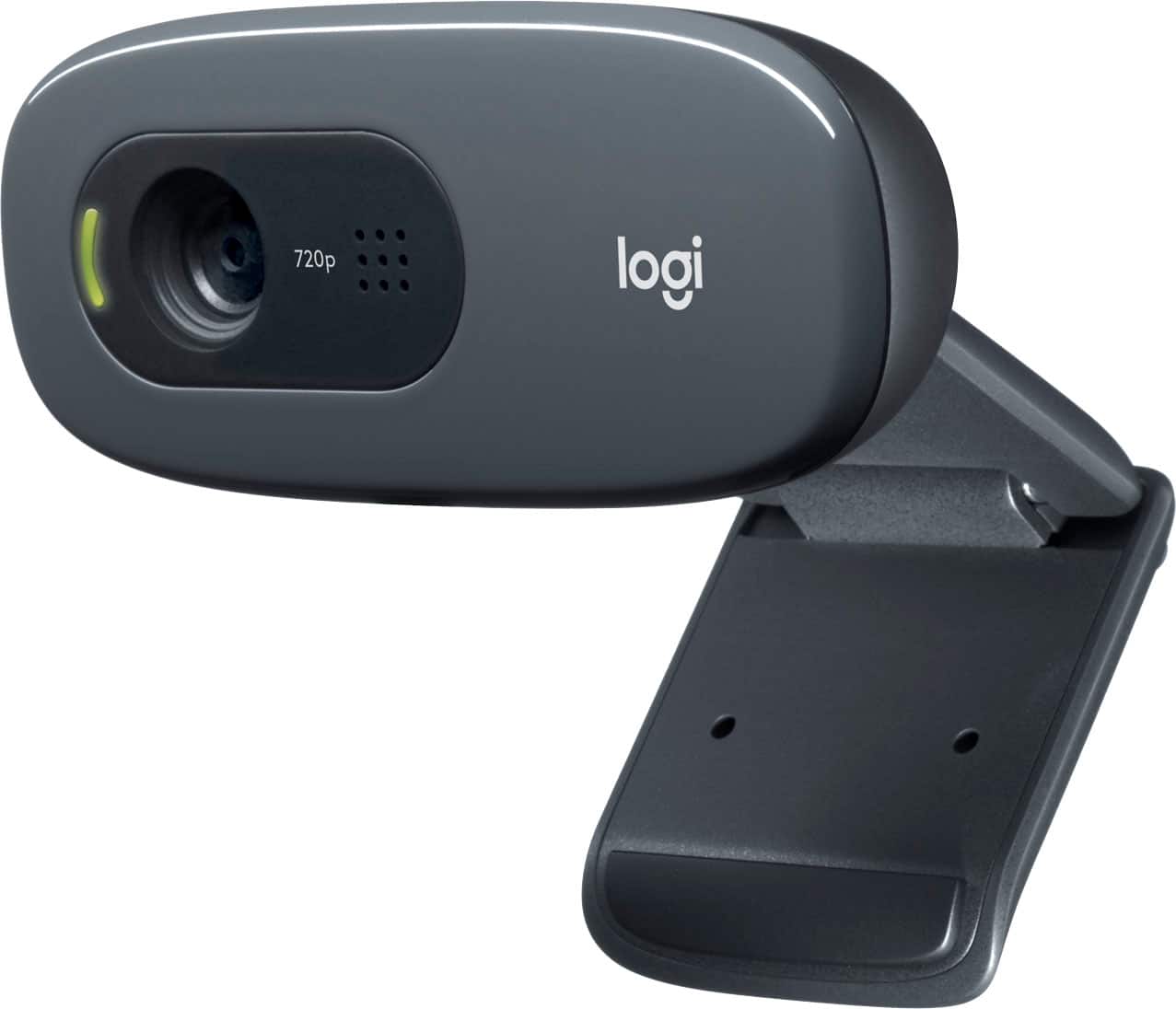
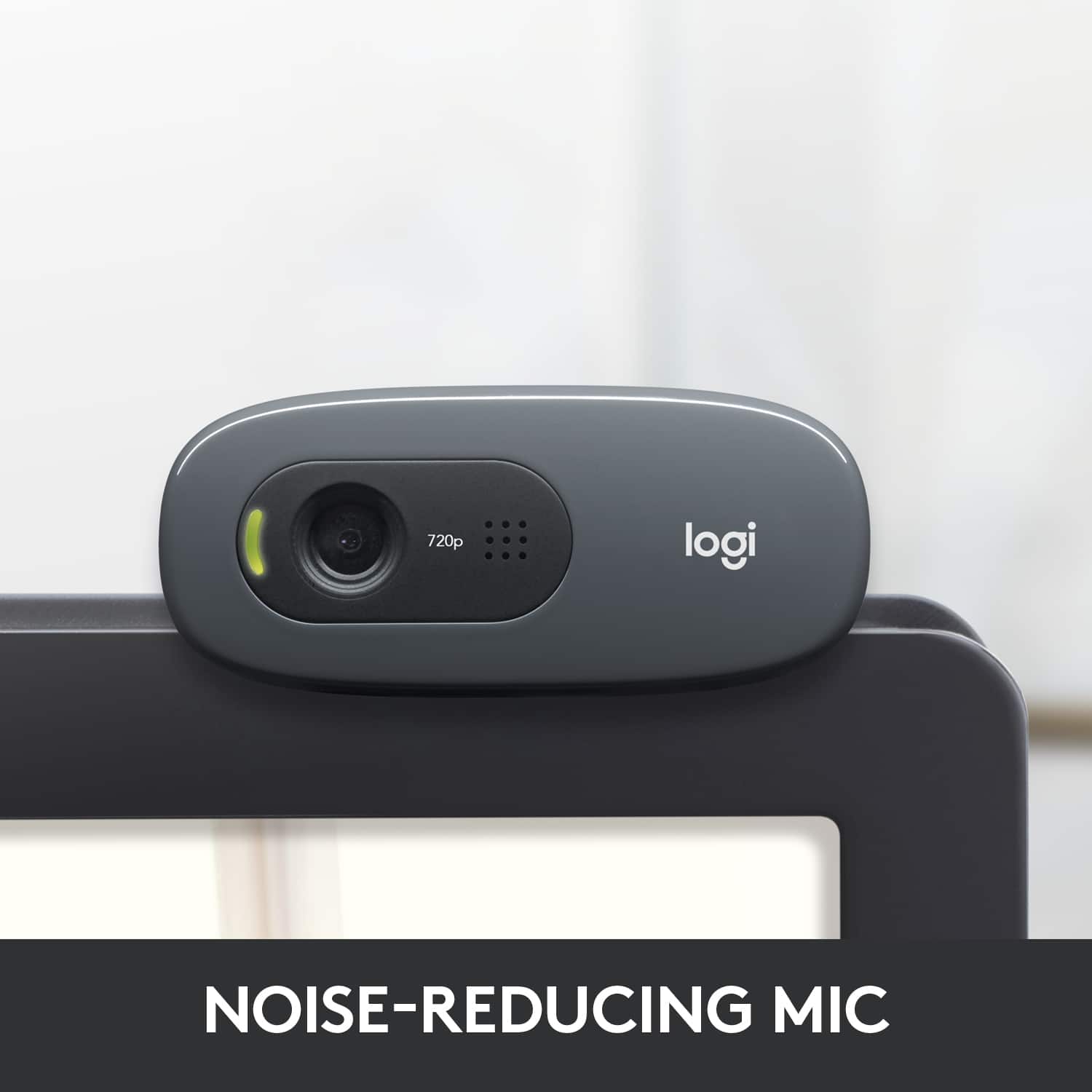
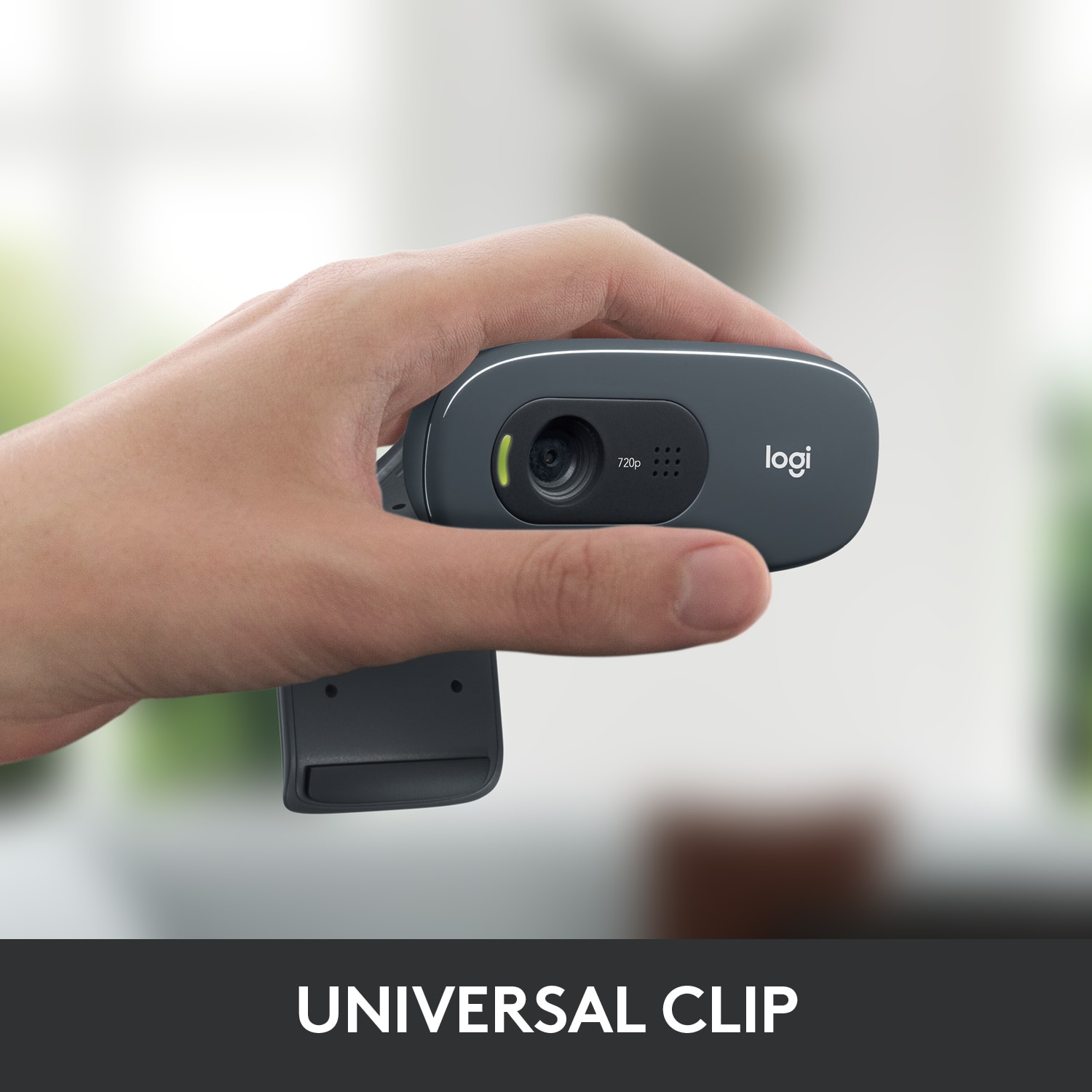
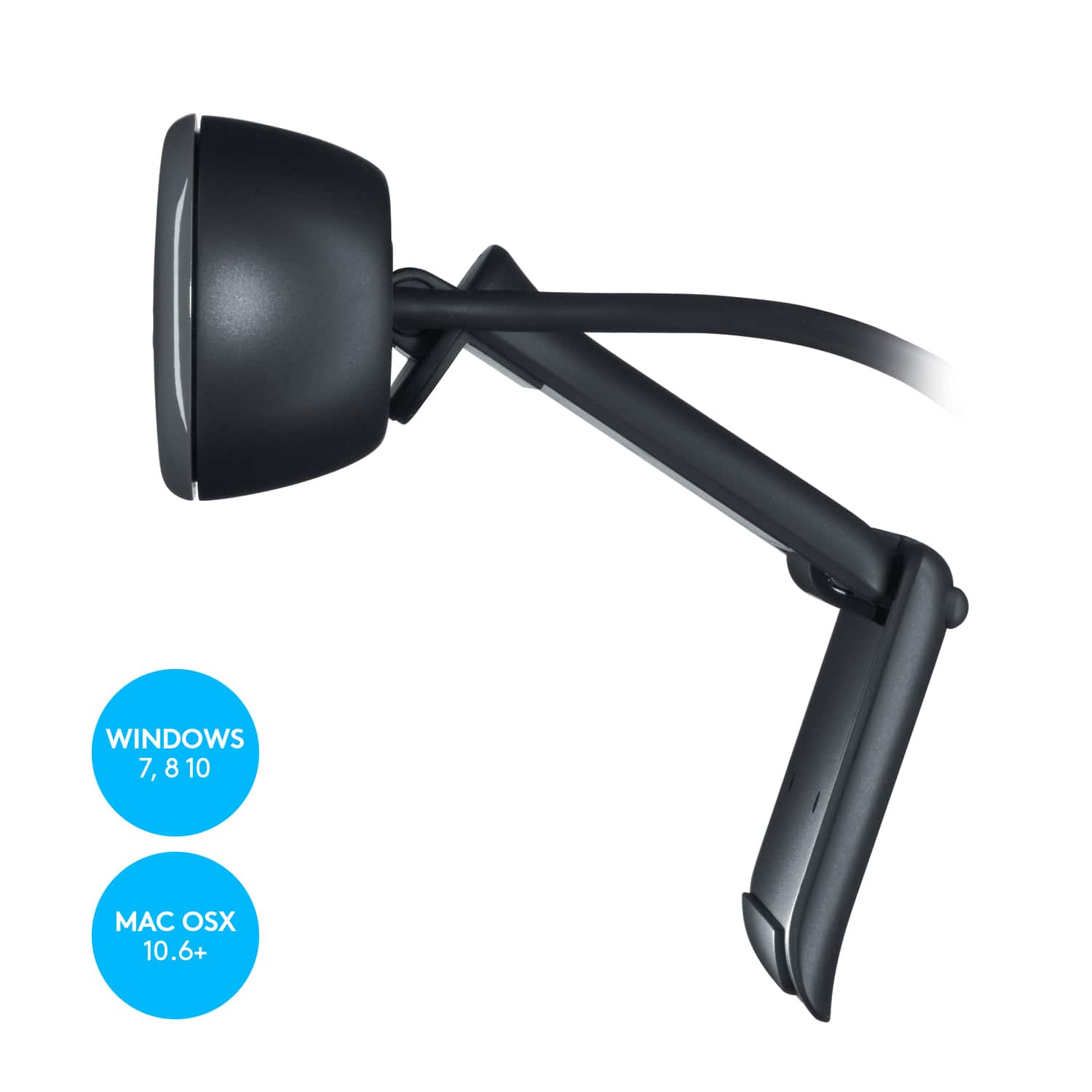
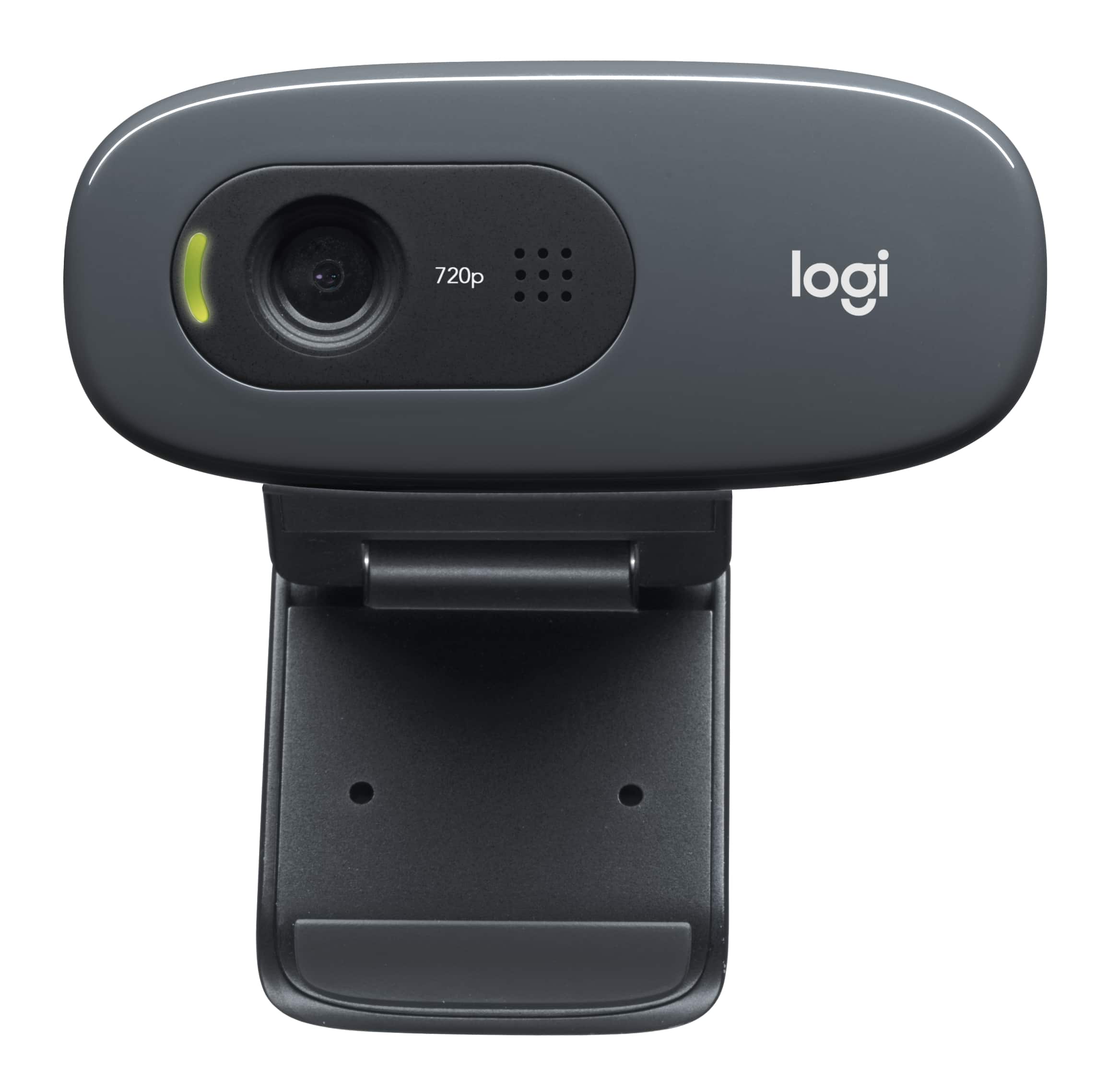
A:AnswerNot sure what type of monitor you have, but I've got a slim widescreen, and at the top, the frame is only 3/4" around the screen, but the webcam is so small, the mount never touched my screen. All I had to do was hold the flat piece of the mount against the top edge of the monitor, with the back of the cam against the front edge of the monitor and angled toward me, and then I moved the clamp until it contacted the back of the monitor. It's not a snug fit, but as long as I don't bump the monitor, the cam stays in place and doesn't contact the screen, so there's been no distortion.
A:AnswerIt would be tricky, at best. This does not have a 1/4x20 threaded hole for your typical mounting so the best I can come up with involves setting your tripod to portrait versus landscape orientation and using the camera's "monitor clamp" (which is a significant over-exaggeration of it's holding power) to wedge itself onto the tripod base plate.
A:AnswerThe short answer is yes. The long answer is it may be iffy with a chromebook. Not the cameras fault though. Great camera with DARNED good mic for audio.
A:AnswerYes, and it is SO easy to setup. Unless video quality is absolutely important, and your computer has the ability to take advantage of higher end webcams, this is perfect.
A:AnswerIt is around 18 inches, but you can purchase the usb extender with it. I use one with mine. Enables you to be away from the PC and hide the cable.