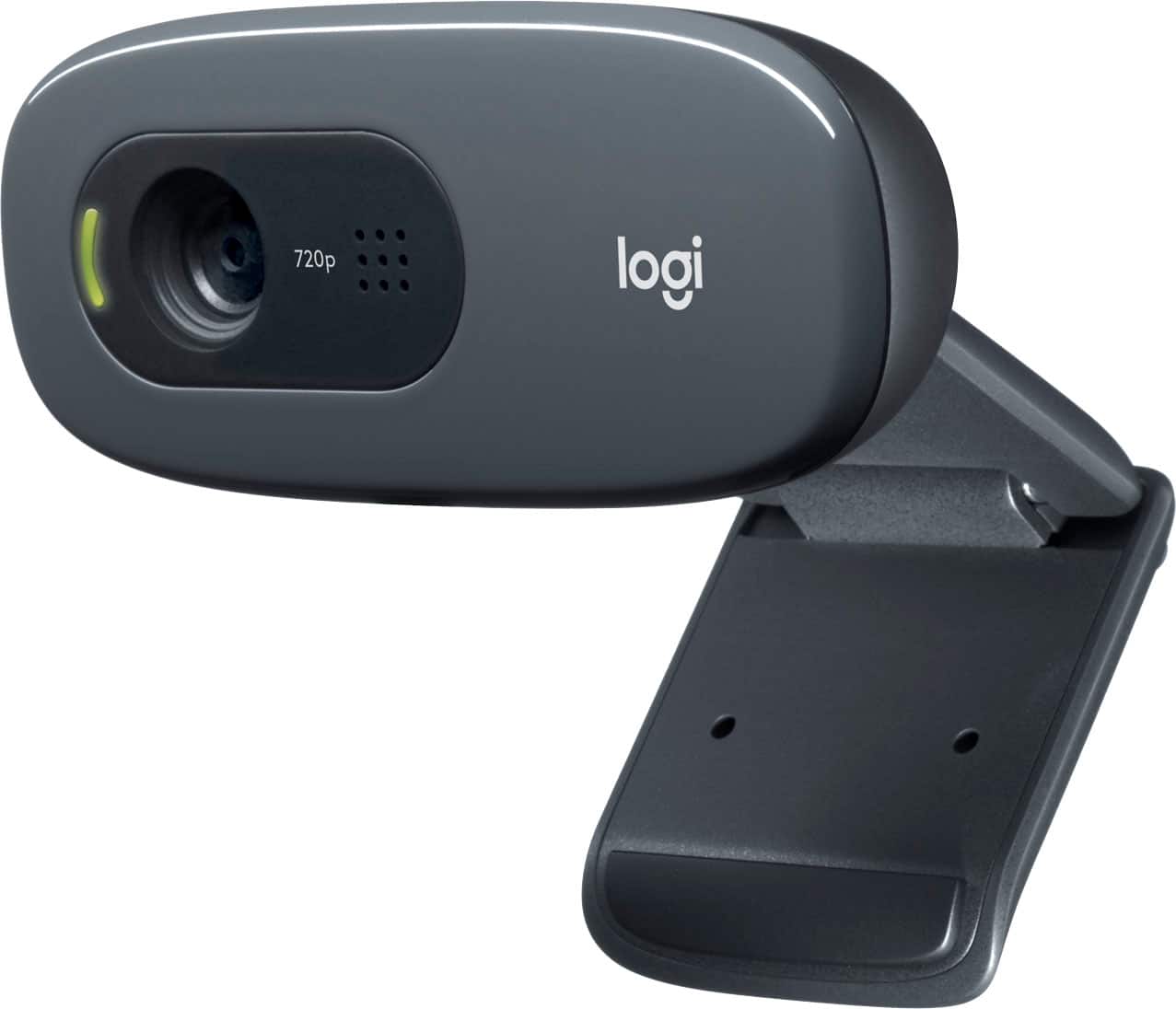
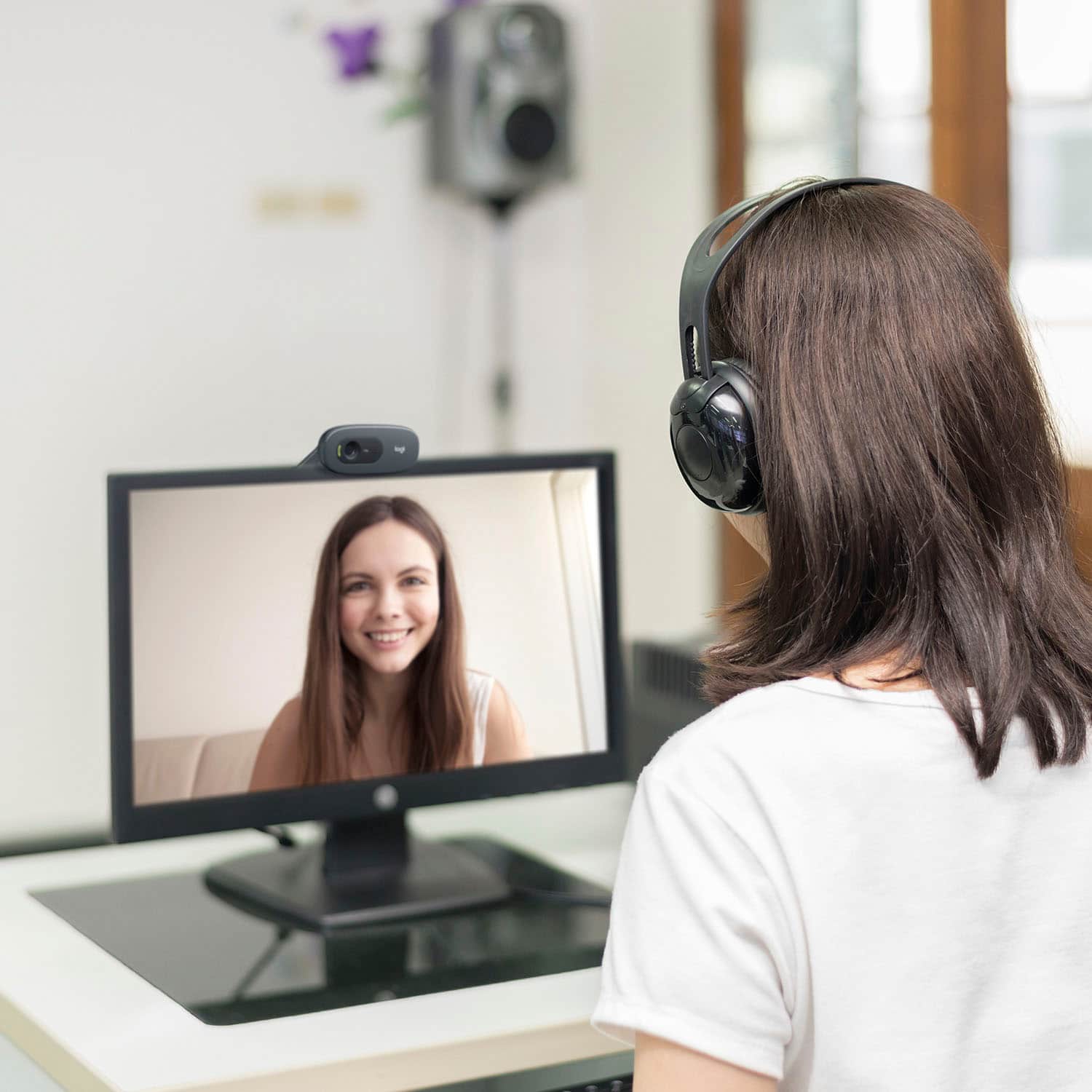
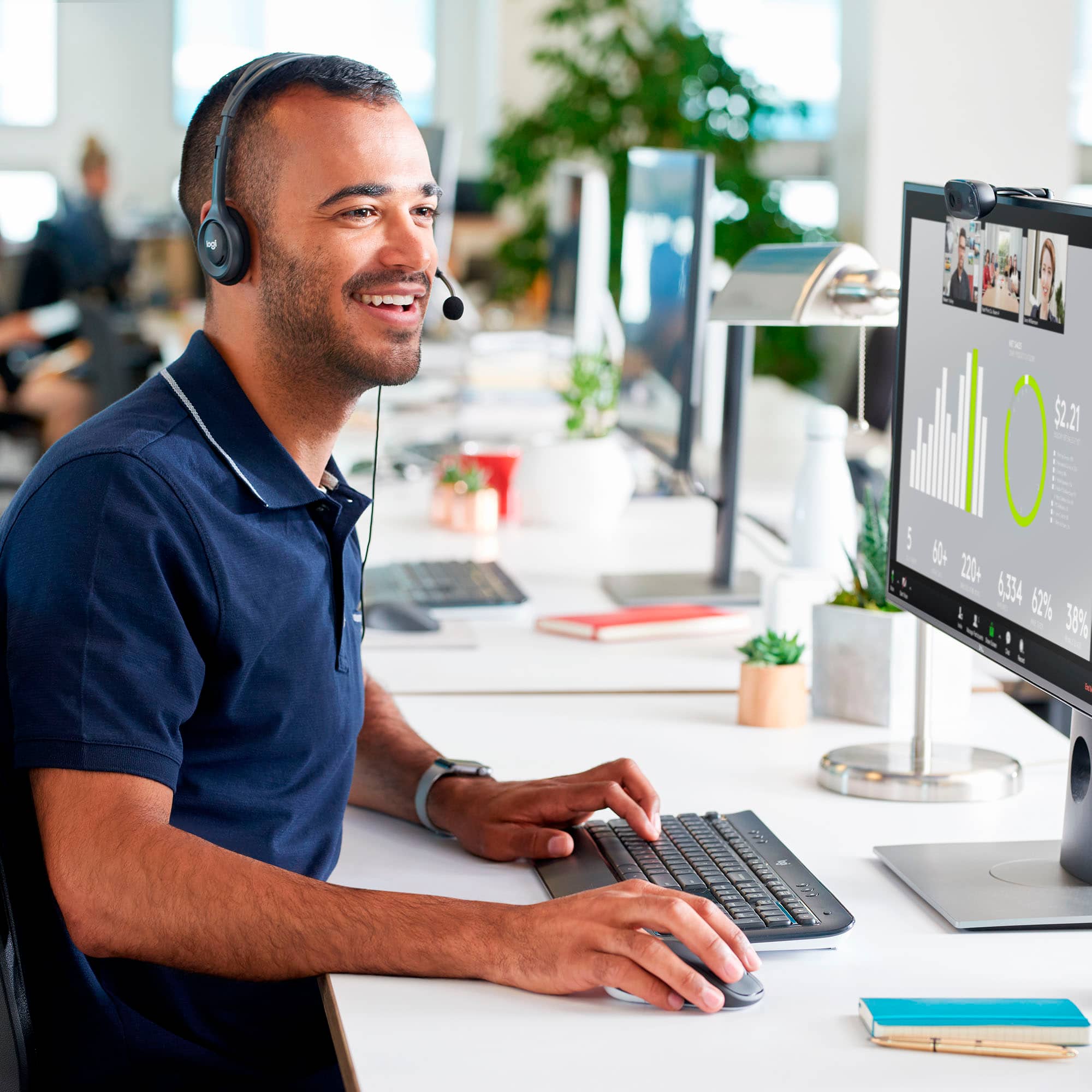
A:AnswerOn the lower left of a Zoom screen click on the up angles next to where it says mic or video and you can select what you want to use, depending on what is plugged in and/or on.
A:AnswerThere's no software to control this supplied with the camera, but you can (possibly) control this depending on your set up in Zoom or similar conferencing software.
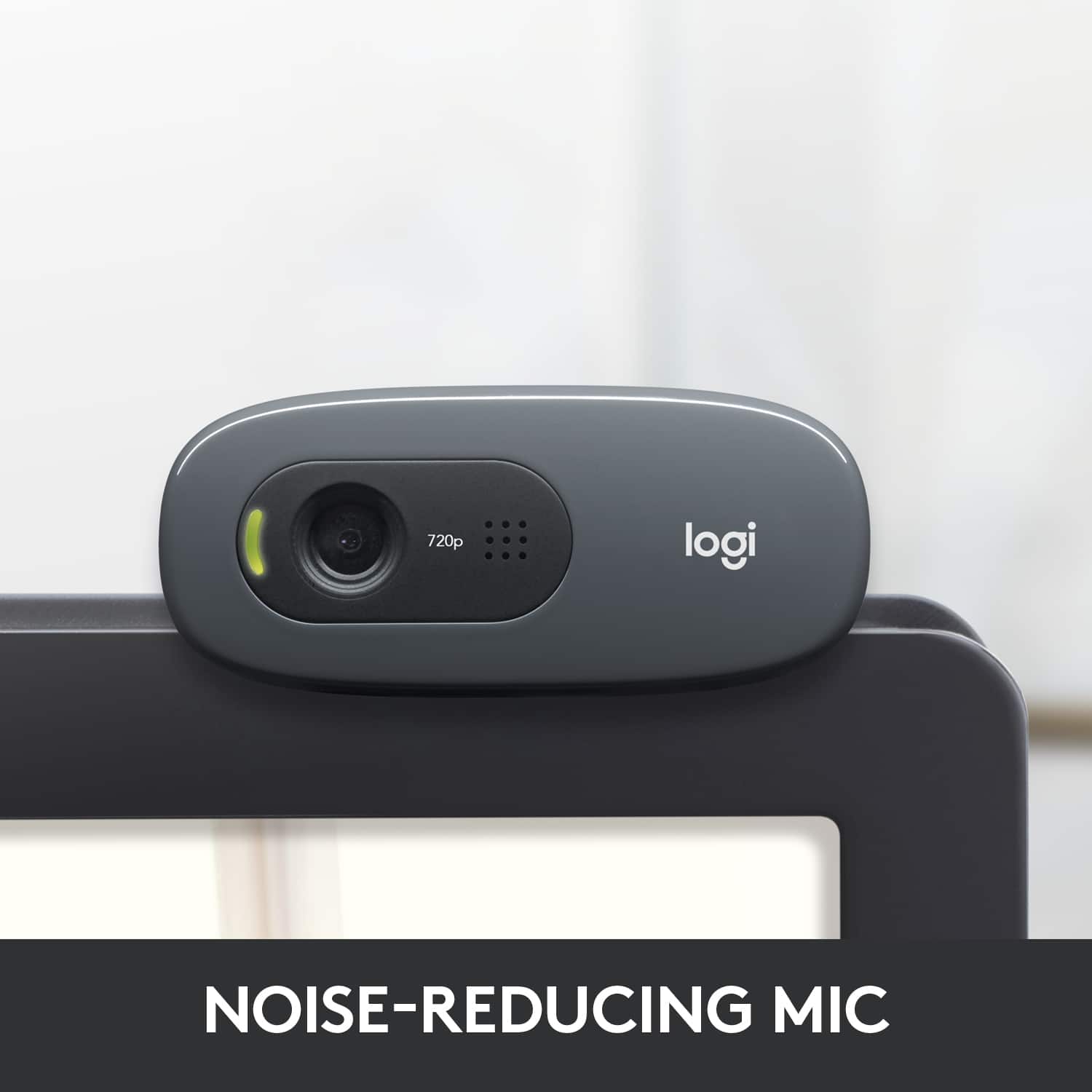
A:Answer4'10" ! (58"). Longer than one needs if you have a USB input on the back of a monitor that it sits on top of. Long enough to reach from the top of a big monitor to go to a laptop USB input on a desk in front of the monitor.